BrandPOS: SoftPOS – Transform
Turn your phone into a payment terminal with the BrandPOS app. It’s simple. You open the app, take a payment, and move on. No card machine to set up, no extra hardware to carry. Your phone (even without NFC) can accept contactless payments with ease. Scan, pay, done. For merchants in Germany and anywhere else, this can change how you think about the point of sale. The best point-of-sale software is the one that fits into your day without complicating your life.



Our Product: BrandPOS
- BrandPOS offers a SoftPOS App built to let merchants turn phones into terminals, no extra boxes, cables, or gadget fuss. The idea is simple: your smartphone, your payments.
- The softpos solution processes debit, credit, and wallet payments, whatever your customers have. The BrandPOS’s SoftPOS App handles initiation, encryption, and settlement behind the scenes. For merchants who want to skip terminal costs, this can feel like liberation.
- As the industry shifts, we see BrandPOS’s SoftPOS as more than a niche. It may become standard.
Benefits of Using our SoftPOS
BrandPOS's SoftPOS can shorten queues, help field staff close sales and, for big enterprises, it can scale payments across outlets without multiplying hardware costs.
You'll see many providers talk about similar things. For example, epay describes their SoftPOS as cost-effective, flexible, and scalable. They highlight set-up ease, mobility, and integration with register systems.
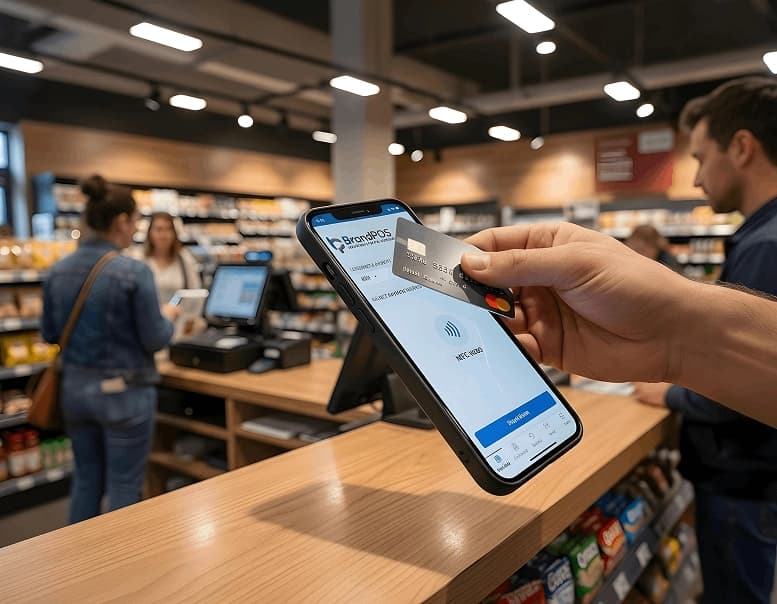
Here's where BrandPOS leans in
- A small shop can save on terminal hardware.
- A midsize merchant can unify devices across branches.
- A large chain can use it as an extension to existing systems.
The thing is, BrandPOS's SoftPOS gives you optionality. You choose when you use it. Use it always. Or as backup. Or for field staff.
Because when it comes down to it, the real benefit is adaptability.
Stop Paying for Hardware You Don’t Need
Turn the phone you already carry into a PCI-ready SoftPOS terminal. Debit, credit, and wallets — no extra box.
Features of BrandPOS
With the SoftPOS App, BrandPOS offers features designed to feel robust yet unobtrusive
You don't have to memorize this list to understand what is softpos. You'll see the fluidity at work.
Universal Contactless Payments
Accept contactless cards, wallets and NFC (works also on non-NFC phones)
Secure Transactions
Secure, encrypted transactions (PCI compliance)
Real-time Analytics
Real-time reporting in a merchant dashboard
Digital Receipts
Digital receipts via SMS, email, QR
Multi-Device Management
Multiple devices under a single account
Advanced Analytics
Back-office reconciliation and analytics
Accept Tap Payments on Android and iPhone
Universal contactless, digital receipts, multi-device under one account, real-time merchant dashboard.
How To Turn Your Smartphone Into A POS Terminal: Onboarding process
Turning your phone into a payment terminal is more real than you might imagine. With SoftPOS, the steps are meant to be simple. Below is how you might go about it
Download & Install the BrandPOS's SoftPOS App
First, you install the BrandPOS's SoftPOS App on your NFC-enabled Android device. That's the core. No extra hardware needed.
Sign Up & Enter Business Details
Open the app. You'll fill in your merchant name, legal business information, bank account details, etc. The process may ask for identity proofs, IDs, tax documents, or registration papers.
Verification & Compliance Checks
BrandPOS's SoftPOS app requires certain compliance steps (KYC, AML). Your details are reviewed and verified by the payment provider. Once approved, your SoftPOS access gets activated. This typically takes anywhere from a few hours to a couple of days.
Activation in the App
Once verification is done, the app's SoftPOS function is unlocked. You might see 'Activate SoftPOS' or 'Enable Tap Payments.' Tap it. Your phone now becomes the POS terminal.
Begin Accepting Payments
You're ready. A customer taps their card, smartphone, or digital wallet onto your device. The transaction processes securely, and confirmation appears in the app. Receipts may go out via SMS or email.
Integrate & Customize
If you already have an e-commerce or POS system, you can often connect it via APIs. That way, sales flow into your existing back office.
Card acceptance
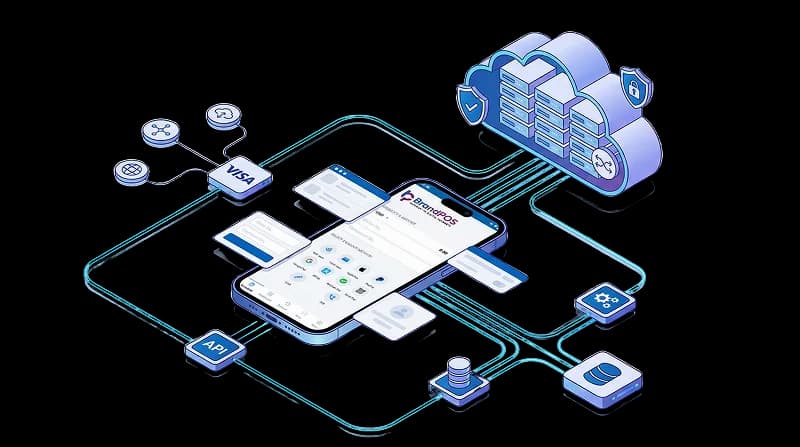
From a technical standpoint, the softpos backend must handle a few heavy things: encryption, tokenization, multi-bank routing, and fallback handling. Just like epay's model, the app must ensure that only certified devices (no rooted phones, no custom ROMs) run the SoftPOS flow.
When the user taps a card or wallet, the app routes it through payment networks (Visa, Mastercard, etc.), handles PIN where required, and confirms success in seconds. The BrandPOS's SoftPOS mobile mechanism is seamless to the user.
Developers also need to provide APIs (like 'app2pay' style triggers) to let other apps (cash registers, order systems) invoke the BrandPOS's SoftPOS flow. That's how integration happens.
What we do
Our Client Feedback

BrandPOS is incredibly easy to set up, and the app's interface is intuitive. It allows me to accept payments directly on my phone without needing extra hardware.


BrandPOS is a simple and effective solution for mobile payments. I’d love to see more customization options for receipts, but it’s otherwise perfect for my business.

BrandPOS is secure and fast, offering seamless transactions. It integrates well with existing systems, making it a top choice for mobile payments.

BrandPOS is a user-friendly app that makes accepting payments from clients easy. It's a reliable solution, especially for freelancers on the go.

BrandPOS is super simple to set up, with an interface that’s very user-friendly. It enables me to process payments directly from my phone without the need for additional hardware.

BrandPOS provides a straightforward and efficient way to handle mobile payments. While I’d appreciate more customization features for receipts, it’s otherwise a fantastic tool for my business.

BrandPOS ensures fast and secure transactions, offering smooth integration with other systems. It’s definitely one of the best options for mobile payment processing.

BrandPOS is a highly intuitive app that makes it incredibly easy to accept payments on the go. It’s perfect for freelancers and anyone needing a reliable mobile payment solution.
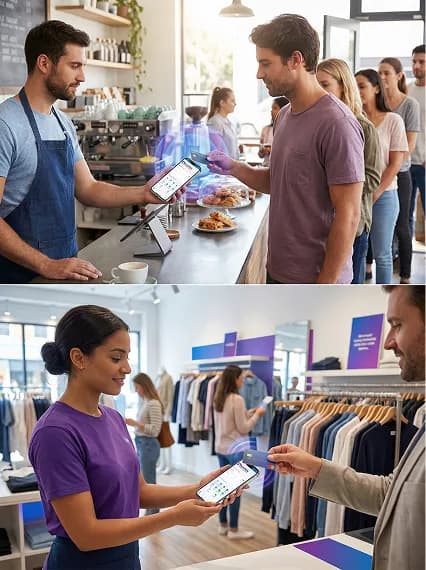
Use Cases of our BrandPOS's SoftPOS App
We see the BrandPOS's SoftPOS App in action across business sizes, small, medium, and large.
Small merchants
Cafés, pharmacies, and solo proprietorships. The low cost makes BrandPOS’s SoftPOS appealing. They can rely solely on a phone to process payments.
Medium businesses
Multiple stores, sales teams on the go, and transportation companies can use BrandPOS’s SoftPOS across devices to consolidate data and support staff mobility.
Large enterprises
Large retail chains and corporations can use SoftPOS to handle high-volume checkouts, maintain transaction records, and manage e-transactions in pop-up shops.
Scenarios
Also, BrandPOS's SoftPOS shines in special scenarios inspired by providers like epay: queue busting (walking through lines), food trucks, delivery services accepting payment at the doorstep, and consulting on location.
Our Latest blogs and News
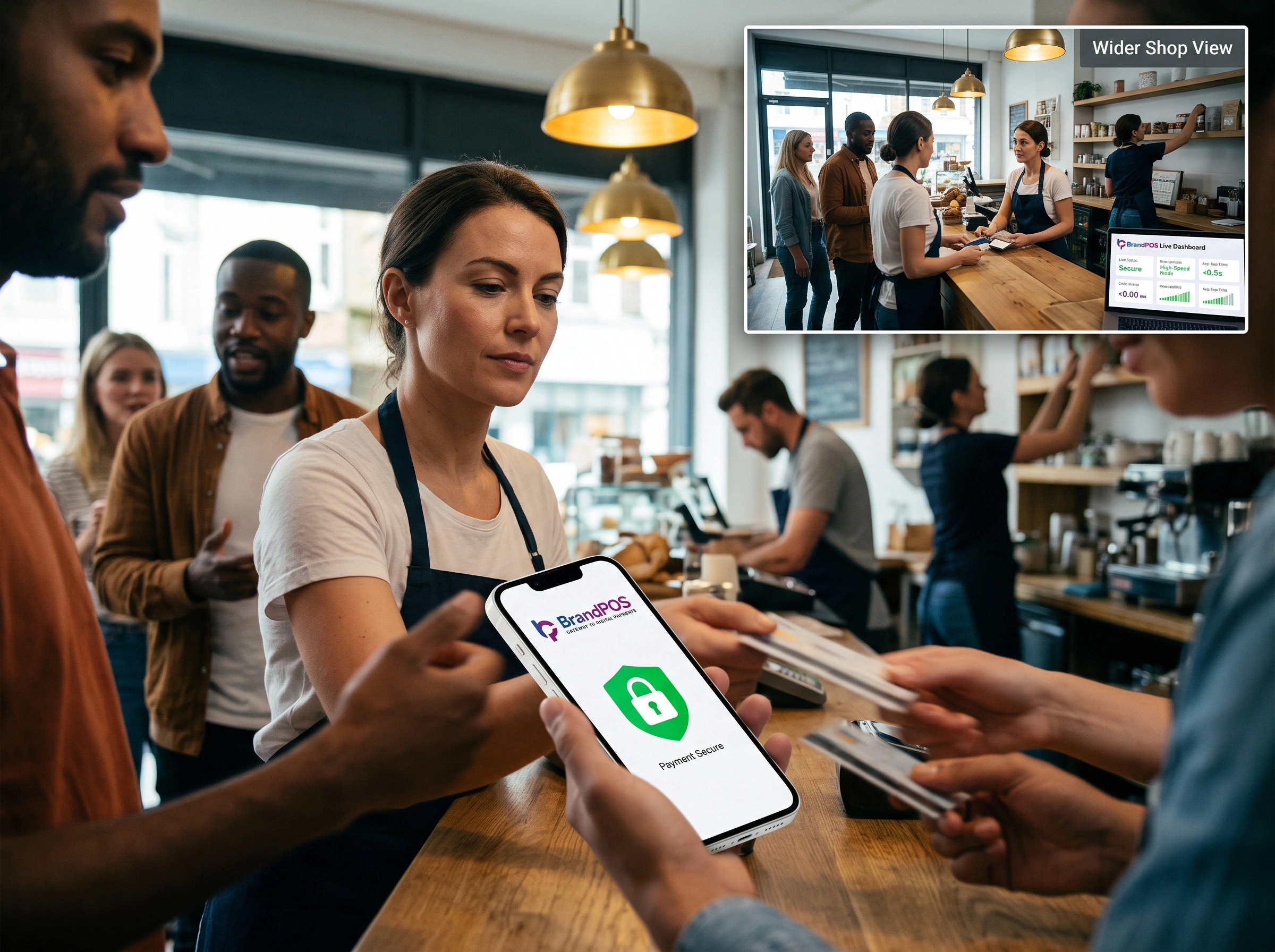
Is SoftPOS Safe? How Mobile Tap-to-Pay Protects Payments
Is SoftPOS safe for card payments? Learn how NFC, encryption and PCI MPoC protect transactions, what risks remain, and what businesses should check.
How to Choose a POS System: 7 Steps to Find the Right Fit
Learn how to choose a POS system for your business. Compare essential features, payment fees, hardware, security and the questions to ask before buying.
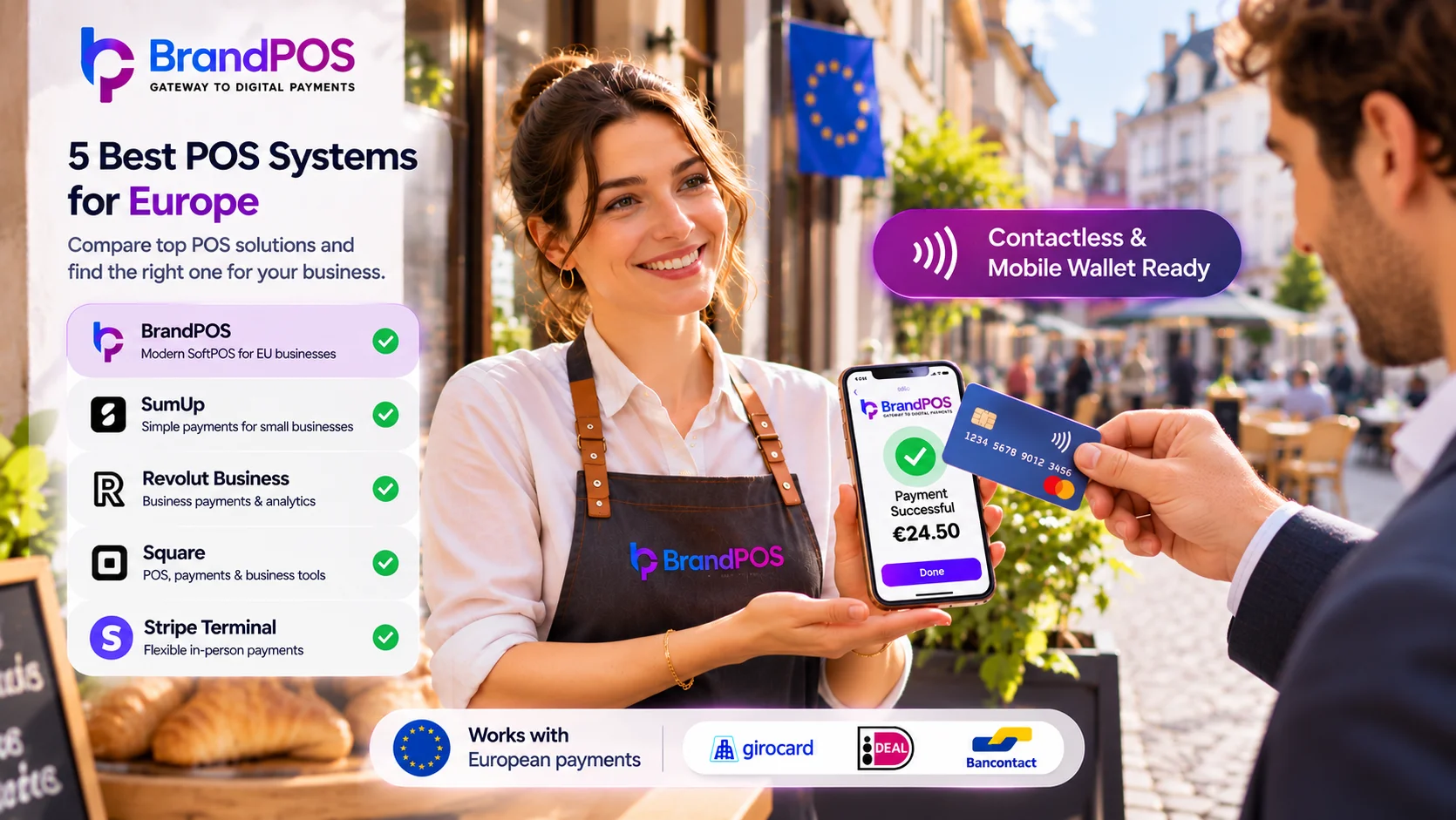
5 Best POS Systems for Small Business in Europe (2026)
Compare 5 of the best POS systems for small businesses in Europe. Review POS software, apps, pricing, payment fees, hardware and features to find the right fit