If you know how to choose a POS system and pick the right one, it will actually fade into the background. And if you happen to pick the wrong one, you are going to feel the repercussions every day.
For many merchants, their POS system sits at the center of their typical day. It not only manages accepting payments from customers but also touches many other sales operations like inventory, staff management, and analytics.
So, choosing a POS system for your business is a lot like picking a partner for your company. You need to know the right questions to ask - not just about the features of the POS but also about your own business needs in order to make the right choice.
In a retail store, bustling café, or on-the-go service business, your point of sale setup dictates how fast lines move, how accurately transactions record, and whether your end-of-day reconciliation takes ten minutes or two stressful hours. As payment technologies evolve toward contactless cards, digital wallets, and SoftPOS smartphone apps, evaluating your options requires a strategic, holistic approach.
Transform Your Smartphone into a POS Terminal
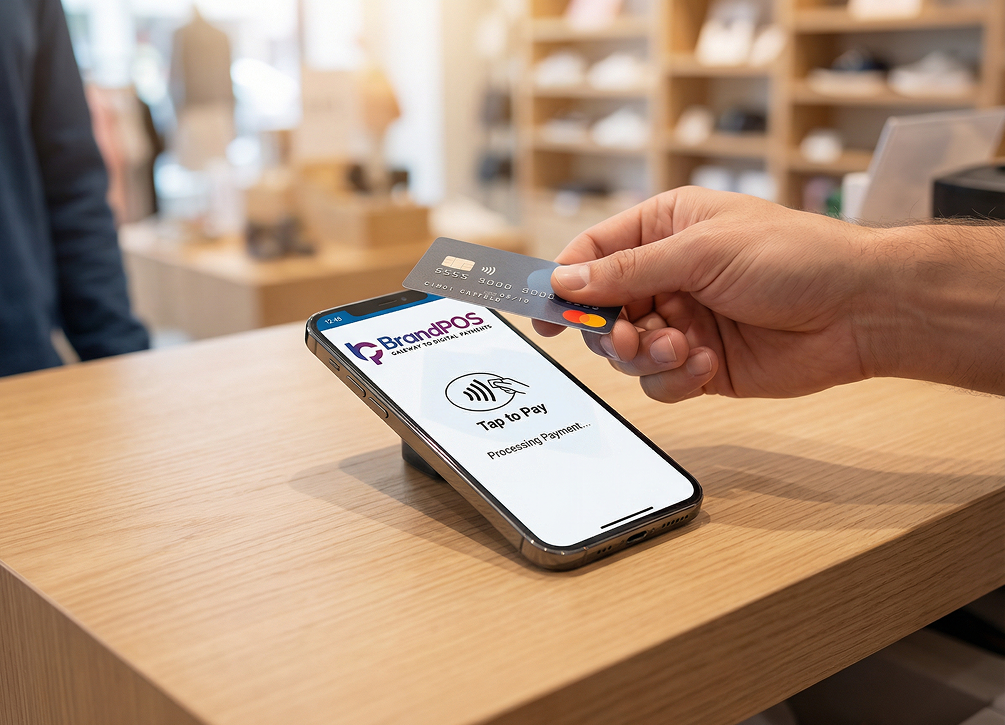
Accept contactless card and mobile wallet payments instantly with BrandPOS - zero extra hardware, no long-term lease, and industry-low transaction fees.
Key Takeaways
- A POS system is more than a cash register; it acts as the operational brain of your business, connecting payment acceptance with inventory, reporting, and customer engagement.
- Choosing between countertop terminals, mobile card readers, and SoftPOS apps depends primarily on your business format, mobility requirements, and customer checkout flow.
- Look beyond headline transaction fees to calculate total cost of ownership, including hardware purchases, monthly software subscriptions, setup charges, and cancellation terms.
- Modern point of sale solutions must comply with strict global security benchmarks such as PCI-DSS and MPoC standards to safeguard customer payment data.
- Testing a system via a live demo or free trial is the most reliable way to assess staff usability, queue speed, and workflow compatibility before signing a contract.
What to Look for in a POS System: Quick Buying Checklist
Before we get into the exact steps that tell you how to choose a POS system, let us start with the key questions that you should ask - both your business and the service provider. Knowing what to evaluate in a point of sale setup begins with aligning practical functionality with day-to-day realities.
Business Needs and Feature Match
Business size and complexity: A POS system with heavy features and integrations makes sales operations unnecessarily complex for a micro business. At the same time, a bare-bones POS will frustrate a multi-location and large-scale operation.
Transaction volume: How many sales transactions you make per day obviously affects the kind of system you need. At the same time, it also has an effect on pricing, as many service providers charge per-transaction rates.
Feature match: When it comes to features, there are must-haves, for example, the ability to accept mobile wallet payments. And then there are nice-to-haves like loyalty programs. While pondering how to choose a POS system, you should understand where the gaps are in must-haves or nice-to-haves features.
Hardware and Software Requirements
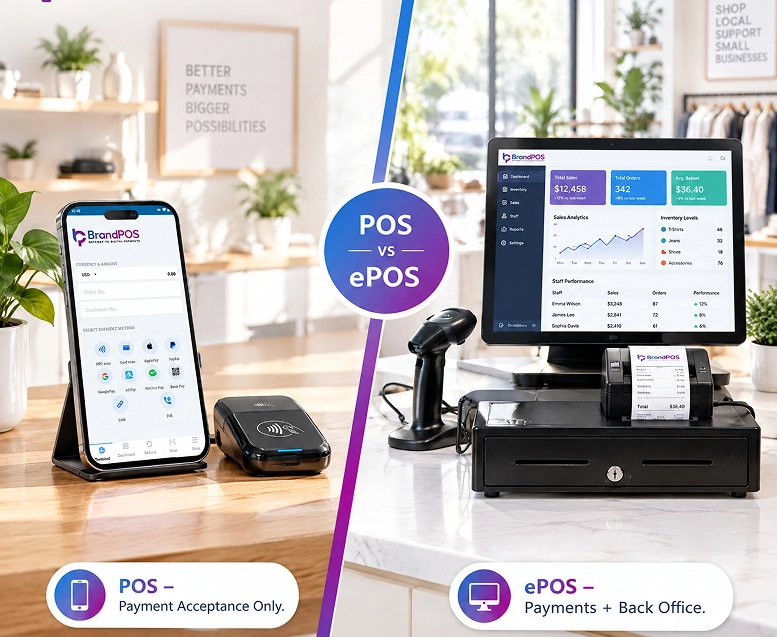
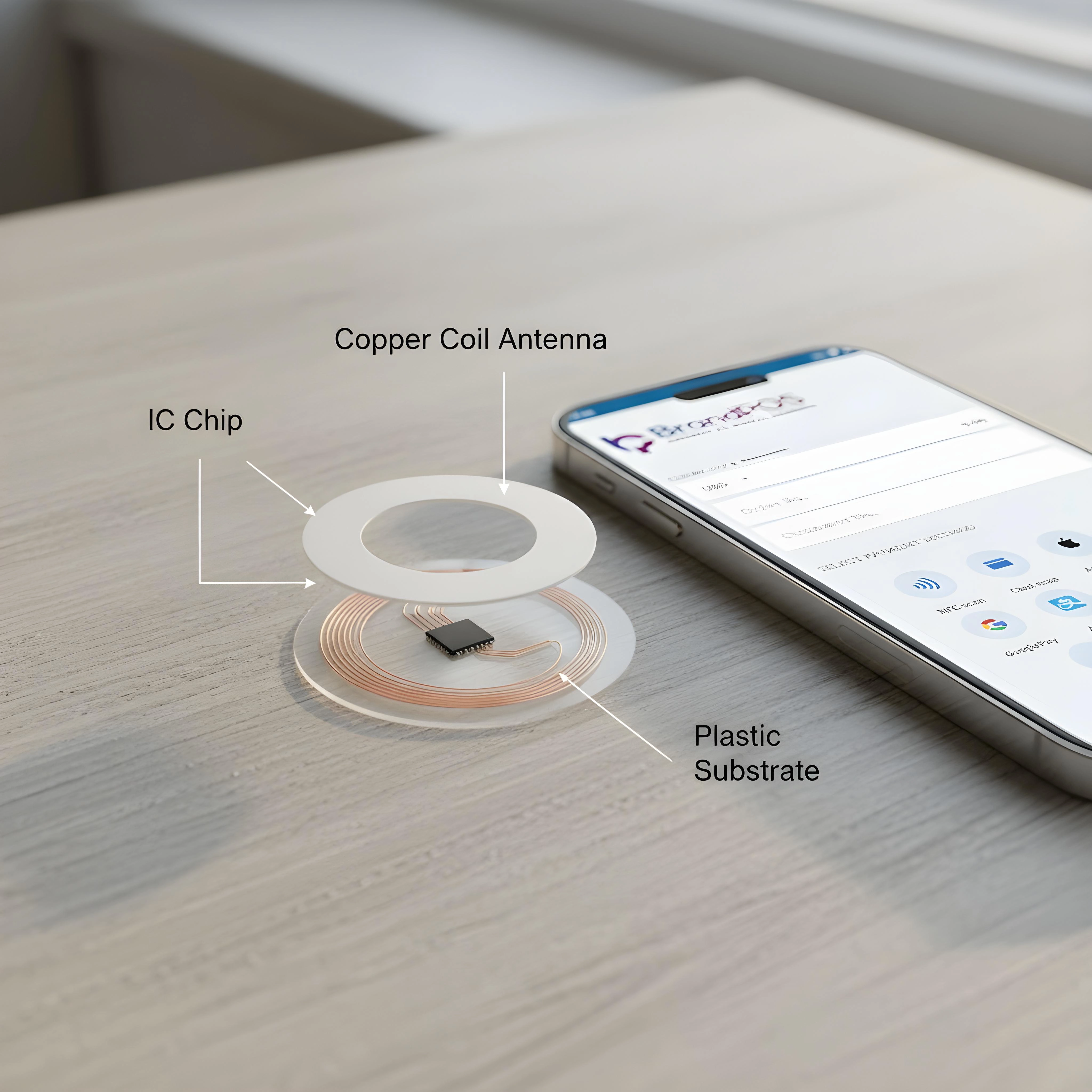
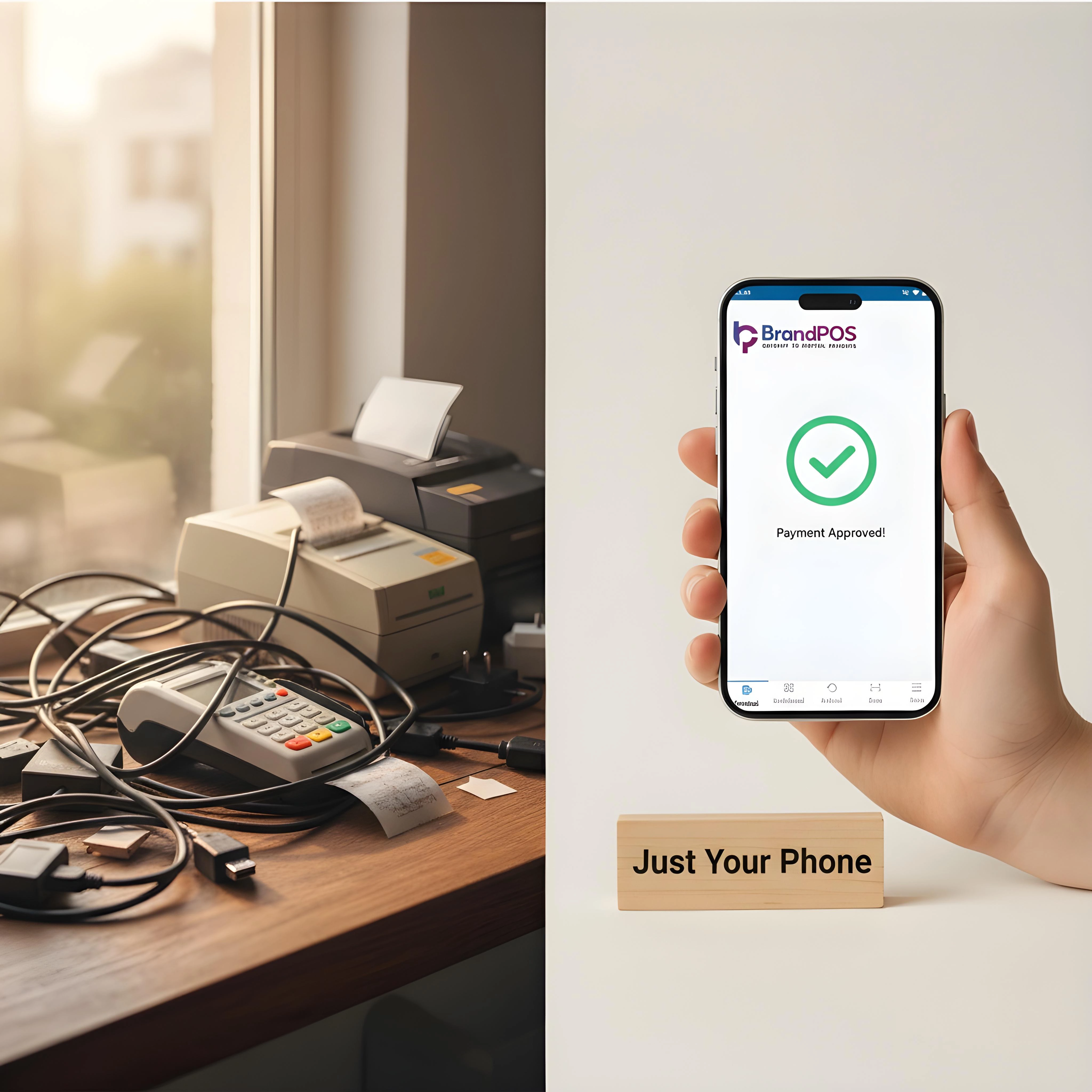
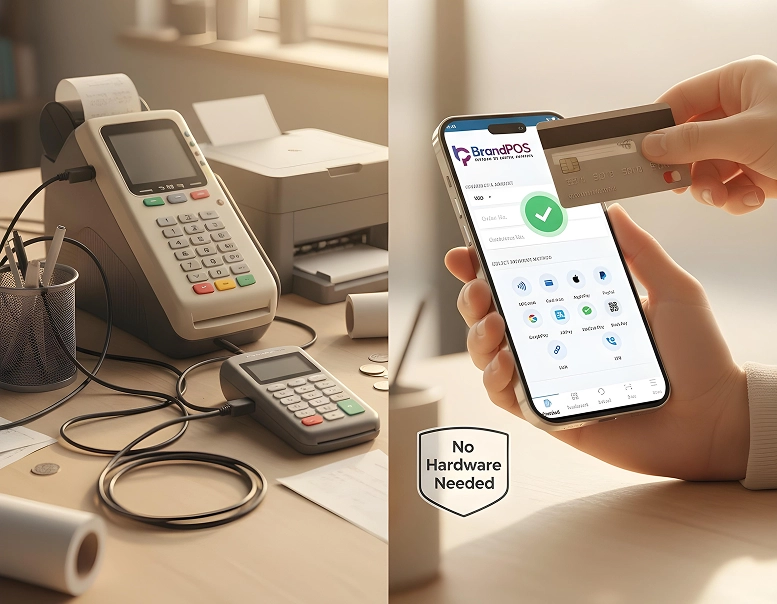
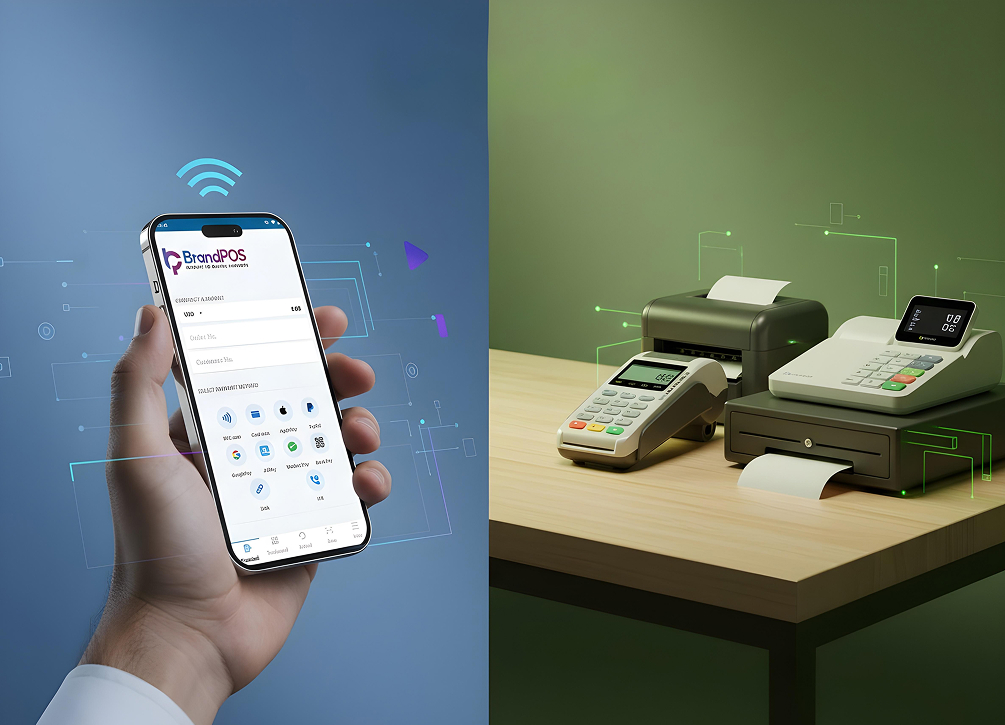
Hardware and Software: A traditional POS system often requires businesses to buy extra hardware and pay extra for the software. A modern SoftPOS app can work from an NFC-enabled smartphone without needing any additional hardware or special software.
Ease of Use: How fast can you add more devices when you want to add seasonal staff and weekend helpers? In the case of a SoftPOS, you just have to download the app on one more phone. For a traditional POS you have to order a new device.
Inventory, Integrations, and Automation
Inventory Management: For large retailers, inventory management features are crucial for avoiding overstocking or losing sales by running out of a best-seller.
Omnichannel: If you are selling both in person and online, you need a POS that can work for both channels. You do not need a system that generates two separate piles of data.
Integrations: Can the POS system manage the automatic flow of sales data into your connected accounting system? Can you automate the sales functions that you do again and again like receipt generation, reconciliation, daily summary, etc.?
Cost and Scalability
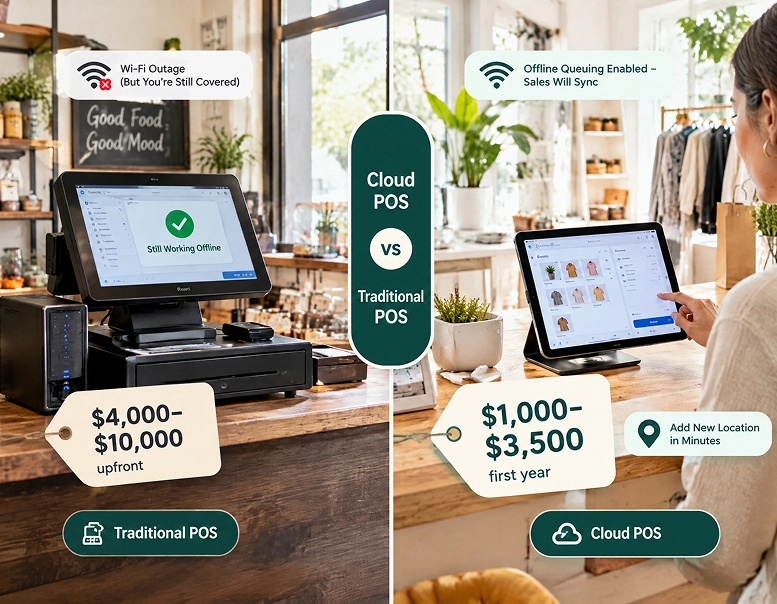
Cost is a keystone factor for deciding how to choose a POS system. The sticker price is not telling you the full story; look at additional hardware, software subscription charges, transaction rates, technical support charges, etc.
Is it scalable? How much will it cost you to add more POS devices as your business grows? If onboarding a new checkout lane requires purchasing an expensive terminal alongside recurring license upgrades, expansion will quickly erode your profit margins.
Security and Reliability
Security: The POS provider must assure you that they are following industry-standard security, like the Mobile Payments on COTS (MPoC) standard. Ensuring end-to-end tokenization and cardholder encryption guarantees that transactions remain impervious to interception.
Reliability: What if there is an issue with WiFi or there is an outage? Can the POS system hold? Having fallback capabilities or mobile data support ensures that a temporary broadband hiccup never forces you to turn away eager paying customers.
Support and Implementation
While selecting a POS provider, you have to keep in mind that even the most robust system will eventually have a hiccup. Can your POS provider step up with flexible support hours (if you are operating on weekends), and what channels are available to approach them (email, chat, or phone)?
How to Choose the Right Point of Sale System: 7 Practical Steps
When you put the checklist for how to choose a POS system into practice, you get these 7 major steps that simplify the process for you. Following this structured roadmap provides complete clarity on how to choose a point of sale system tailored to your unique operational workflow.
Step 1: Type of Business Determines Type of POS System
Accepting payments is the foundational function of a POS. So, let us begin with the question: How do my customers buy from me and where?
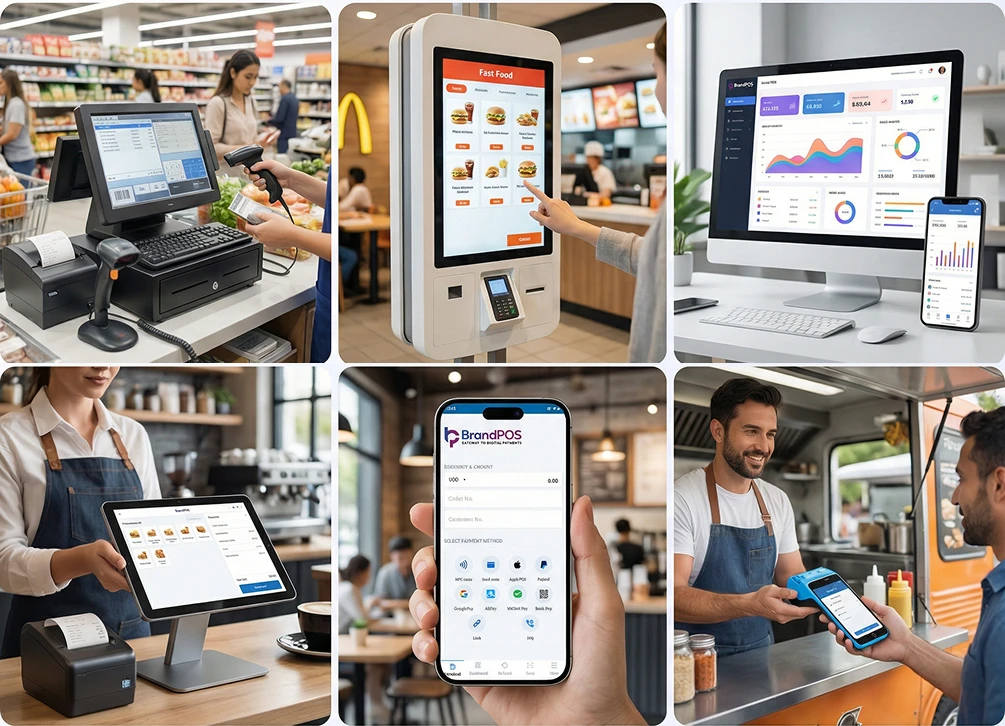
If you are a retail boutique, you need a POS that can scan barcodes. If you are a restaurant, you need a mobile POS to accept payments at the table on top of a fixed till. For businesses that operate at the customer doorstep or at mobile locations, they need a flexible POS like SoftPOS.
Step 2: Outline Your Business Requirements
Before you look at any service provider, you have to first understand what your business struggles with and which of those tasks a POS system can help simplify.
Maybe your customers are frustrated about the long queues at the till - a SoftPOS on the shop floor can solve that. If the customer wants to pay with a contactless card, you need a modern POS that supports tap-to-pay. If you are struggling to reconcile the online and in-person sales records, then a modern POS can give you an integrated system.
Step 3: Choose the System Type
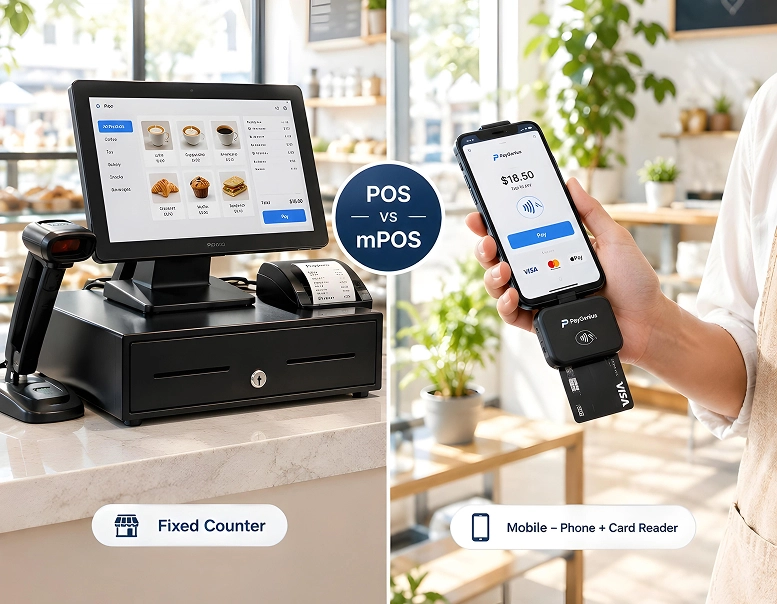
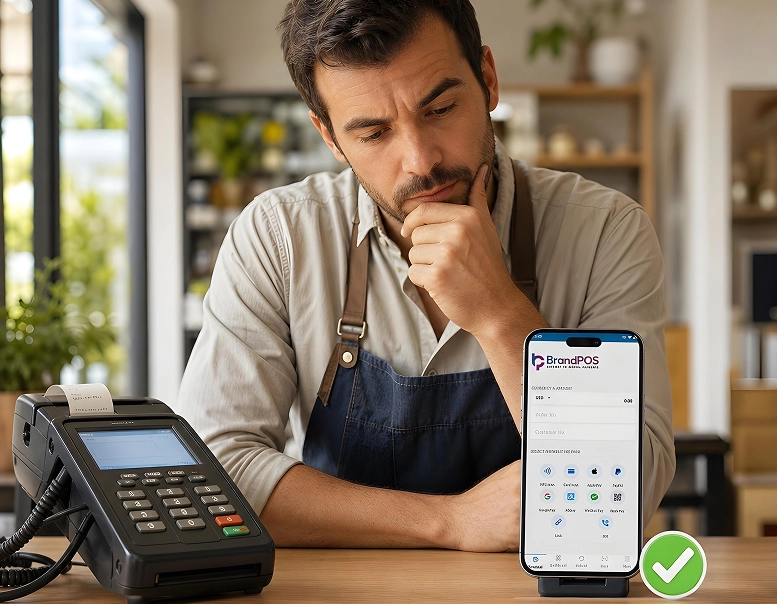
Do you need a fixed counter? A POS that runs on your phone? Or do you need a combination of POS systems? Mastering how to choose the right POS system involves balancing fixed hardware capabilities with flexible mobile options.
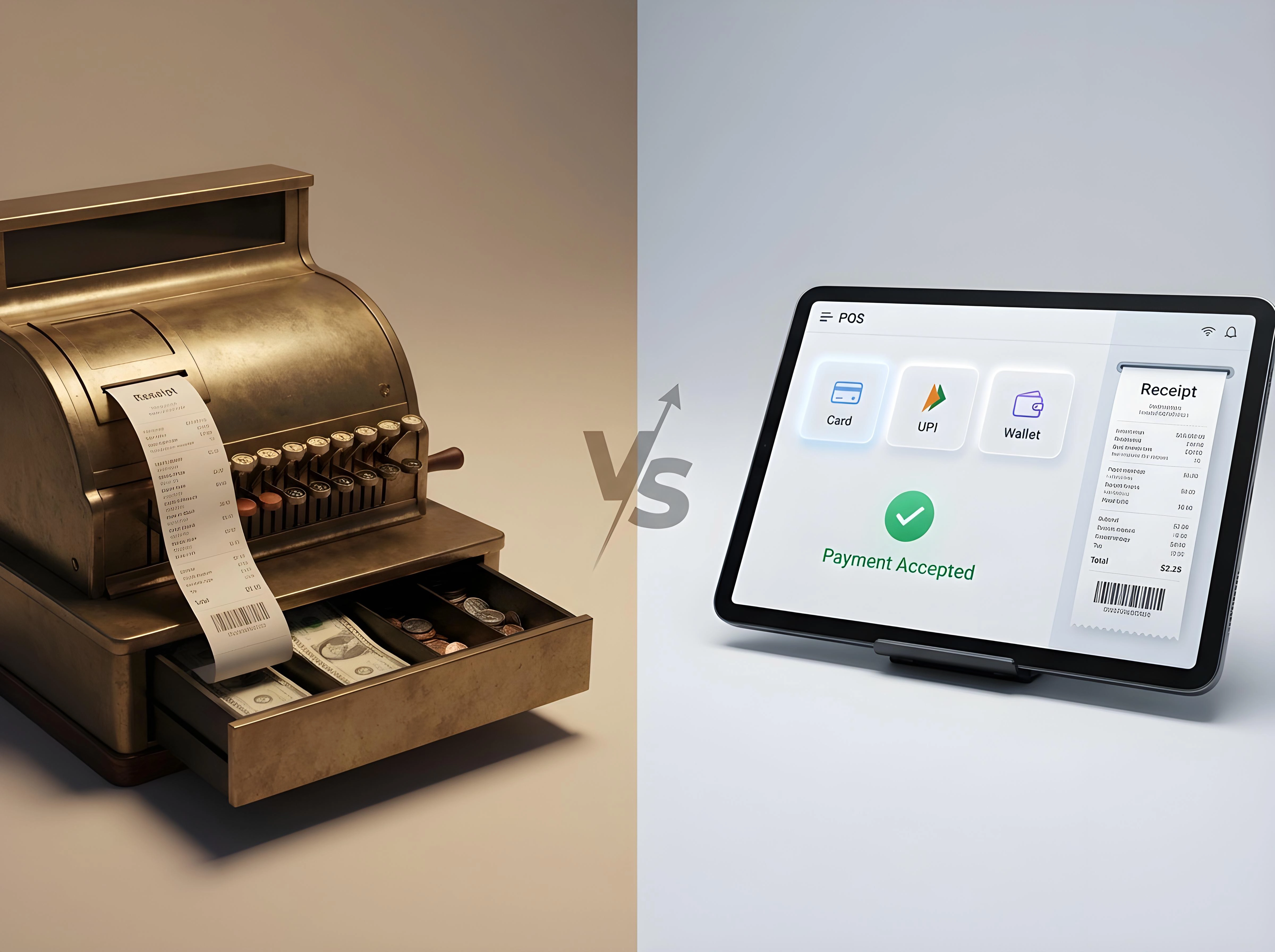
A traditional POS with a fixed countertop is necessary for businesses that process high-volume transactions. A SoftPOS app is the best choice for businesses that are smaller and need to stay flexible - whether about adding seasonal staff or setting up shop at short notice.
Even large retailers and restaurants that traditionally relied on a countertop POS can benefit by adding a SoftPOS or mobile POS to accept payments at the table or the shop floor.
Step 4: Evaluate Key Features
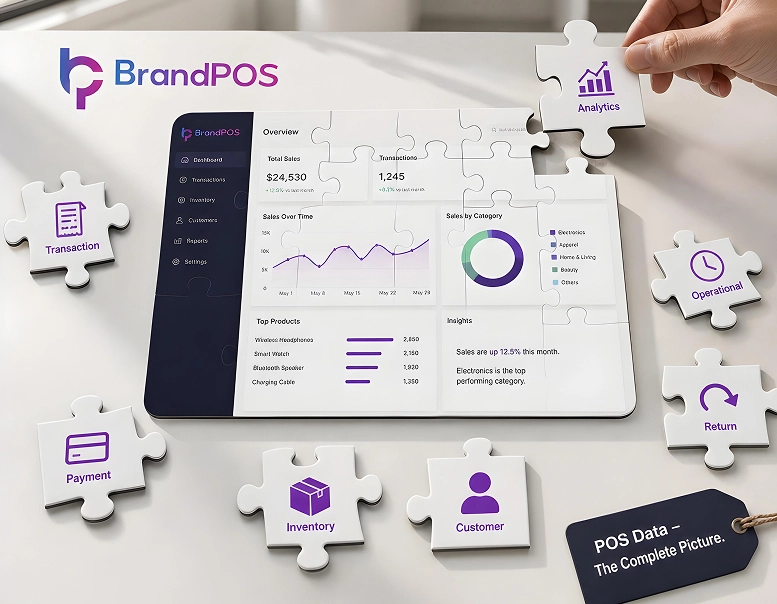
Make a list of which features I will use every day and which are just nice to have. Most businesses need their POS to be able to accept payments from multiple methods, generate instant digital receipts, inventory tracking, sales reports, or analytics in real-time, and manage staff accounts.
Step 5: What’s Your Budget - Compare Total Costs
In order to know how to choose a POS system, you have to look beyond the upfront expenses. Think about how much the system will cost you in a regular month. What happens if there is a seasonal spike in sales? And how much will it cost you over the next year or five years as your business grows?
Again, the cost of a POS system is also about the combination of per-transaction rates, the cost of adding more hardware, recurring software subscriptions, the cost of add-on features, etc.
Step 6: Get References from Other Businesses
Ask yourself: Who runs a business like mine (type, volume of sales, operational complexity, etc.), and which POS are they using? Connect with fellow business owners at local business owners' groups, chambers of commerce, or trade associations to get practical insight into how the POS works in real life.
Step 7: Get a Trial or Demo of the POS System
A demo or a trial of the POS helps you understand exactly how the POS can work with your real products and your sales team. A demo is like a guided tour, and a trial run is where you get to test drive the POS system. You should do both wherever possible.
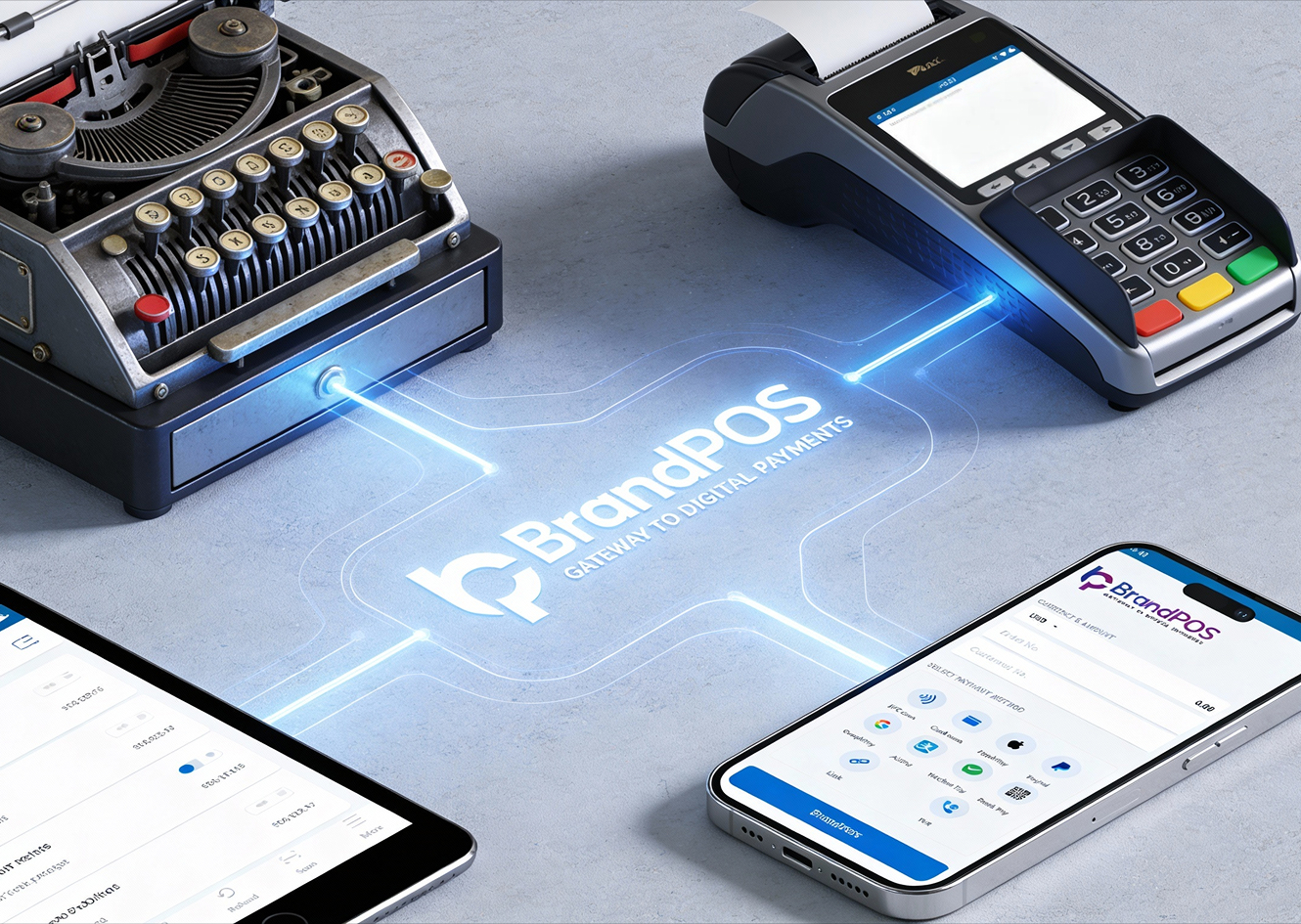
Comparing different point of sale formats side by side helps clarify which architecture delivers optimal efficiency:
| POS Architecture | Typical Hardware | Best Suited For | Mobility | Setup & Scaling Cost |
|---|---|---|---|---|
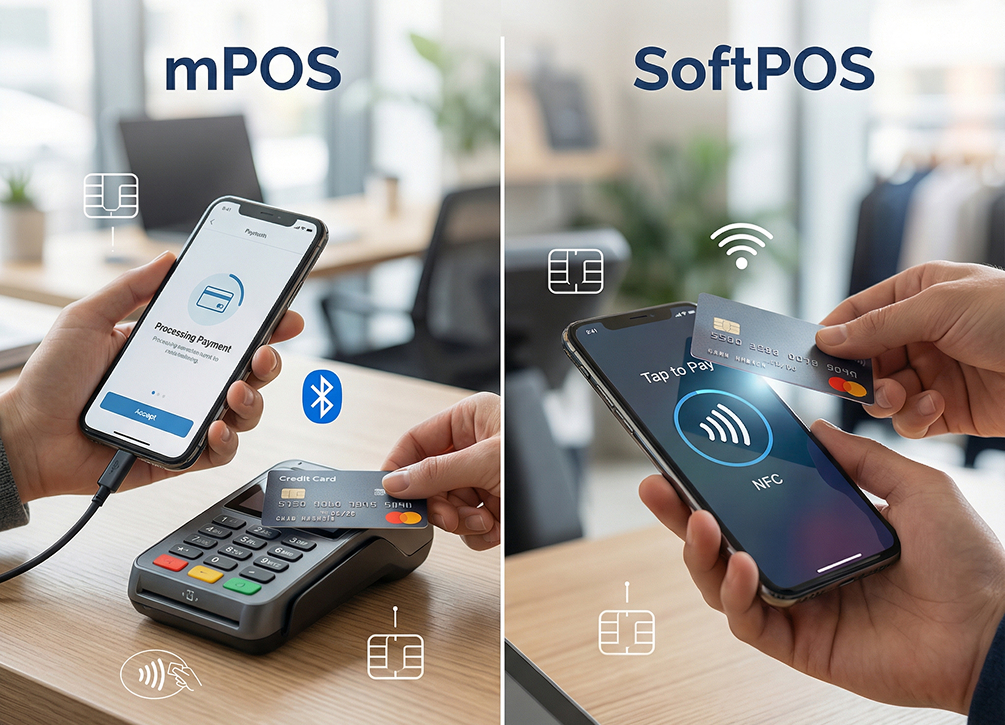
| SoftPOS App (e.g. BrandPOS) | Existing NFC Android or iOS Smartphone | Solo entrepreneurs, pop-ups, mobile services, food trucks, and floor staff queue-busting | 100% Mobile (Pocket) | Lowest (Zero hardware cost, instant online onboarding) |
| Mobile Card Reader (mPOS) | Bluetooth Dongle + Smartphone / Tablet | Small retail boutiques, craft markets, mobile repair technicians | High (Handheld) | Moderate (Reader hardware purchase + replacement batteries) |
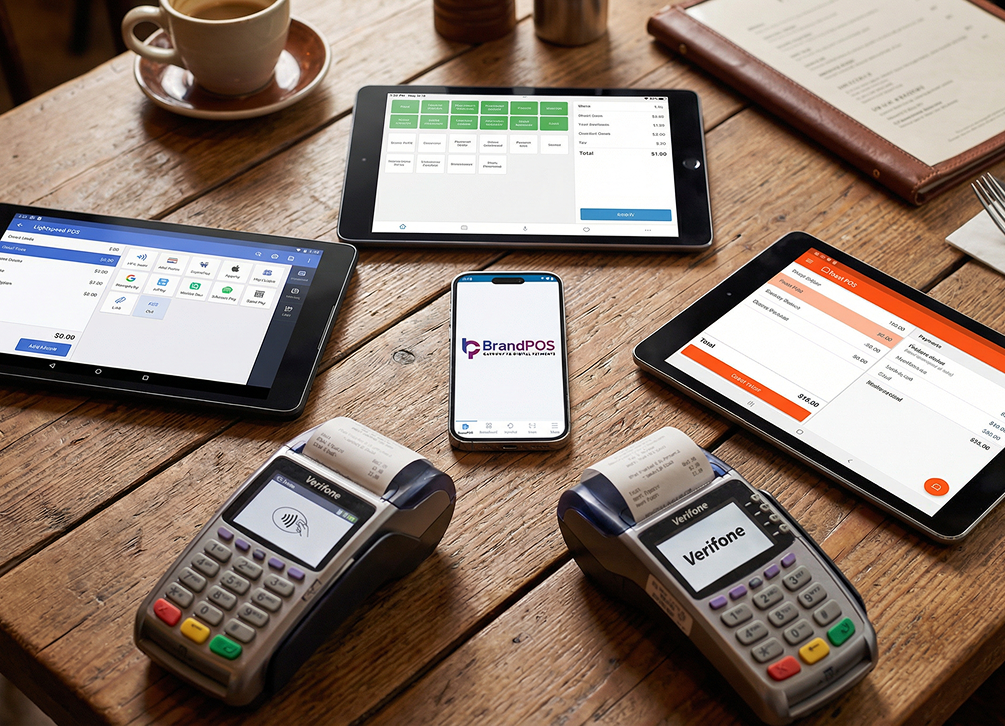
| Traditional Countertop POS | Fixed Till, Touch Monitor, Thermal Printer, Cash Drawer | High-volume supermarkets, busy department stores, fixed bars | Stationary only | High (Heavy upfront terminal leases, cabling, installation) |
| Integrated Cloud POS System | Tablets (iPad/Android) + Desktop Hub | Multi-location retail, full-service dining, franchise hospitality | Semi-mobile / Multi-terminal | Moderate-to-High (Monthly SaaS subscription per lane + peripheral costs) |
Questions to Ask Before Choosing a POS System
Here are the questions that will help you further understand what to look for in a POS system before committing to a provider:
- Which of the features are included in the base price, and for which features do I have to pay extra?
- Ask the provider if they have any minimum contract terms, like lock-ins and penalties for leaving.
- How quickly can I add more devices or locations, and can I manage all devices from a single dashboard?
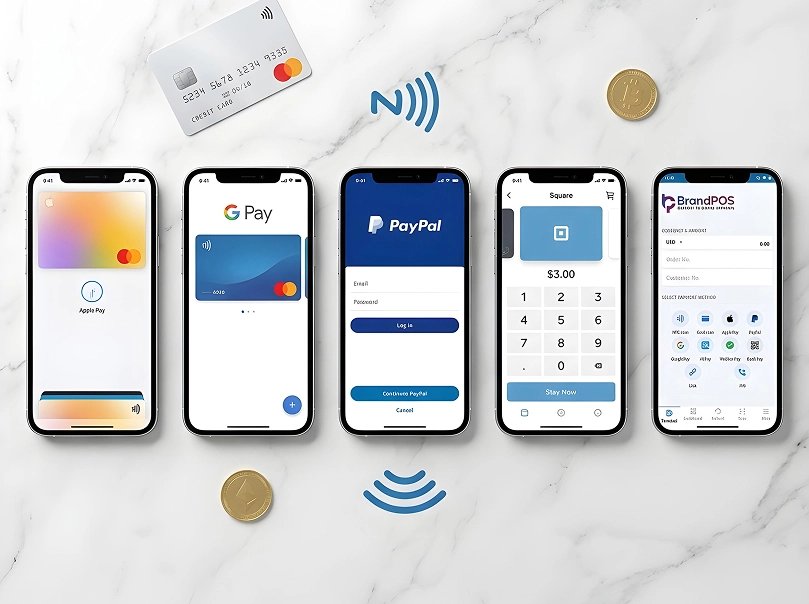
- Can the POS support all the payment methods that my customers prefer (contactless cards, mobile wallets, payment links, and QR codes)?
- How long does it take for the payments to reach my bank account, and are payouts batch-settled daily?
- How do you handle disputes and chargebacks, and what fraud prevention tools are integrated?
- Which businesses similar to mine are already using the POS, and which are the most valuable features for them?
Common Mistakes When Selecting a POS System
Even the most experienced business owners can drop the ball and make some obvious mistakes even if they have a basic idea about how to choose a POS system.
The first mistake would be thinking too far ahead. Planning for growth is essential, but at the end of the day you have to buy the POS for the business you already have and not for your vision board.
Another very common misstep is using only the per-transaction charges as the benchmark for costing. A low transaction fee may be hiding high hardware costs or high subscription costs. Always compare combined pricing for longer periods like a year.
Even the best POS system will fall flat if your staff and customers hate how it looks and how it feels when they use it. A customer used to tap to pay will hate swiping their card, or if the staff hates charging and lugging around the hardware, they will try to work around it.
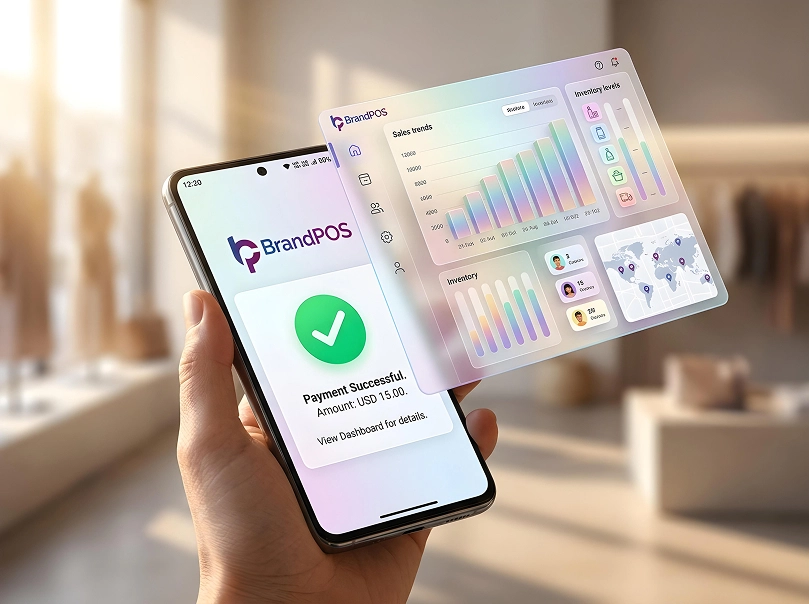
Finally, your sales data is a valuable asset. If your POS system cannot give it in real time or in a legible format, then you are losing out on strategic growth.
When Is SoftPOS Solution Like BrandPOS a Good Fit?
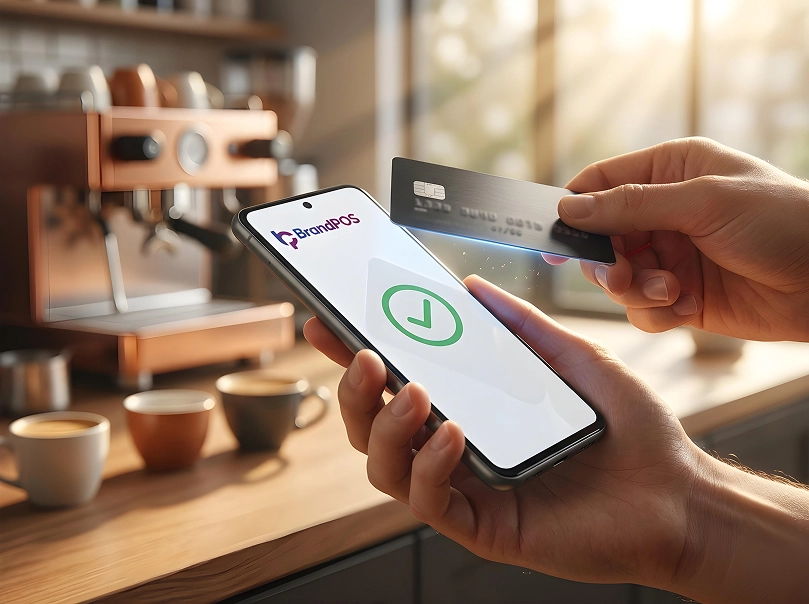
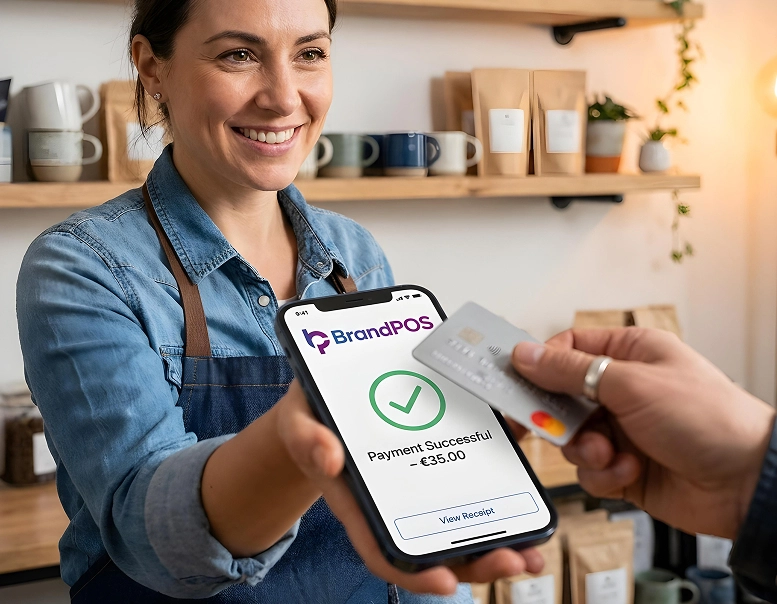
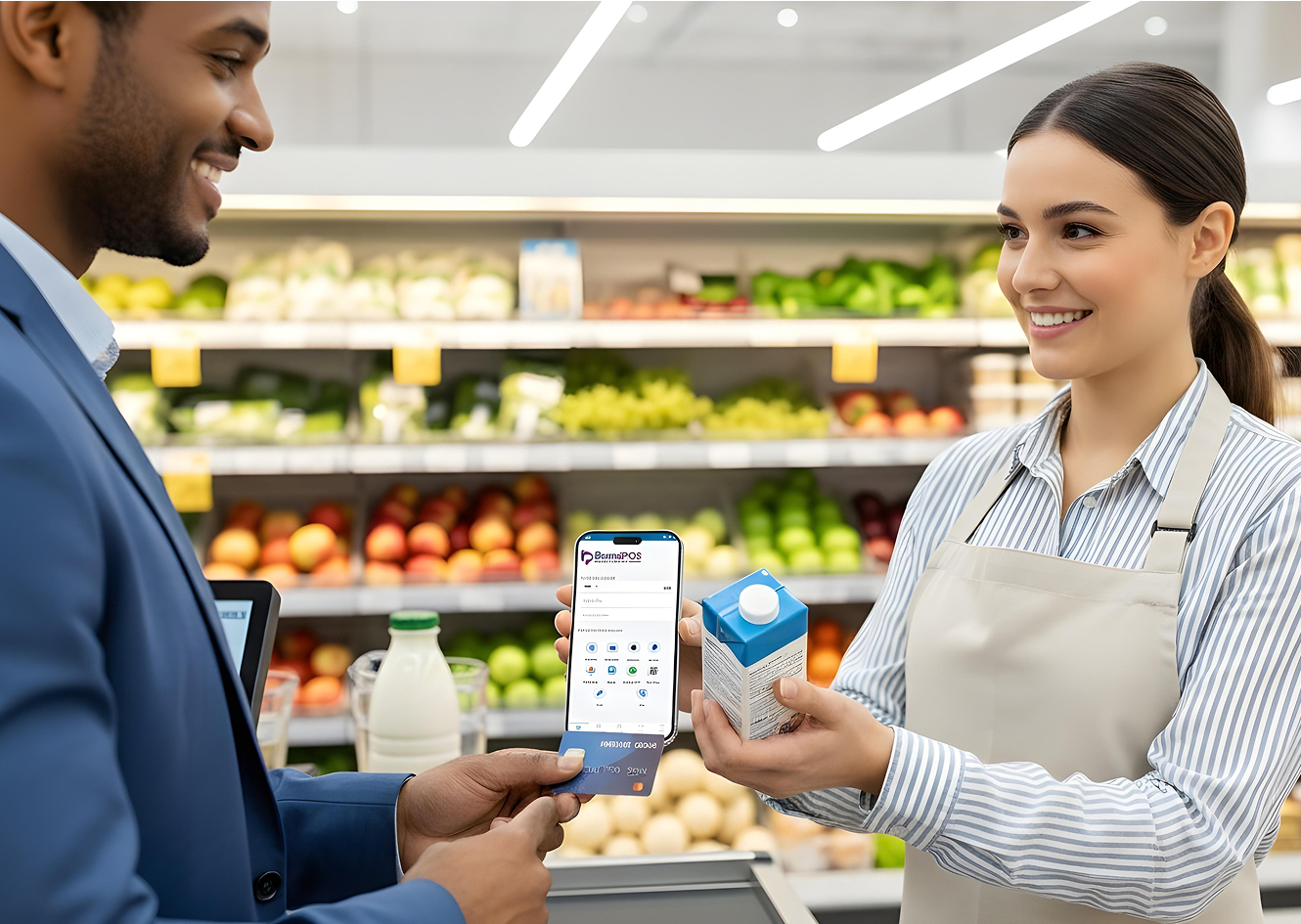
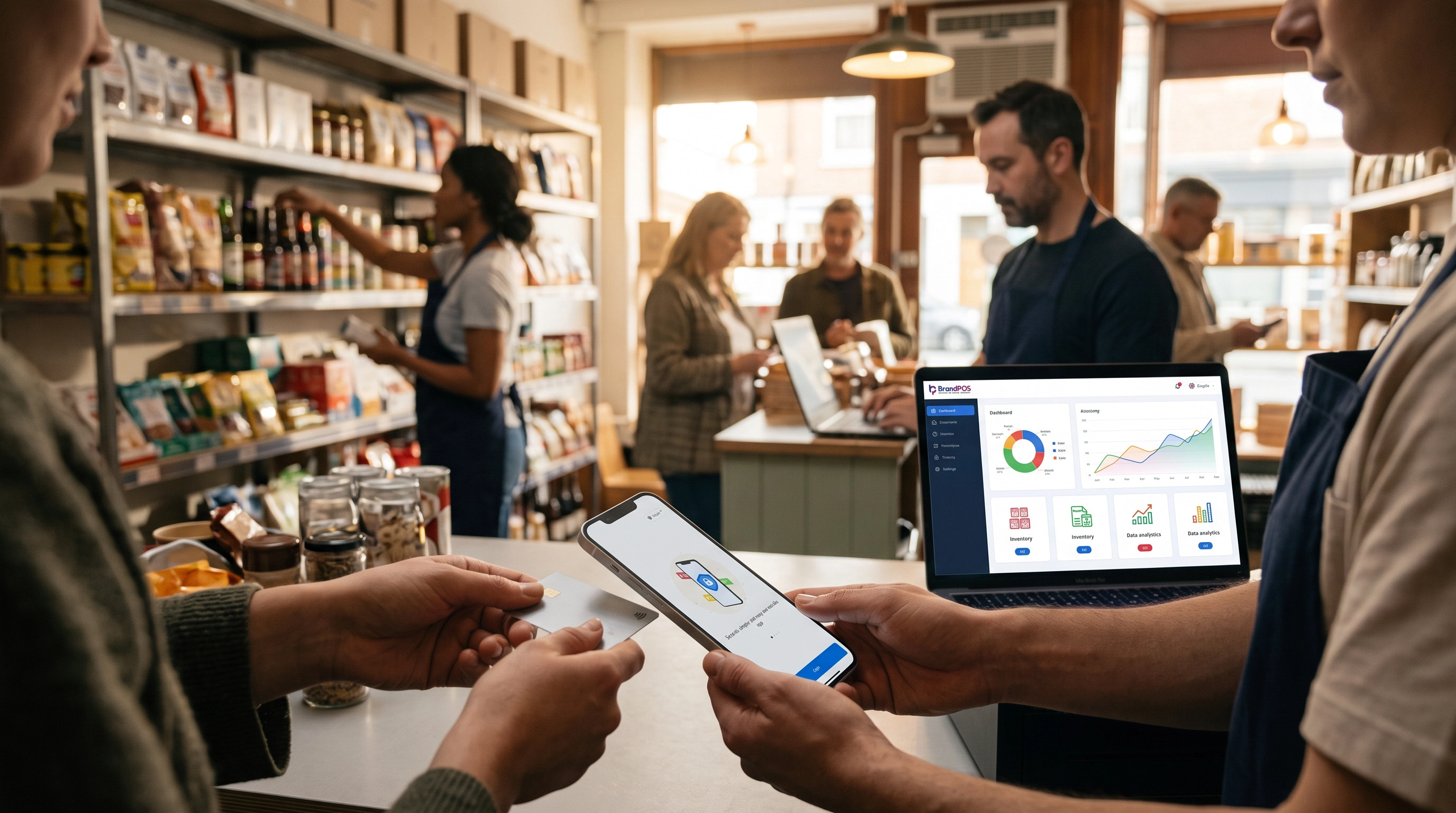
BrandPOS turns your NFC-enabled smartphone into a payment terminal. It is a true SoftPOS app designed to work without needing any extra hardware or a separate set-up.
The mobile nature and ease of accepting payments make BrandPOS particularly suitable for modern businesses. Here are the use cases where BrandPOS is a particularly good fit:
- A small or solo business owner (a freelancer, tradesperson, stylist, shop owner, etc.) who is looking for a low-upfront investment option. As BrandPOS can be used on your phone, there is zero spending on extra hardware.
- You are a large retailer or restaurant that already has a traditional POS system but looking to add a mobile POS option on the shop floor or at the table.
- Market vendors, food trucks, delivery drivers, pop-up sellers, and on-site service providers who need to accept payments on the go.
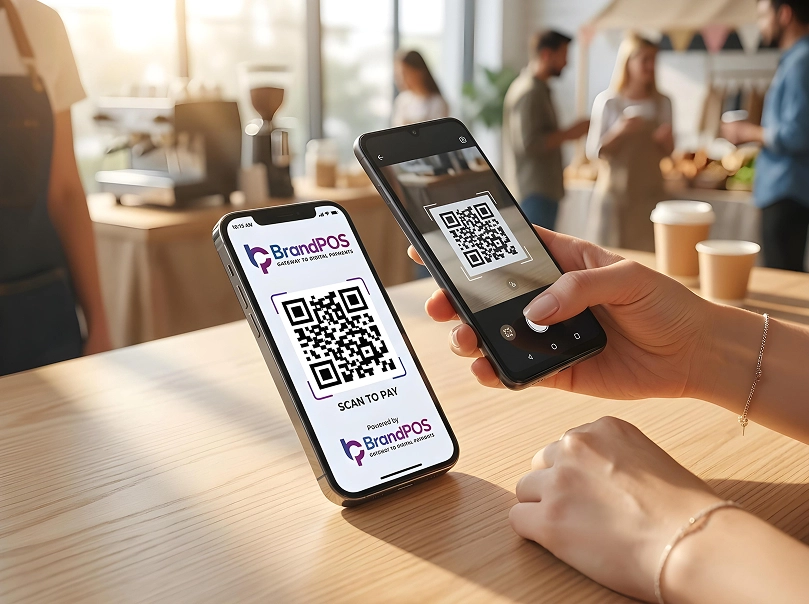
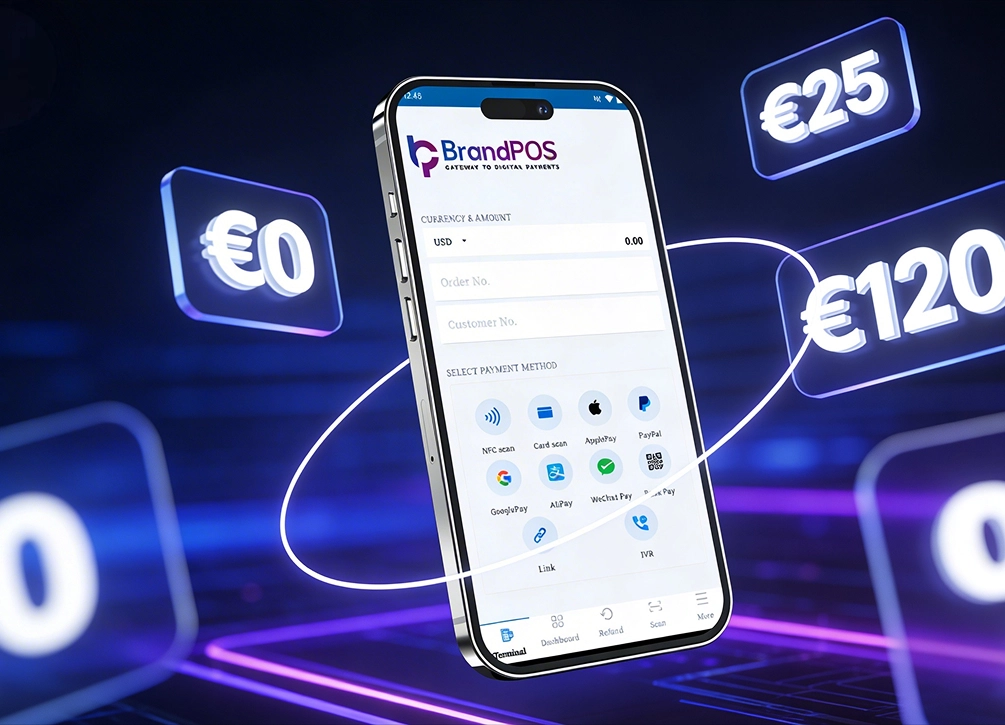
- If your customers prefer multiple payment methods, you need a single POS system that supports all of them. BrandPOS supports payments through mobile wallets, contactless cards, payment links, QR code scanning, account-to-account transfers, and many more.
- If you run a cash-heavy business and want to add a POS for card or mobile wallet acceptance. The zero hardware costs, per-transaction fees (one of the lowest at 0.19%), and the ease of completing the registration online make BrandPOS the perfect fit in this case.
- For any business that is looking to simplify the POS set-up while keeping the analytics and data management part intact, BrandPOS is the ideal solution.
Start Accepting Tap-to-Pay on Your Phone
No hardware leases, no dongles, and no lock-in contracts. Get your BrandPOS SoftPOS account approved in minutes.