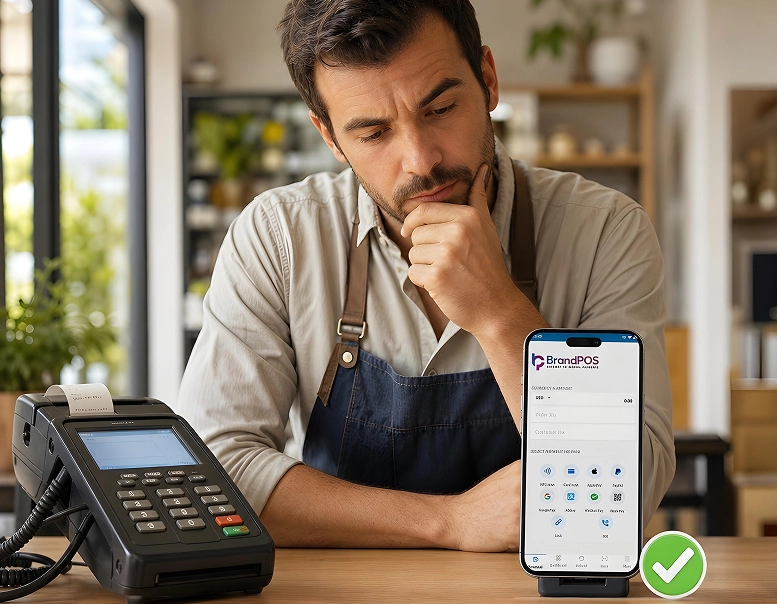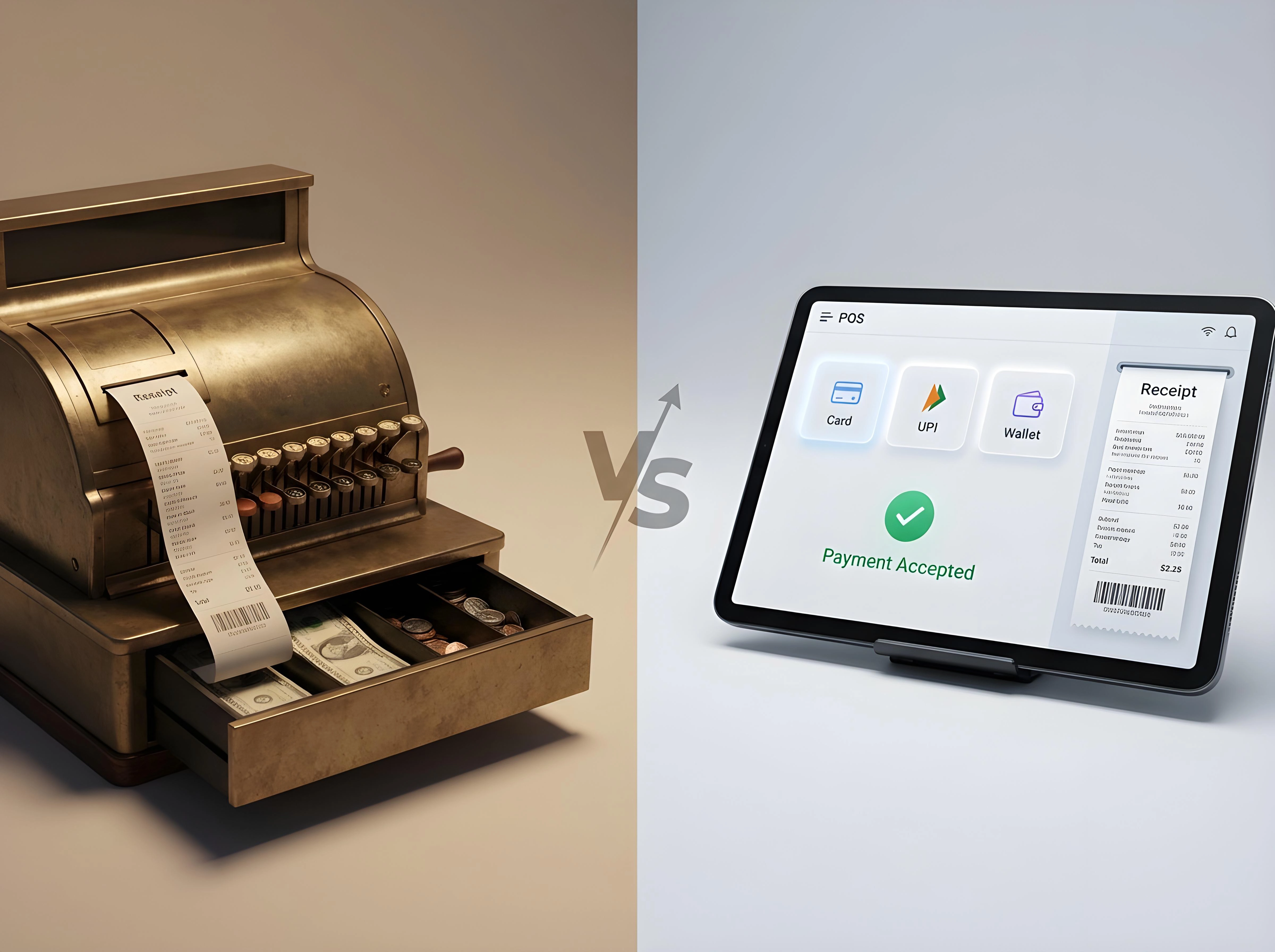
When businesses take a call on cloud POS vs. traditional POS, their choice decides how convenient the transaction becomes for the customer, how quickly they can open a second location, and how exposed the business becomes if WiFi is disrupted.
So, the cloud POS vs. traditional POS differences are not just about opting for different technology. It’s essentially a decision that decides the cost and efficiency of your entire sales operations.
According to an ITIC (Information Technology Intelligence Consulting) study, small businesses lose $8,000 to $25,000 per hour of downtime. So, while a cloud-based POS saves upfront costs, if you have patchy WiFi, it can land you in serious financial trouble.
Ready to ditch the card machine?
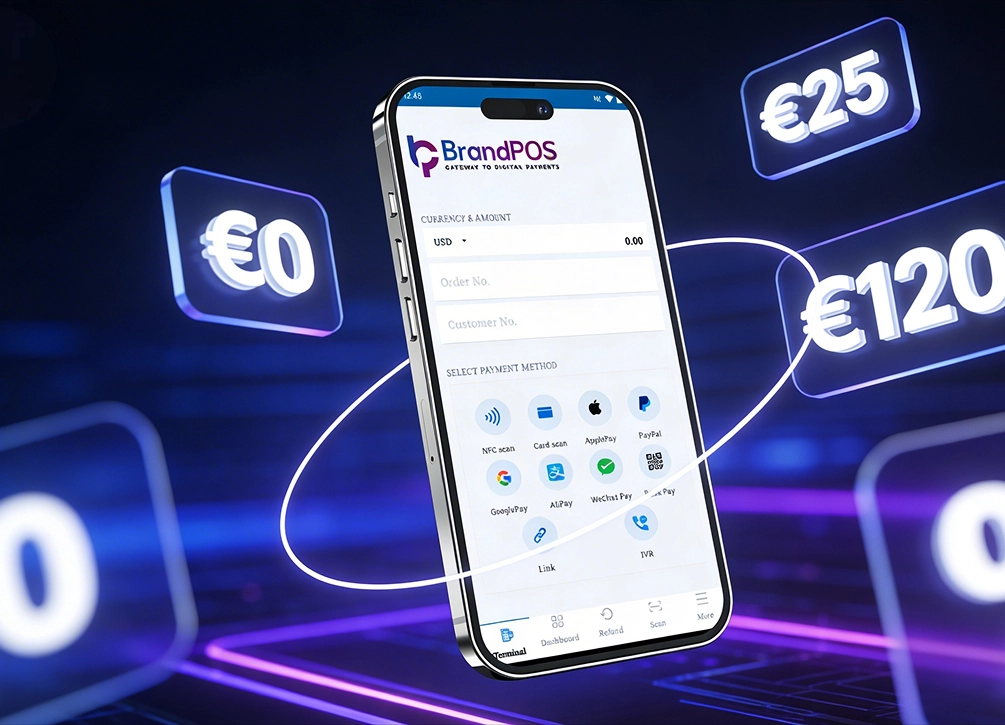
BrandPOS turns any Mobile phone into a certified POS terminal - no cables, no setup headaches.
Get Started for FreeA hardware-based POS system solves this issue, but you will have to invest upfront into a server and software setup every time you open a new location. You will also need paid technical support on a continuous basis.
So, for cloud POS vs. traditional POS, there are definitely use cases that fit each one best. But it is also an undeniable reality that businesses of all sizes are making a marked shift towards cloud-based systems, including something like SoftPOS, which you can use on your phone.
What Is a Traditional On-Premise POS System?
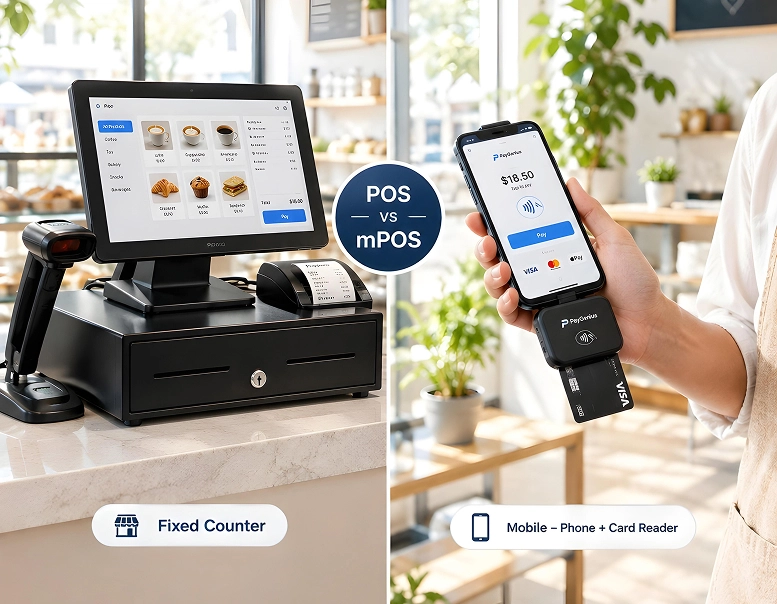
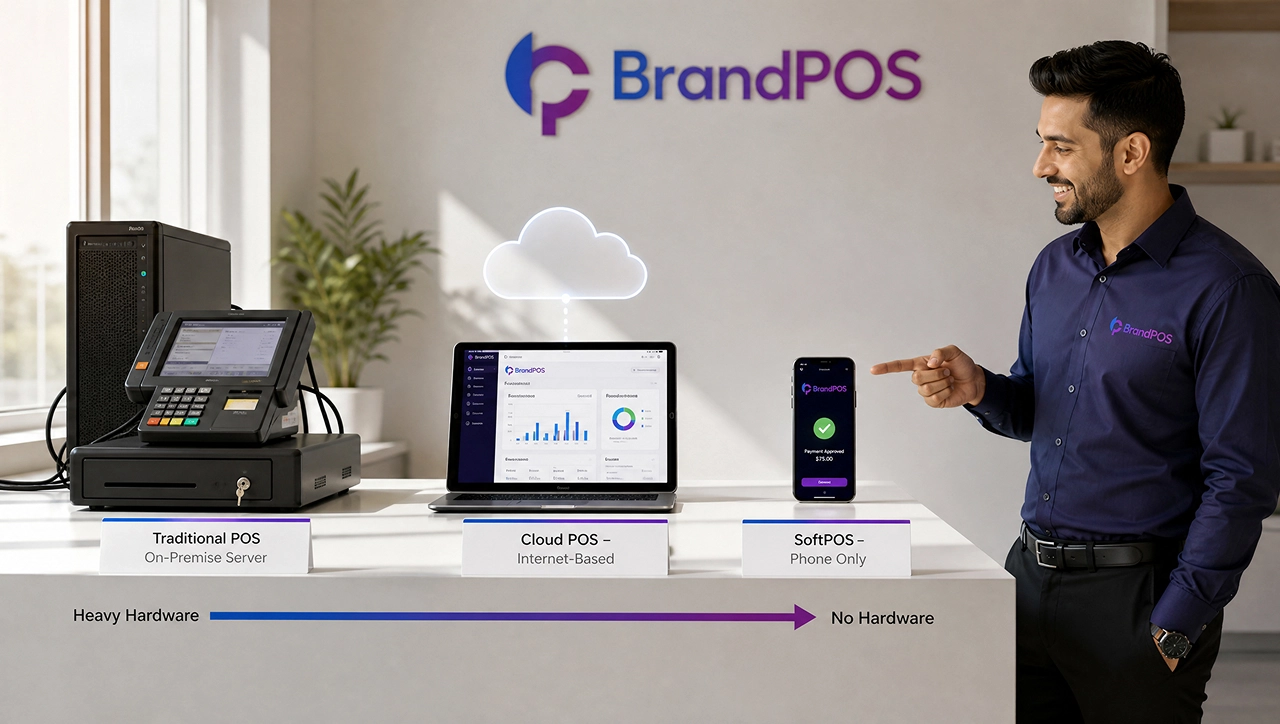
A traditional on-premise POS system works on the dedicated hardware and software that are present at your premises.
The biggest advantage of a traditional POS system is that it can work even if the internet connection is patchy, as the transactions are processed locally. But you will have to invest in hardware and software in the case of traditional POS every time you add a new location.
What Is a Cloud-Based POS System?
A cloud-based POS system uses remote servers instead of a local hardware setup at your premises. Under a cloud-based system, transactions are processed over the internet through an app on the phone/tablet or through your browser.
Cloud-based POS systems give you more mobility, as you are not tied to a physical server.
With a cloud-based POS, you are renting access to the software through your browser, or the updates happen automatically over the internet, and you do not need a paid technician. Another major convenience is that you don't have to invest in new hardware setup every time you want to add a new sales counter.
Cloud POS vs Traditional POS: Key Differences
| Key Difference | Traditional POS | Cloud POS |
|---|---|---|
| Data storage and access | Stores data on a local server that the business owns and is responsible for backing up. | Stores data off-site with the vendor, encrypted and accessible from anywhere with a login. |
| Upfront cost vs. ongoing cost | Capital-expenditure heavy: a large amount is paid before the first sale. | Shifts costs into a smaller, recurring operating expense. |
| Software updates and maintenance | Requires manual updates, often billed as a separate support contract. | Updates are pushed automatically, at no extra cost. |
| Scalability across locations | Adding a second or third location usually means buying and configuring a whole new server stack. | A location can typically be added from an admin dashboard in minutes, with sales data unifying automatically. |
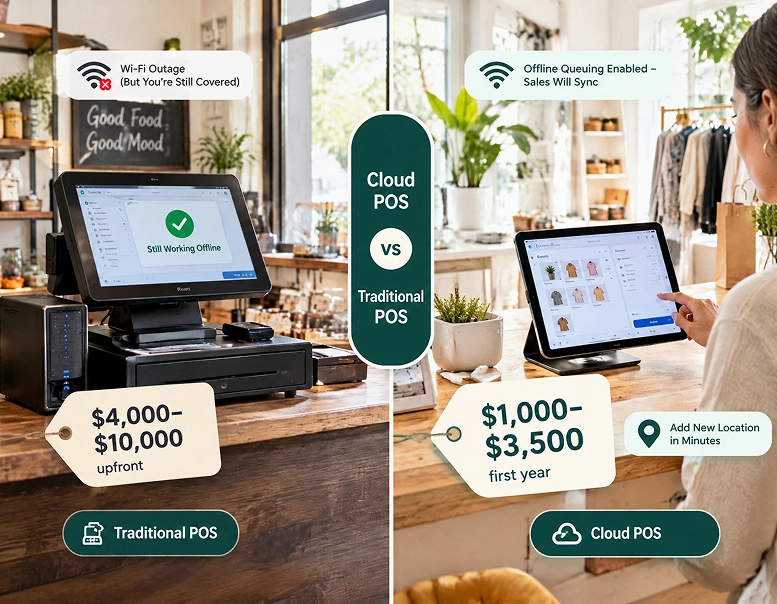
| Internet dependency and offline resilience | Keeps functioning through a Wi-Fi outage because it does not depend on a live connection. | Depends on connectivity, though most reputable providers build in offline queuing so a short outage does not stop sales entirely. |
| Disaster recovery | If a local server crashes, floods, or is stolen, the business can lose months of sales and customer history unless manual backups are maintained. | Data is generally backed up redundantly across multiple servers by the provider. |
| Integrations with e-commerce and apps | Often needs custom middleware or may not integrate with modern e-commerce platforms at all. | Typically built with open APIs that connect natively to online stores, accounting software, and loyalty apps. |
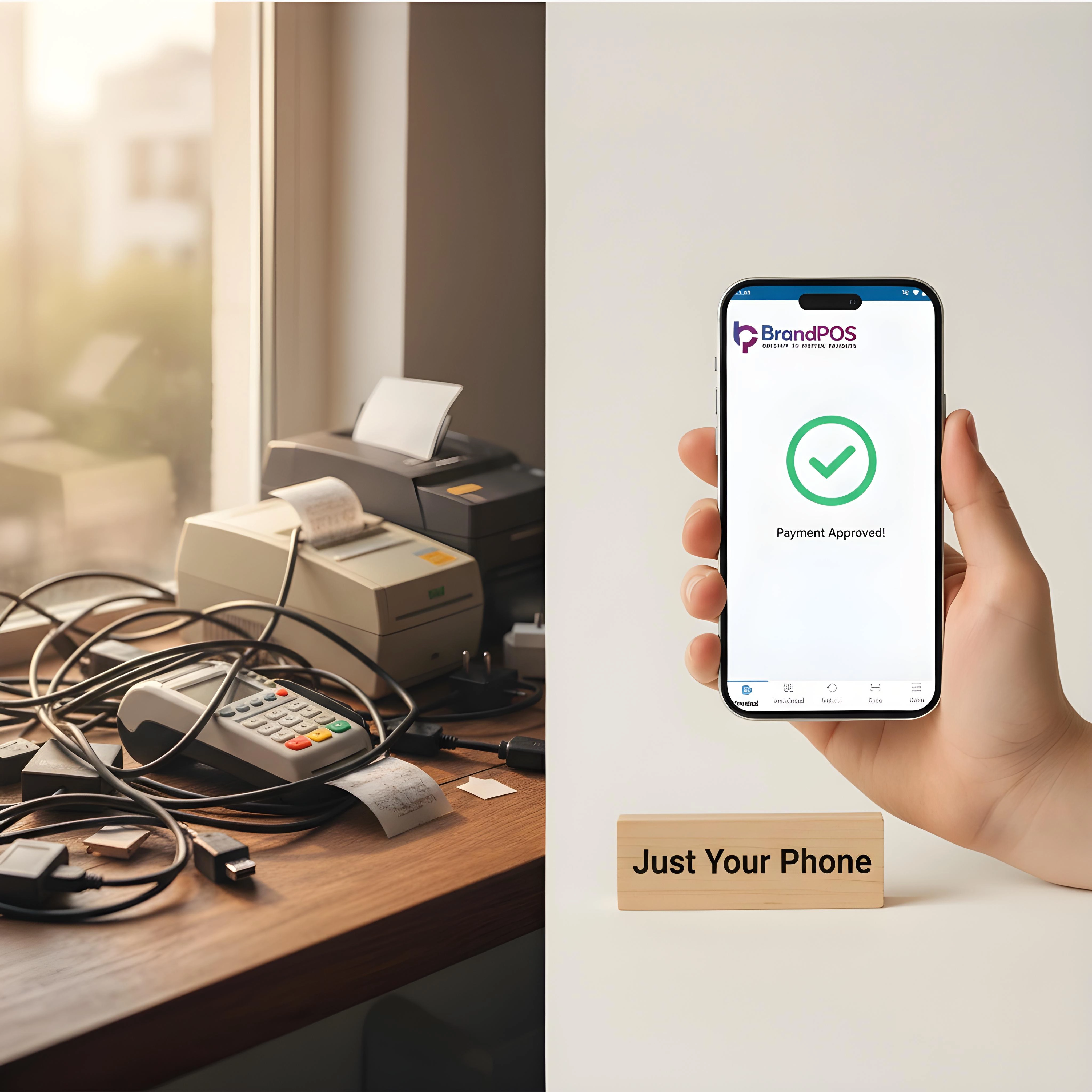
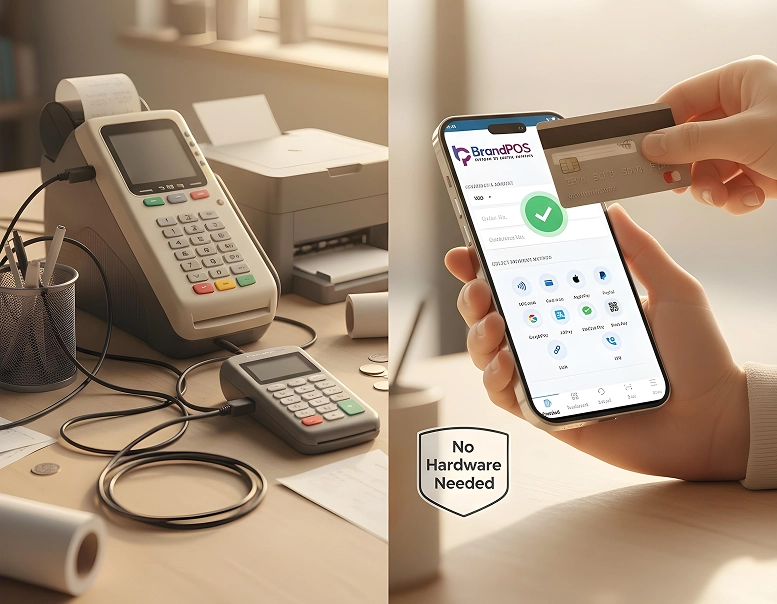
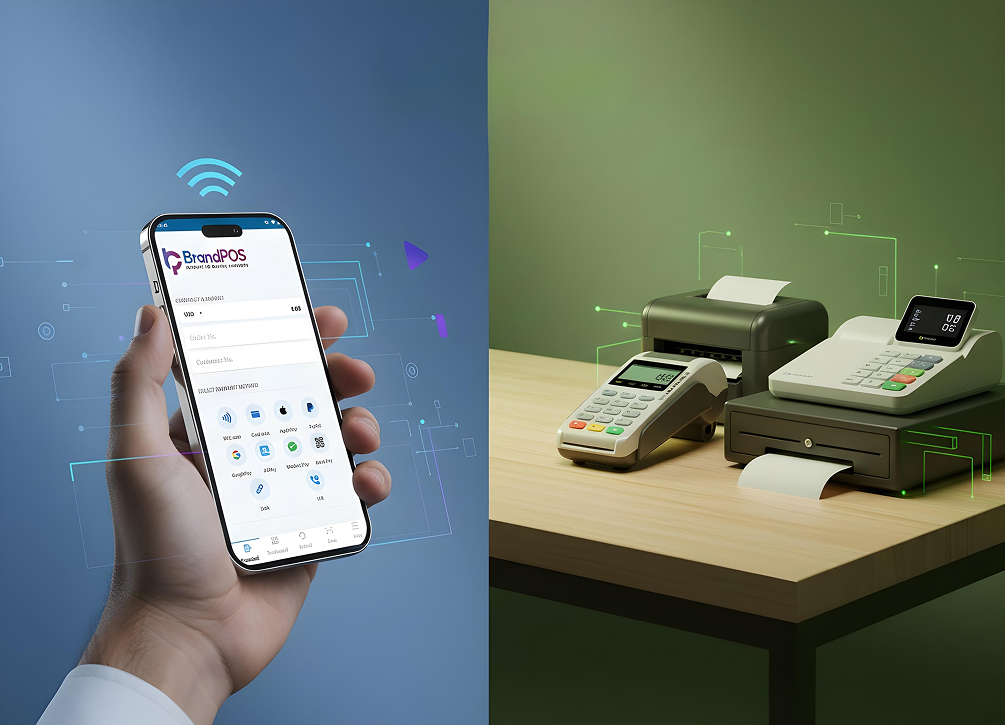
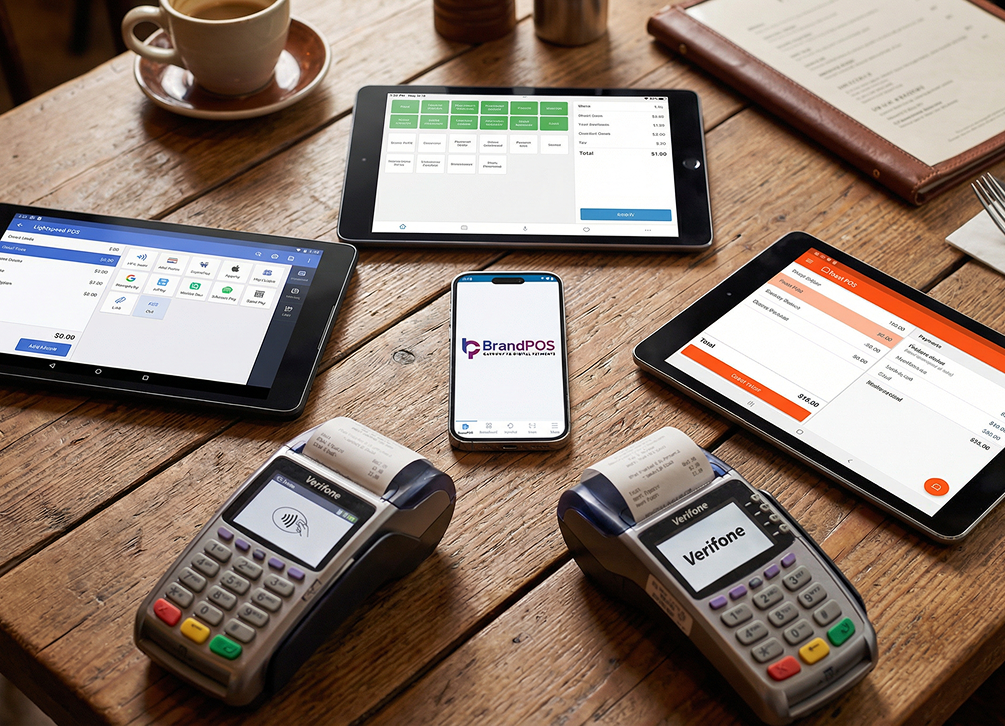
| Hardware footprint | Usually requires dedicated, single-purpose hardware. | Can run on devices the business may already own, such as an iPad, Android tablet, or smartphone, especially with SoftPOS. |
| Data residency and compliance | Keeps data physically within the business's own premises but the burden of securing that data is entirely on the business. | Reputable vendors can offer EU-based data hosting, shifting much of the compliance overhead to the provider. |
Cost Comparison: Cloud vs Traditional POS
When we look at the Cloud POS vs. Traditional POS differences in terms of cost, the number on the price tag does not tell the full story. We have to understand how much each system costs across software, hardware, and processing fees, etc., not just at the time of purchase but over long-term use.
Processing Fees
In terms of processing fees, cloud-based vs. traditional POS systems, both models charge in the range of 2.5% to 2.7% for in-person card payments. So, this is important but not a do-or-die factor in the Cloud-Based vs. Traditional On-Premise POS Systems Comparison.
Hardware & Software Costs
This is the area where cloud POS vs. traditional POS differences in cost become significant enough to influence your business decisions.
The combined hardware plus software expenses for a traditional POS system can typically range between $4000 and $10000 in the first year. The hardware can cost between $300 and $1,200+ per terminal.
In contrast, a cloud-based setup costs businesses $1000 to $3500 in the first year. Monthly software fees can range from $15 to $100 per terminal. Cloud-based POS often works with your existing phone/tablet, and if additional hardware like a card reader is needed, it costs $49 to $800.
Setup and Installation Costs
The setup and installation cost comparison cloud vs. traditional POS is that in the case of a traditional POS, you need support from the paid technician on your premises. In the case of cloud POS, it is designed as a guided self-setup.
Updates and Maintenance
Cloud POS vs. traditional POS: Differences in terms of updates and maintenance are that businesses often have a separate paid contract for updating and maintenance. There is also the expense of eventual replacement of the hardware.
For a cloud POS system, maintenance and updates are typically included and automatic. If you are using any additional hardware like a card reader, then you do need to replace it.
Adding a New Location
You will need a new server or hardware stack if you want to add a traditional POS at a new location. For cloud POS, you can add new locations by adding a device on your dashboard.
Pros and Cons of Cloud-Based POS and Traditional POS
Cloud-based POS
- Pros
- Low upfront investments, as you do not have to buy the servers and pay technician charges for installation, etc.
- Software updates and security patches are done automatically without needing a visit from a technical person.
- Supports real-time reporting on the centralized dashboard. Any-time and any-place access to sales data and analytics.
- Integrating with other e-commerce tools and accounting software for the business is easier.
- Cons
- A stable internet connection is a must.
- Subscription costs are a recurring expense. They can add up over the years and become a burden.
- The service provider's security practices can affect your data's security and regulatory compliances.
Traditional POS
- Pros
- It can work offline with unreliable internet connections or in cases with frequent internet outages.
- No recurring software fees.
- You have complete physical control over where your data is stored.
- Cons
- High upfront cost.
- Needs to be maintained and updated with manual technical support. So, paid technician visits are necessary.
- Expensive and logistically difficult to scale at multiple locations.
- Harder to check remotely on sales or other data on your local servers.
- High risk of data loss with instances like hardware failure, fire, or theft.
When should you choose cloud-based or traditional POS systems?
For many businesses the choice of cloud-based vs. traditional POS systems is not a binary one. Although there is a marked shift towards cloud-based POS systems, there are business cases where a hardware-based POS system can work more effectively along with a cloud-based POS.
Business Case for Traditional POS Systems
- You are operating out of a location without reliable internet, and there is no reliable backup connection either.
- The business is run from a single location that processes high-volume sales.
- The fixed upfront cost is affordable, or you have already invested heavily in the on-premise hardware system that will be too costly to integrate.
- On-site storage is safer because there are specific internal control requirements for handling data in your case.
Business Case for Cloud-Based POS Systems
- If your business wants to run at multiple locations (fixed shop fronts or regular pop-ups at events, etc.) and needs a unified reporting system.
- A large upfront investment in hardware is not feasible for your business.
- Businesses that are seasonal (at markets, events, food trucks, festivals, etc.).
- You have an e-commerce channel (i.e., you are selling online) and need unified reporting.
- If you want to keep an eye on sales and staff performance on-the-go or from your phone at short notice.
Is There a Third Option? SoftPOS and Phone-Based Acceptance
Until recent years most businesses had to make a choice between cloud-based vs. traditional POS systems, i.e., they had to either go for a physical server or get a countertop POS, which used cloud-based servers.
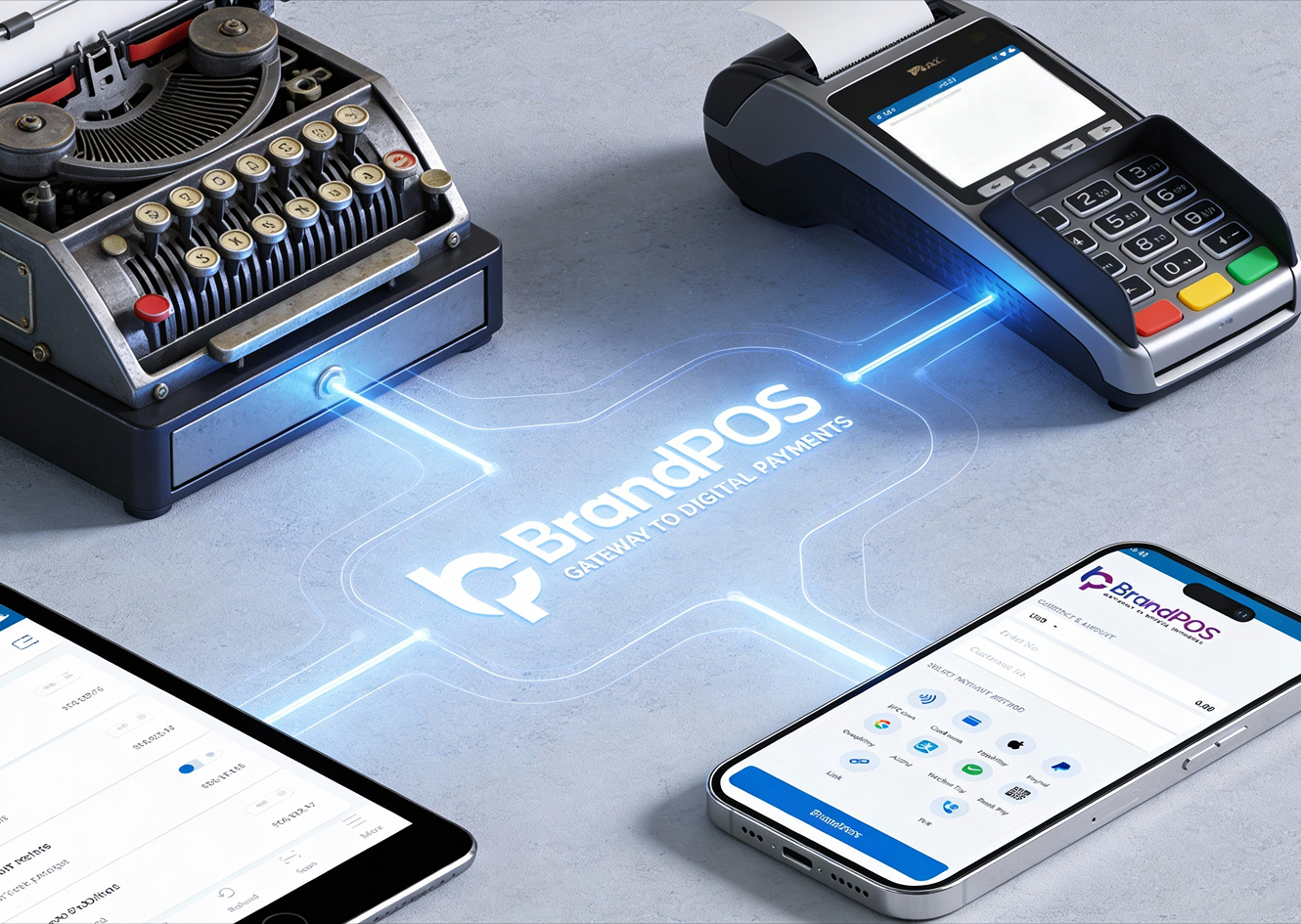
But now we have a third option, a more convenient and efficient one in the form of SoftPOS apps.
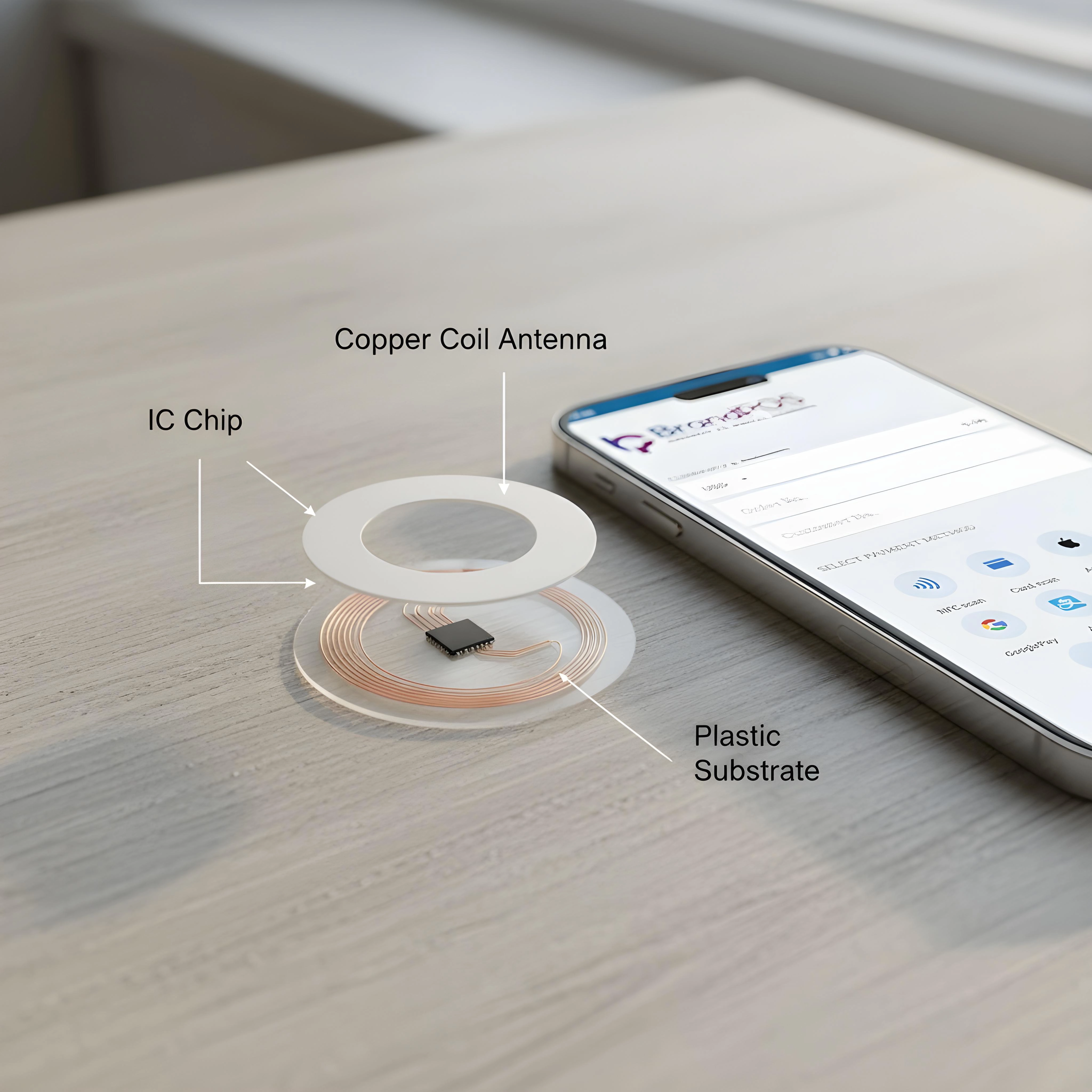
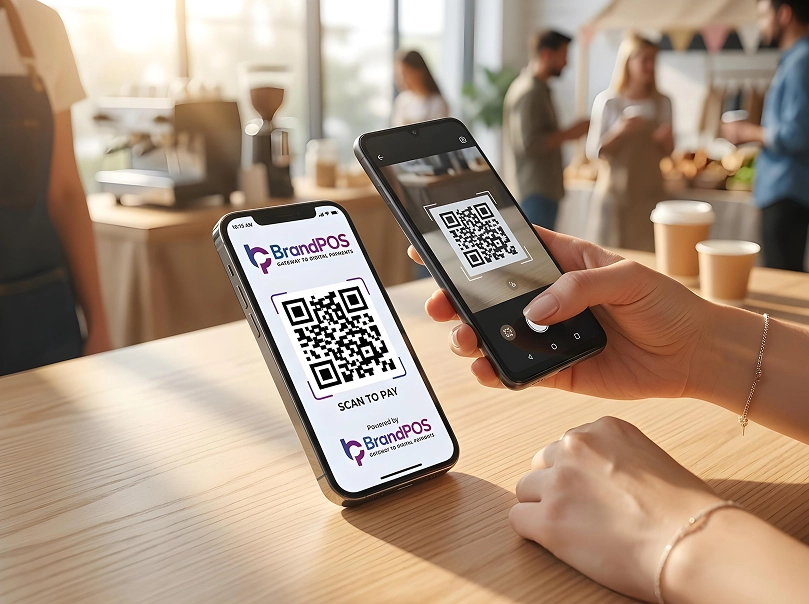
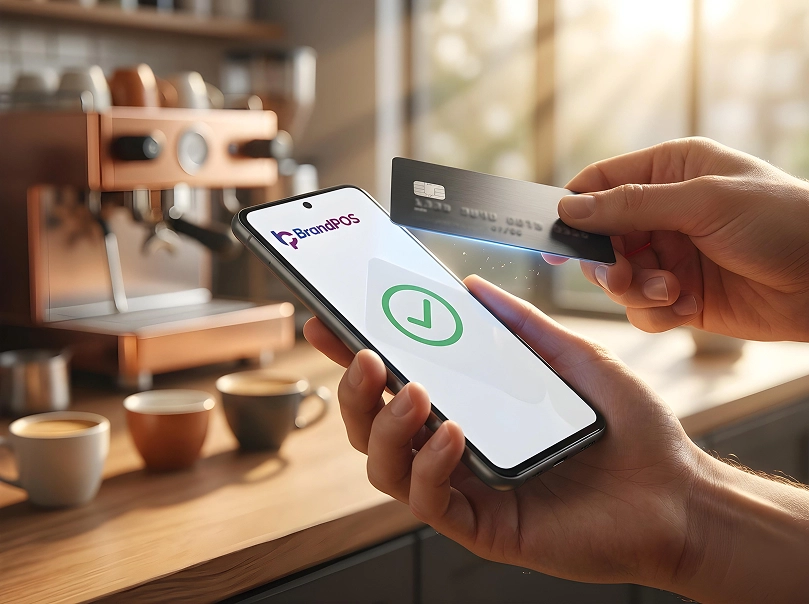
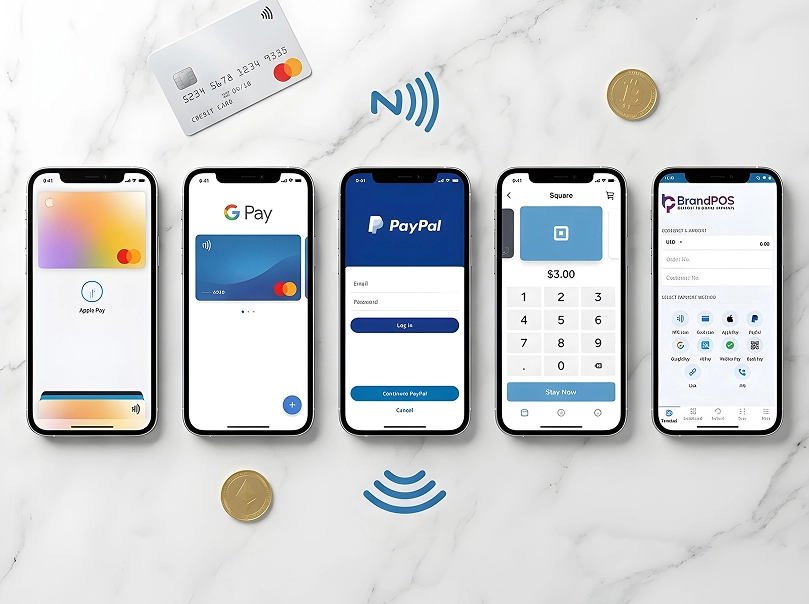
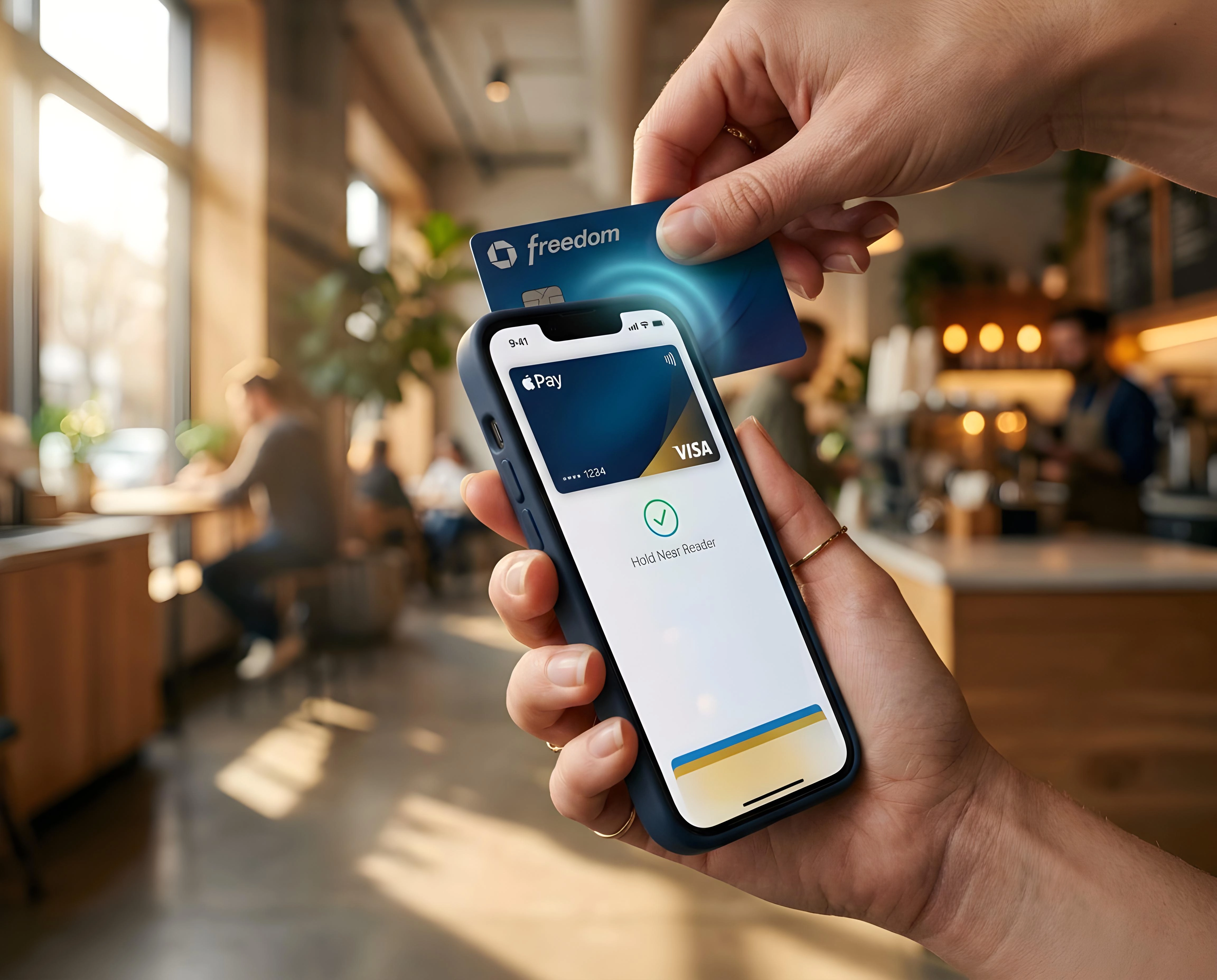
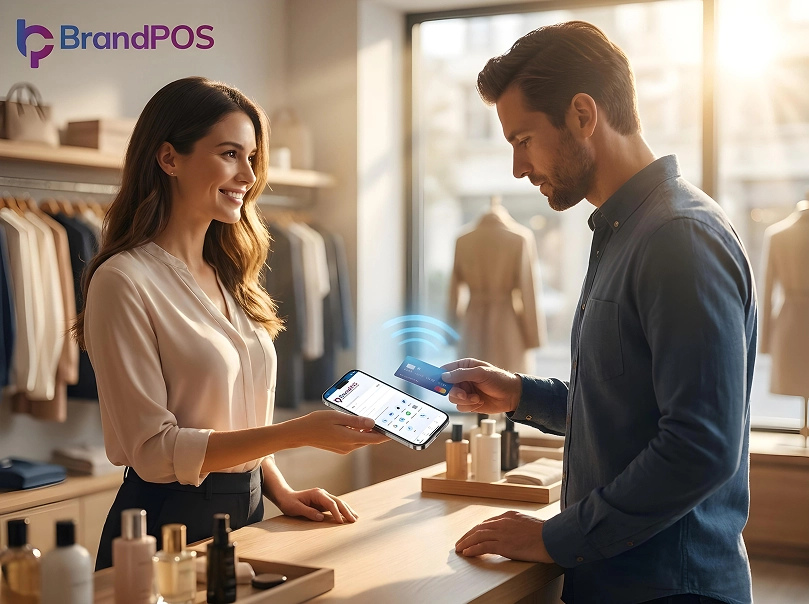
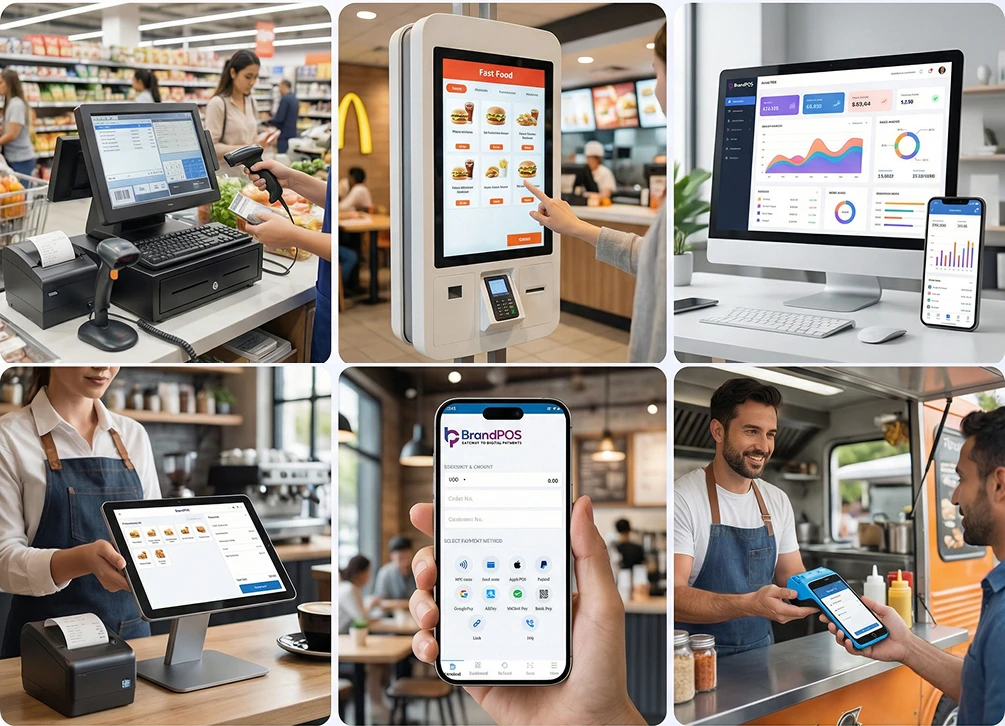
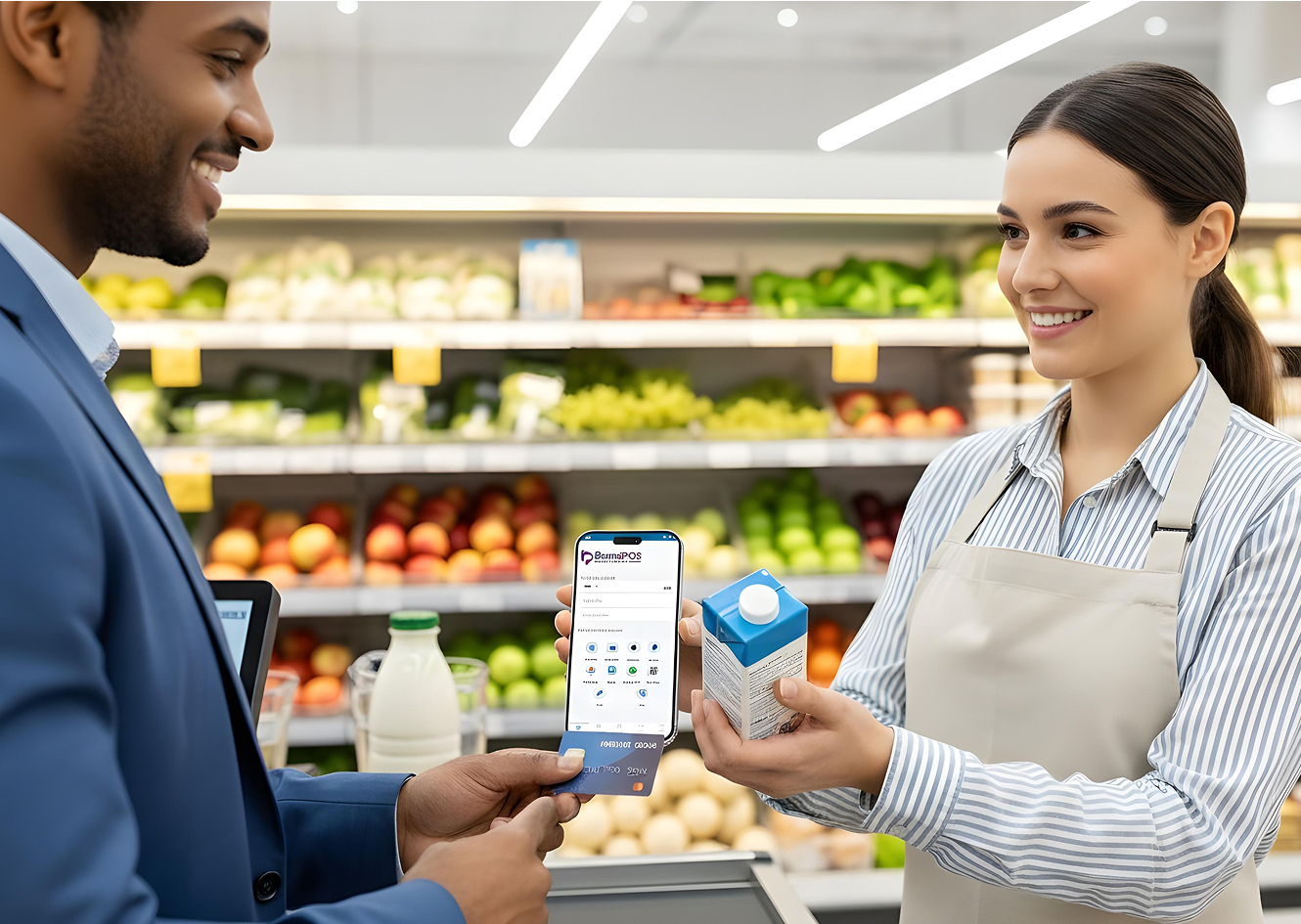
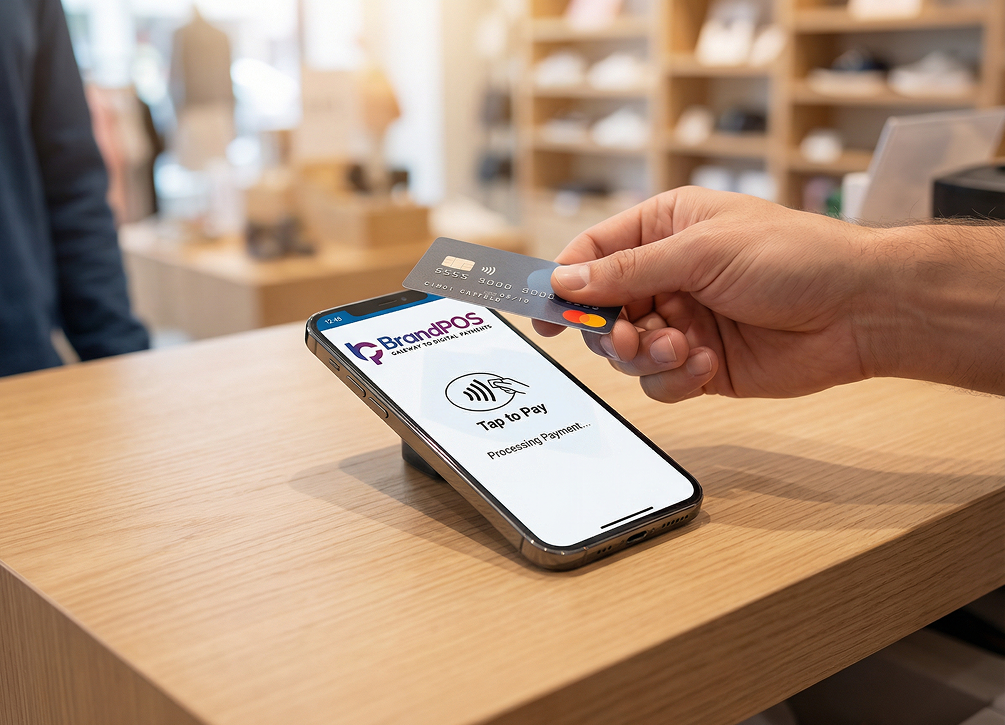
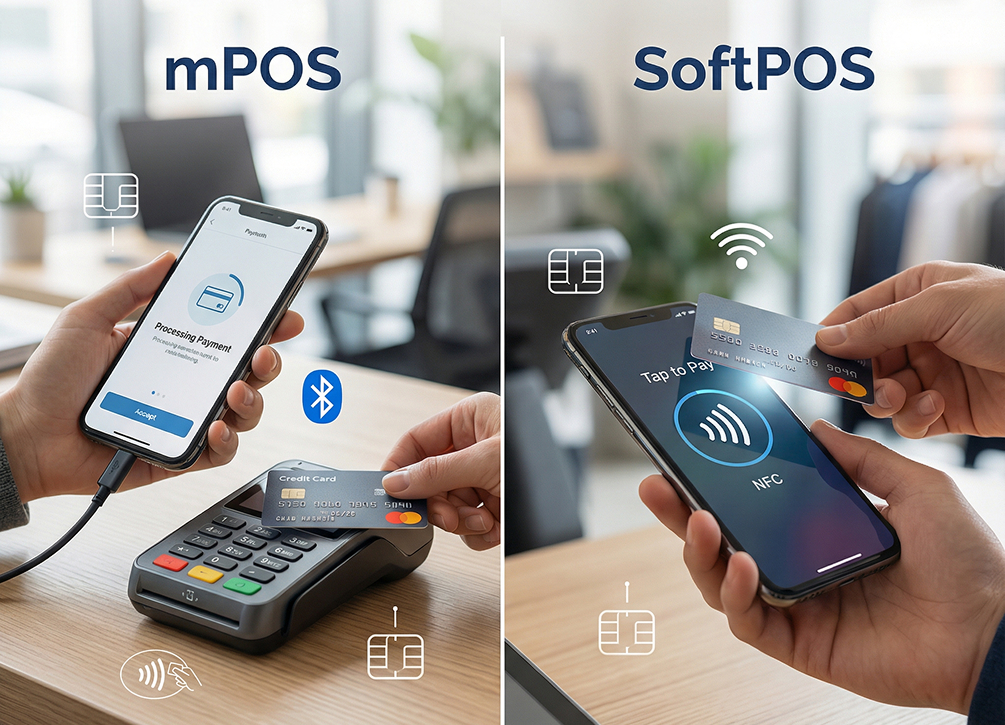
SoftPOS apps enable phone-based acceptance so that you can process tap-to-pay payments on your smartphone itself. So, the merchants can use their own phone as a POS terminal, and the customers can use their digital wallets, contactless cards, or scan a QR code to pay.
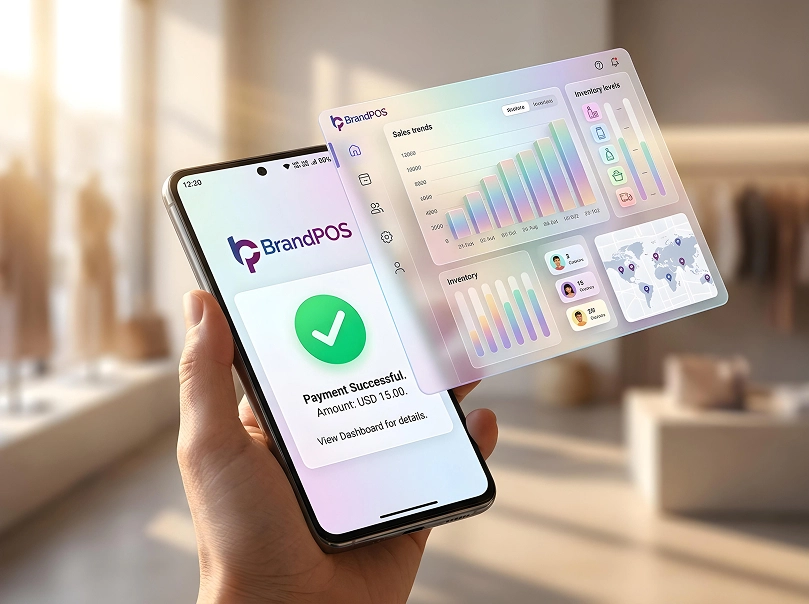
The transactions are processed, and all background operations (inventory, staff account management, etc.) happen over the internet in real time.
As there is no upfront investment in hardware when businesses are using SoftPOS apps, it is being rapidly adopted by businesses. According to VISA’s 2025 report, globally tap-to-phone adoption is growing at 200%, and nearly 30% of tap-to-phone users are newly launched small businesses.
BrandPOS SoftPOS App – Your All-in-One Payment Solution
BrandPOS is the true SoftPOS app (not locked in to any hardware POS system) for turning your smartphone into a full-on payment terminal.
Payment Support
It is your all-in-one payment solution because BrandPOS supports all major payment methods preferred by the customers.
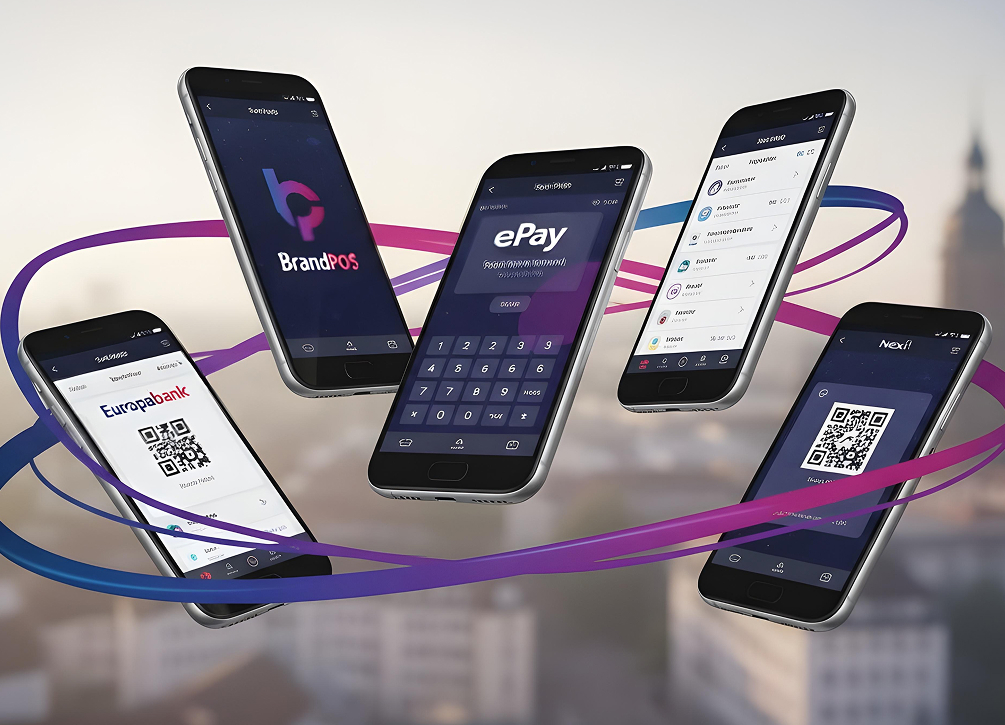
They can pay with their NFC-enabled mobile wallets, contactless cards, scan a QR code, make an account-to-account payment, or even enter their PIN on the BrandPOS app to securely make payments.
BrandPOS complies with industry standards for securing your payments and also gives you real-time data through a central dashboard.
Faster Setup and Easy to Scale
With BrandPOS you don’t have to order for a POS or wait for a technician to configure servers at your premises. For using BrandPOS, you just have to install the app and register your business details. So, you can go live much faster than a traditional POS.
When you want to add a new sales counter at your shop front or you want to take your business to a new location, like when you want to operate a food truck or set up your stall at an event, you can do it by installing BrandPOS on another smartphone.
There is no extra hardware cost (as you will be using your compatible smartphone), and BrandPOS gives you one of the lowest per-transaction rates (0.19%). So, scaling your business is not just quick and easy but also affordable with BrandPOS.
Ready to ditch the card machine?
BrandPOS turns any Mobile phone into a certified POS terminal - no cables, no setup headaches.
Get Started for Free