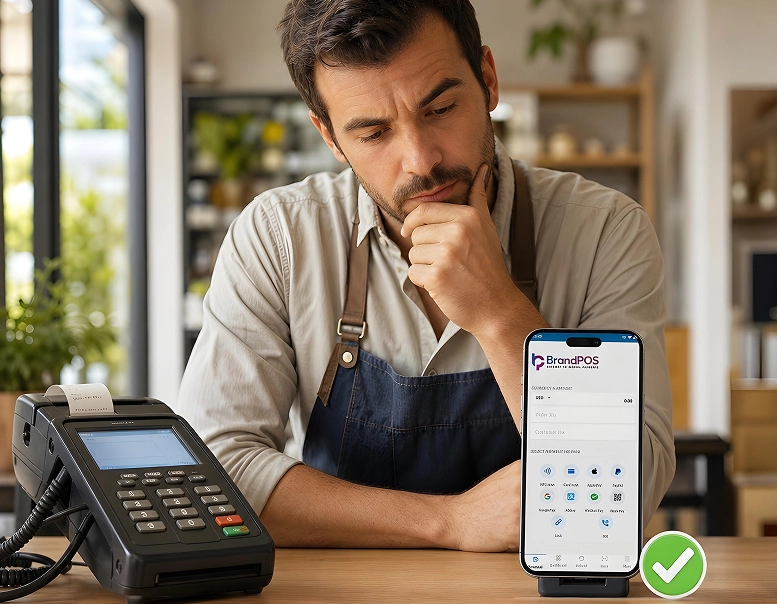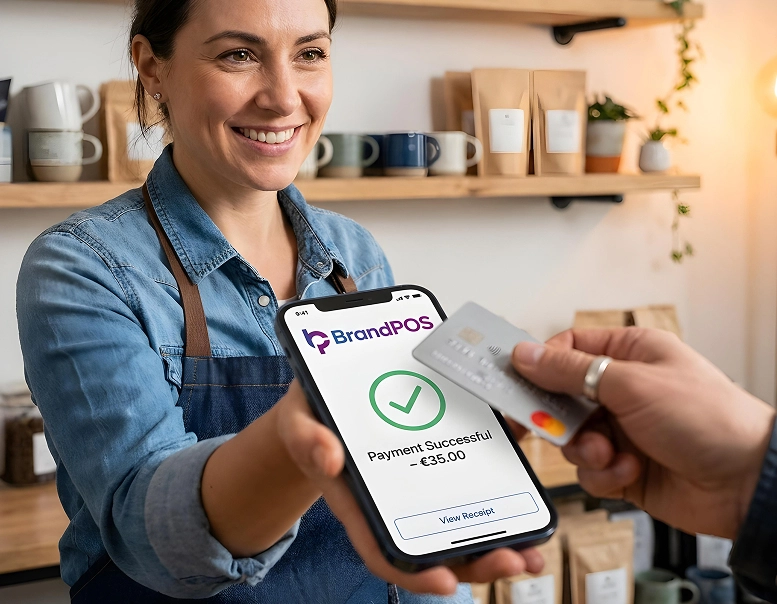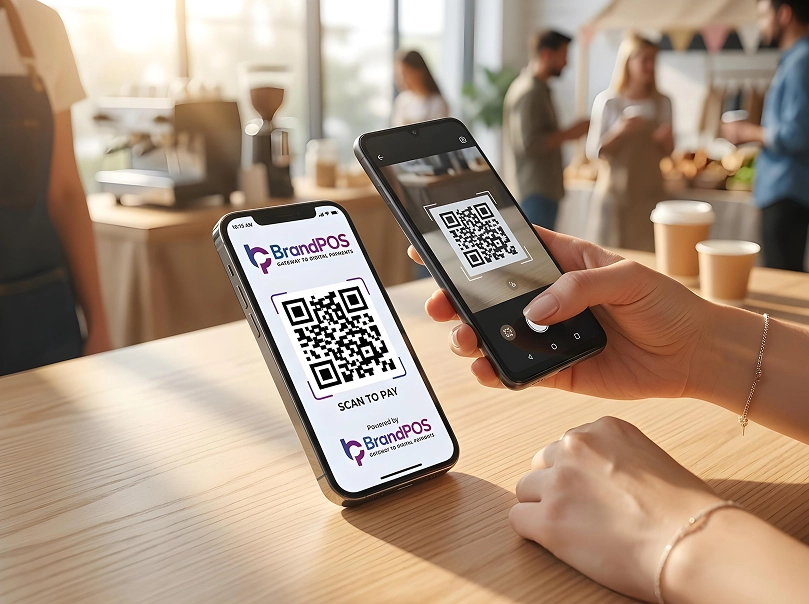
If you have a store or a pop-up at an event, you must have seen that more and more customers are making payments with their phones. And we ourselves have used our phones to make payments at restaurants or at the grocery store. We have seen how quick and convenient it is. A Softpos App for IOS brings the same convenience to the business side. Accepting payments from customers is a key sales process. For any business it almost makes or breaks their customer experience.
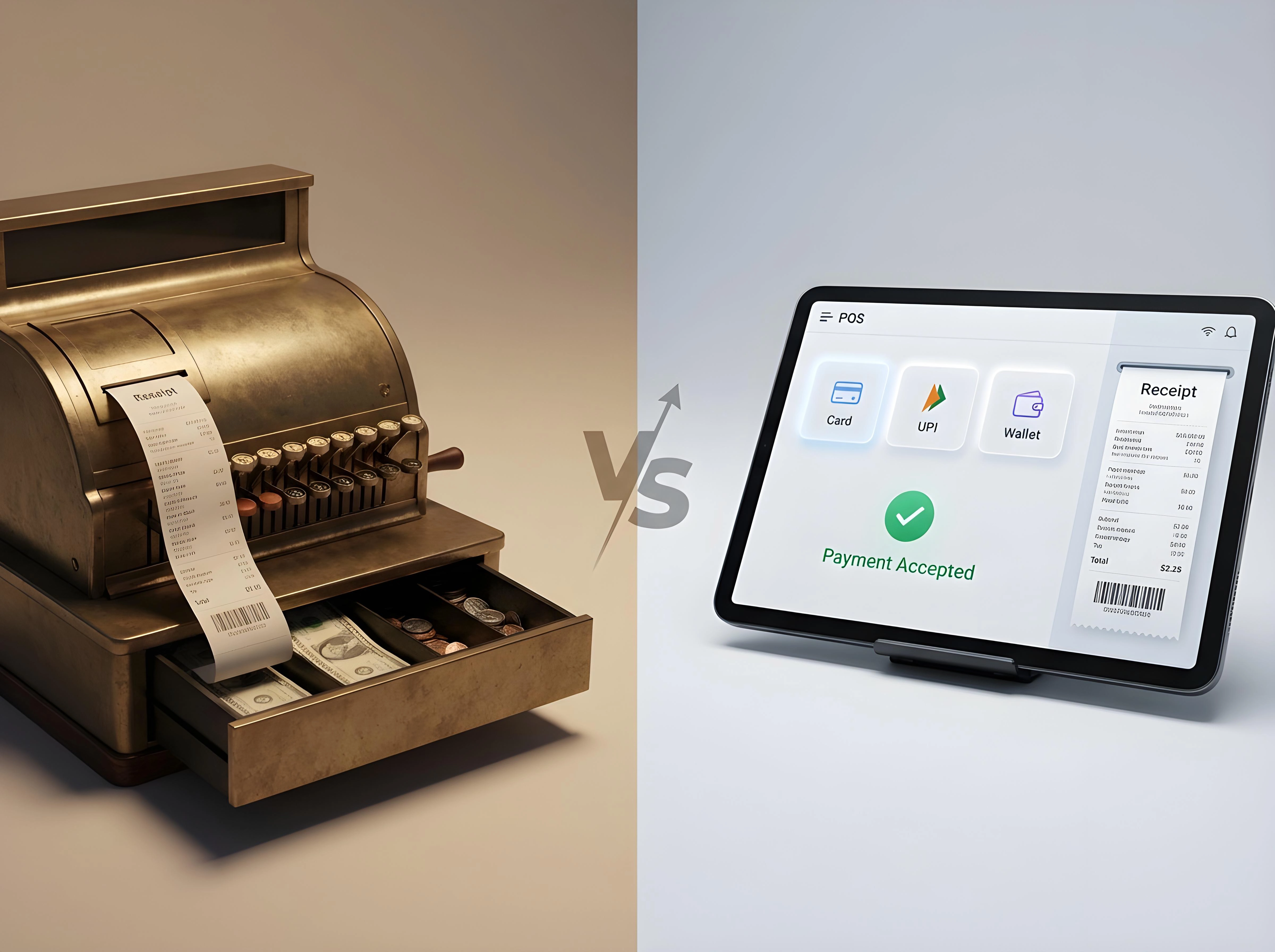
The slow and complicated hardware POS can often frustrate the customers. Whereas a Softpos App for IOS gives a smooth and secure checkout option that builds customer trust and even encourages repeat purchases. On the business side an efficient payment processing system like Softpos IOS helps not just to manage sales but also gives strategic data for business decisions.
Estimates predict that 61 million smartphones in the world will be using SoftPOS by 2028 (a massive 683% increase from 2023!). So, we can expect SoftPOS to become a standard business practice across industries rather than a novelty. If you are a business looking for such a payment processing option, utilizing a certified Softpos App for IOS can immediately elevate your retail checkouts and operational agility.
What Is a SoftPOS App for iOS?
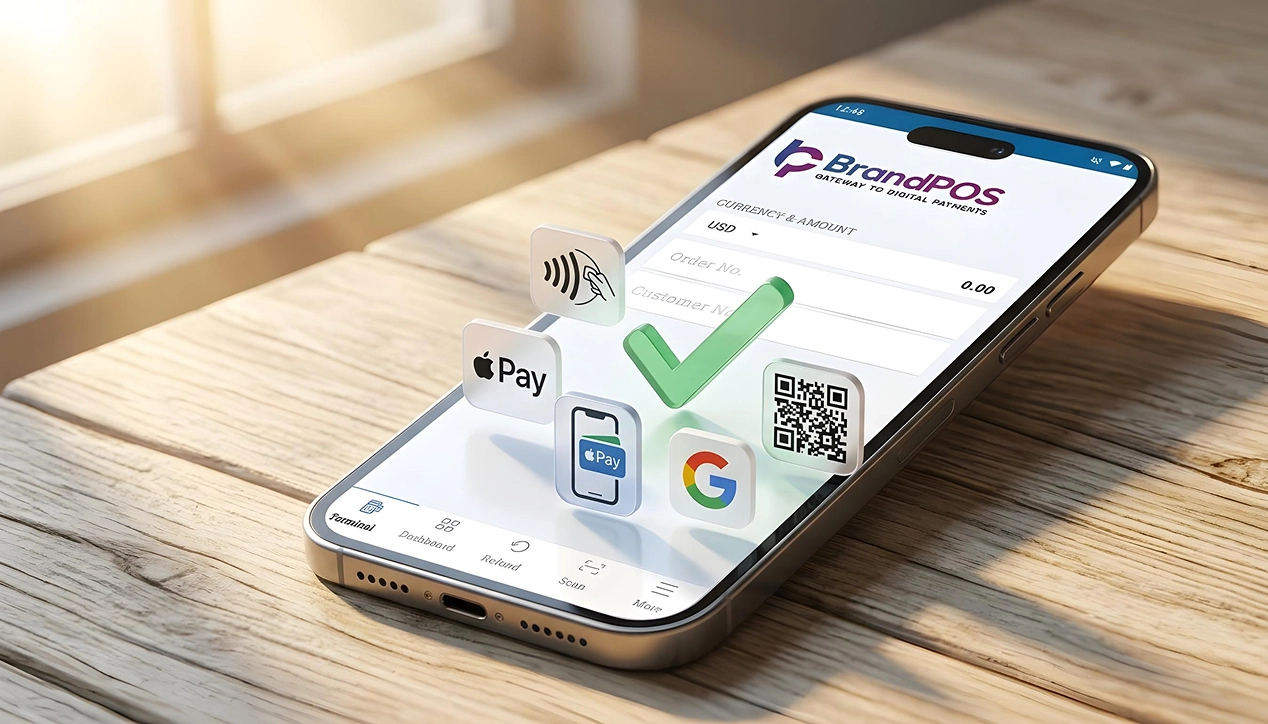
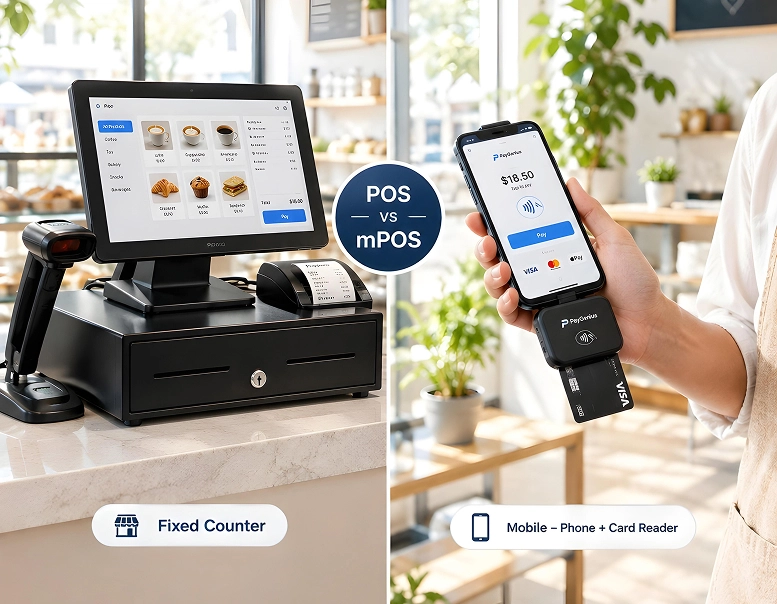
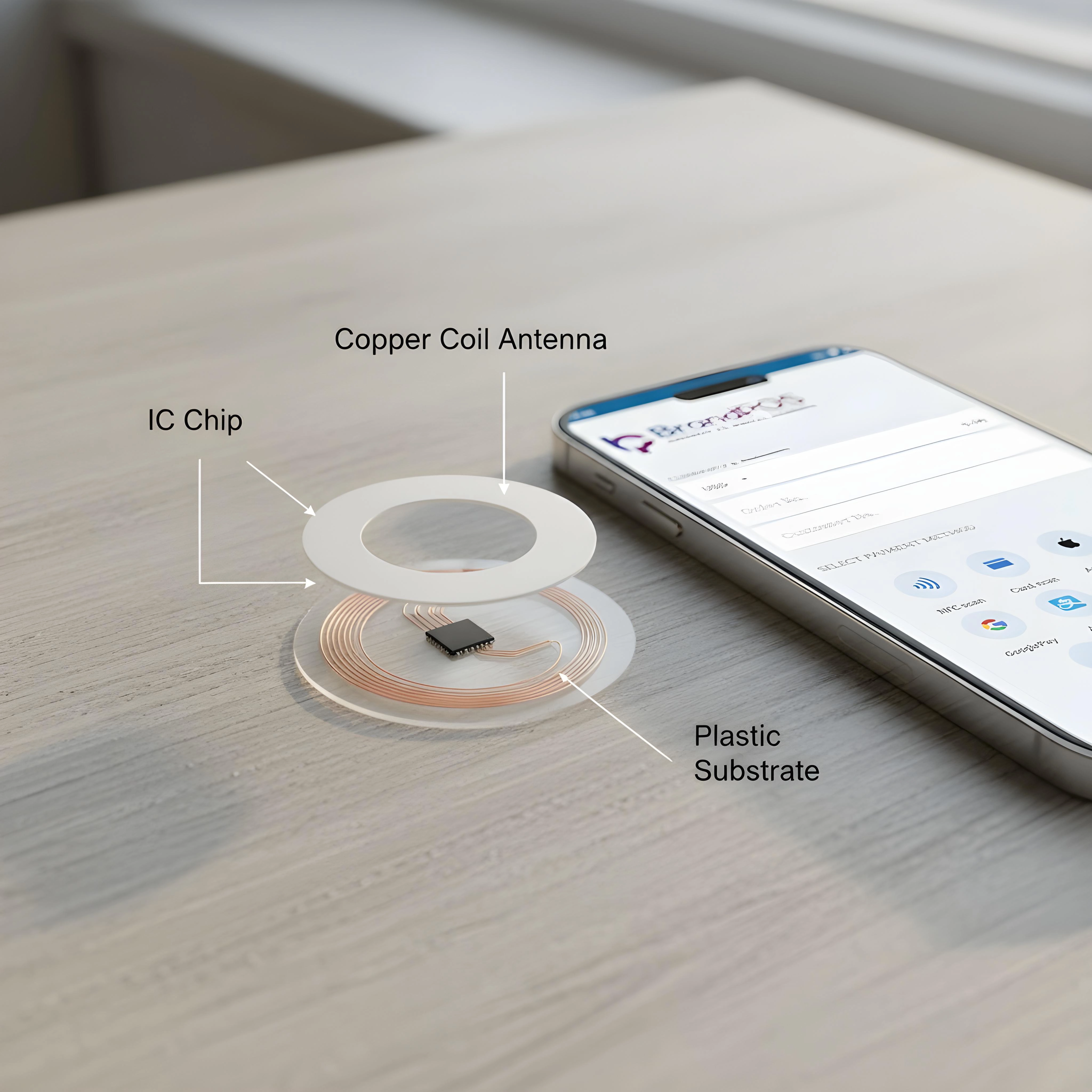
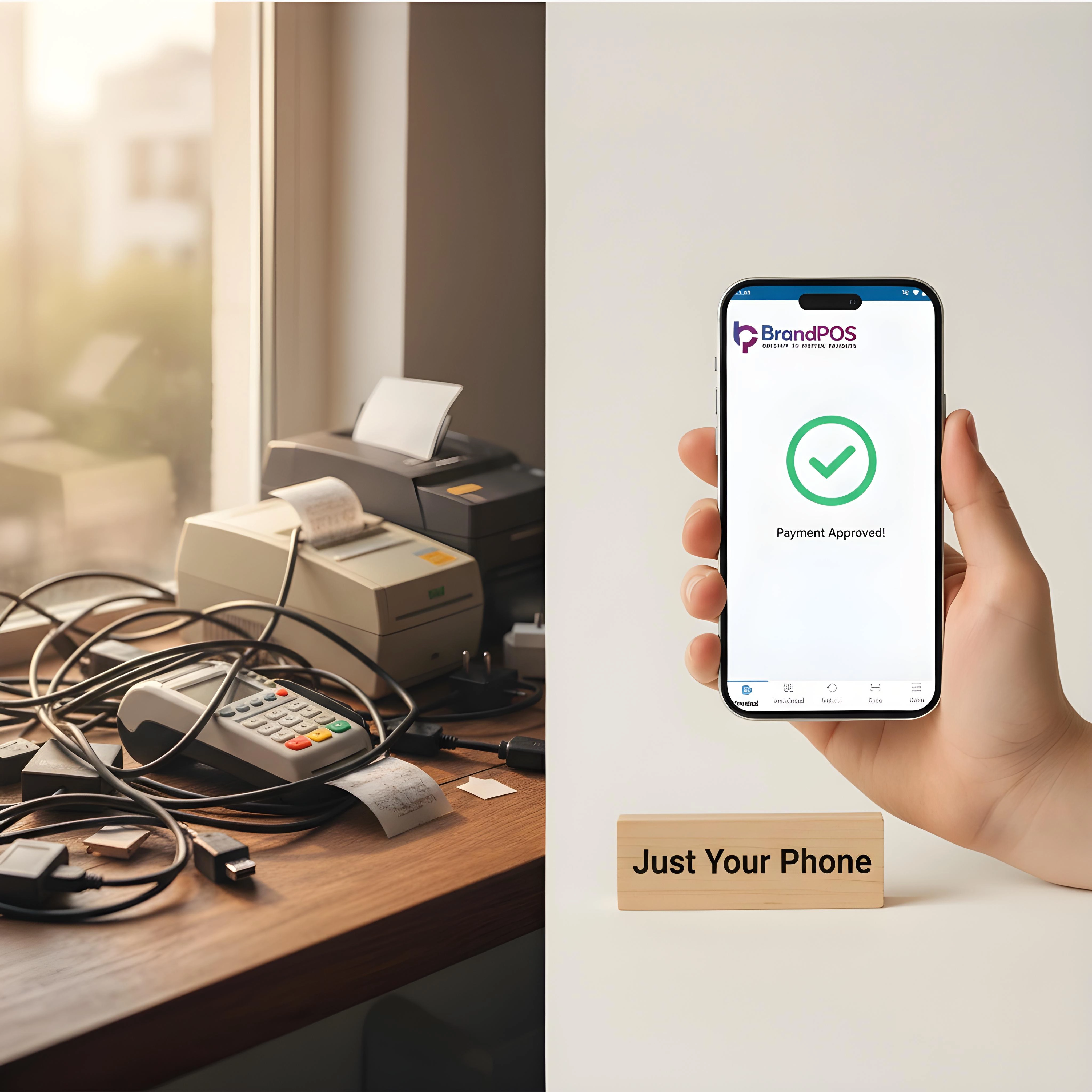
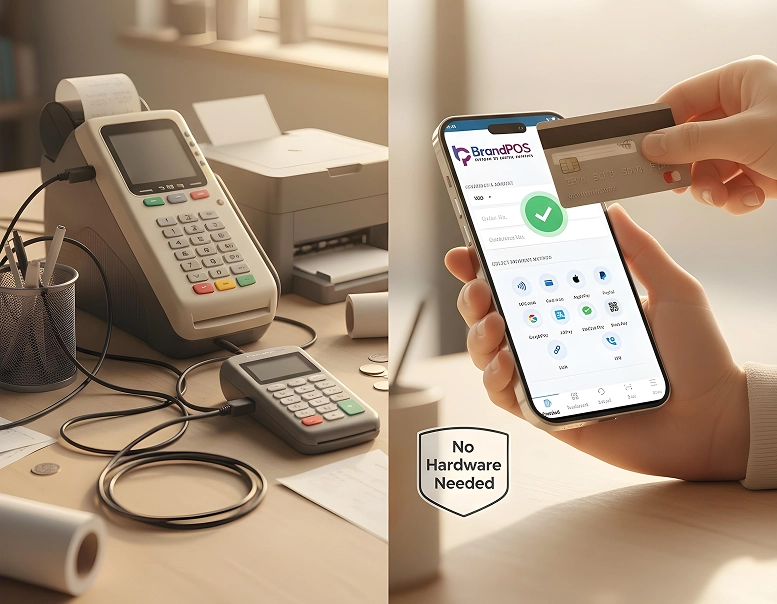
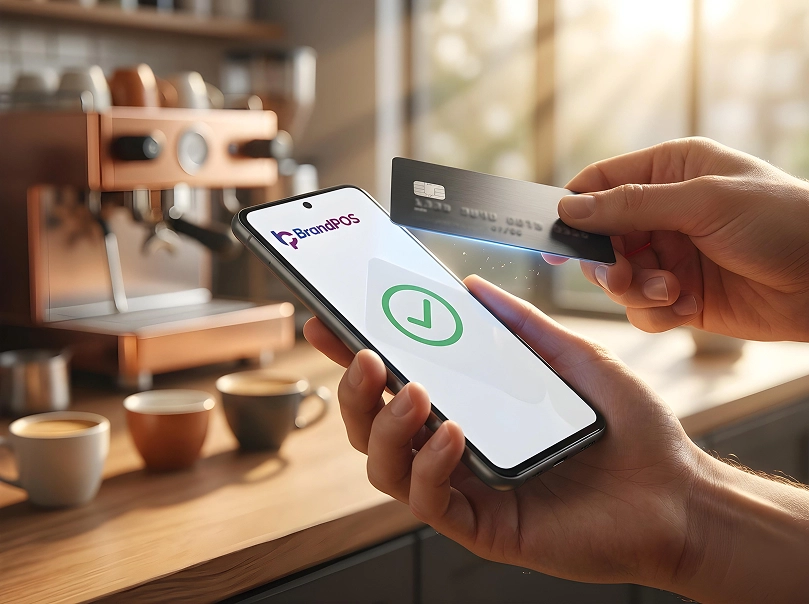
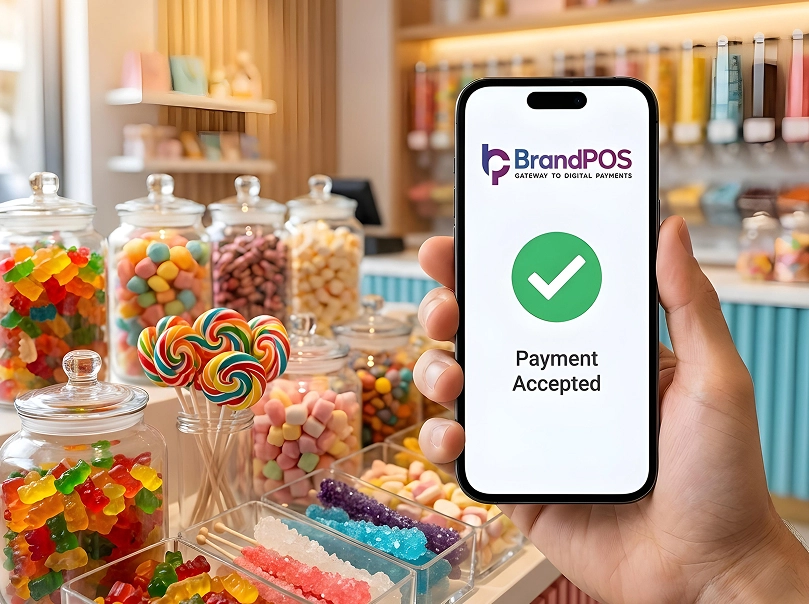
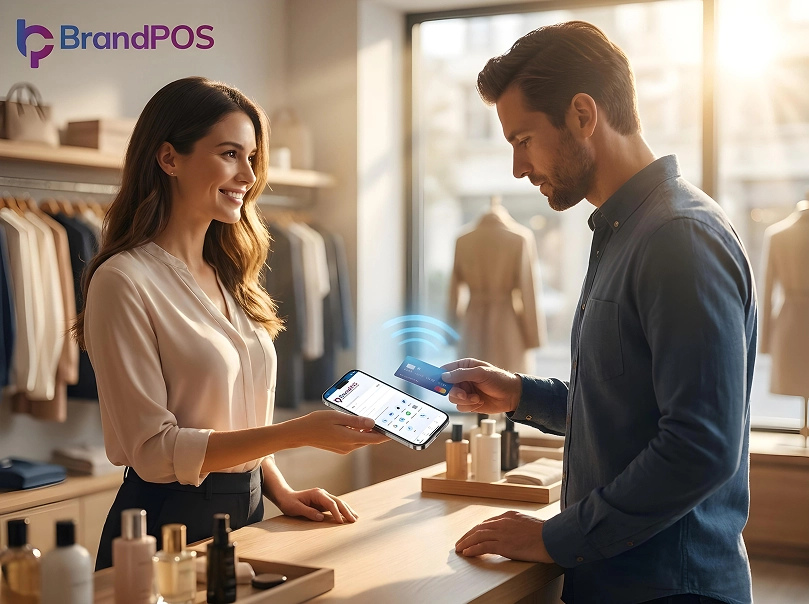
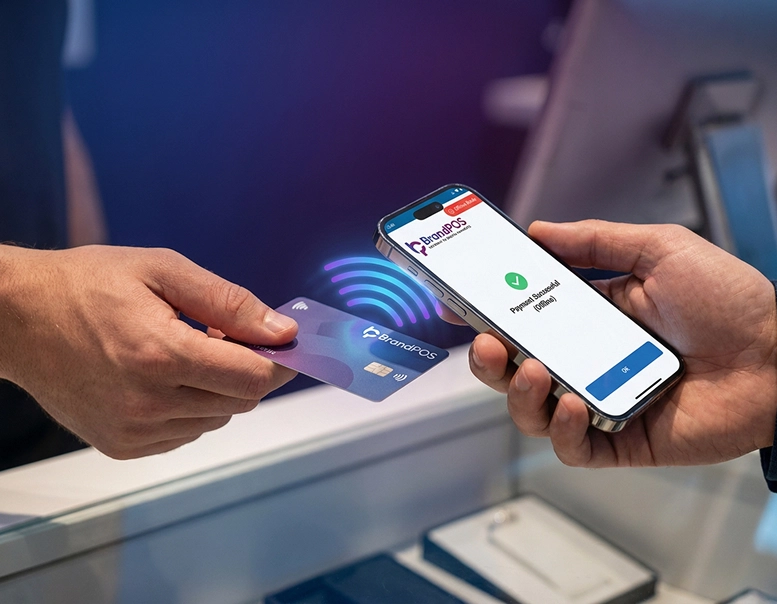
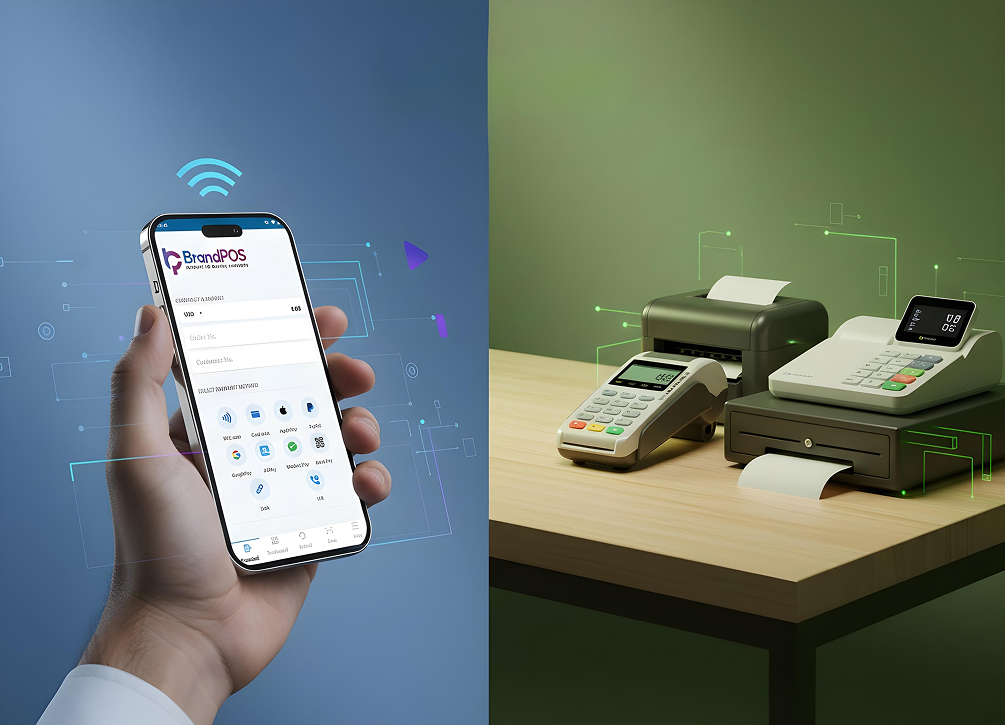
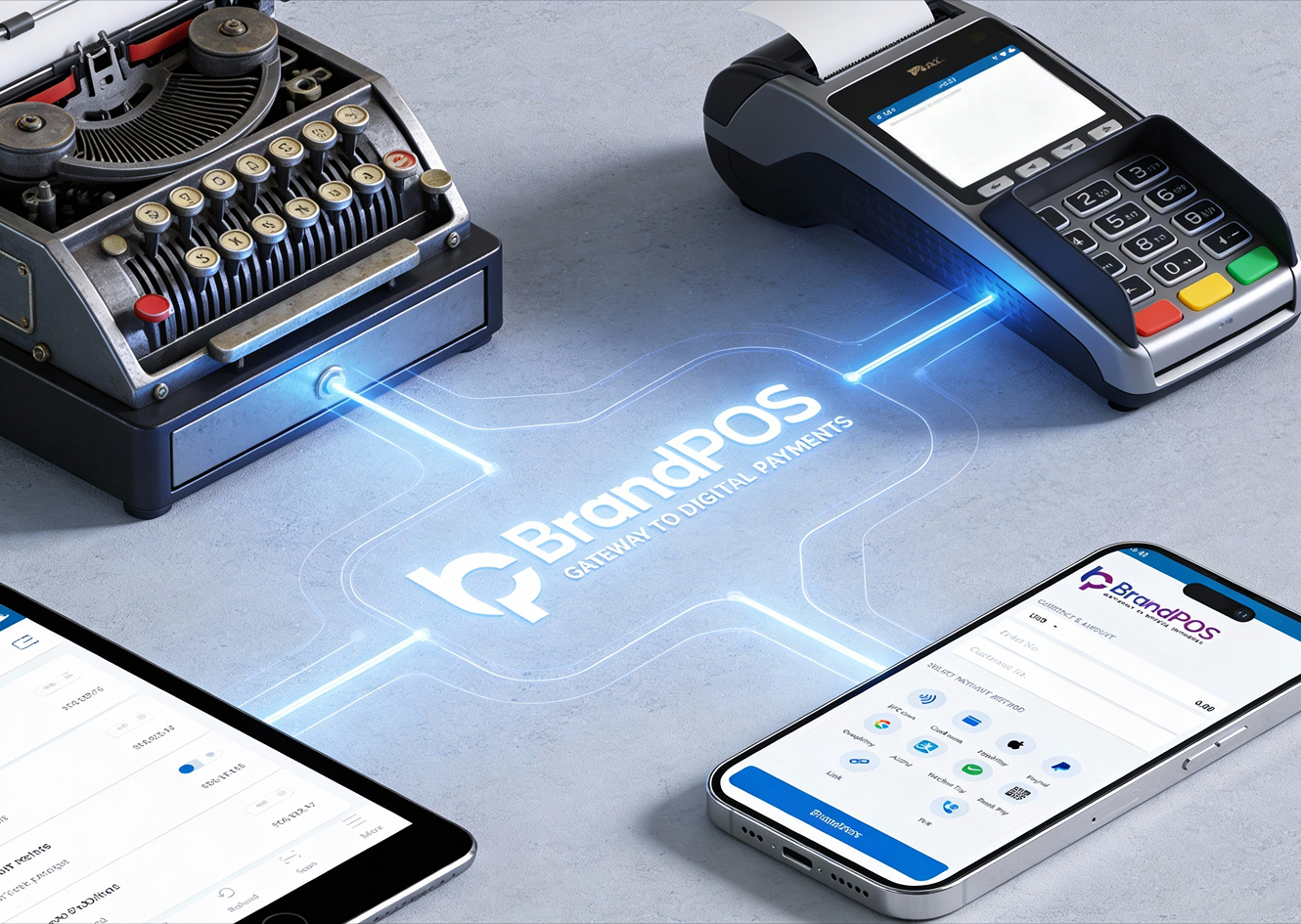
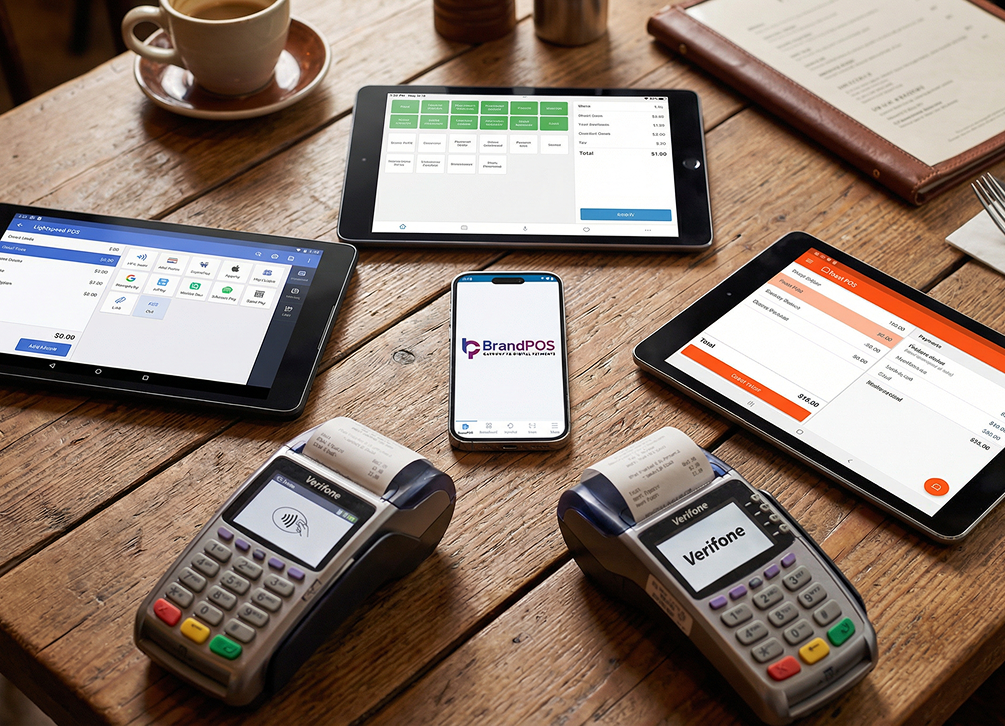
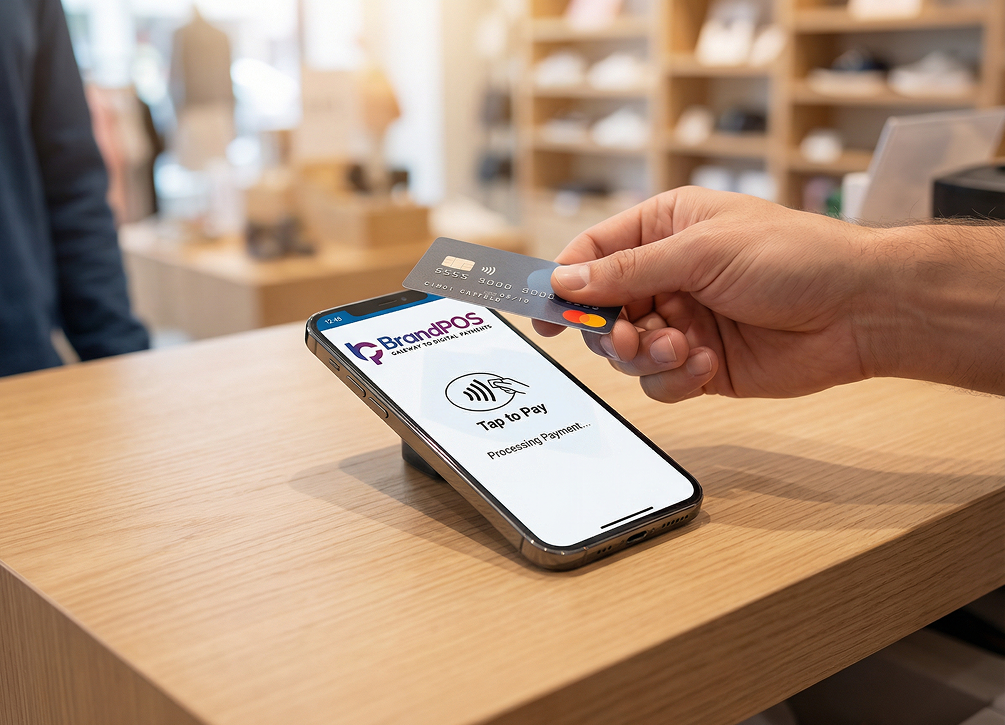
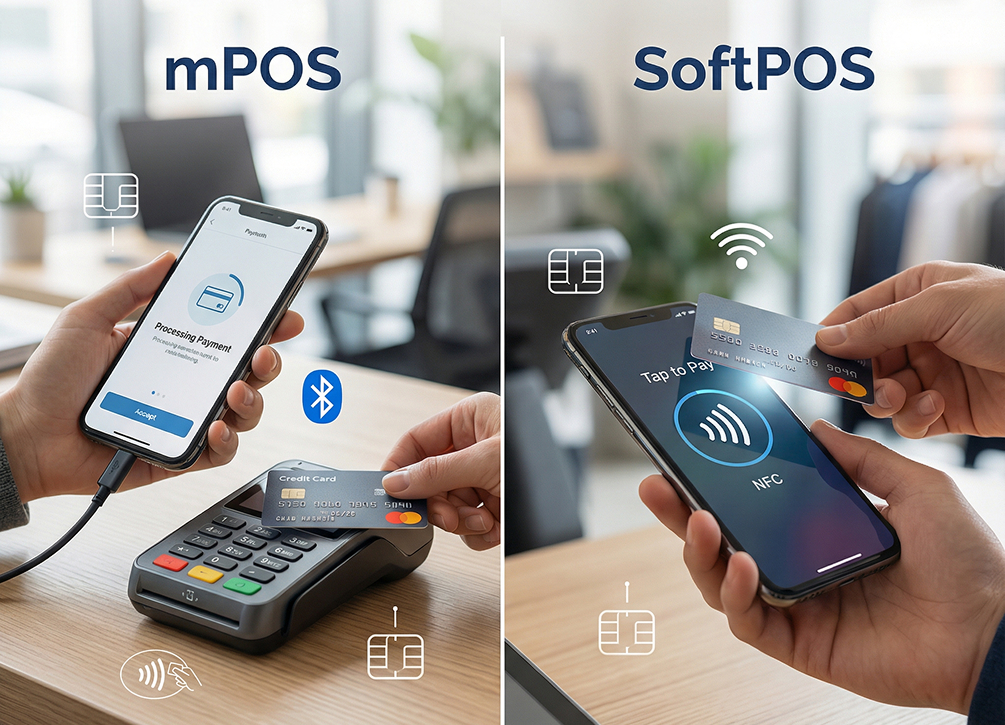
In a traditional POS system, you have to buy separate hardware where your customers can tap or swipe their cards or scan QR codes to pay you. In a Softpos App for IOS, an app replaces the hardware like the POS machine and card reader. You have to download a SoftPOS app like BrandPOS on your iPhone, and voila - your phone now becomes the payment device.
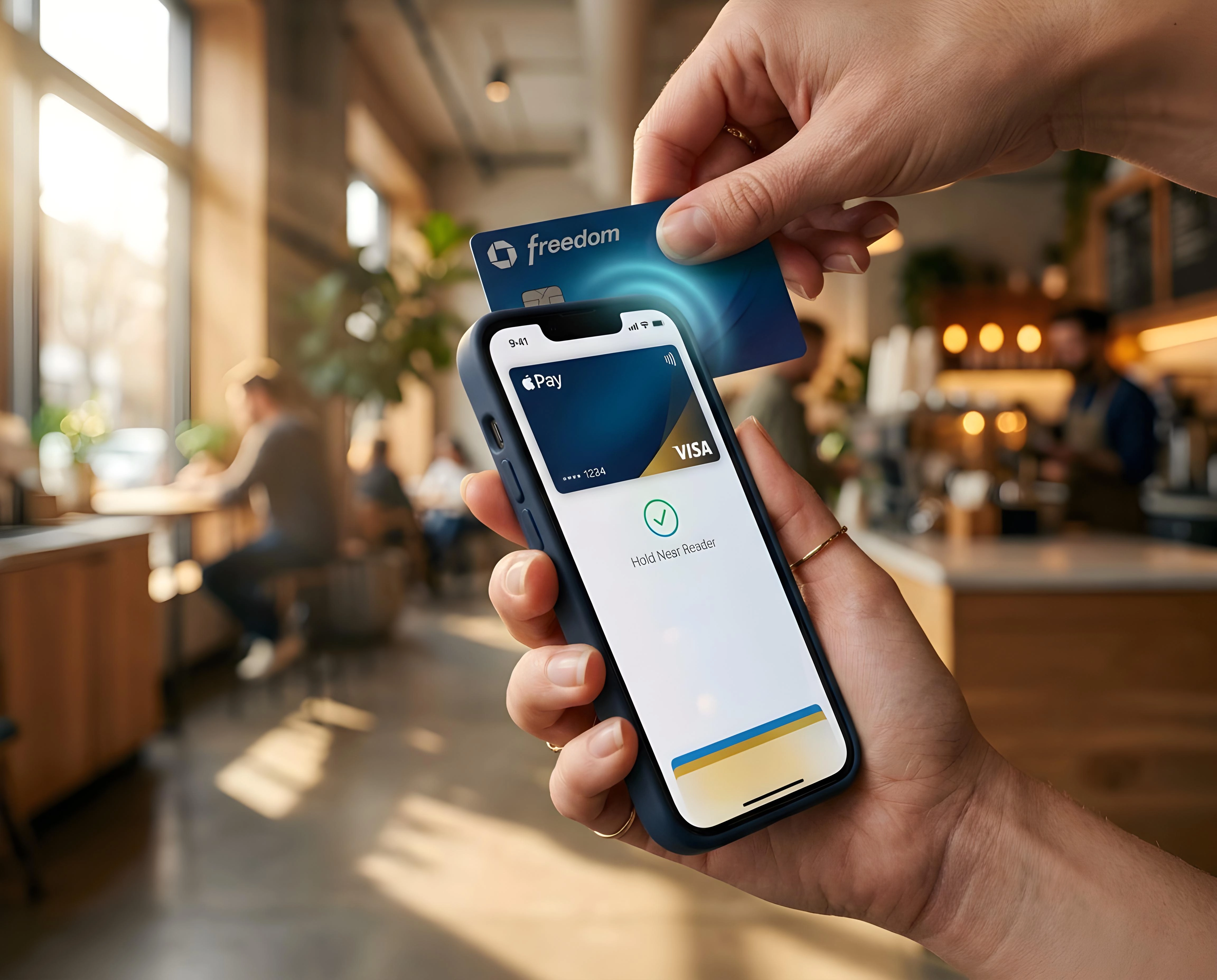
What makes Softpos IOS special is Apple’s Secure Element - a dedicated and isolated chip on your iPhone that handles tap-to-pay and NFC technology-based transactions. Only the apps approved by Apple can use this secure element. So, certified Softpos App for IOS systems must meet strict security guidelines to prevent unauthorized data access.
Top 5 SoftPOS Apps for iOS
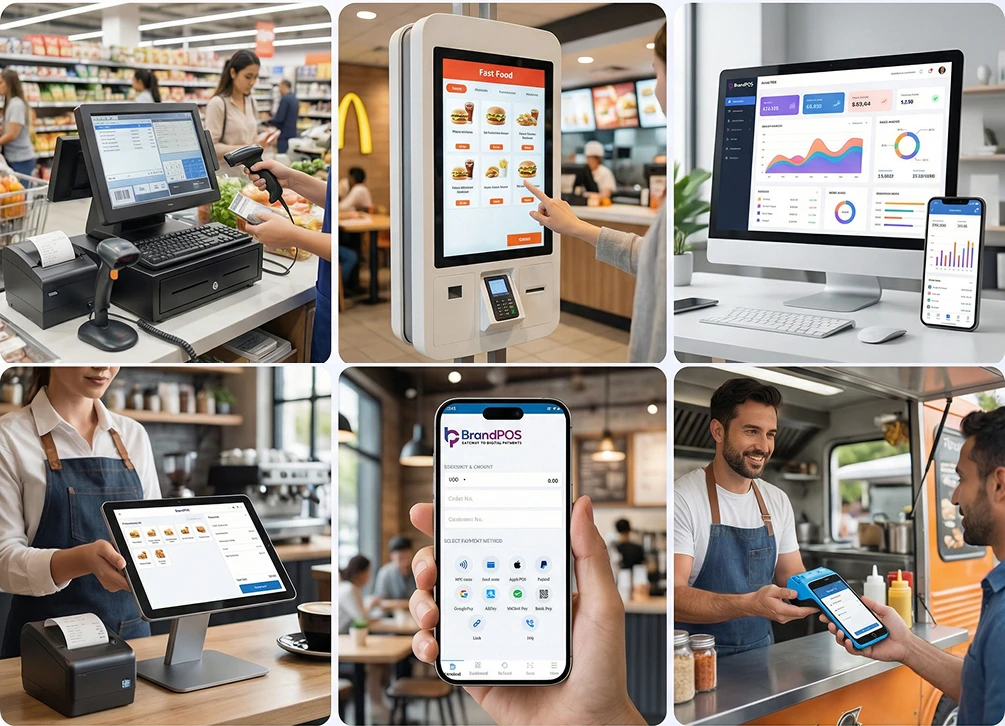
Let us have a closer look at the top 5 options for Softpos App for IOS. These tools are redefining how small businesses and enterprises manage their retail transactions without depending on bulky hardware terminal devices.
| iOS SoftPOS App | Best For | Key Payment Methods | Pricing | Notable Features | Region Focus |
|---|---|---|---|---|---|
| BrandPOS | SMBs, retail, hospitality, field services | NFC, QR, digital wallets, A2A, PSP-based | Free trial; 1.29% flat or monthly plan | Standalone SoftPOS app, no existing hardware POS needed | North America, Europe, Asia-Pacific |
| WaiterOne | Cafes, bars, restaurants, events | Card payments, Apple Pay | $24/month all-inclusive | Restaurant-focused POS with SoftPOS functionality | United States, Canada |
| Softpay App | Enterprises, ISOs, established merchants | Visa, MC, Amex, Discover, digital wallets, BankAxept, Dankort | Commercial agreement | Enterprise-grade SoftPOS with broad payment acceptance | Europe (Nordics and EU markets) |
| SoftPOS SDK | ISVs, fintech companies, payment builders | All card schemes + wallets (via SDK) | Commercial agreement | Customizable SDK for embedded tap-to-pay experiences | Global |
| Nexi SoftPOS | European merchants (Italy, Switzerland, Finland+), enterprise | Contactless cards, Apple Pay, digital wallets | Via Nexi merchant agreement | Backed by Nexi payment ecosystem | Italy, Switzerland, Finland, Europe |
BrandPOS
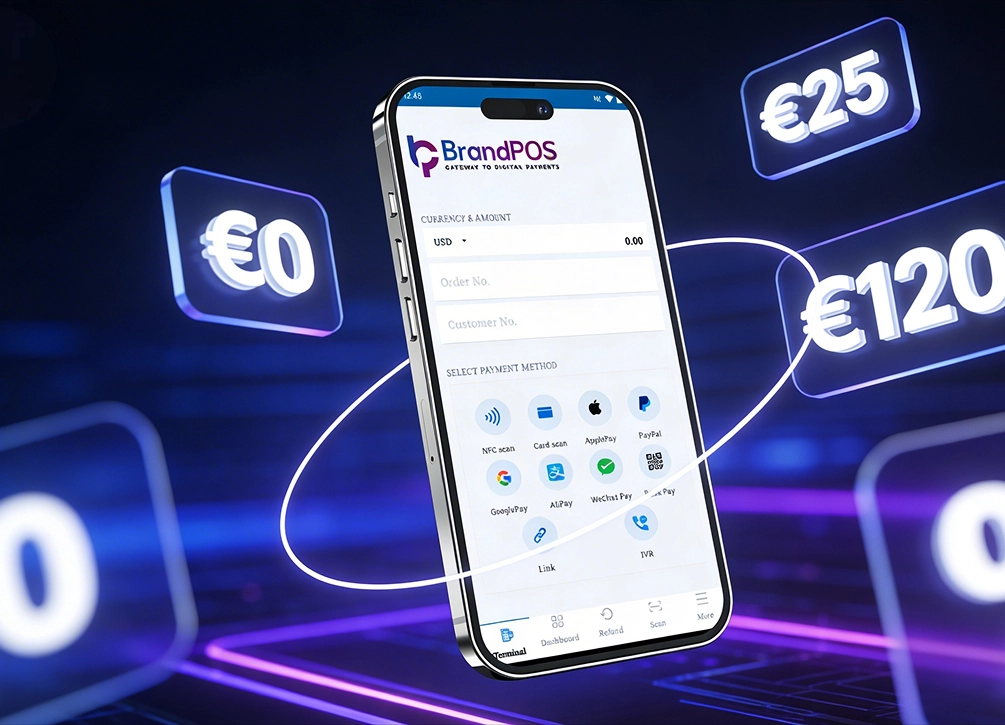
BrandPOS is a modern and versatile SoftPOS app. Its USP lies in the fact that it is a standalone app not tied to any existing hardware POS. So, there is no barrier for entry - any business can install the BrandPOS app and use their phone to accept tap-to-pay payments. Choosing a reliable Softpos App for IOS like BrandPOS means you can launch your storefront immediately with zero hardware investment.
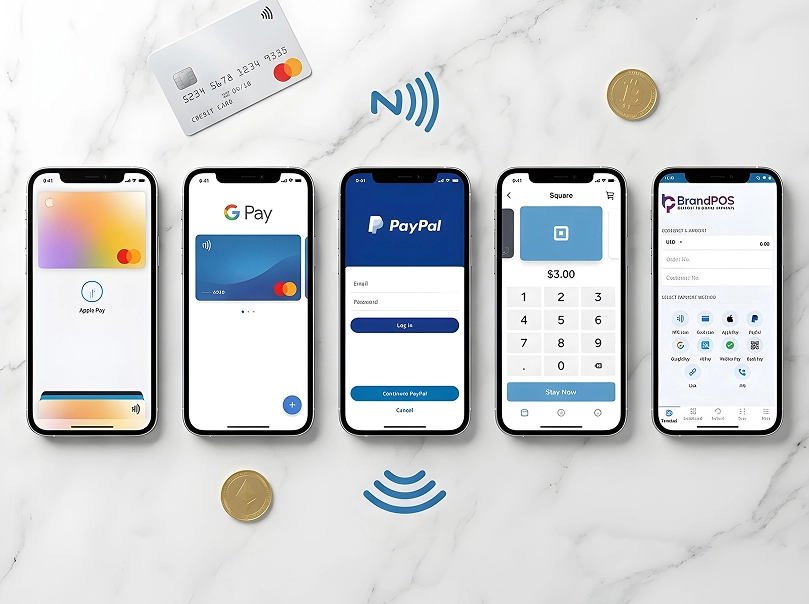
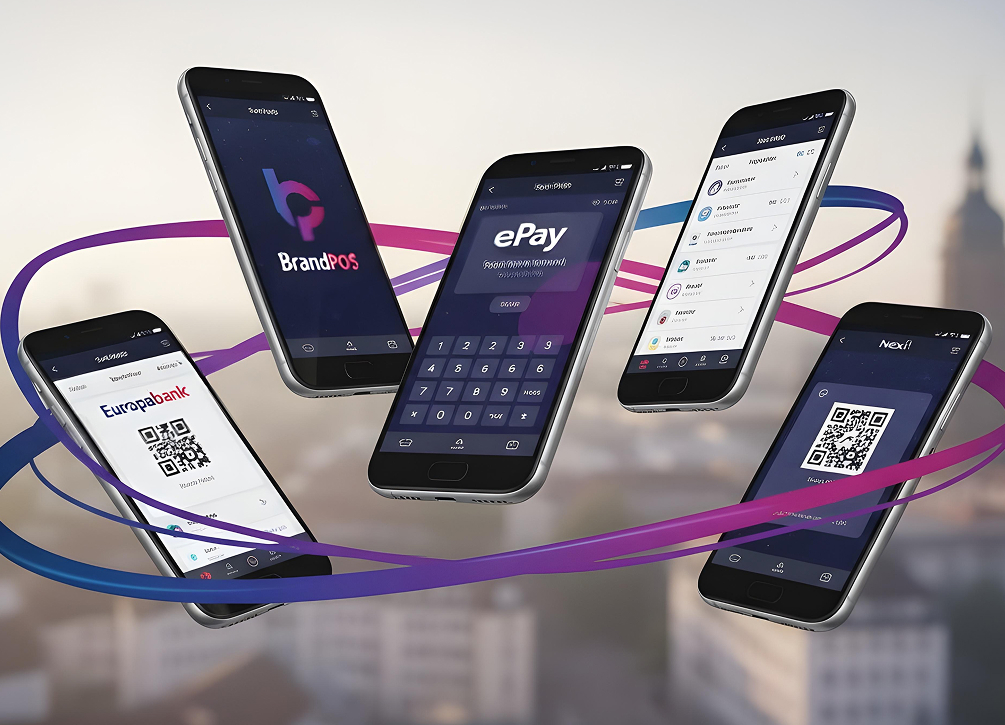
Multiple Payment Options: BrandPOS processes payments from all major tap-to-pay options, like contactless cards, digital wallets, QR codes, links, and account-to-account (A2A). As you know, there is usually a transaction limit on contactless payments. With BrandPOS you can accept PIN-verified payments also within the app; you do not need a separate PIN pad.
- There is a standard plan with the first month free.
- A professional plan with per-transaction pricing of 0.19% (subject to a 20 euro minimum monthly invoice.)
- There are no long contracts, lock-ins, or setup fees.
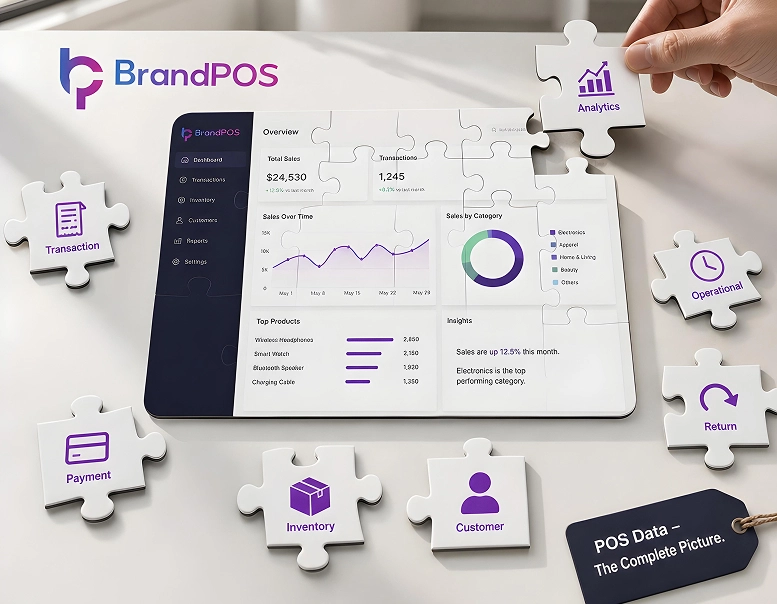
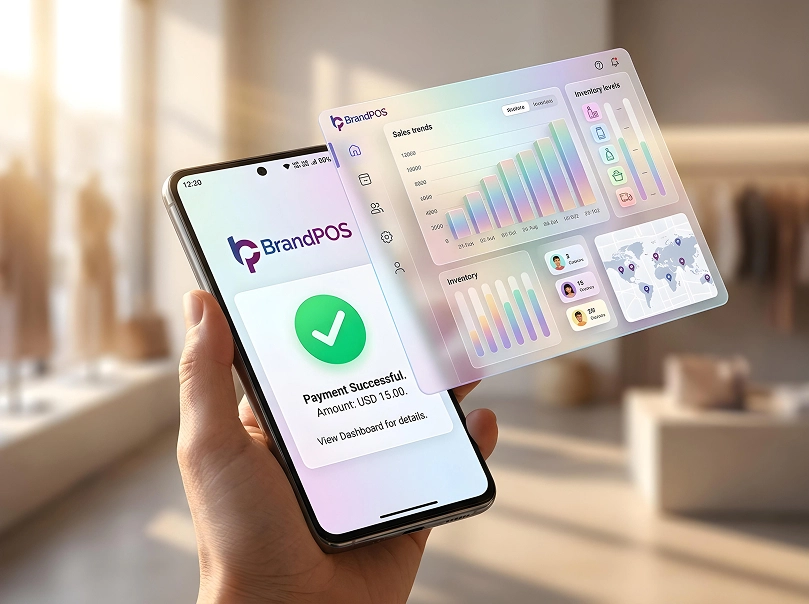
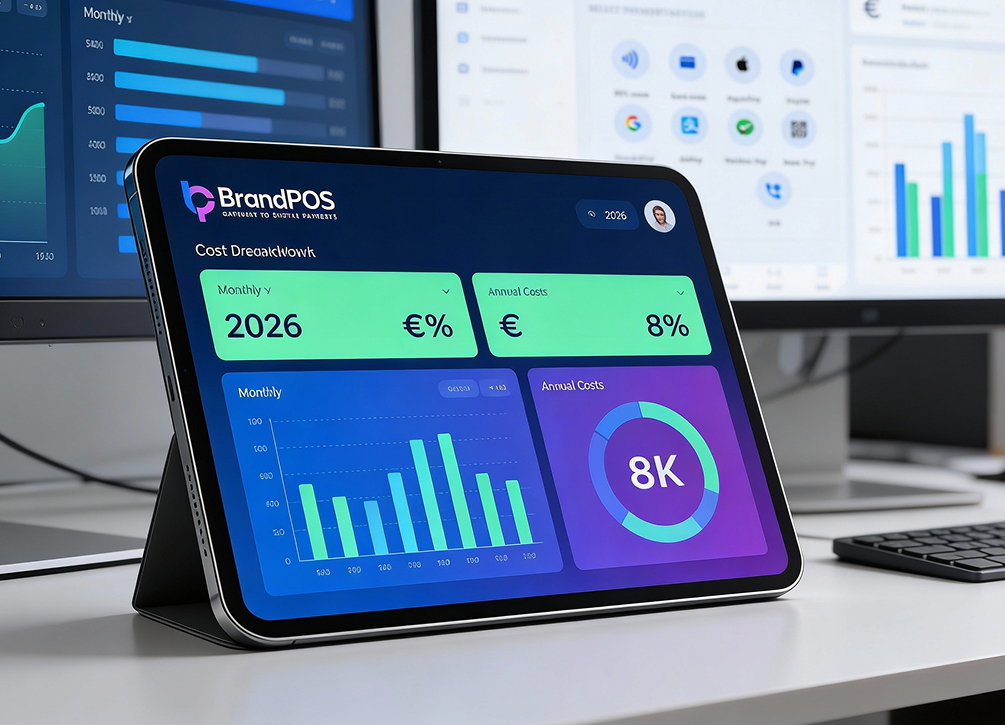
Back-office Features: Along with processing your payments, BrandPOS also takes care of sending digital receipts to the customers. For your sales team, it gives a dashboard with store management, staff tracking, and sales reporting tools. BrandPOS updates the sales data in real-time. The zero hardware costs and high flexibility make BrandPOS an ideal choice for small and mid-size businesses across multiple industries.
WaiterOne
WaiterOne is a POS suite built specifically for the hospitality industry like cafes, bars, events, and food trucks. WaiterOne has been operating in the Apple ecosystem for more than 15 years! It provides a dedicated ordering service designed to run on tablets and smartphones.
The operating mechanism of WaiterOne is that the main app runs on iPad. There is a remote app that can be used on an iPhone or iPod touch as an ordering service. It runs without needing a dedicated server or cloud subscription, a huge benefit for small businesses. The features of WaiterOne specifically cater to the requirements of hospitality, like KDS integration (no order tickets), multi-screen support, and variable pricing.
In the case of WaiterOne, its biggest strength also becomes a huge limiting factor. If your business is not in hospitality, it makes no sense to get this SoftPOS. For standard retailers, selecting a versatile Softpos App for IOS is a much better choice to cover general sales requirements.
Softpay App
Softpay is a Scandinavian-built SoftPOS app and is considered to be one of the most technically advanced standalone payment apps. You can use it as a standalone SoftPOS or integrate it with your existing POS systems.
Softpay’s biggest claim is its transaction speed. Usually tap-to-pay transactions take under 4 seconds. Softpay claims that its app gets ready to tap in a second and completes the payment in under 2 seconds. One point of concern for businesses could be that Softpay is relatively new to iOS and is more established in the Android ecosystem. For merchants requiring immediate deployment, a native Softpos IOS system would ensure seamless integration with Apple's infrastructure.
SoftPOS SDK by Softpay
SoftPOS SDK by Softpay is not a direct iOS app that businesses can install on their iPhones and use. It’s a developer-facing product, i.e., you can embed Softpay’s contactless payment processing capabilities into your own iOS or Android application.
Instead of building a custom SoftPOS app from scratch, businesses can design the user experience with the Softpay features as a shortcut. A key advantage here is that businesses inherit Softpay’s existing certifications and integrations. So, you don’t have to go through the expensive and time-consuming certification process. SoftPOS SDK by Softpay is useful for companies building payment products or large enterprises that want to have their own Softpos App for IOS.
Nexi SoftPOS
Nexi is a major PayTech company which launched its own SoftPOS app for iOS in 2024. This payment provider focuses heavily on European integration, making it a viable solution for merchants across diverse EU regions.
Nexi supports the standard iOS softPOS features like tap-to-pay, sales dashboard, and digital receipts. If you are a European business already using Nexi Mypayments app, the iOS app is a feature addition and a value addition for you. As Nexi is focusing on expanding to more countries in Europe, it's a good choice for multi-country businesses.
- The pricing of the SoftPOS iOS is tied to Nexi's existing merchant agreements. Pricing can vary a lot depending on your country and the type of contract you already have.
- Its operations are limited to and intensively focused in Europe. So, if you are operating in the US or Asia, Nexi may not cover you.
How to Choose the Best SoftPOS App for iOS
Which criteria or features make a Softpos IOS application best fit for your business? Here are the questions to ask before you settle on a specific payment processing solution:
- Does the SoftPOS iOS app support all payment methods & wallets that your customers actually use?
- As we had shared in the beginning of the blog, only the SoftPOS iOS apps approved by Apple can use the Secure Enclave and act as a POS. So, download only the SoftPOS app that has Apple certification.
- Usually a SoftPOS iOS app has 2 pricing components: a monthly subscription charge + transaction fees. Check if the pricing structure fits your transaction volume on both counts.
- Accepting payments is only one of the things that a SoftPOS iOS app does for you. Equally important are business features like real-time sales tracking, inventory management, reconciliation, etc.
- Security & Compliance - Is the SoftPOS iOS app PCI DSS compliant? This is the global security framework for protecting your data and your customer’s data from fraud.
Benefits of Using a SoftPOS App on iPhone
- Tap-to-pay is growing as a popular payment method for people who pay from their phones. Equally, businesses are also looking for more flexible and low-cost payment processing systems. Utilizing a certified Softpos App for IOS checks both these boxes, providing immediate cost reductions and operational flexibility.
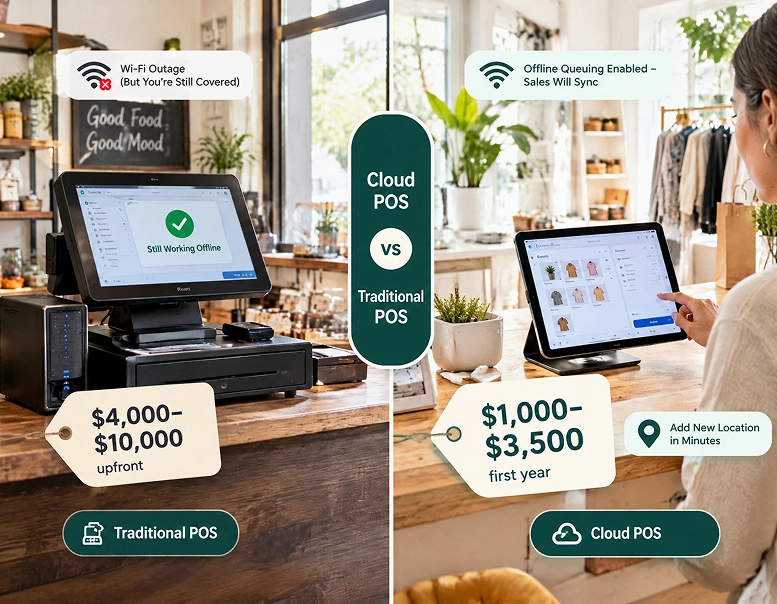
- Zero Hardware Costs: Traditional POS systems have several cost components, like device cost, installation and maintenance expenses, and so on. In contrast, you can use a SoftPOS app on iOS on the smartphone that you already have.
- Fast Onboarding: When you are using a SoftPOS app for iOS, you can download the app and complete necessary formalities within days or hours.
- Ultimate Mobility: If you have a SoftPOS app for iOS, you can accept payments anywhere because your POS is not tied to any cables or fixed to a tabletop.
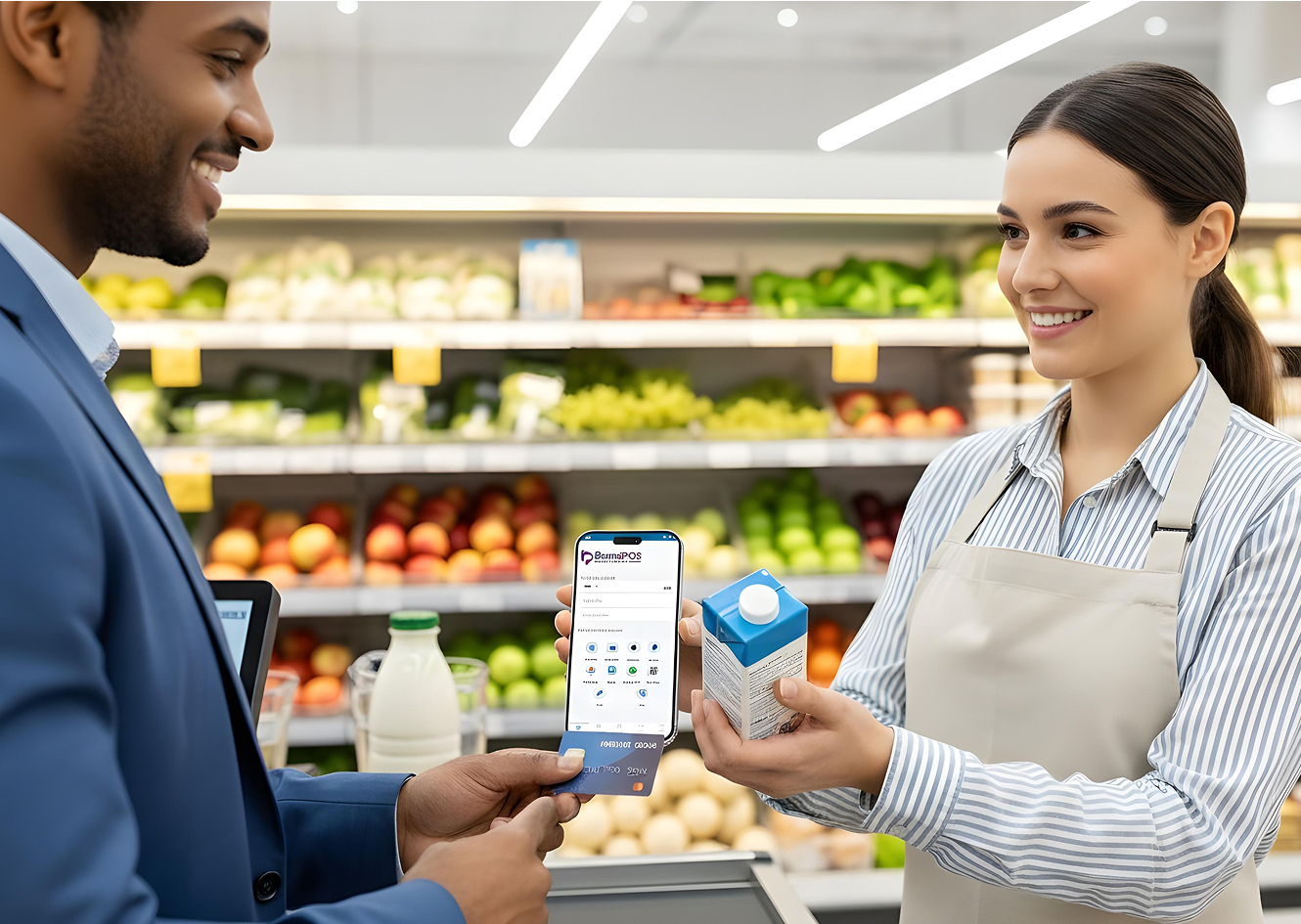
- Better Customer Experience: Customers love the ease of paying anywhere - on the shop floor, at their table, or at their doorstep. As your staff can quickly complete the payments, it saves the customers from the frustration of waiting in a queue.
- Robust Security: Apple’s Secure Element protects the data by encrypting the transaction details and customer card details. The Secure Element does not share the data with any app, iOS, or Apple’s servers.
Start Accepting Payments Today with BrandPOS SoftPOS App
If your business is looking to transition from the hardware-based POS or add a softPOS to your shop floor or pop-up, the BrandPOS SoftPOS app can support you completely. Unlike the hardware-based POS, you don’t have to wait for delivery and set up by a technician to get started.
Step 1: Register on BrandPOS MAS Portal - BrandPOS uses its MAS portal for processing merchant registrations to make the entire process secure and simple. Register your business on the MAS portal with information like the legal name, address, etc. of the business.
Step 2: Verification - BrandPOS needs the merchant identification and tax registration documents of your business for completing KYC (Know Your Customer) checks. You can upload the documents in the MAS portal, and the BrandPOS CRM team will complete the verification. (Account verification may take a few hours to two business days.)
Step 3: Download the BrandPOS App - Only after completing the verification process on the MAS portal, approved accounts can log in to the BrandPOS app. Once your business account is approved, you can download and install the app from the Apple App Store.
Step 4: Log In & Activate Payments - Once your account has been approved by the BrandPOS CRM team, log in to the BrandPOS app using your verified credentials. Based on the payment connectors configured for your merchant account, you can immediately begin accepting payments.
Step 5: Make a Test Payment - After enabling the tap payments in the BrandPOS dashboard, your phone is ready to be used as your POS terminal. But, before using it with customers, make a trial payment from your own card. It will help you check if the transaction is happening smoothly and customers are getting the digital receipts.