Grocery stores are all about convenience to a customer, but to the owner, it is shelves of inventory, rows of staff, and aisles of restocking. The biggest battle to conquer with POS systems is that of perishability. There is a tight/limited shelf life attached to every single item in a grocery store, and thus 'deadlines' are a real deal!
There is zero room for error and grocery stock wastage. POS for grocery stores ensures active tracking of expiry dates and advanced alert systems to help manage the freshness.
Running a grocery store looks simple from the outside. Shelves. Billing counter. Customers in and out. But behind that daily rhythm sits a lot of moving parts. Inventory turnover. Price changes. Expiry dates. Payment speed. Margins that don't leave much room for error.
That's why choosing the best POS system for grocery store operations matters more than most retailers realize. A generic checkout tool may work for a while. But a grocery store usually needs more than just billing.
A competent pos for grocery store shapes the whole functionality around the store, from checkout to stock management. This level of centralisation and ease of supervision aids in the production speed and efficiency. The grocery store can release near-expiry items by giving 'Flash sales' to prevent their inventory to become a landfill.
What Are the Point of Sale Systems for Grocery Store?
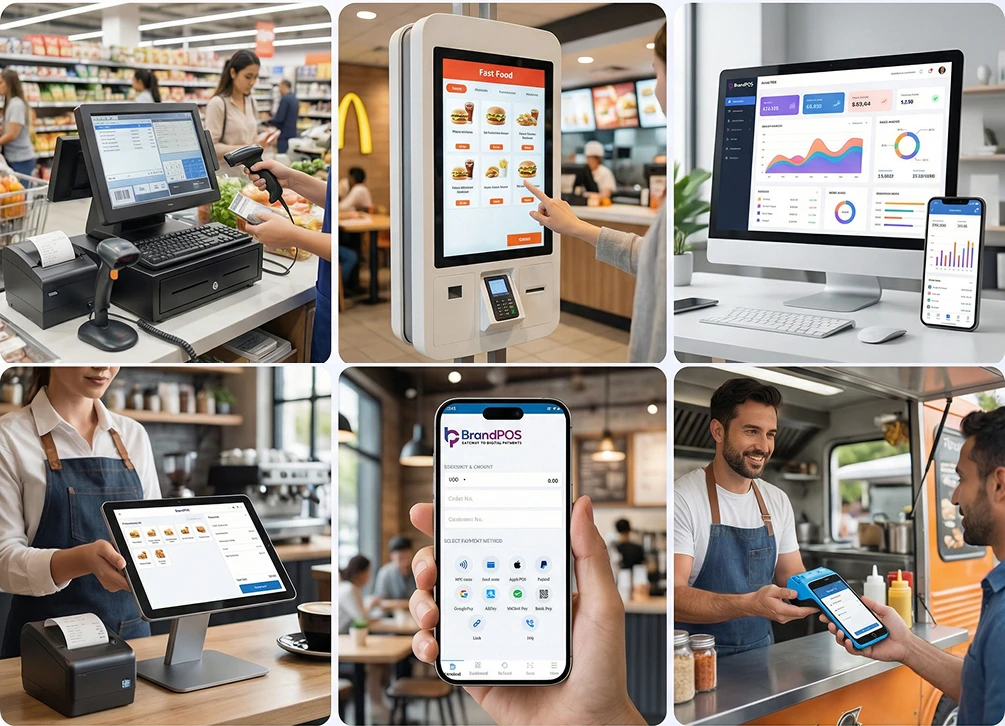
A POS system for grocery store is a combination of software and hardware that handles daily sales, tracks inventory, manages pricing, and records transactions in real time.
A grocery POS is built to handle high-volume, low-margin sales. It processes barcodes quickly. It manages thousands of SKUs (15,000 to 30,000 SKUs or even more). It adjusts prices frequently. And it supports multiple payment methods without slowing down the line.
Everything is at high stake; the in-store transaction time can be reduced to as low as 8.4 seconds per checkout. Traditional POS, on the other hand, takes about 30 seconds. As a rule of thumb, the more the lag, the less the retention.
POS for grocery store environments focuses on speed, accuracy, and control. All at once. It increases the checkout capacity of a store by 40%.
Ready to ditch the card machine?
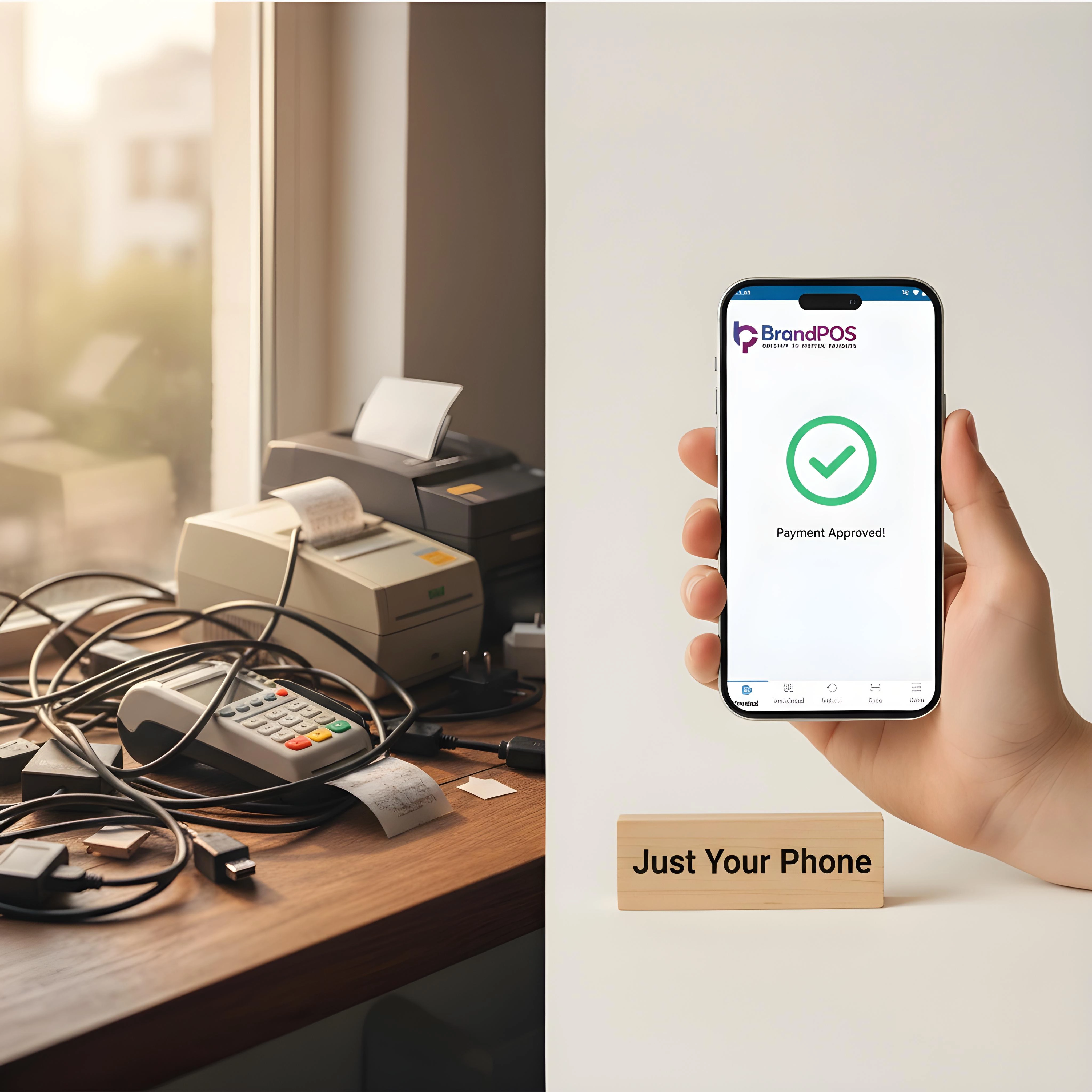
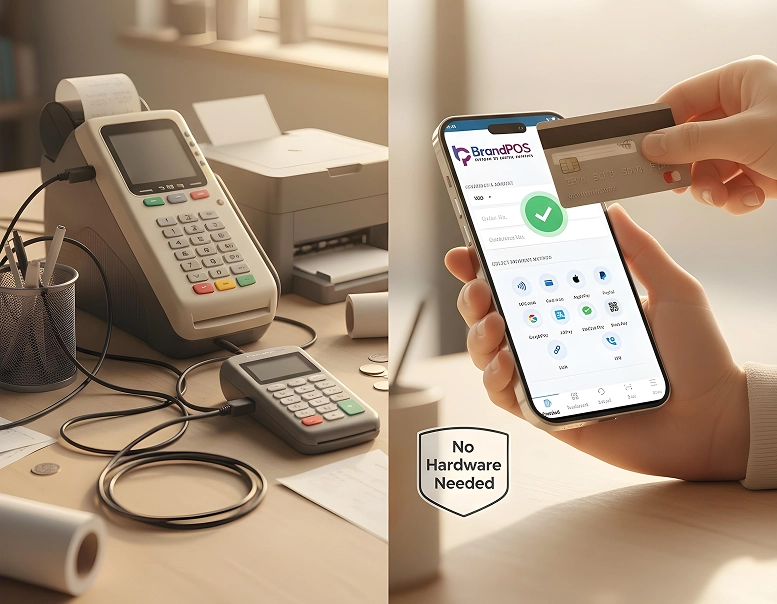
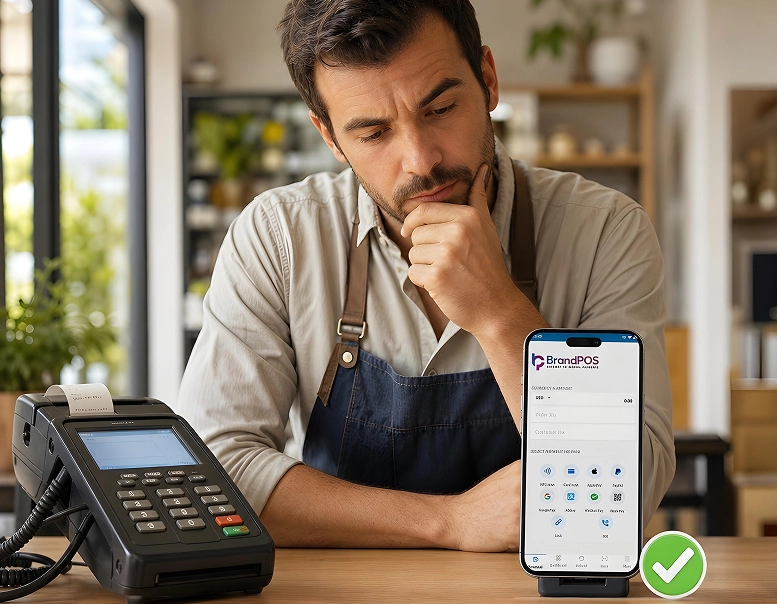
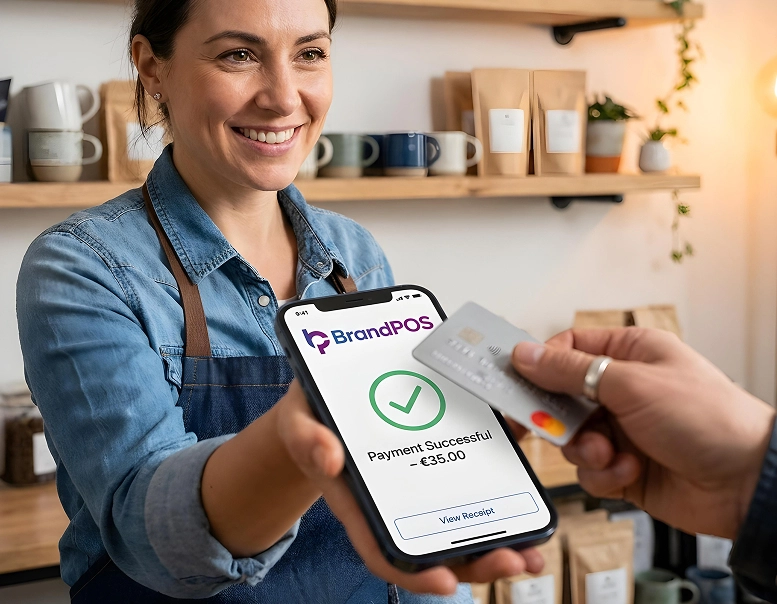
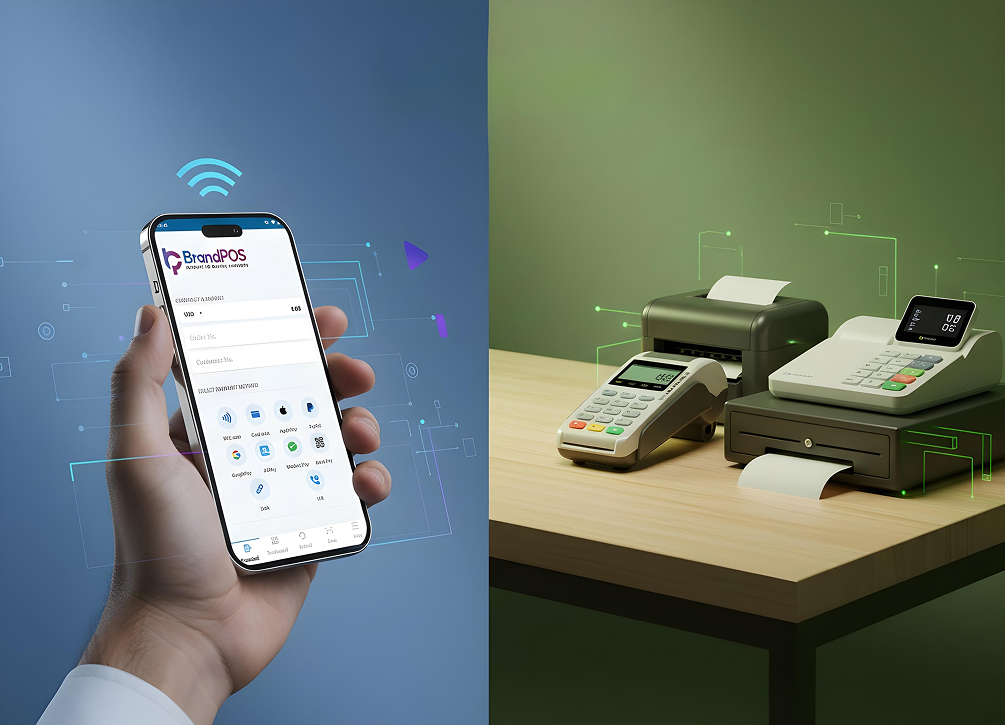
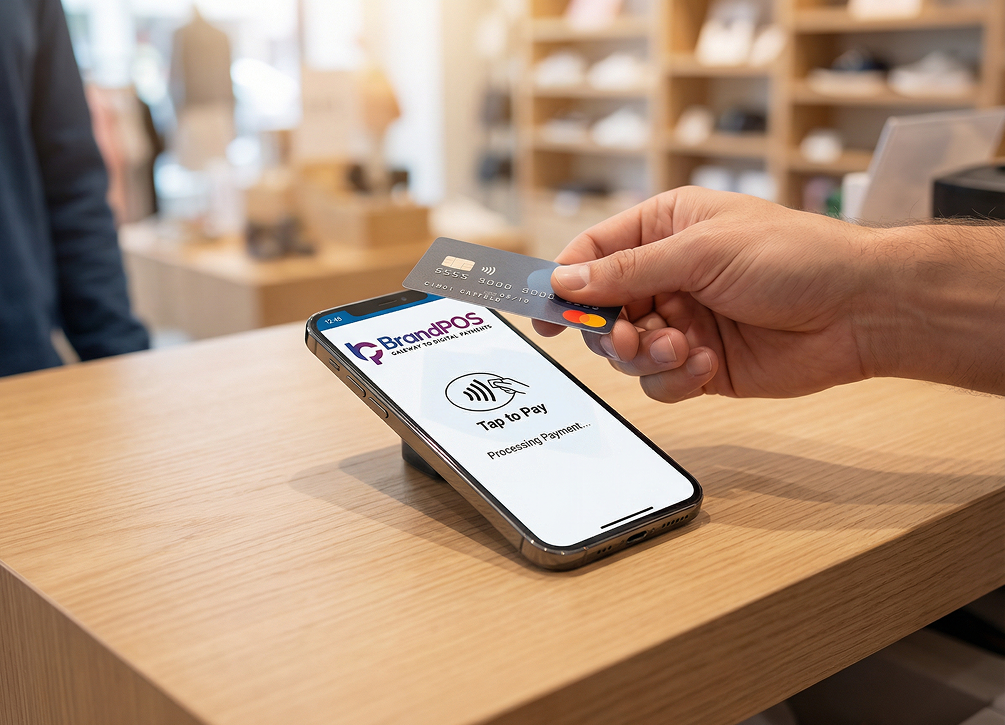
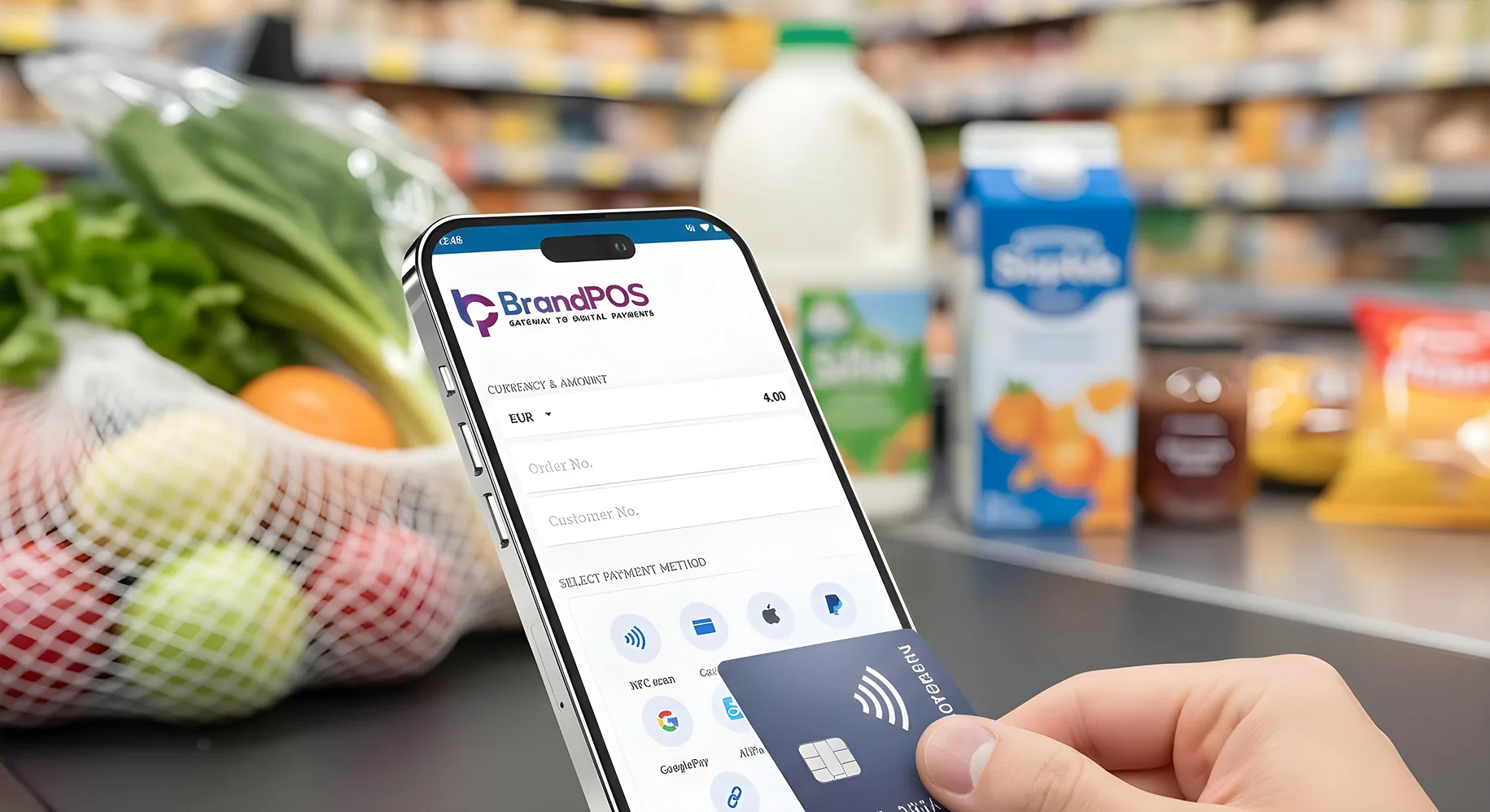
BrandPOS turns any Mobile phone into a certified POS terminal - no cables, no setup headaches.
Get Started for FreeWhy Do Grocery Stores Need a Specialized POS System?
Grocery stores operate differently from apparel shops or electronics outlets. Products move fast. Some expire quickly. Prices fluctuate. Margins are thin.
For example: if it recognizes that milk sales spike on Friday evenings then it will automate a restock order on wednesday. Grocery stores will neither have empty shelves, nor expired surplus.
A specialized grocery POS helps manage:
- Rapid inventory turnover
- Has Electronic Shelf Labels (ESL)
- Adapting dynamic pricing via POS can raise the margin by 2% to 5%.
- Monitor Batch and expiry tracking
- Weighted items and barcode scanning
- The POS can keep a segment of the inventory specifically for 15-minute delivery apps (e.g., DoorDash, Getir)
- The system can trigger hyper-local 'Flash' loyalty discounts
- Fast checkout during peak hours
Without the right POS system for grocery store, staff may rely on manual workarounds. That usually leads to billing errors, stock mismatches, and longer queues.
Over time, these small inefficiencies add up.
Top 5 Best POS Systems for Grocery Store: Which POS Is Best?
There's no single grocery pos for every store. But some pos for grocery store platforms are better aligned with grocery workflows than others.
BrandPOS
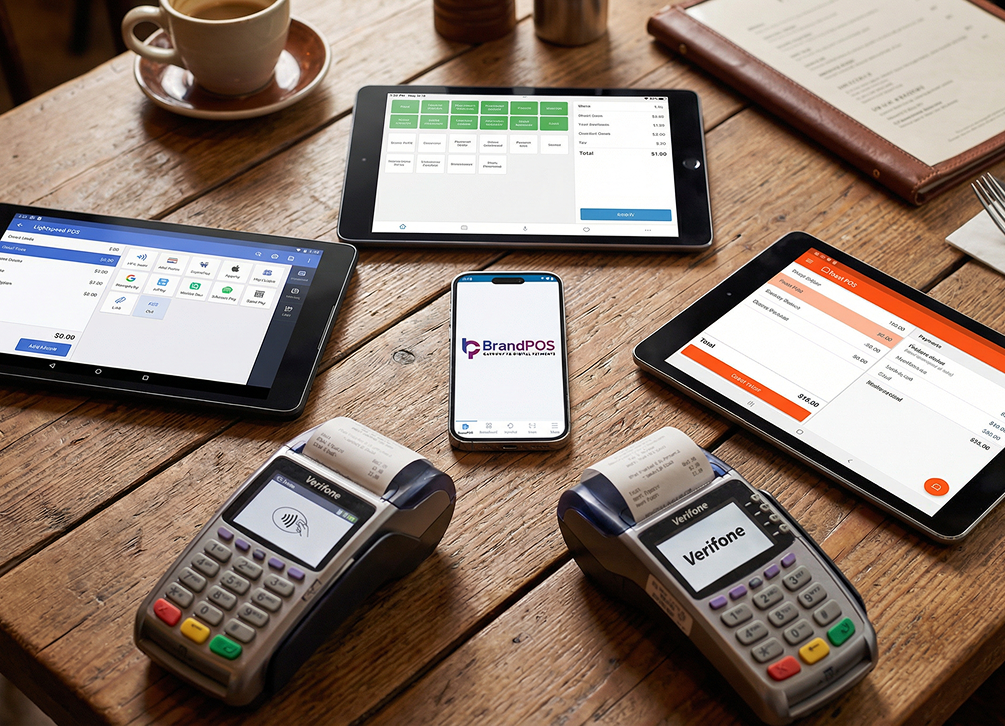
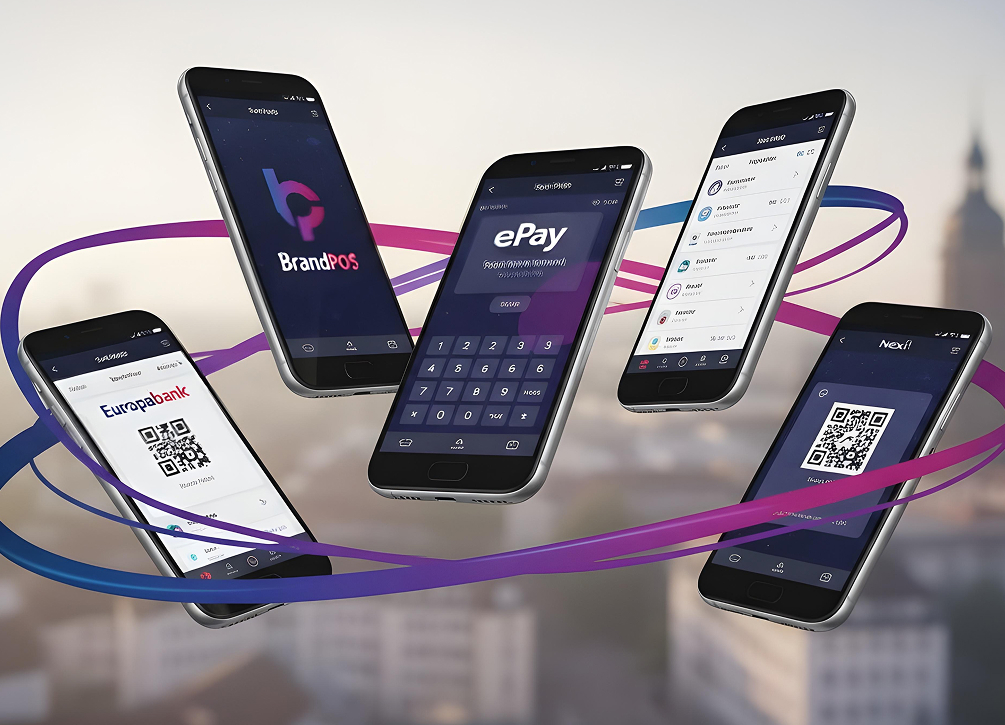
BrandPOS focuses on mobile-first, SoftPOS-driven checkout - it has a radical and industry-forward approach towards zero-hardware entry costs. For grocery stores willing to employ Instant 'Pop-Up' checkout lanes without any expensive payment terminal, this is the best way forward. It uses PSPs like Novalnet, Paypal, etc. The smarter and quicker something is, the higher is it's vibe value. All merchants love BrandPOS as the best POS system for grocery store! If someone expects high agility, minimal capital expenditure, maximum mobility - it is a business accelerator.
Square
Include an all-in-one payment ecosystem to use its powerful dashboard that links physical store inventory with an immediate online storefront. SquarePOS encourages rapid expansion and aids to emergency repairs. Feel financially empowered.
Lightspeed Retail
Lightspeed offers advanced inventory and reporting tools that works in a legitimate lightening speed. Access it's powerful VMI Vendor Managed Inventory portals which is highly optimised for complex capabilities. This pos for grocery store is a mastermind from every angle!
Clover POS
Clover provides hardware-centric POS systems with customizable apps. Some grocery stores prefer it for its all-in-one terminal setup. It is a blend of hardware and software. The customizable apps it offers include specialized tools, like a 'produce scale manager' or a 'digital couponing app'. Customize the robust system they already trust. The terminals are reliable and have professional aesthetics.
Local ERP-Integrated POS Systems
These are the compliance champions indeed. In some regions, grocery stores use POS systems tightly integrated with local accounting or ERP tools. These are often chosen for compliance or taxation reasons. Integrate Enterprise Resource Planning (ERP) or accounting software (e.g., specific regional versions of SAP or Xero) to ace the game. The local systems can handle complex local taxation rules (e.g., varying VAT rates for different food categories) - thereby, removing the risk of costly government audits.
The best POS system for grocery store ultimately depends on store size, transaction volume, and budget.
Key Criteria to Evaluate a Grocery Store POS System
Before choosing a POS system for grocery store, it helps to evaluate a few practical criteria.
- Higher the checkout speed, happier is the customer. Abandoned carts are lessened dramatically.
- PLU code errors that typically cause a 2-3% margin loss due to 'incorrect item' entry - are completely avoided.
- Top-tier systems POS systems are very smart with inventory assessment. It adds to the edge of the competitiveness of the merchants' grocery store businesses.
- Inventory depth matters. Grocery catalogs are large.
- Dynamic Electronic Shelf Label (ESL) can trigger 'happy hour' sales or can refresh prices after a new tax regime that (potentially) reduces the tax prices on their existing stock. E.g., 30% off corn at 6 PM; or, Flat price deals of the day.
- The unit of measure plays the cover drive for grocery stores. It is unique as it sells by weight, volume, and count, therefore in traditional POS settings that might bringforth discrepancies. Digital POS can have sub-sections based on weight and units. E.g., selling a 5lb bag of potatoes as one unit vs. selling loose potatoes by the ounce/selling loose pineapples by unit.
- Pricing control matters. Discounts and offers change often.
- Stores like REWE or Edeka have online grocery store interfaces as well as in-store customers. This might lead to a 'phantom stock' issue - where the online and offline inventory/sales/orders get merged due to technical errors. But digital mobile grocery POS never has this issue - rather, it works like a charm for click and collect grocery interfaces.
- Pos for grocery store is paperless, so undoubtedly it is a sustainable way forward.
A strong pos for grocery store solution should also scale as the store grows, without forcing a complete system change later.
Your Phone Is Already a POS Terminal
Stop paying for hardware you don't need. Download BrandPOS and start accepting payments in minutes.
Download the App FreeMust-Have Features in the Best POS System for Grocery Store
Active operational intelligence is sought after as a must-have. A top-tier POS system must act as a protective layer for your margins.
The best pos for grocery store typically includes:
- Barcode and SKU management. Digital tags on the shelves can add upto better stocking with Electronic Shelf Label (ESL).
- A good customer experience and a good staff experience based on the UX/practical usage.
- Differentiation capability amidst stocking - e.g., a Gala from a Fuji apple. This reduces checkout time by 10–15 seconds per customer and diminishes selection errors.
- Unit-of-Measure (UOM) Flexibility - while selling groceries by weight and/or by unit - simultaneously.
- Real-time inventory updates via the Vendor-Managed Inventory (VMI) portals with the embedded dynamism of flash sales to clear out about-to-be-expired perishable items off the shelf.
- Expiry and batch tracking. The system indicates 48 hours before the expiry of an item.
- Express lines - During peak hours, staff can process 5-item (or fewer) baskets directly in the aisle. This lessens the visual queue. The less the queue, the more the customer is likely to check out. So it is either a checkout or a walk-out.
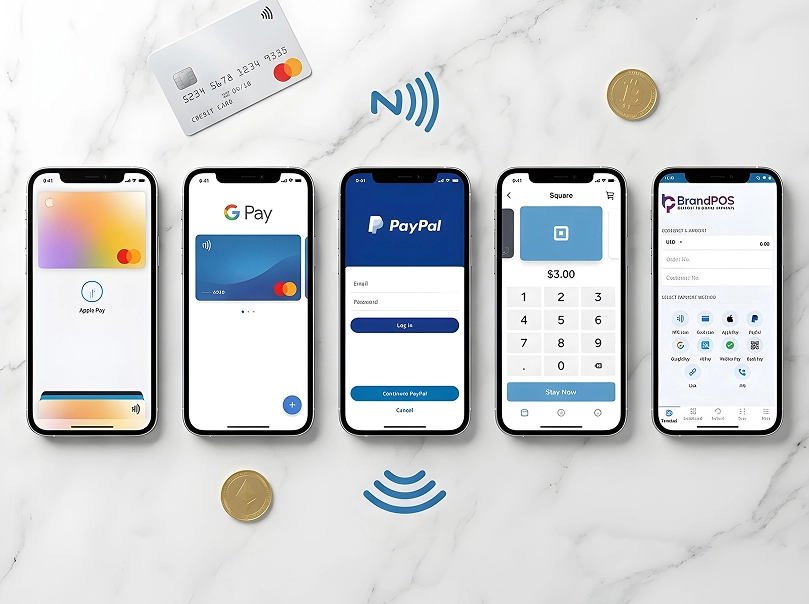
- Multiple payment methods to cater to everyone.
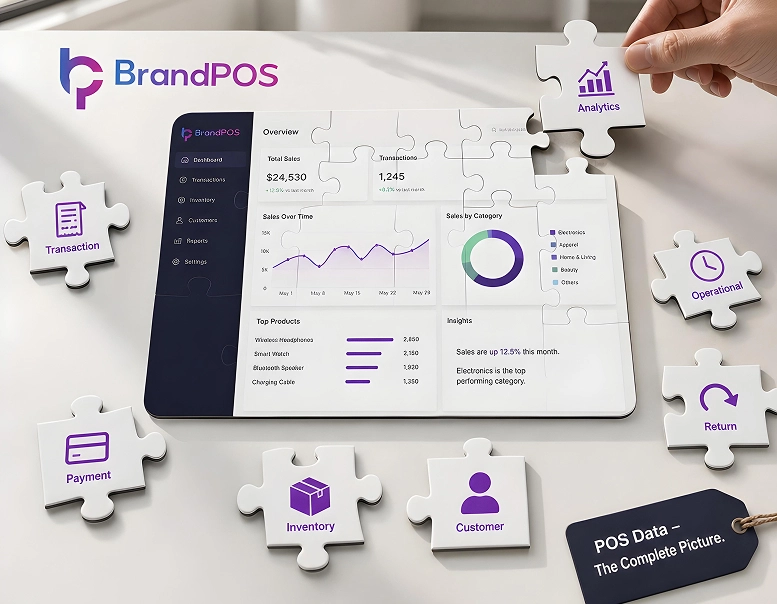
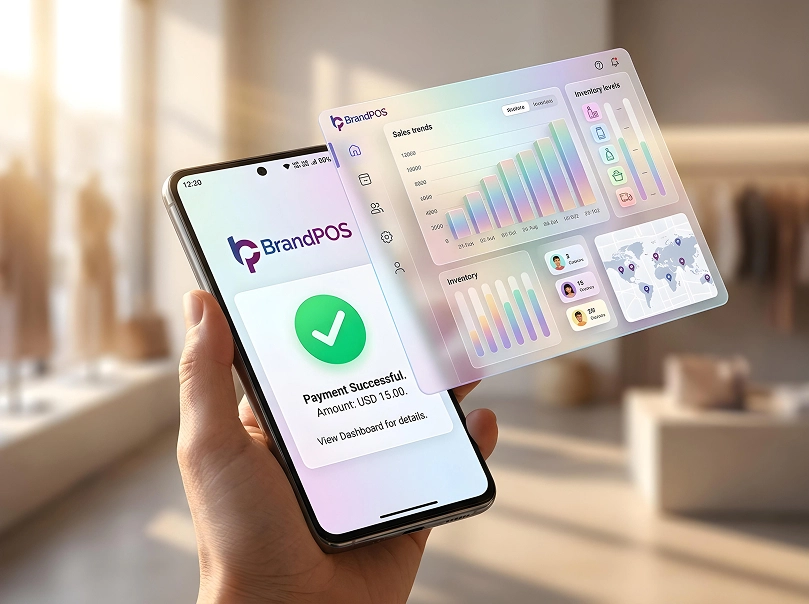
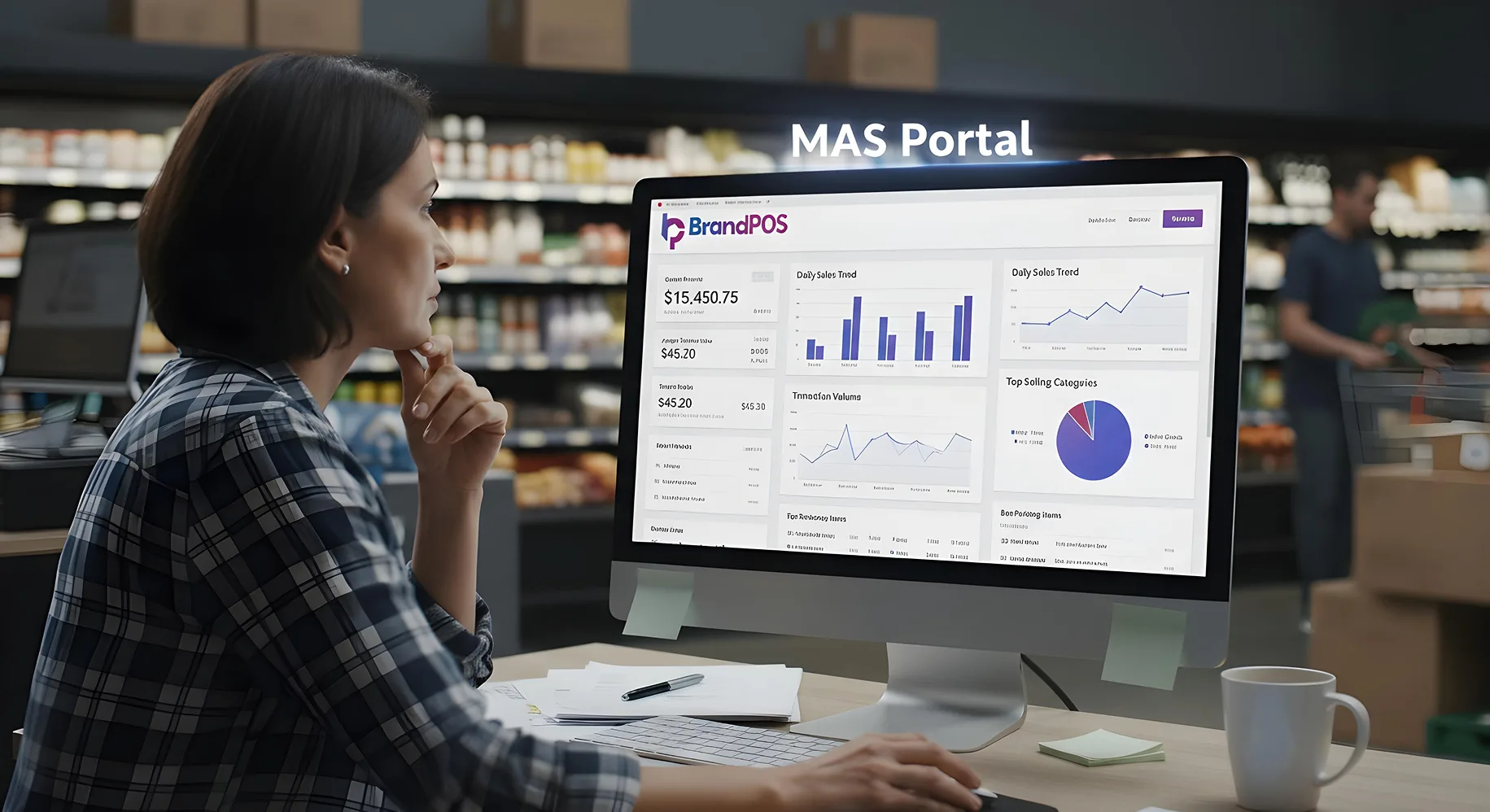
- Reporting and sales analytics for better auditing understanding.
A well-designed grocery POS reduces manual work and helps staff focus on customers instead of screens.
What Are the Cost Considerations for a POS System?
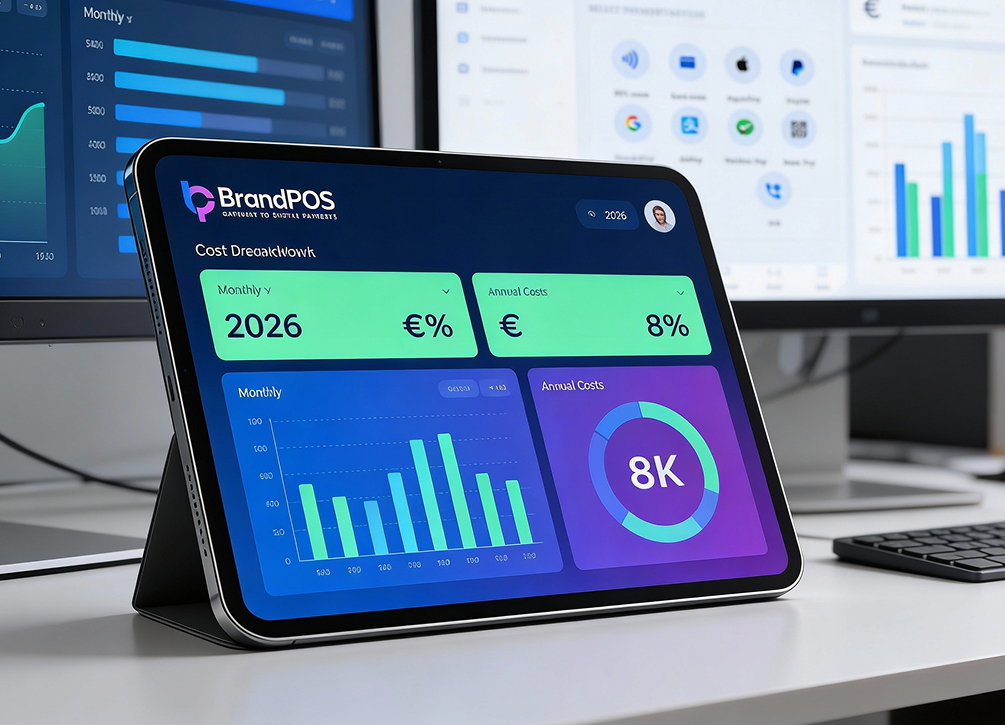
For independent grocery stores, in 2026, all are Software-as-a-Service (SaaS) models.
A POS system for grocery store may involve:
- Software subscription fees - that can be of the basic ($0 to $50/month) or specialised tier ($60 to $150+/month). The specialised tier includes advanced features for smart centralisation of store payments, stock, and audits. Enterprise-level POS systems can reach $150–$400/month. Good news is, with BrandPOS SoftPOS, every level of organization pays a similar fee which is minimal too - a true industry differentiator.
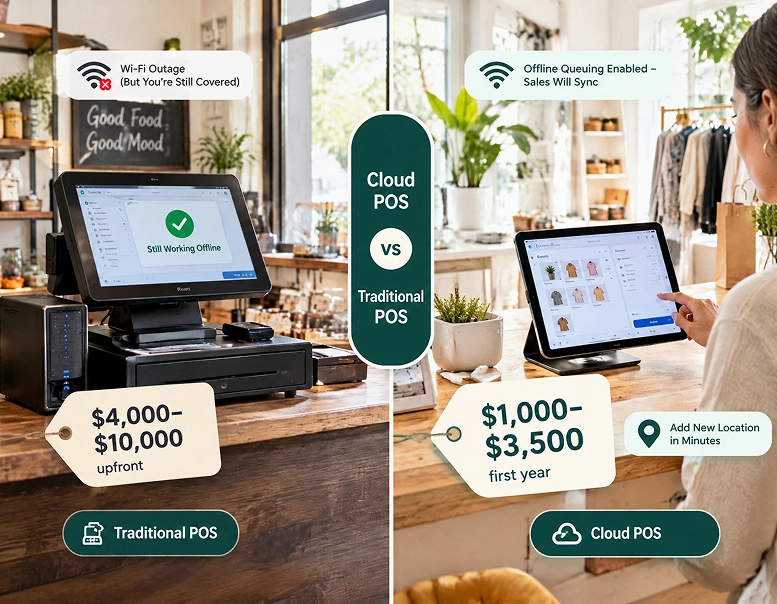
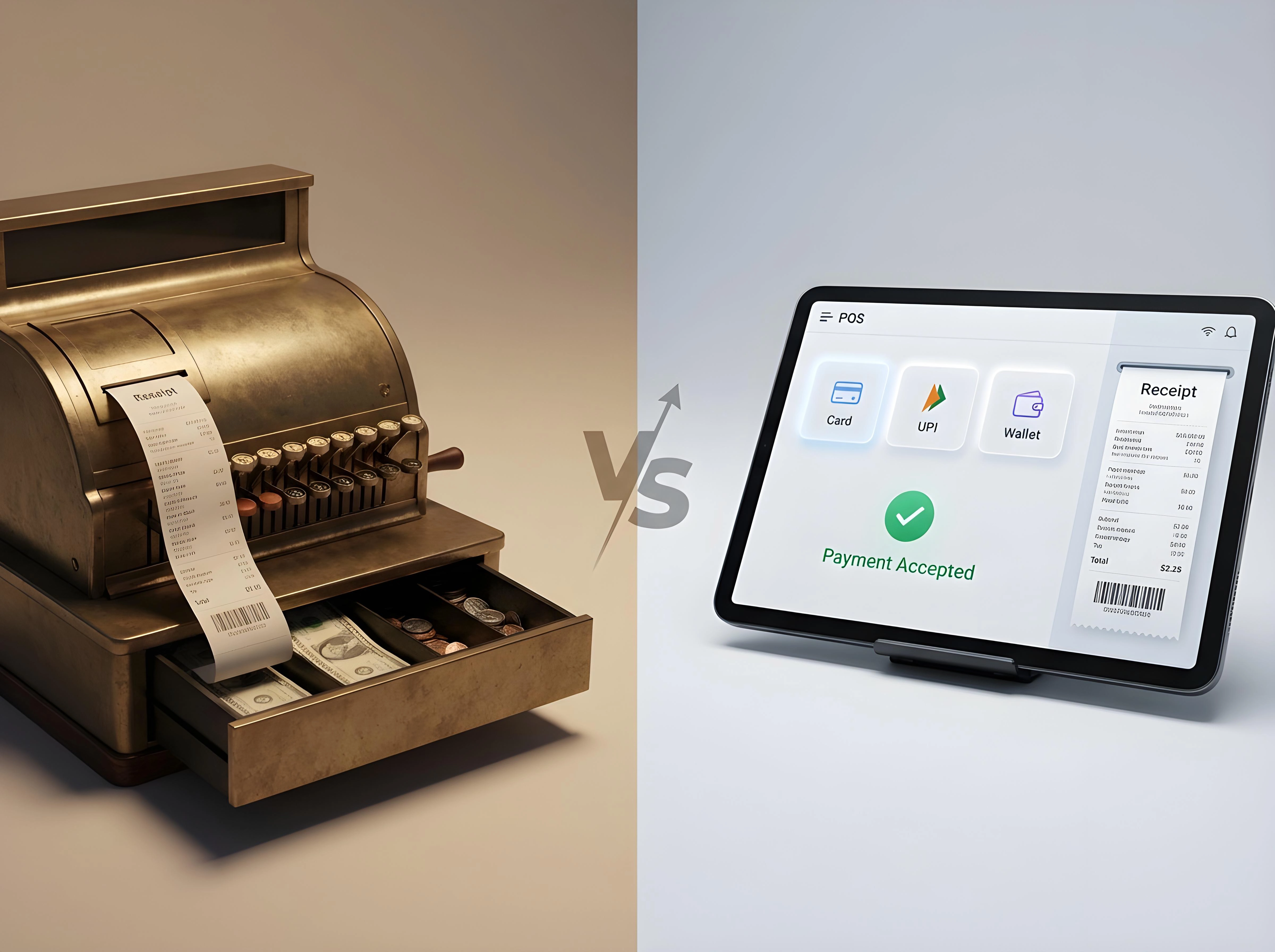
- Hardware costs (terminals, scanners, printers) - new age digital POS softwares launch a 2.0 version of smart hardware - that can cost separately.
- Payment processing charges can range anywhere from 2%-5% of the transaction.
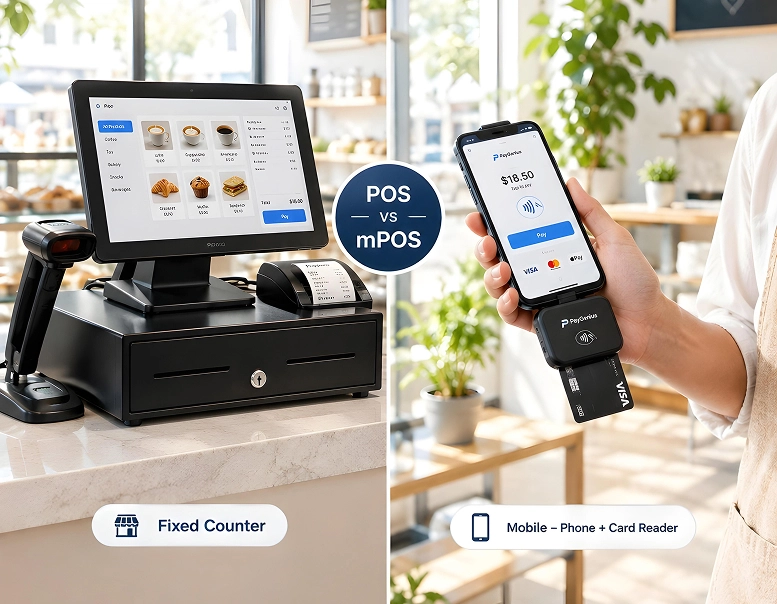
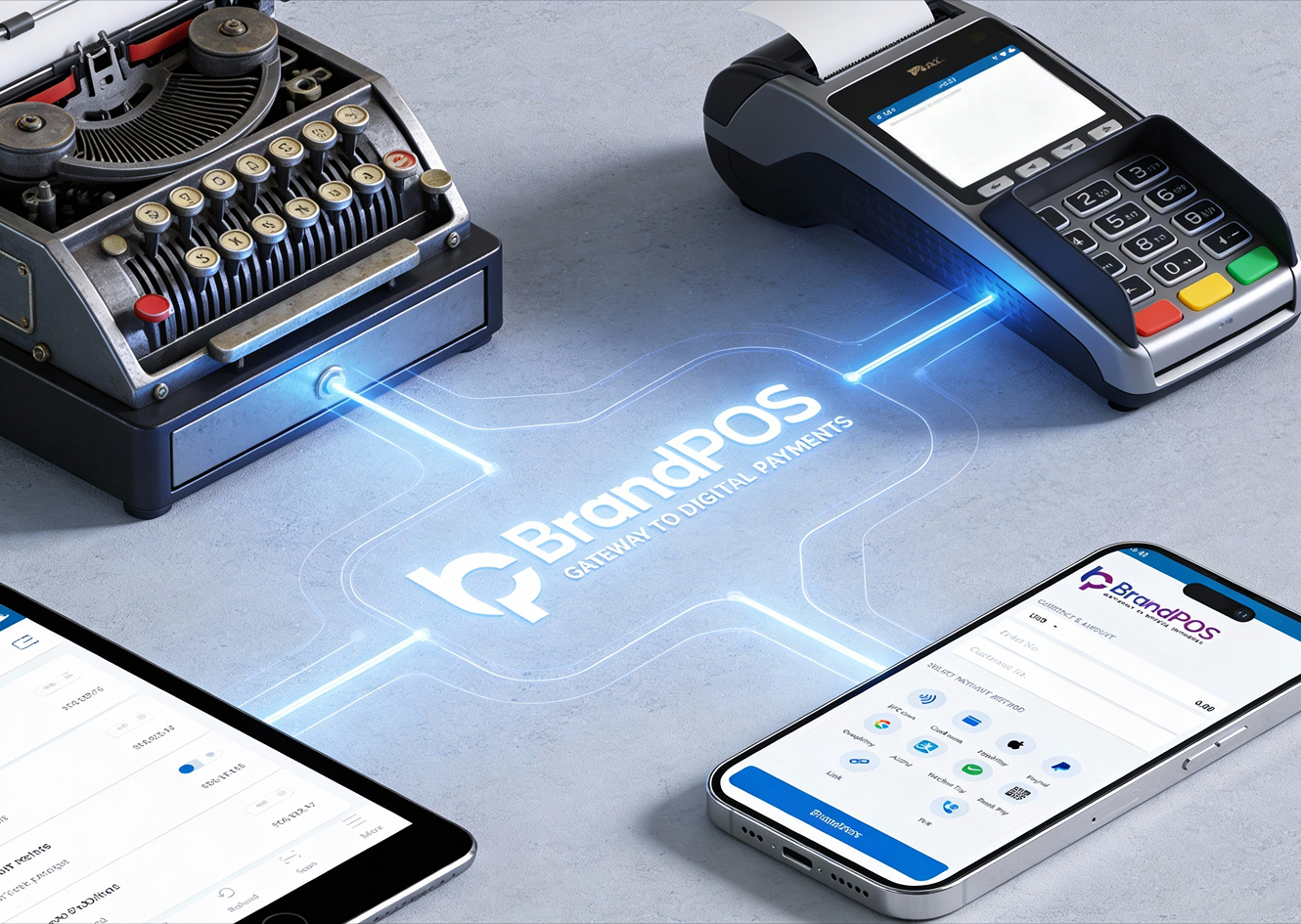
- Traditionally, a full counter-top setup can reach upto $2,000+ for terminals, printers, and scanners. Even an annual compliance charge costs around $100/year to ensure data security.
Newer SoftPOS-based models reduce hardware costs and spread expenses over time.
Understanding the total cost of ownership is more important than just the sticker price.
Why is SoftPOS Best for a Grocery Store?
SoftPOS is gaining attention in grocery retail for a reason.
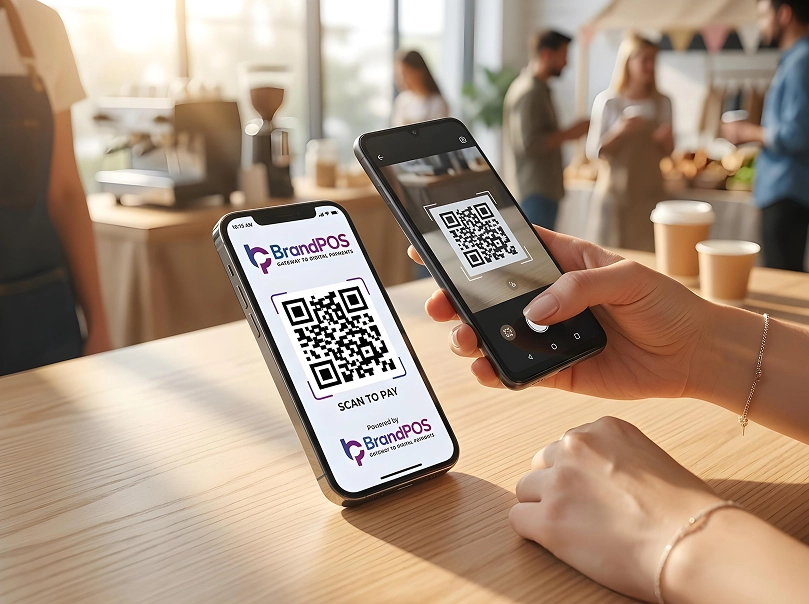
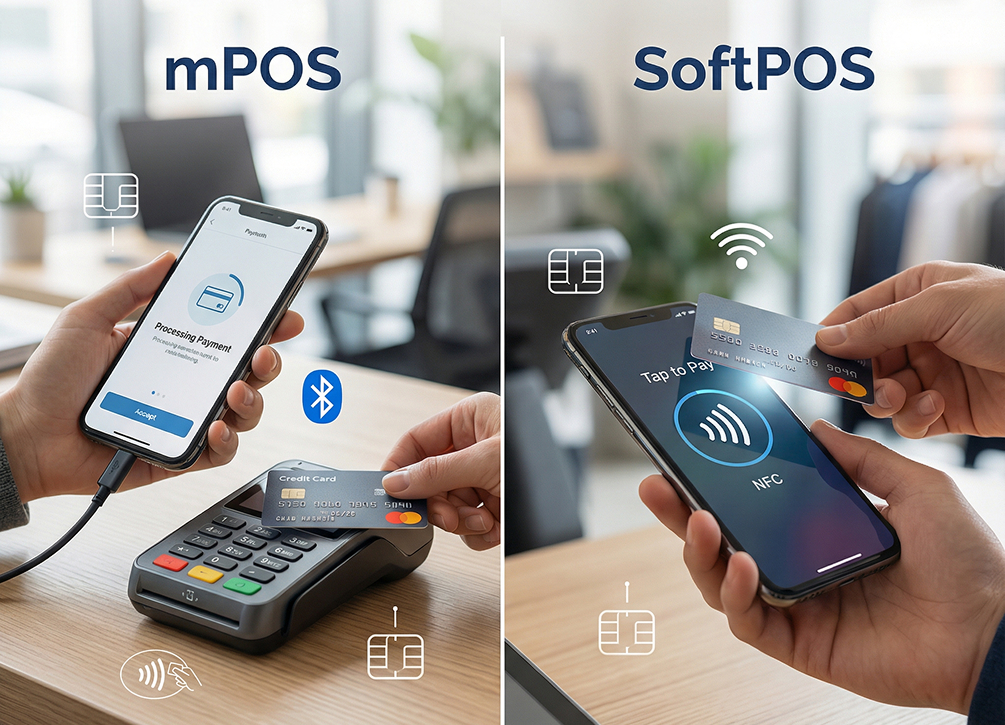
Instead of fixed terminals, SoftPOS allows stores to accept payments using mobile devices. This opens up flexible checkout points. It reduces dependency on bulky hardware. It lowers upfront costs.
For small to mid-sized grocery stores, SoftPOS can:
- Speed up checkout during rush hours
- Reduce/minimise hardware failure and downtime. Even if there is an internet outage, downtime, or even rush hours, adequate software can ace through everything.
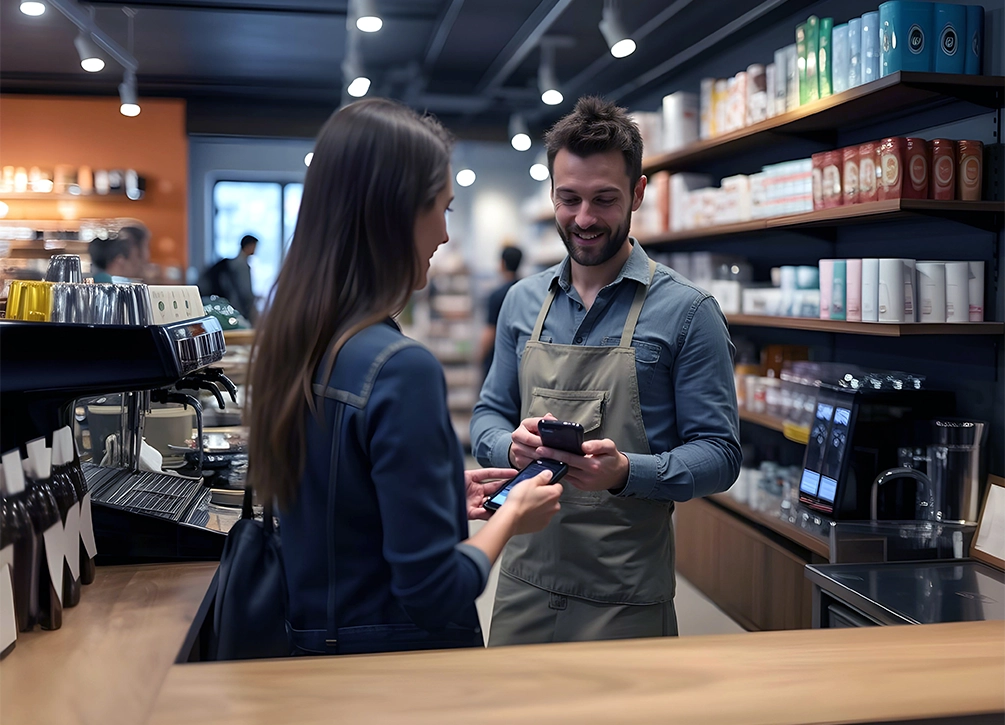
- Enable mobile billing in aisles - instant conversion leading to higher sales.
- Quick transactions can save upto 20 seconds off every transaction can add up to 2 extra hours of checkout capacity per day.
- Reduce hardware maintenance and replacement costs.
While SoftPOS may not replace every traditional setup, it complements many POS for grocery store operations well.
BrandPOS: Best SoftPOS App for your Grocery Store
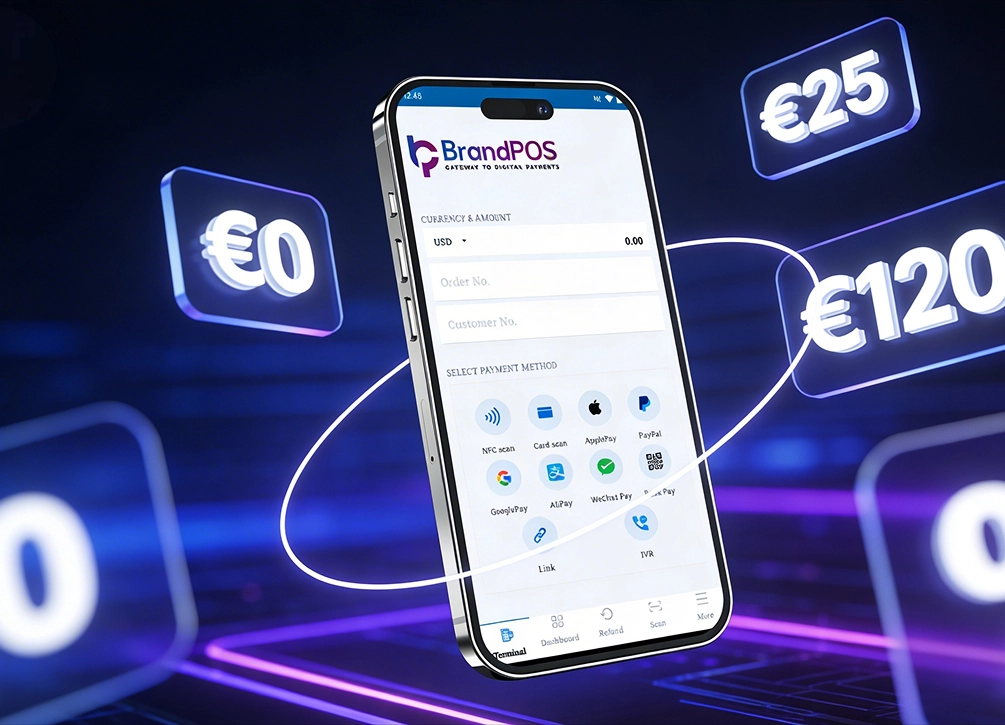
BrandPOS positions itself as a SoftPOS-first solution designed for modern retail environments.
For grocery stores, BrandPOS offers:
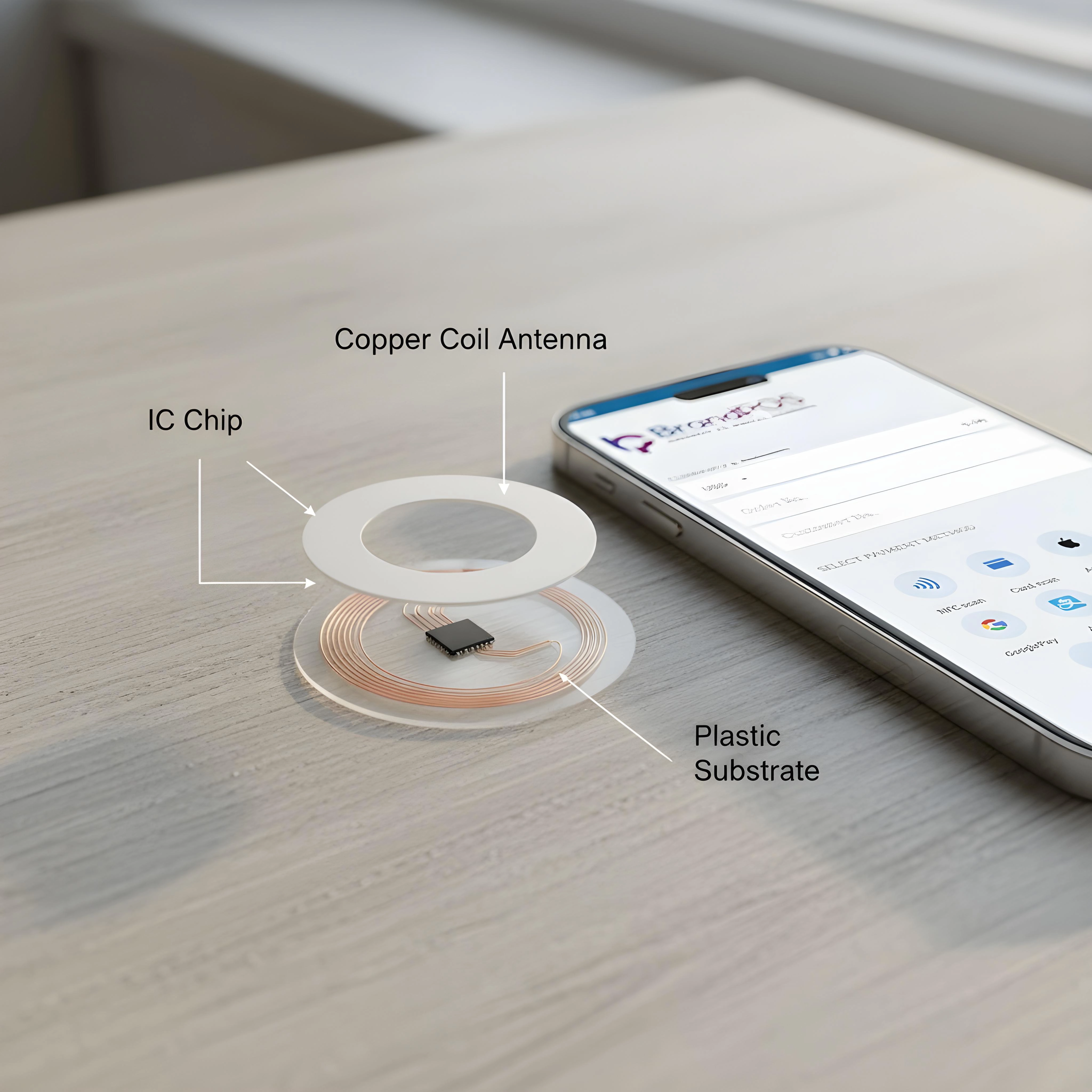
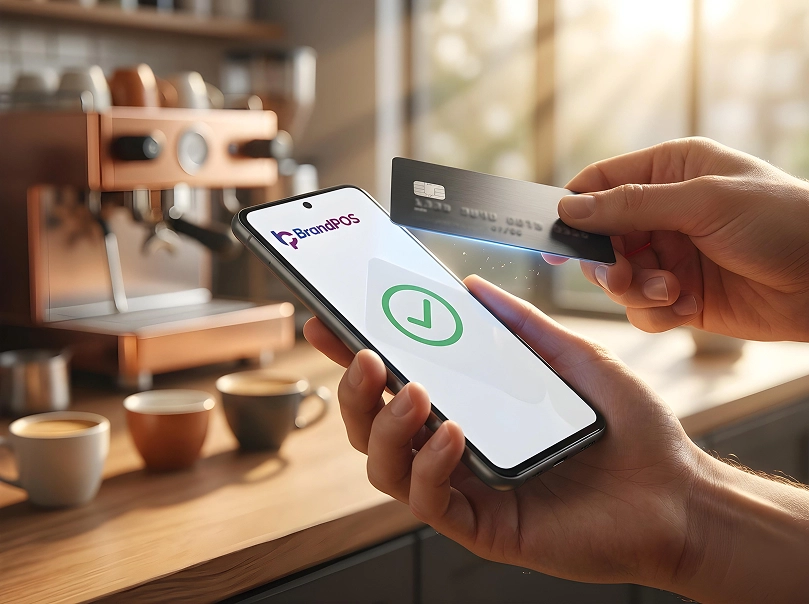
- Contactless payment acceptance via mobile devices
- Lower hardware dependency
- Faster onboarding
- Scalable payment infrastructure
As grocery retail shifts toward mobility and efficiency, BrandPOS fits stores looking for flexibility without heavy investment.
For grocery stores that are transitioning toward a modern POS system for their grocery store environments, BrandPOS is best. It presents a measured and operationally efficient starting point. These systems are for e-payments through mobile. Being limited to just software on a mobile, they help stores with their space constraints and evolve customer payment preferences.
Conclusion
Choosing the right POS system for grocery store operations isn't about trends. It's about fit.
The right system keeps lines moving, stock visible, and staff confident. Whether you choose a traditional grocery POS or a modern SoftPOS-based solution, the goal stays the same.
Smooth operations. Fewer errors. Better customer experience.