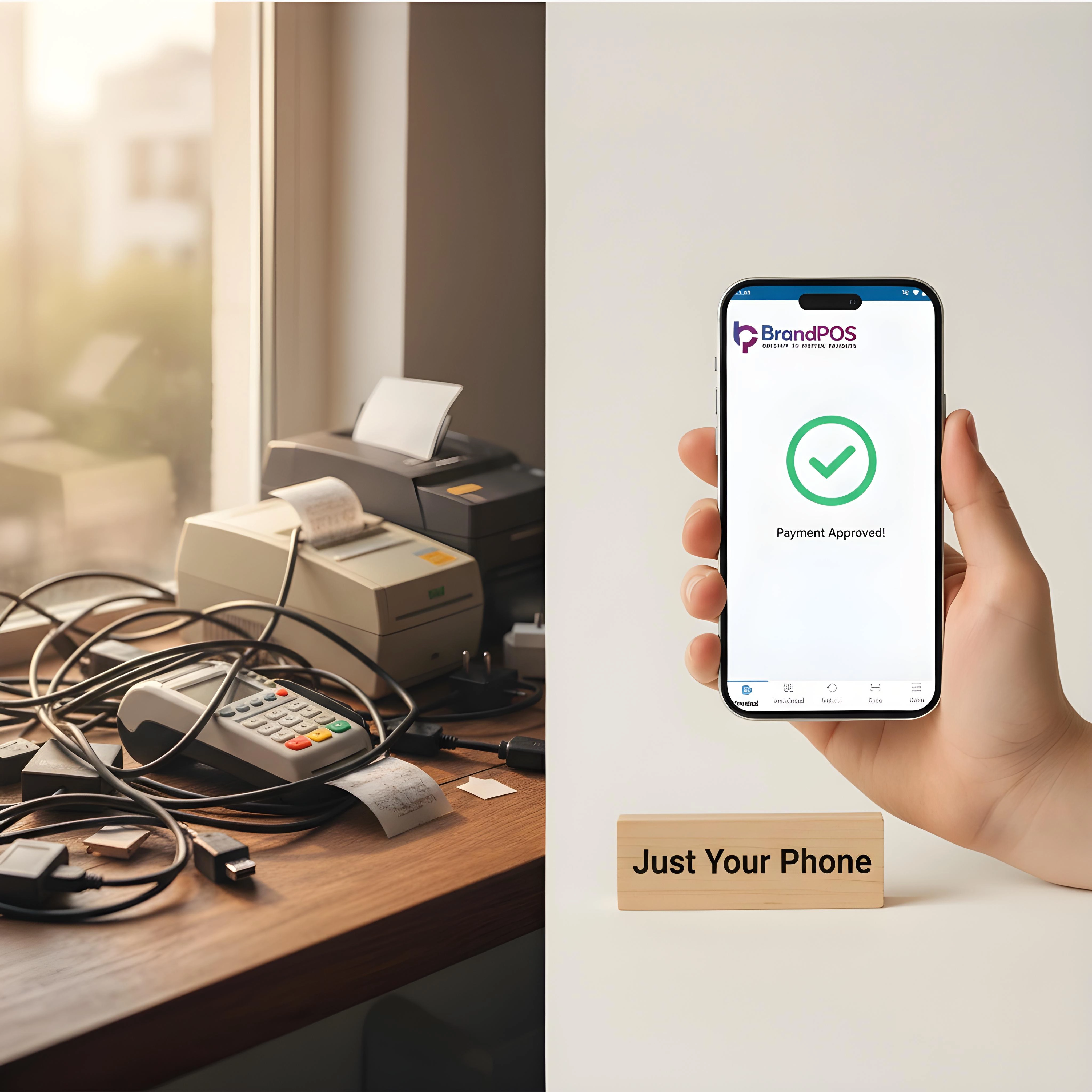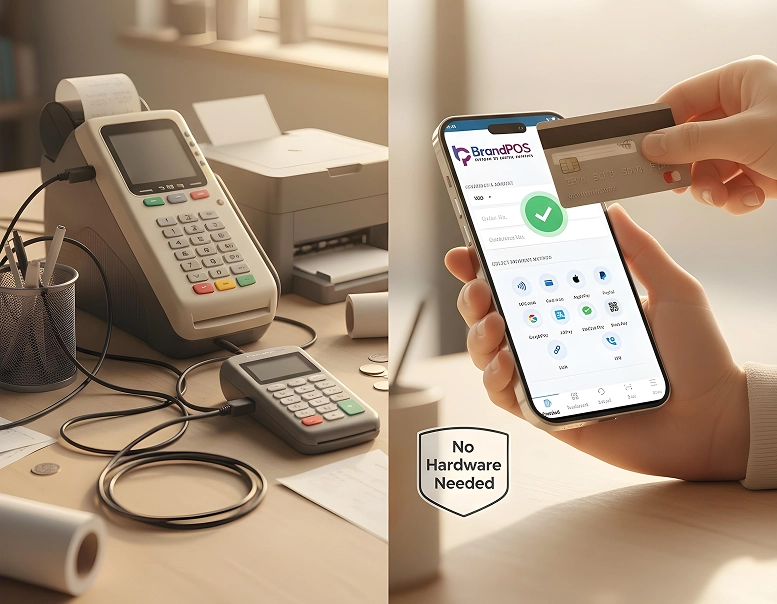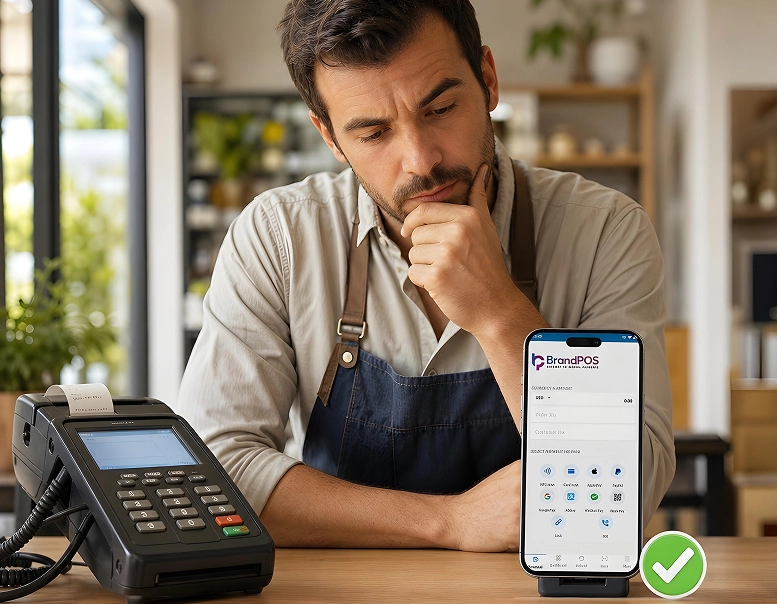
Can I Use My Phone as a POS System?
A lot of merchants keep circling around the same question because it feels almost too convenient to be true. Can I use my phone as a POS system?
The idea has been around for years. Very recently the technology has matured enough to handle real card payments, e-payments, QR payments, and full compliance without extra hardware. SoftPOS changed that.
A regular smartphone may accept payments now. The shift grew fast. And for many small merchants, freelancers, delivery operators, and service workers, it can make daily operations lighter.
This guide walks through how these systems work, how to use your phone as a payment terminal, the benefits, what to watch out for, and why solutions like BrandPOS became serious competitors to traditional POS setups.
Ready to ditch the card machine?
BrandPOS turns any Mobile phone into a certified POS terminal - no cables, no setup headaches.
Get Started for FreeWhat Is a Mobile POS System?
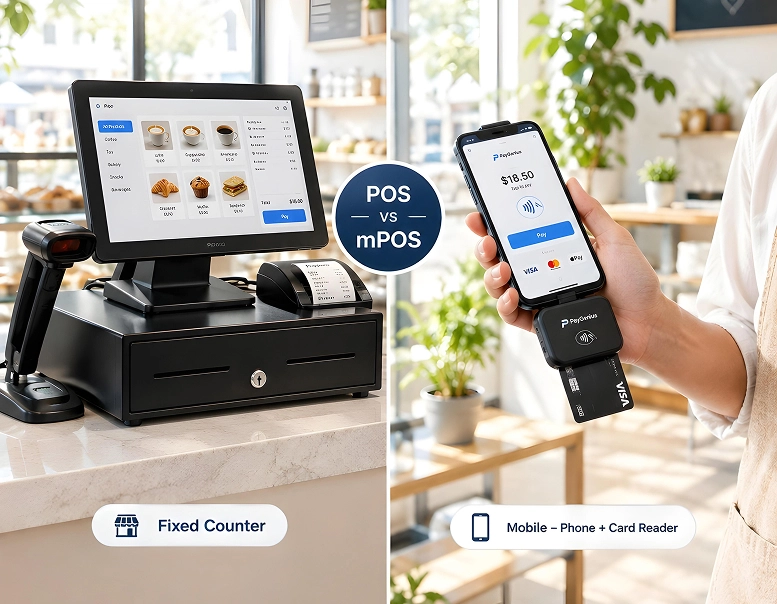
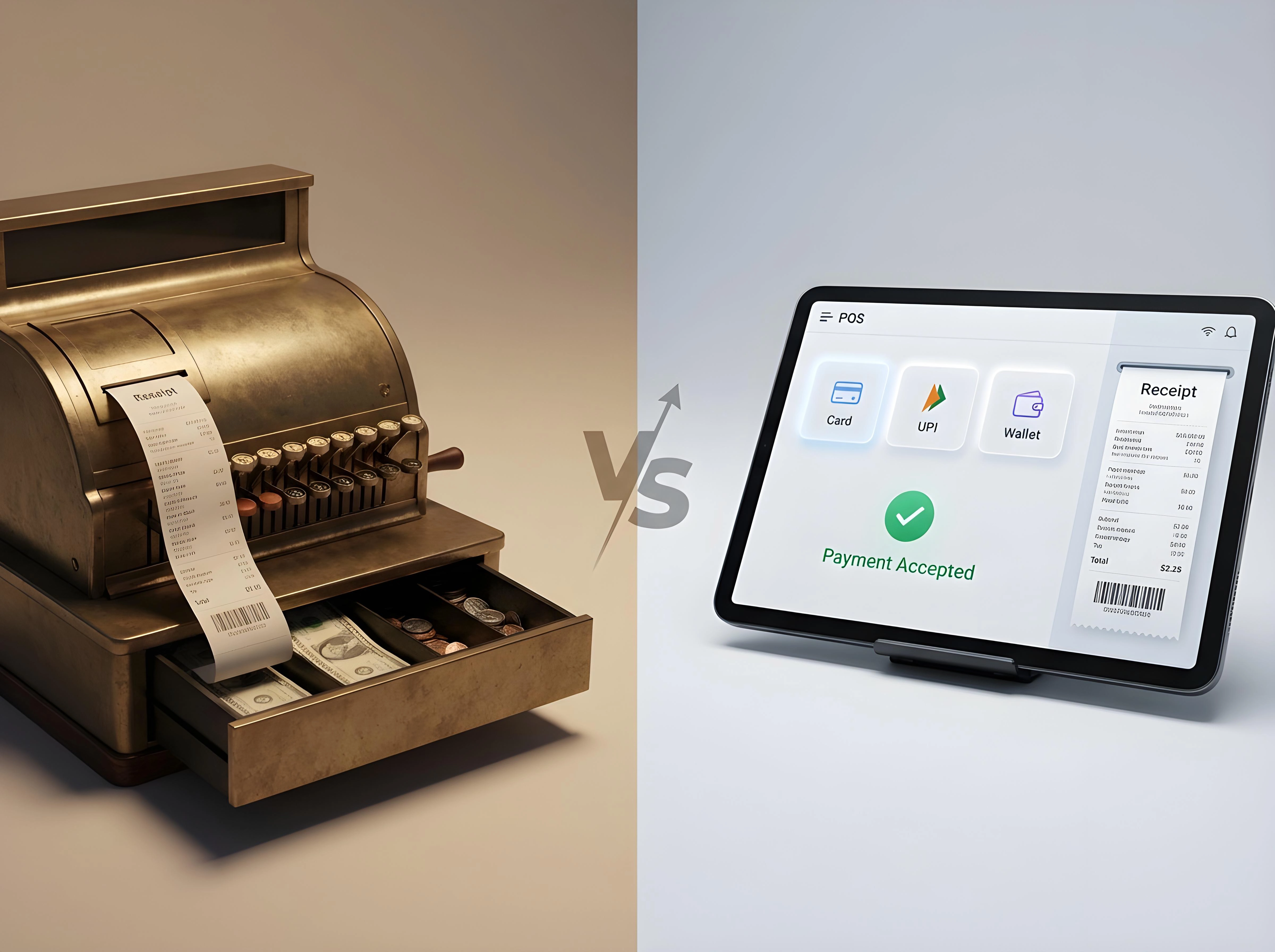
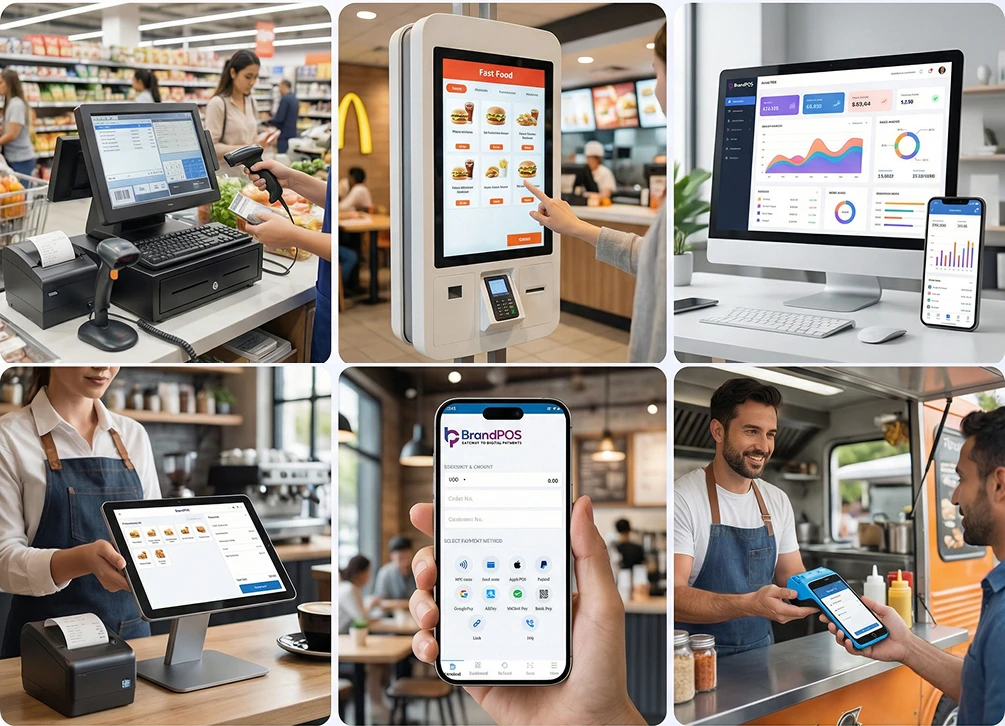
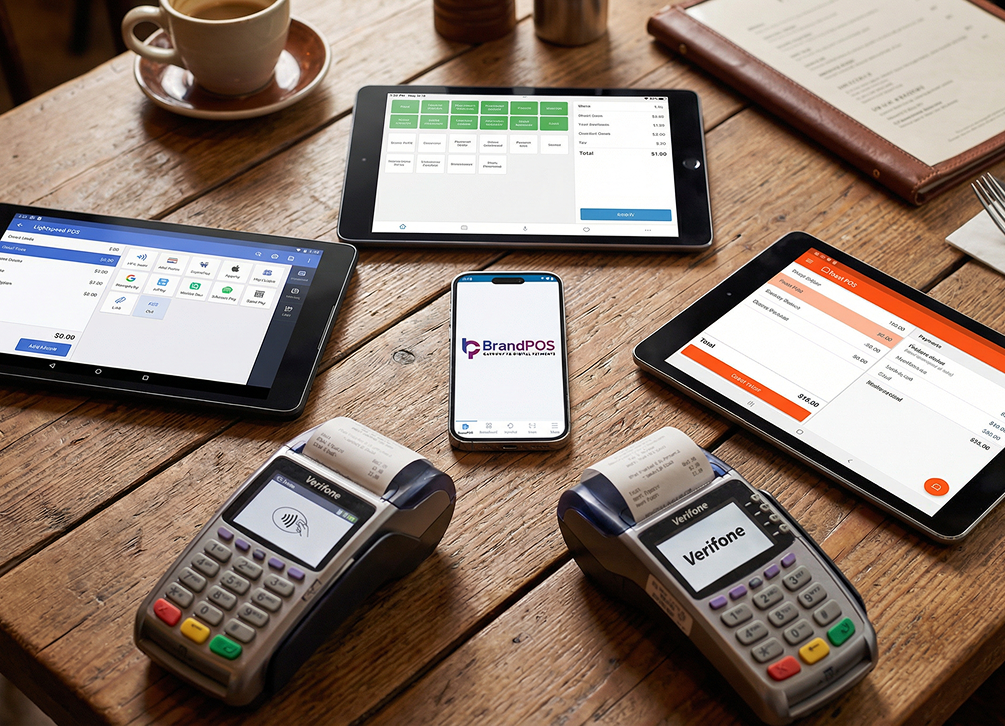
A mobile POS system is a payment setup that runs entirely on a portable device. Sometimes it is a tablet. Sometimes it is a handheld terminal. Sometimes it is simply the phone you already carry around. It lets merchants take payments, track orders, run bills, process refunds, manage tax requirements, and keep an entire sales workflow active even while moving.
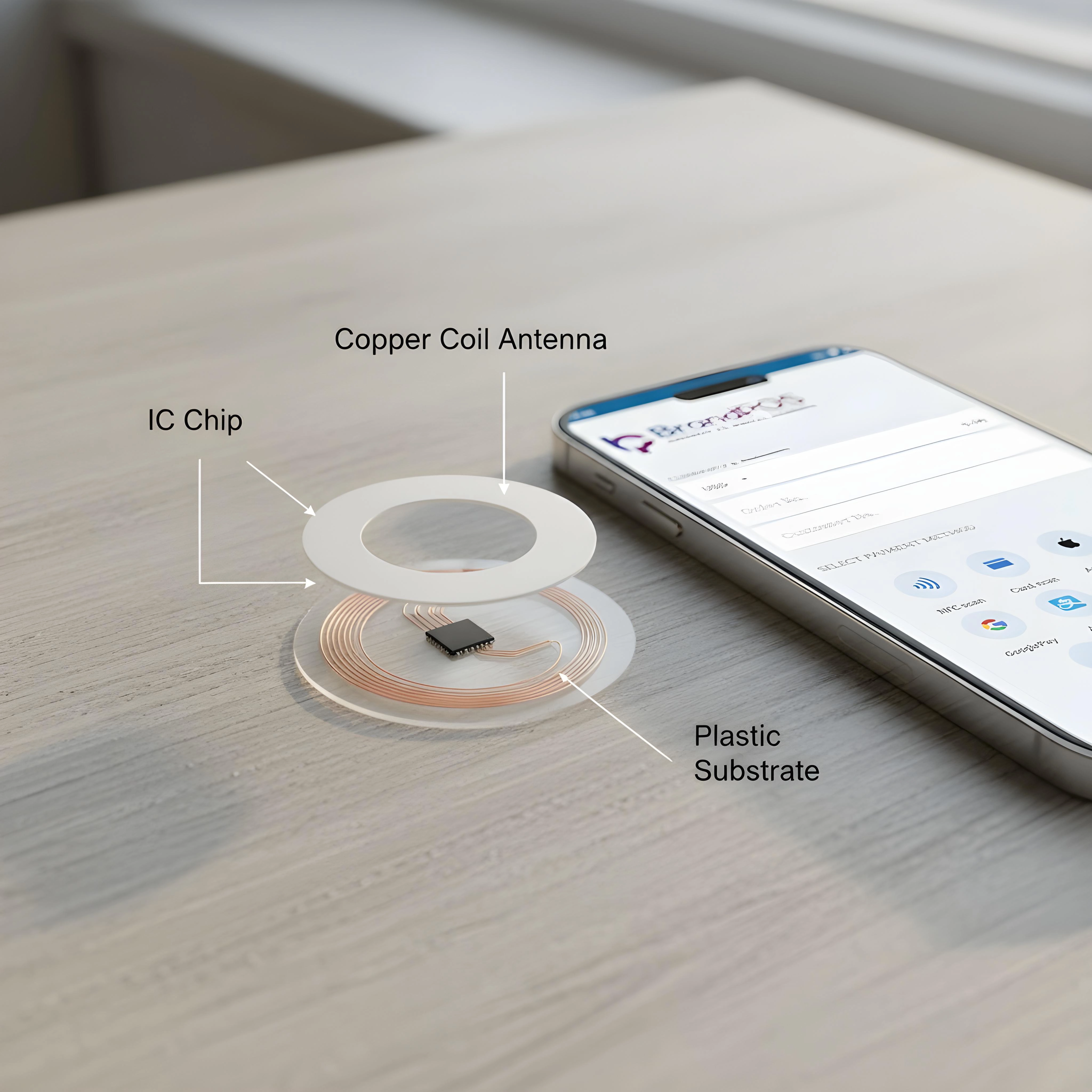
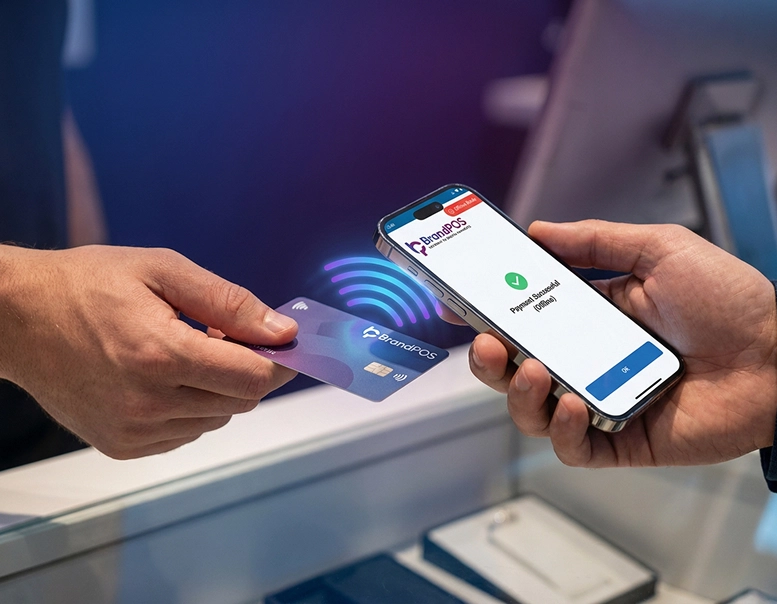
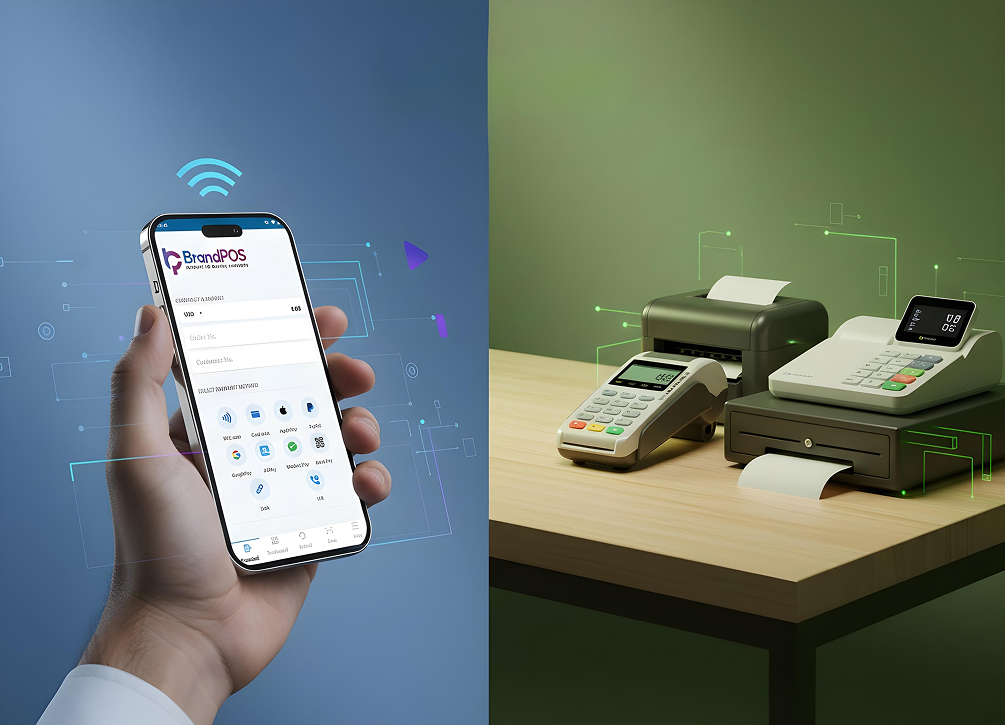
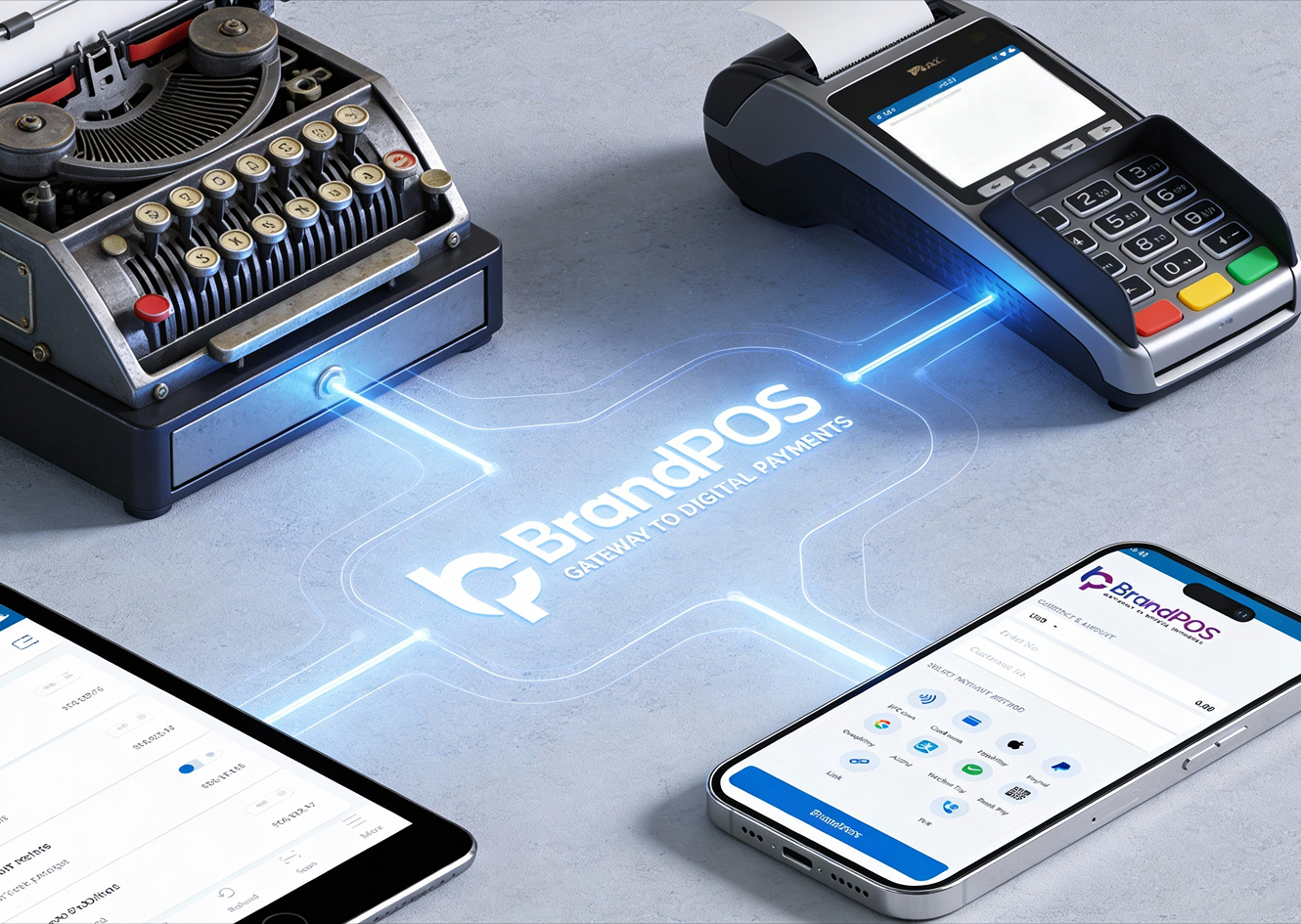
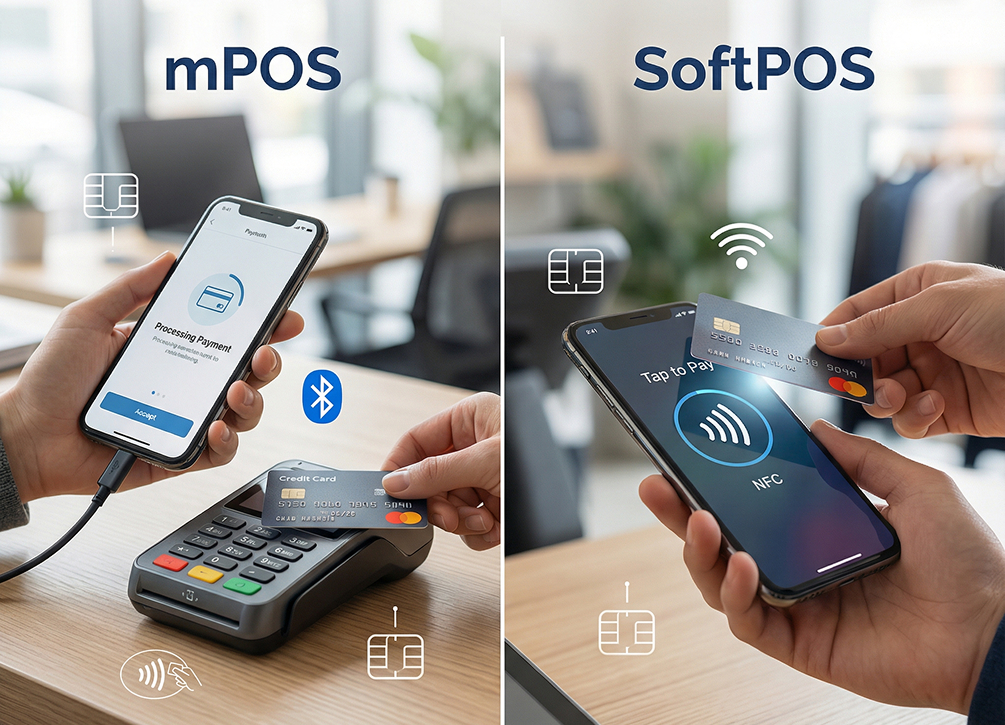
Earlier, merchants relied on card-swiping machines. Now the mobile POS or SoftPOS approach uses the device's NFC chip or other built-in communication layers. With BrandPOS SoftPOS, you can use a non-NFC phone too. No cables. No boxes. Just the phone plus the app.
SoftPOS solutions expanded it further by removing the need for external hardware, even for tap payments.
Can You Really Use Your Phone as a POS System?
In most cases, yes. The short answer to Can I use my phone as a POS system? is yes, provided the device meets compliance and technical requirements. All the OS like Android, iOS, and Microsoft phones work best.
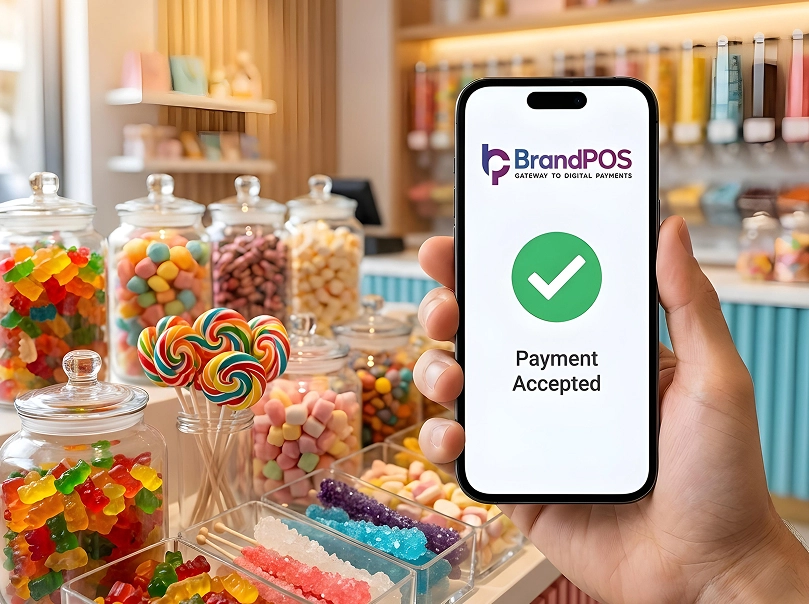
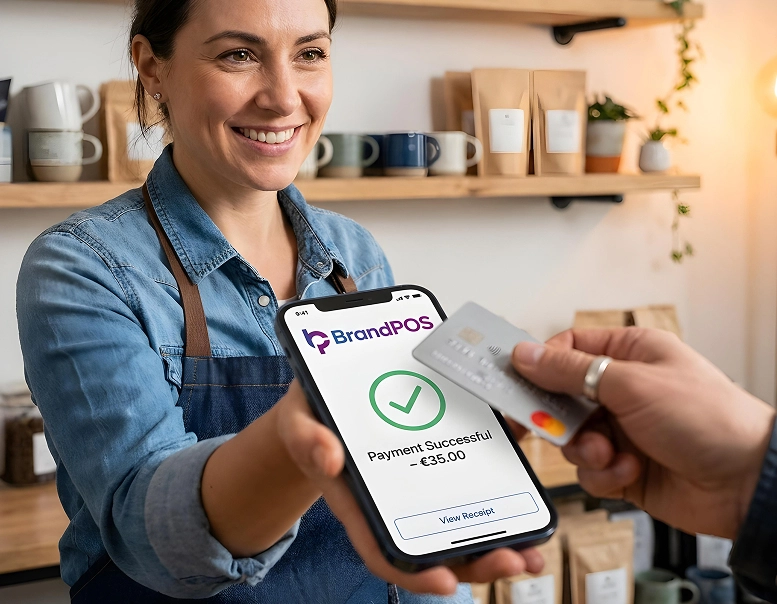
SoftPOS apps like BrandPOS take care of the certification requirements. The merchant mainly downloads the app, completes KYC, connects settlement details, verifies identity, and starts accepting payments. The phone behaves like a real payment terminal. A customer taps their card. The payment goes through.
There are no dongles. No pairing issues. Nothing to charge except the phone itself.
How to Use Your Phone as a Payment Terminal
Many people search for how to use your phone as a payment terminal because it feels unfamiliar at first. The process becomes simple once you see the actual workflow.
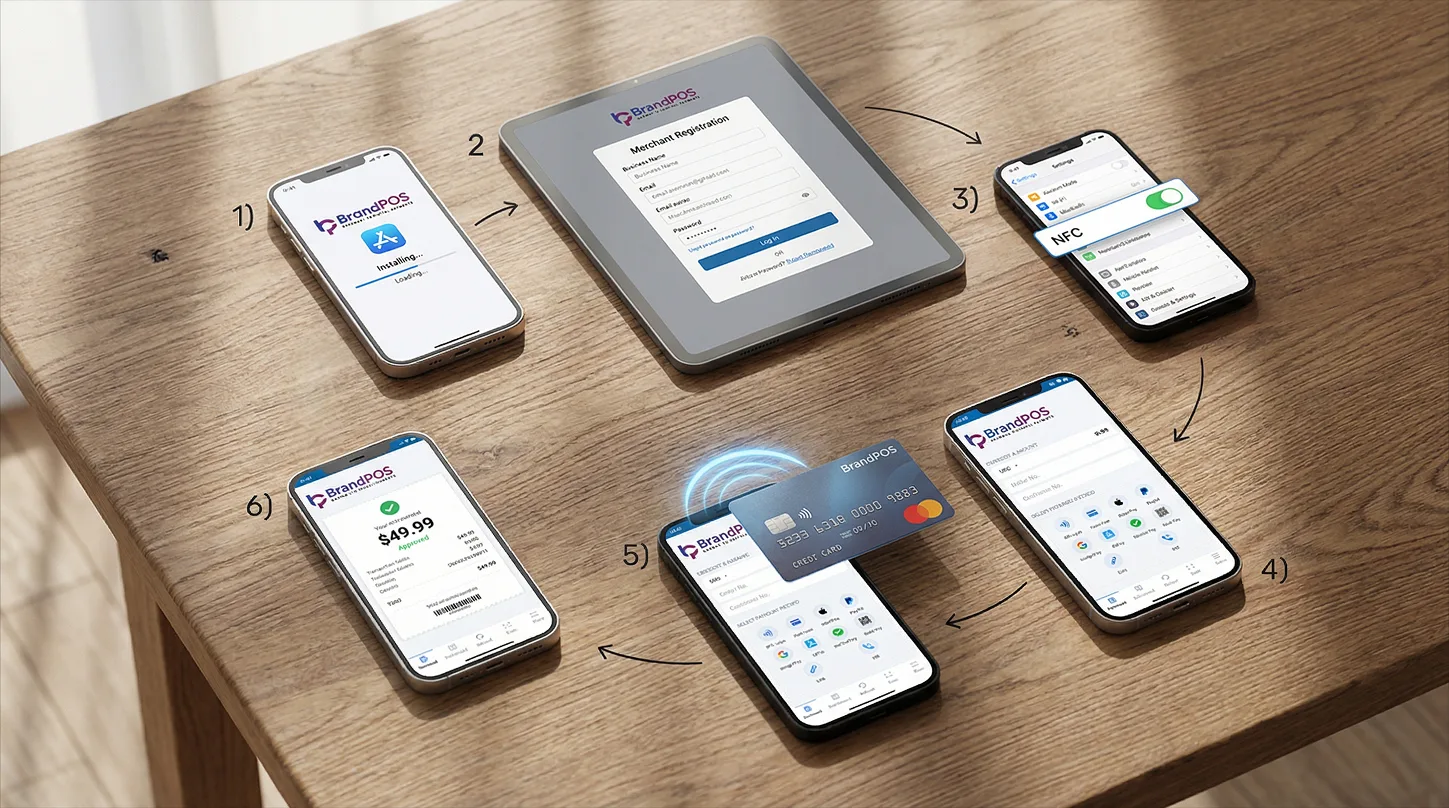
Install a certified BrandPOS
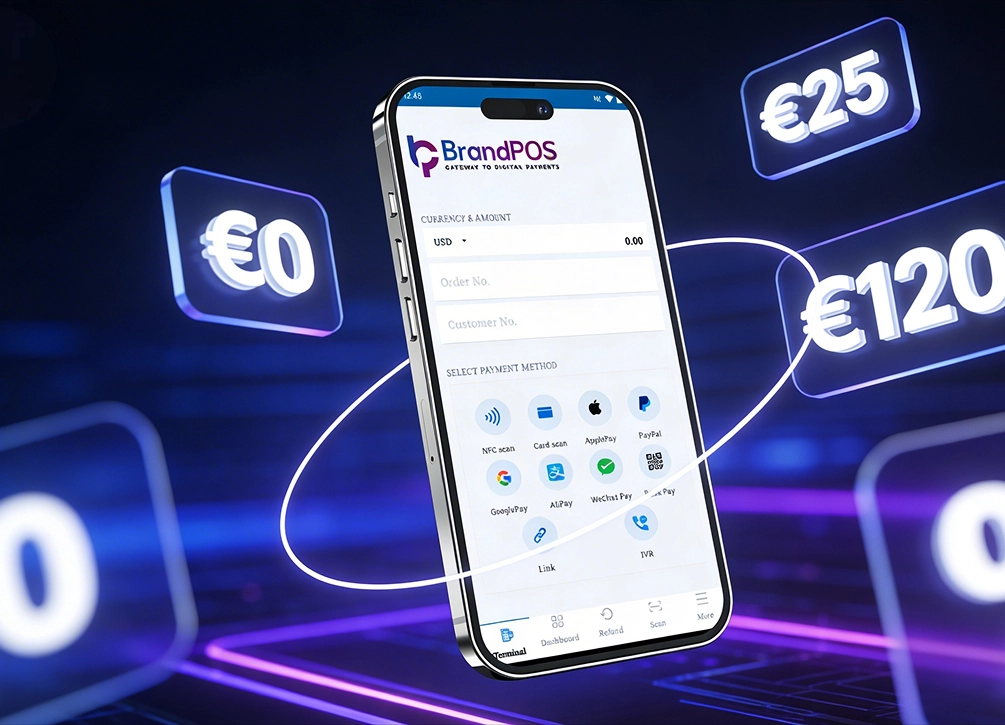
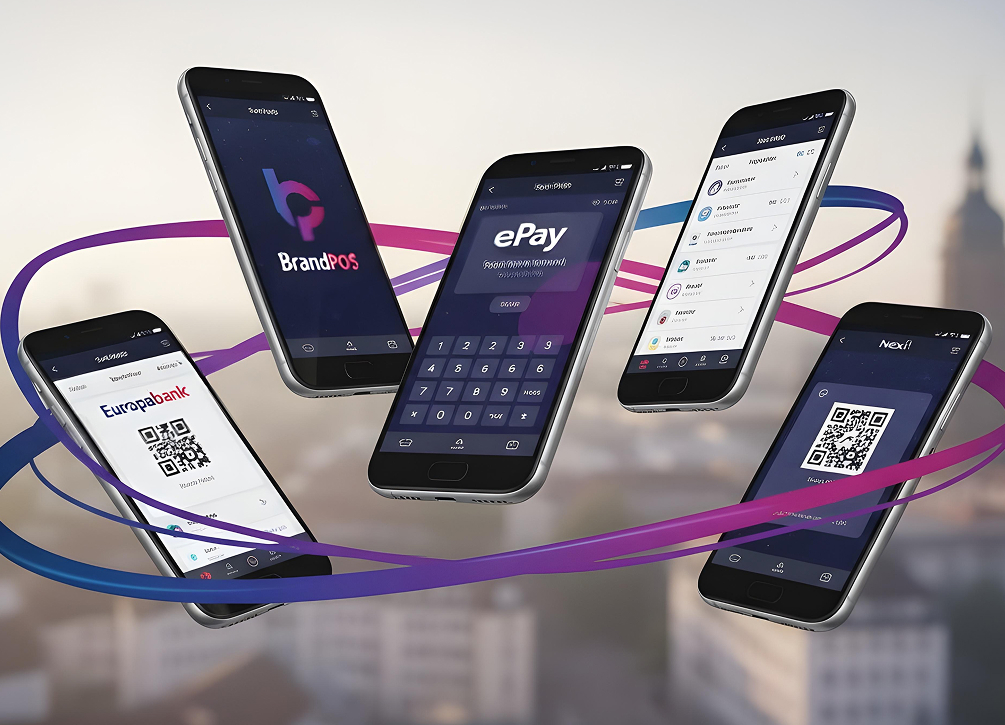
BrandPOS is built for this exact purpose. It lets a merchant begin accepting NFC-based card payments, QR payments, and UPI flows in one place.
Complete merchant onboarding
This includes basic information, bank account mapping, and identity checks. The approval time varies, though it usually finishes quickly.
Enable NFC on the phone
The phone becomes the point of interaction once this is active.
Enter the amount
The app creates a payment screen.
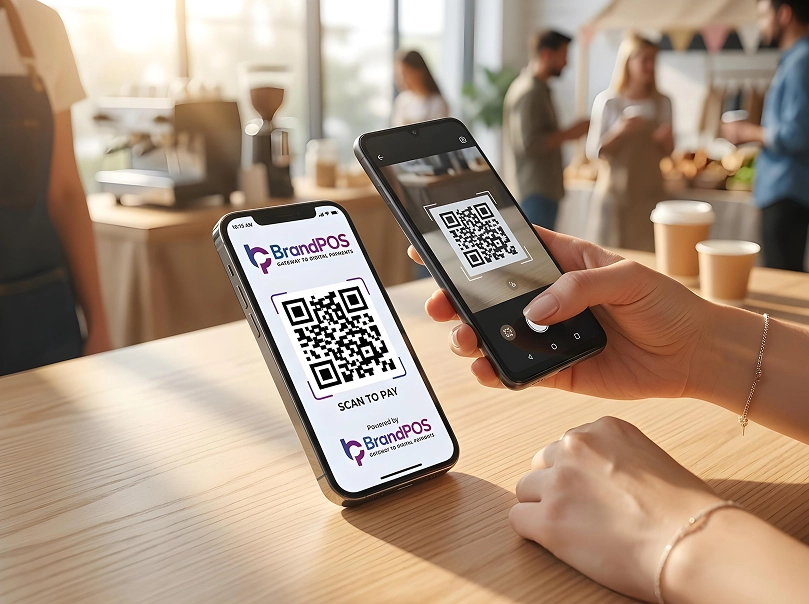
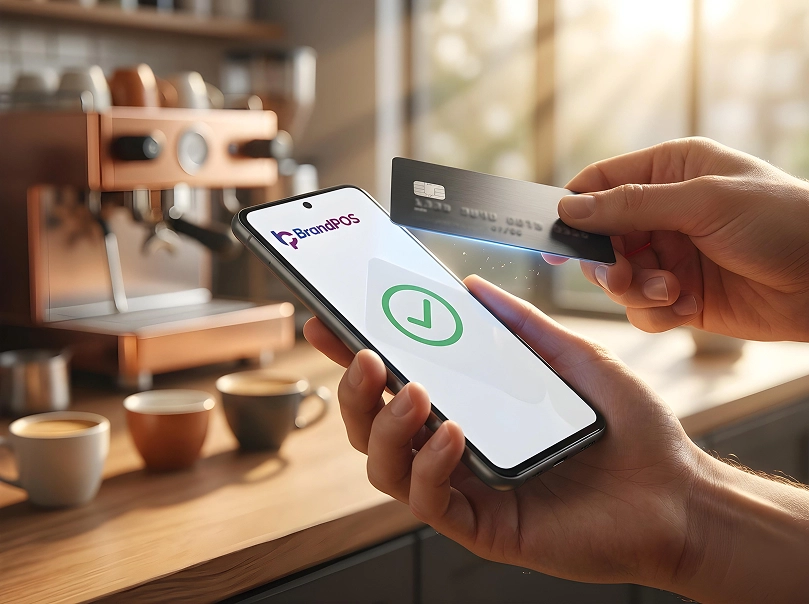
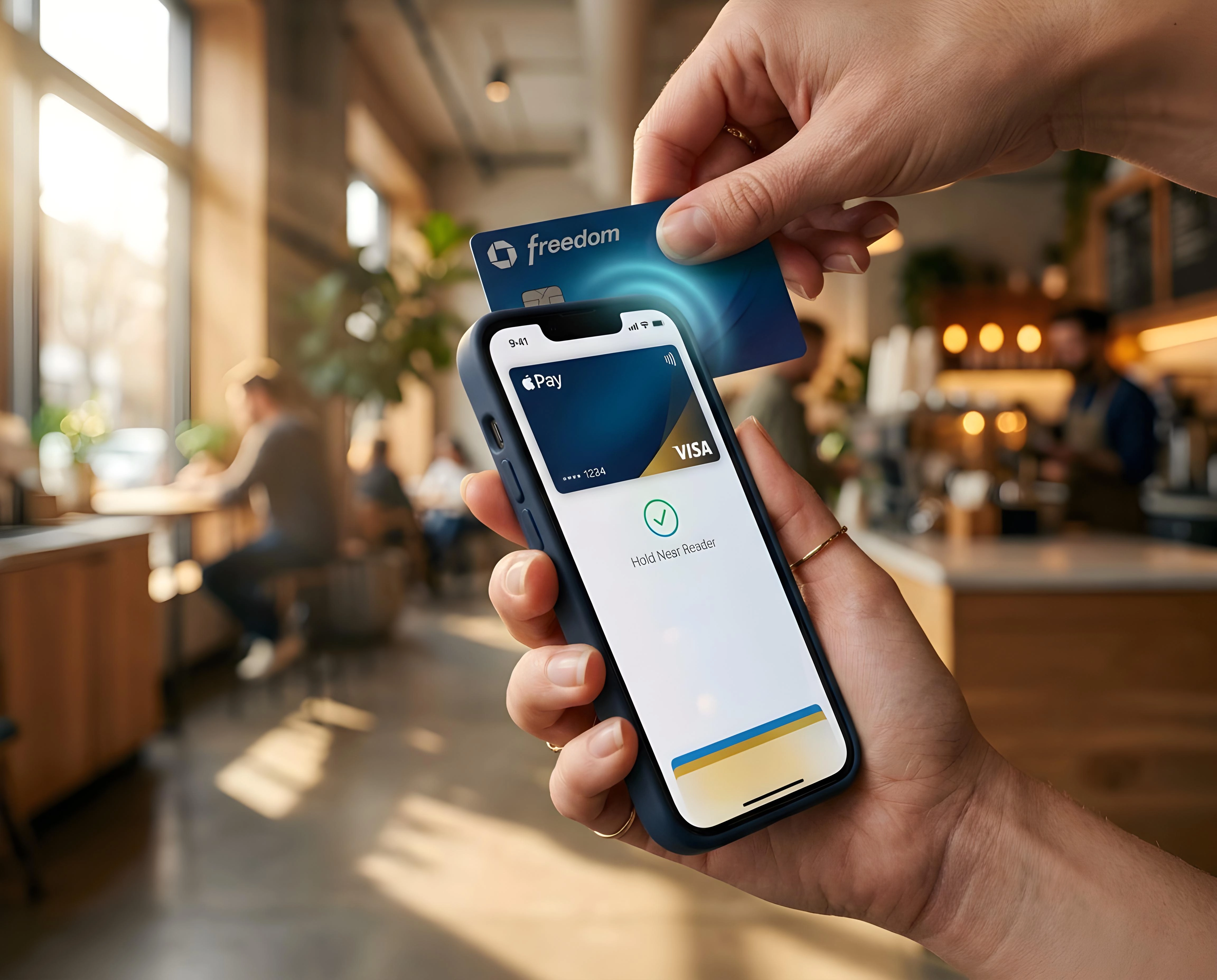
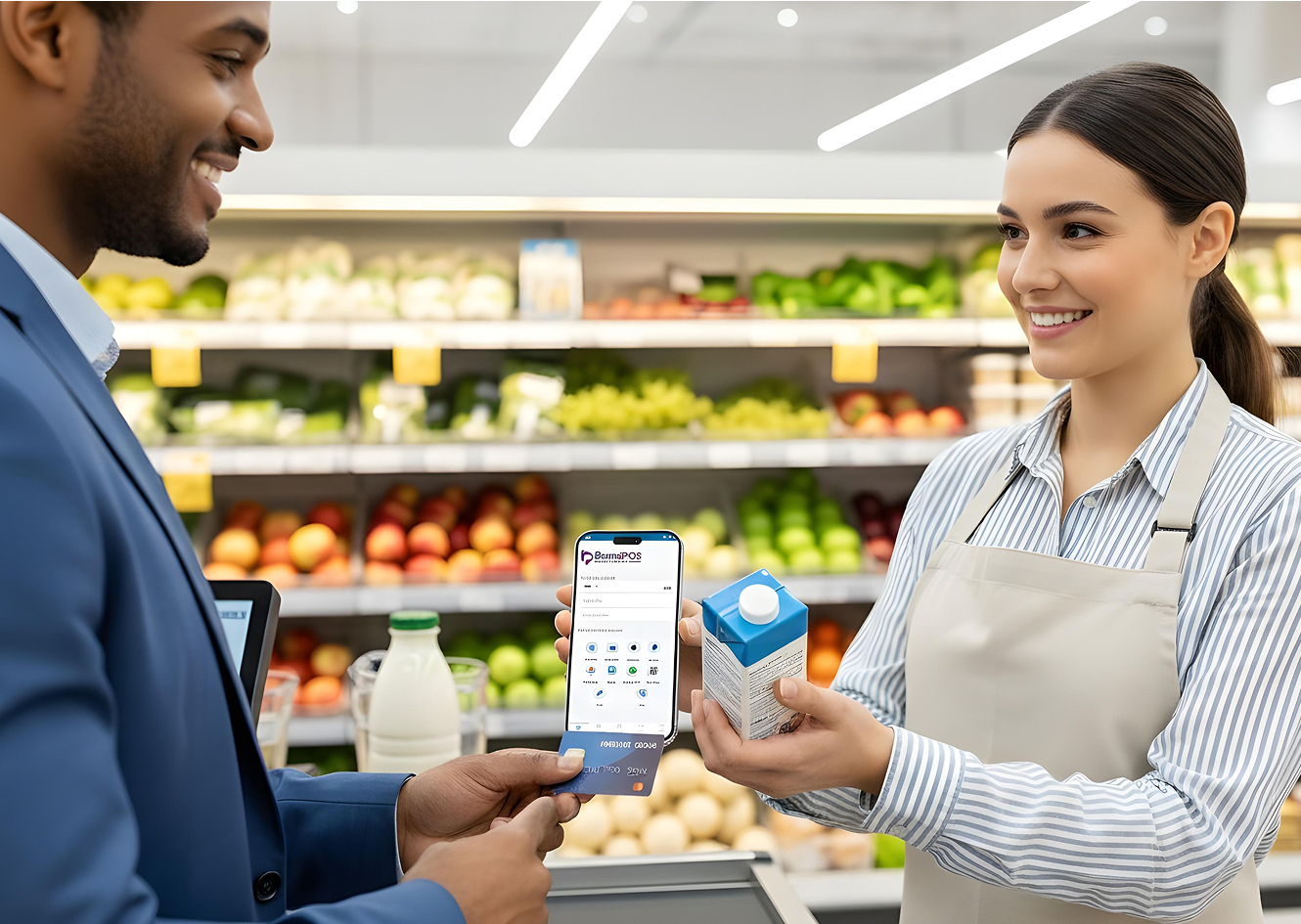
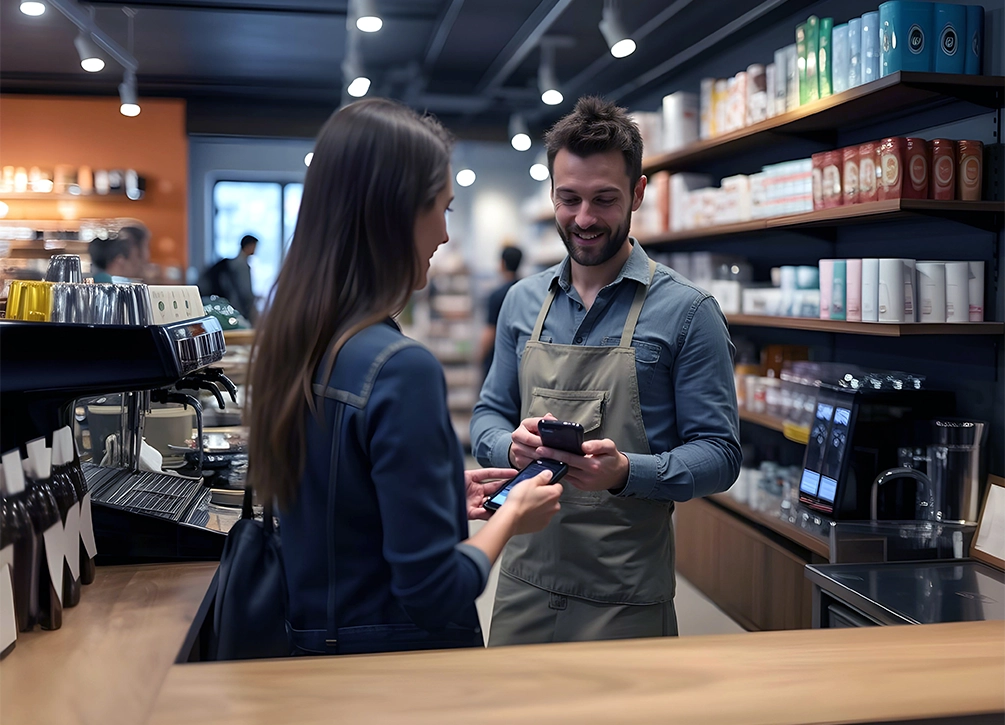
Customer taps a card, phone, or wearable on the back of the merchant's device
The signal travels instantly.
Merchant receives on-screen confirmation plus a digital receipt option
Once you learn how to use your phone as a payment terminal, the flow becomes second nature. There is nothing else to maintain.
Your Phone Is Already a POS Terminal
Stop paying for hardware you don't need. Download BrandPOS and start accepting payments in minutes.
Download the App FreeKey Features of a Phone-Based POS System
Different products offer different sets of tools, but common features tend to appear across all SoftPOS providers.
- Contactless e-payments
- Digital receipts
- QR acceptance
- Transaction history with filters
- Tax-compliant records
- Multi-staff usage
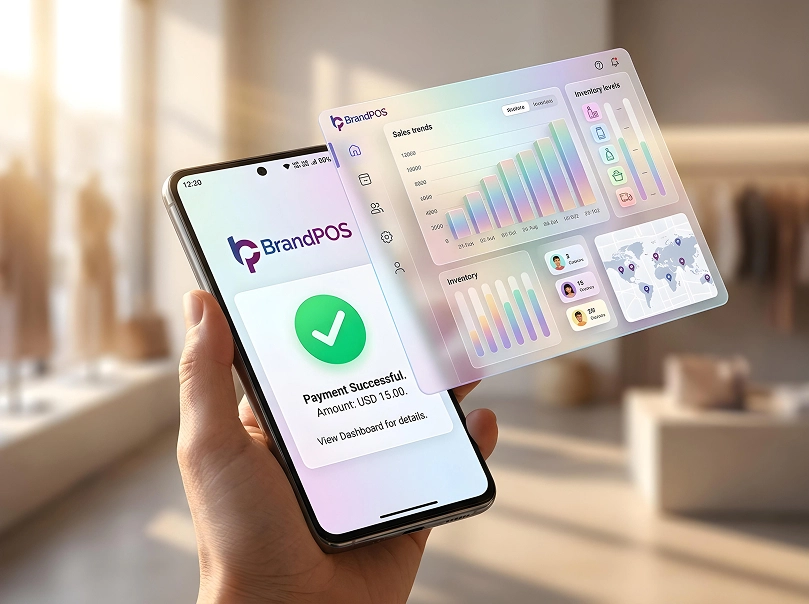
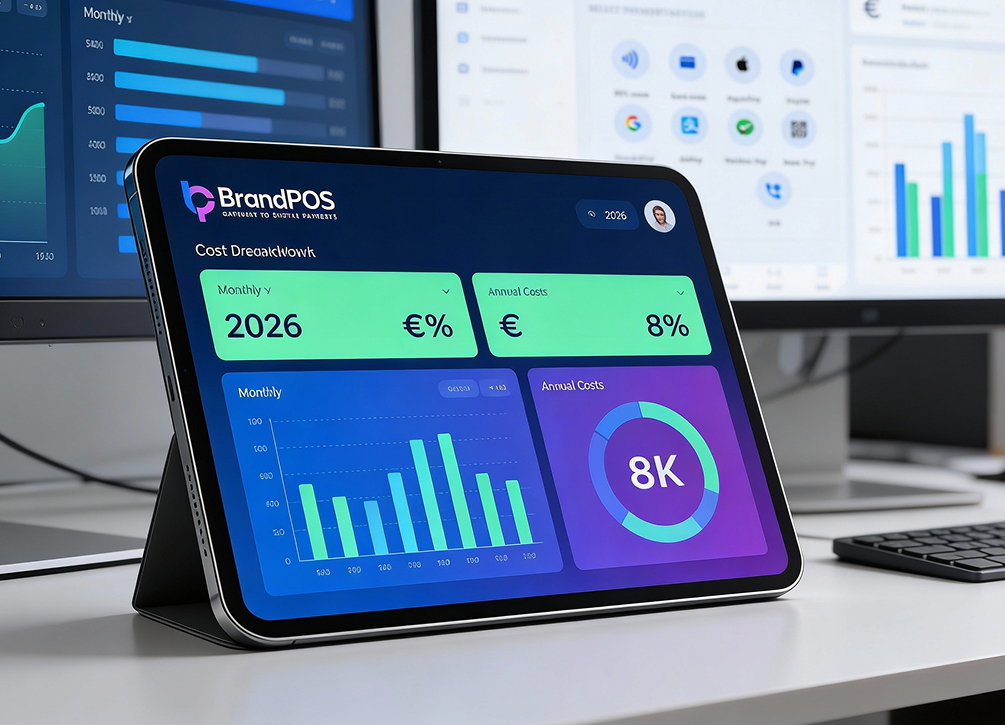
- Analytics dashboards
- Payout tracking
- Optional inventory integrations
BrandPOS adds a few operational tools for small businesses that want fast checkouts without dealing with device rentals.
Benefits of Using Your Phone as a POS
People keep returning to the question Can I use my phone as a POS system? because they are trying to reduce cost, reduce friction, and make daily selling easier.
Some practical benefits include:
- Cost savings: No hardware rentals. No repair fees. No cables. Just the phone you already own.
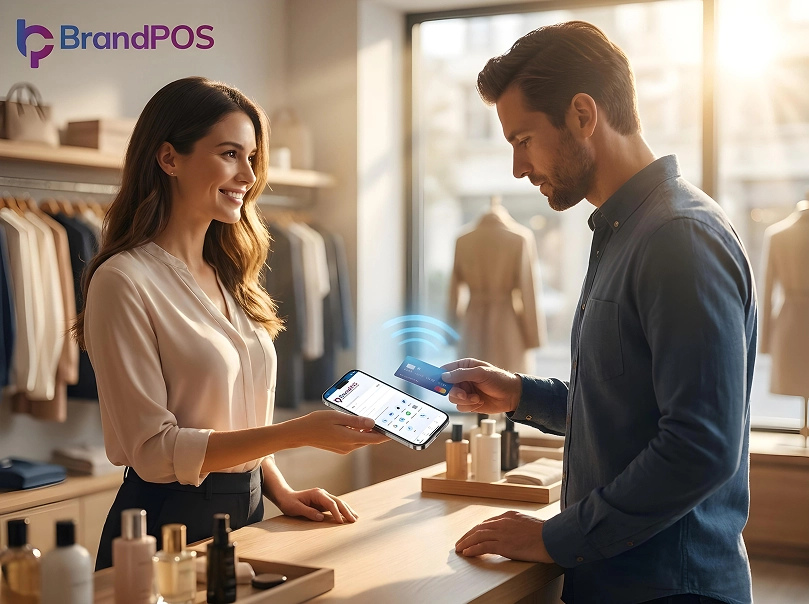
- Freedom of movement: Merchants may walk with customers, close sales at their tables, deliver and collect payment at the door, or sell at pop-ups without bulky terminals.
- Speed: NFC payments tend to go through fast. Digital receipts arrive instantly. Even refunds move quickly.
- Scales with season: When sales spike, the merchant adds more staff. They install the same app on more phones. That is all.
- Lower training time: The interface works like a normal smartphone app. Staff get comfortable quickly.
- Cleaner checkout spaces: No separate machine. No clutter. A single device does the job.
Who Can Use a Phone POS System?
Merchants in many categories may use SoftPOS. The industries that adapt quickly tend to be service-driven.
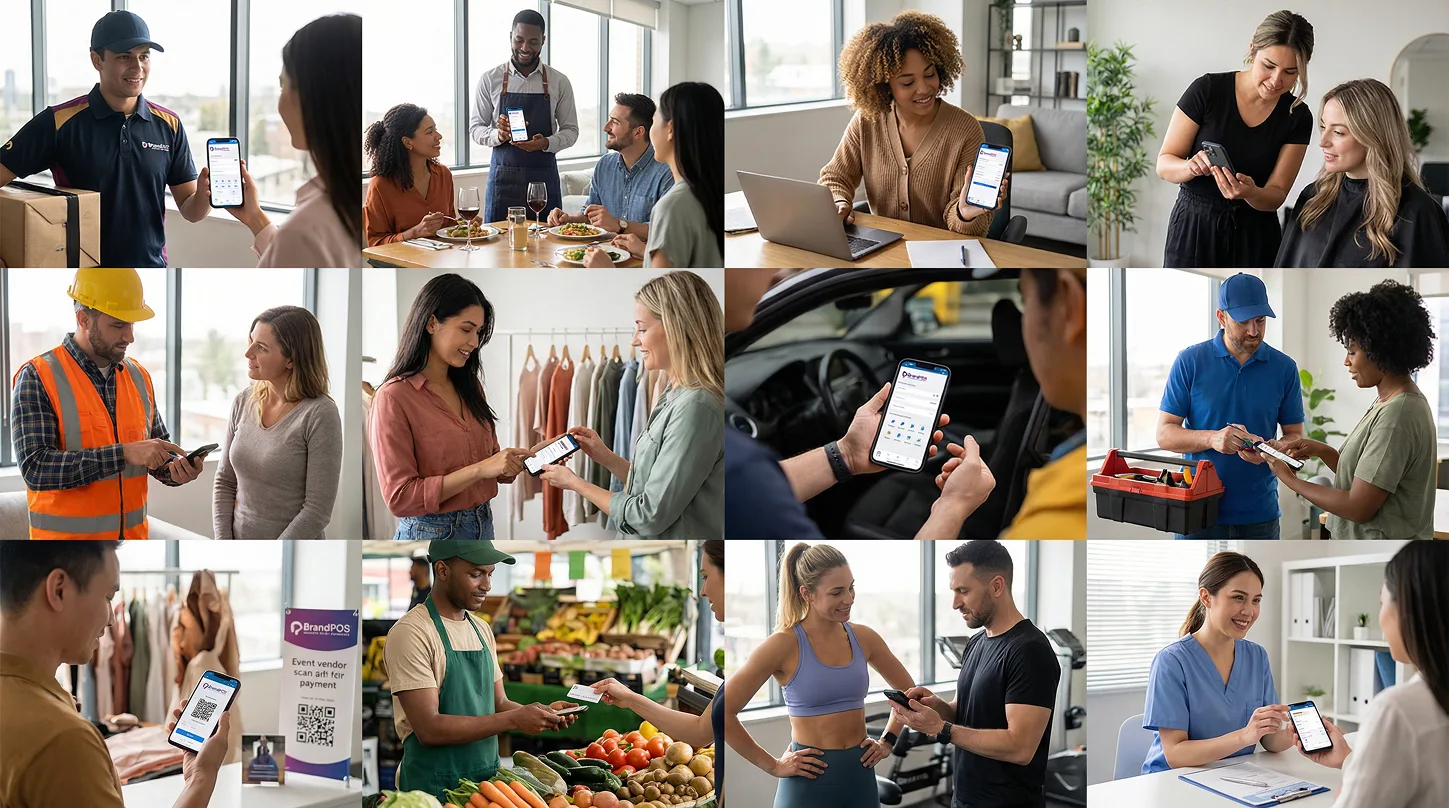
- Food delivery riders
- Small restaurants with table service
- Freelancers
- Beauty professionals
- Electricians
- Boutique retailers
- Taxi operators
- Home service providers
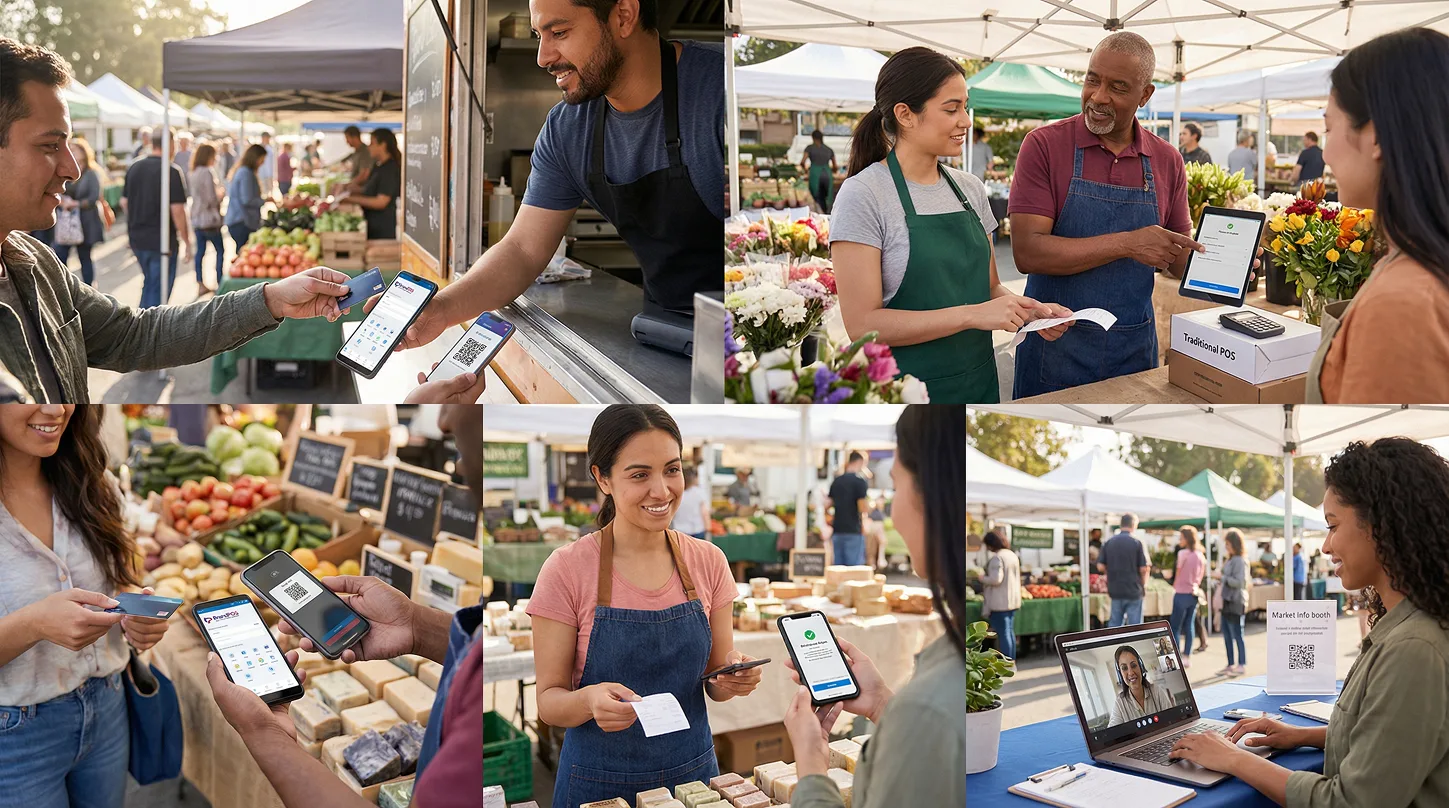
- Event vendors
- Seasonal market sellers
- Fitness trainers
- Doctors and clinics that accept card payments at the desk
Any business that needs fast movement often finds the phone route easier than a traditional POS layout.
Security and Compliance Considerations
Security is usually the biggest concern for first-time SoftPOS users. Card data protection involves PCI requirements, encryption, tokenisation, and device-level protection.
SoftPOS systems like BrandPOS handle the compliance layer. The merchant never touches sensitive card information. The phone never stores raw card data. The app's back-end encrypts everything. Each tap transaction follows the same security guidelines used by traditional terminals.
NFC transactions are among the safest modes of in-person card payments because the contactless exchange carries only a token, not the actual card number.
Merchants still need to follow common device hygiene. Screen locks. Updated operating systems. Use of official app stores only.
How to Choose the Right Mobile POS System
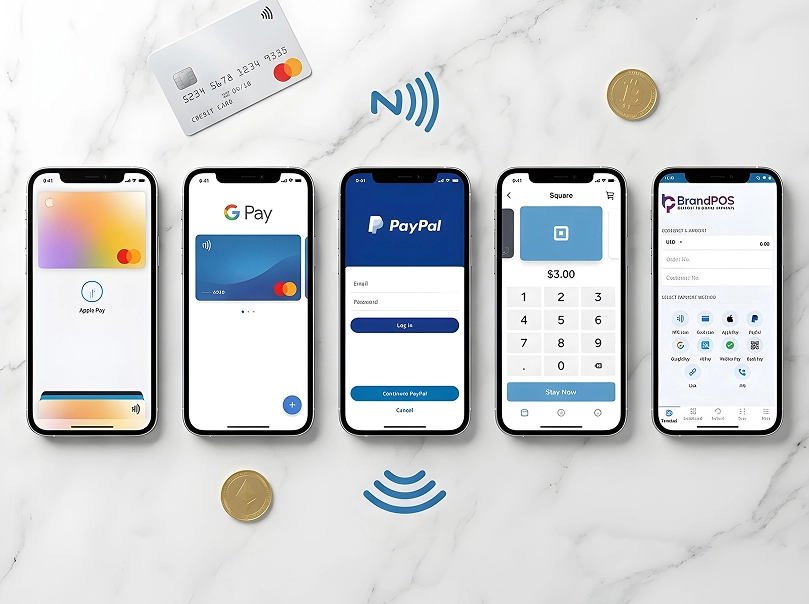
Some merchants compare options like Square, Stripe Terminal, and PayPal Zettle. Others search for region-specific tools. The decision usually depends on a few factors.
- Ease of onboarding: The setup should not take days. BrandPOS keeps this part light and quick.
- Transaction coverage: A mobile POS should support tap payments, QR flows, and digital wallets.
- Fees: Pricing affects everyday decisions. Many merchants prefer predictable rates.
- Settlement speed: Funds should move into the bank without unnecessary delays.
- Compatibility: The phone must support NFC for tap payments. The app must run smoothly on the Android versions used by staff.
- Support availability: If an issue surfaces during peak hours, support needs to respond fast.
BrandPOS: The Best SoftPOS Solution to Turn Your Phone Into a POS
BrandPOS focuses on keeping payments simple for merchants who want usable tools without complicated training. Everything sits inside one app. It covers tap payments, QR acceptance, UPI flows, settlement tracking, GST-friendly reporting, and staff access controls.
For merchants searching all over the internet for Can I use my phone as a POS system?, BrandPOS gives a straightforward answer. Yes. The setup is light, costs stay predictable, and the phone becomes a full working terminal. Anyone selling from a store, on the road, or at a temporary booth may run transactions without hardware.
For people wanting a practical walkthrough of how to use your phone as a payment terminal, the BrandPOS interface guides every step. It keeps the experience simple, even for users who have never handled a POS before.