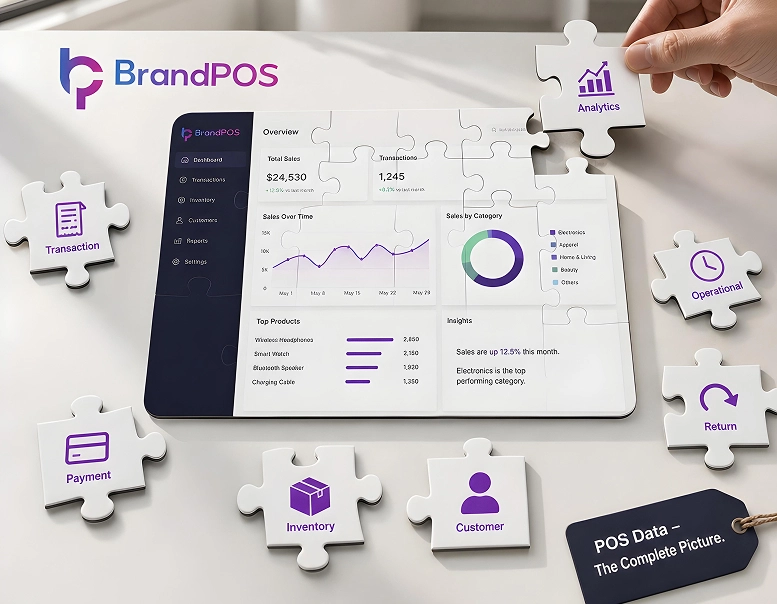
Point of sale analytics and data are not just sales records - they can tell the businesses what to stock, how to fix the prices, and who they should market their products to. But POS data is also one of the most valuable business inputs that goes underused.
Big retailers have been leveraging POS data to understand and meet their customer preferences better. Many businesses struggle to efficiently leverage the Point Of Sale data because it feels too complex or it is hard to connect to other systems like inventory/marketing.
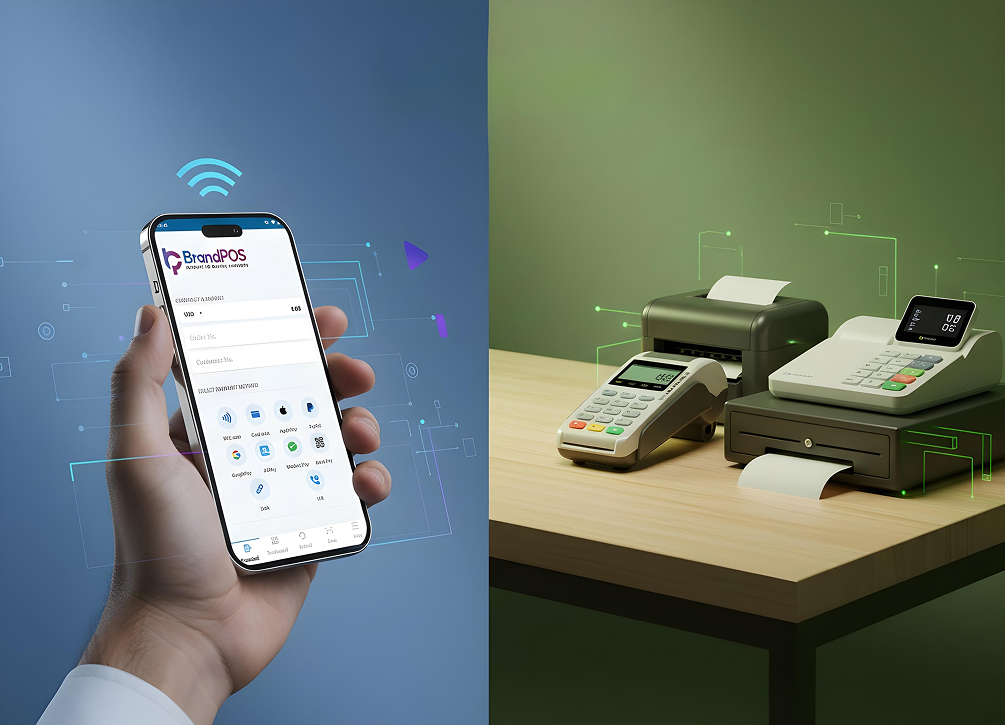
Today modern POS systems like SoftPOS apps help to make POS data legible, simple to connect with other sales systems, and easy to interpret for business decisions.
Ready to ditch the card machine?
BrandPOS turns any Mobile phone into a certified POS terminal - no cables, no setup headaches.
Get Started for FreeWhat Is POS Data?
Your POS system captures the details or information of the transaction every time you make a sale. This information is known as the POS data.
POS data tells you the obvious details or raw data, like what product or service was bought, how much the customer paid, what payment method the customer used, and when the transaction happened.
It also gives data, which may not feel like much in isolation, but when the dots are connected, it gives business owners valuable intel. It may be information like which terminal or location the sale happened. Who was the staff member ringing up the sale? Was there any discount applied? Did the customer use any loyalty points, etc.?
When businesses combine the raw data of the transaction along with the surrounding context, it creates value. In this way, POS data is not just a sales record; it is a live feed of your customer behavior.
Types of POS Data
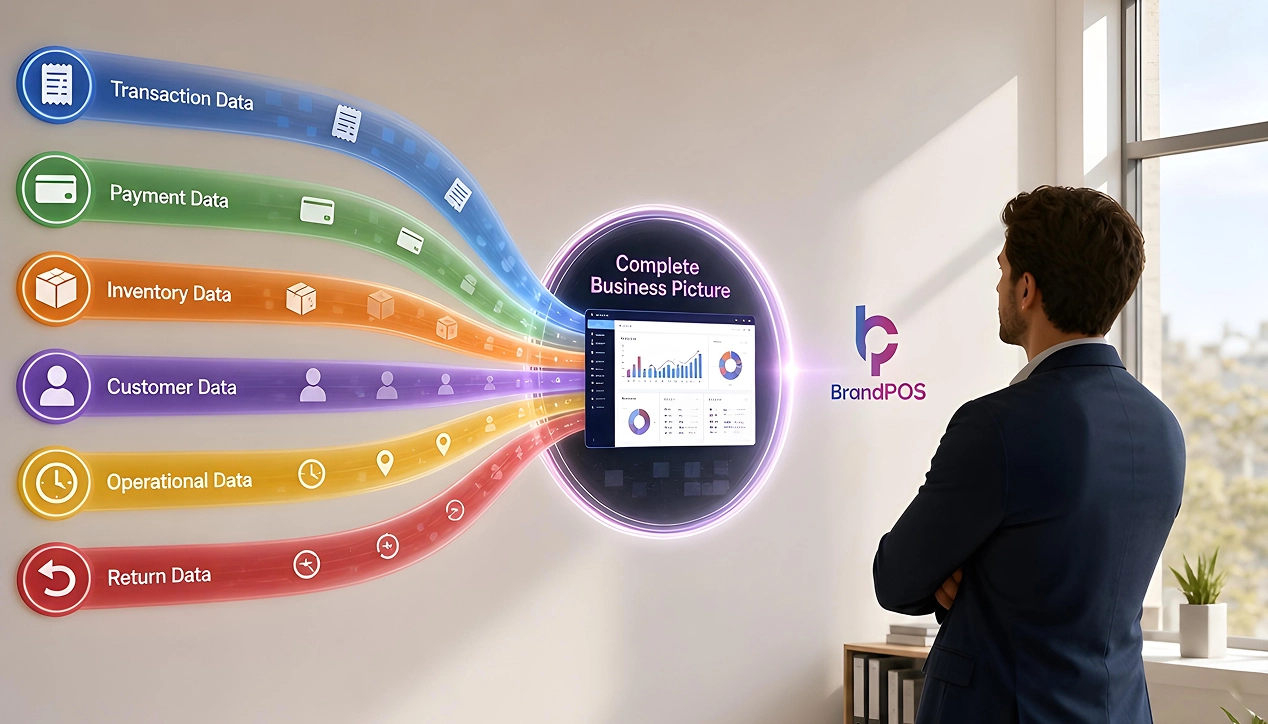
Most businesses assume that POS data just tells the details of the sale. But there are six types of POS data that give you different information about the sale, and a single sale may touch all six data points.
Transaction Data
Contains the core information of the sale, like what items were purchased, quantities, their prices, if any discounts were applied, what the taxes were, and what the total amount paid by the customer was.
Payment Data
Payment data tells you how the customer paid you - card, cash, mobile wallet, QR code scan, account-to-account payment, and so on.
Inventory Data
What was your stock level at the moment of sale? In integrated systems, low stocks automatically trigger reorders.
Customer Data
This is the POS data layer most valuable for personalized marketing. It contains details like the customer’s purchase history, sometimes their demographic details, loyalty IDs, and reward programs.
Operational/timestamp Data
This POS data tells you the exact time, date, and location of the sale and which staff member handled the sale.
Return and Exception Data
Void sales, refunds, price overriding, etc. are recorded and can be a valuable insight for identifying loss-prevention strategies.
What Does a Raw POS Dataset Look Like?
The raw POS Data is basically a spreadsheet, and it contains a list with one row per product/item.
For example, if a customer bought three of your products, for the single sale, the record will not appear in a single row. There will be three rows of data in the raw POS dataset. Each product would have its own row.
So, the raw POS data is essentially a list of items sold, and on its own can feel overwhelming and also random.
But when the data is categorized and analyzed, you can understand which is your best-selling product, during what time of the day your maximum sales happen, who is a repeat customer or a regular at a particular outlet, who is your top-performing staff, etc.
How to Run a POS Data Analysis
For the untrained eye, the raw POS data can look intimidating and overwhelming. But you can get meaningful insights from the data without needing very technical analysis.
Step 1: Pull a Clean Raw Data Export
Export transaction-level data (not the pre-summarized totals) for your choice of time, i.e., the last 30, 90, or even 365 days.
Step 2: Clean Up and Segment the Data
Remove the test transactions, voided sales, and duplicate entries from the Point of Sale data. Once the data is cleaned up, organize the data into different categories by product, time of sales, who made the sales, location etc.
Step 4: Pick Your Question
"Which is my best-selling item?" A question like this is too broad, and it gives you very limited data points. But a question like "Which three items are selling out at X location?" tells you what you need to restock and what the customers prefer in that particular location.
So, ask specific questions to analyze the POS data.
Here it is important to search for patterns and compare the metrics in the context of overall POS data rather than focusing on the totals.
Step 5: Take Action on the Finding
The whole point of asking a question like "What is POS data in the first place?" is to leverage it for business decisions.
So, make the insights actionable.
For instance, you find that a section of your customers purchases a product every thirty days. This is a valuable pattern. What you can do is not just stock those items to match their purchase time but also set up an automated SMS/email reminder giving them discount codes or cross-promotion offers on related products.
Step 5: Repeat
POS data is updated every time you make a sale. So, make it a habit to review and analyze it at regular intervals.
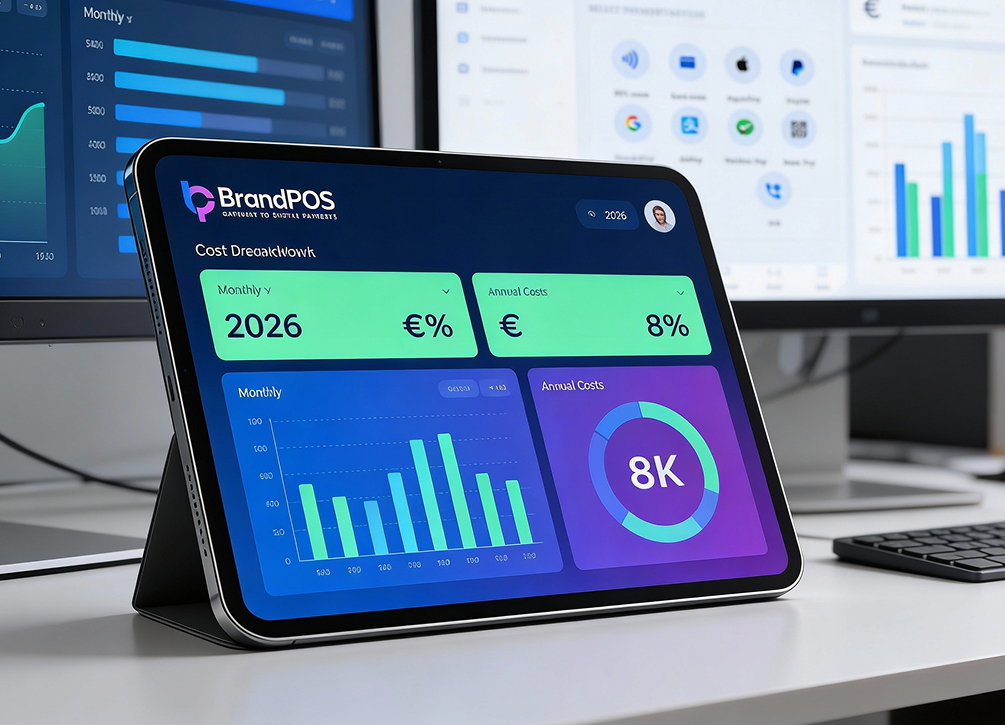
Most SoftPOS apps like BrandPOS give you built-in real-time dashboards that automate steps 1 to 4. So, you can take timely action on the POS data.
4 Examples of POS Data Analysis
- Fashion retailer Zara uses real-time sales and stock data from its 6000 stores across the world. Zara has achieved 95% to 99% inventory accuracy and sells out its full inventory every 30 days!
- Starbucks analyzes its 90 million transactions per week to know customer preferences by location and send personalized offers.
- Shoe brand Allbirds cross-references its web traffic by location along with data from its physical retail stores. Its analysis confirmed that within 3 months of opening their Boston Back Bay store, their web traffic from the zip code surged by 83%!
- Fast food giant McDonald's links POS transaction trends with real-time context like the weather and the drive-thru traffic to update its digital menu boards.
Common Challenges with POS Data
Many times POS data on different categories like payments, inventory, or customer loyalty details exists in isolation, which makes it harder to use it strategically.
If there are manual entries done for custom discounts or different product names, then it creates a mess.
If there is no dashboard or review system in place, Point Of Sale data will make no sense. Without a system to analyze it, POS data also becomes just another sales record.
When you are collecting customer data, compliance frameworks come into the picture, and you have to ensure the standards for data privacy, data storage, and transfer.
The real challenge for POS data (especially with SoftPOS, etc., which gives a ready dashboard) is not stopping at the analysis level and turning insight into action.
Benefits of POS Data Analysis
When you know what is selling and when, you can make smarter inventory decisions like what to restock and when to reorder.
You can use inputs from POS data about customer footfalls to manage staff schedules.
With POS analytics you can cross-reference your discounts with sales and promotional messages data. It helps you understand which of your discounts and promotional offers worked best.
POS data helps you understand when your customers like to shop, which products they like, and which offers excite them. So, you can build better relationships with customers by personalizing your communication.
Unusual returns and discrepancies in discount patterns can go unnoticed when they are happening in isolation. But, if you can find a pattern of these frauds through POS data analysis, you can take action faster and prevent losses.
Business owners can use POS data to make faster and evidence-based decisions instead of relying on larger industry trends or delayed feedback loops.
BrandPOS SoftPOS App – Your All-in-One Payment Solution
POS data in itself can feel random, and it will be so if you don't have a system to capture clean and real-time data along with POS analysis tools.
BrandPOS is a SoftPOS app that is built to capture POS data in real-time and support you with its analytics dashboard.
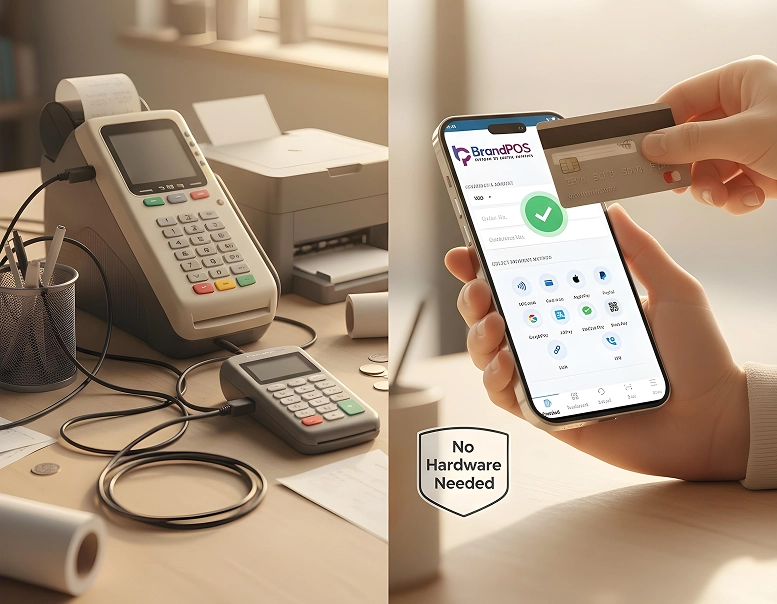
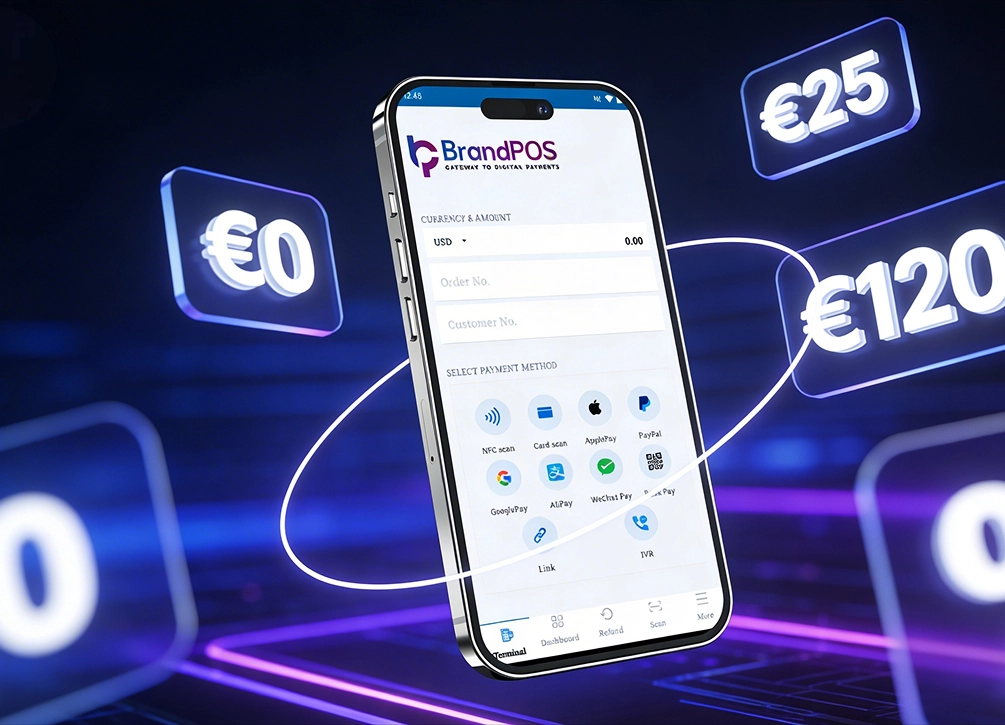
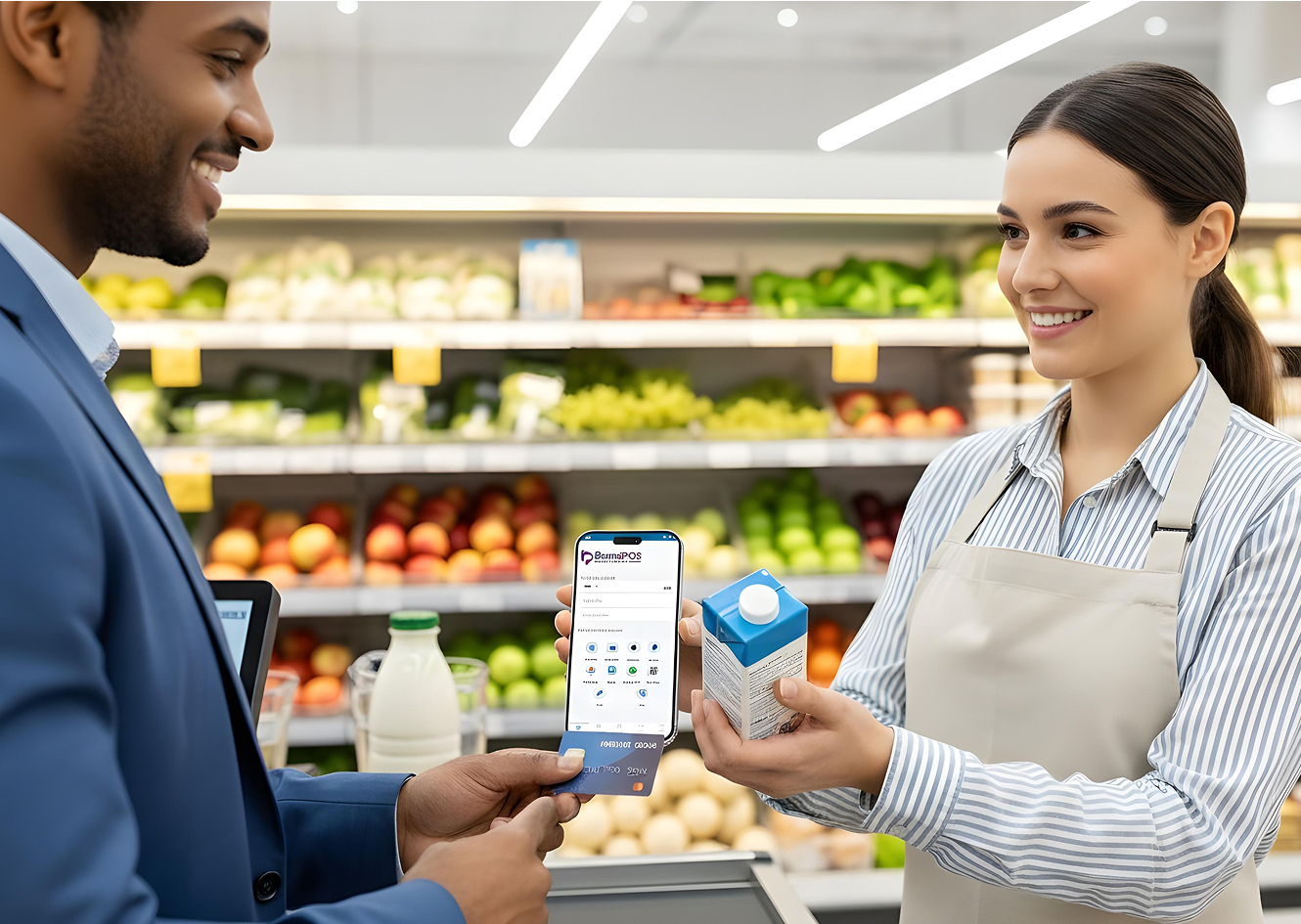
As it is a true SoftPOS app, you can use BrandPOS on your compatible smartphone, and you do not need any additional hardware POS system. It not only supports multiple payment methods to make sales frictionless but also ensures security of data with industry-standard compliances.
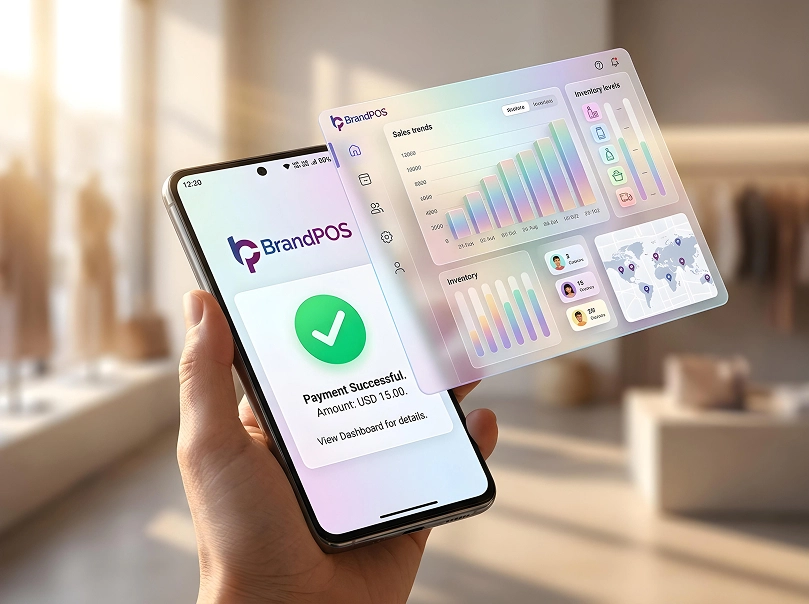
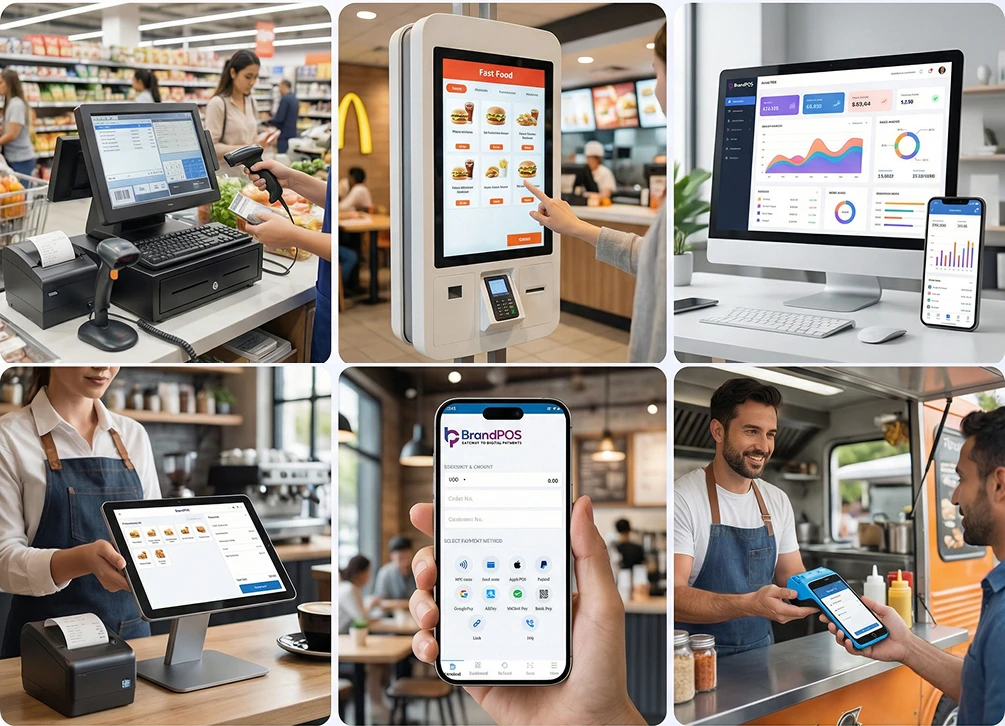
What makes BrandPOS ideal for POS data management is that it gives you a real-time dashboard - an analytics layer on top of data capturing. So, instead of becoming another standalone payment log, every payment gets connected to your other operations like staffing and customer insights.
Ready to ditch the card machine?
BrandPOS turns any Mobile phone into a certified POS terminal - no cables, no setup headaches.
Get Started for Free