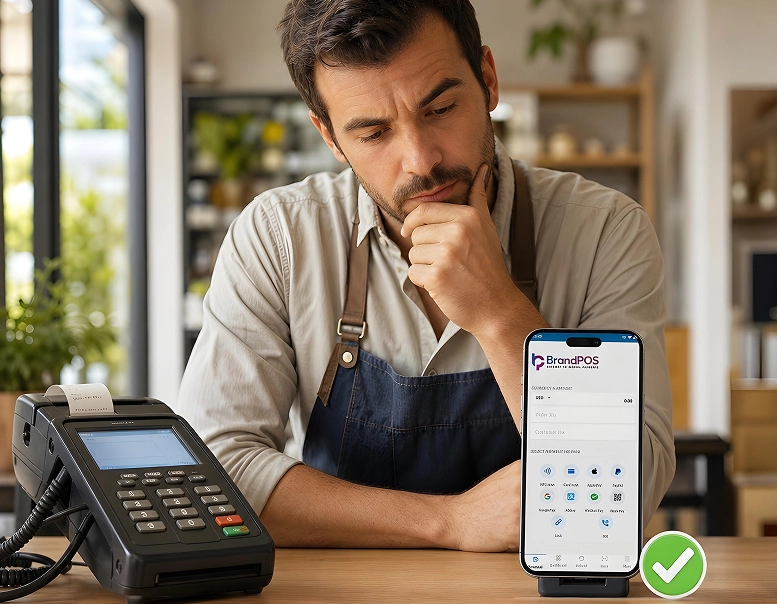
When a business owner has to choose between POS and ePOS, the decision is not as simple as just choosing a way to accept payment. Because even though they are related and often used interchangeably, POS and ePOS can mean very different things for your business.
For instance, if a merchant says, “I am using a POS system,” they could be referring to anything from a dedicated countertop machine with an on-premise server to just an app on their phone.
Many business owners may be using an ePOS system without knowing what is an ePOS? and simply referring to it as a POS (not wrong per se but just not specific).
The difference matters because knowing the specifics of POS and ePOS can save you from overpaying for the hardware you don’t need or, on the other hand, opting for software that cannot keep up with your growth.
In competitive retail and hospitality sectors, selecting between POS and ePOS shapes your daily customer throughput, accounting accuracy, and ability to expand to multiple stores.
Ready to ditch the card machine?
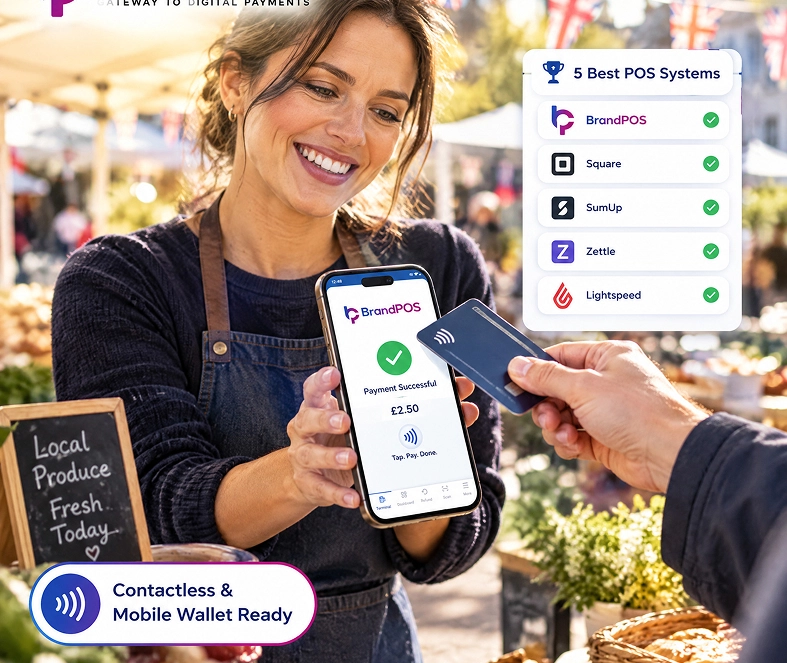
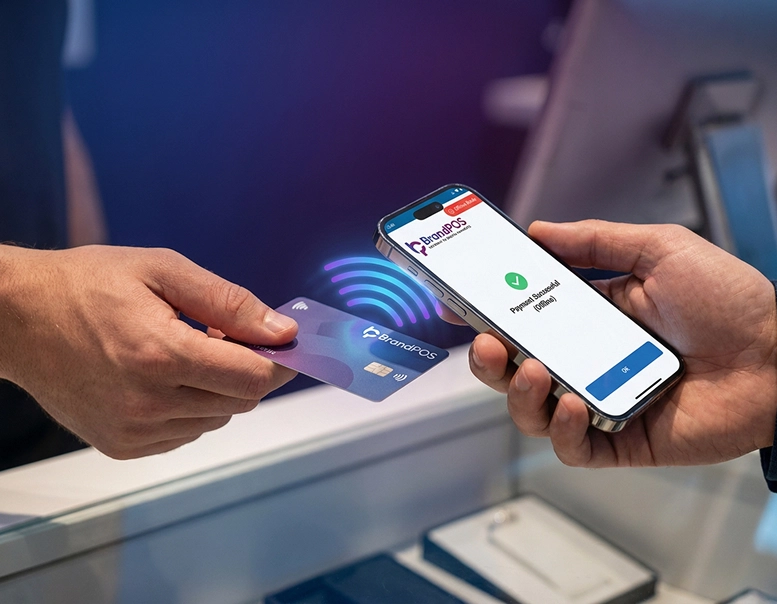
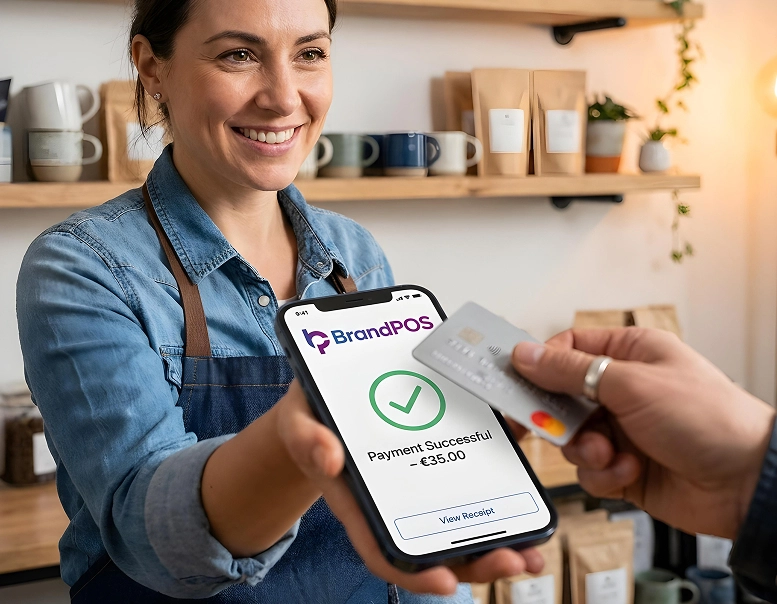
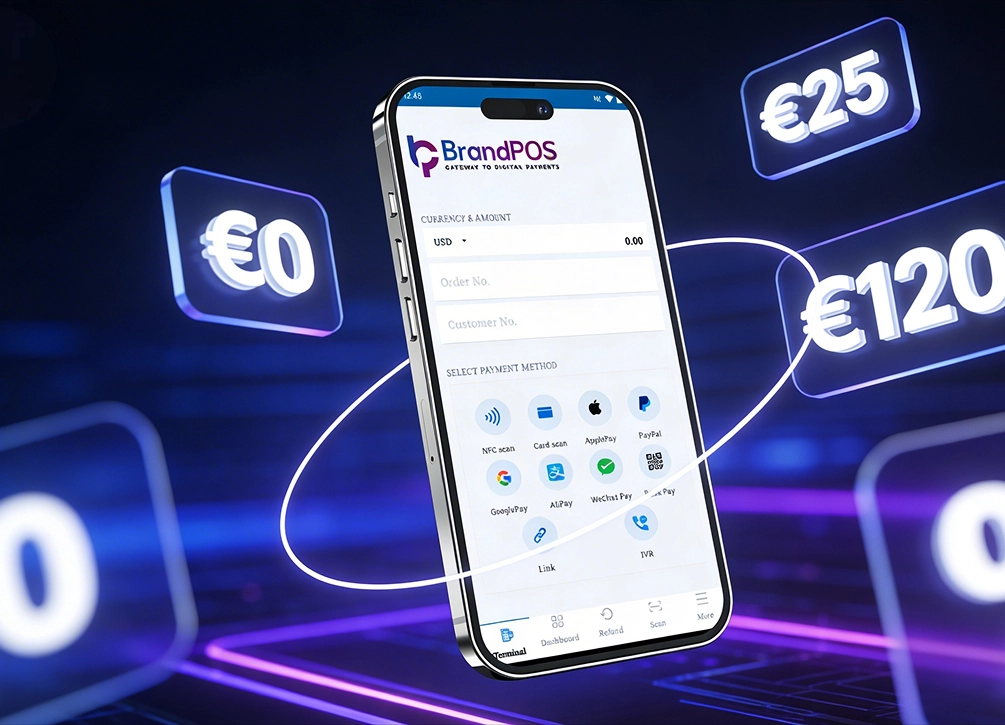
BrandPOS turns any Mobile phone into a certified POS terminal - no cables, no setup headaches.
Get Started for FreeWhat Is a POS System?
A POS, or Point of Sale system, is quite literally the point at which the customer hands over the payment and you as a business hand over your goods or services to the customer.
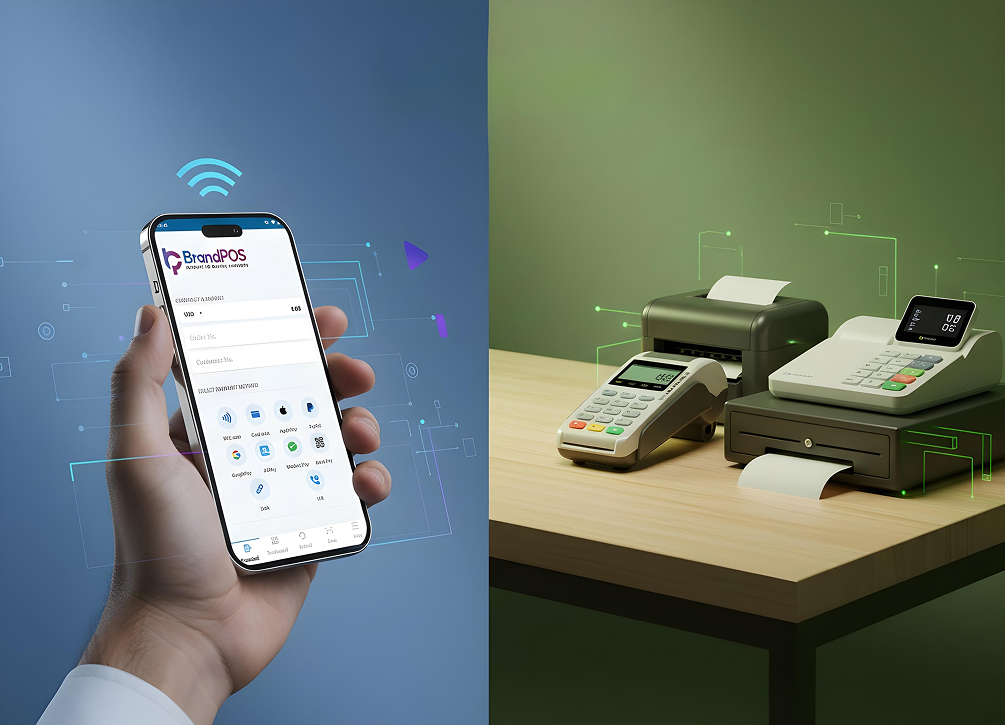
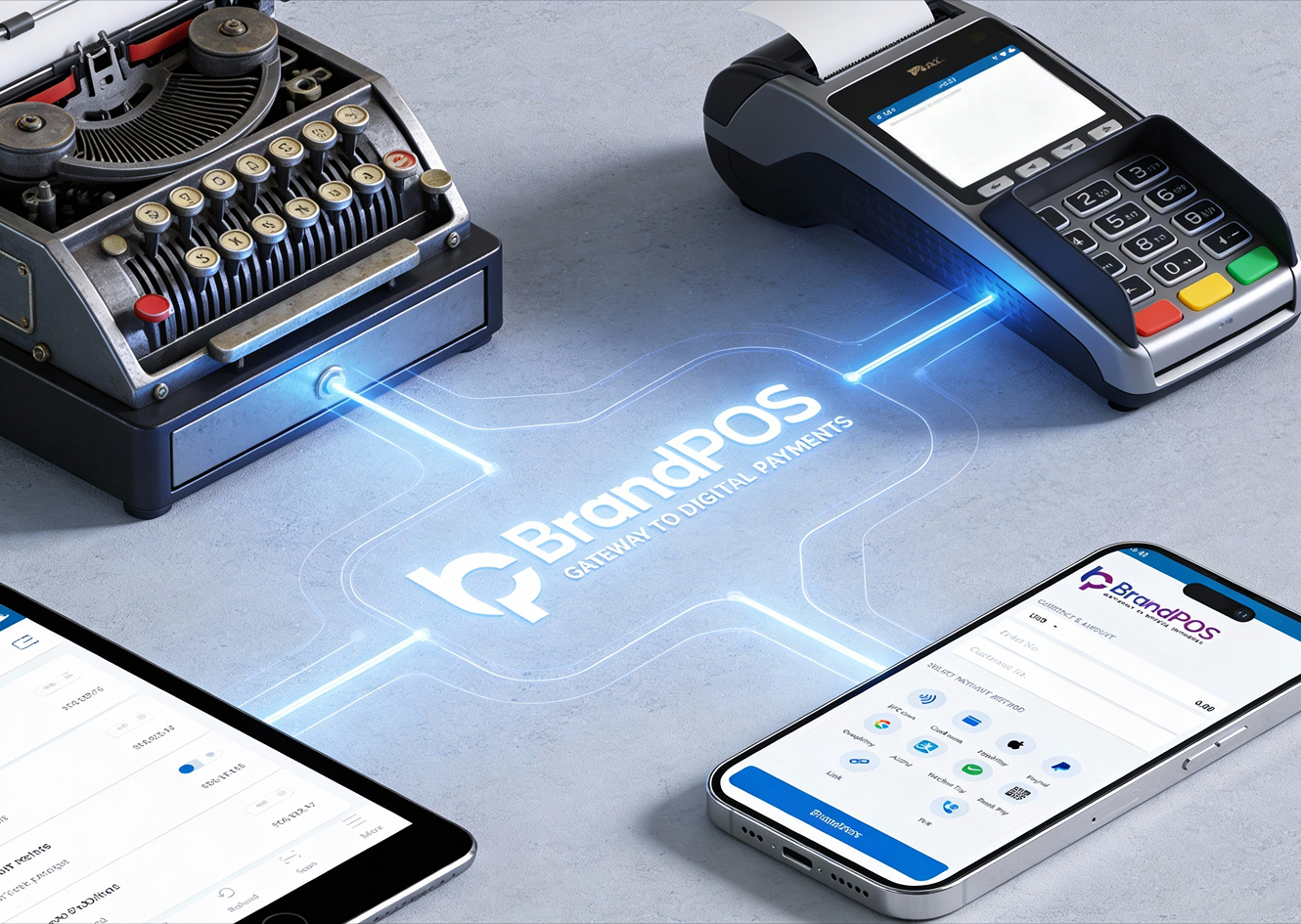
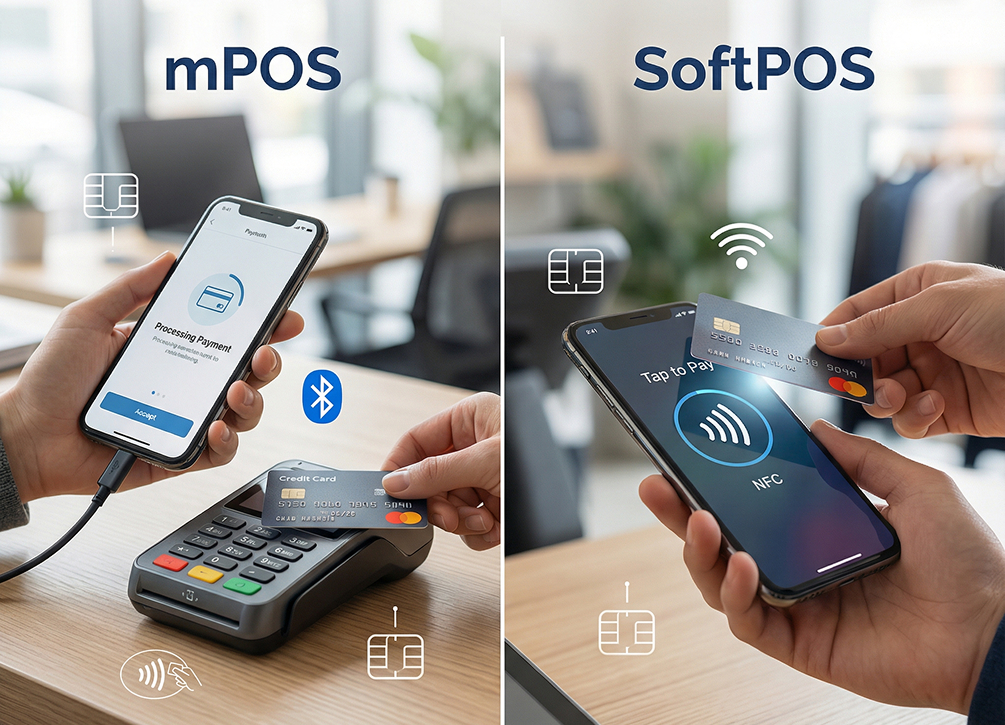
When we say POS, it includes everything from a traditional hardware setup to a countertop card-swiping machine to the latest SoftPOS apps on your phone.
So, POS is an umbrella term that tells you the functionality of a system (i.e., processing payments) but does not tell you how sophisticated the system is in terms of its scope and real-life use.
A standard POS setup focuses strictly on completing the sale, printing a physical receipt, and logging the transaction amount in a local cash drawer or ledger book.
What Is an ePOS?
ePOS, or an electronic point of sale, is one type of POS system. It is electronic, i.e., computerized and networked, to handle sales processes beyond basic payment acceptance.
When merchants ask what does ePOS stand for, the term stands for Electronic Point of Sale. If we define ePOS in simple terms, it is an integrated system where software and hardware unite to connect front-end checkouts with backend business operations.
To define ePOS accurately for modern merchants, what is an ePOS in retail and hospitality? It functions as the central operational hub that links payment acceptance with real-time stock control, accounting, and customer data.
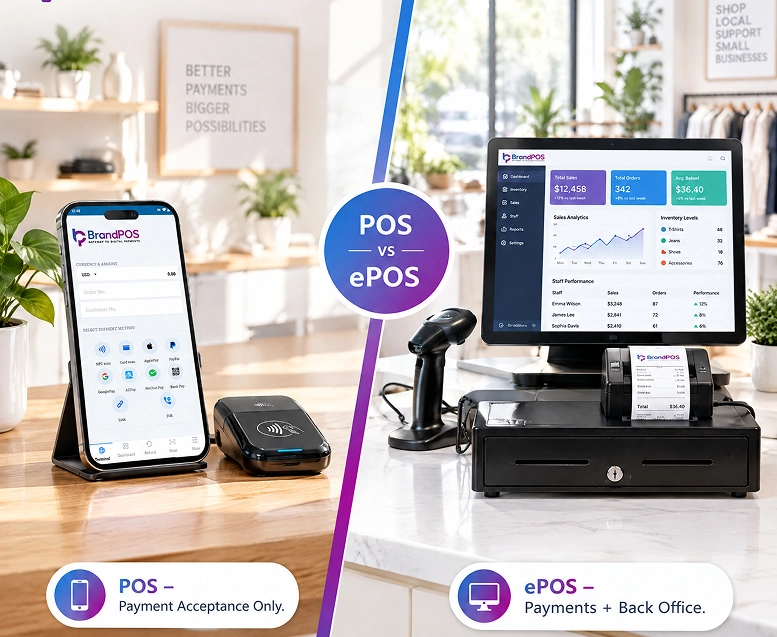
When your business is using a POS, it answers a basic question - “How do I get paid?”
When it comes to ePOS, it covers a longer list of questions, like, "What products were sold most today?" "Which employee had the best sales this month?" "Which counter handles most transactions?" "When was there a noticeable lull or spike in customer traffic?" Etc.
So, an ePOS combines payment processing with inventory tracking, accounting, reporting and analytics, and employee performance tools.
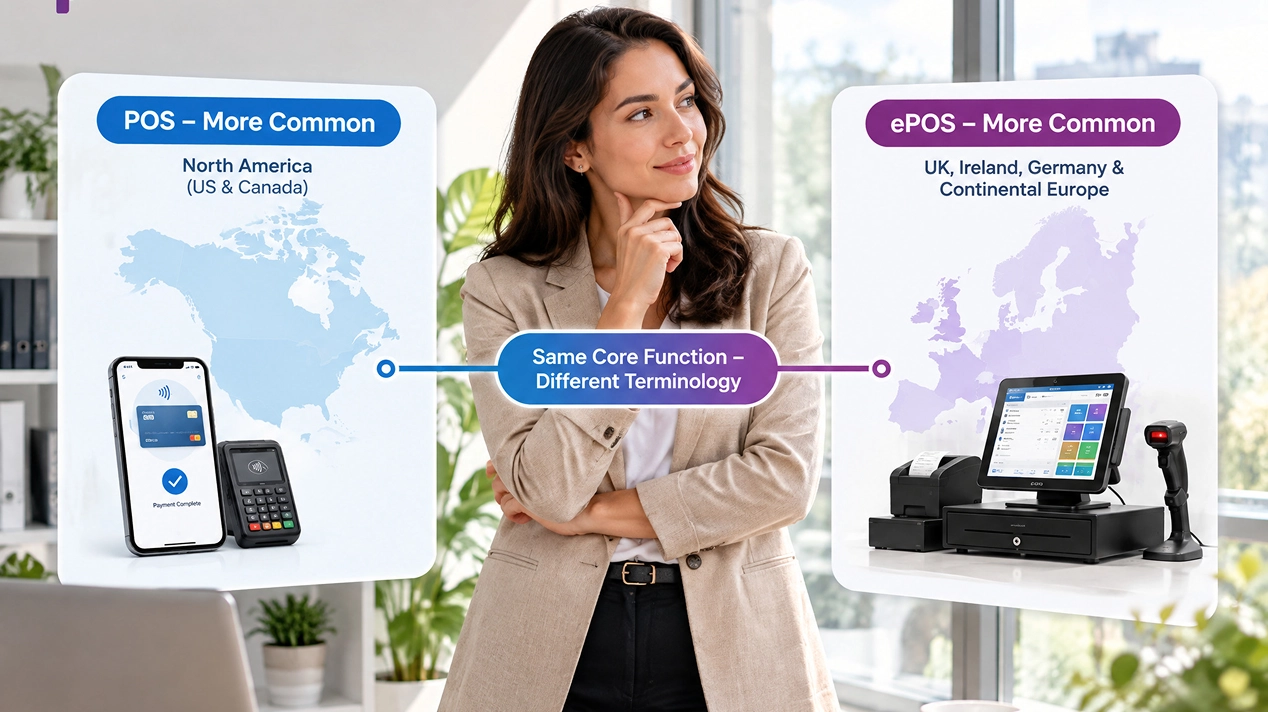
You are more likely to hear the terms "ePOS payment" and "ePOS machine" in the UK, Germany, and other continental European countries rather than in the USA or Canada. While American merchants typically speak of a cloud POS, European businesses routinely refer to acquiring a countertop ePOS machine to handle everyday transactions.
POS vs ePOS: The Key Differences
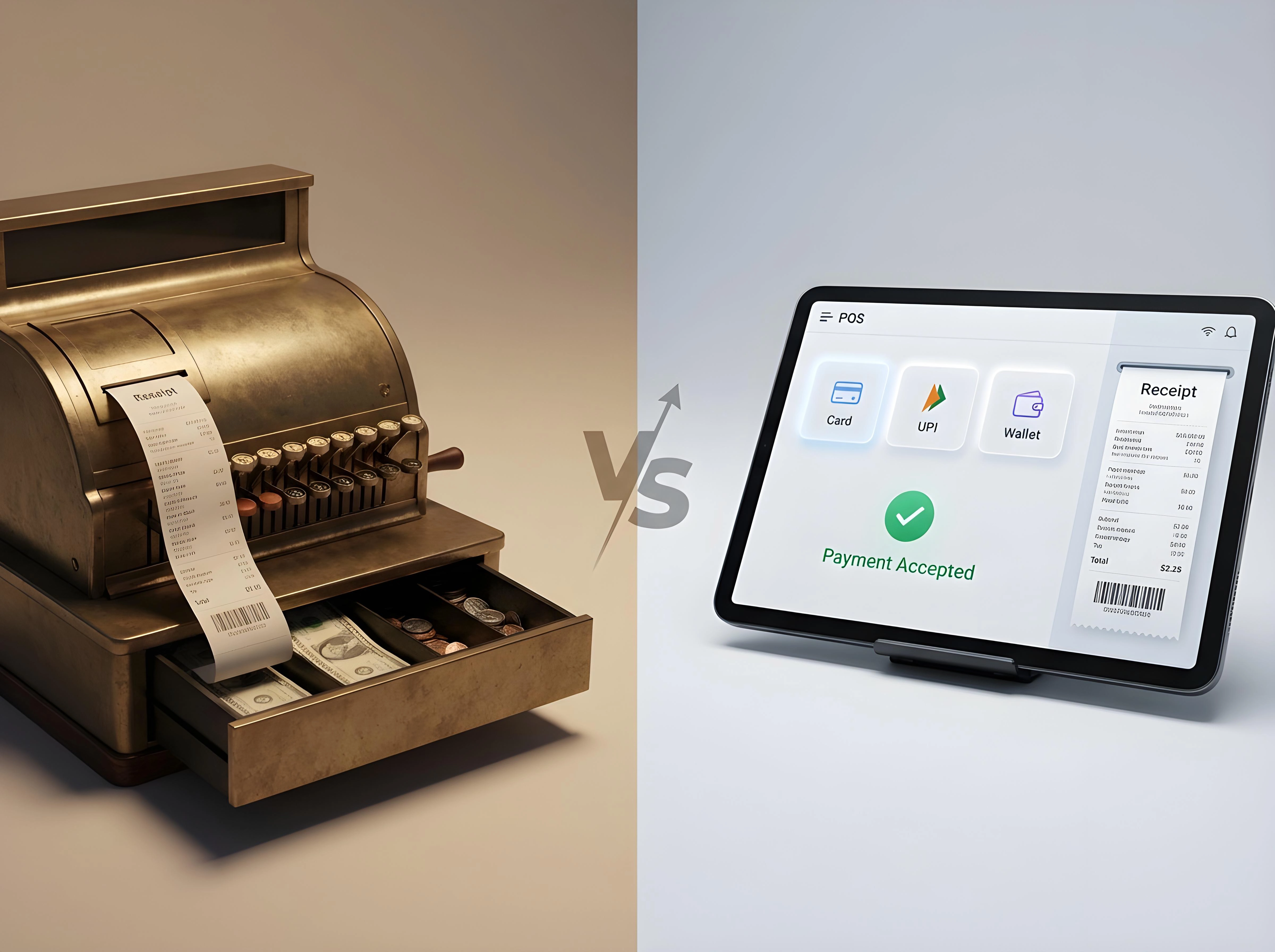
When we look at POS and ePOS, they both sit under the same umbrella of payment processing options for businesses. The differences between POS and ePOS lie in the hardware component, the scope of their functionality, and which businesses they each suit best.
| Aspect | POS (Point of Sale) | ePOS (electronic Point of Sale) |
|---|---|---|
| Core definition | Any system, manual or digital, used to complete a sale | A computerized, networked POS that also runs the back office |
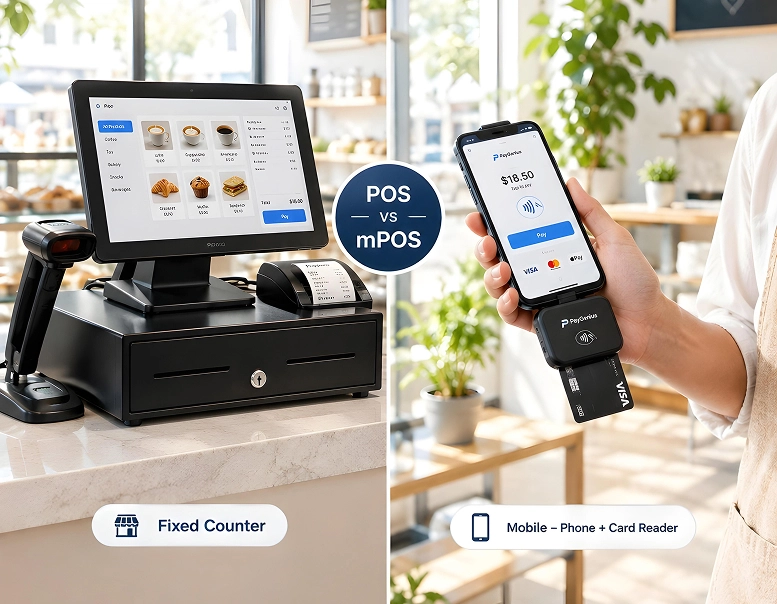
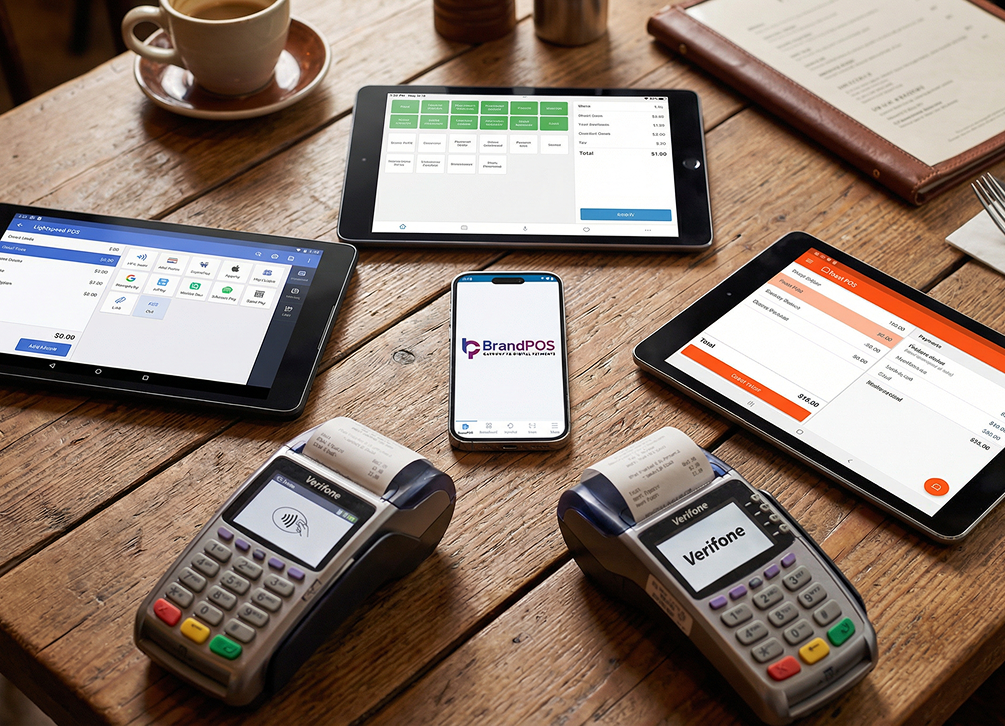
| Hardware needs | Can be as simple as a smartphone and a card reader | Often includes a till, barcode scanner, receipt printer, and cash drawer |
| Software depth | Basic payment acceptance and a sales log | Real-time inventory, staff management, CRM, and multi-location reporting |
| Internet dependence | Many modern POS apps (like SoftPOS) work with just a phone connection | Traditionally runs on a local network; cloud EPOS now also needs internet |
| Where you'll hear the term | More common in the US and Canada | More common in the UK, Ireland, and continental Europe |
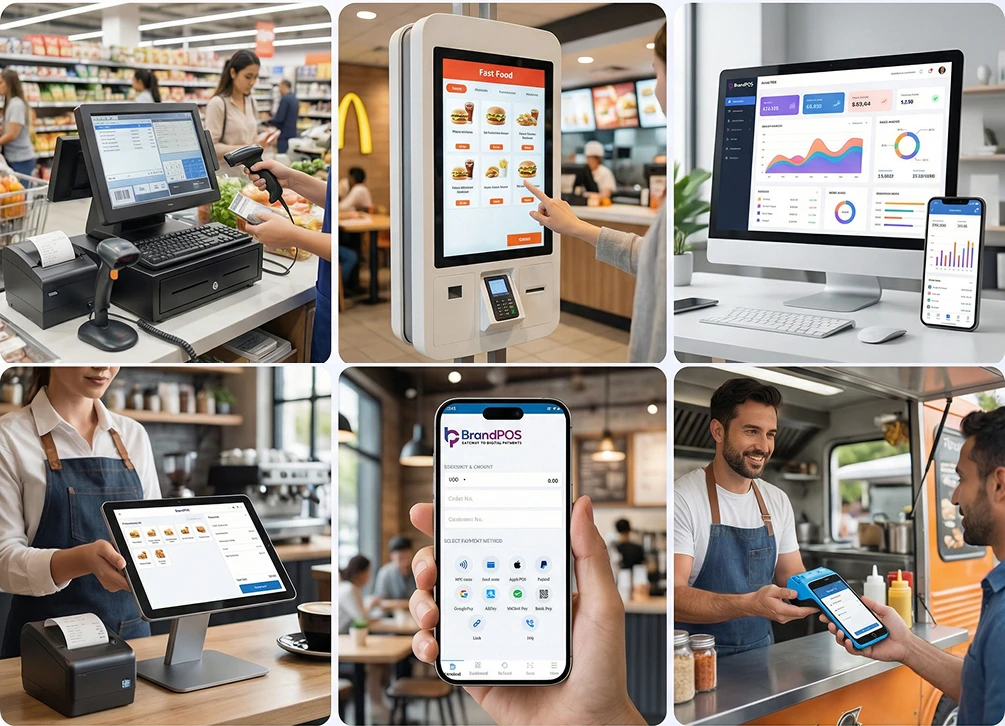
| Typical user | Food trucks, market stalls, freelancers, pop-ups | Multi-till retail stores, restaurant chains, salons, supermarkets |
| Set-up cost | Low to none, often just an app download | Higher hardware, licensing, and sometimes installation |
| Scalability | Good for one person or one till | Built for growing, multi-location, multi-staff operations |
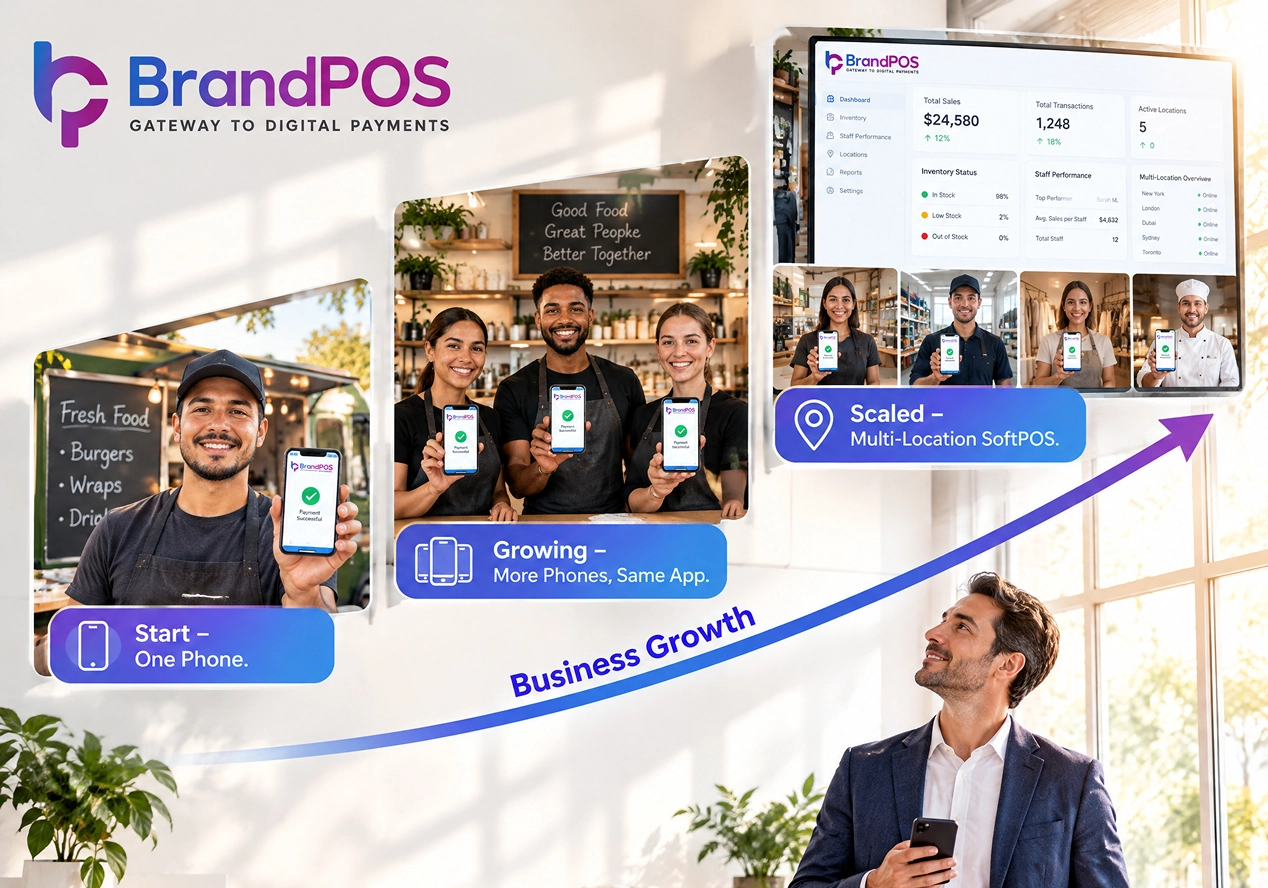
Plenty of businesses use a traditional and often limited POS when they start. And as their business grows (for example, more locations are added or more staff come onboard), they graduate to an ePOS.
Another key point to be noted is that many POS options like SoftPOS are designed to keep working with a mobile data connection when the WiFi is unreliable. So, mobile businesses like food trucks, market stalls, pop-ups, etc., find them more efficient.
Comparing POS and ePOS makes it evident that while a standard POS handles payment capture, an ePOS oversees your whole commercial infrastructure. With real-time synchronization, you prevent stock discrepancies and avoid painful manual reconciliations at closing time.
Benefits of Using a POS and ePOS System
Cash is no longer the default for customers. According to the European Central Bank Survey, acceptance of mobile payments has jumped from 36% to 68% during the years 2024 to 2026. So, businesses need to shift to POS and ePOS to keep up with their customer preferences.
Shifting from a manual cash drawer to POS and ePOS can transform the experience of your customer, sales teams, and strategic decision makers of the business.
- POS and especially ePOS payment options help to process the sales smoothly and quickly. The customer experience instantly improves as it saves the frustration of queues.
- The real-time sales analytics help you stop guessing - whether it's about inventory or employee performance. You can make better decisions based on evidence and data.
- POS and ePOS require less admin handling (as transactions are automatically recorded and concealed across multiple relevant systems). Absence of manual handling also reduces errors.
- Most modern POS and ePOS systems have built-in security and compliances like encryption. So, your business does not have to manage it separately.
By uniting front-of-house checkouts with back-office intelligence, modern POS and ePOS solutions eliminate human data-entry mistakes. Providing diverse ePOS payment methods guarantees that no customer is turned away due to limited checkout options.
BrandPOS SoftPOS App - Your All-in-One Payment Solution
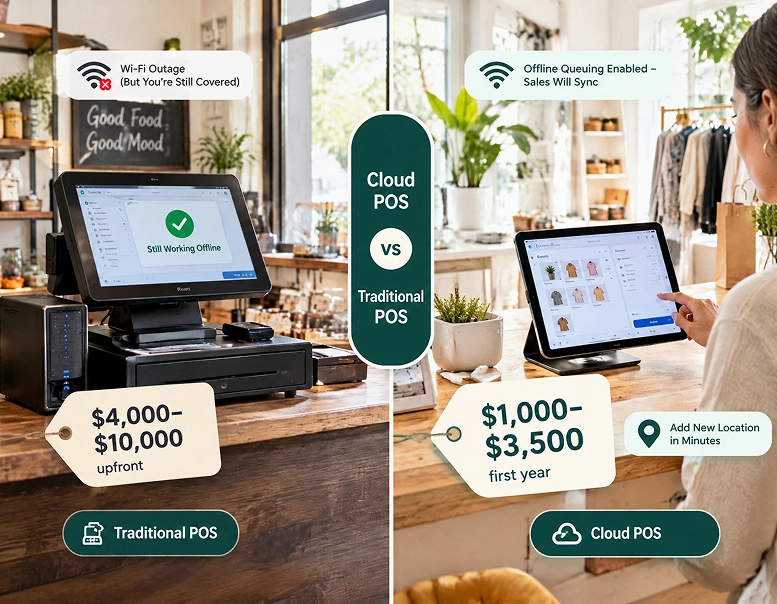
When we look at POS and ePOS, a bare-bones POS is simply not enough for most businesses. An ePOS can provide a lot of functionality, but at the same time, a full ePOS setup can require heavy upfront investments.
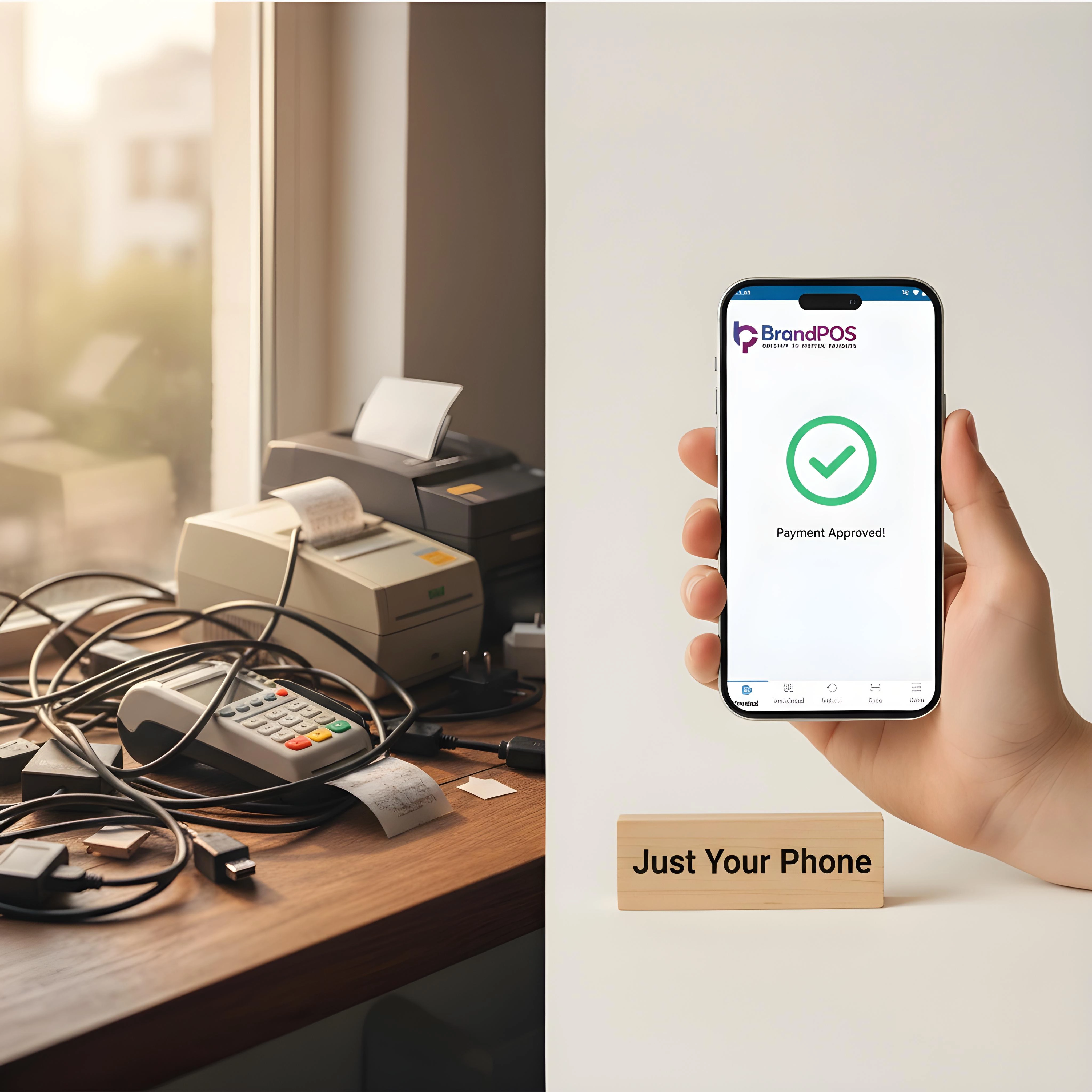
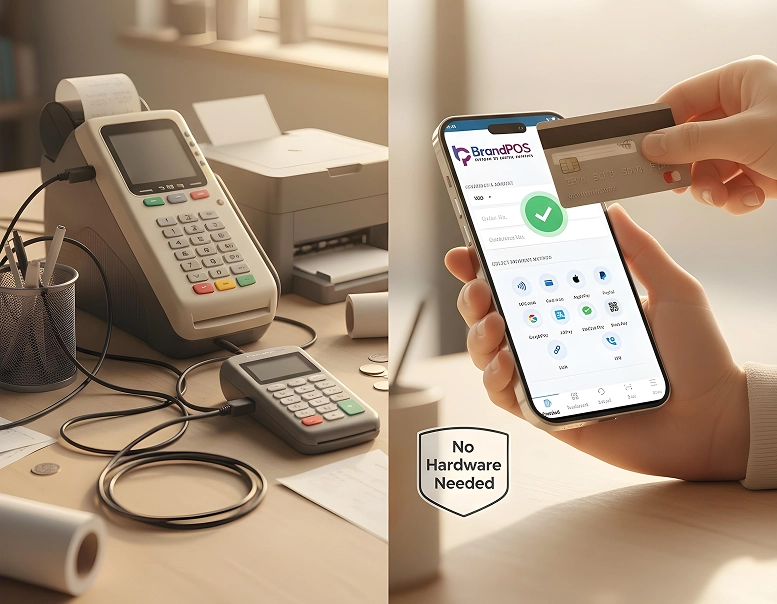
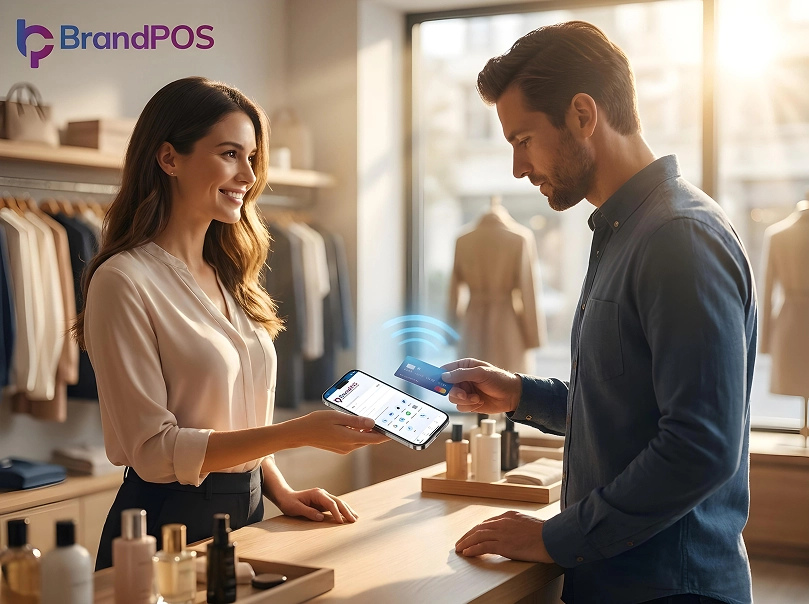
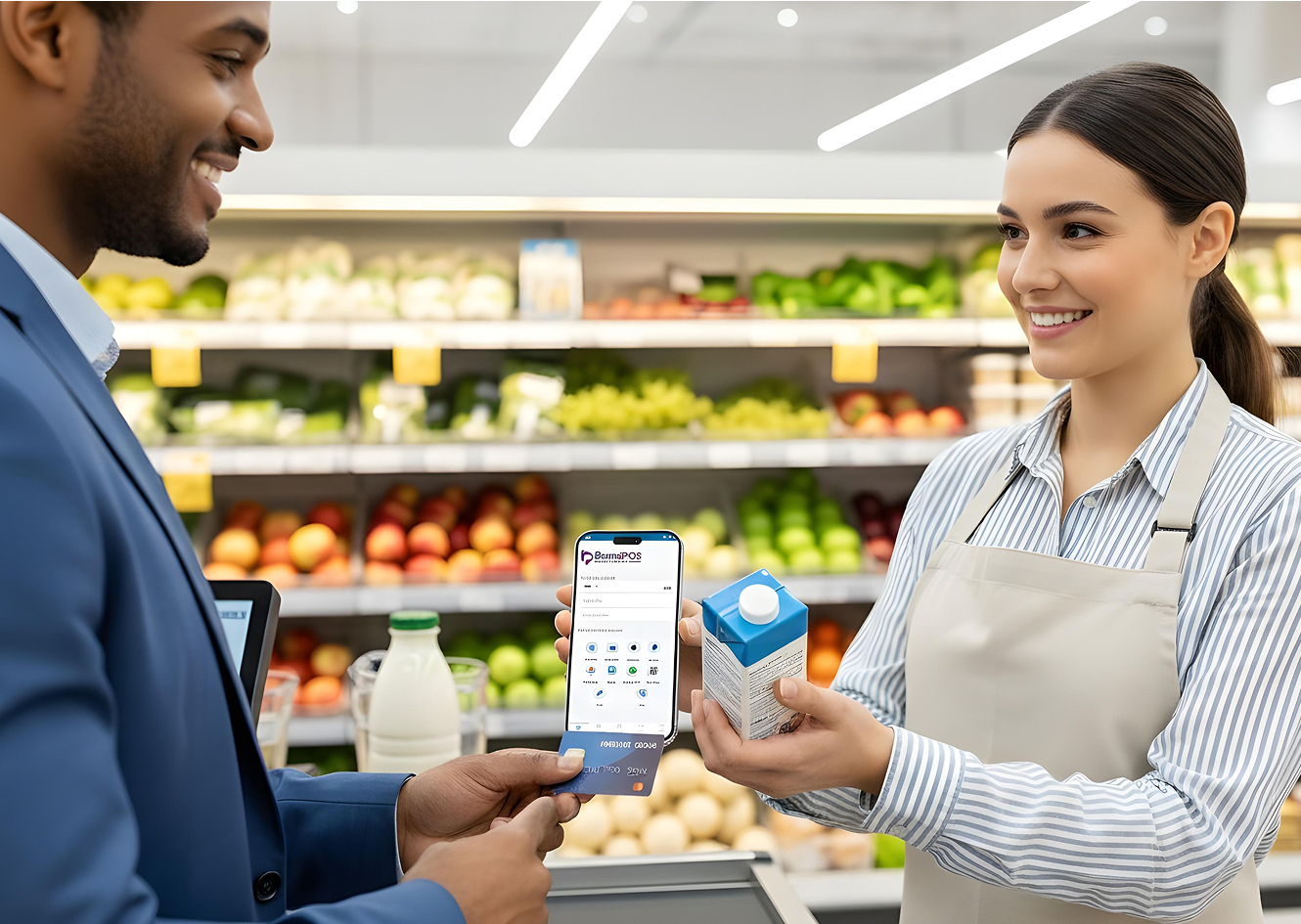
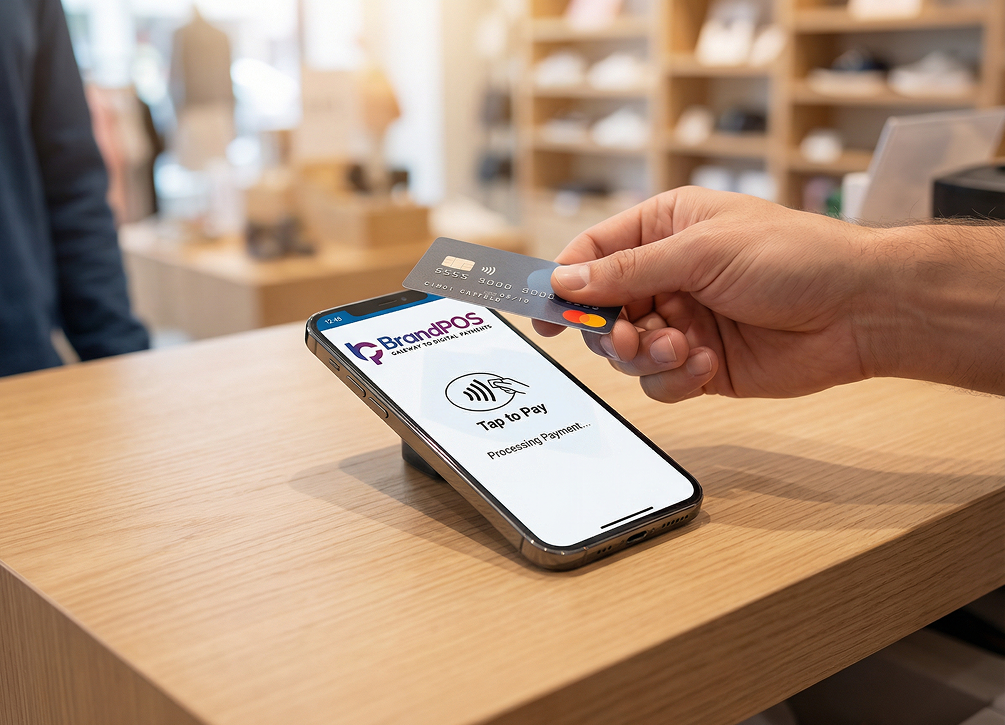
A SoftPOS app like BrandPOS, which you can use on your phone without extra investment in hardware systems, becomes a highly functional alternative to POS and ePOS.
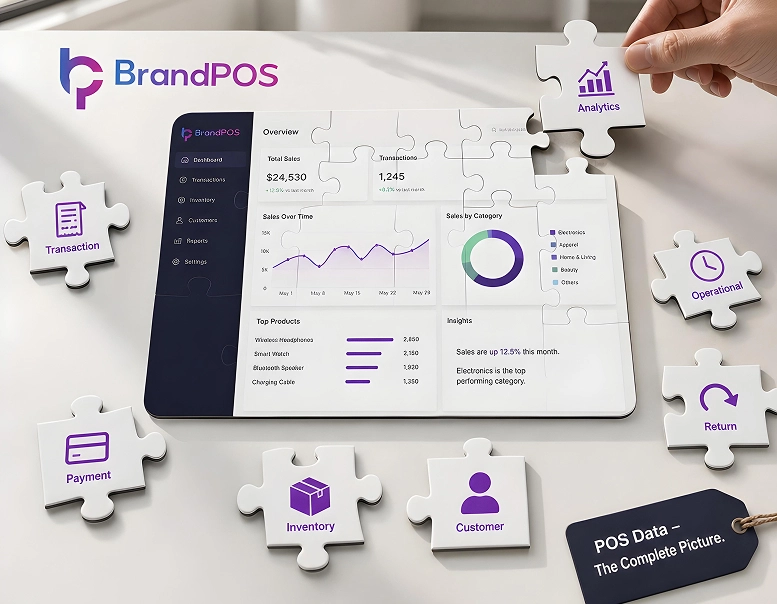
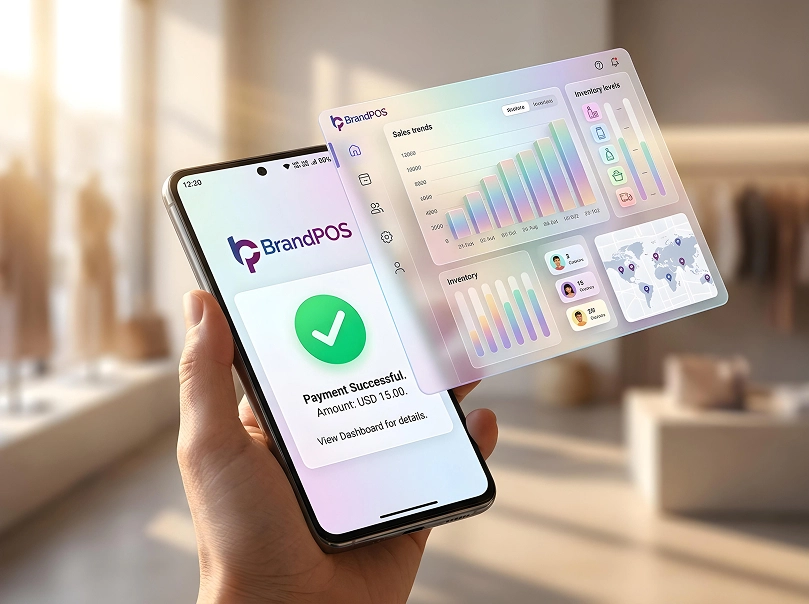
Businesses can use BrandPOS not only to accept payments (like a POS system) but also to manage other sales functions such as digital receipt generation, staff performance tracking, sales analytics, etc., just like an ePOS.
Faster and Smoother Start
There is no extra investment in the hardware and no time to be spent ordering and configuring the POS hardware. So, you can install the BrandPOS app on a compatible phone, get your business verified online, and start accepting payments sooner.
Easy to Scale
Adding more checkout counters, or adding more employees to the sales team, or setting up your pop-up at short notice - all become simple with BrandPOS, as you just have to install the app on another phone.
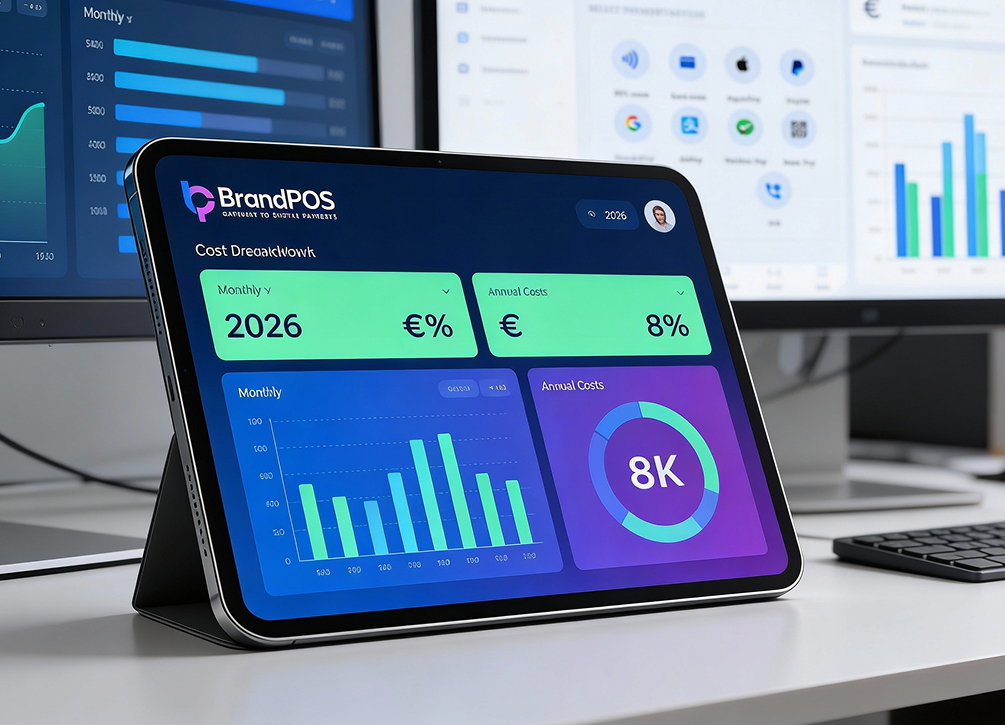
BrandPOS gives you a central sales dashboard where you can get all your sales analytics and employee performance data in real-time. So, as you scale, you can still manage your operations with the BrandPOS app.
Multiple Payment Support
Although tap-to-pay is increasingly becoming popular, BrandPOS ensures that you can accept payments through other methods also.
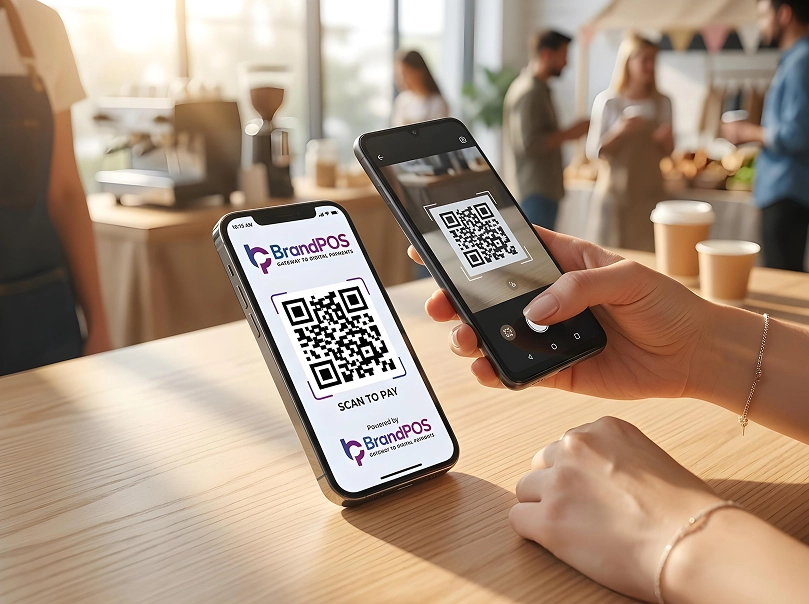
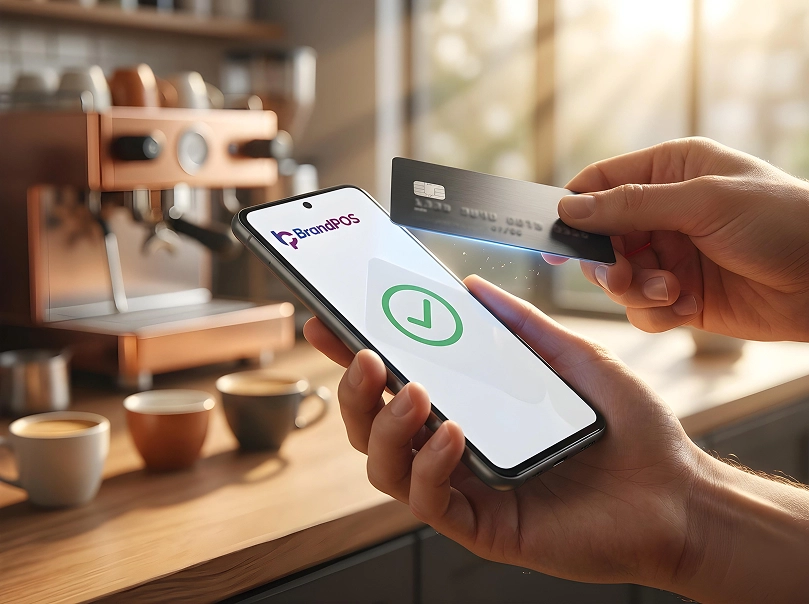
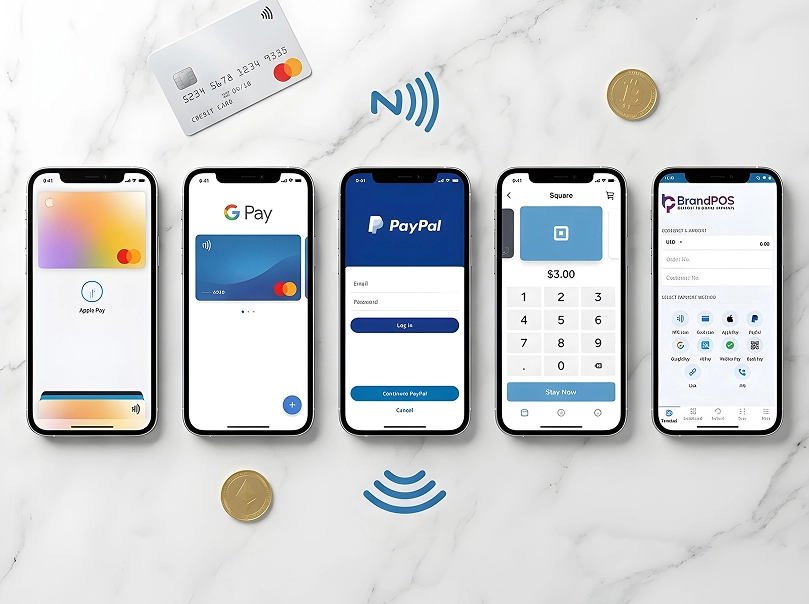
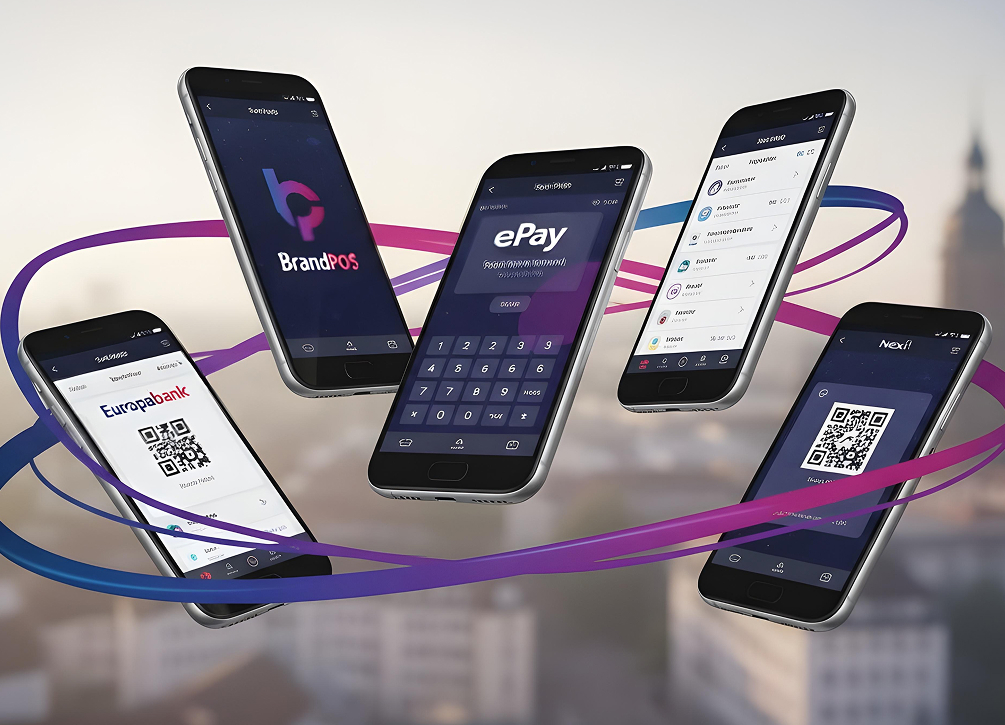
So, it covers contactless payments with mobile wallets or cards, PIN on glass payments through cards, QR code scanning, payment links, account-to-account transfers, etc. Every modern ePOS payment type is readily supported directly on your phone.
Security
BrandPOS ensures compliance with industry standards and regulatory frameworks (encryption and PCI -mobile payment standard) to secure the transaction data.
Pricing Advantage
BrandPOS gives you a 0.19% transaction rate - one of the lowest in the SoftPOS space.
For micro and small businesses, BrandPOS can be the default POS system, as it gives the payment flexibility of a full-fledged POS without the hardware overhead.
For larger and more complex businesses, BrandPOS can help to manage the payments of shop floors and mobile locations in addition to their traditional POS setups.
Ready to ditch the card machine?
BrandPOS turns any Mobile phone into a certified POS terminal - no cables, no setup headaches.
Get Started for Free