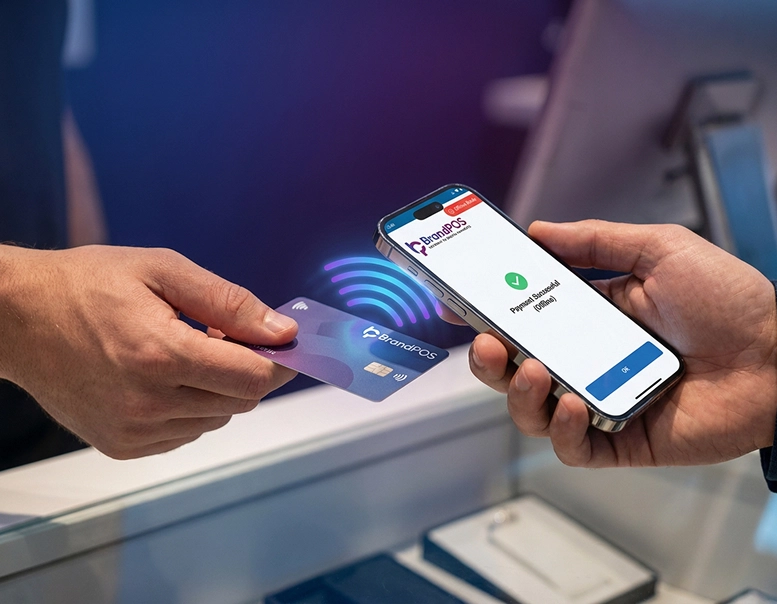
As NFC-enabled smartphone wallets are becoming the norm for customers, businesses are also making a marked shift to contactless payments with SoftPOS technology. At this juncture, both customers and businesses have the same question: can you use NFC payment without internet?
In the initial days of digital payments, we have seen how disruptive connectivity outages can be. For example, in the year 2018, there were 5 million failed transactions during a 10-hour Visa outage in Europe.
Today, around 86% of customers all over the world are using contactless payment options, with transaction volume reaching $15.7 trillion in 2025. In Europe, 85% of retail transactions are conducted through contactless payments. And in the case of the US, over 60% of in-store transactions were contactless. Just imagine the chaos a 10-hour internet outage could create today! Or how frustrating a patchy connection will be when we are used to doing NFC payments in less than a second.
So, can you use NFC payment without internet? It has become a crucial priority for businesses. Not surprisingly, the European Central Bank (ECB) even considers offline contactless payments a key design objective of its ambitious digital Euro initiative. On the other hand, offline NFC payments have proven to be massively advantageous. Can you use NFC payment without internet? Finding the answer to this question has revolutionized urban transit in the US and UK.
NFC payments helped London's Transport for London (TfL) to reduce its fare collection costs from 14% of revenue to less than 9% of revenue. The MTA (Metropolitan Transportation Authority) of New York City expects to save $20 million annually by shifting to NFC-based contactless cards/wallets. And 75% to 80% of riders prefer to use their mobile wallet rather than the physical OMNY card.
Shifting to contactless payments helped airlines reduce in-flight payment frauds by a whopping 80%. The airline cabin is the ultimate disconnected environment. Transportation and underground subways also suffer from patchy network coverage and the challenge of processing a large volume of transactions within short periods of time.
What Is NFC Payment?
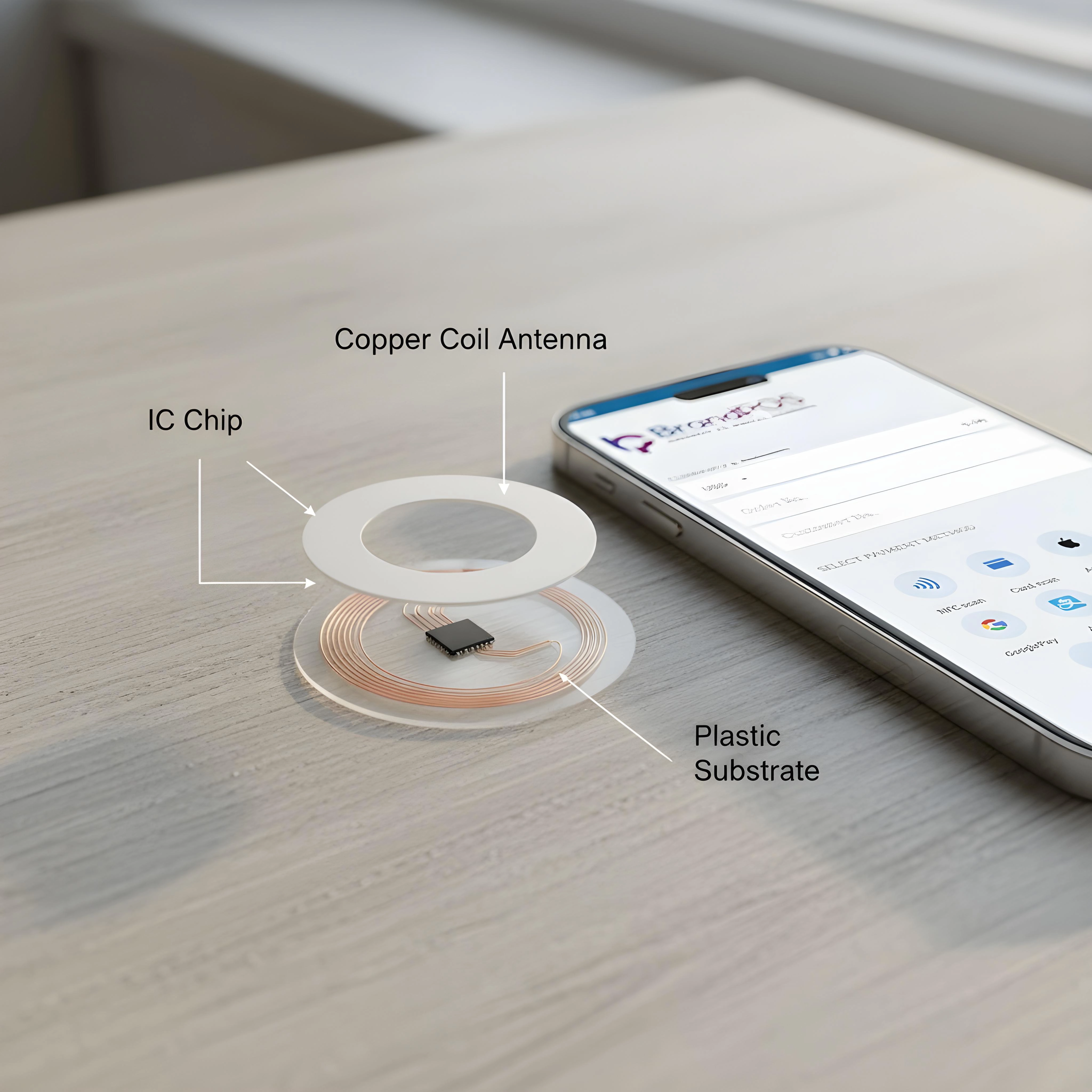
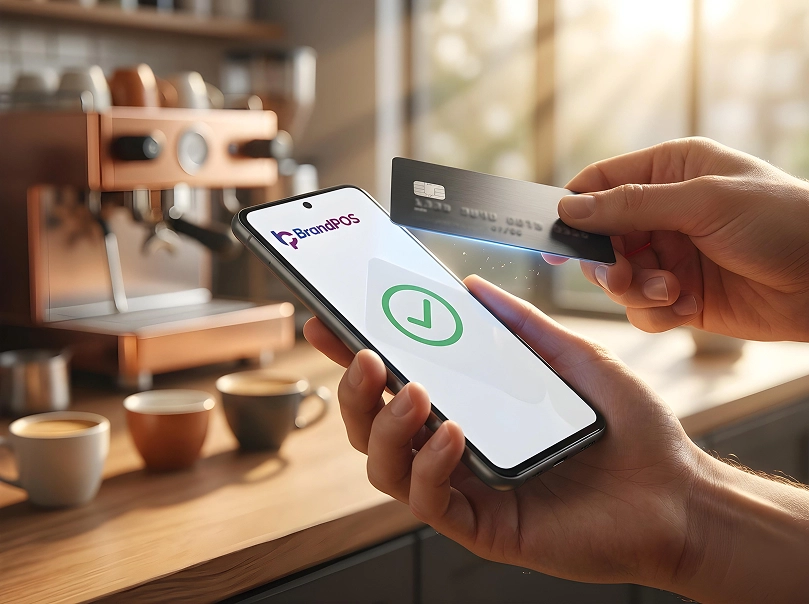
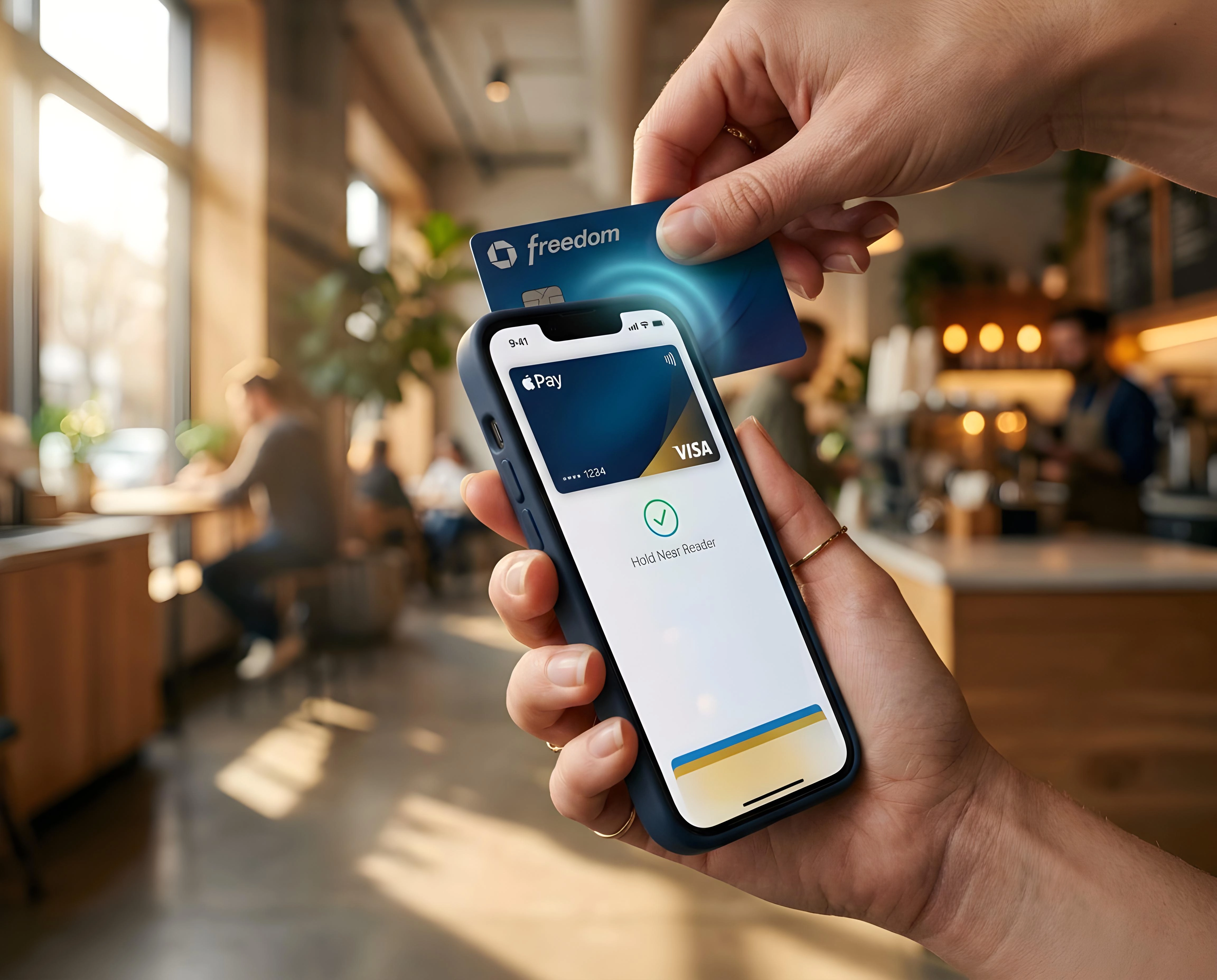
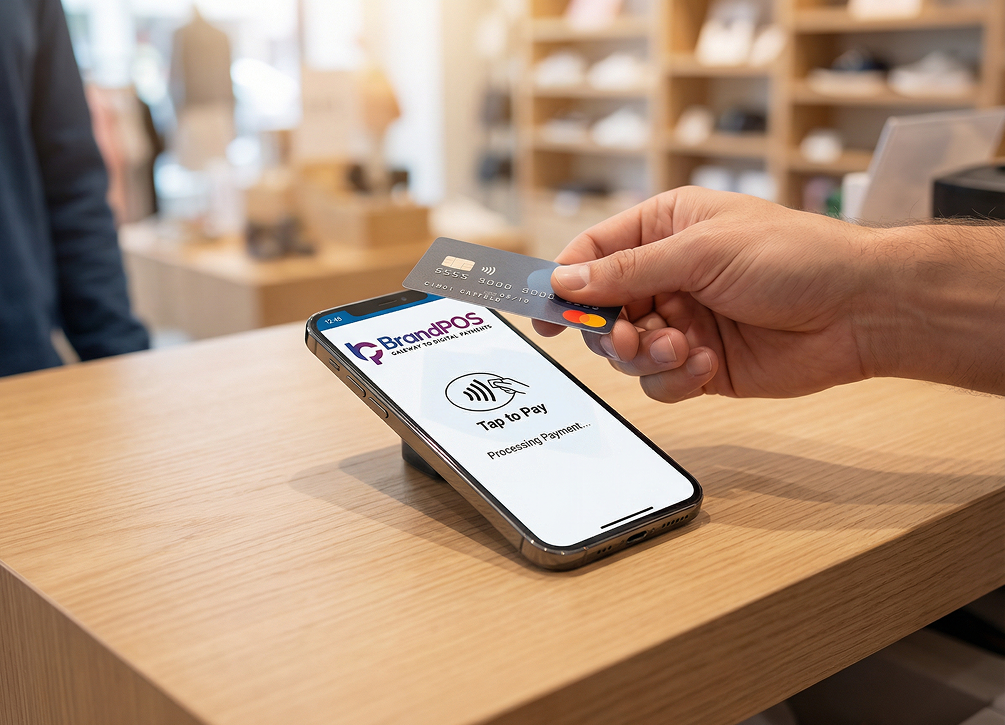
NFC payment is a contactless or tap-to-pay payment method. It uses the NFC chip embedded in smartphones or cards to make tap-to-pay transactions. NFC means Near Field Communication. It is a wireless technology that helps two devices to speak to each other and share data when they are within 4 cm of each other. Most of us may not know the technical definition of NFC, but we are using it in our everyday lives. When we use Apple Wallet or Google Pay to tap and pay at a retail store or wave our VISA or Mastercard to pay for coffee – that's NFC at work.
Ready to ditch the card machine?
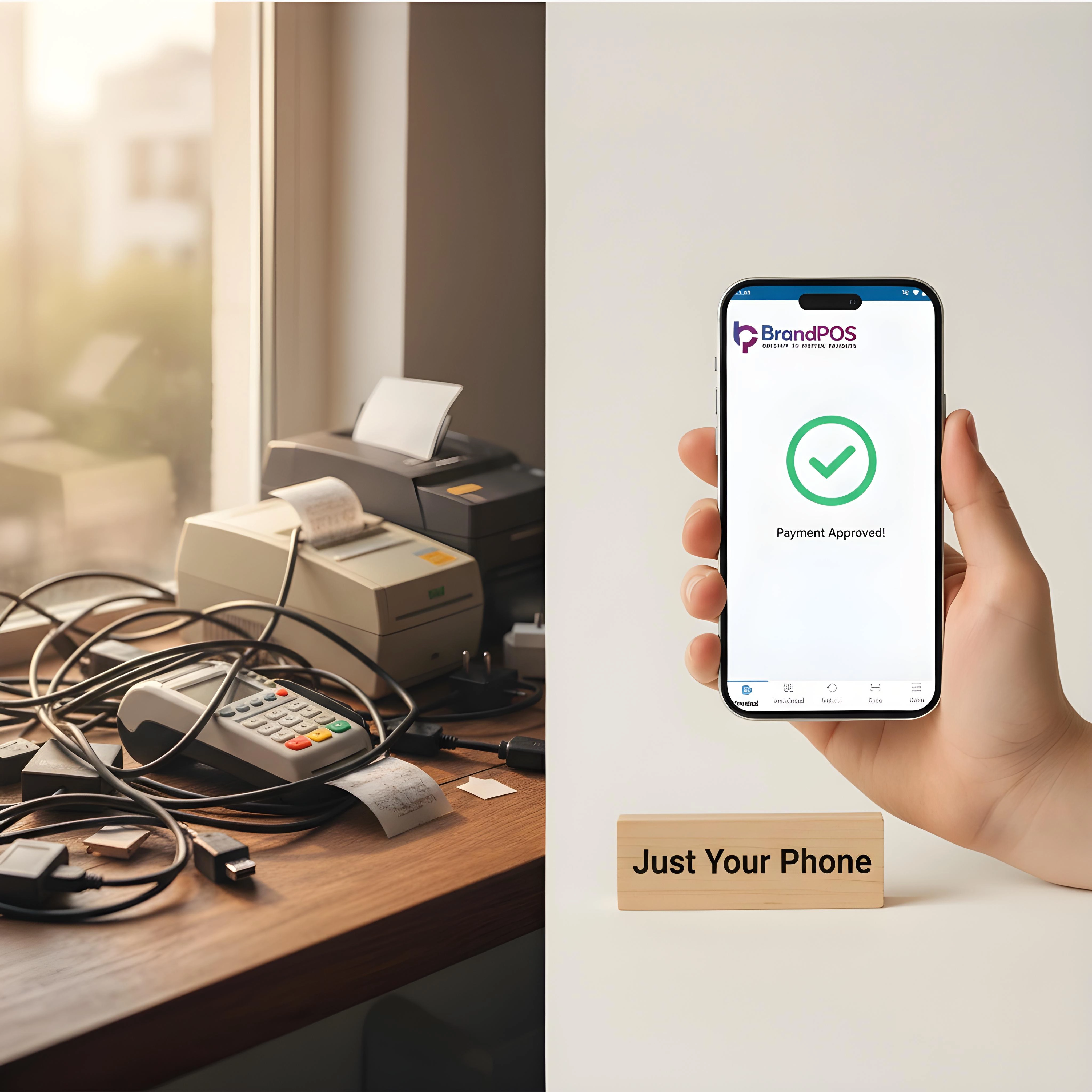
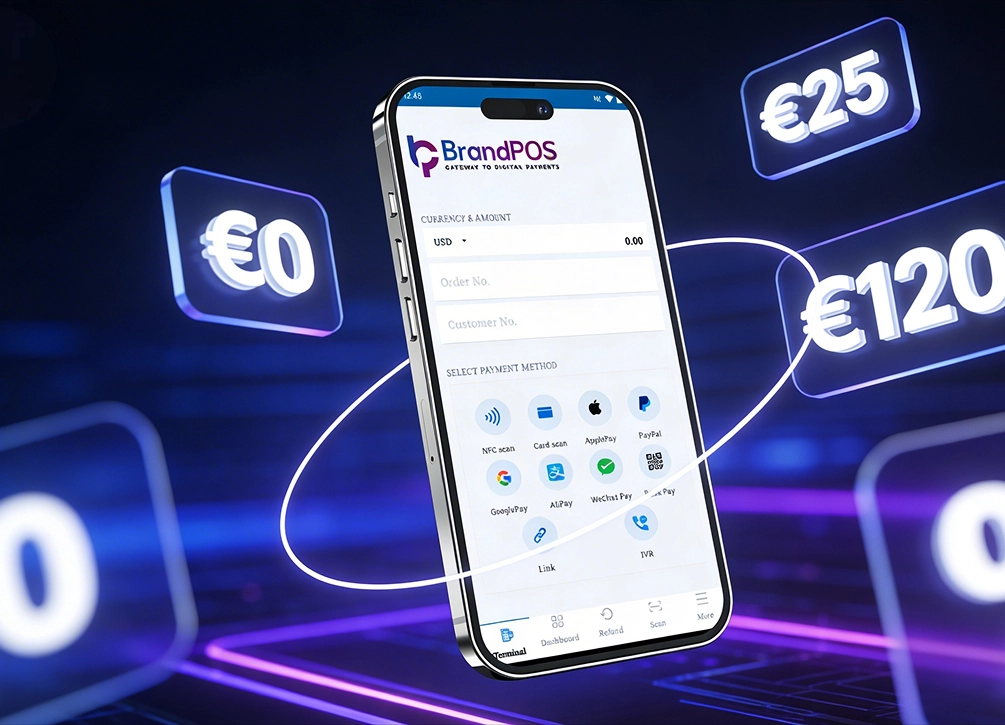
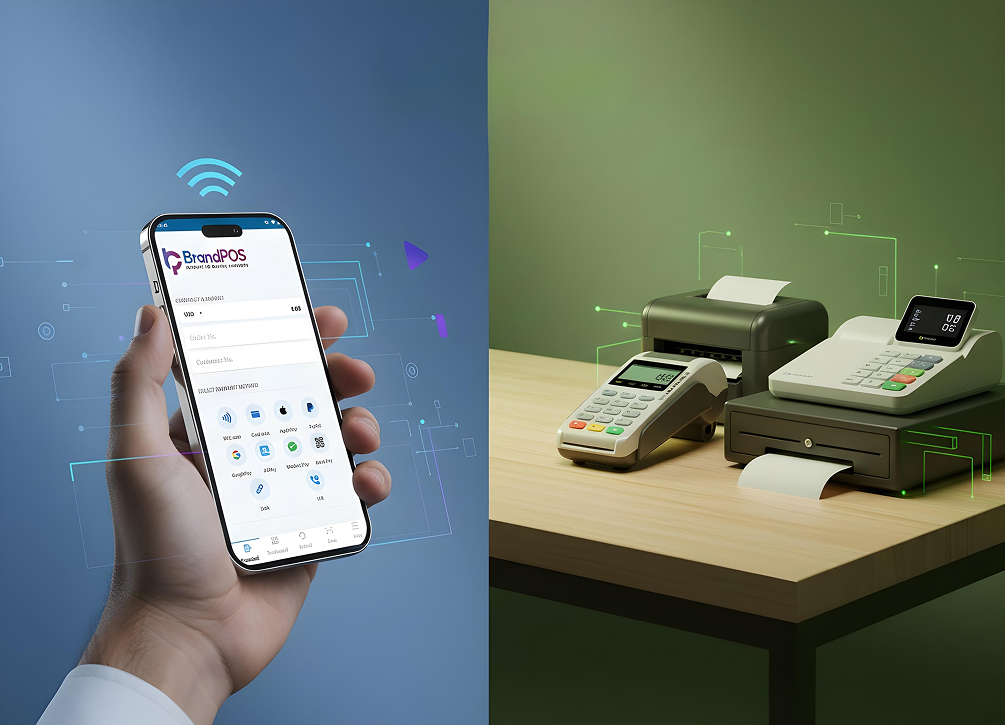
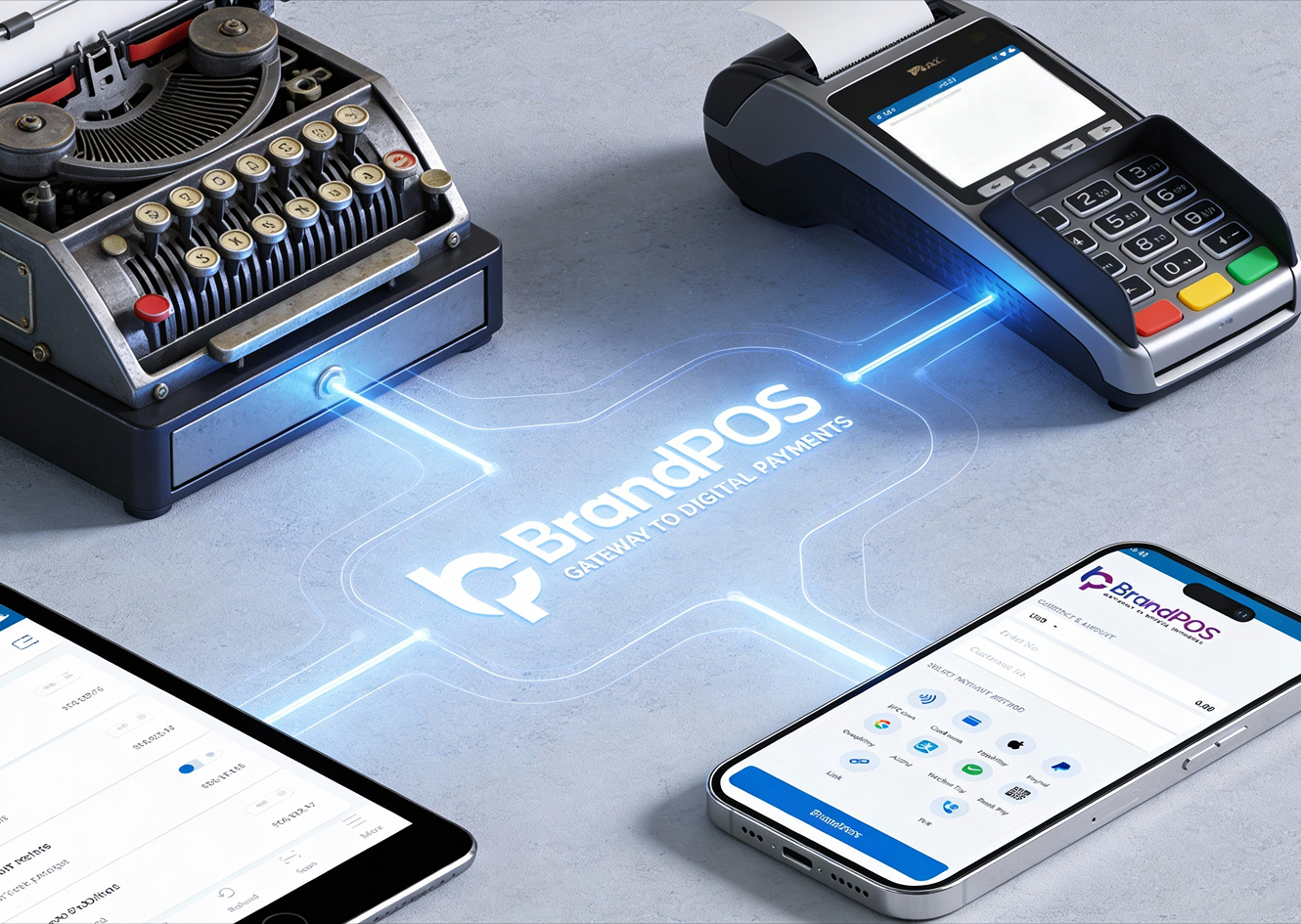
BrandPOS turns any Mobile phone into a certified POS terminal - no cables, no setup headaches.
Get Started for FreeCan NFC Payments Work Without Internet?
Can you use NFC payment without internet? Yes, because NFC payments are done through radio frequency, and NFC technology itself does not need the internet for completing a transaction. The radio frequency exchange can happen locally between the phone and the terminal. Then what is the role of the internet in NFC payments? For NFC payments, there is also a layer of authentication and verification that sits behind the radio signal exchange. The Internet is essential for this layer.
For offline NFC transactions, the terminals and the customer's phone can use the pre-downloaded tokens to complete the payment. In the case of digital wallets like Google Pay and Samsung Pay, they download and store a limited number of tokens that you can use for offline NFC payments. Once you have used up these tokens, you have to connect to the internet so that your phone can download the next batch of tokens. In case of Apple Pay, Apple uses a secure hardware enclave within your phone to generate the payment tokens. So, even without the internet, you can make offline NFC payments.
How NFC Payments Work Without Internet
In order to know if can you use NFC payment without internet, you have to understand the NFC transaction from both the customer and merchant sides. In an NFC transaction, there are 2 parts - handshake between the devices where the payment data is shared and the authorization. During offline NFC payments, the handshake happens, but authorization is deferred until the connection resumes.
- Token Pre-loading: When adding a card to your digital wallet, your card issuer shares a bunch of encrypted tokens containing your account details. These tokens are stored securely on your phone.
- The Tap: Hold your phone near the NFC terminal. This wakes up the NFC chip, which shares one pre-downloaded token and a one-time encrypted security code. This handshake requires no internet.
- The Terminal: The NFC-enabled POS terminal collects your token and shares it with your bank. For low-risk transactions (e.g., subway), the terminal can approve the transaction locally. Your smartphone does not need internet, but the POS terminal must eventually connect to authenticate the payment.
- Sync: Whenever your phone reconnects with the internet, it updates transaction history and downloads fresh tokens to replace the ones used in offline NFC payments.
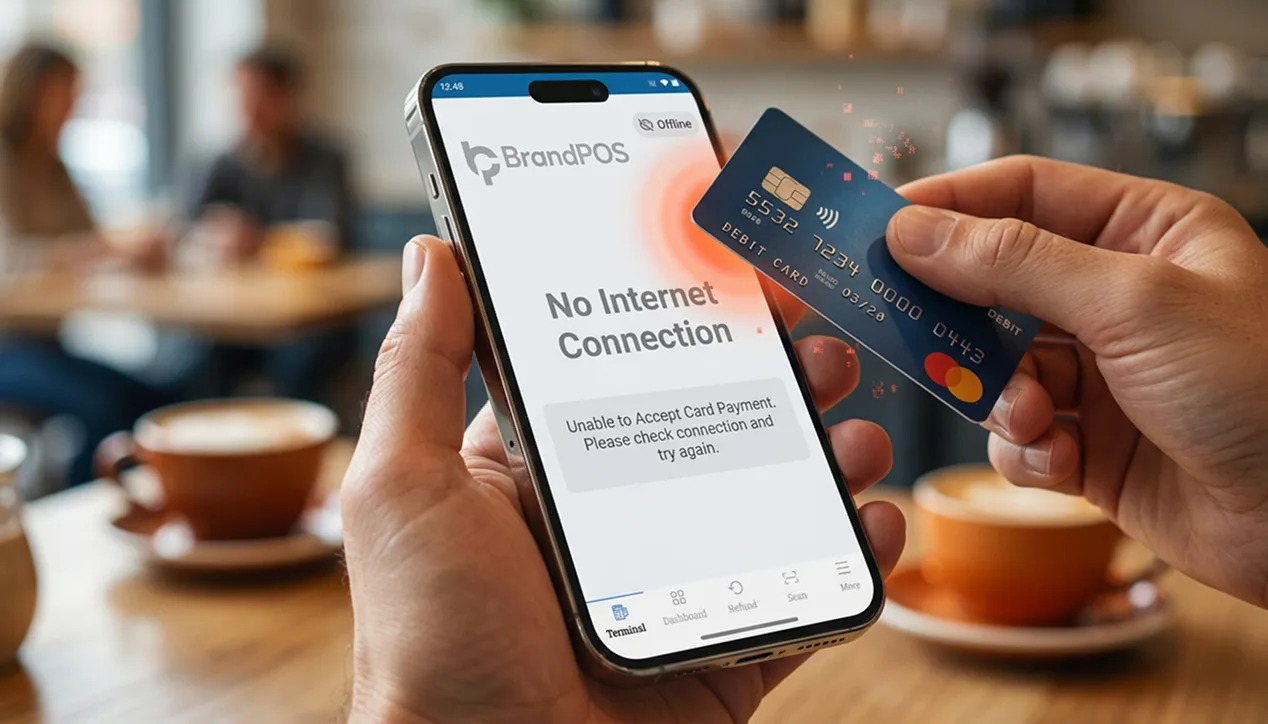
When NFC Payments Require Internet
Can you use NFC payment without internet? Yes, securely and quite effectively. But there are certain situations or checkpoints where you need the internet.
- Adding a New Card: Your phone must verify the card and identity with the bank, then download the initial token set. An internet connection is required.
- Large Transactions: Most systems set a limit on offline contactless transactions – between $50 and $100 in the US and €50 in Europe. Payments above this limit require online authorization.
- Peer-to-Peer Transfer: Moving funds between wallets in real-time requires the internet.
- Refunds and Disputes: Real-time communication with your bank is necessary to resolve disputes or process refunds.
- Token Refreshment: Once the token cache is exhausted, your device needs an internet connection to download a fresh set.
- Biometric Reset: If your phone restarts or has been unused for a long time, it may need internet to re-validate security protocols like Face ID or fingerprint.
Your Phone Is Already a POS Terminal
Stop paying for hardware you don't need. Download BrandPOS and start accepting payments in minutes.
Download the App FreeDevices That Support Offline NFC Payments
Can you use Apple Pay without Wi-Fi or data? Or can you use NFC payment without internet? These are common questions when discussing devices that support offline NFC payments. Here are the devices that let you use NFC and contactless payments without an internet connection:
- Smartphones: iPhone 6 and later (Apple Pay uses Secure Enclave chip). Android phones with version 9.0 or higher (Google Wallet and Samsung Pay support offline tokens).
- Smartwatches and Wearables: Apple Watch, Samsung Galaxy Watch, Google Pixel Watch / Wear OS devices, Fitbit, Garmin.
- Contactless Cards: Visa, Mastercard, Amex, and Discover cards with the wave symbol support offline transactions up to a threshold limit.
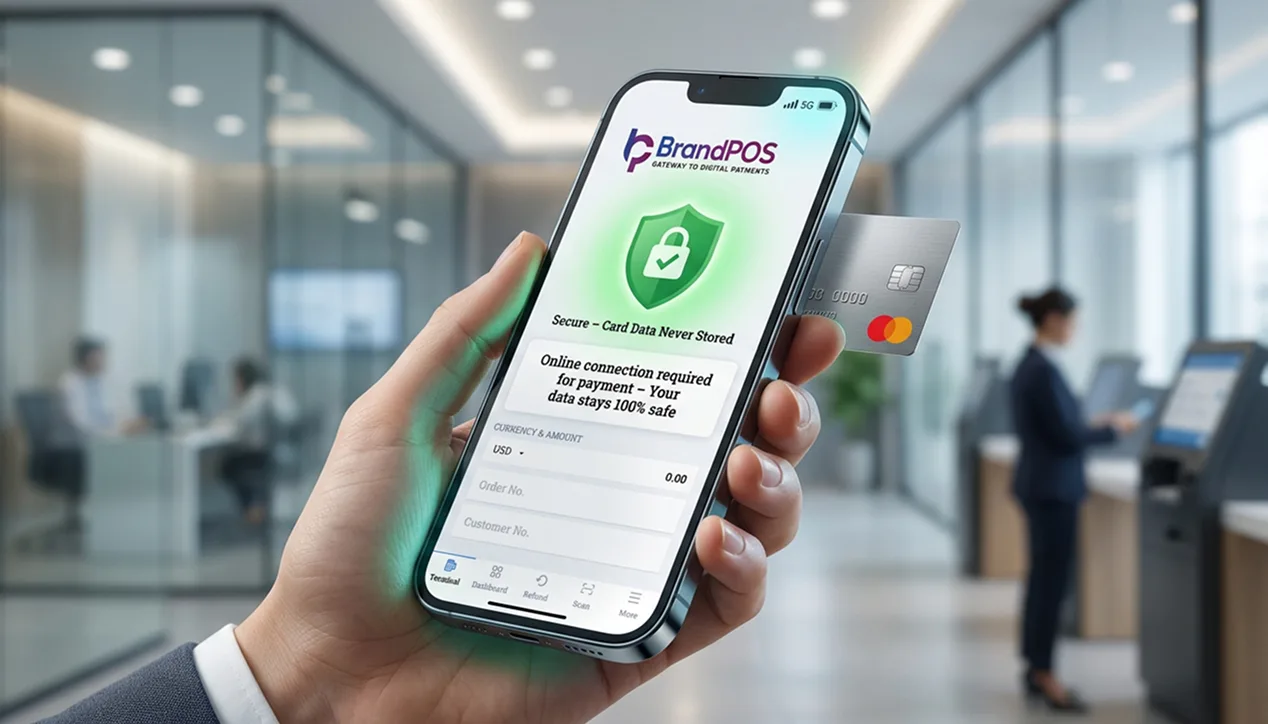
Benefits of Using NFC Without Internet
Why should customers and businesses care about whether can you use NFC payment without internet? Because offline NFC payments offer real advantages for everyone.
- It Works Everywhere: Use NFC payments in subways, airplanes, remote areas, or places with unreliable internet.
- It is Faster: No round trip to a remote server means near-instant transactions – ideal for rush hour subways or crowded festivals.
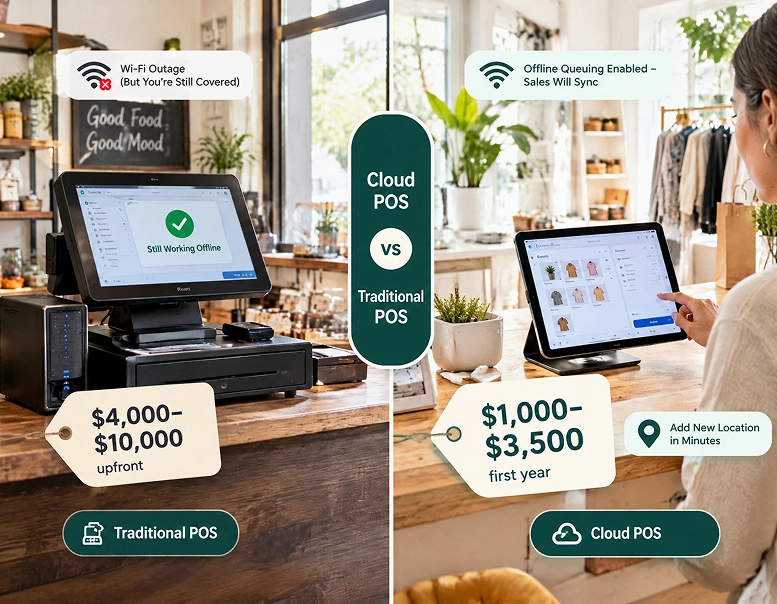
- Businesses Don't Lose Sales: During an internet outage, offline NFC keeps sales flowing; transactions queue up and sync later.
- Travel-Friendly: Make payments abroad without burning through expensive roaming data plans.
- Secure: Offline NFC follows the same tokenization and encryption as online payments. Your card information is never shared with the merchant.
Is Offline NFC Payment Safe?
Security of customer and transaction data is a high priority during NFC transactions. Whether online or offline, security protocols are the same. So if you worry about can you use NFC payment without internet securely, these measures should reassure you:
- Tokenization: When you add a card, your bank gives your wallet a unique token. Only this token is shared with the POS terminal. A 2025 report from VISA says tokenization can reduce payment fraud by 34%.
- Dynamic Cryptograms: Every NFC payment uses a one-time code that expires immediately after use, preventing replay attacks.
- Low Interception Risk: NFC works only within 4 cm, so an attacker would have to be extremely close – making interception unlikely.
- The Liability Shift: Card networks have implemented a liability shift policy: whichever party uses lesser technology covers fraud costs. This forces businesses to upgrade to secure NFC terminals.
- Biometric Authentication: Face ID, fingerprint, or PIN is required before any NFC payment, online or offline.
- Floor Limits on Contactless Cards: Most cards have spending thresholds for offline transactions, adding an extra layer of protection.