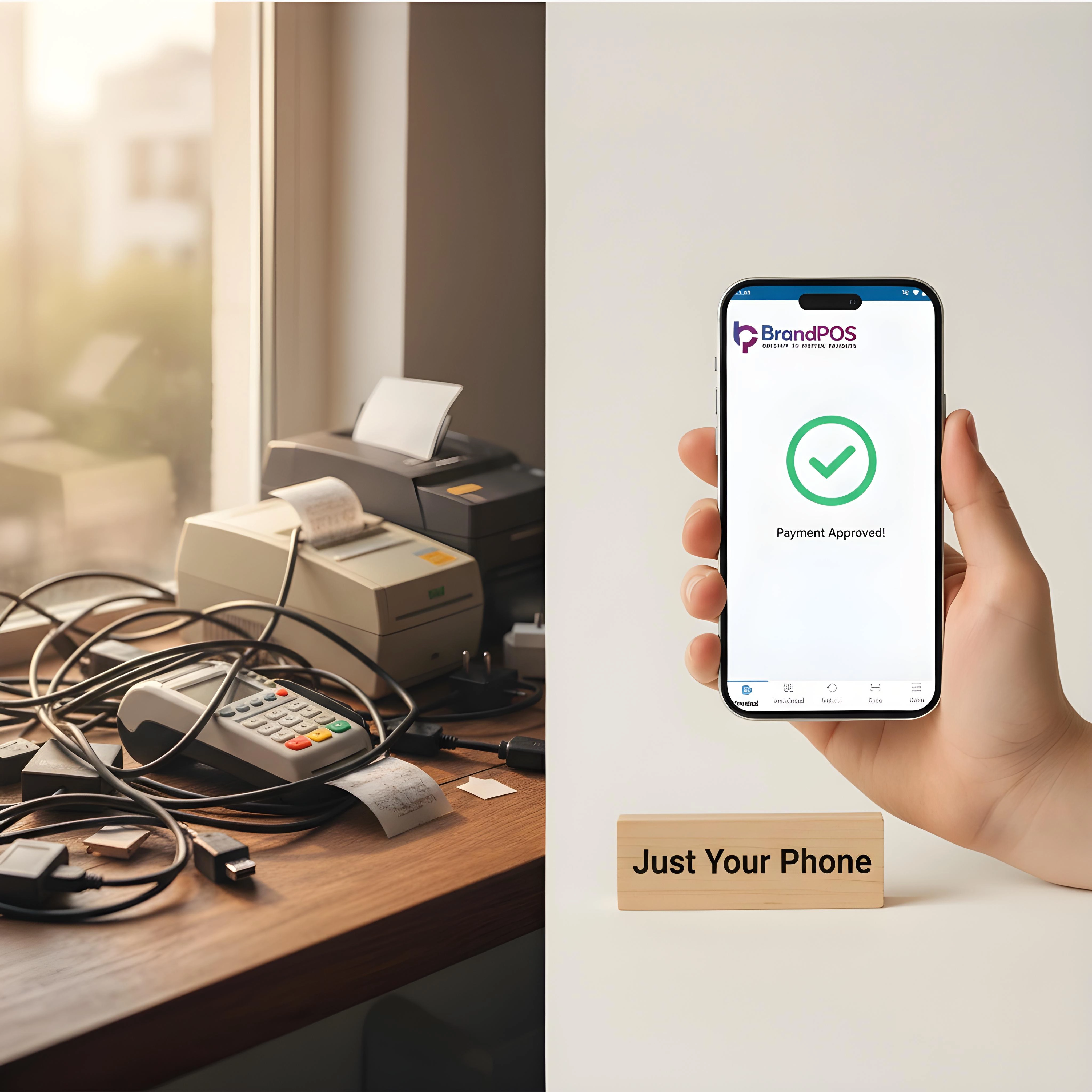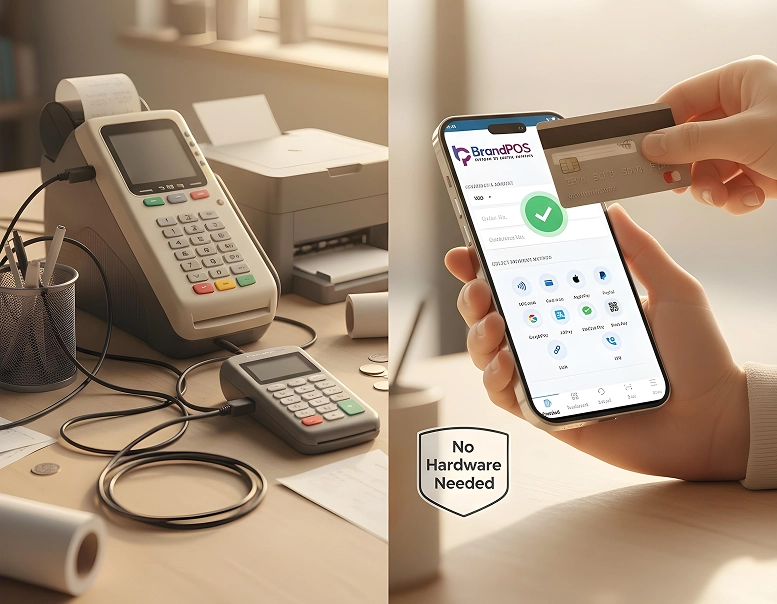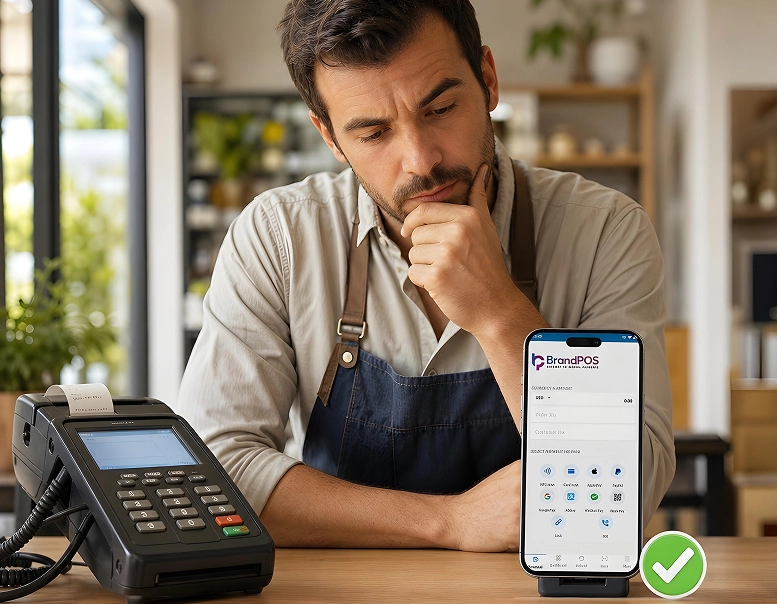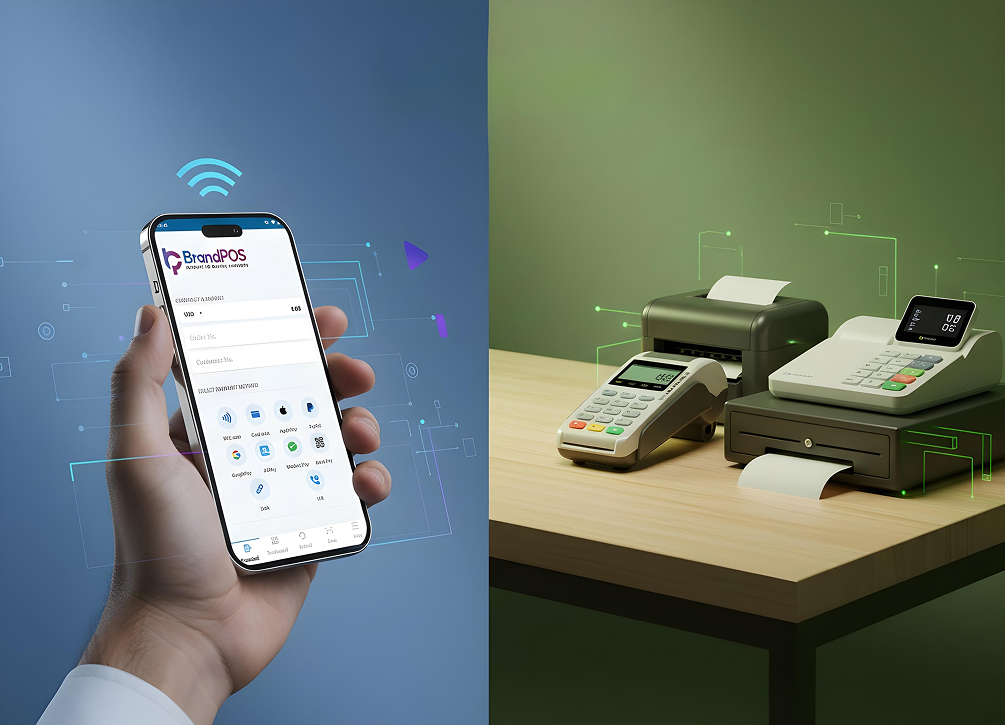
Everyone is trying to get the consumer's attention. Even a small advantage can be leveraged to be compounded into something enormous. While running a business in 2026, an Asset-Light model can reduce 25% of operating margins. This is why so many merchants opt for SoftPOS and shift ahead from the non-mobile liability of a traditional POS system.
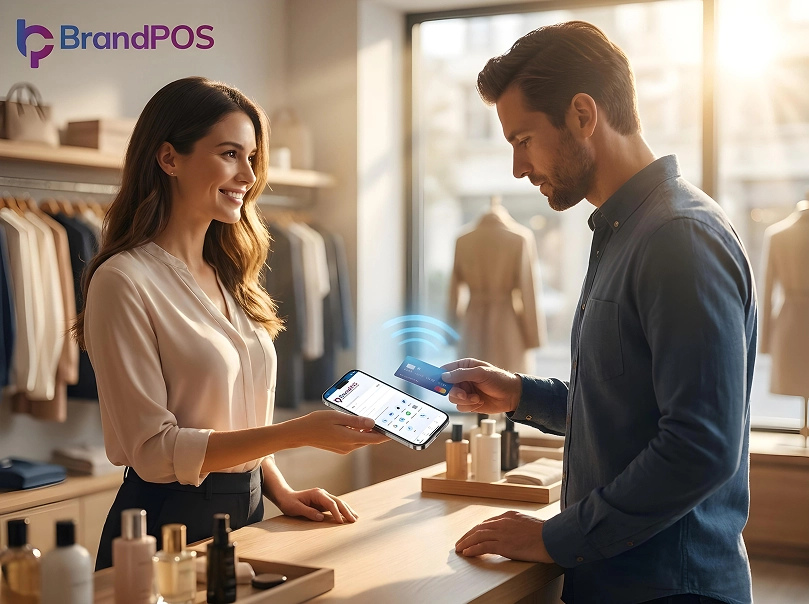
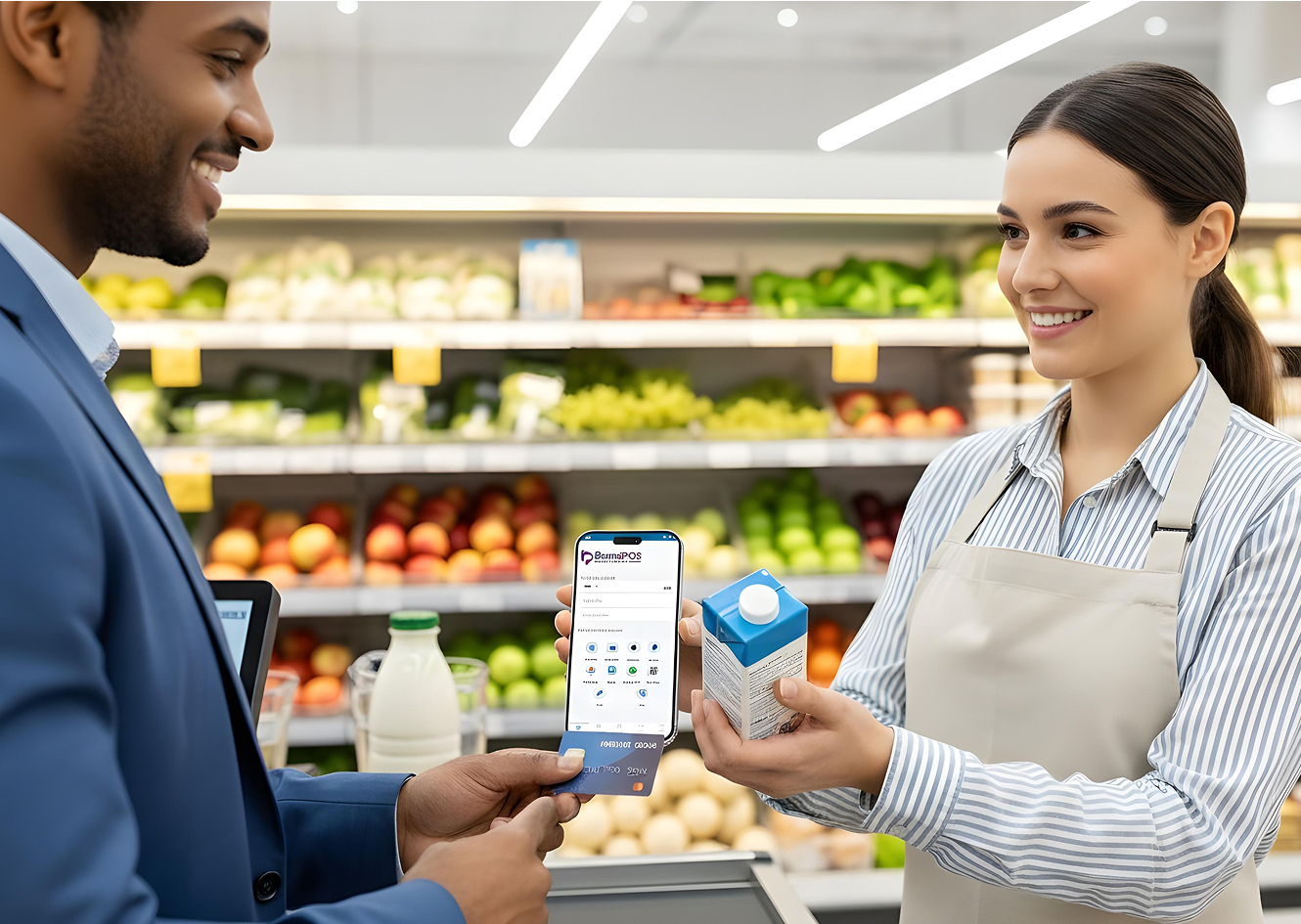
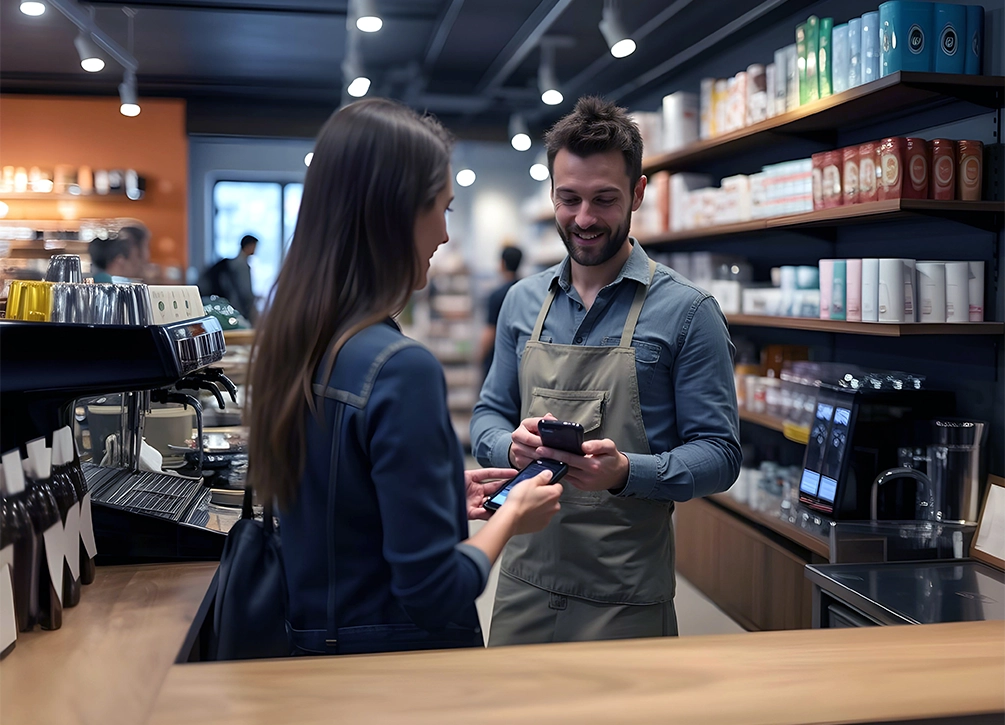
Every staff member is useful to a consumer's checkout. With a software-based checkout system, every staff member is a walking register, and there is no line per se. The fluidity of the commercial zone is highly crucial - walk away from static dependence.
Utilize PCI MPoC-compliant checkout software that uses PSPs like Novalnet and PayPal to encrypt your transaction. In the discussion of SoftPOS vs Traditional POS, the shift to SoftPOS is a practical choice.
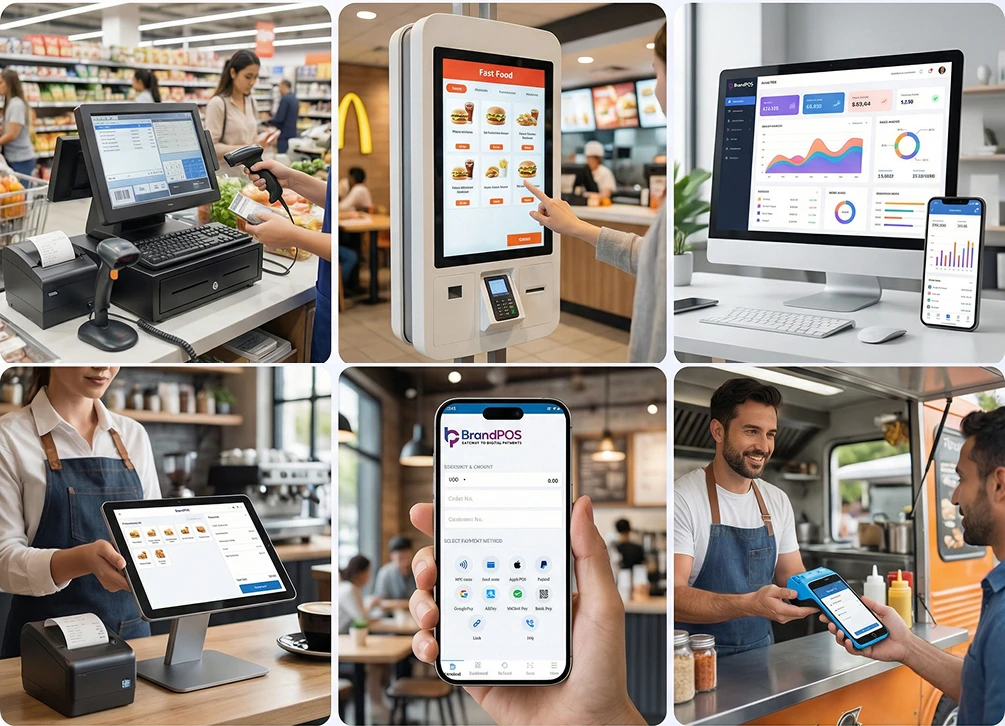
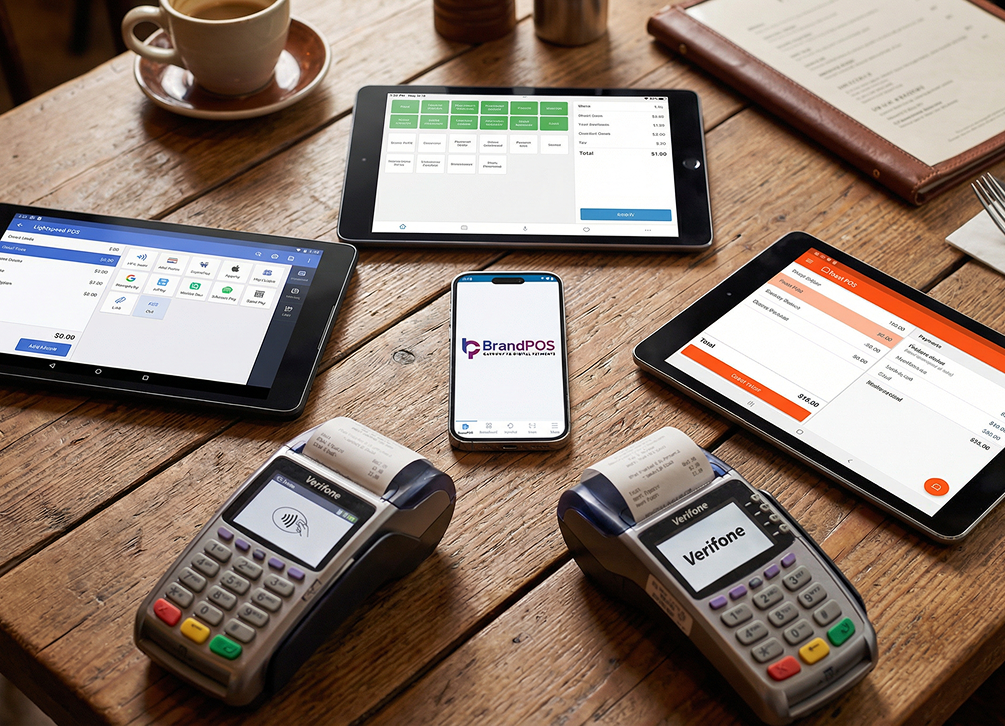
High-volume fixed environment business establishments include IT stores, Grocery stores, Restaurants, Retail chains, and whatnot. The conversation around SoftPOS vs Traditional POS is an everyday thing. Anything that increases the speed of cash flow is relevant.
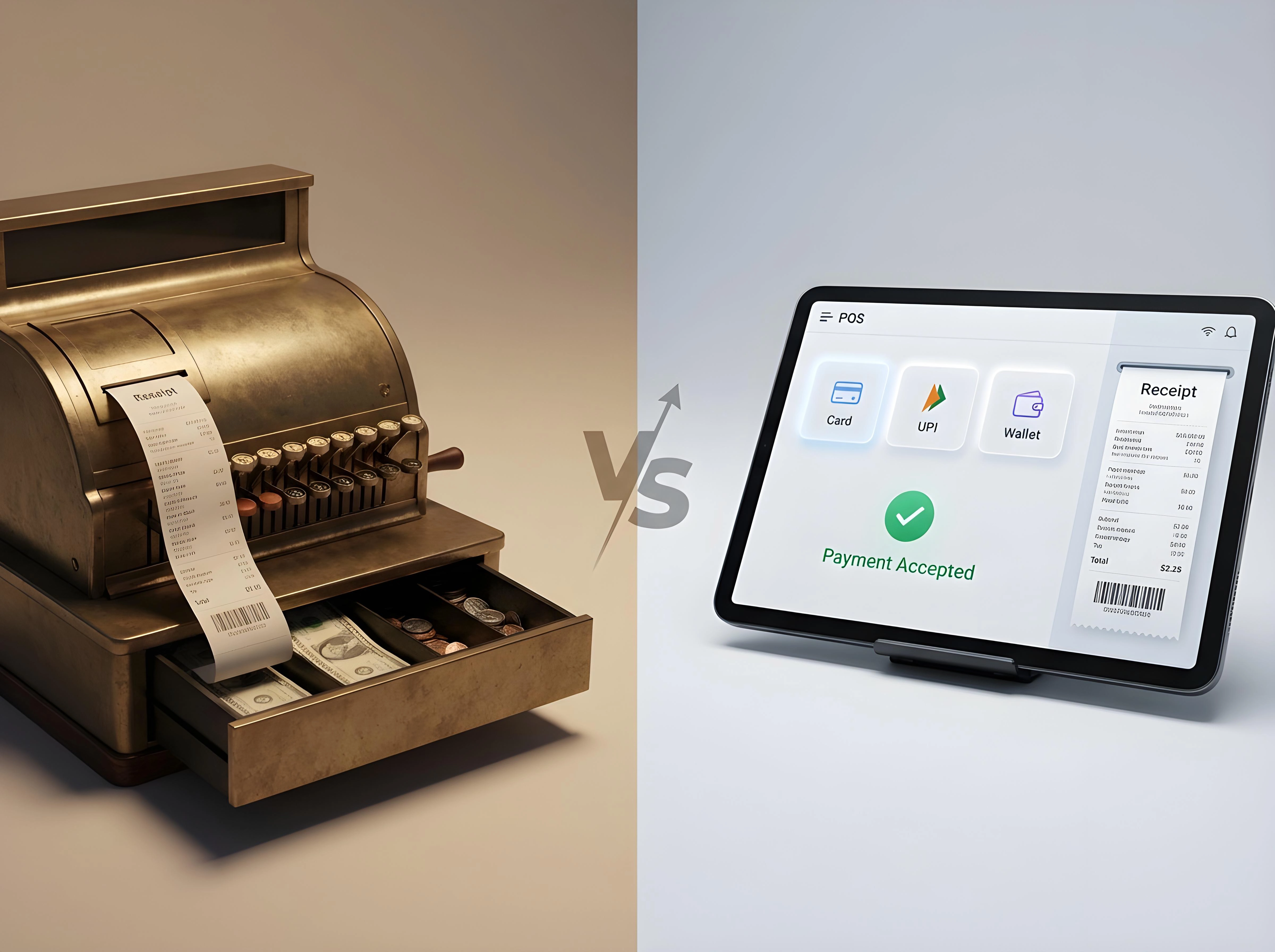
Let us now break down SoftPOS versus Traditional POS in 2026 with the required clarity.
What does SoftPOS mean? How does it work?
Spatial Freedom! The SoftPOS meaning is simple in theory.
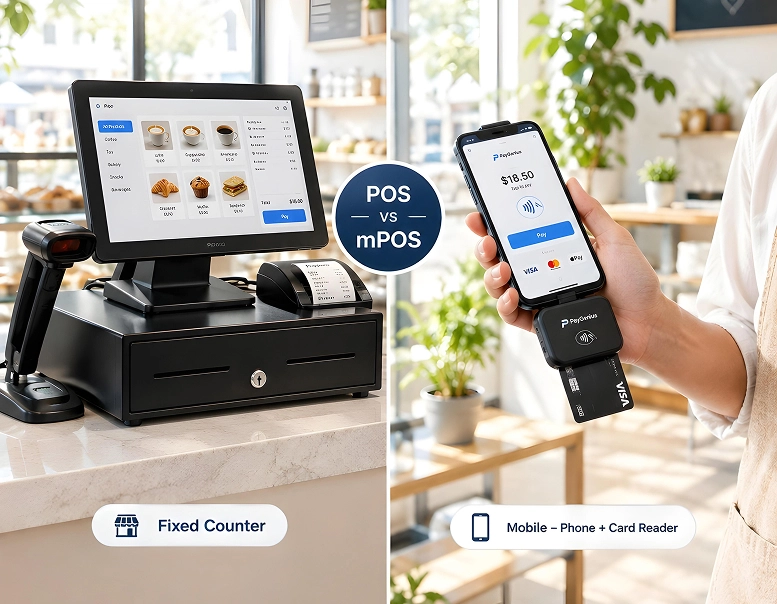
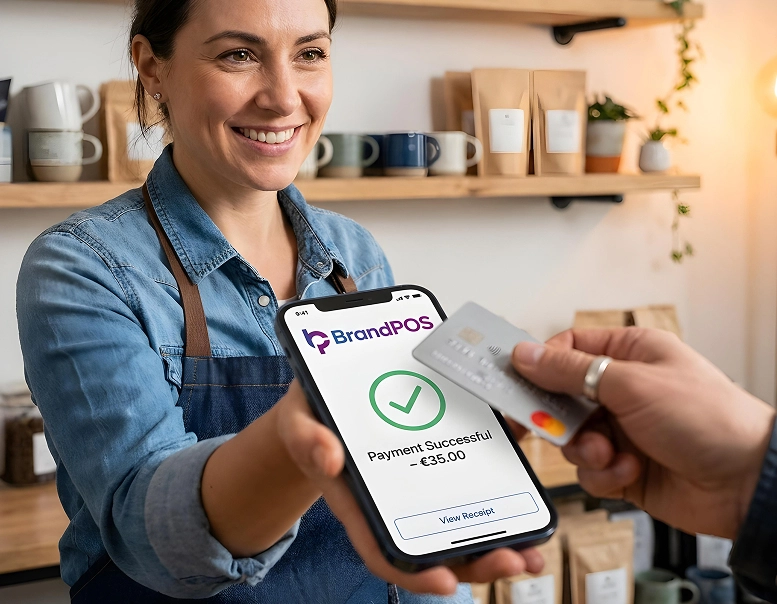
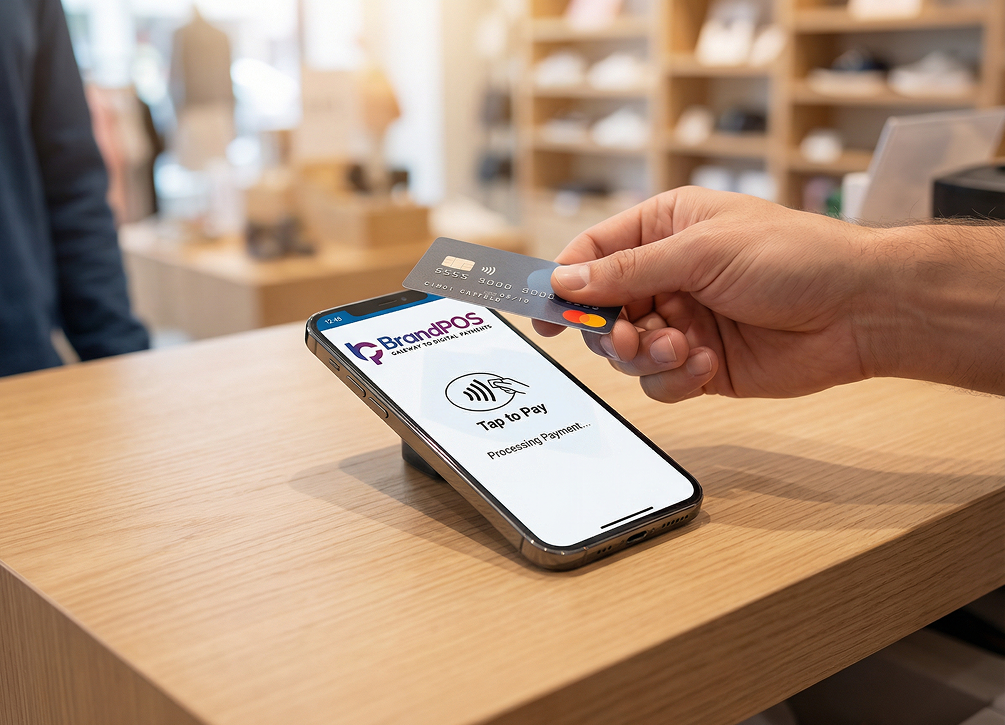
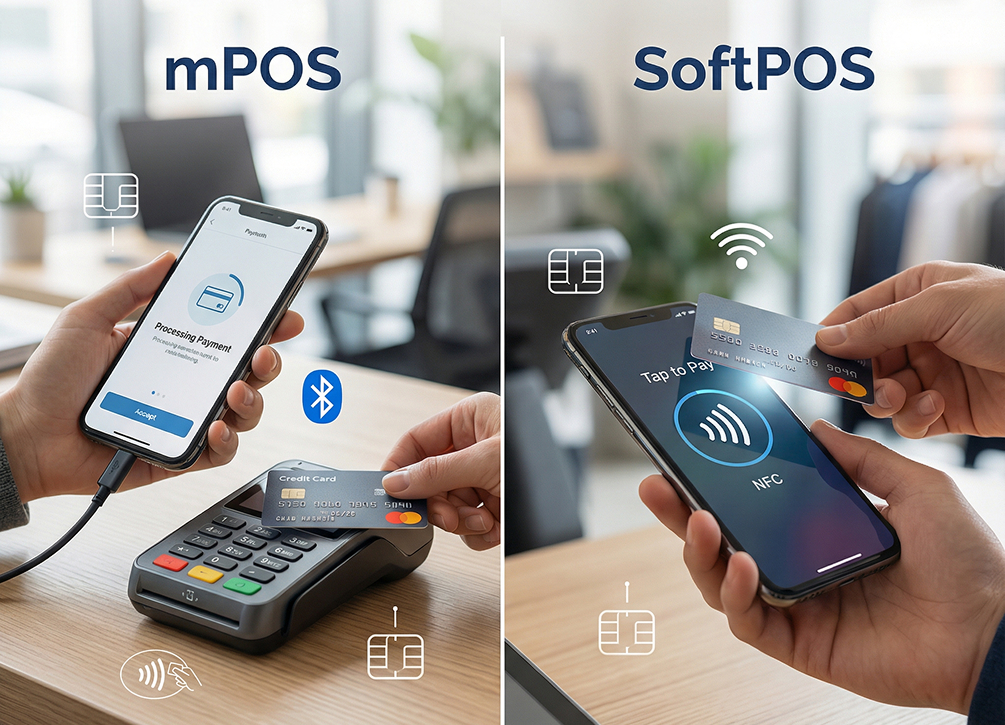
SoftPOS is a software technology that can be downloaded on any mobile phone/tablet (of every OS), and the device can be transformed into a payment receiving terminal. It has an on-the-go benefit.
It is fully functional and competent as a payment terminal, just like a Traditional POS system (like a cash register with scanners and printers). The SoftPOS app is a secure EMV payment terminal with PSPs to ensure required encryption.
Ready to ditch the card machine?
BrandPOS turns any Mobile phone into a certified POS terminal - no cables, no setup headaches.
Get Started for FreeHow does that work?
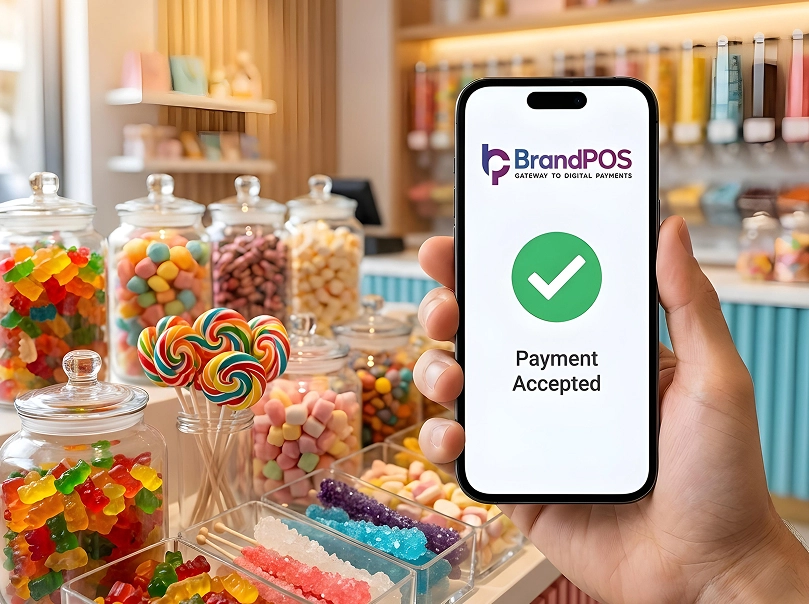
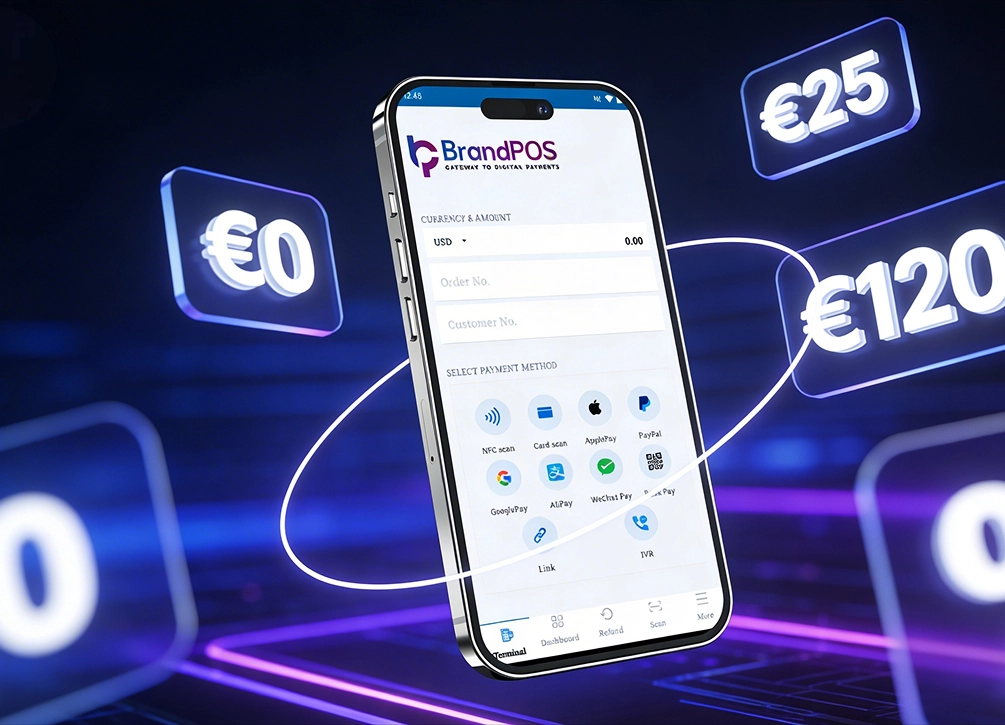
- Merchant enters an amount in the app, like the BrandPOS SoftPOS app.
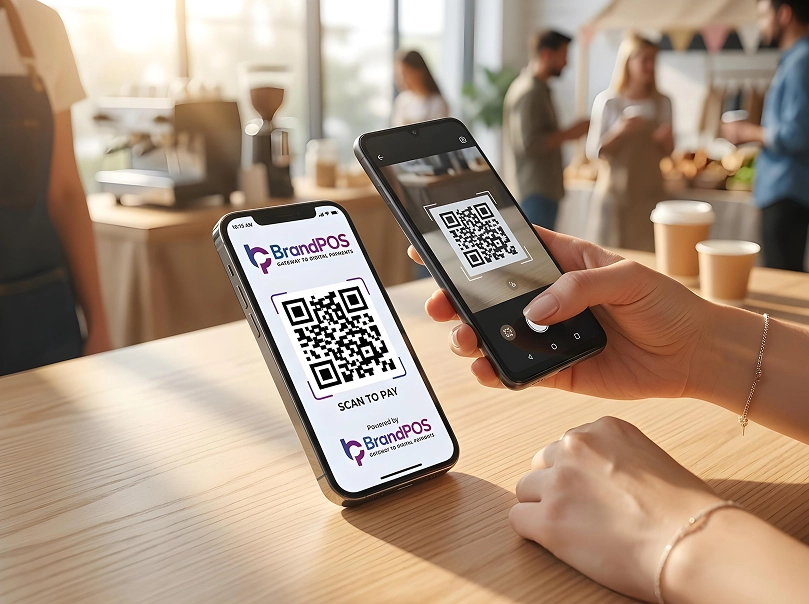
- Payment option appears - like card/cash/QR. For touchless payment, a QR code appears. (the fastest mode of payment).
- The consumer scans the QR/enters card details.
- Encryption starts to work. The app uses PCI MPoC (Mobile Payments on COTS) standards to securely read the payment data.
- NO SENSITIVE CARD DATA IS STORED IN THE SOFTWARE SERVER.
- The system uses high-speed internet to complete the transaction in under 10 seconds.
- As proof of payment, the merchant uses SMS, email, or WhatsApp (paperless) to send the digital receipt.
Key Features of SoftPOS
SoftPOS systems are designed to reduce friction rather than replace full retail infrastructure.
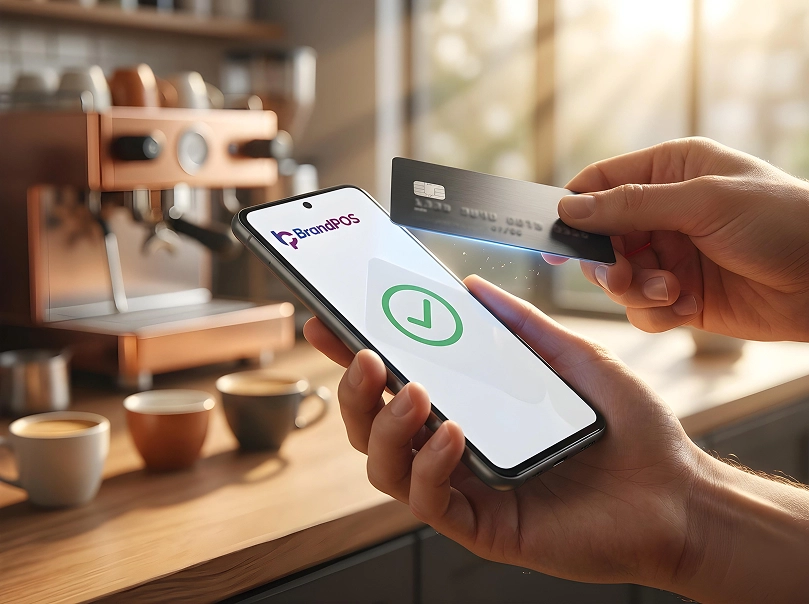
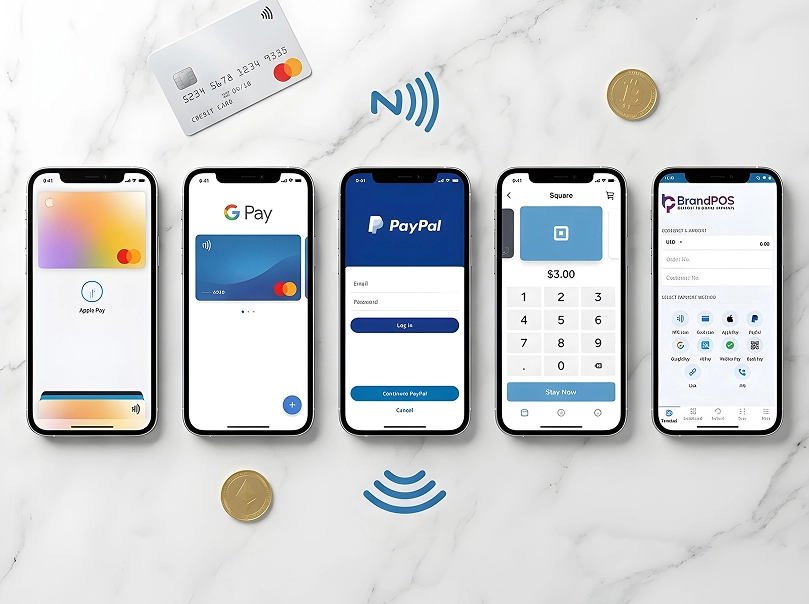
- Accepts contactless debit cards, credit cards, and mobile wallets
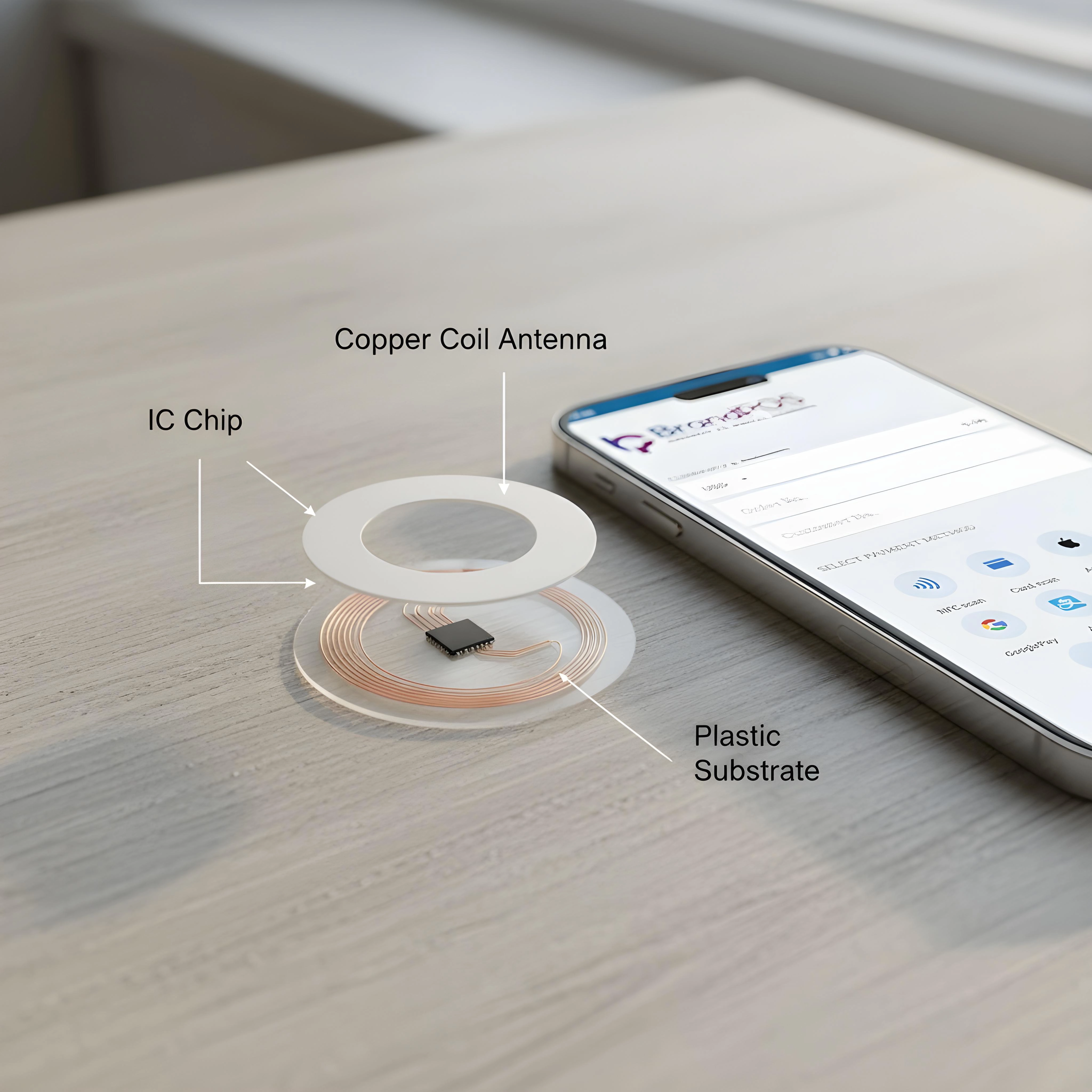
- Runs on existing Android smartphones with NFC support
- No additional payment hardware required
- Faster onboarding compared to a traditional POS system
- Remote updates and software-based feature upgrades
- Lower upfront investment for merchants
By 2026, SoftPOS adoption continues to grow as contactless payments dominate everyday transactions.
How Does SoftPOS Work?
At checkout, the customer scans the e-payment QR from the merchant's device on their phone.
Behind the scenes:
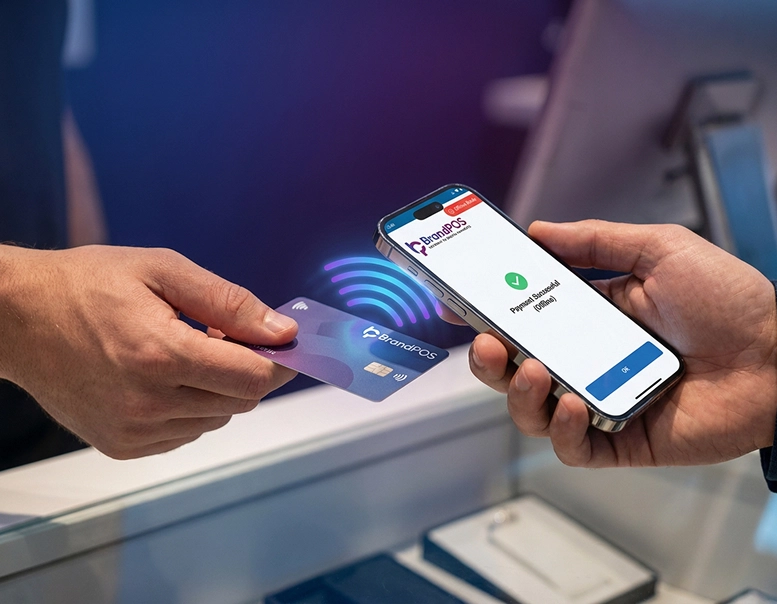
- The SoftPOS app reads the NFC signal [With the BrandPOS SoftPOS app, even NFC is not necessary to receive payments]
- Payment data is encrypted immediately. The merchant does not have the data, the POS integration encrypts it.
- Tokenisation replaces sensitive card information.
- Approval is returned in seconds
Most SoftPOS solutions comply with PCI MPoC security standards, even though no physical terminal is involved.
From the customer's side, the experience feels almost effortless.
Your Phone Is Already a POS Terminal
Stop paying for hardware you don't need. Download BrandPOS and start accepting payments in minutes.
Download the App FreeWhat is a Traditional POS? Why Do Businesses Still Use It?
A traditional POS is what most people still recognize instinctively.
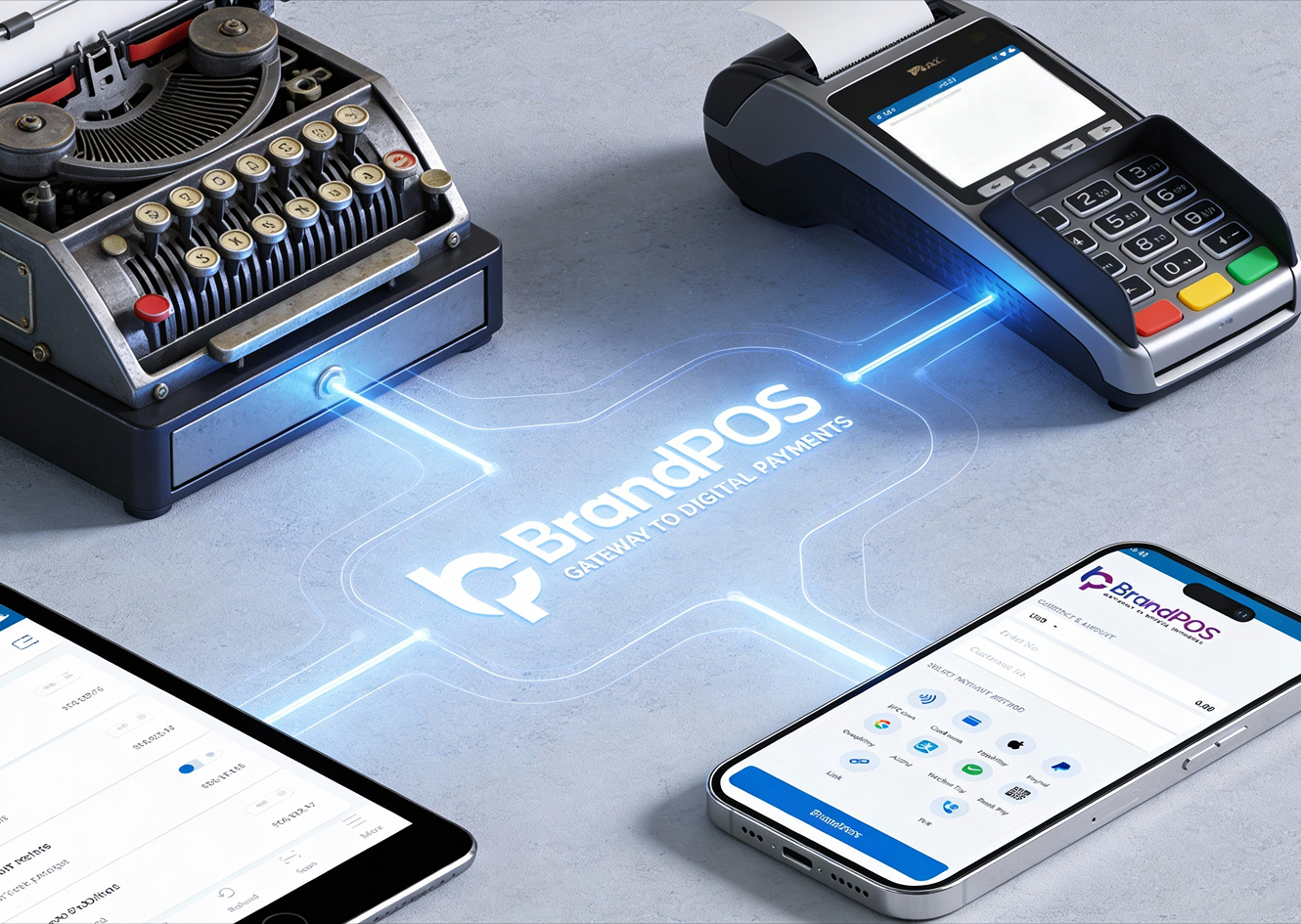
A fixed checkout counter. A card reader. A receipt printer. Often a cash drawer. Sometimes, a barcode scanner. Sometimes, a kitchen display or inventory terminal is connected behind the scenes.
Traditional POS systems earned trust over decades, especially in high-volume environments where accuracy, reporting, and operational control matter.
For many businesses, that reliability still outweighs flexibility.
Key Features of Traditional POS
A traditional POS system usually goes far beyond payments.
- Dedicated card terminals and peripherals
- Inventory and stock management
- Staff roles, permissions, and shift tracking
- Tax configuration and discount rules
- Reporting, analytics, and reconciliation tools
- Integration with accounting or kitchen systems
This depth is why many businesses continue to rely on a traditional POS system as their operational backbone.
How Does a Traditional POS Work?
It becomes a physical transaction hub. It has a big consumer-facing display along with a stack of hardware systems, like a fixed terminal and a centralised wired peripherals network.
- Sales are entered manually or scanned. Prices, taxes, and discounts are applied automatically.
- Every item is manually entered into the system by scanning the barcode.
- The local tax, loyalty discounts, or combo offers are then decided.
- The hardwares are often PCI-PTS certified.
- The traditional POS sends data to the card terminal hardware.
- There are multi-step authorisations involved in traditional payments.
- The terminal encrypts the card data and sends it to the Payment Gateway.
- The gateway forwards it to the Acquiring Bank, which then asks the Issuing Bank (the customer's bank) for approval.
The process may feel slower than SoftPOS, but it is structured and predictable, which many teams prefer.
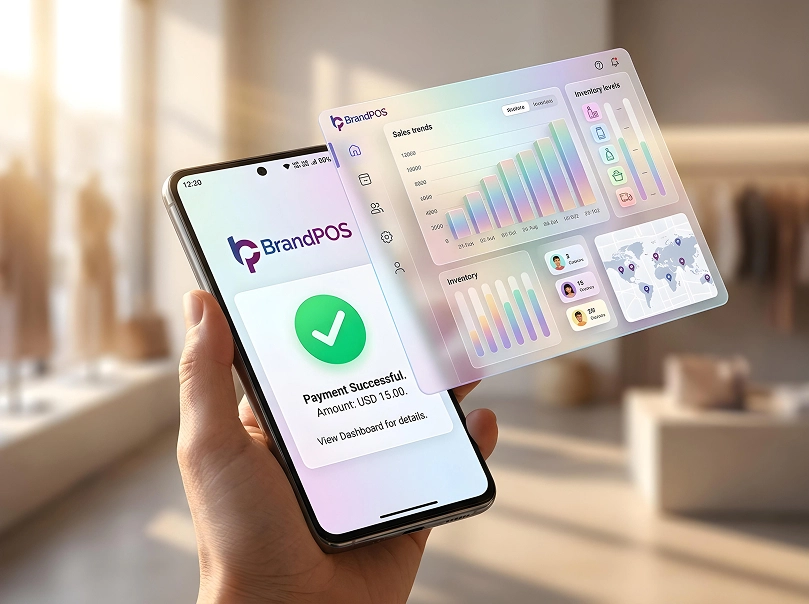
Every documentation involved in traditional pos includes hardcopies. The traditional POS is still considered an anchor technology that prevents 'chaos' due to digital facades and system updates. Oftentimes, problems arise due to simultaneous decentralized digital transactions in software pos. But with BrandPOS's SoftPOS, the whole dashboard is centralised, leading to no such chaos.
Key Differences Between SoftPOS vs Traditional POS
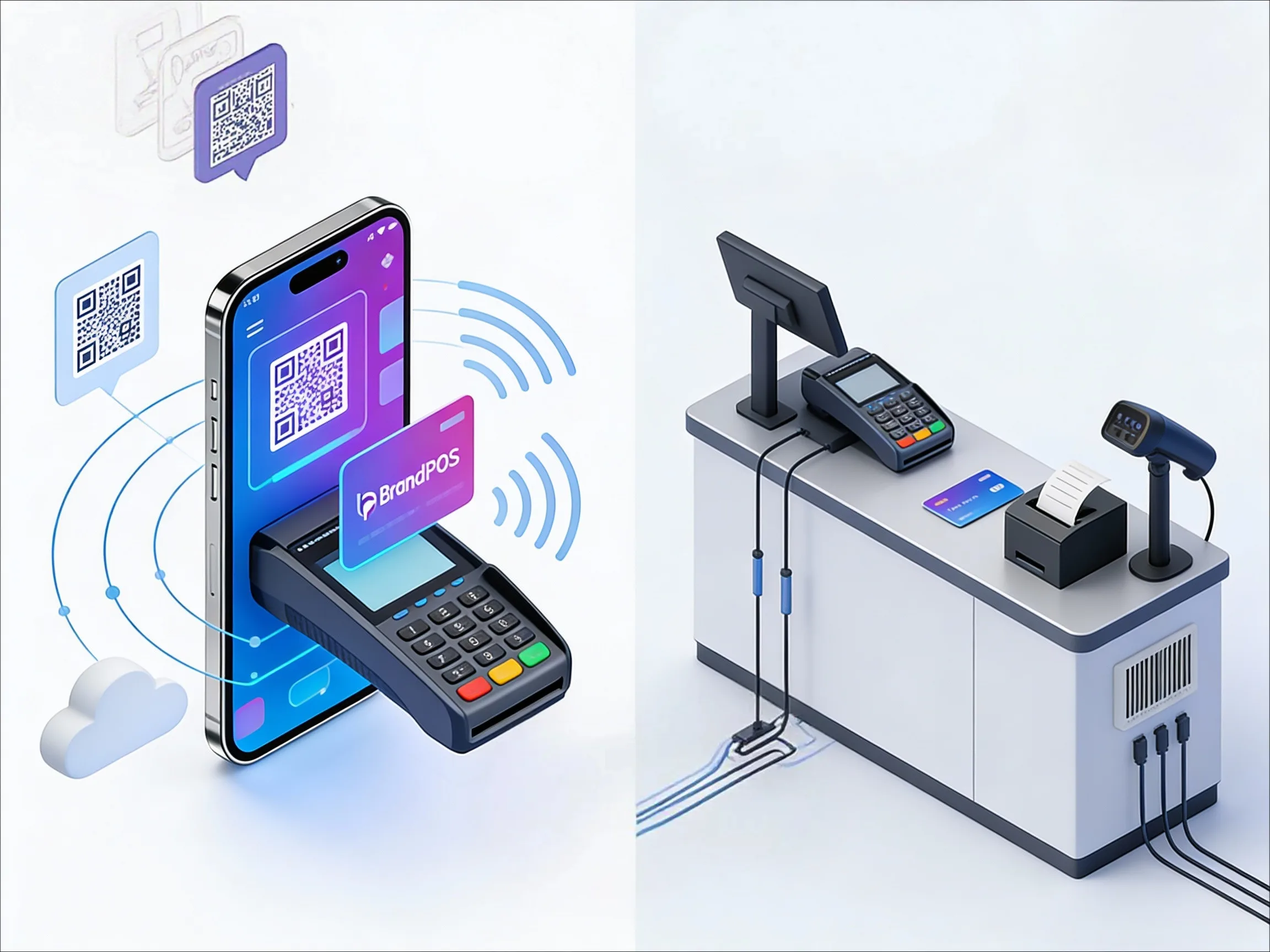
When comparing SoftPOS vs Traditional POS, the difference is not only technical. It reflects how a business operates day to day.
| Aspect | SoftPOS | Traditional POS |
|---|---|---|
| Core priority | Speed, mobility, and simplicity | Structure, control, and operational depth |
| System nature | Software-first solution | Hardware-centric setup |
| Device dependency | Runs on NFC-enabled smartphones or tablets | Uses dedicated terminals and peripherals |
| Mobility | Highly mobile, works anywhere staff can carry a device | Fixed to checkout counters or specific locations |
| Setup style | Quick activation with minimal installation | Requires hardware setup, configuration, and training |
| Operational focus | Fast payments and flexible selling | End-to-end transaction and business management |
| Best suited for | Pop-ups, small retailers, service staff, on-floor payments | Restaurants, large stores, multi-location operations |
| Replacement factor | Complements existing systems | Often serves as the central system of record |
Cost Comparison: SoftPOS vs. Traditional POS
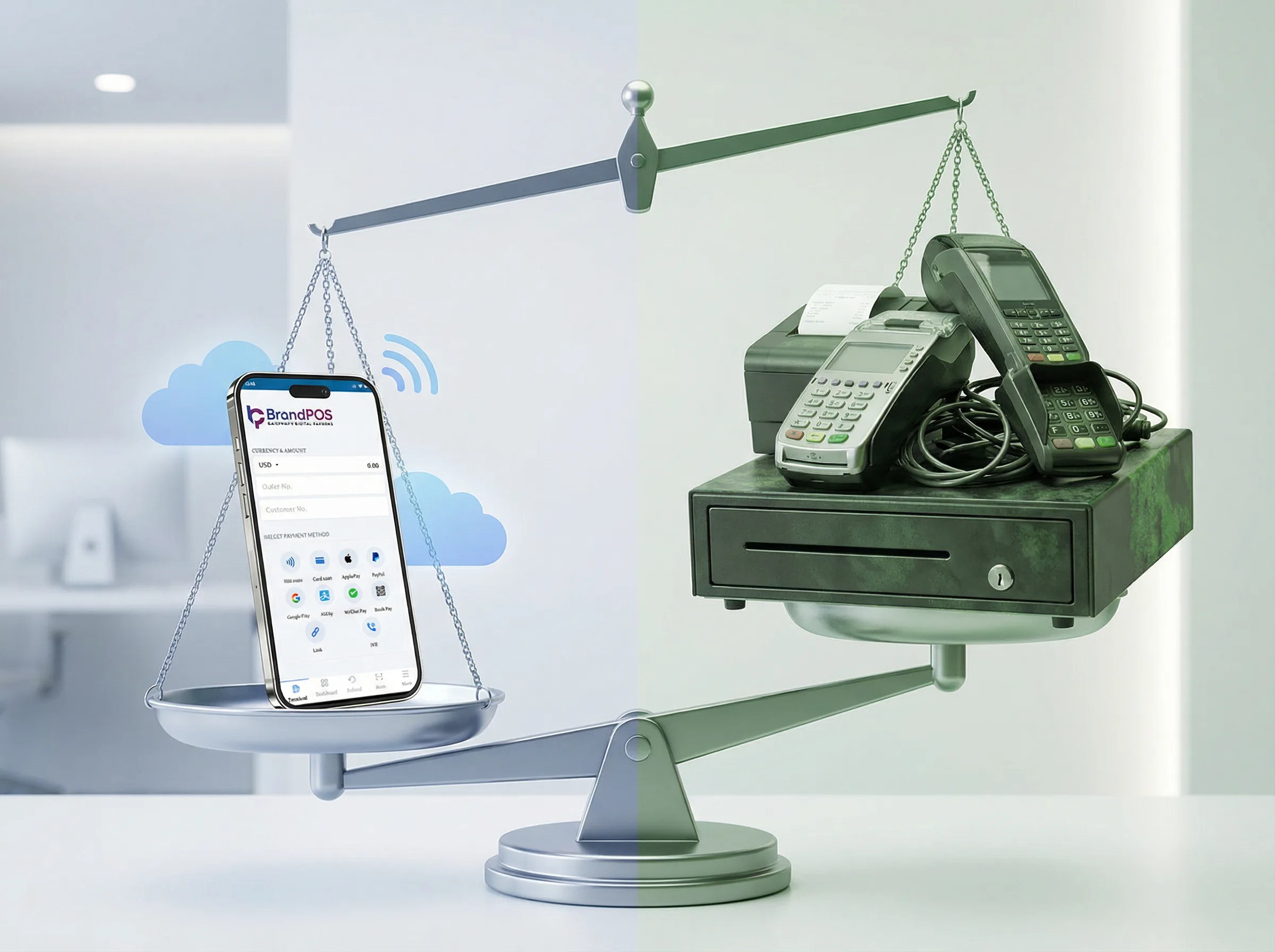
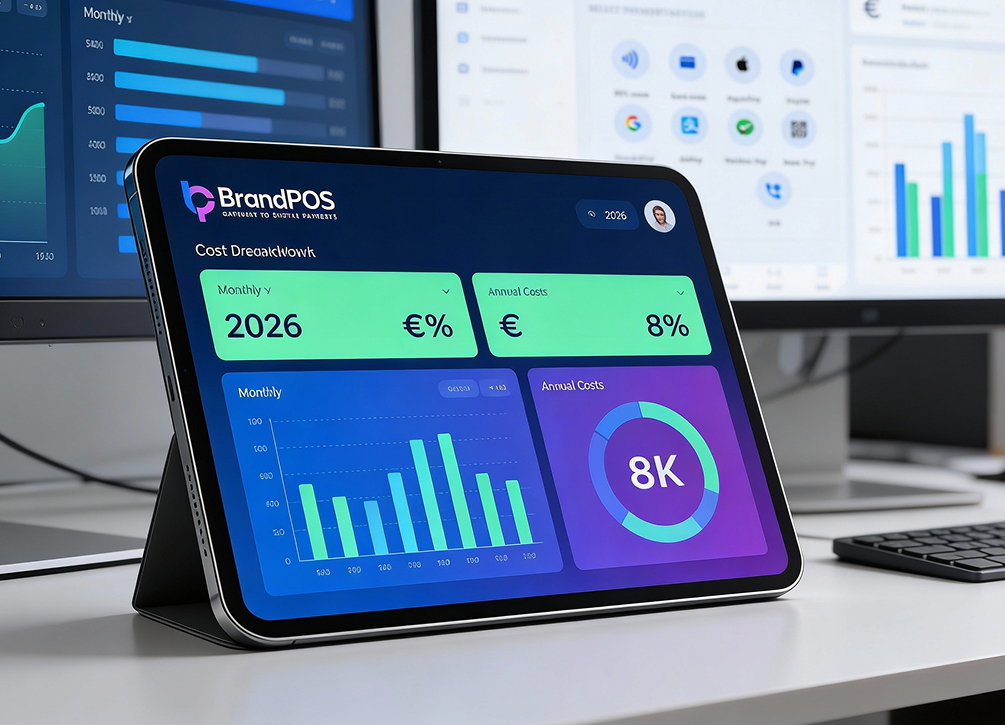
For micro and small-sized growing businesses, the cost of a pos system is a make-or-break situation. Therefore, several providers have an entry-level free tier.
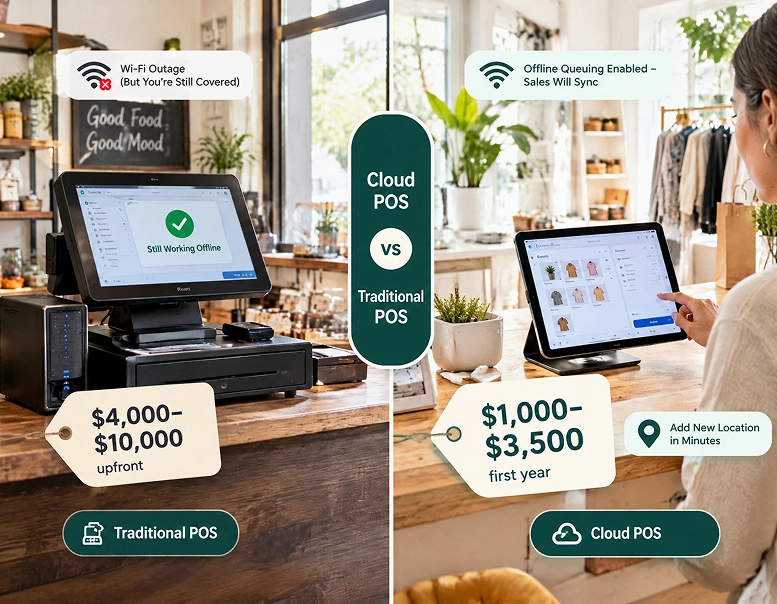
In 2026, SoftPOS vs. Traditional POS is more of Capital Expenditure (CapEx) vs Operational Agility.
| Categories and Cost | SoftPOS | Traditional POS |
|---|---|---|
| Upfront Hardware Cost | None or minimal | High |
| Dedicated POS Terminals | Not required | Required |
| Device Usage | Existing smartphones/tablets | Proprietary terminals |
| Setup Time | Hours | Days to weeks |
| Installation Cost | Low | High |
| Maintenance Cost | Low | Ongoing |
| Initial Cost Reduction vs Traditional | 60% – 80% lower | Baseline |
| Software Subscription | Yes | Yes |
| Per-Transaction Fees | Yes | Yes |
| Optional Add-ons | Analytics, integrations | Analytics, integrations |
| Hardware Upgrades | Not required | Periodic |
| Staff Training Cost | Low | Medium to high |
| Suitability for New Locations | High | Low |
| Suitability for Tight Margins | High | Low to medium |
SoftPOS: A Budget-Friendly Solution
SoftPOS requires way less investment. It is for merchants who aim for fewer operational assets.
Advantages:
No terminal hardware costs. It is the ultimate pay-as-you-transact model. Costs related to POS are flexible and depend on sales volume.
Faster setup, often within hours. Businesses can save $300 to $600 per counter!
No maintenance expenses and instant activation.
Total cost of ownership is reduced by 60-80%.
Typical SoftPOS Costs
| Cost Component | Cost Type | Typical Range | Billing Frequency |
|---|---|---|---|
| Software Subscription | Software | €0 – €50+ | Monthly |
| Transaction Processing Fee | Variable | ~1.2% – 2.9% per transaction | Per transaction |
| Platform Usage Fee | Software | €0 – €30 | Monthly |
| Analytics Module | Optional add-on | €10 – €40 | Monthly |
| API / Integration Access | Optional add-on | €0 – €100+ | Monthly / One-time |
| Device Cost (Phone/Tablet) | €0 (existing) – €300 | One-time | |
| Installation / Setup | Service | €0 – €100 | One-time |
| Maintenance | Software | Included | — |
Traditional POS: A Hefty Investment
If SoftPOS is a bird, Traditional POS is a castle. Its expense is rooted in the quality of the hardware and the physical infrastructure of the whole system, how it is integrated in the physical locations, and lots more.
It comes with an indirect hardware tax, because every physical thing a business purchases that is bound to be destroyed (depreciated) and needs maintenance is a liability.
Approximately, the cost per terminal lane is $1,500 to $3,000. It includes a lot of training, and the parts need to be replaced every 5 years.
Although traditional POS requires a hefty commitment, the structure is as strong as steel. One should only go with it if the business has a high-volume, static counter setup that requires custom integrations with complex ERP systems.
Security: Is SoftPOS As Secure As Traditional POS?
Let's debunk some myths. Although it is natural to think of a system (SoftPOS) as less safe as it is operated via someone's personal smartphone, SoftPOS offers a cloud-based architecture that is simply impenetrable!
SoftPOS Security
- End-to-end encryption. PCI MPoC (The 2026 Gold Standard) is complied upon by providers like BrandPOS. It follows Mobile Payments on COTS (Commercial Off-the-Shelf) standard.
- Every time the app is opened on a smartphone, it does a quick health check of the phone. If the phone is found to be rooted or hacked, the system automatically shuts down.
- Tokenisation of card data is done. Customers' card data is never stored on the phone. The transactions take place within a Trusted Execution Environment (TEE).
Traditional POS Security
- Hardware Security Modules (HSMs) are physical chips inside the hardware that are destroyed if someone tries to break into the system.
- Best for merchants who prefer high-volume risk management staying under a static compliance.
- Devices can be handled physically and can be manually locked-down incase of a breach.
| Security Feature | SoftPOS (e.g., BrandPOS) | Traditional POS |
|---|---|---|
| Data Protection | Software-based tokenization | Hardware-based encryption |
| Device Integrity | Real-time cloud attestation | Physical anti-tamper seal system |
| Transaction Limit | Unrestricted (PIN-on-glass) | Unrestricted (physical PIN pad) |
| Risk Focus | Malware and application-level security | Physical skimming and device theft |
Usability: Which System Provides a Better Customer Experience?
| Customer Experience Dimension | SoftPOS | Traditional POS |
|---|---|---|
| Checkout Speed | High | Medium |
| Queue Handling | Distributed / mobile | Fixed counter |
| Payment Location | Anywhere in store | Checkout counter |
| Contactless Dependency | High | Medium |
| Counter Congestion | Low | High |
| Checkout Structure | Flexible | Structured |
| Receipt Handling | Digital (default) | Printed and/or digital |
| Customer Familiarity | Medium | High |
| Peak-Hour Efficiency | High | Medium |
| Suitability for Complex Orders | Medium | High |
Which One Should You Choose for Your Business in 2026?
There is no universal answer. Let us see a side-by-side comparison.
| Business Need / Scenario | SoftPOS | Traditional POS | Hybrid Setup (SoftPOS + Traditional POS) |
|---|---|---|---|
| Business size | Ideal for small and growing businesses | Suited for medium to large operations | Works well across all business sizes |
| Upfront investment | Low upfront cost, minimal hardware spend | Higher initial investment in hardware and setup | Balanced cost with selective hardware use |
| Mobility requirement | High mobility, payments taken anywhere | Fixed checkout points | Mobility on the floor, stability at counters |
| Speed at checkout | Very fast, tap-and-go experience | Structured but slightly slower | Fast where needed, structured where required |
| Inventory complexity | Basic or light inventory handling | Advanced inventory and stock control | Inventory managed centrally, payments taken anywhere |
| Reporting and analytics | Limited to essential reports | Deep reporting and operational insights | Central reporting with flexible payment collection |
| Staff workflow | Simple, flexible staff movement | Defined roles and fixed workflows | Floor staff stay mobile, counter staff stay structured |
| Customer experience | Seamless, contactless, modern feel | Familiar, predictable checkout process | Choice of experience depending on situation |
| Space constraints | Excellent for small or temporary spaces | Requires dedicated counter space | Optimized use of both mobile and fixed areas |
| Best use cases | Pop-ups, salons, service staff, events | Restaurants, retail chains, high-volume stores | Retailers, restaurants, multi-format businesses |
| Long-term scalability | Scales through software upgrades | Scales through hardware and system expansion | Scales operationally without sacrificing flexibility |
| 2026 readiness | Aligned with contactless-first behavior | Still critical for operational control | Increasingly becoming the default approach |
Conclusion
In the end, the SoftPOS versus Traditional POS conversation isn't about which technology wins.
It's about fit. About how your business moves. How does your staff work? How your customers expect to pay.
Those answers rarely come from spec sheets alone. They emerge on busy days. And quiet ones. Over time.