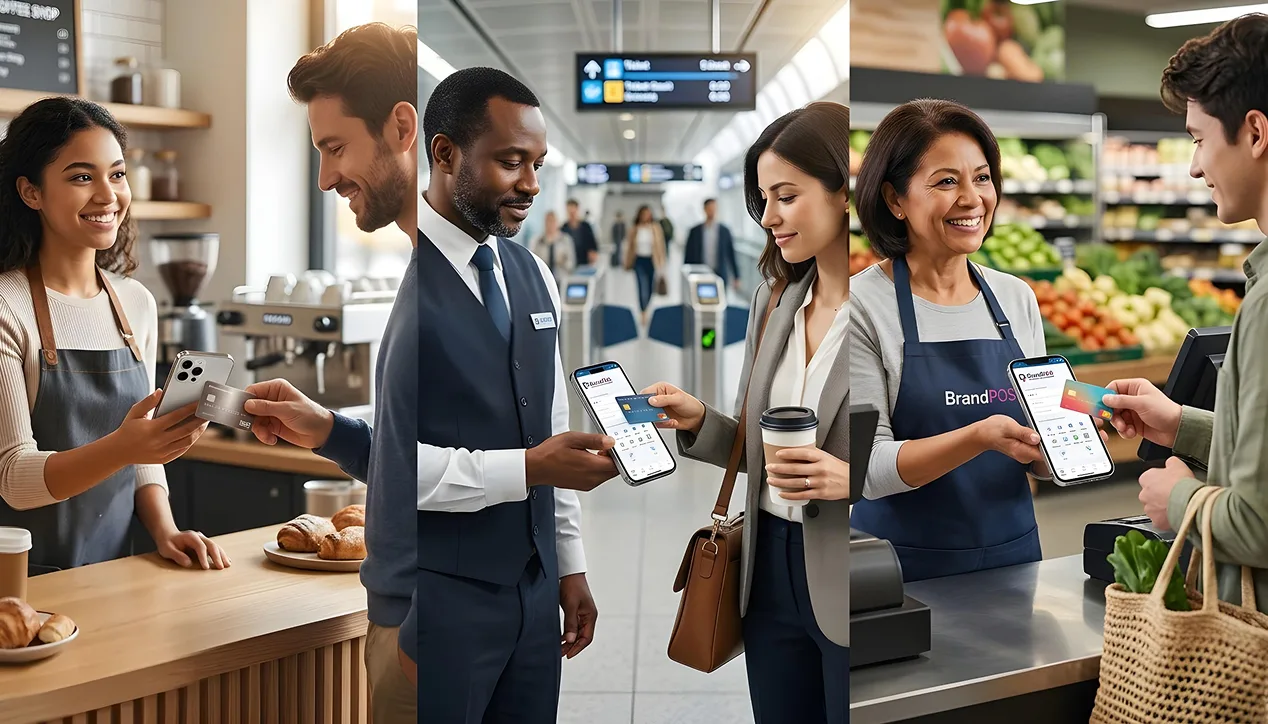
Most of us have never even thought about, 'What is NFC mobile payment?' But we use the technology almost every day.
The convenience of tap-to-pay is so simple and so easy that most of us have embraced it with great enthusiasm. This is true for both consumers and also for businesses.
Why is the question of 'What is NFC in mobile?' an important one for businesses? Because customers seem to be developing a strong preference for contactless payments.
Globally, 70% of consumers prefer contactless payments, and 47% are willing to walk away from a purchase if a contactless payment option is not available.
In the US, 90% of consumers use contactless payments, and 53% (65% in case of GenZ) prefer contactless payments in-store.
More than 20% of consumers in key European markets like Germany and the UK use their digital wallets weekly.
Globally nearly 50% of in-person transactions, i.e., one in every two transactions, are contactless.
90% of all smartphones globally are NFC-enabled, which facilitates accelerated adoption of contactless payments.
Businesses are also quickly adapting NFC and contactless payments. More than 70% of US merchants support NFC payments, and 97% of POS terminals in Europe support contactless payments.
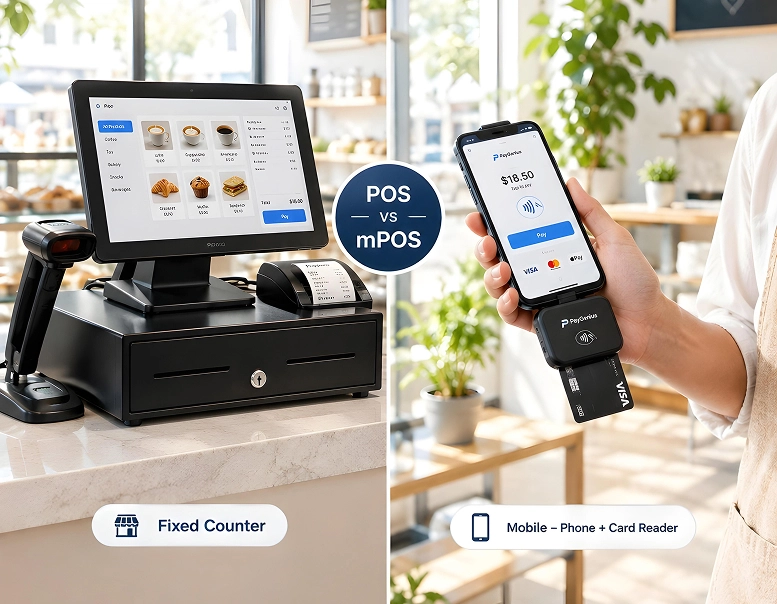
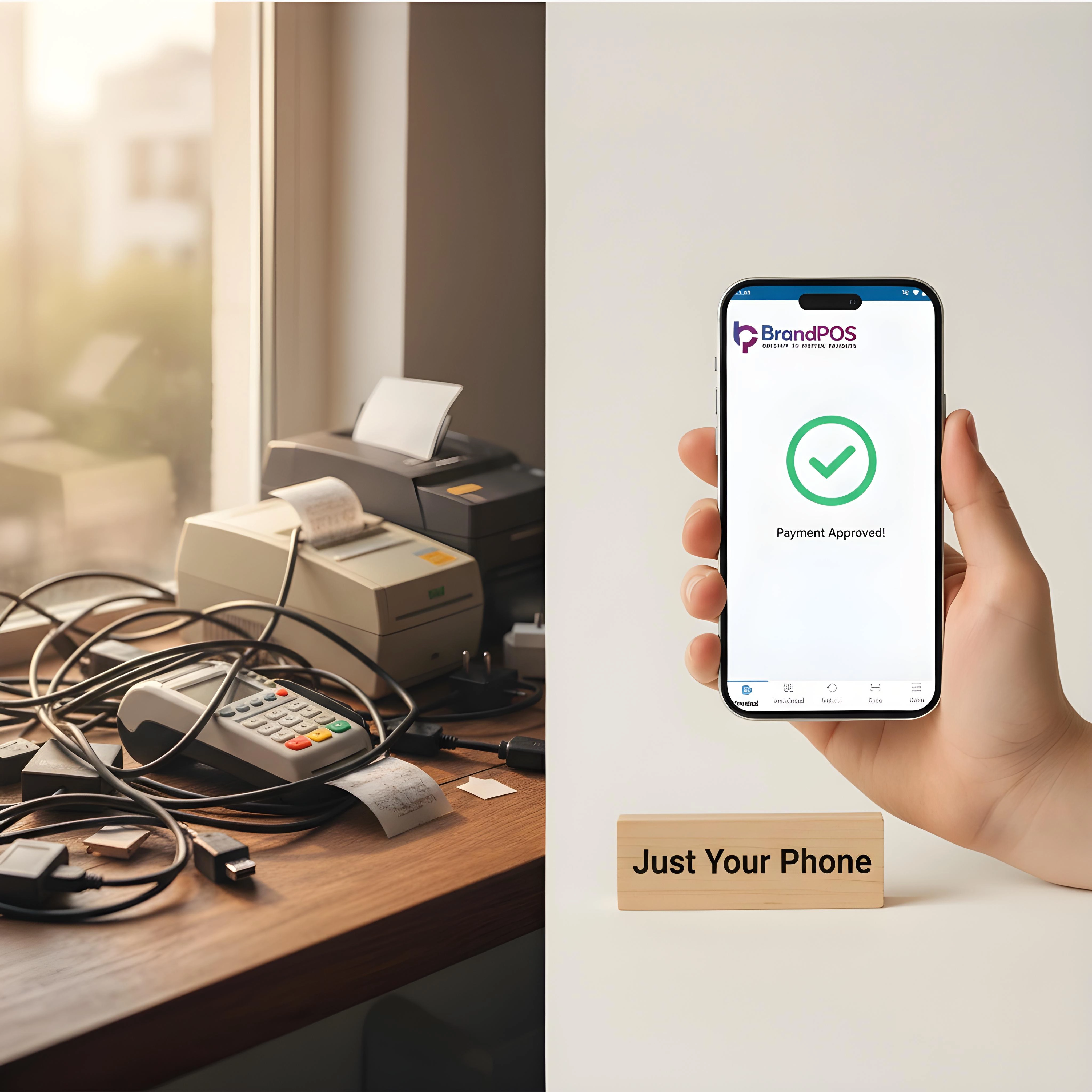
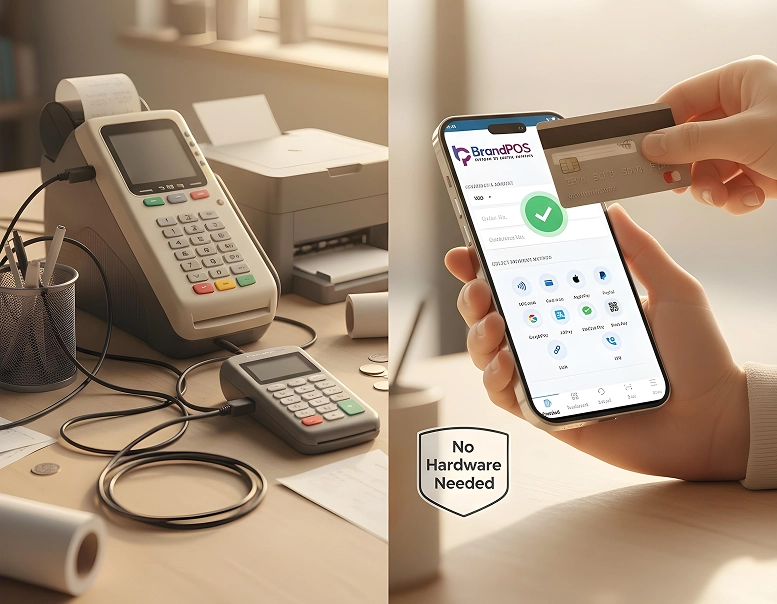
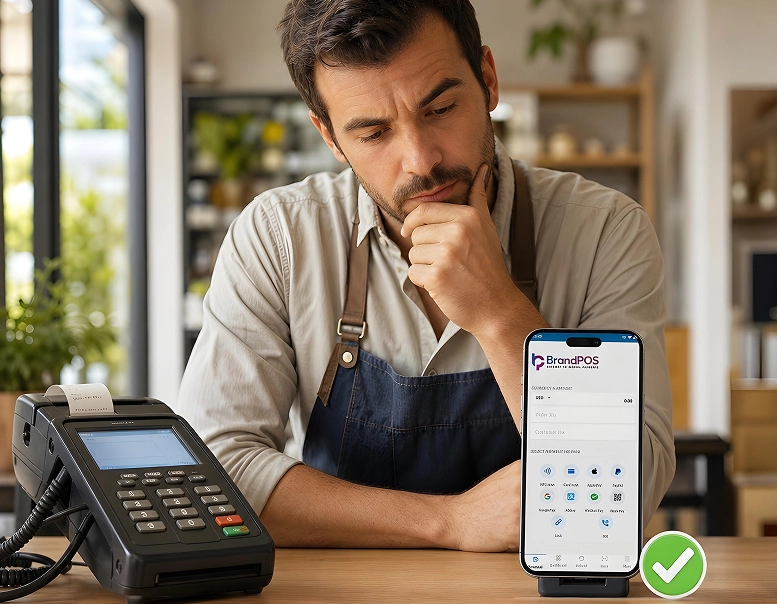
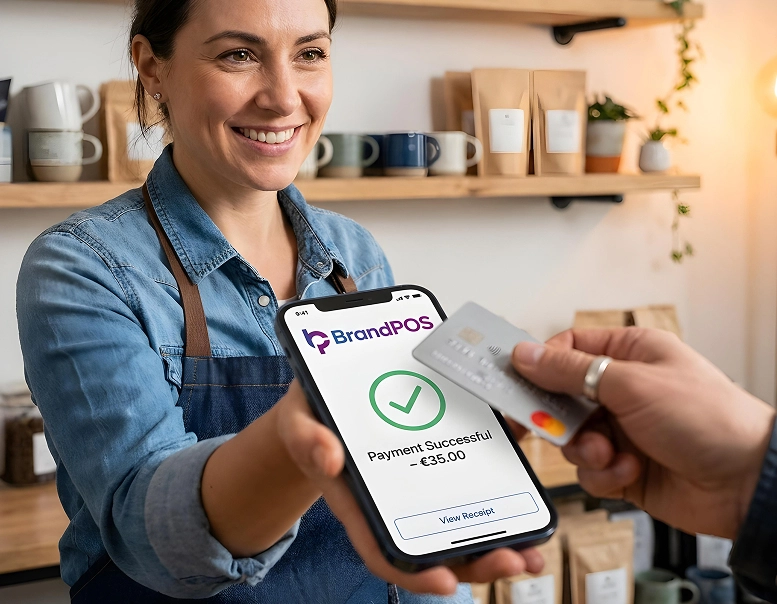
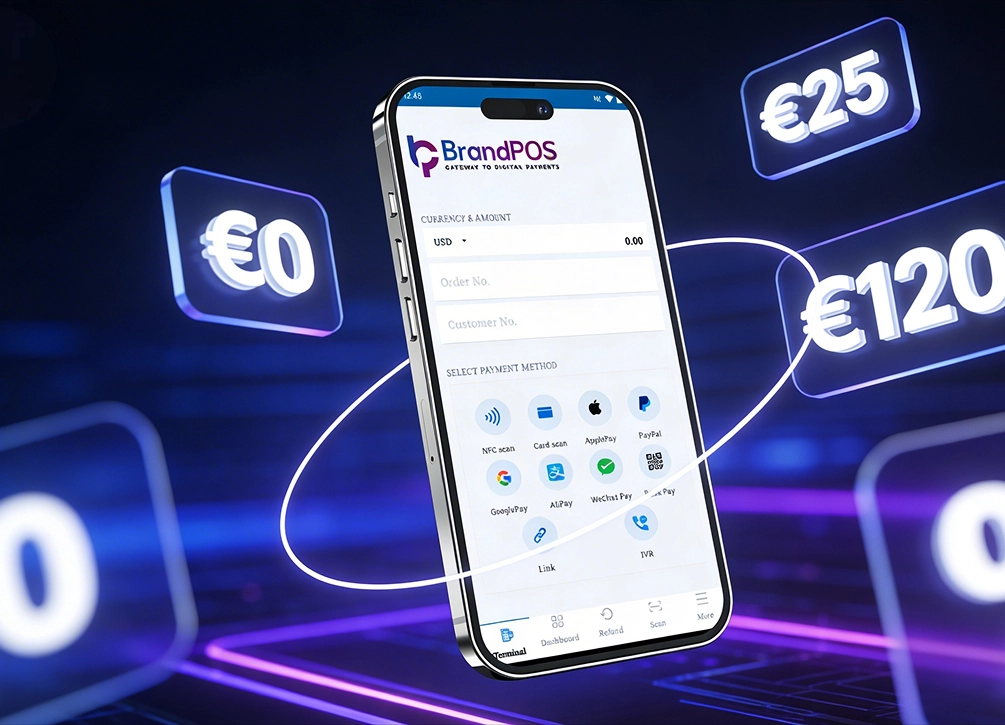
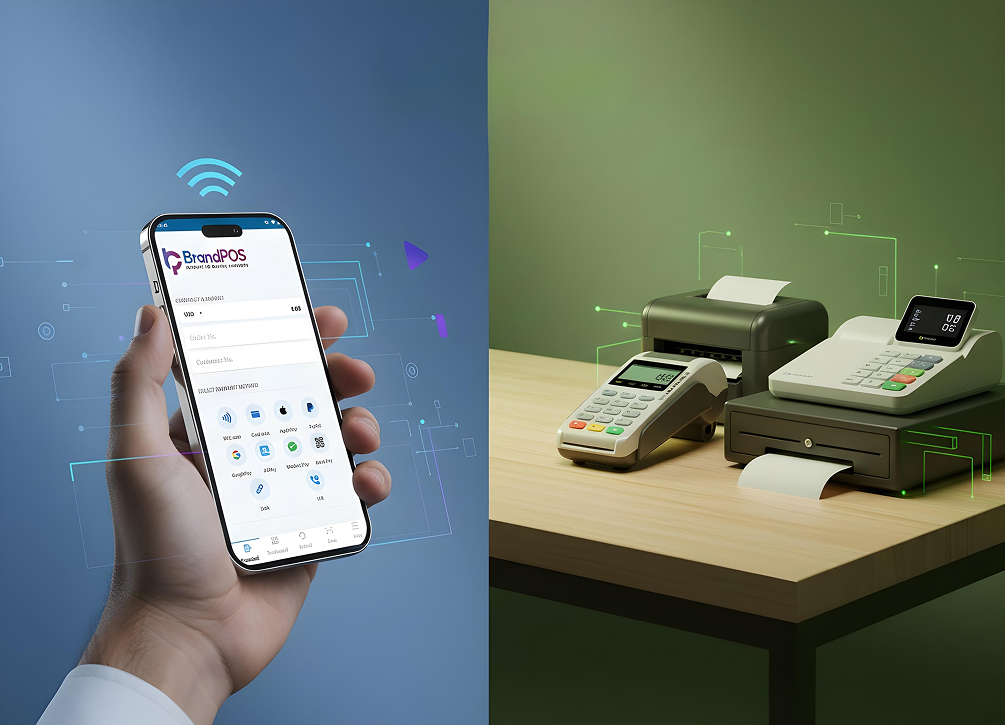
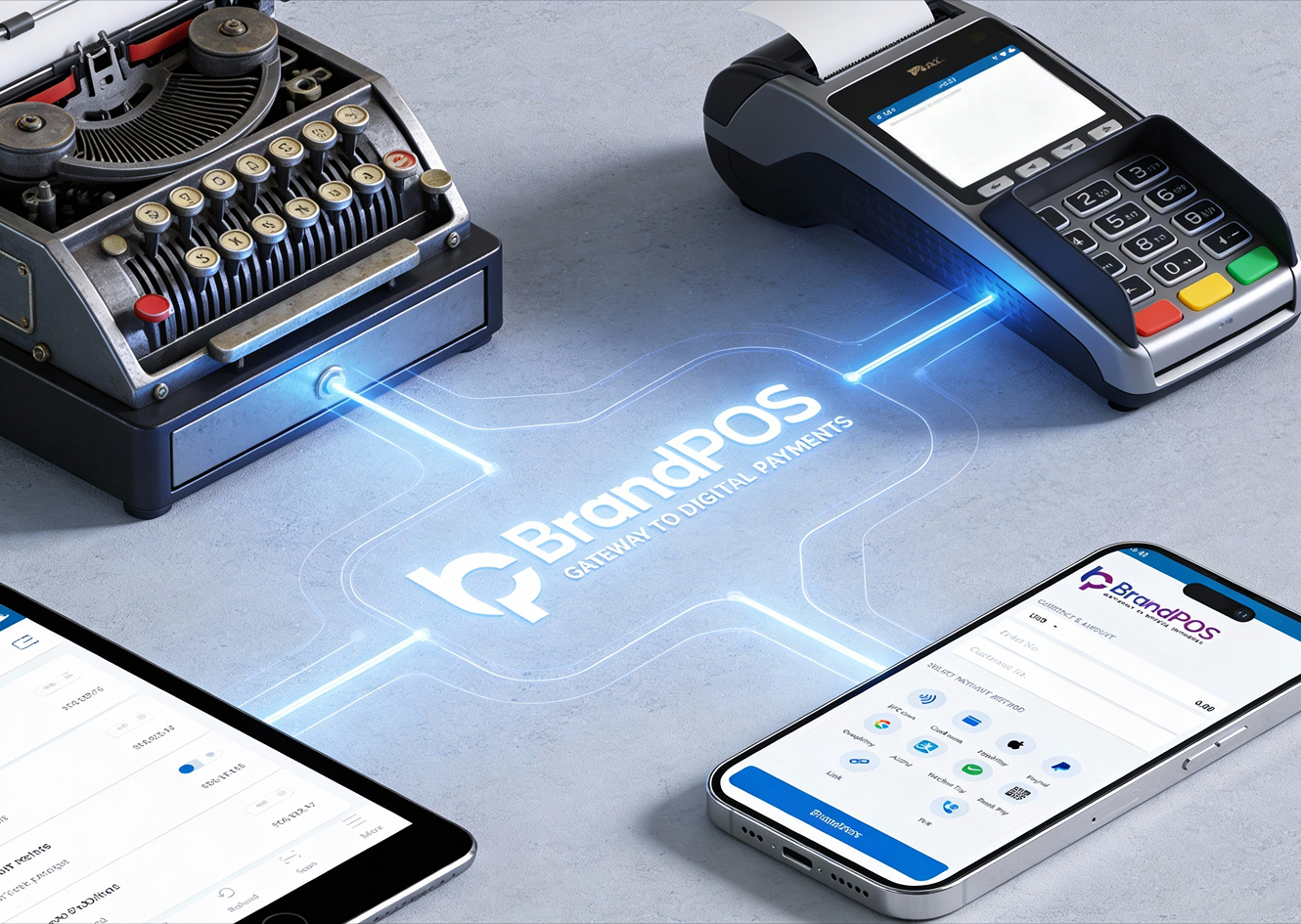
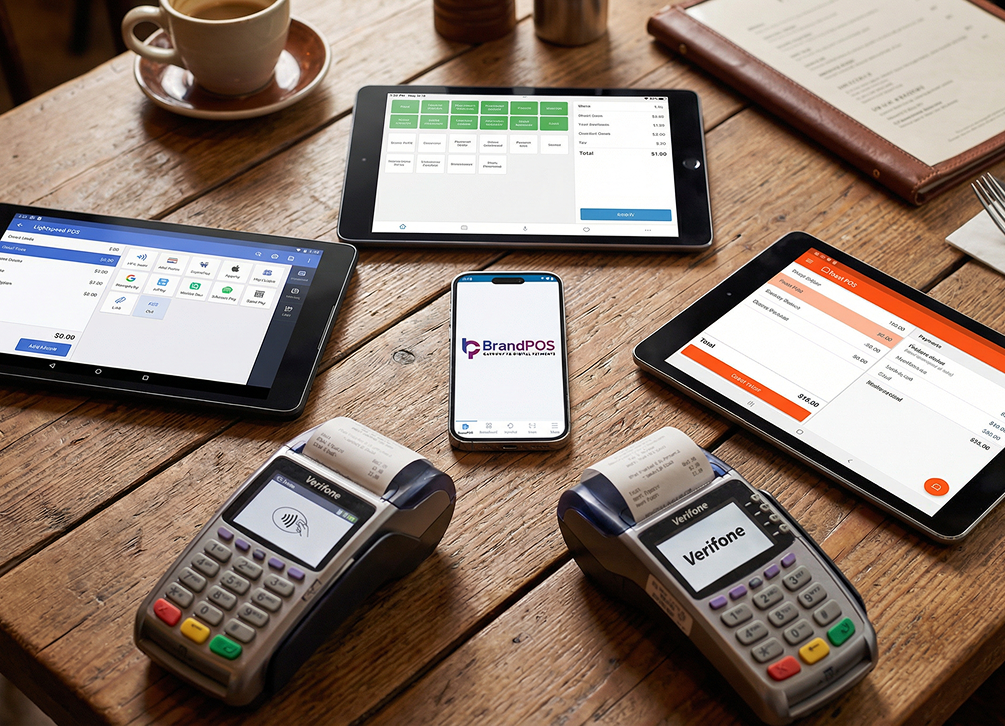
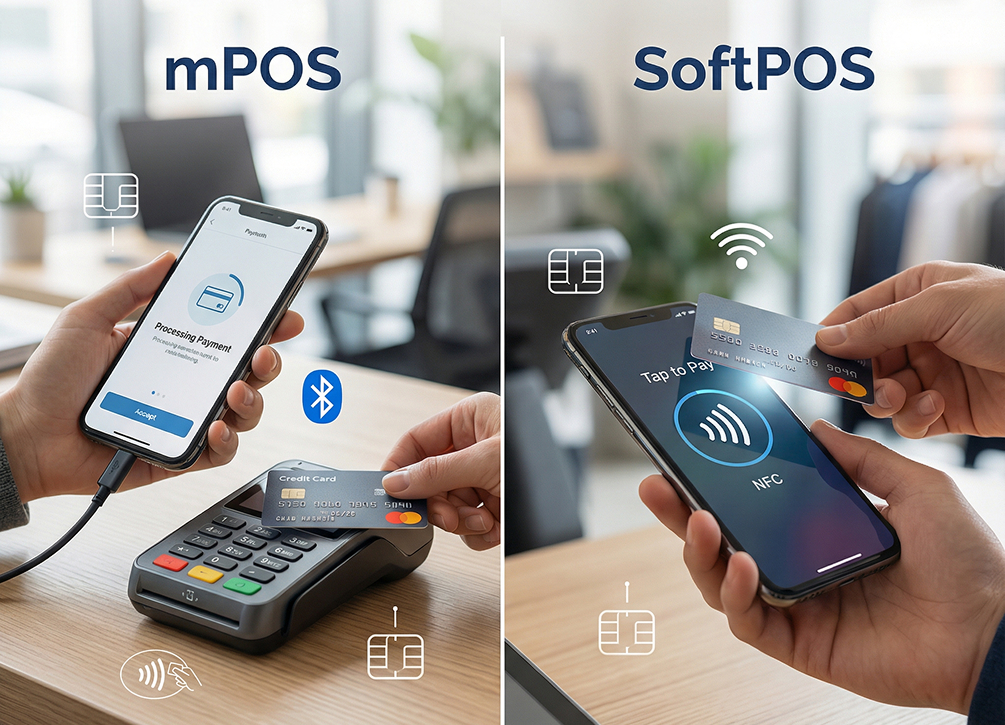
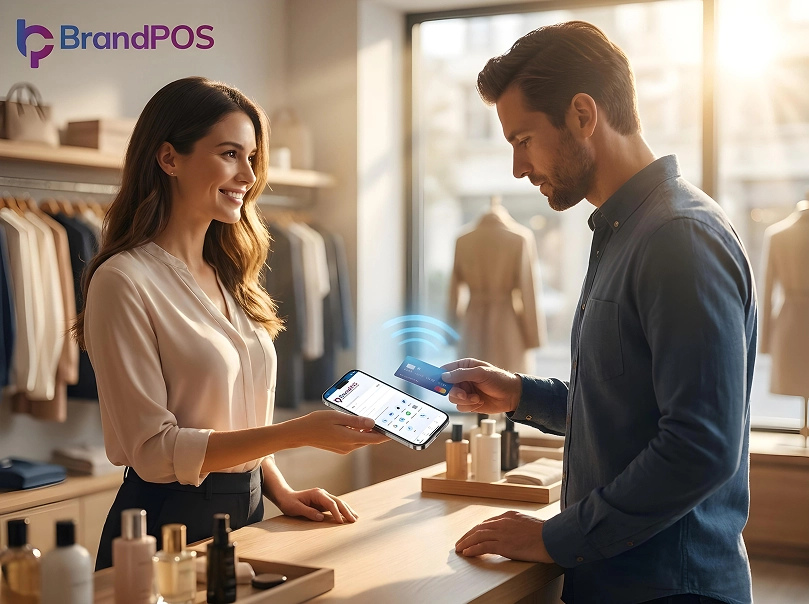
NFC technology in smartphones in particular is a game changer for contactless payments. The businesses can easily use a SoftPOS like BrandPOS to turn their phone into a payment terminal. A hardware-free and cost-optimization option. For consumers, paying with just a tap or a hover, without the hassle of carrying cash, entering a PIN, or doing a physical swipe, is extremely convenient.
What Is NFC in Mobile?
NFC (Near Field Communication) is a short-range wireless technology that allows data sharing between two devices that are within a 4 cm distance range.
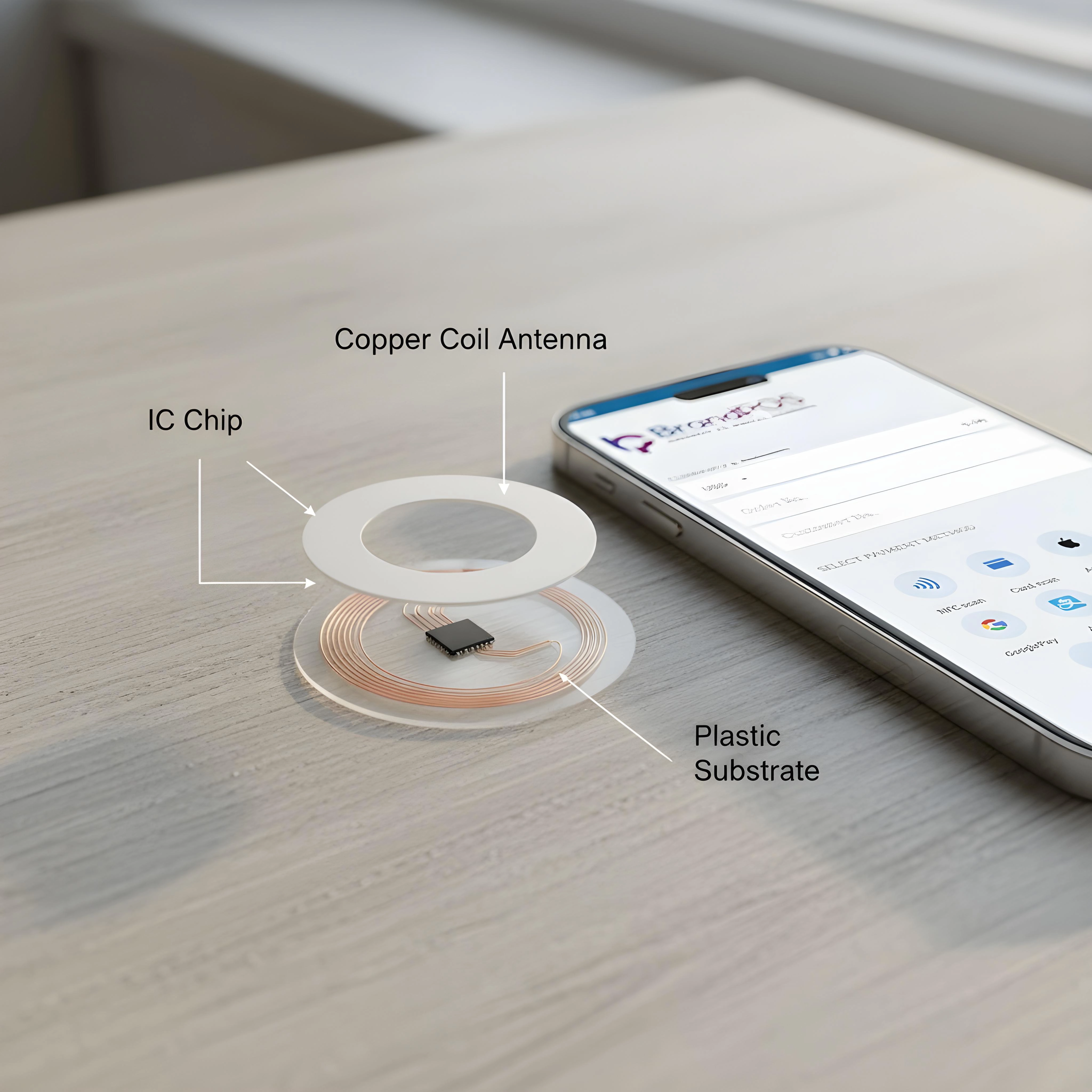
Now coming to the question of what is NFC in mobile? In smartphones, NFC is a small chip embedded in the back of the phone. It lets you use your phone like a digital wallet or a card, i.e., your phone can exchange tokenized payment information with an NFC reader.
Ready to ditch the card machine?
BrandPOS turns any Mobile phone into a certified POS terminal - no cables, no setup headaches.
Get Started for FreeWhat Is NFC Payment (Tap-to-Pay Technology)?
In order to know what is NFC mobile payment? We should understand the role that NFC plays in tap-to-pay technology.
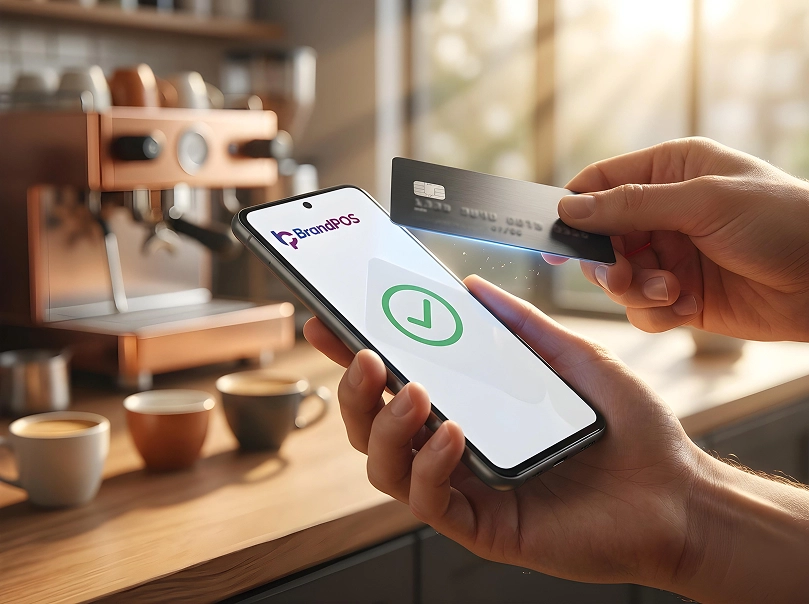
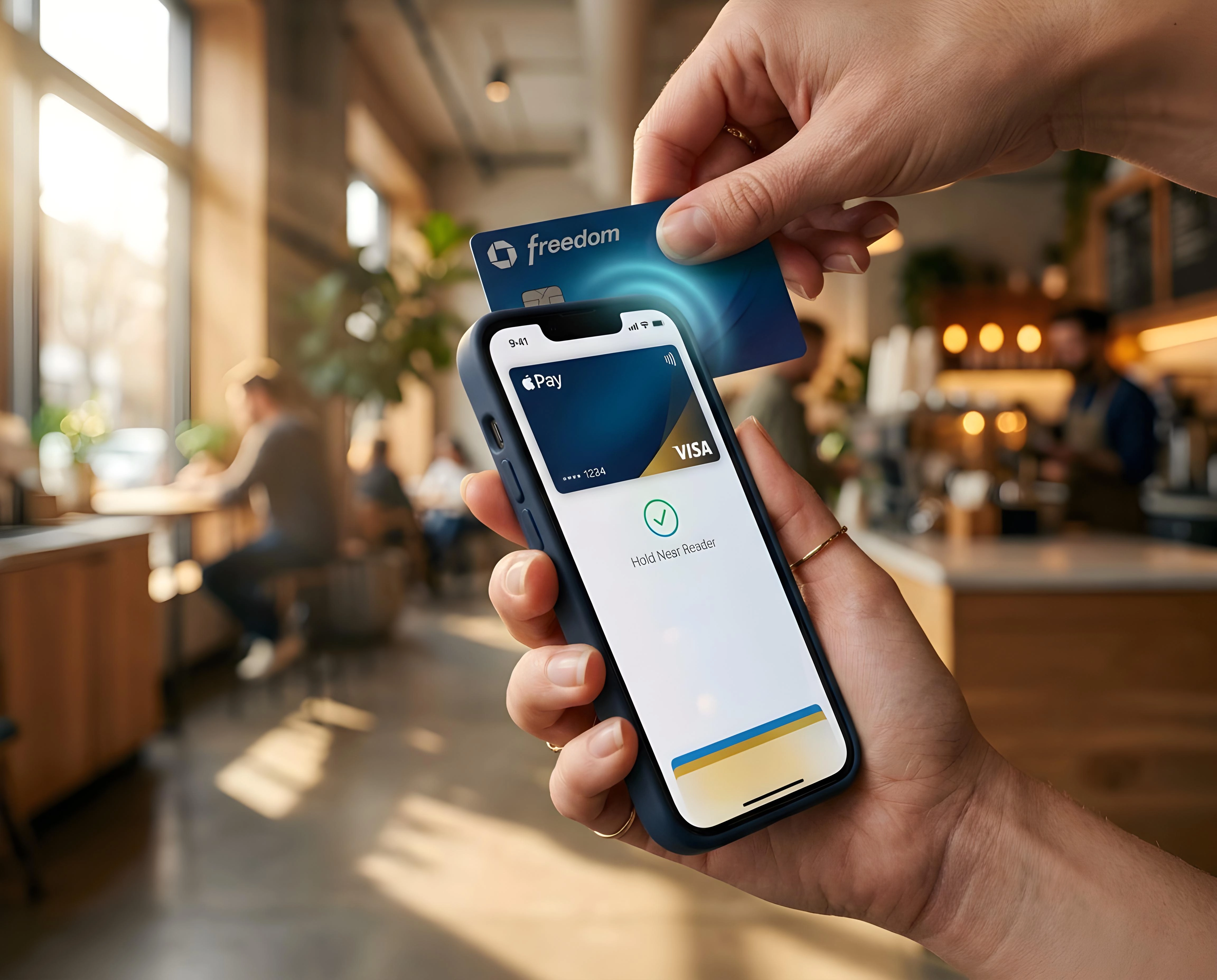
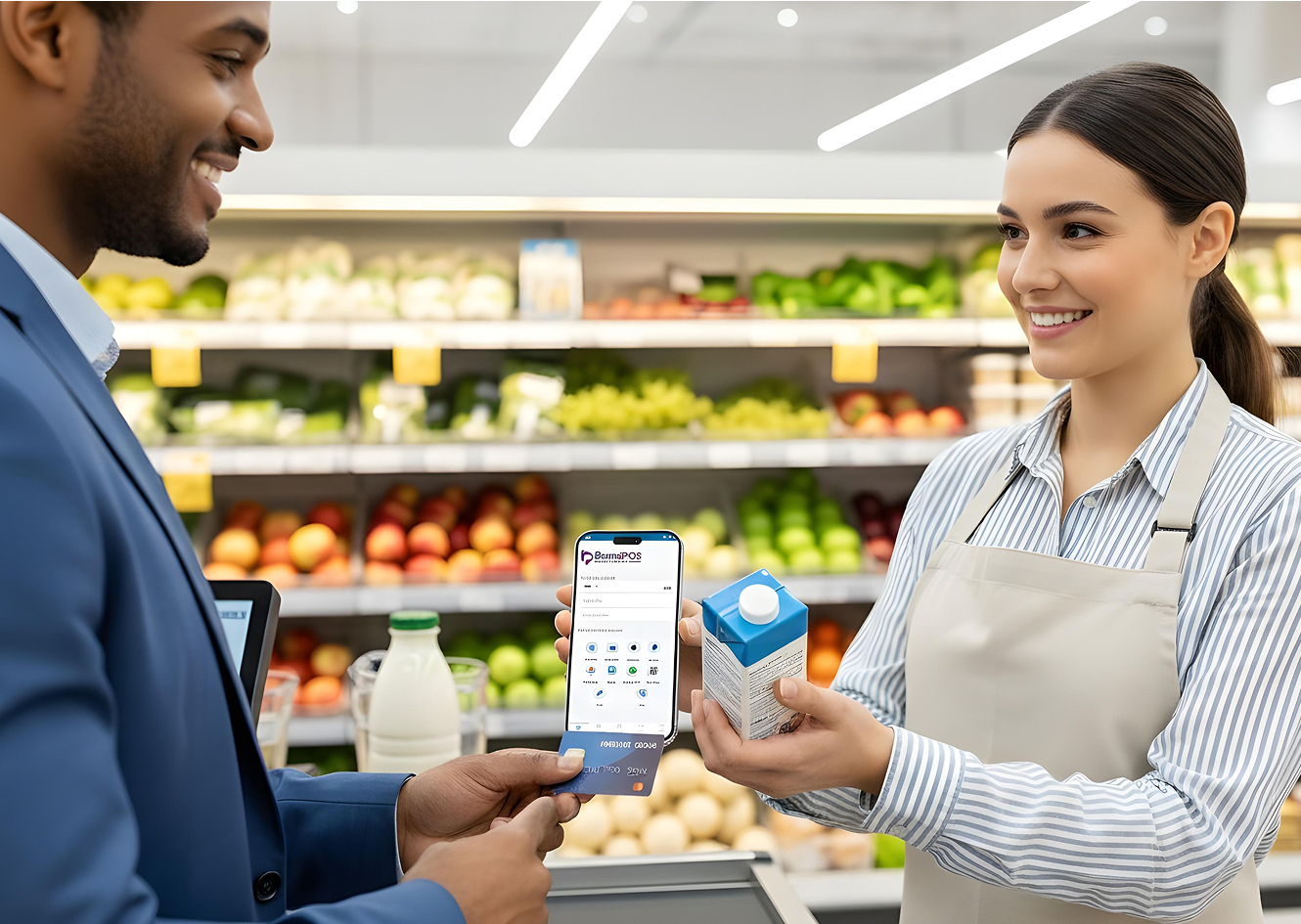
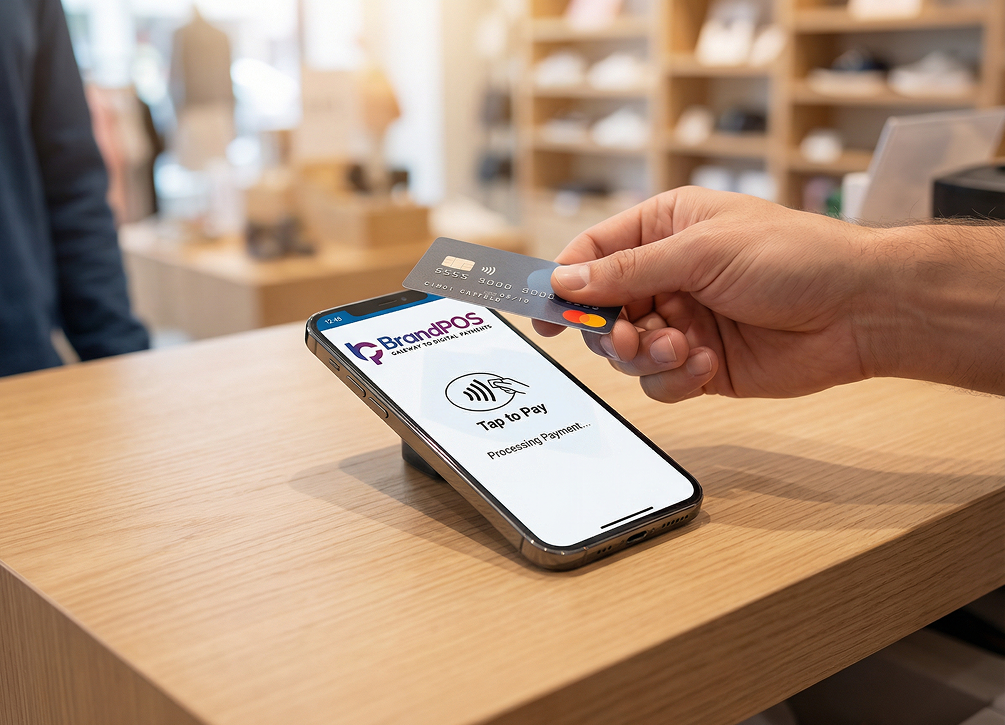
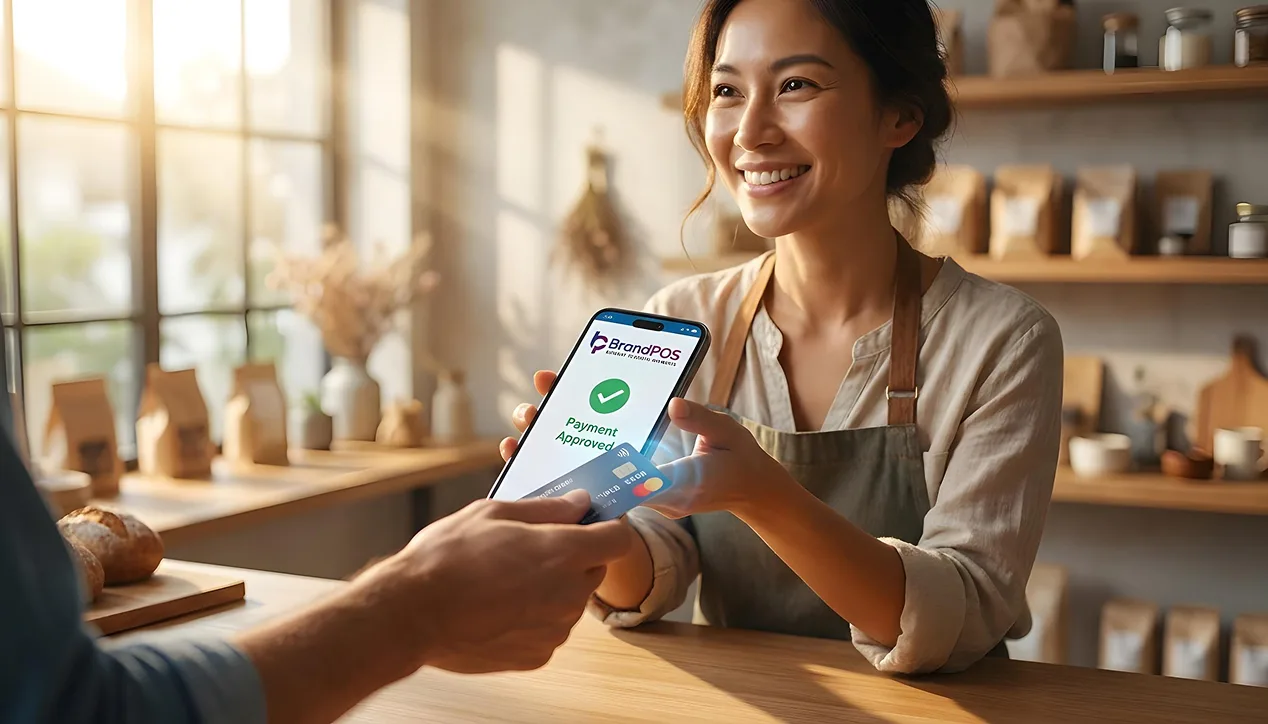
NFC payment, tap-to-pay, or contactless payment is the process of using your smartphone to make a payment by holding it near a compatible NFC payment terminal. When you tap to pay with your phone, the NFC chip in your phone allows the sharing of payment data with the terminal to complete the transaction.
Contactless payment technologies with NFC have been used since the 2000s. But the NFC chip on smartphones makes them so much more powerful by letting you add multiple cards on a single device that can complete the transactions within a second.
How Does NFC Mobile Payment Work?
If you know exactly how NFC payment works on your phone, it will demystify what is NFC mobile payment, for you. Let's walk through what NFC means in mobile phones step-by-step.
Step 1: Tokenization: To make NFC payments from your phone, you have to add your card number to your phone’s digital wallet. But, instead of storing your card details, what your phone gets is a substitute number or a ‘token’ issued by your card network. This token is unique to your phone and card. And it stays stored in your phone’s hardware. This token is what is used for making payments so that your card number is never shared.
Step 2: Authentication: Your phone can use fingerprint, face ID, or a PIN to confirm your identity before you make an NFC payment. The person to whom you are making payment can not see this step. Authentication happens on your device.
Step 3: NFC Communication: When you hold your phone near the terminal to pay, your phone's NFC chip starts working. It creates a cryptogram - unique and to be used only once, for this payment. Then the NFC shares this cryptogram and the card token from your phone to the terminal.
Step 4: Authorization: Once the terminal receives your payment token and cryptogram, it forwards the same to your card network and bank. Your bank verifies the cryptogram shared by the terminal, approves the transaction, and sends confirmation under 0.5 seconds!
Step 5: Receipt: The terminal confirms the payment, and you will get a notification about the same on your phone. All these steps are completed in less than a second so that the tap-to-pay feels instantaneous.
Payment by NFC – Supported Methods
When it comes to what is NFC mobile payment? We have all heard of digital wallets and payment apps. But NFC supports the following payment methods also:
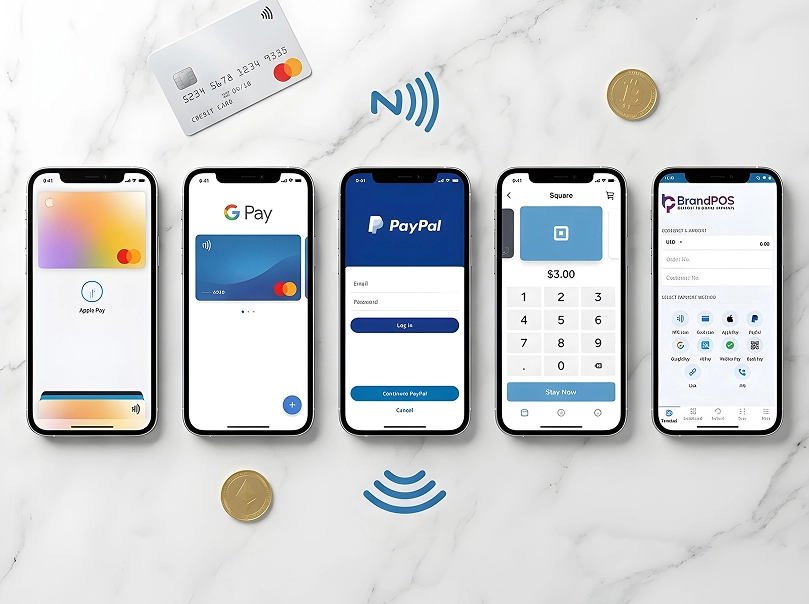
- Digital wallets and smart wearables: Apple Pay, Google Pay, Samsung Pay, Garmin Pay, Fitbit Pay, and Apple Watch.
- Bank Cards: Banks issue credit and debit cards with NFC chips. You can directly tap these cards to pay without needing a phone.
- Mobile Banking Apps: NFC payments are integrated directly into the bank's app.
- Transit and Loyalty Cards: NFC chip is embedded in transit passes, hotel keys, and rewards tracking.
Your Phone Is Already a POS Terminal
Stop paying for hardware you don't need. Download BrandPOS and start accepting payments in minutes.
Download the App FreeHow Do I Use NFC on My Phone?
Let us have a closer look at the details of what is NFC in mobile and how to use it on your phone.
Step 1: Enable NFC on Your Phone: On most Android phones, NFC is turned off by default. Activate it in Settings > Connected devices > Connection Preferences > Turn on NFC. For iPhones, NFC is active by default on Apple Wallet.
Step 2: Set up Your Digital Wallet: Open the digital wallet on your phone (Apple Wallet, Google Pay, or Samsung Pay). Add the card details to your wallet. Your digital wallet will verify the card and store it as a token.
Step 3: Making Payments: Hold your phone near the payment terminal. For Android, wake the phone and hold the back near the terminal. For iPhones, authenticate with Face ID or Touch ID first.
Devices That Support NFC Payments
- Android Smartphones: Almost all major Android smartphones released after 2015 (Samsung, Google, OnePlus, etc.).
- iPhones: All models from iPhone 6 onwards support NFC for Apple Pay.
- Smartwatches and Wearables: Apple Watch (Series 1+), Samsung Galaxy Watch, Fitbit Sense, Garmin watches.
Benefits of NFC Mobile Payments
- Convenience: No need to carry multiple cards. Phone securely holds all data.
- Speed: Transactions completed in less than a second.
- Hygiene: No-contact payment is perfect for post-COVID health concerns.
- Security: Tokenization and encryption make NFC payments incredibly secure.
- More Sales: Contactless payments often lead to higher transaction volumes and spend.
Is NFC Payment Safe?
Payment by NFC on your phone is generally safer than paying with cards or a traditional wallet thanks to the following security features:
- Advanced Encryption: Data is dynamic and encrypted every single time.
- Biometric Verification: Requires fingerprint, PIN, or facial recognition to complete transactions.
- Communication Proximity: Short transmission range (4 cm) prevents remote interception.
- Credit Card Tokenization: Actual card number never leaves your phone.
- Merchant Protection: Vendors cannot see your full card details.
Industries & Businesses That Benefit From NFC Payments
| Industry/Business | Benefit of NFC payments |
|---|---|
| Retail & Grocery | Faster check-out, fewer queues, and reduced cash handling. |
| Restaurants & Hospitality | Speed and mobility for cafes, food trucks, and restaurants. |
| Transportation | Convenience for subways, buses, and rental cars. |
| Healthcare | Bedside payments and hygiene-focused no-contact payment. |
| Events & Entertainment | Cuts down queues and drives sales with mobility. |
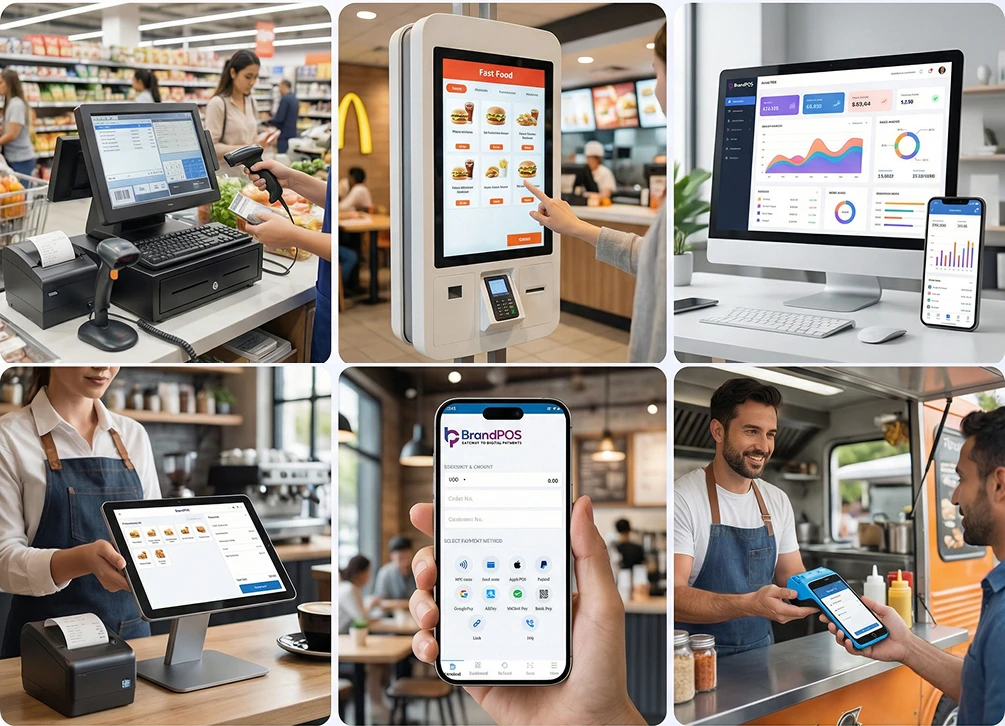
| Service Professionals | Hardware-free payment for freelancers and field technicians. |
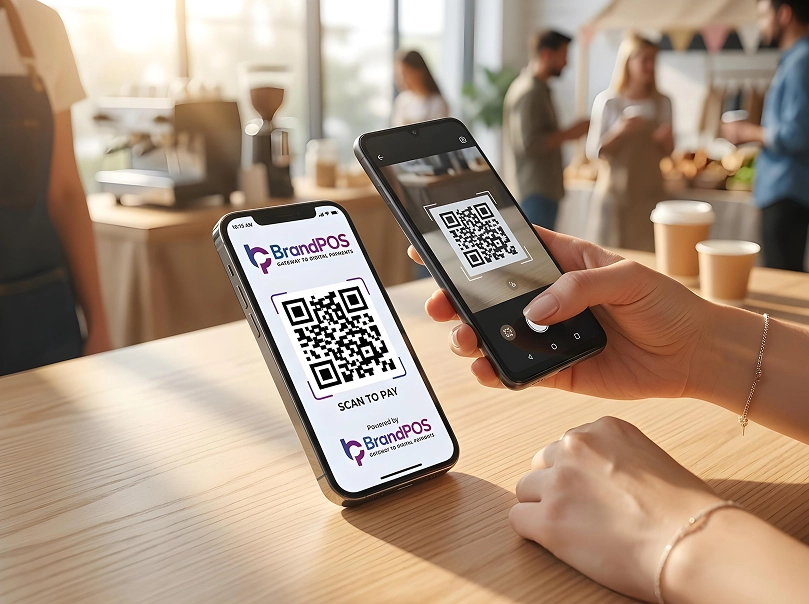
NFC Payment vs QR Code Payment
| Aspect | NFC Payment | QR Code Payment |
|---|---|---|
| Ease | Tap and done | Scan and wait |
| Speed | Less than 0.5 seconds | 5 to 10 seconds |
| Hardware | Requires NFC chip | Requires camera |
| Technology | Radio frequency | Optical scanning |
| Setup Cost | Higher (terminal) | Lower (print QR) |
| Security | High (tokenized) | Depends on implementation |
Advantages & Disadvantages of NFC Payment
Advantages: Speed, Convenience, Flexibility, Security, and Hygiene.
Disadvantages: Needs hardware (NFC terminal), Transaction Limits (set by banks), Proximity (4-6 cm), and Dependency on phone battery/data.
How BrandPOS SoftPOS App Can Help You with NFC Payments
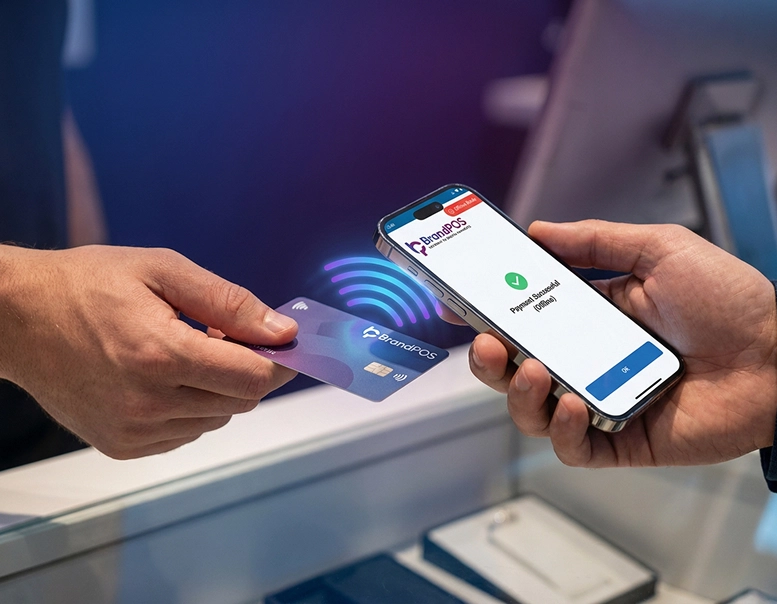
BrandPOS lets businesses accept tap-to-pay payments right from their phone, without any additional hardware.
- Zero Hardware Investment: Smartphone becomes the payment terminal.
- Built for On-the-Go: Ideal for mobile businesses and pop-up stalls.
- Simple Setup: Quick registration and onboarding.
- Highly Scalable: Add more devices as your business grows.
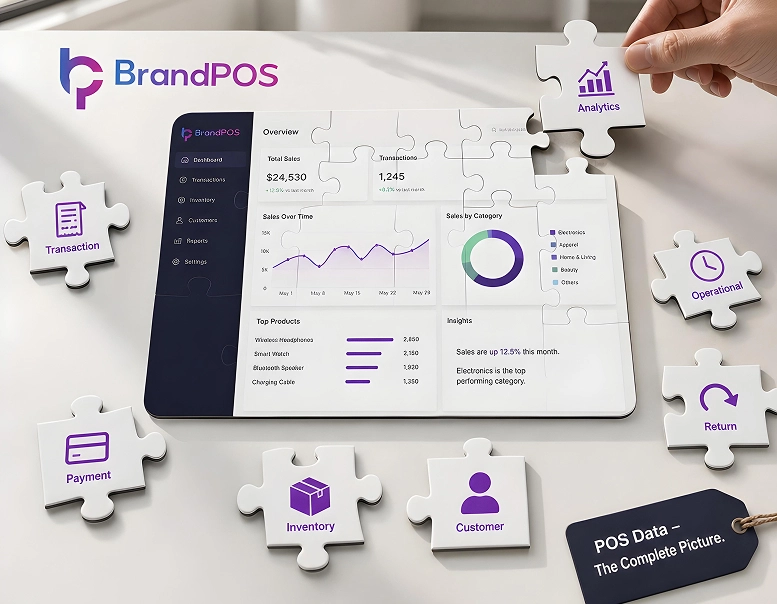
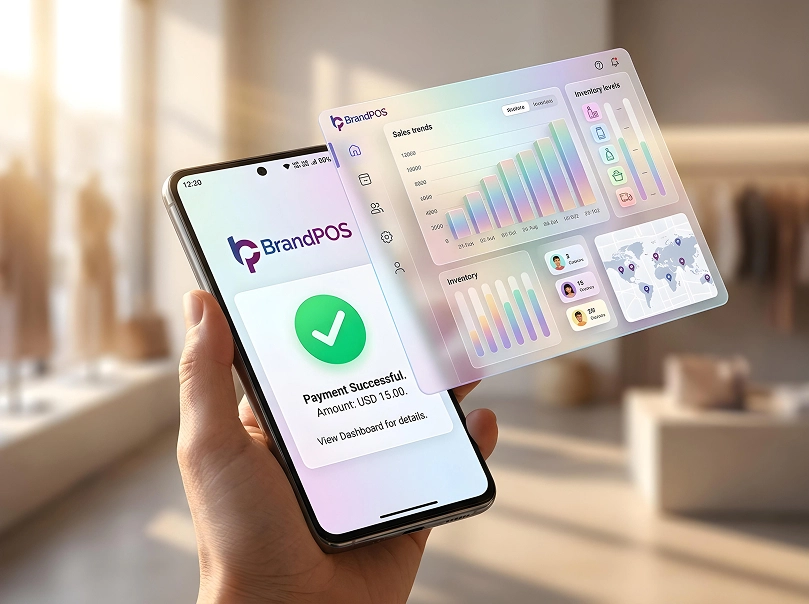
- All-in-One Integration: Real-time analytics, inventory tracking, and digital receipts.