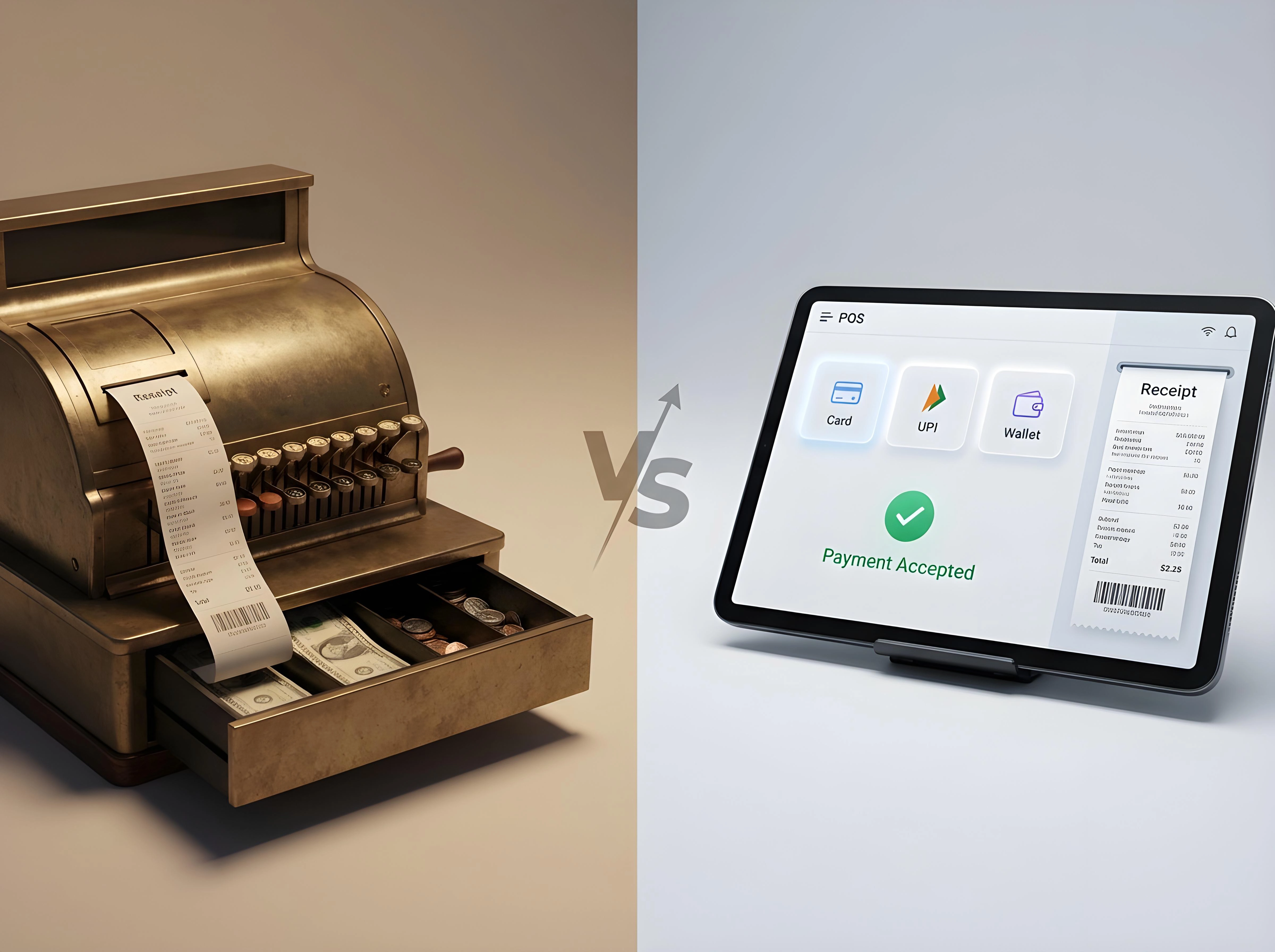
POS systems vs cash registers can be alternatively spotted in shops. Sometimes in smaller shops, we expect to see cash registers, whereas as per the current business landscape, it is way more beneficial to adapt POS systems, especially for smaller businesses.
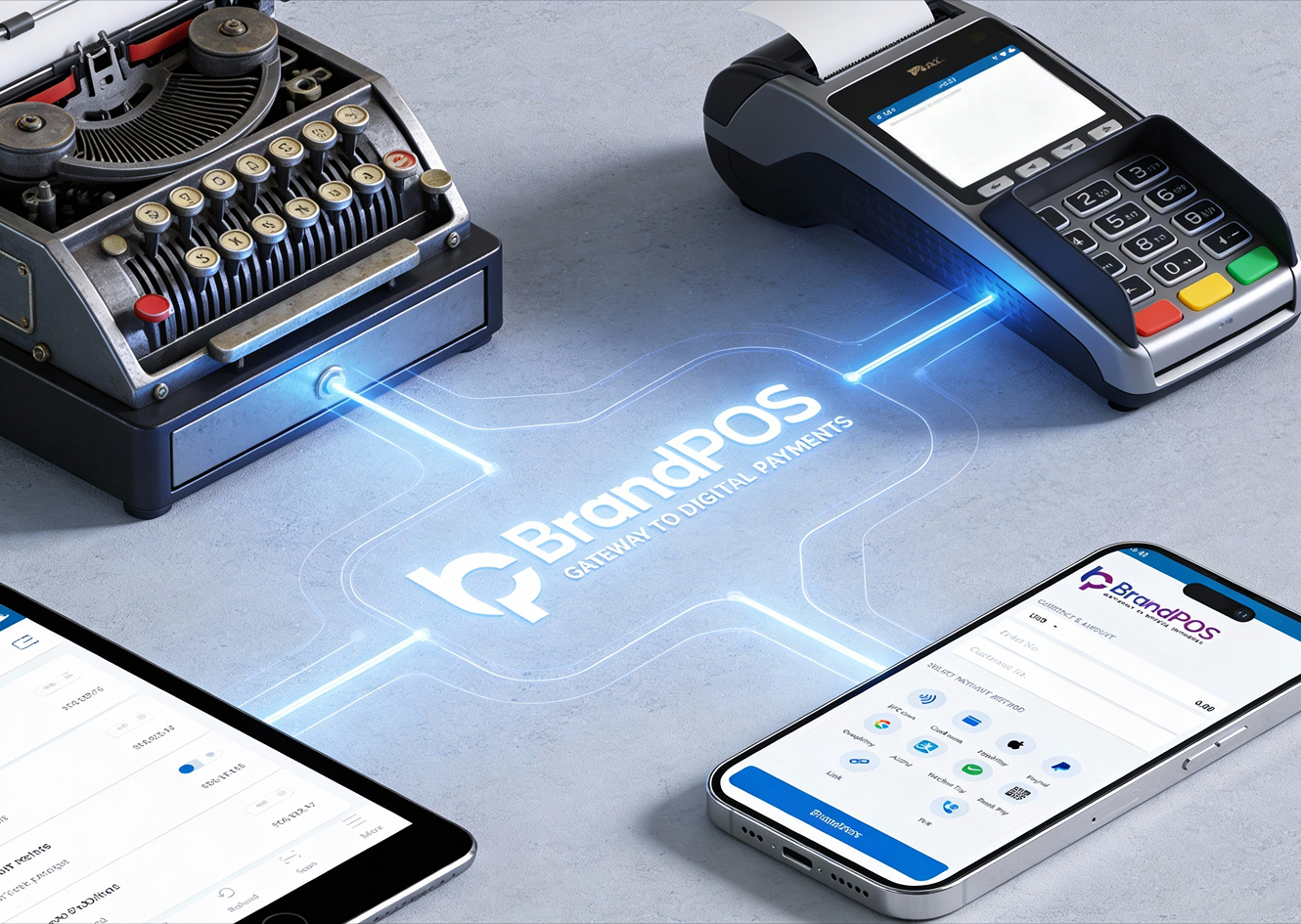
The staff, the owner, as well as the customers, are usually accustomed to the familiar metal cash register in which a drawer opens, the staff puts in the cash, the receipt gets printed via another external hardware, and that's how a traditional transaction is completed.
But with POS systems, this entire process can be done in less than 10 seconds, that too with sufficient encryption, touchless payment, and zero room for error.
Let us understand in detail how the differences lay out.
Point Of Sale System Vs Cash Register: Key Differences
With the preconditioning, the customers and the merchants expect a traditional payment system. But when the modern merchant searches for a point of sale system vs cash register, they are trying to understand what the actual difference is between them. Why should they make the shift?
It's plain and simple on the literal side that a cash register simply records transactions, but a POS system smartly manages and optimizes the entire business operational flow.
That’s the core of the Difference Between Cash Register And POS.
A cash register:
- Handles cash payments
- Prints receipts
- Stores basic totals
A POS system:
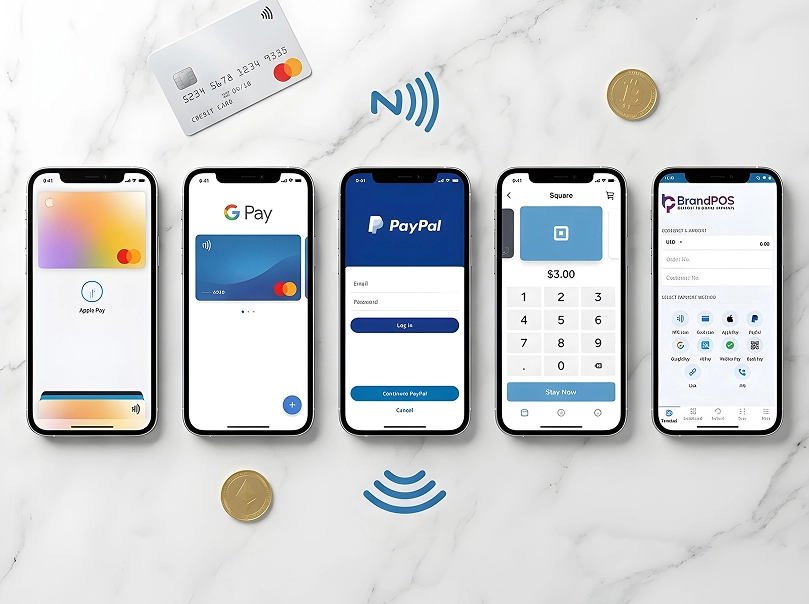
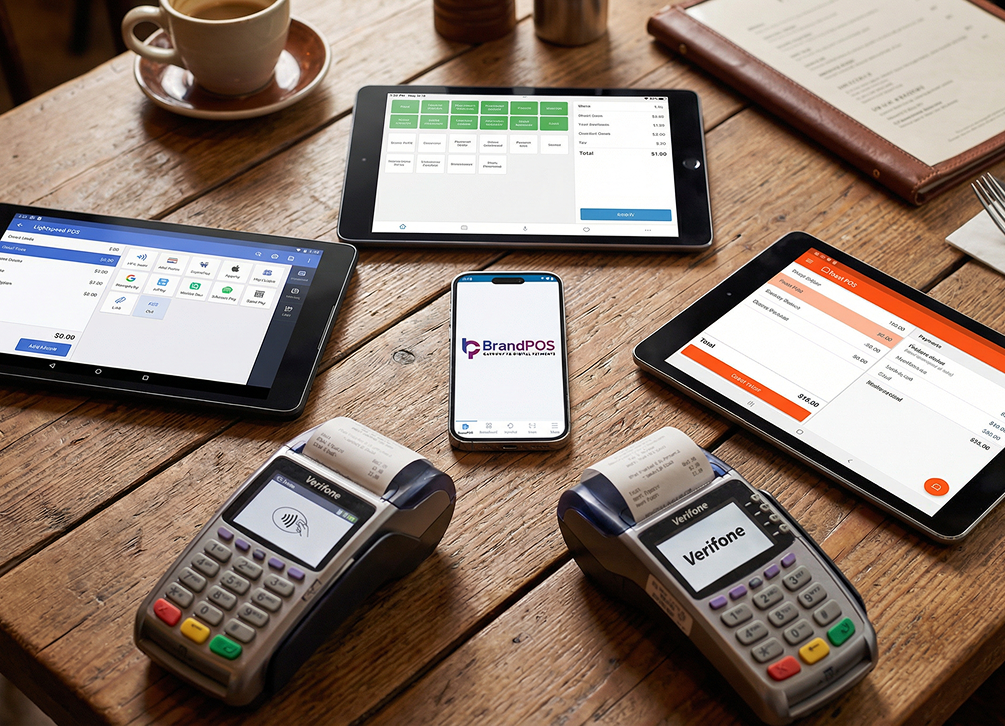
- Accepts multiple payment types
- Tracks inventory in real time
- Generates reports
- Manages customers, staff, and sales
| Criteria | Cash Register | POS System |
|---|---|---|
| Function | Transaction recording | Business management system |
| Data Handling | Limited | Extensive, real-time |
| Growth Support | Low | High |
| Automation Level | Minimal | Advanced |
| Strategic Value | Operational tool | Strategic business asset |
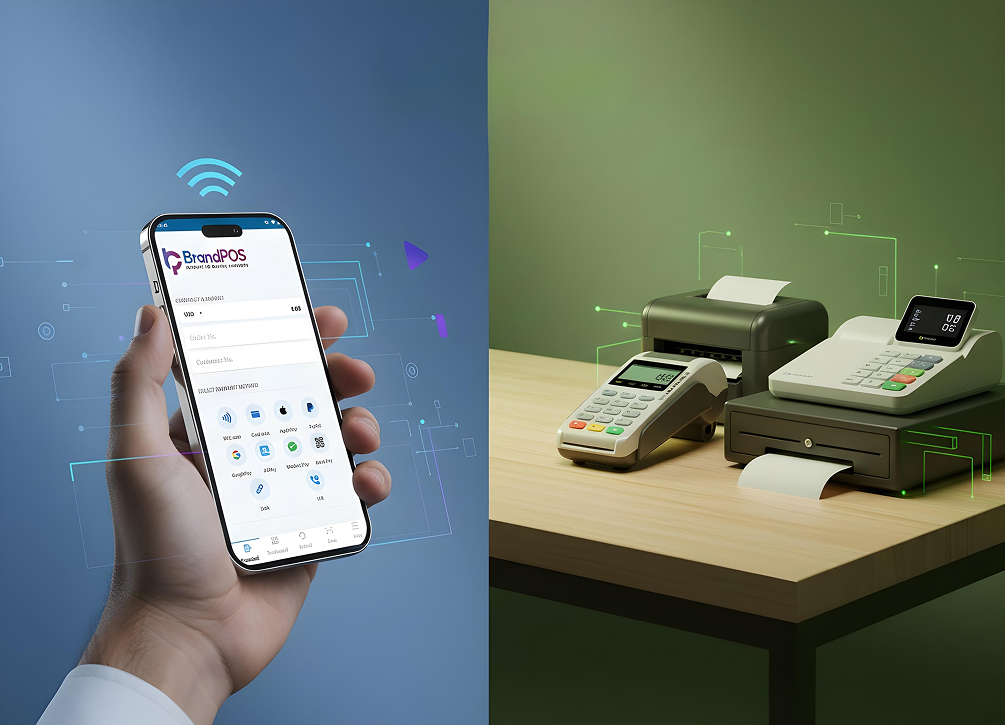
Therefore, whenever we compare cash register vs POS, we are basically comparing standards and comparing simplicity versus centralized control. There is a visible gap in the results between a traditional payment terminal and a POS payment terminal. With the latter, the sale volume increases, so do the insights, the data, and the future prediction.
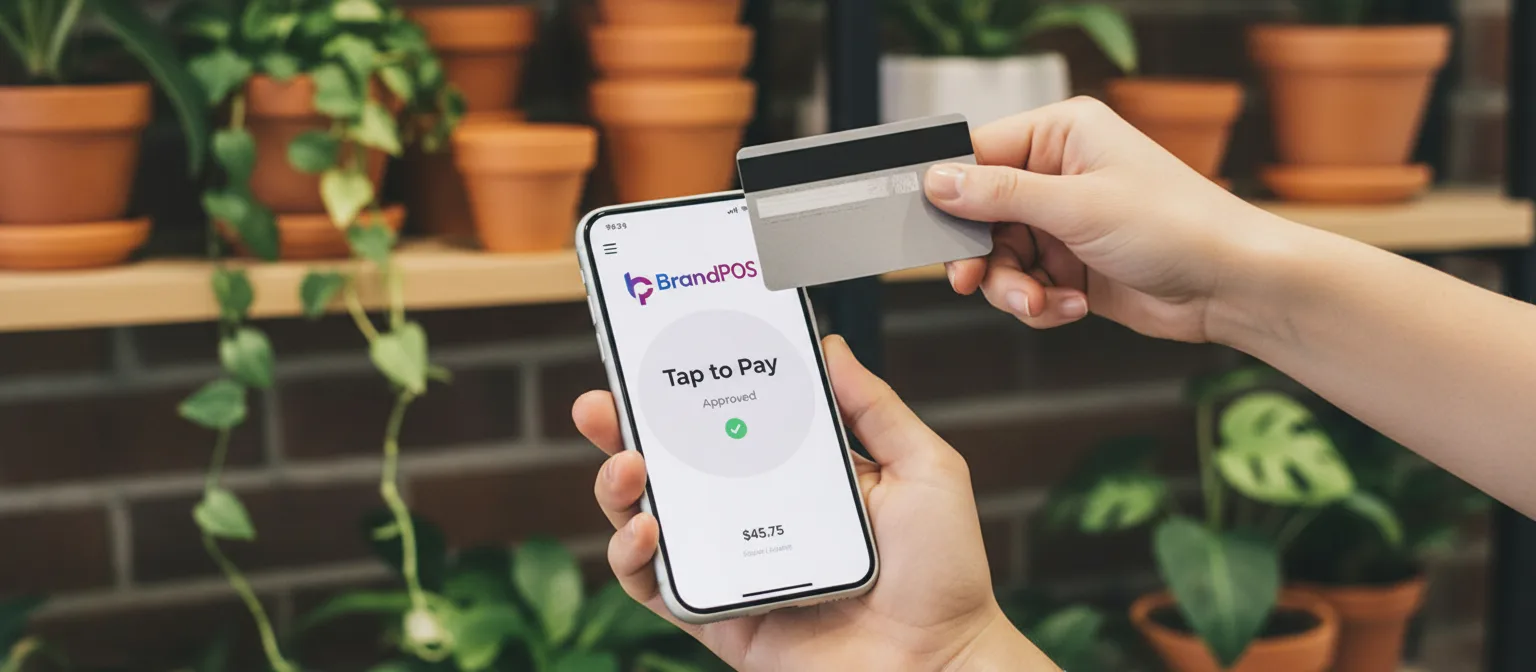
Ready to ditch the card machine?
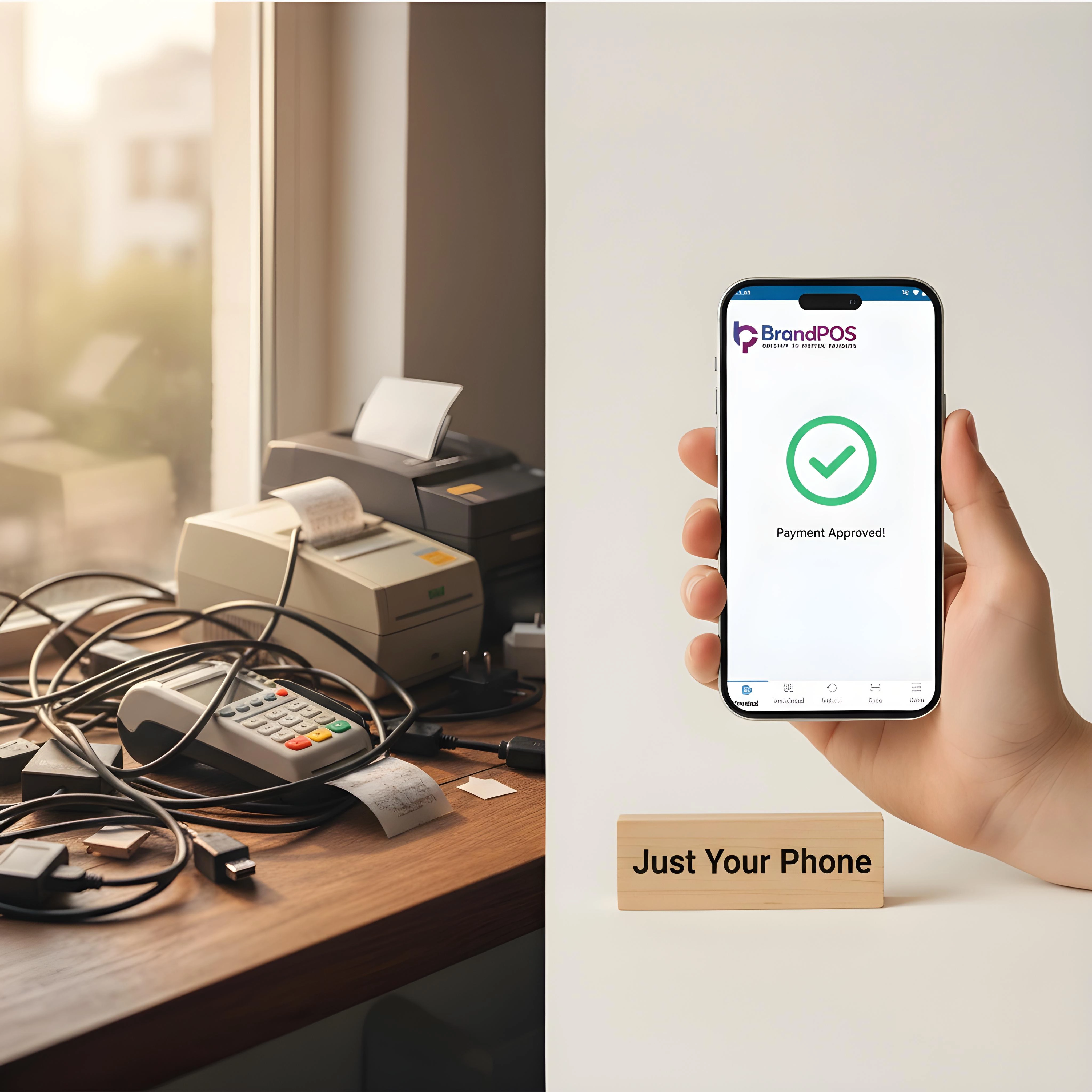
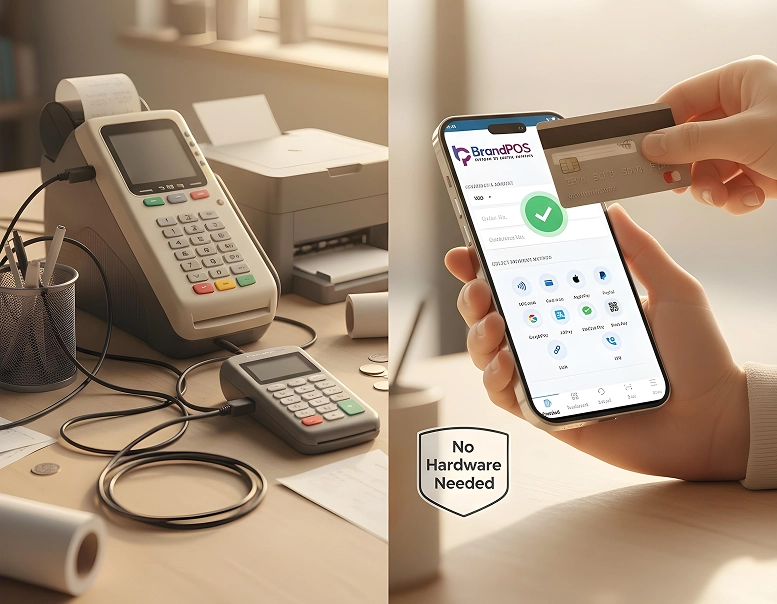
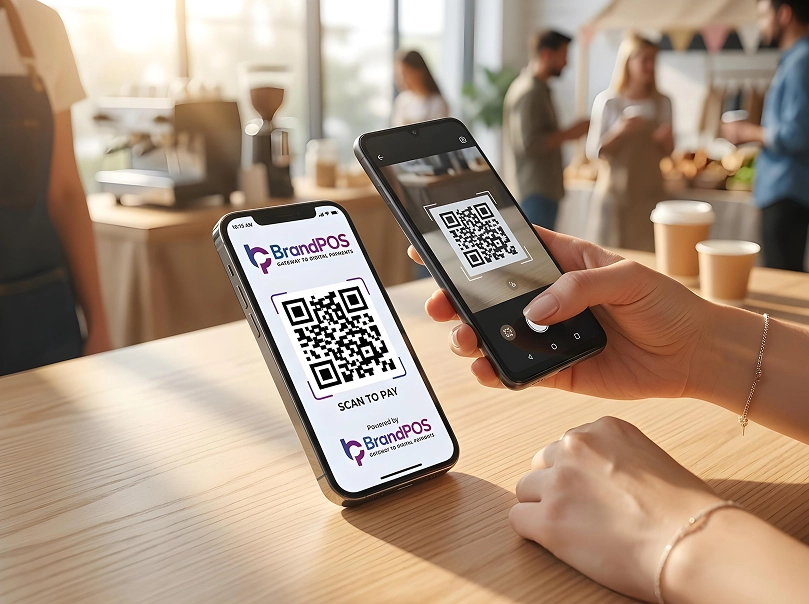
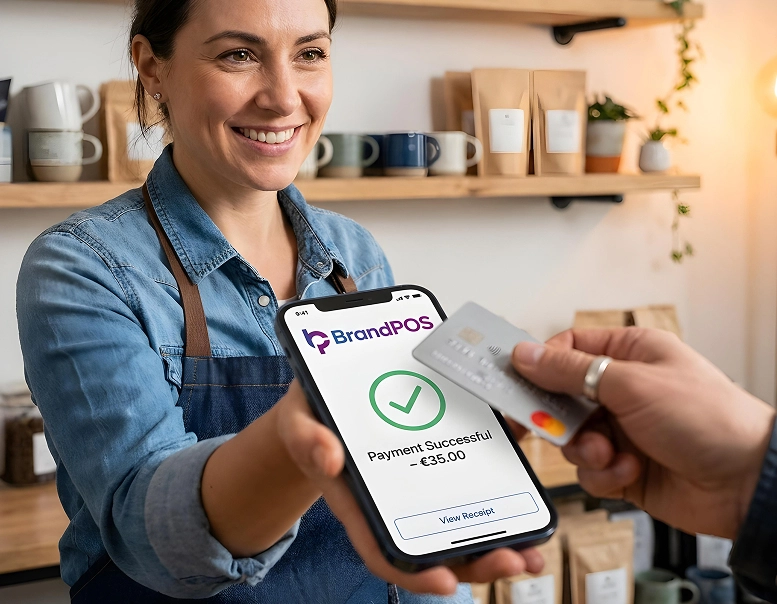
BrandPOS turns any Mobile phone into a certified POS terminal - no cables, no setup headaches.
Get Started for FreeWhat is a POS System?
POS stands for Point of Sale system. It is used in every business establishment to operate out transactions. It is put at the point where the sale is done. It acts as the central core of the business, a second brain, almost. And it complements the entrepreneurial insights of the merchants themselves.
It can:
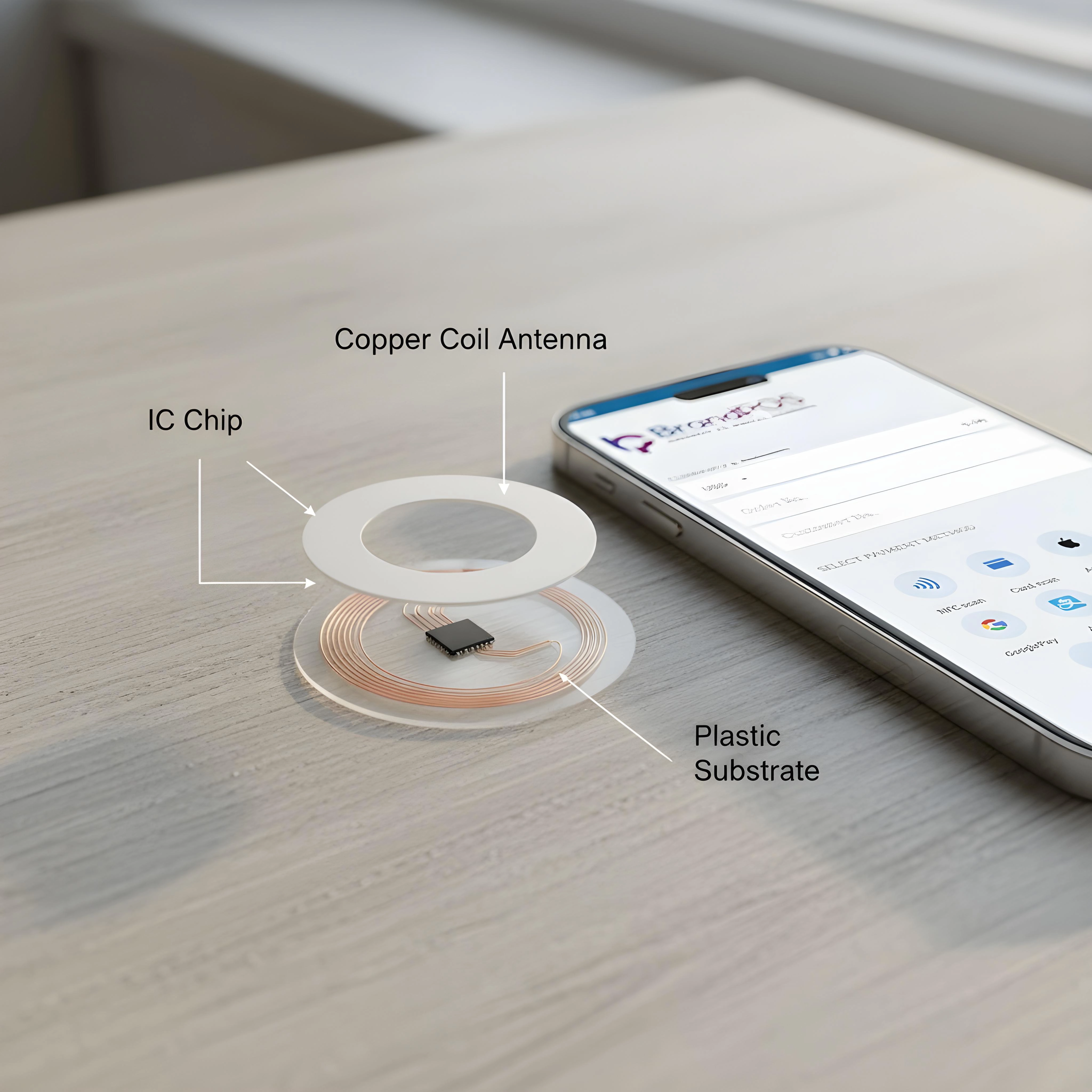
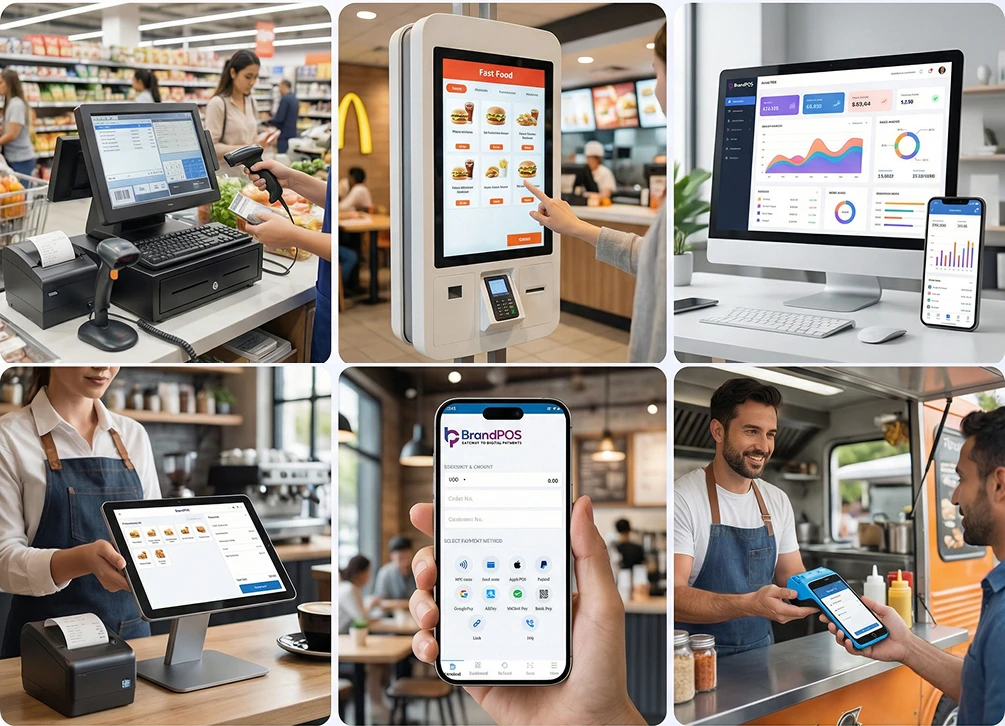
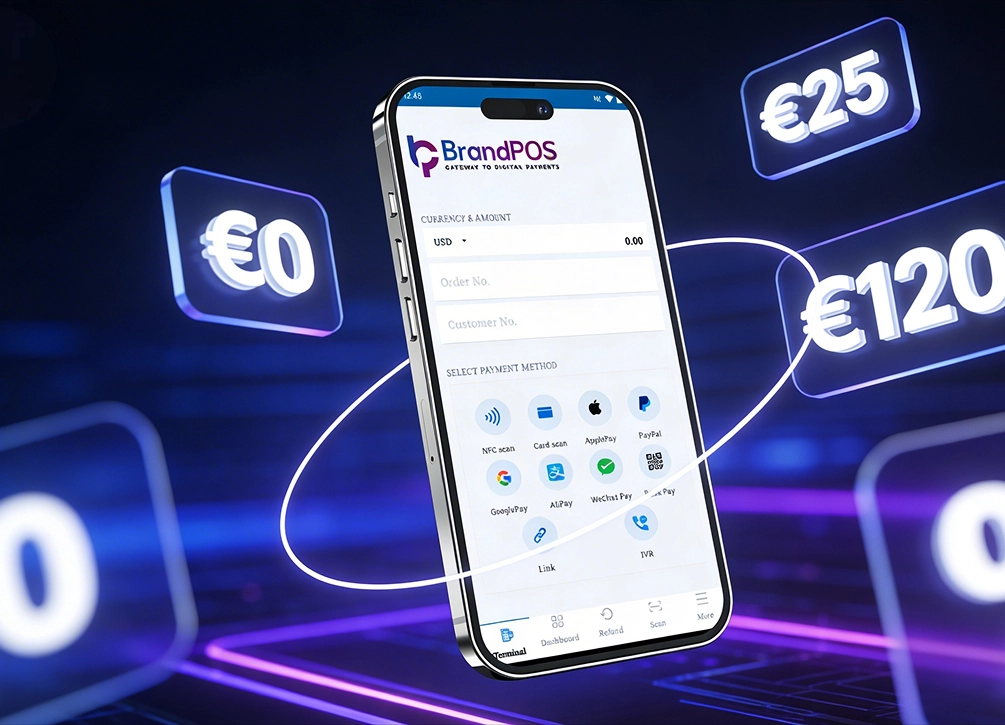
- Process payments (card, UPI, wallet, NFC)
- Track inventory automatically
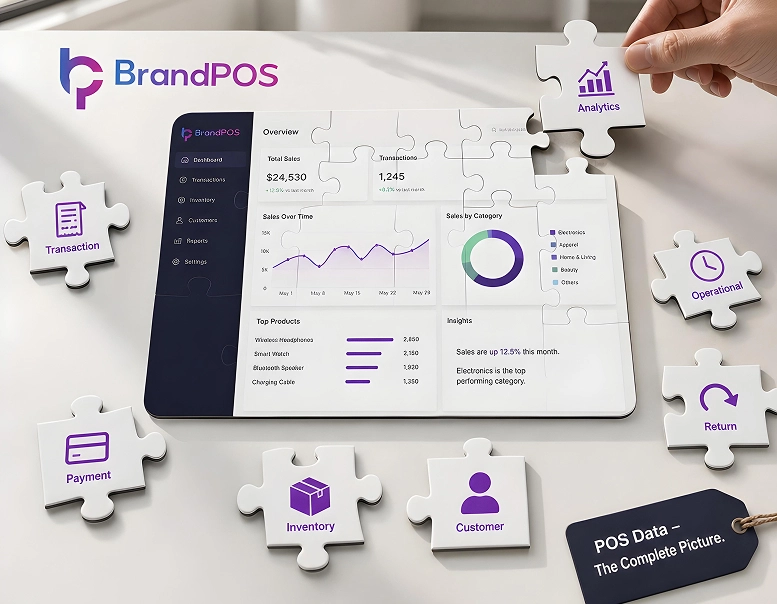
- Record every sale in detail
- Manage customer data
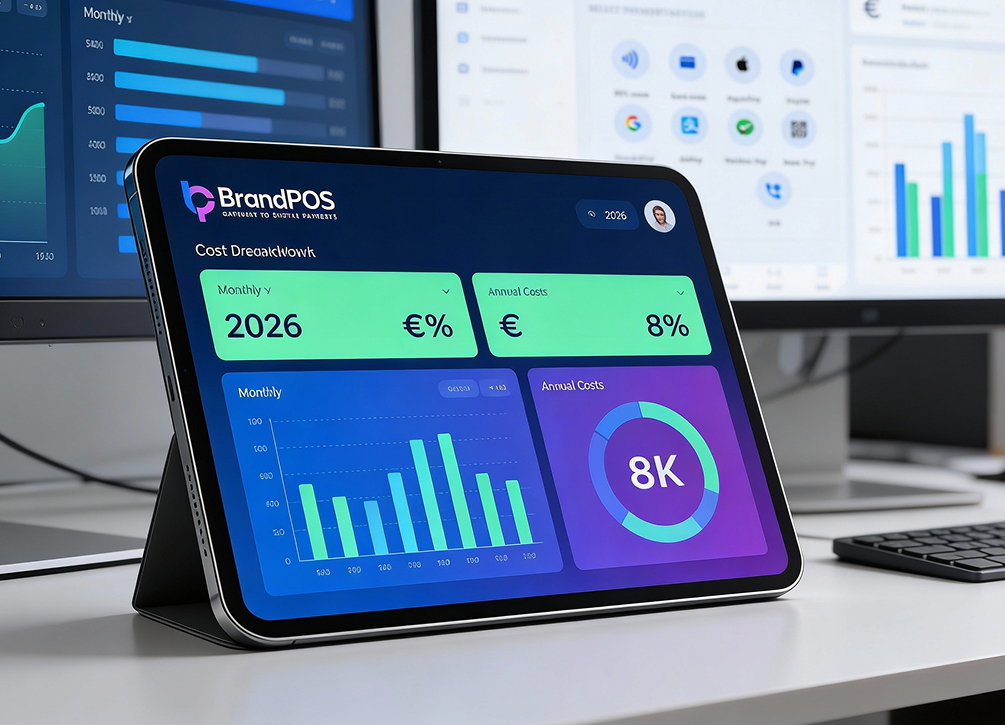
- Generate reports instantly
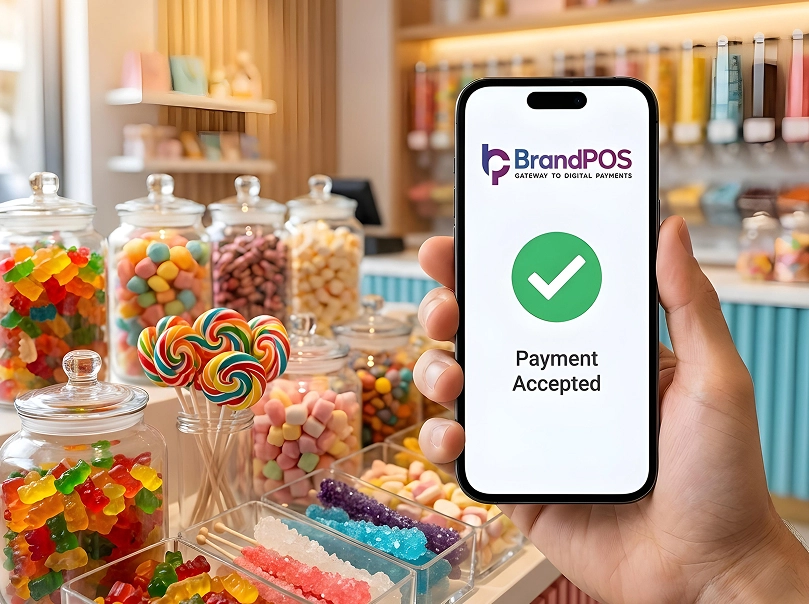
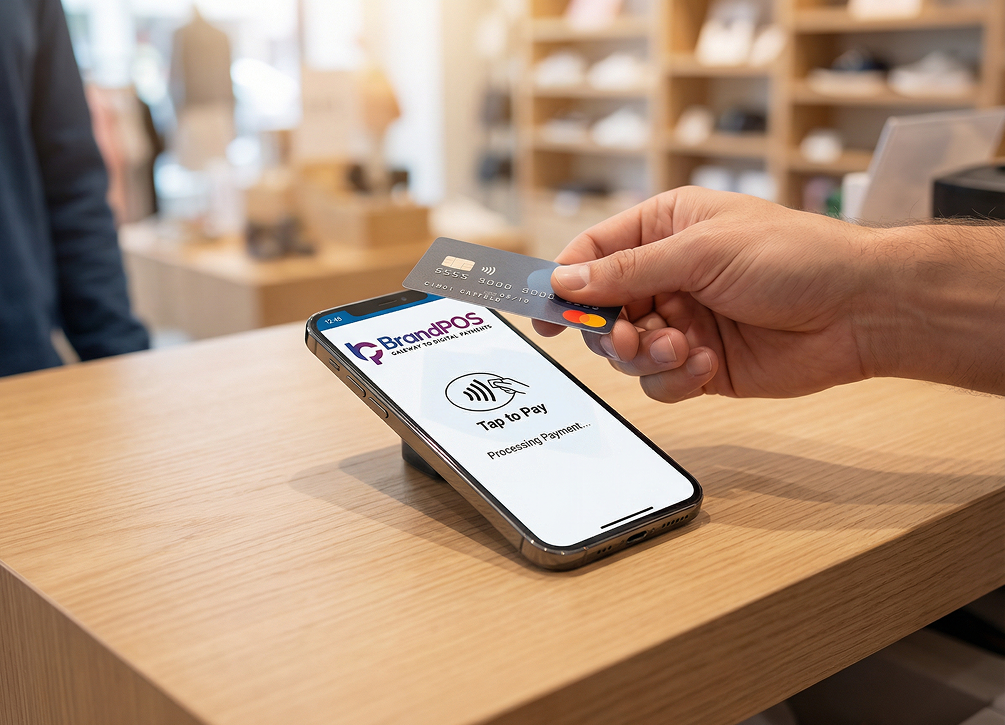
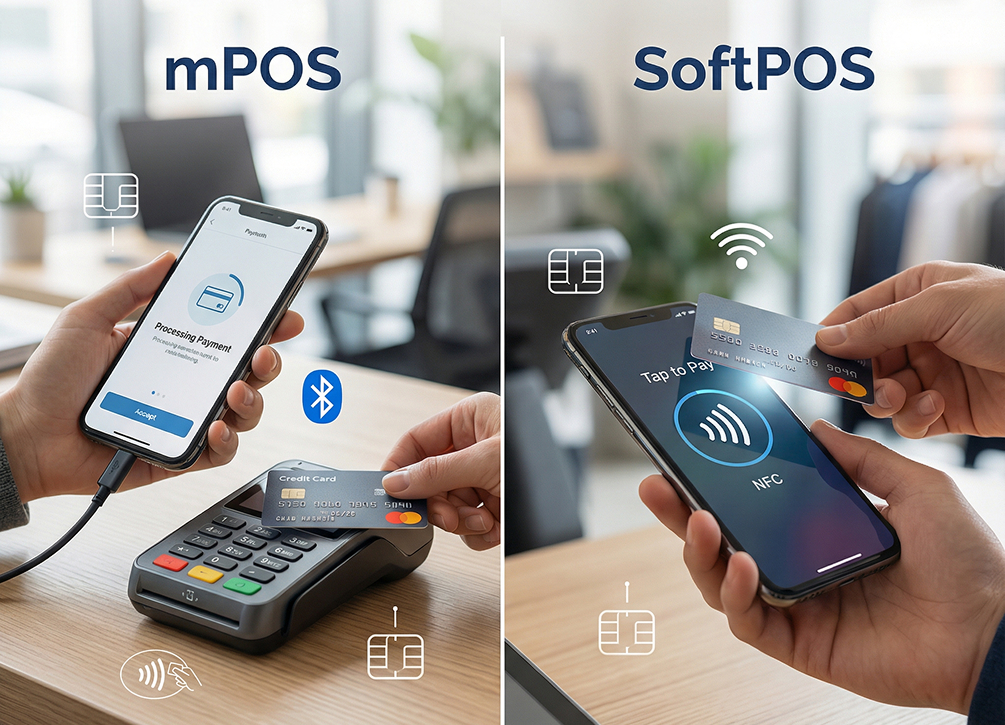
Every modern business and transaction runs on digital handheld devices like mobile phones, tablets, and sometimes on PCs. SoftPOS, which is POS based on software, is essential at this point. It is just a software that can be downloaded on any device, irrespective of the OS.
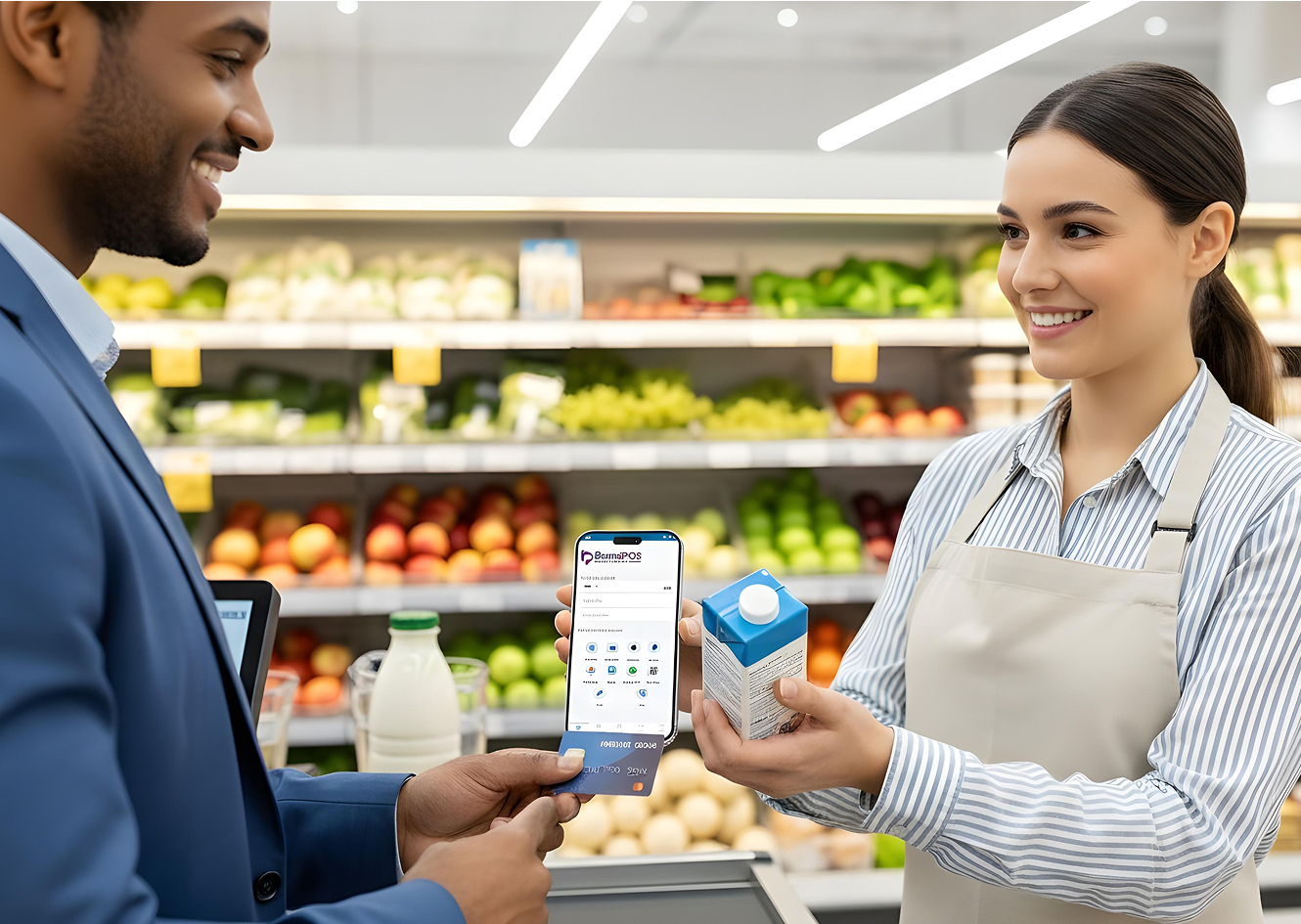
It is compatible to iOS, Android, and Microsoft. It transforms the digital devices into a payment terminal. This itself becomes the biggest differentiator and widens the gap of POS system vs cash register.
How do POS Systems Work?
Like every other system, the POS system has a structure in itself. It works in multiple parts simultaneously.
- First, a product is selected.
- Then the price is shown.
- Then comes the payment method, which varies from pre-selected QRs or cards, or any other form of digital payments like digital wallets and e-transactions.
- The transaction is then processed. The transaction is encrypted and is done via PSPs like Novolnet or PayPal.
- The software is smart enough to update the inventory automatically.
- Every purchase data is stored and analyzed.
All of these above-mentioned steps happen within mere seconds. Certain systems are designed to synchronize with the cloud infrastructure, and every other device connected to the same account gets updated in real time.
This feature is especially very important and highly usable for businesses with multiple locations, where the merchant can see the trends of different places at the same time. This also helps understand and reassess discounts, sales, inventory, etc., for individual stores, locations, or categories.
Thus, we can see that a cash register alone is an isolated piece of technology that is unidimensional, whereas a POS system or a POS terminal is multifaceted as it works, based on the internet and has multidynamic connections established. That’s why we say that the difference between Cash Register And POS is deeply operational.
Real-Time Example on Successful Implementation of a POS System
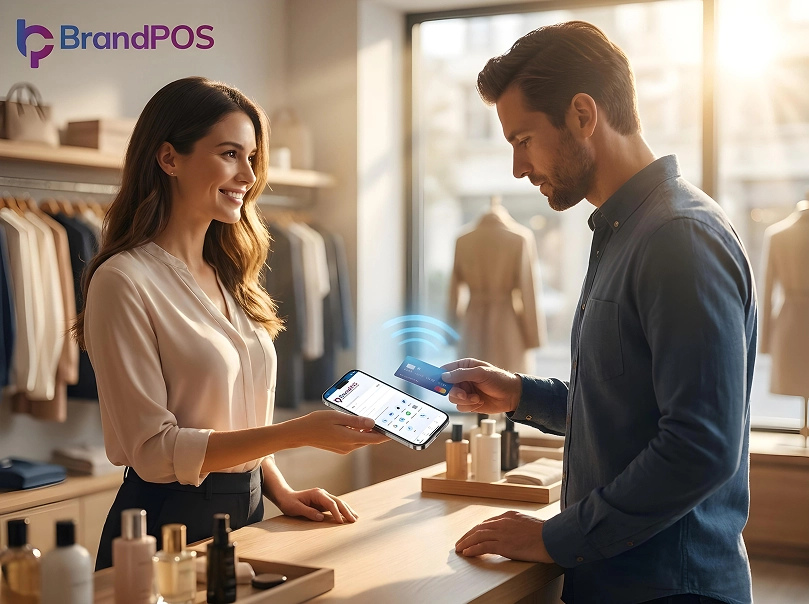
Let's take the industry of retail and the establishment of a mid-size clothing store.
Previously, with traditional cash registers, the processes included manual billing, inventory counts at night by staff, a high risk of errors in transactions and data documentation, especially during peak hours, and no clarity on sales or product performance.
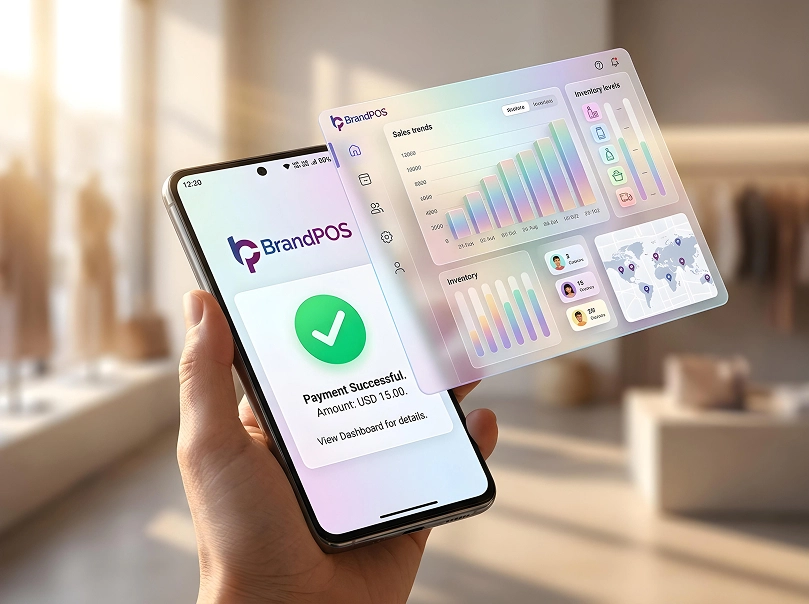
Once the same merchant with the same volume and revenue of business switches to a POS system or a POS terminal, the billing becomes rapid, inventories are updated automatically with zero error, and sales reports are shown every day on the dashboard in a centralized manner. The staff can perform very well as POS systems require very minimal training.
Just by incorporating a POS system for a quarter of a fiscal year, the merchant will see smarter improvements in business operations, decision-making, reduction in dead stock, and optimum stability in revenue.
This is where the debate of POS System vs Cash Register shows it’s practical and contemporary side.
Your Phone Is Already a POS Terminal
Stop paying for hardware you don't need. Download BrandPOS and start accepting payments in minutes.
Download the App FreeTop POS System Providers
The market is filled with several POS providers currently. However, it solely depends on the merchant and the business's needs. And some factors included, like size and the industry, based on which the ideal POS system provider should be chosen.
Some well-known names include:
- Square
- Shopify POS
- Lightspeed
- Toast
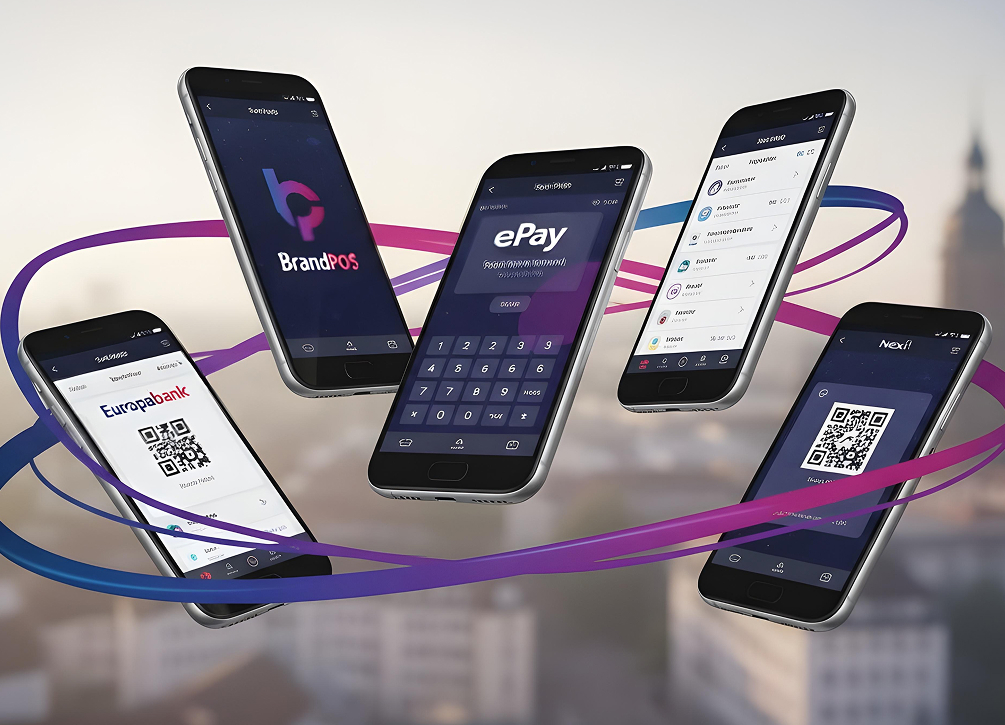
In light of people wanting multitasking and a one-stop solution for every need, there are flexible platforms like BrandPOS.
BrandPOS is a SoftPOS technology that grows with your business. It adapts to the operational needs of your business at every stage, so that you don't have to worry about specificity in operation and spend your time choosing which POS will fit you the best, because BrandPOS fits everyone the best.
BrandPOS focuses on SoftPOS technology. That means:
- No extra hardware required
- Android/iOS/Microsoft devices can accept payments
- Mobility becomes natural
Especially for retail and hospitality, BrandPOS solves the dead-cart abandonment issue and facilitates checkouts in aisles and chairs. In service industries like salons or spas, a person can pay just after the service, sitting on the very chair itself.
In the context of Cash Register Vs POS, this makes POS terminals a winner with a landslide victory as your checkout moves with you.
What is a Cash Register?
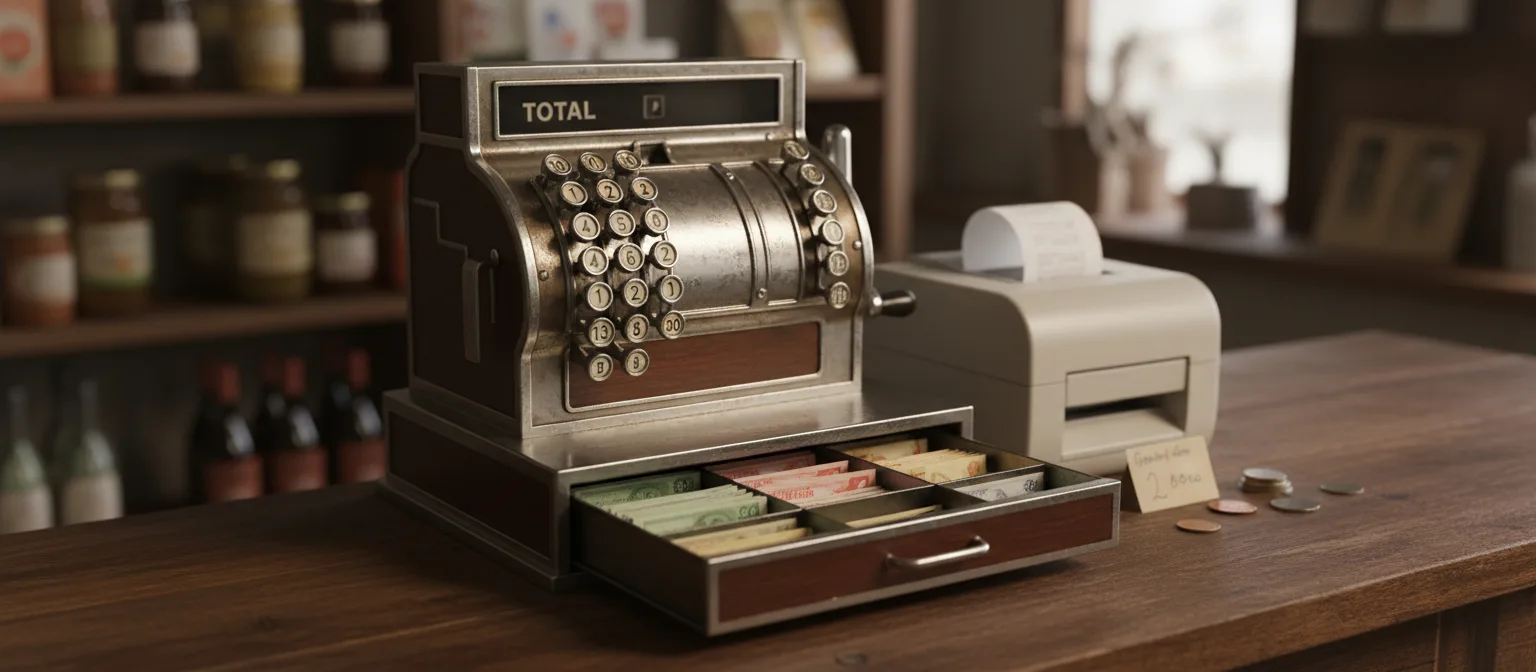
A cash register is a machine that stores cash and records the total number of sales made. It also has different compartments to store different kinds of bills.
Moreover, a cash register, as the name suggests, is limited to the payment mode of cash. Currently, everyone is using digital payments, and cash is becoming obsolete.
In the previous decades, however, cash registers had their fair share of relevance. Even now, micro-businesses with small shops rely on those who work around cash-driven businesses. Their transactions are low, and the operations are not scale-worthy, rather straightforward.
Therefore, one might say that in the debate of POS system vs cash register, the cash registers still have relevance to this date, but in a very small scale.
How do Cash Registers Work?
There are five main processes involved. The workflow is very straightforward.
- The item price is entered either manually or the barcode is scanned with an external barcode scanner.
- The total amount of X number of items that a person is checking out is calculated.
- Cash is received from the customer.
- The drawer opens. Cash is kept there in a decentralized/denominated manner, keeping every type of note in a separate box within the machine.
- Finally, the receipt is printed through separate hardware, such as a printer.
That's just it. Unlike POS terminals that are technology-driven, the cash registers don't have an intelligence of their own, or even an analytical skill for that matter. Therefore, it is deeply manual-driven and cannot scale any further. That’s when the difference between Cash Register and POS starts to matter.
Examples of Cash Registers
You’ll still find cash registers in:
- Small kirana shops
- Local bakeries
- Street-side stores
- Temporary stalls
Advantages of Using a POS System vs a Cash Register
With a multitude of advantages, the comparison gains further clarity in the context of POS system vs cash register.
- The POS systems or terminals have significantly faster billings.
- It has multiple online payment options.
- It has real-time smart inventory tracking that synchronizes throughout all the devices that are connected and logged in.
- It provides a detailed sales report at regular intervals.
- It also digs deep into the customer's purchasing trend and produces insights based on it.
- Last but not least, it gives remote access to the merchant to supervise everything in one go.
These advantages give a clearer answer to the dilemma of Cash Register Vs POS across industries.
Drawbacks of Using a POS System vs Cash Register
Everything has a binary, so do the POS terminals. However, the drawbacks are quite minimal and allow everyone to incorporate the system regardless.
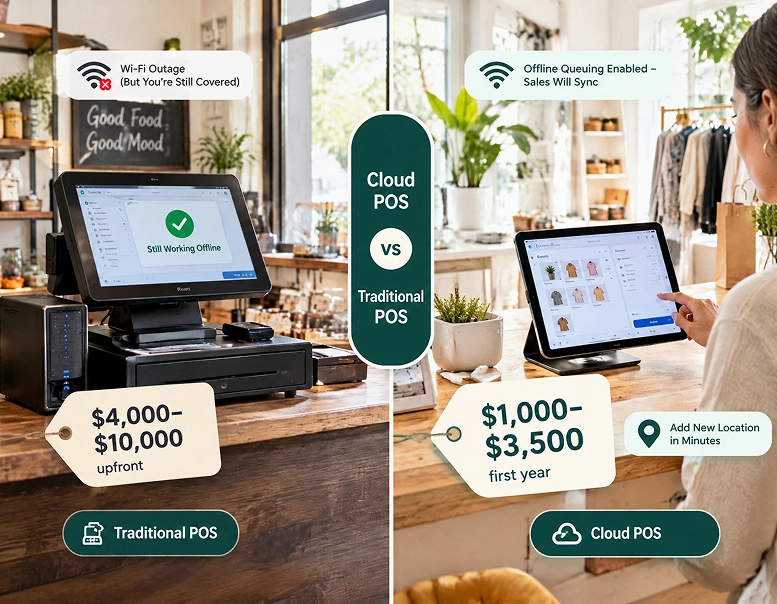
- Despite the absence of higher hardware investment, POS systems often come with a monthly or yearly subscription.
- It depends on the internet for cloud-based synchronization and storage. It might work for a few minutes or hours without internet, but the lack of it often cripples the system.
- The staff needs to be tech-savvy and not someone who barely knows how to operate a mobile phone.
How to Choose Between a POS System and a Cash Register?
The Point Of Sale System Vs Cash Register decision makes or breaks a business.
| Decision Factor | Cash Register (Best Fit Conditions) | POS System (Best Fit Conditions) | Impact on Business Operations |
|---|---|---|---|
| Sales Volume | Low daily transactions (e.g., <50 transactions/day) | Medium to high transactions (e.g., 50+ per day) | Higher sales volume requires faster billing, automation, and reduced manual errors |
| Inventory Size | Minimal inventory (e.g., <20–30 SKUs) | Large or dynamic inventory (e.g., 50+ SKUs, variants, categories) | POS enables real-time inventory tracking, reduces stockouts and overstocking |
| Inventory Management | Manual tracking or no tracking required | Automated tracking with alerts, batch tracking, SKU-level management | Improves stock accuracy, reduces losses, supports demand planning |
| Payment Methods Accepted | Cash-only or limited card payments | Multiple payment modes (UPI, cards, wallets, NFC, QR, contactless) | POS improves customer convenience and increases conversion rates |
| Reporting Requirements | No reporting or basic end-of-day totals | Detailed analytics (sales trends, product performance, staff reports) | Enables data-driven decision-making and forecasting |
| Customer Data Management | No customer tracking required | Customer profiles, purchase history, loyalty programs | Improves retention, personalization, and repeat business |
| Business Insights | Not required | Required for growth, optimization, and strategy | POS provides actionable insights (top products, peak hours, revenue trends) |
| Operational Complexity | Simple operations (single counter, limited staff) | Complex operations (multi-counter, multi-user, multi-location) | POS centralizes operations and reduces coordination issues |
| Scalability Needs | No expansion plans | Expansion planned (new branches, product lines, channels) | POS supports scaling with centralized control and cloud access |
| Error Handling | Manual corrections, higher chances of billing errors | Automated calculations, reduced human error | Improves accuracy and customer trust |
| Staff Management | Not required | Required (role-based access, performance tracking) | POS enables accountability and productivity monitoring |
| Compliance & Record Keeping | Basic record keeping | Detailed transaction logs, tax reports, audit trails | Helps in regulatory compliance and financial transparency |
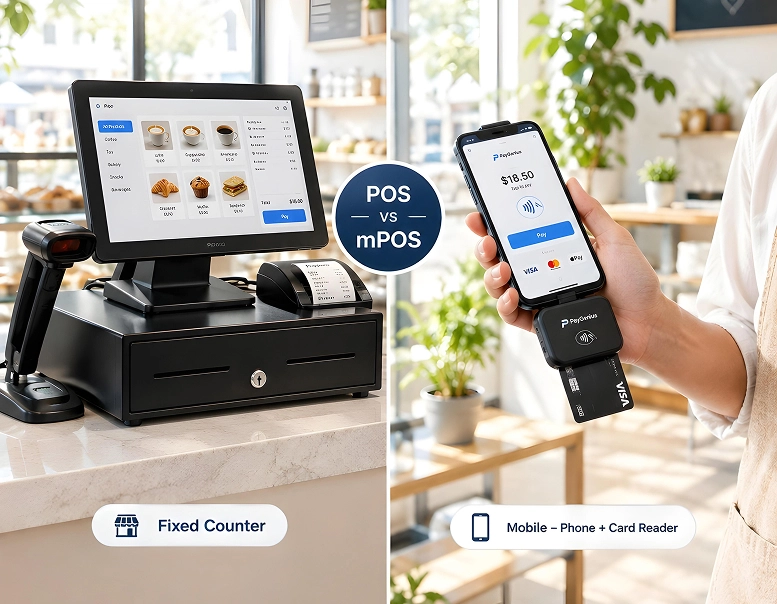
| Hardware Dependency | Fixed hardware device | Flexible (terminal, tablet, or SoftPOS on mobile) | POS (especially SoftPOS) reduces hardware dependency |
| Mobility Requirement | Fixed checkout counter | Mobile billing (on-floor payments, tableside checkout) | Enhances customer experience and reduces waiting time |
| Initial Cost | Low one-time cost | Moderate to high (subscription or setup cost) | POS requires investment but delivers long-term ROI |
| Maintenance Cost | Minimal | Ongoing (software updates, subscriptions) | POS includes continuous improvements and support |
| Integration Capability | No integrations | Integrates with accounting, CRM, ERP, e-commerce | Streamlines entire business ecosystem |
| Business Type Suitability | Small shops, kiosks, low-volume retail | Retail chains, restaurants, salons, service businesses | POS adapts to multiple industries and workflows |
| Data Accessibility | Local, manual access only | Cloud-based, remote access anytime | Enables real-time monitoring from any location |
| Security & Fraud Control | Basic security | Advanced controls (user roles, logs, fraud detection) | Reduces internal and external risks |
When to Upgrade from a Cash Register to a POS System
Upgrading is necessary when you see that
- The sales are low
- Inventory gets overstocked or understocked often
- Manual reports are either not being made, or one cannot keep up with the reports, or
- There might be chances of embezzlement within the manual mode of operations.
- Systems are slow, and you are having a long queue.
- Billing errors, higher checkout times.
- Unsatisfied customers who are abandoning carts.
Do not let inefficiency compound, or else the gap between the POS System vs Cash Register will keep widening.
BrandPOS: SoftPOS App for your Business
Times are transitioning, so is the technology. Keeping BrandPOS by your side is the best decision to make. Leave hardware behind and welcome in the software with the SoftPOS app for your business.
- With BrandPOS, every device (mobile, tablet, PC) can become a POS terminal.
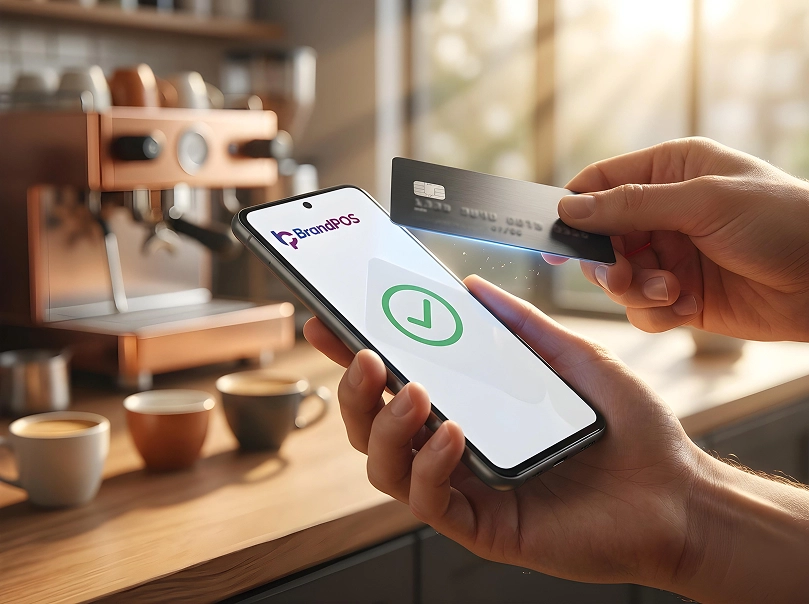
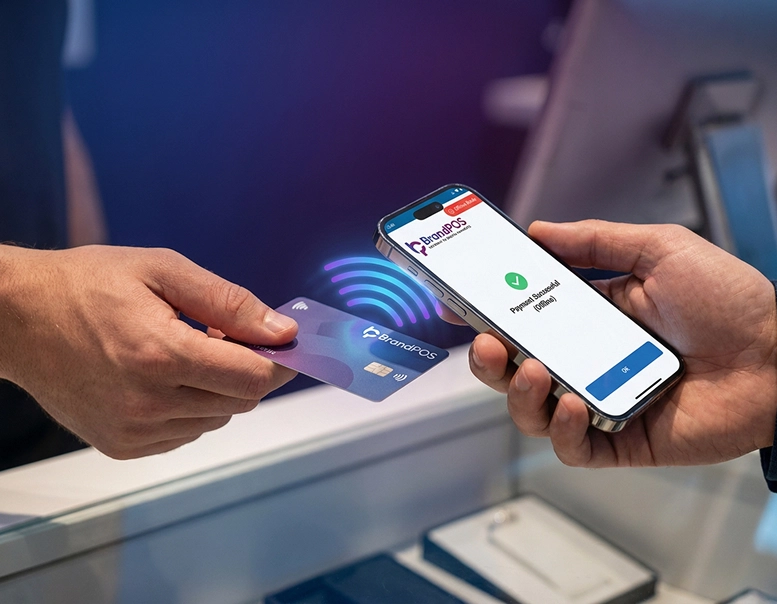
- Fully contactless payment ecosystem.
- Synchronised and encrypted transactions.
- Transactions on-the-go.
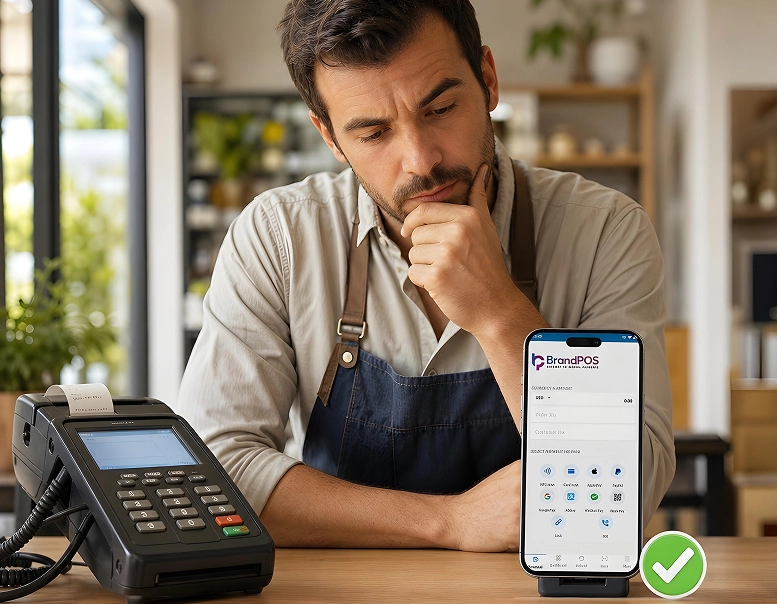
For small and medium businesses wondering about - ‘Cash Register Vs POS’, the POS terminals are sustainable and scalable. No physical commitment towards hardware is required.
Machines depreciate, but a software always appreciates with it’s new updates.