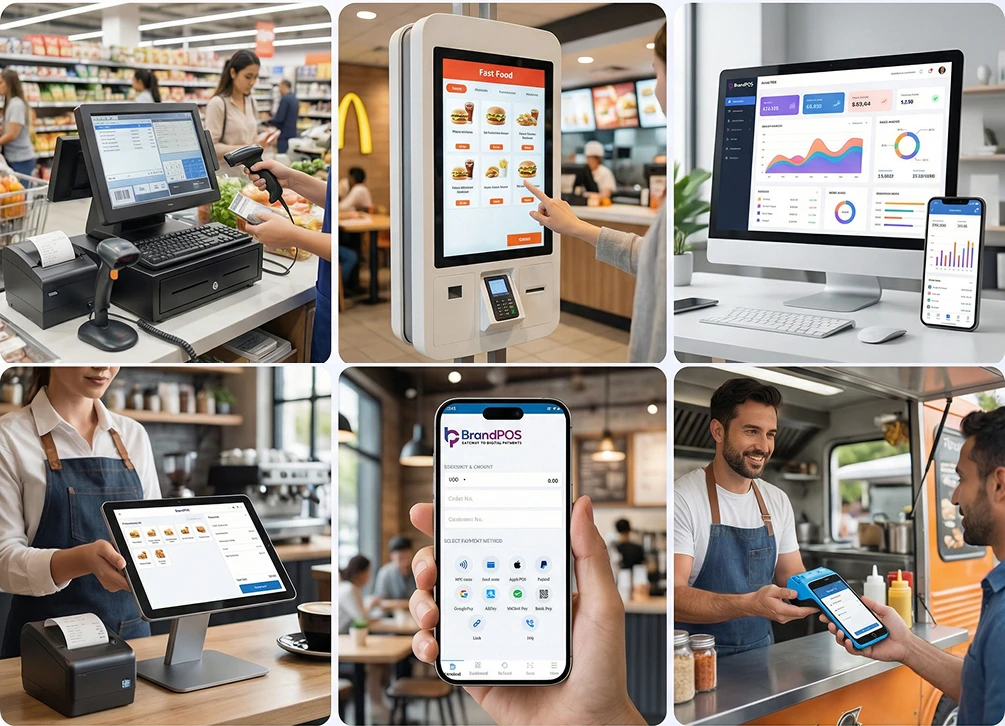
A business means operational pressure from tip to toe. Every organ of the business is equally important for the proper circulation of revenue. The operational parts (solely for receiving checkout payments on counter) include managing the billing counter, training the staff to operate POS machines, making sure abandoned carts are lessened or keeping the card machine always intact - the list goes on.
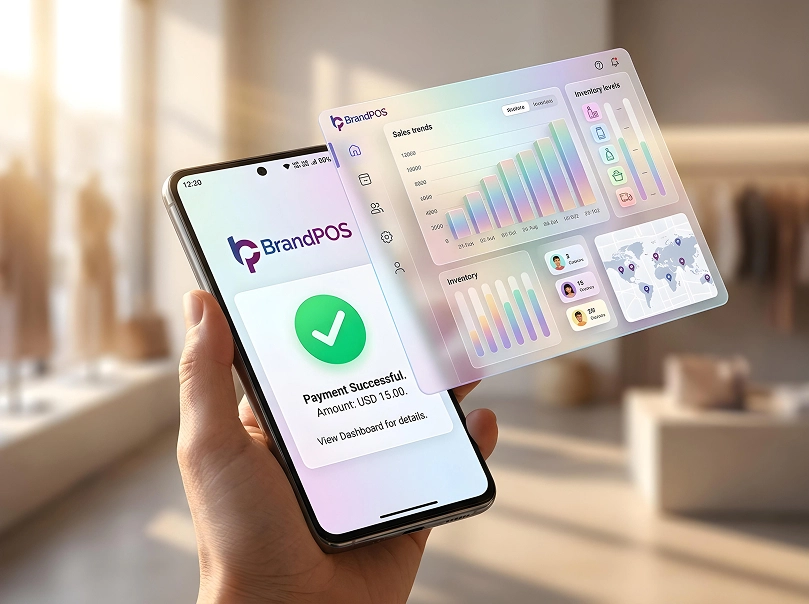
In modern business terminology, the operational cruciality lies in managing orders, stock, understanding customer behavior, online payments, analytics, and establishing loyalty programs — all to be done from a single centralised interface.
That interface is the POS. Naturally, it got types. Once the types are understood, the clarity of choosing gets heightened. A popular option is to choose based on the pricing or “a-brand-known-by-all” factor - in both the cases, it is not confirmed that the system won’t hang, or whatsoever.
Run your business ahead with an assurance of constant speed.
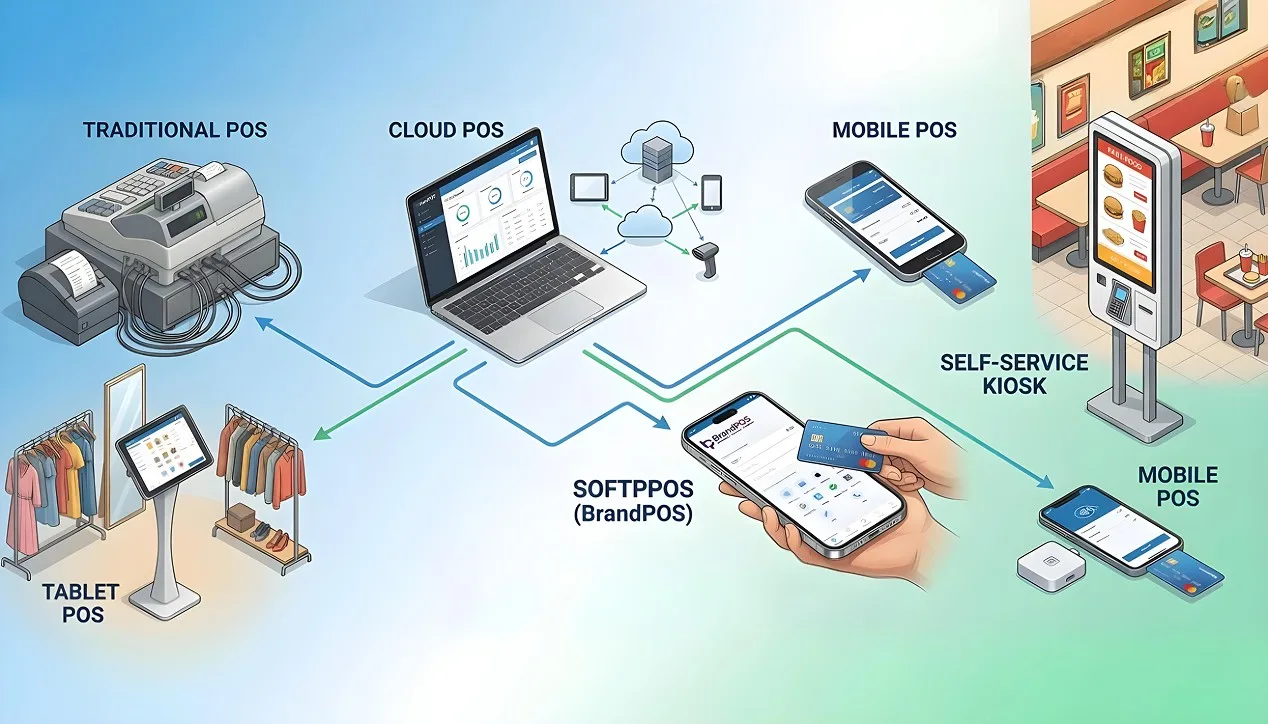
Our guide explains: the different types of POS systems, where each works best, and how modern solutions like BrandPOS SoftPOS change the economics of accepting payments.
What is a POS System?
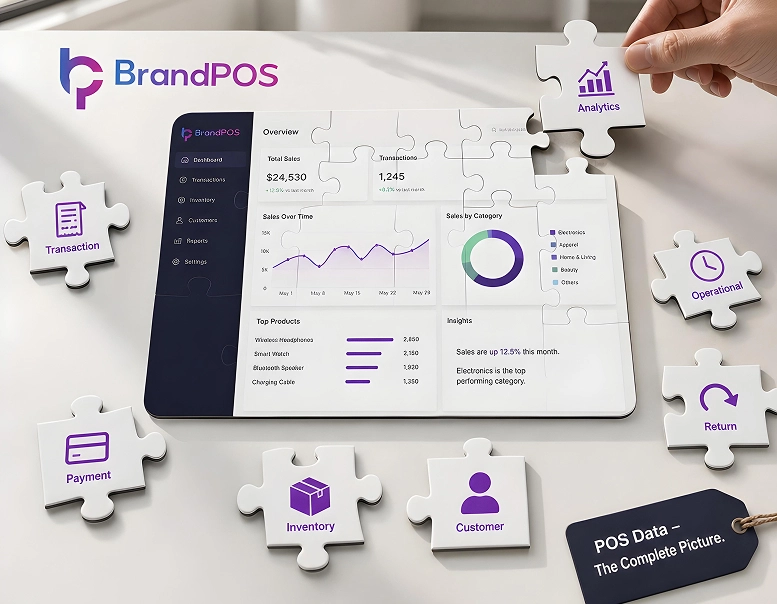
A POS (Point of Sale) system is the central platform which is used during checkouts (accepting payments), keeping sales records (as in, transaction types), payment status and inventory updates.
But modern POS does far more than payment acceptance.
A full POS handles:
- billing and checkout
- inventory management
- staff tracking
- tax calculation
- reporting and analytics
- refunds and adjustments
- customer purchase history
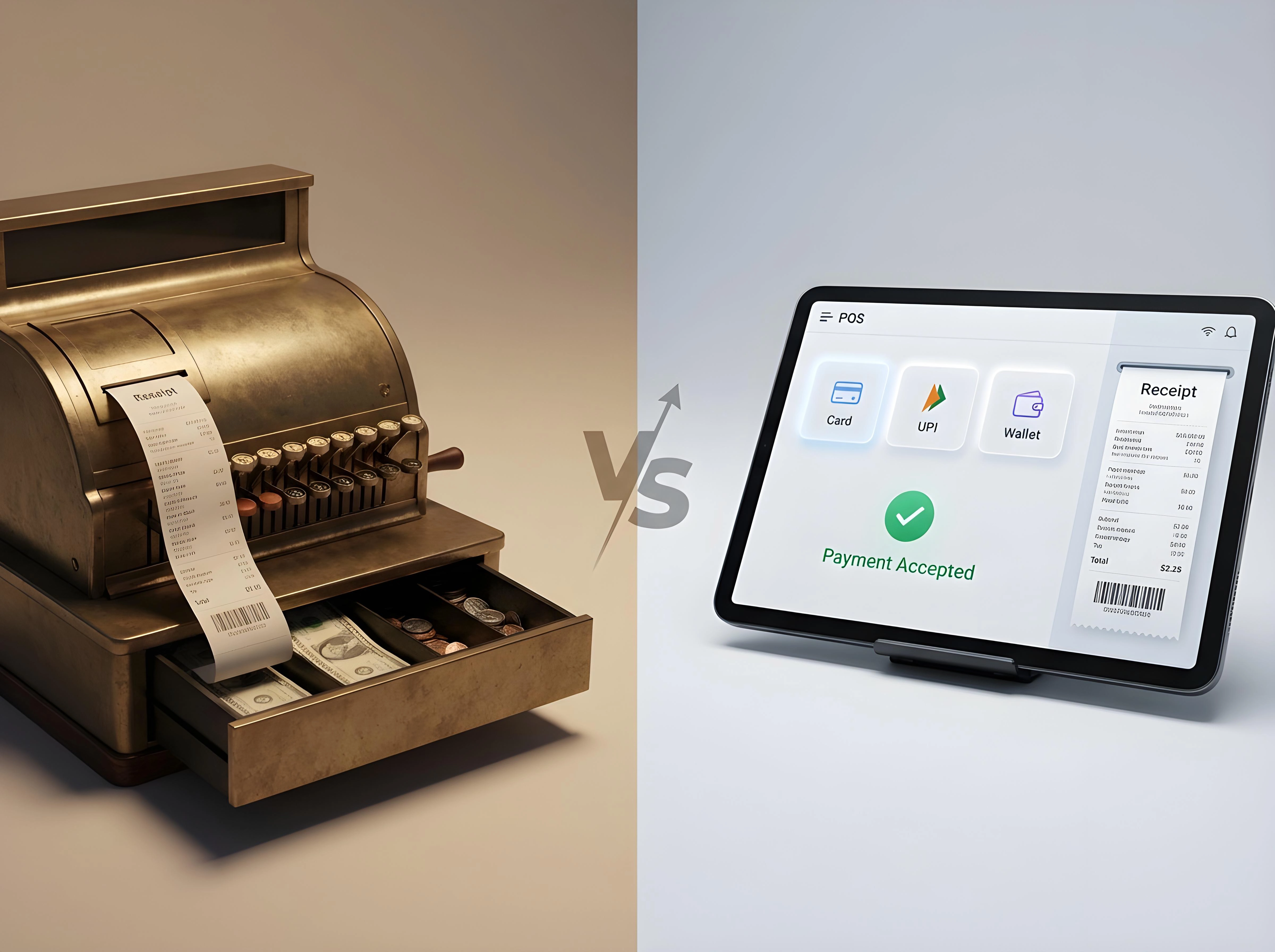
Therefore we can see that the POS has become the operational brain of the store. POS has moved beyond the mechanical/physical boundary and now it is a cloud-based software. Thus, new businesses now compare types of POS software instead of just buying hardware.
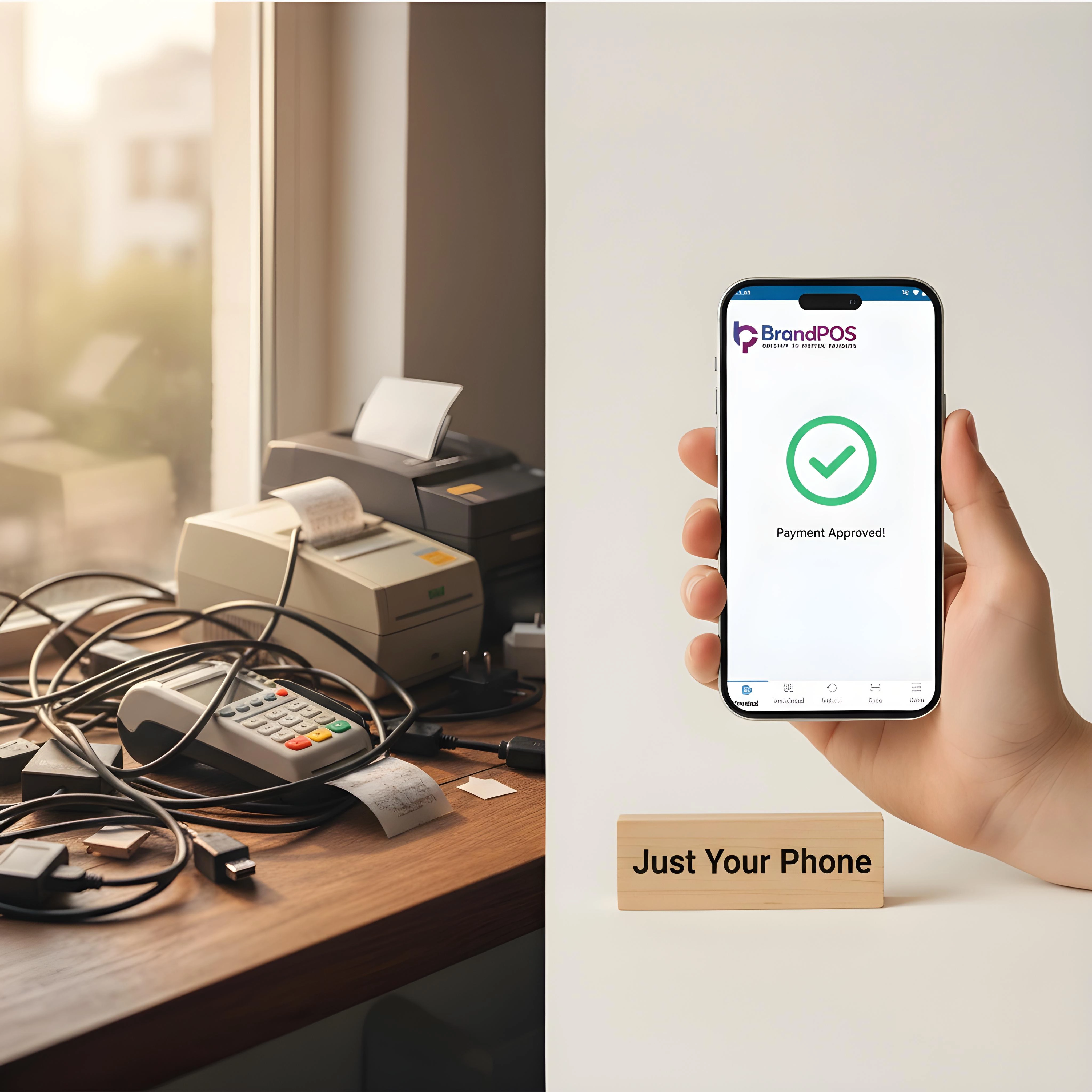
Ready to ditch the card machine?
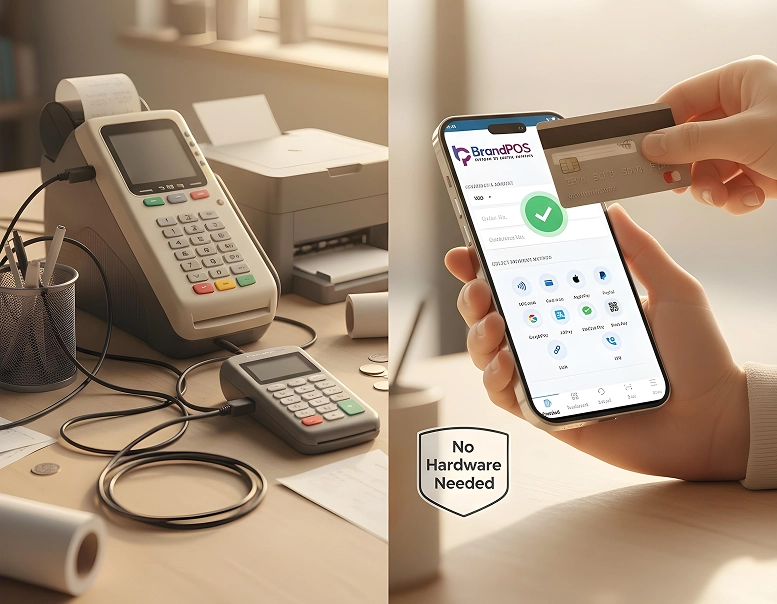
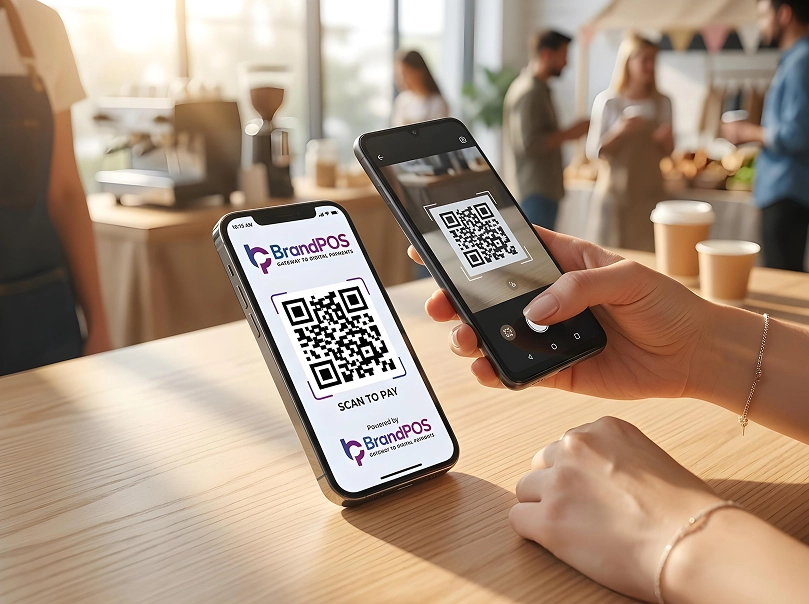
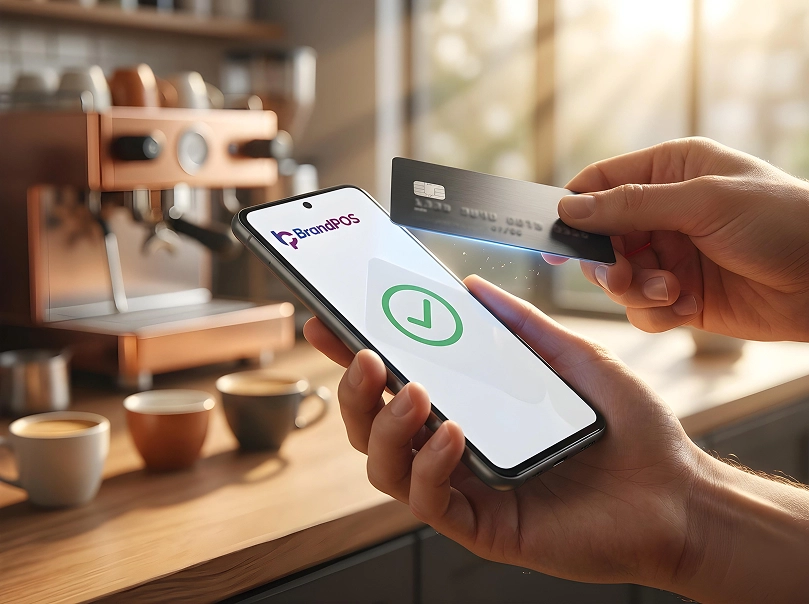
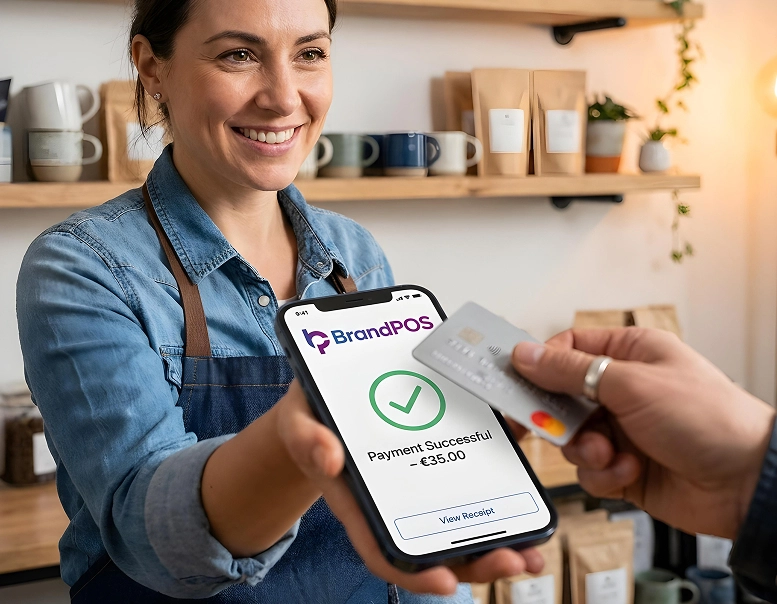
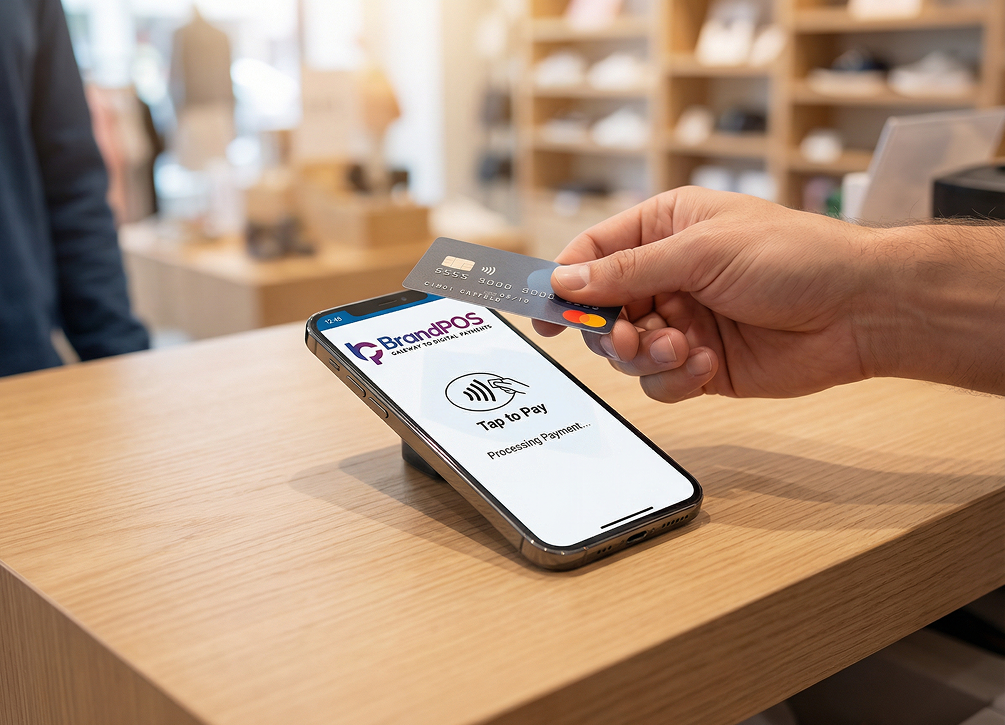
BrandPOS turns any Mobile phone into a certified POS terminal - no cables, no setup headaches.
Get Started for FreeDifferent Types of POS Systems
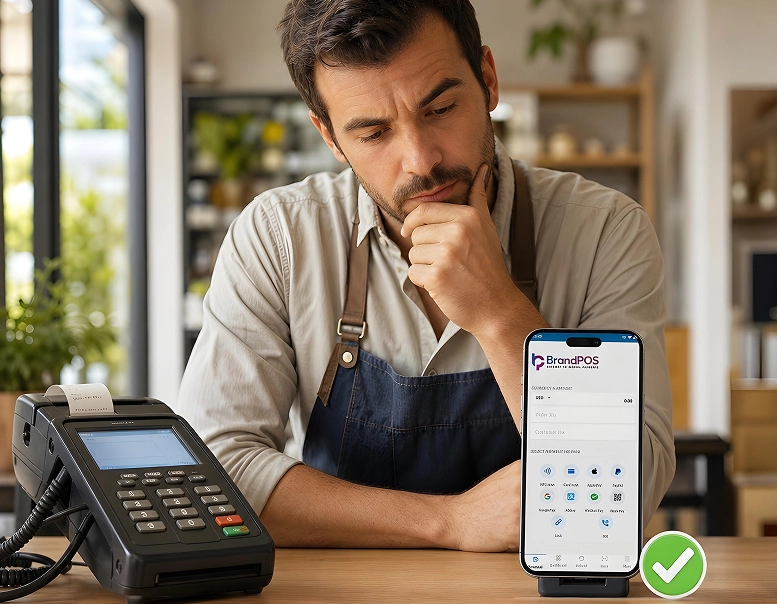
All the types of POS systems coexist, then which one to choose? The first question to ask yourself is “which POS is best for my business operations?”.
For example: a supermarket processes volume of transactions, a salon/spa/boutique manages appointments, a restaurant manages on-table checkouts, walk-in bookings, takeaways, etc. The right option is the only option.
1. Traditional POS Systems (Counter-Based POS)
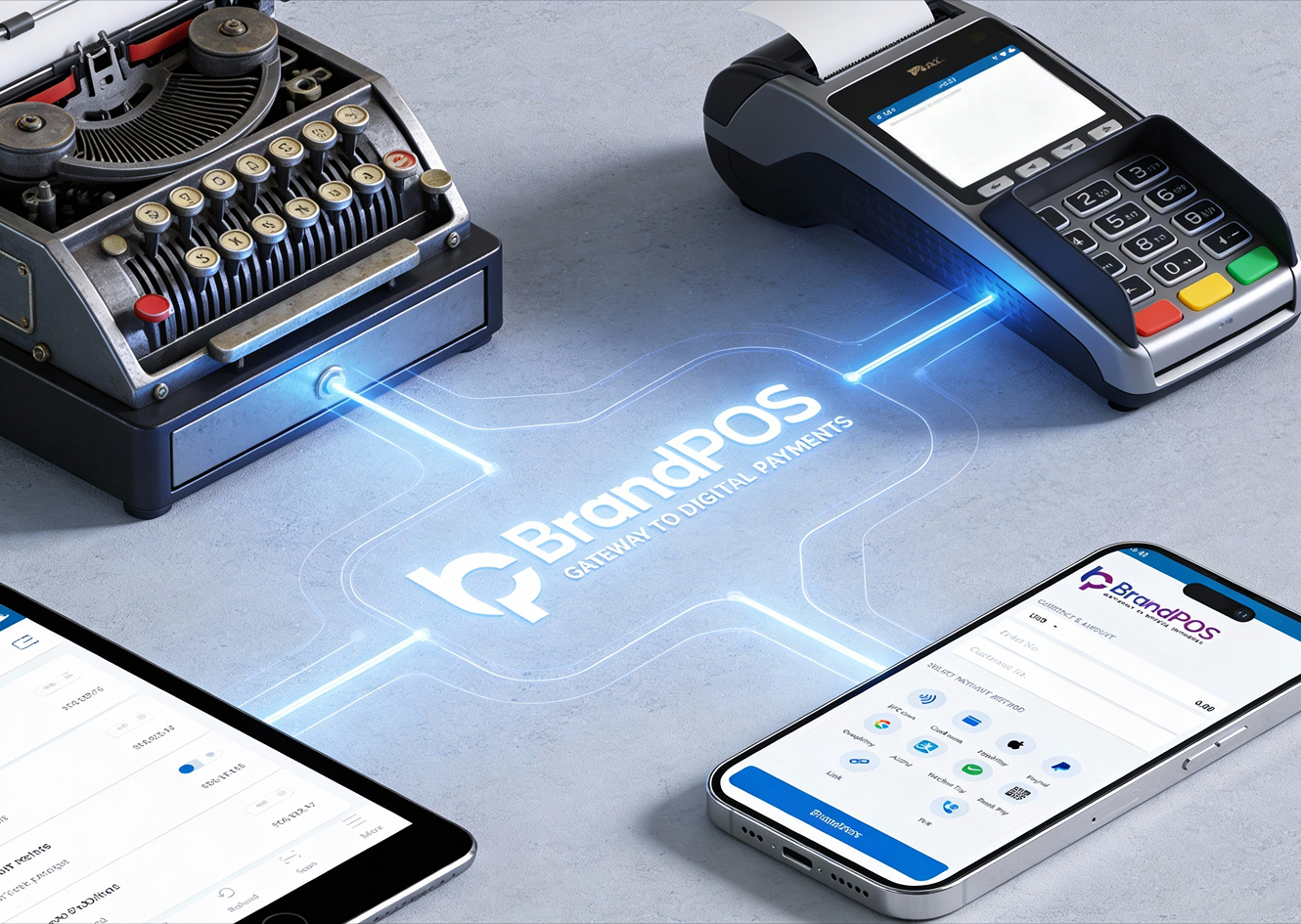
The oldest of all types of POS systems.
Hardware setup:
- Desktop computer
- Monitor
- Barcode scanner
- Printer
- Cash drawer
- Separate card terminal
Data is stored locally and backed up manually.
Traditional POS – Operational Data Table
| Attribute | Specification / Impact |
|---|---|
| Primary Use Case | Large retail stores, hypermarkets, warehouses |
| Deployment Model | On-premise, counter-based installation |
| Hardware Structure | Dedicated terminal. Barcode scanner. Receipt printer. Cash drawer |
| Inventory Handling Capacity | Suitable for high SKU volume (thousands of products) |
| Transaction Throughput | Designed for continuous high billing volume |
| Data Storage | Local device/server-based |
| Remote Accessibility | Not inherently supported |
| Multi-Location Scalability | Limited without additional infrastructure |
| Setup Cost Level | High upfront capital investment |
| Maintenance Requirement | Hardware servicing and manual software updates |
| Upgrade Complexity | Requires physical installation or technician support |
| Operational Reliability | Stable in fixed. High-volume retail environments |
| Infrastructure Dependency | Power-dependent. Limited internet requirement |
| Core Operational Strength | Accurate large-scale inventory and billing control |
| Primary Constraints | High cost, low flexibility, infrastructure rigidity |
Your Phone Is Already a POS Terminal
Stop paying for hardware you don't need. Download BrandPOS and start accepting payments in minutes.
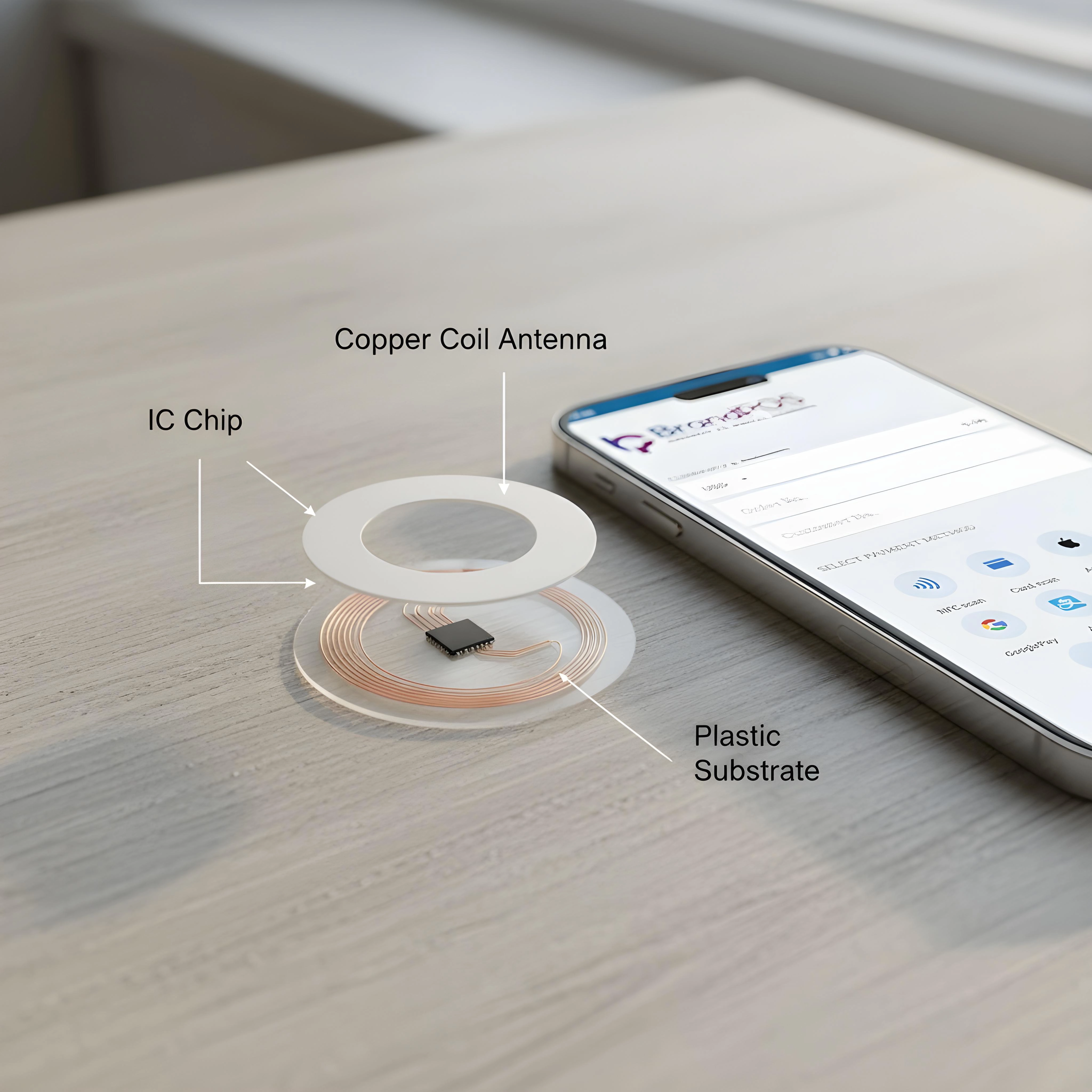
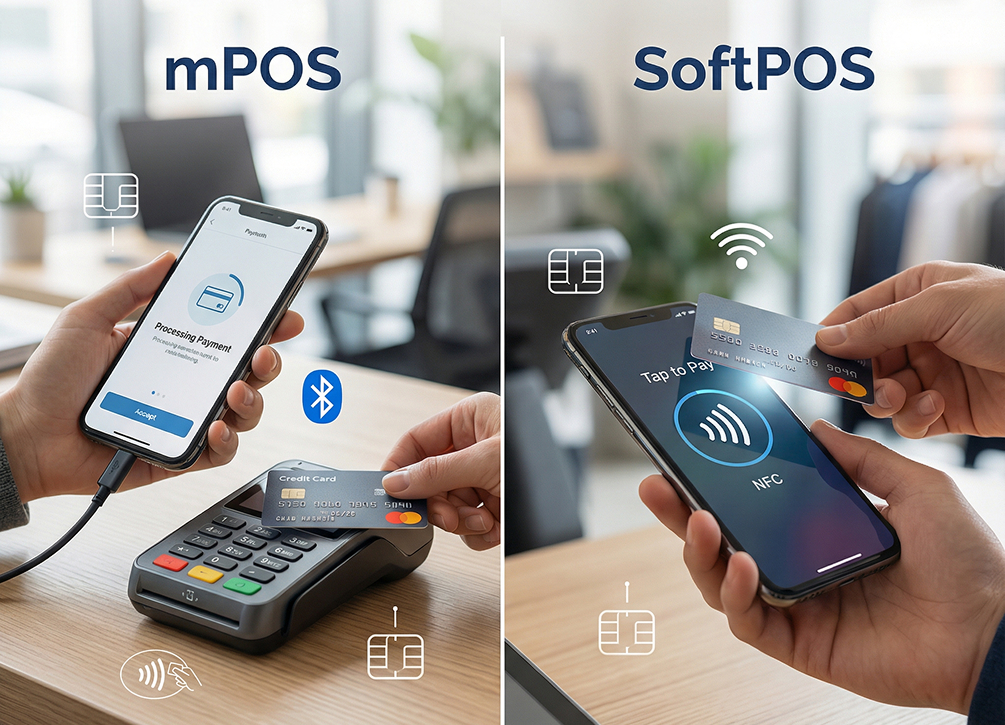
Download the App Free2. SoftPOS (Tap-to-Phone POS)
| Attribute | Specification / Impact |
|---|---|
| Technology Model | Software-based payment acceptance (Tap-to-Phone) |
| Device Requirement | NFC-enabled smartphone only |
| Best For (Business Types) | small retail stores, street vendors, pop-up shops, home businesses, delivery services, courier collection agents, field sales teams, service professionals, electricians, plumbers, repair technicians, beauty freelancers, salon stylists, mobile therapists, consultants, tutors, event sellers, food trucks, kiosks, temporary stalls, seasonal sellers, micro merchants, startups, independent sellers |
| External Hardware | Not required |
| Payment Method | Card tap and mobile wallet tap on phone |
| Terminal Type | Terminal functionality embedded in application |
| Deployment Time | Immediate activation after installation |
| Infrastructure Dependency | Internet required for transaction processing |
| Mobility Level | Fully portable and location-independent |
| Business Suitability | Retail, restaurants, delivery services, field sales, service professionals |
| Operational Effect | Eliminates dedicated payment hardware |
| Cost Structure | No terminal purchase, low operational cost |
| Scalability | Expandable per user/device instantly |
| Maintenance | App updates only, no physical servicing |
| Setup Complexity | Minimal configuration |
| Technology Position | Software-defined terminal architecture |
| Core Advantage | Hardware independence and instant payment acceptance |
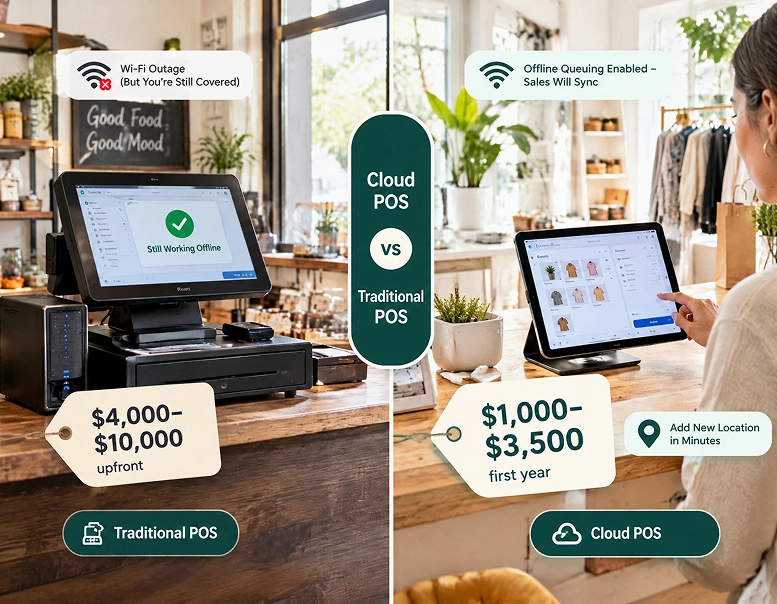
3. Cloud POS Systems
| Attribute | Specification / Impact |
|---|---|
| Storage Model | Remote cloud servers |
| Local Data Dependency | Not required |
| Cloud POS | retail chains, supermarkets, restaurants, cafes, franchise outlets, multi-branch salons, pharmacy chains, apparel stores, electronics stores, furniture stores, bakeries, quick service restaurants, dine-in restaurants, hotels, resorts, gyms, wellness centers, clinics, service centers, automotive workshops, distribution counters, wholesale counters |
| Access Location | Accessible from any internet-connected device |
| Monitoring Capability | Remote sales and operations monitoring |
| Reporting Nature | Real-time synchronized reporting |
| Business Suitability | Multi-branch businesses, growing retail chains |
| Decision Speed | Faster operational decisions due to live data |
| Operational Role | Management and analytics platform, not just billing |
| Data Backup | Automatic centralized backup |
| Scalability | Easy expansion across multiple outlets |
| Infrastructure Requirement | Continuous internet connectivity |
| Technology Shift | Converts POS from transaction tool to business management system |
4. Tablet POS
| Attribute | Specification / Impact |
|---|---|
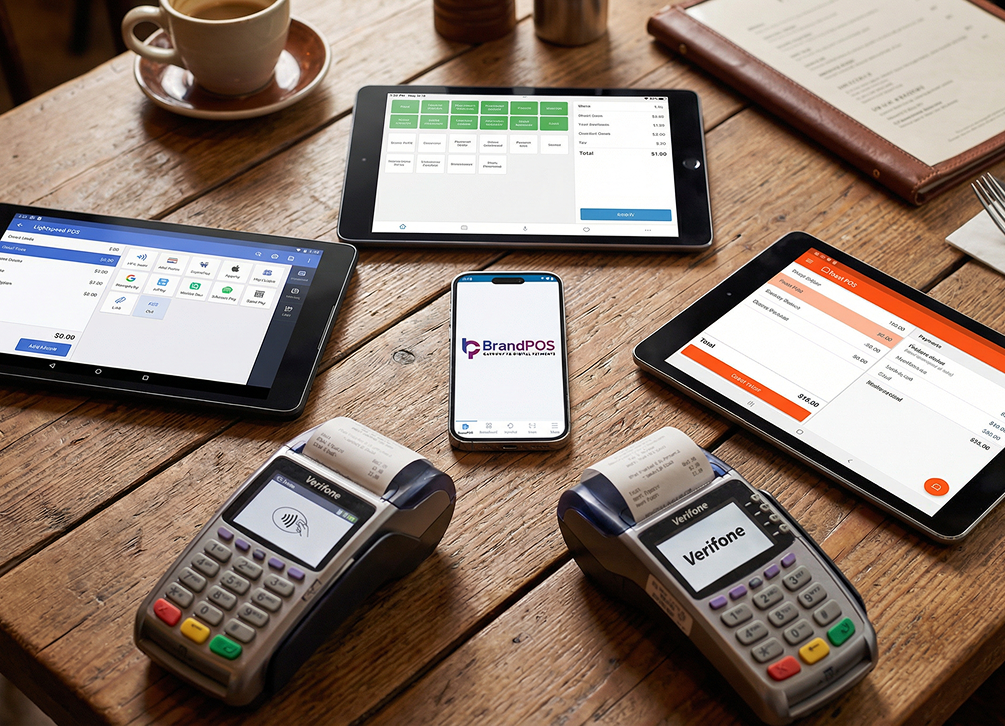
| Interface Device | iPad or Android tablet |
| Peripheral Support | Wireless printers and scanners |
| Mobility Level | Semi-portable counter and assisted selling |
| Setup Cost | Lower than traditional POS |
| Checkout Experience | Modern touch interface |
| Infrastructure Dependency | Internet required |
| Scalability | Moderate expansion capability |
| Operational Position | Between traditional counter POS and mobile POS |
| Core Advantage | Affordable modern billing interface |
| Best For | boutiques, bakeries, coffee shops, dessert shops, small fashion stores, gift shops, stationery stores, cosmetic stores, florists, small restaurants |
5. Self-Service Kiosk POS
| Attribute | Specification / Impact |
|---|---|
| Interaction Method | Customer self-ordering via touchscreen kiosk |
| Staff Involvement | Minimal operator intervention |
| Throughput Capacity | Very high transaction speed |
| Order Handling | Automated order capture and routing |
| Setup Cost | High hardware installation cost |
| Operational Effect | Reduces staff workload |
| Revenue Effect | Increases average order value |
| Automation Level | Fully automated ordering environment |
| Infrastructure Dependency | Continuous internet required |
| Core Advantage | Handles peak customer volume efficiently |
| Best For | fast-food restaurants, QSR chains, cinemas, food courts, self-service cafeterias, stadium concessions, airport food outlets, large canteens, high-traffic restaurants |
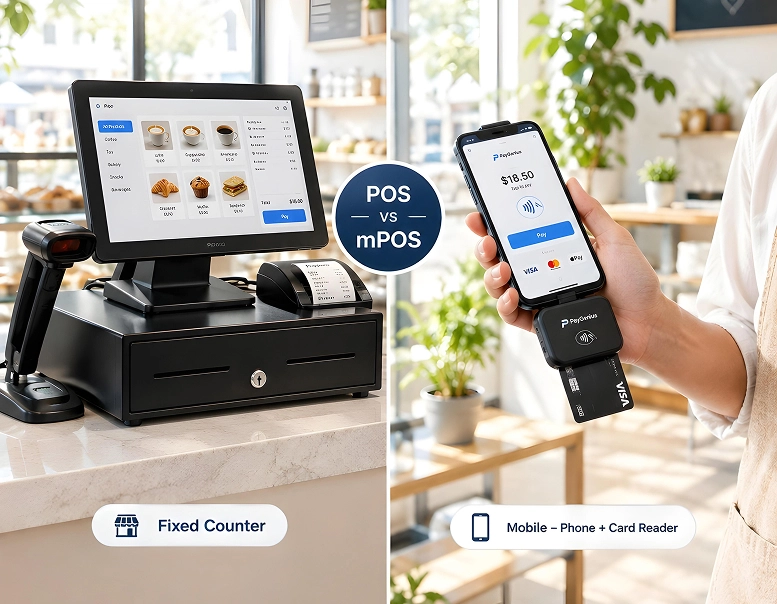
6. Mobile POS (mPOS)
| Attribute | Specification / Impact |
|---|---|
| Device Requirement | Smartphone or tablet with card reader |
| Checkout Location | Anywhere inside or outside store |
| Queue Management | Reduces waiting lines |
| Customer Interaction | Assisted billing at customer location |
| Mobility Level | Fully portable within premises |
| Setup Cost | Medium |
| Infrastructure Dependency | Internet required for payments |
| Operational Flexibility | Removes fixed counter dependency |
| Core Advantage | Faster checkout and improved customer experience |
| Best For | salons, cafes, small stores, pop-up shops, events, exhibitions, food trucks, market stalls, temporary retail counters, service counters |
Industry Specific Types of POS Systems
Different industries prioritise different operational problems.
POS Systems for Restaurants
Restaurants operate on time, not just transactions.
Required features:
- Table management
- Kitchen display routing
- Order modifiers
- Split billing
- Quick cancellation handling
A restaurant POS must prevent service delay rather than track deep inventory.
POS Systems for Retail
Retail operates on product accuracy.
Required features:
- Barcode scanning
- Stock tracking
- Supplier management
- Return handling
- Product variants
Retail POS focuses on catalog structure rather than workflow timing.
Understanding this distinction helps businesses choose between different types of POS systems correctly.
Operational Comparison of Different Types of POS Systems
| Attribute | Traditional POS | Mobile POS (mPOS) | Cloud POS | Tablet POS | Self-Service Kiosk POS | SoftPOS |
|---|---|---|---|---|---|---|
| Hardware | Terminal + scanner + printer + drawer | Phone/tablet | PC/tablet | Tablet + wireless accessories | Touch screen kiosk terminal | Smartphone only - of all OS. |
| Setup Cost | High upfront | Medium | Medium | Low–Medium | High | Very low |
| Mobility | Fixed counter | Portable inside store | Remote monitoring | Flexible counter use | Fixed station | Fully portable |
| Data Storage | Local/on-device | Cloud or hybrid | Cloud | Cloud | Cloud | Cloud |
| Internet Dependency | Low | Medium | High | High | High | High |
| Scalability | Low | Medium | High | Medium | Medium | Very high |
| Checkout Speed | Moderate | Fast | Fast | Fast | Very fast | Very fast |
| Best Environment | Large retail/supermarket | Cafes, salons, small retail | Multi-branch retail & restaurants | Boutiques, bakeries | QSR & cinemas | Retail, delivery, field sales - in all modern industries. |
| Maintenance Effort | High (manual service) | Medium | Low | Low | Medium | Very low |
| Primary Bottleneck Solved | High-volume billing accuracy | Queue reduction | Centralized reporting & control | Lower hardware cost | Staff workload reduction | Hardware elimination & instant acceptance |
Factors to Consider When Choosing a POS System
Merchants must consider these following factors before choosing a POS systems. We’ve made it as elaborate as possible so that merchants do not have to read in between the lines to realise the truth behind every advertised feature they come across.
Let us understand the factors in terms of questions merchants can ask themselves first to gain clarity on their requirements and then to the service providers.
- How much is the transaction processing time per payment? (in seconds)
- How maximum transactions are supported per hour?
- What’s the supported number of concurrent user sessions?
- What's the SKU capacity? i.e., maximum product catalog size.
- Can one do offline transactions and for how long (after once internet connection is lost)?
- In real-time how well is the data synchronization frequency? (interval-based)
- How are the reports generated? (instant vs batch)
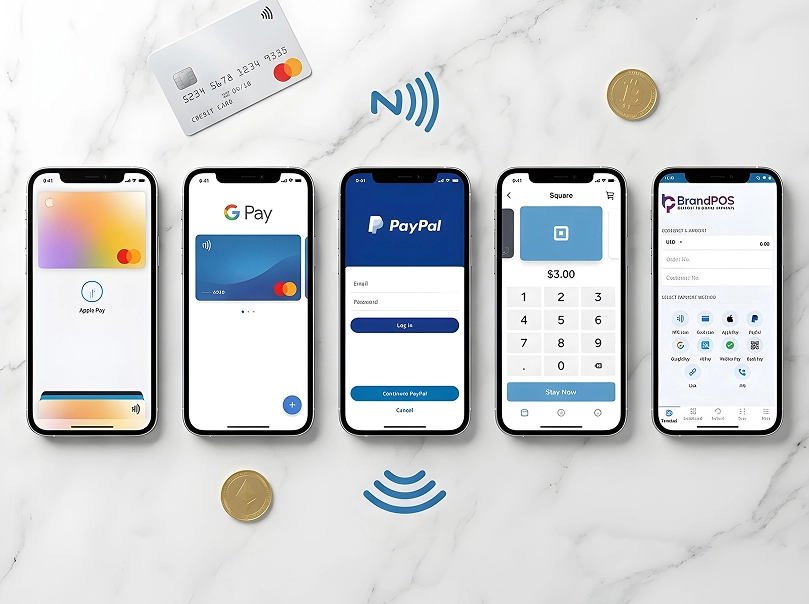
- How many payment methods are supported? (cards, wallets, NFC, QR)
- Is API Integration available? (Are the endpoints supported)
- Can we integrate third-party add-ons? If yes what’s the capacity (accounting, CRM, inventory)
- What is the average onboarding time? (minutes to activation)
- What's the range of the compatible devices? (OS versions like iOS, Android and Windows)
- Does the POS terminal cover the network bandwidth requirement per transaction?
- How much is the overall daily data storage consumption? (Is there any over-consumption issue?)
- Automatic backup frequency
- What is the data retention period? (in months/years)
- User role permission granularity levels
- What's the refund processing time?
- Is there a settlement visibility delay? (real-time vs T+1 etc.)
- What are the receipt generation format options? (print, SMS, email)
- Tax rule configuration complexity (fixed vs dynamic rules)
- How strong is the multi-location database synchronization capability?
- How frequently is the software update? (manual vs automatic)
- What are the supported security authentication methods? (PIN, OTP, biometric)
- What kind of encryption level is used for transactions?
- Is the system dependent on hardware?
- How much is the average downtime tolerance? (SLA uptime %)
- How capable is the system to handle operations during peak hours?
- Is there any delay during inventory update, across locations?
- How big is the customer database capacity?
- How smart is the system to analyse the customer data to predict future patterns?
- What's the training time associated with the POS?
- Is Scalability without infrastructure replacement possible?
BrandPOS SoftPOS – Your All-in-One Payment Solution
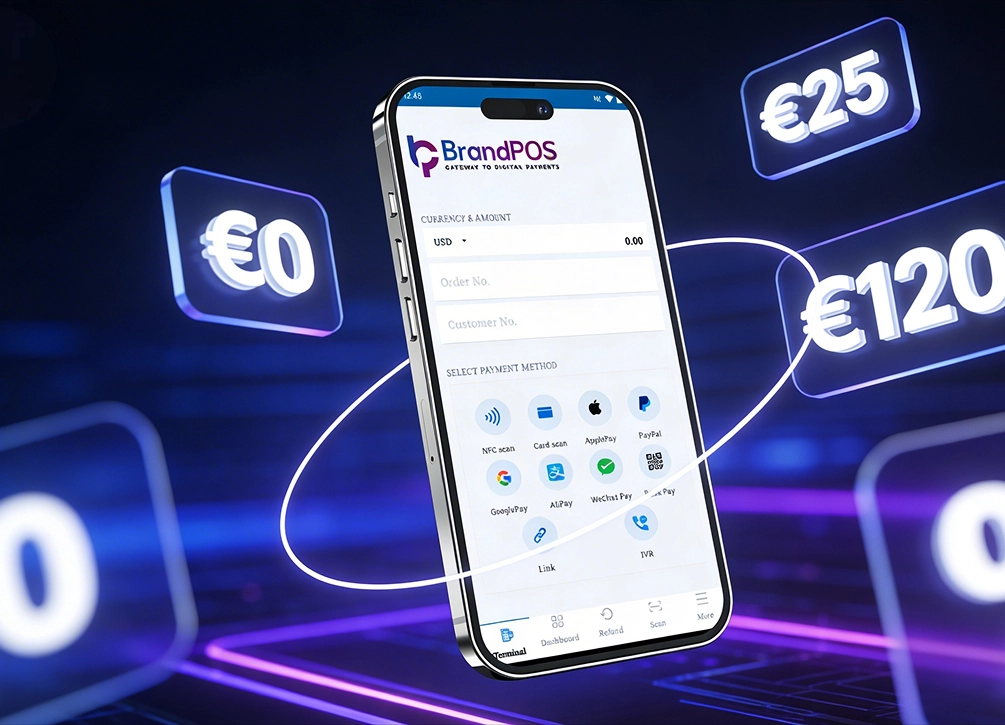
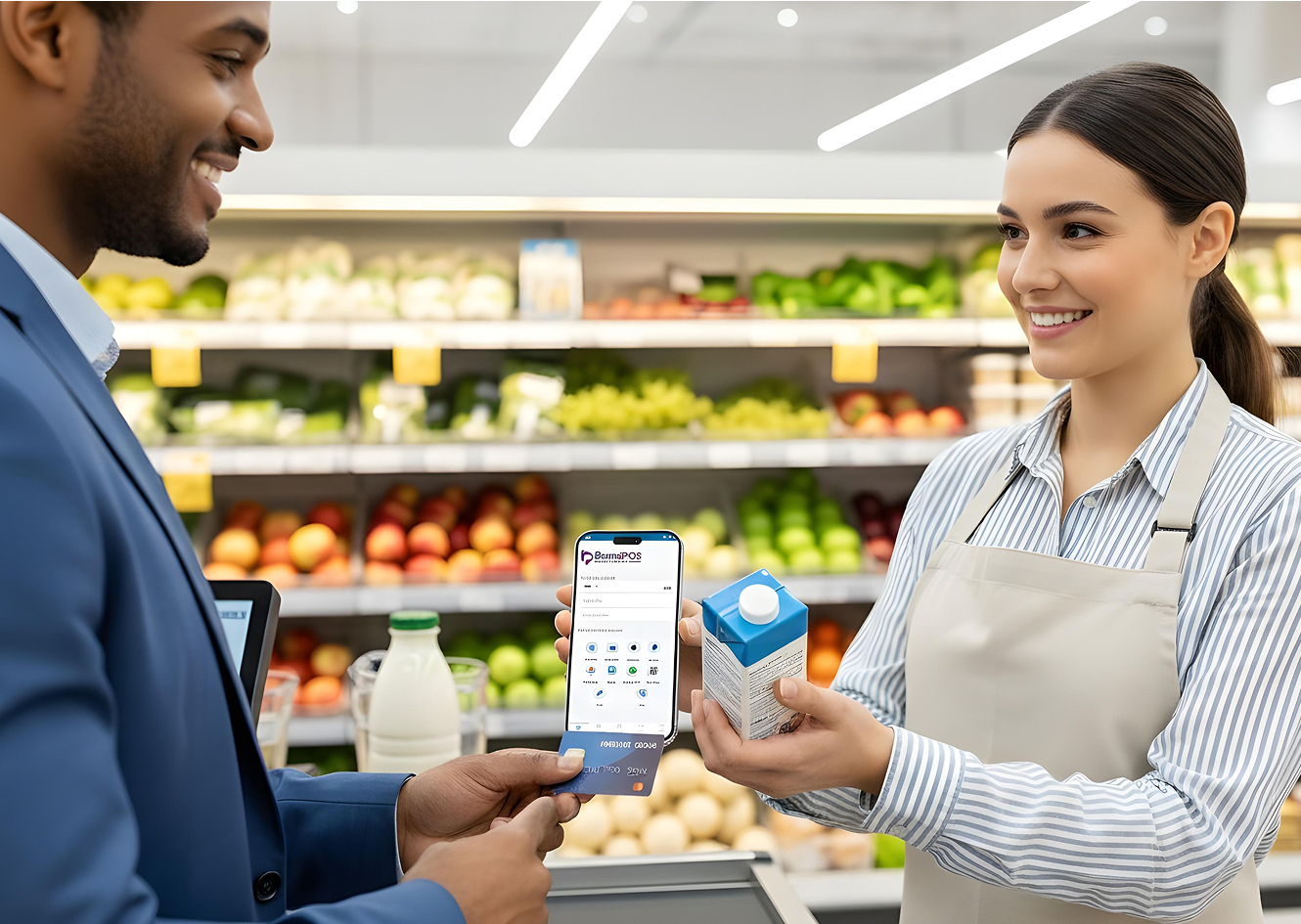
BrandPOS is designed around a simple principle: businesses should not need hardware to accept payments.
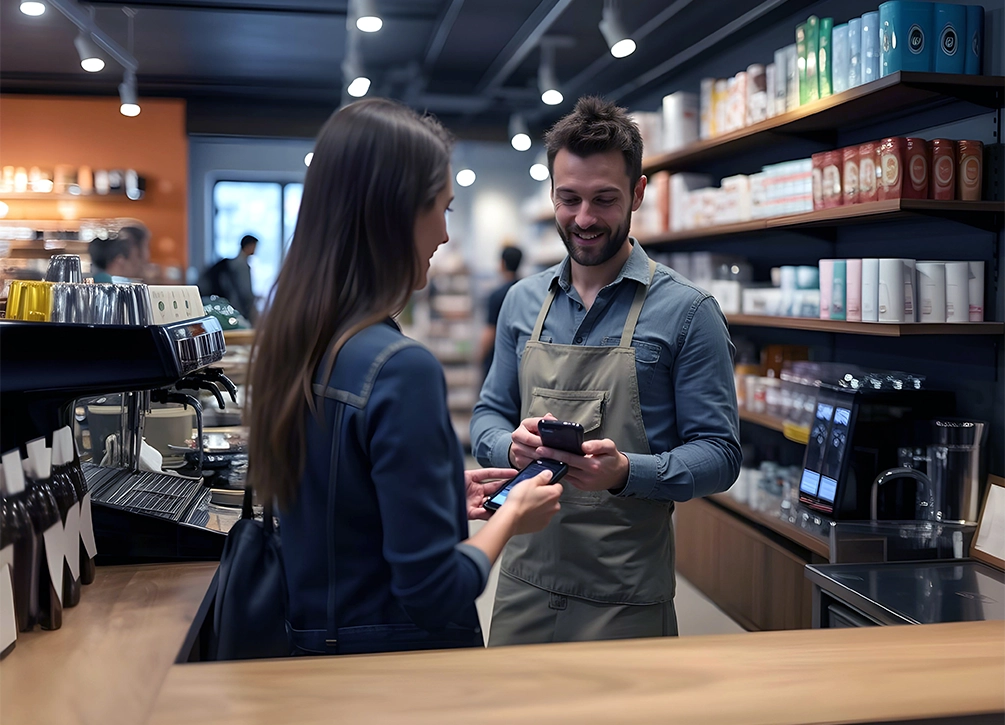
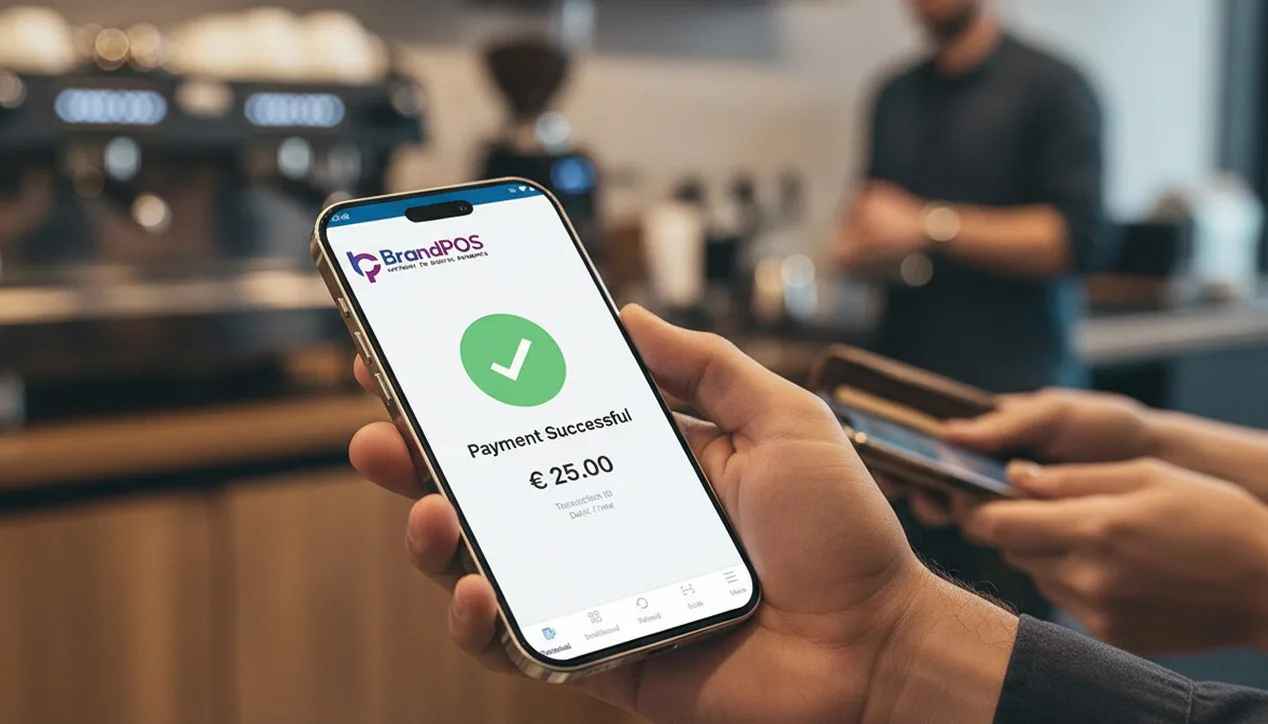
The merchant installs the app and starts accepting tap payments instantly.
Key capabilities
- PCs/Tabs/Mobiles can becomes POS terminal just by downloading the software.
- BrandPOS SoftPOS offers remote onboarding
- SoftPOS comes with a feature with real-time transaction tracking benefit.
- BrandPOS SoftPOS helps people scale across locations
- SoftPOS has the lowest setup cost
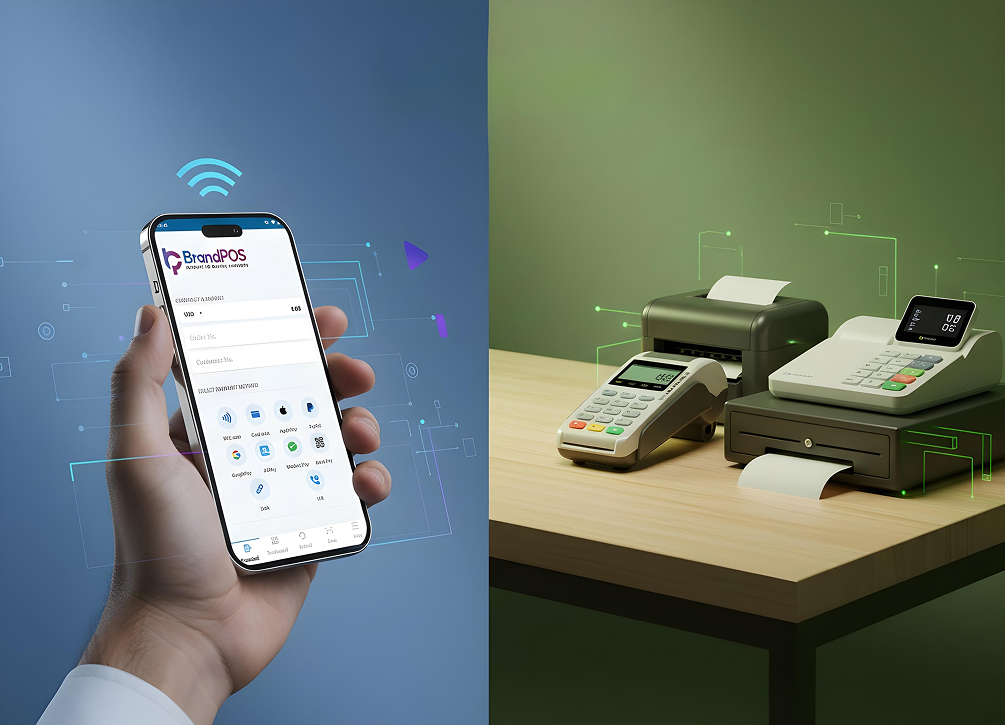
- For modern merchants, BrandPOS removes the limitations created by traditional different types of pos terminals.
It shifts POS from infrastructure to software.
Conclusion
Choosing the right POS system is a critical decision that directly impacts your daily operations, customer experience, and long-term scalability. While traditional systems still have their place in large-scale retail environments, cloud-based and SoftPOS solutions are rapidly becoming the industry standard due to their flexibility, cost-efficiency, and ease of deployment.
Ultimately, the best choice depends on your specific business model. For small to medium businesses, mobile merchants, and service providers, embracing modern software-defined solutions like BrandPOS can eliminate hardware hassles and streamline payment acceptance instantly.