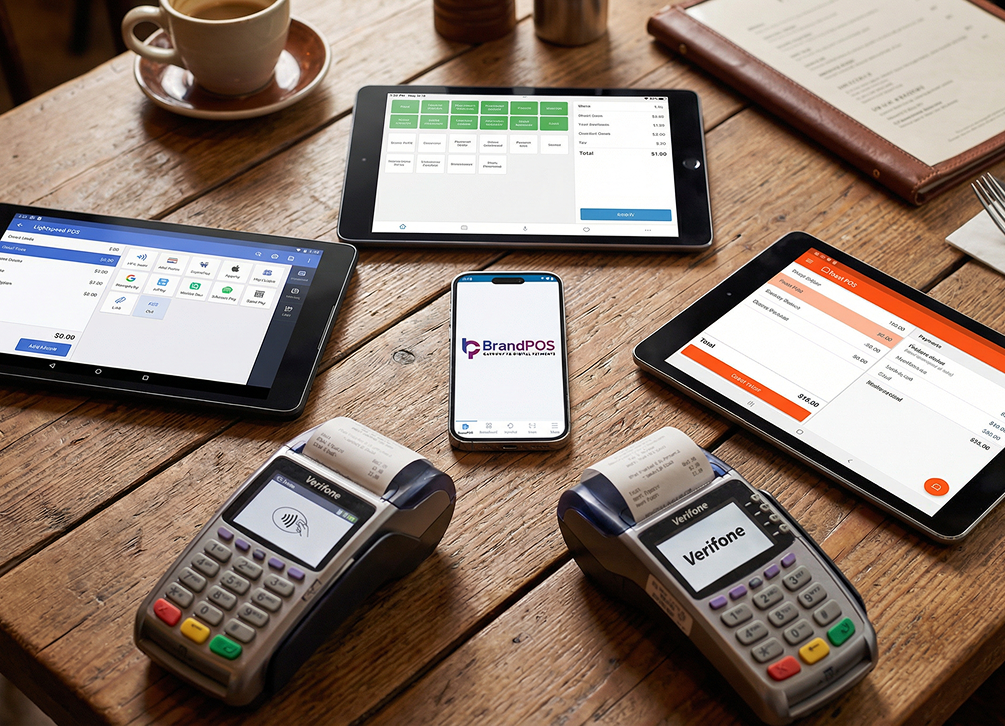
Flexibility is a key sales priority for businesses. Flexibility of accepting payments from different methods, flexibility of making a sale at any place that you wish, or the flexibility of viewing your sales data whenever and wherever you want - businesses are seeking this, and they have found a one-stop-all solution in a cloud based POS system. This software-driven setup allows business operations to scale without the constraints of traditional location-dependent terminals.
82% of restaurants globally operate with a cloud or a hybrid infrastructure. 71% of hotels globally are using a cloud based hotel management software. More than 60% of retailers use cloud based software, and the adoption goes much higher, to 70% for small businesses.
- In the first year your cloud POS system will cost 60% less than the traditional POS that requires upfront investment in hardware and software licensing.
- Studies show that businesses that integrate a modern POS like a cloud based POS system achieve 566% ROI in their first year of adoption!
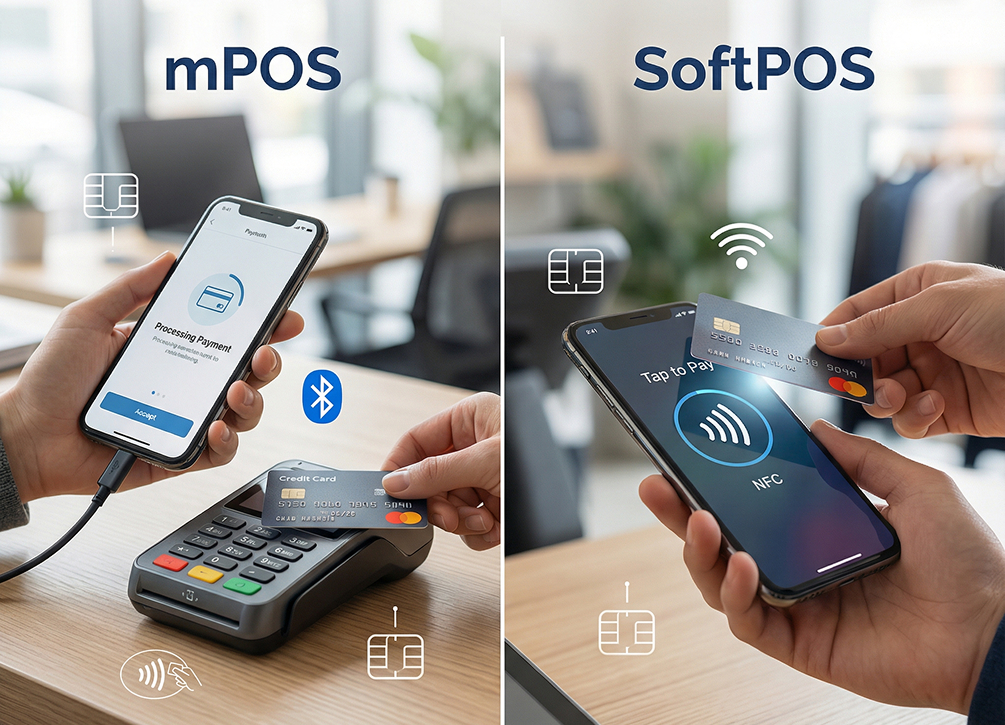
- Mobile POS systems like SoftPOS can reduce checkout time by 41% while providing an amazing 99.2% transaction accuracy.
- Real-time price updates by cloud POS helps to reduce pricing errors by 31%.
- When retailers use advanced POS software, they can see a 97% improvement in inventory tracking.
What Is a Cloud-Based POS System?
A cloud based POS system is a payment processing system where transactions are processed through a remote internet server. Adopting a cloud based point of sale can help your business save money on hardware by leveraging clean, software-as-a-service infrastructure. Unlike older systems that store data on local physical drives, cloud based POS software keeps everything synchronized in real-time.
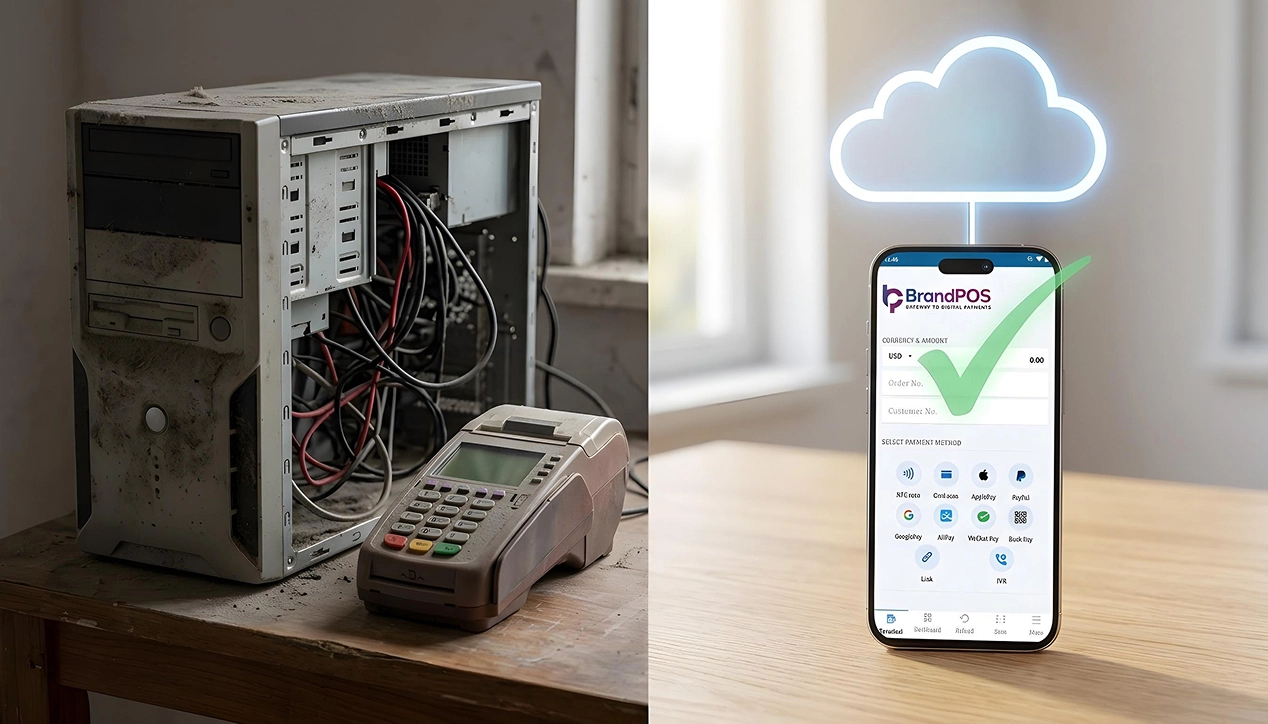
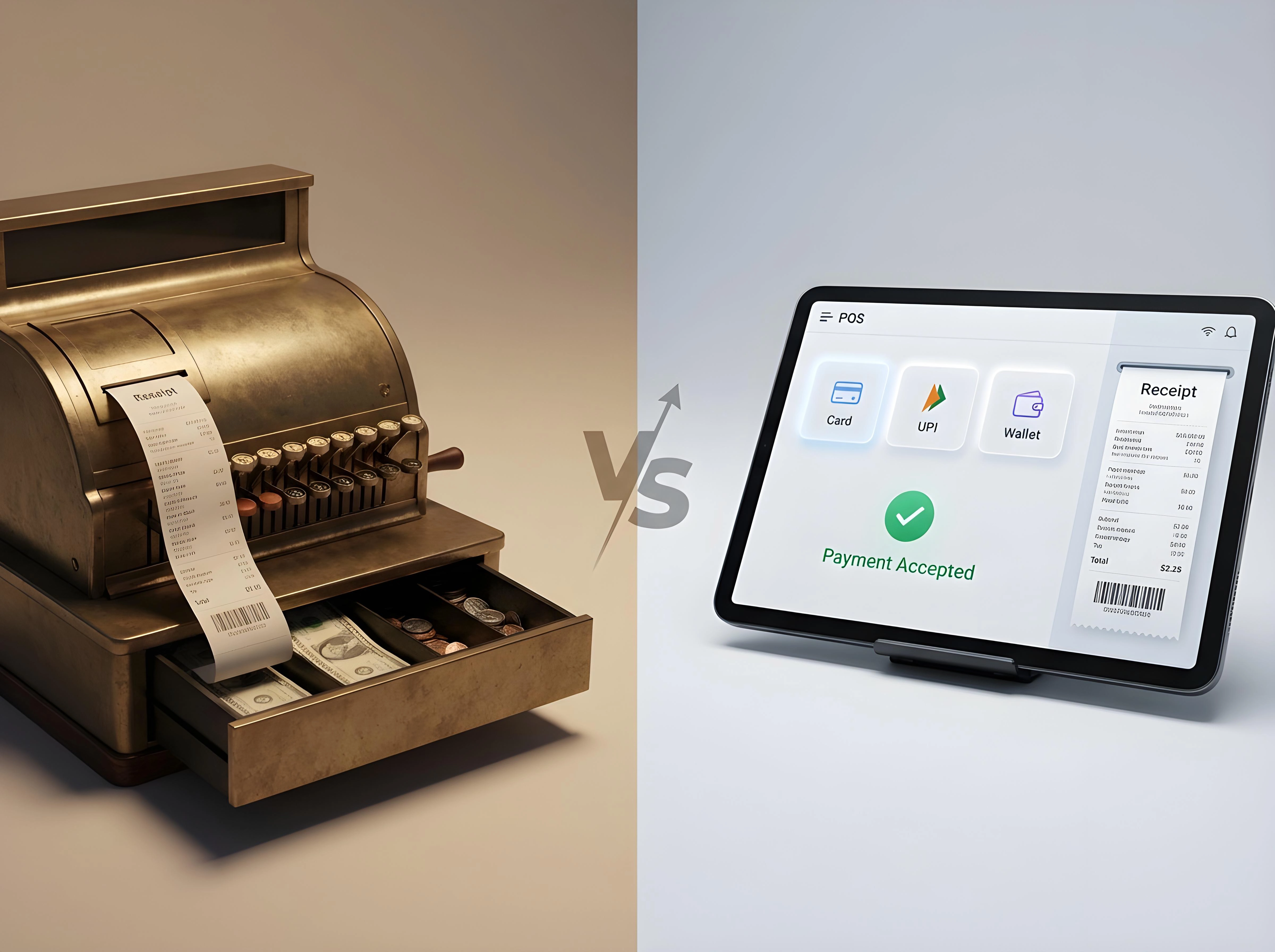
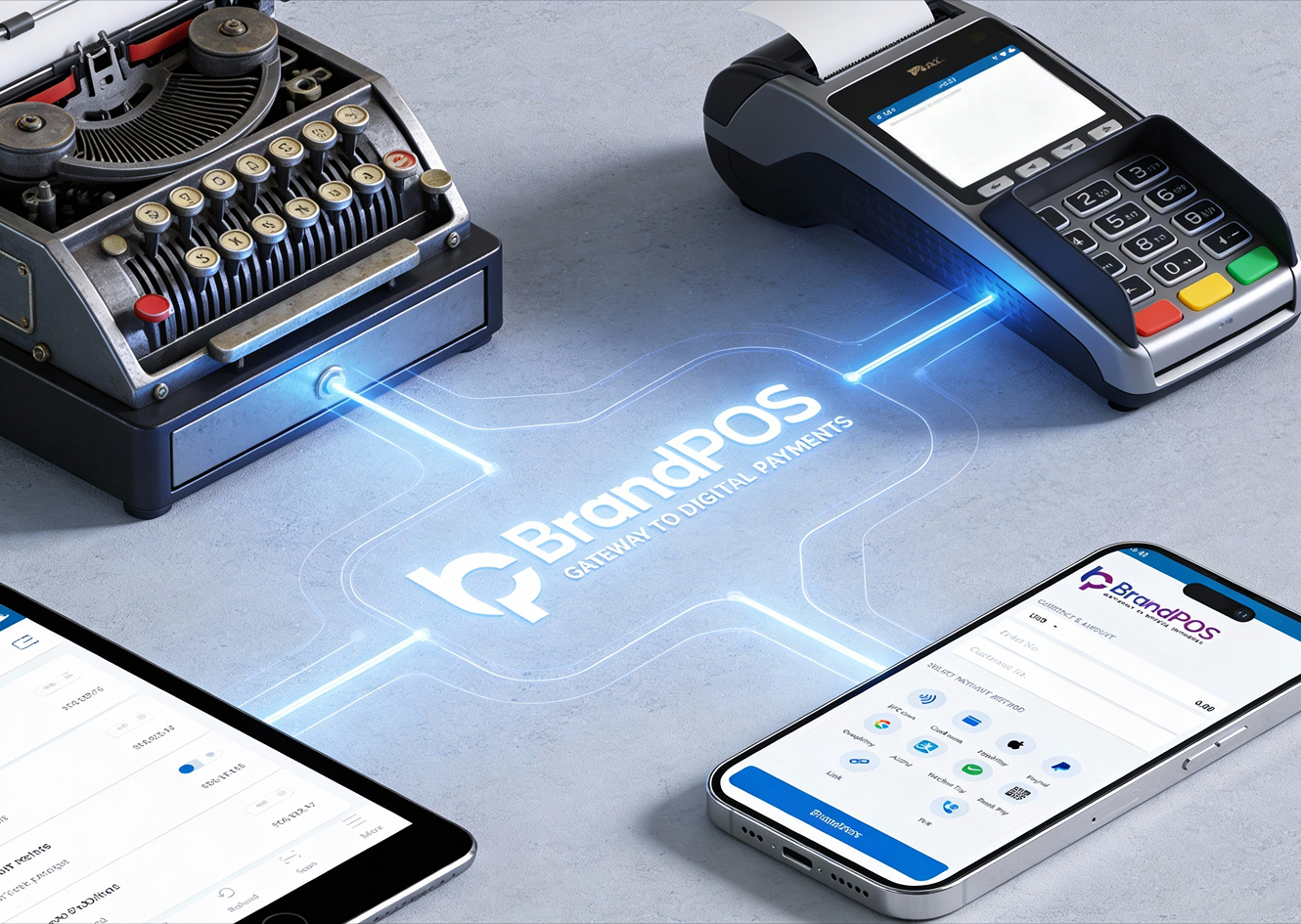
To understand how we reached this point, we must look at the evolution of retail management. Traditional point of sale terminals were bulky cash registers wired to on-site servers. These servers required regular manual maintenance, backups, and physical protection. If a power outage or server crash occurred, the entire storefront ground to a halt, risking transaction data loss. In contrast, a cloud based POS system utilizes remote web servers hosted by cloud providers. These databases are highly redundant, secure, and continuously backed up. This design shifts the computational burden away from physical store hardware to the cloud, allowing businesses to run transactions on consumer-grade mobile devices like smartphones or tablets. By reducing dependency on dedicated server hardware, businesses experience lower operational downtime and higher business agility.
In a traditional POS system, when a payment is made, the data is stored locally, i.e., at a local server in your back office. In a cloud based POS system, all data is sent to a secure remote server hosted on the internet or “the cloud." This centralizes your transaction logs and enables quick back-office reconciliations.
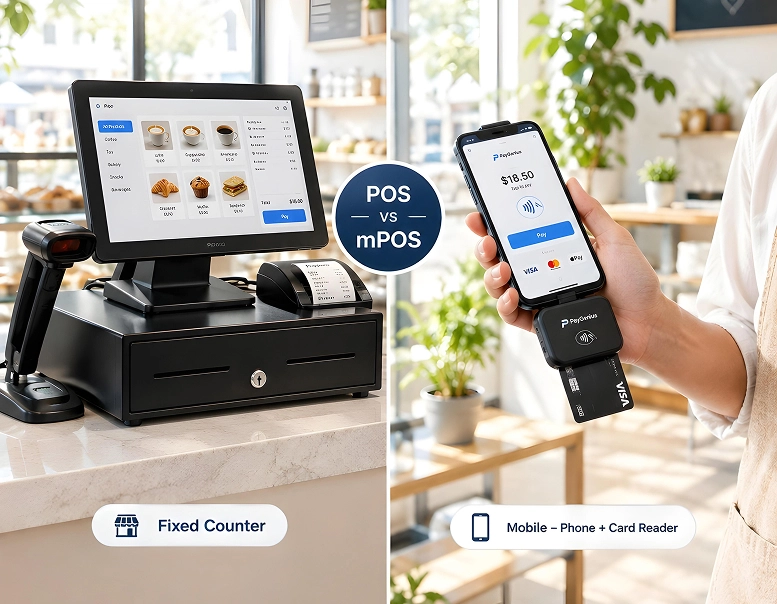
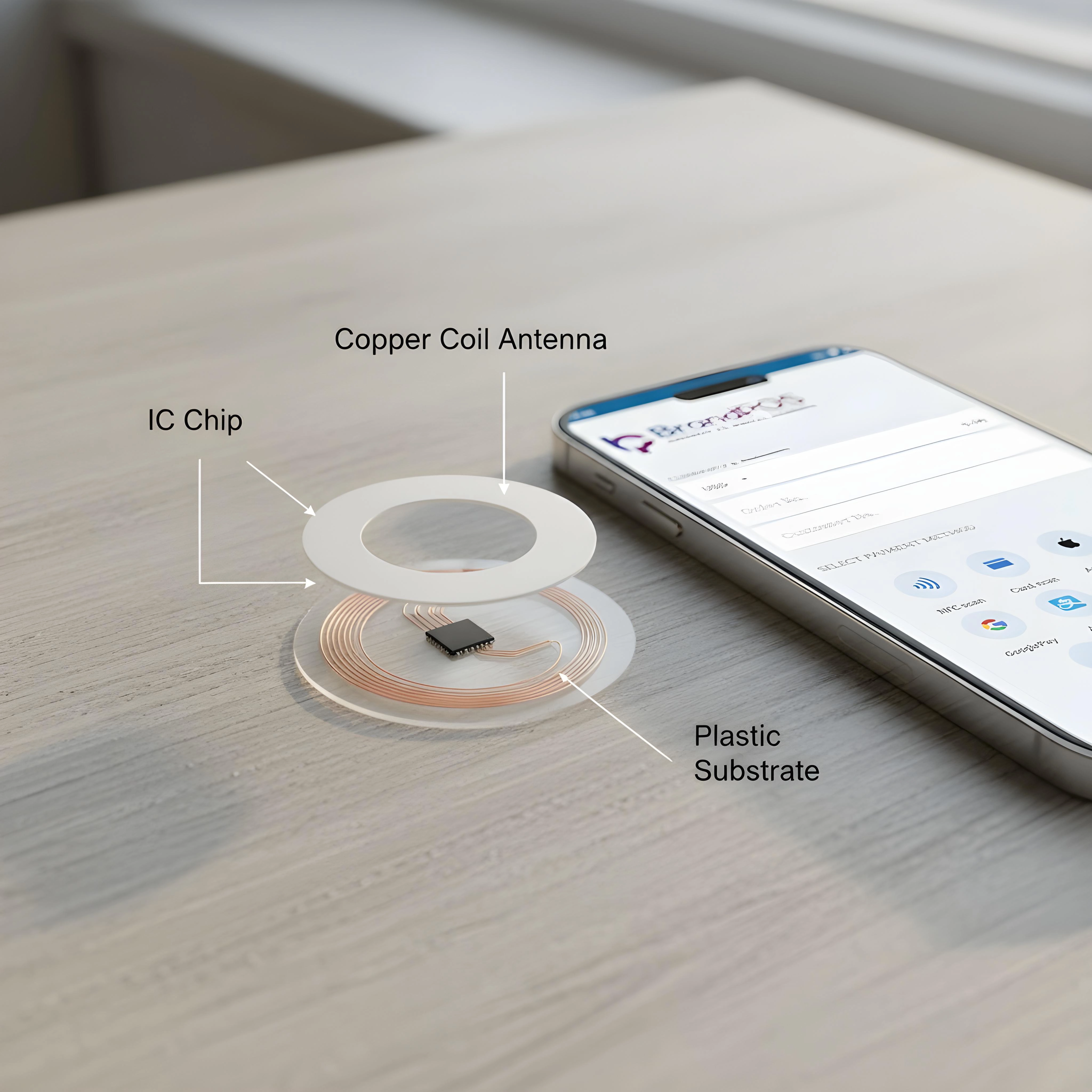
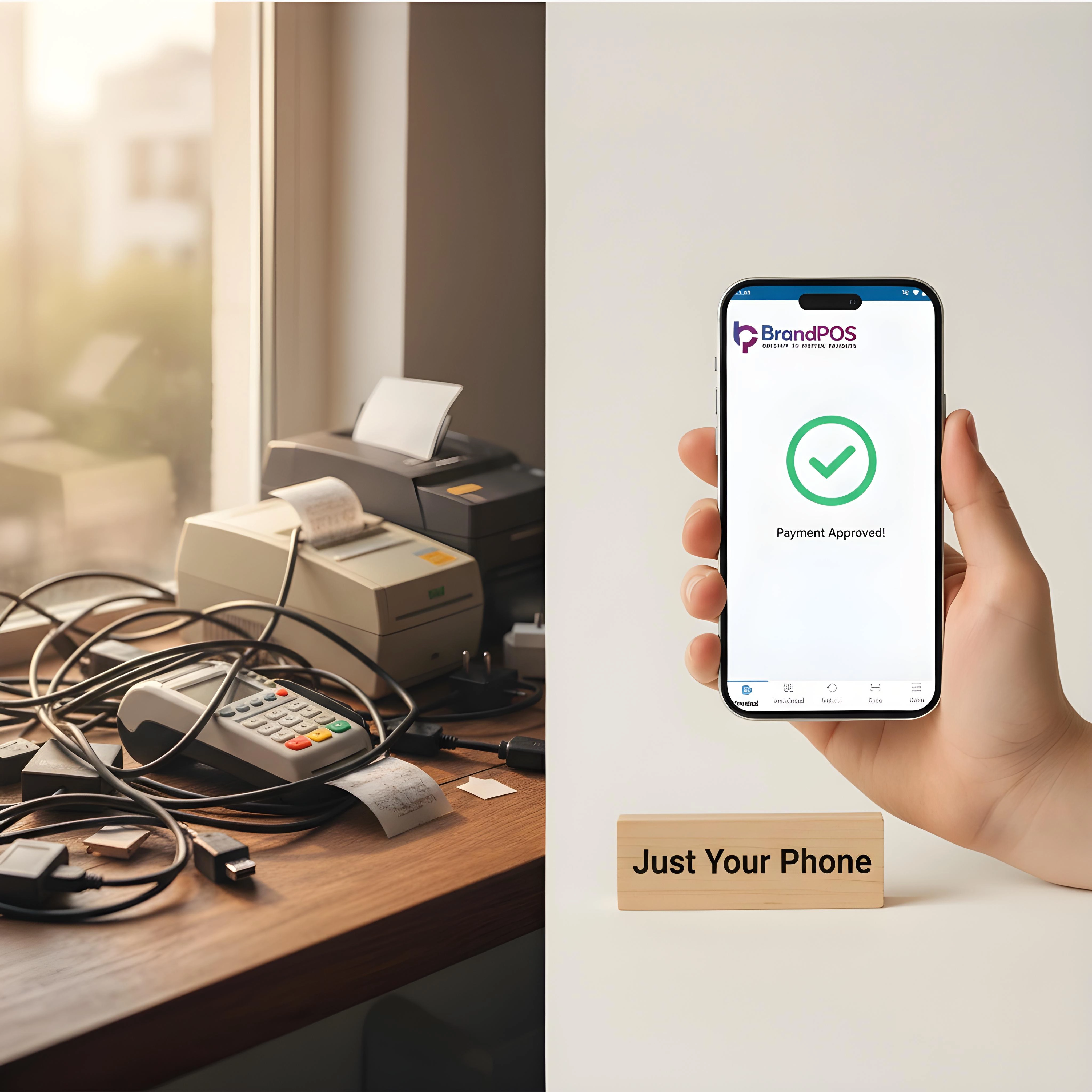
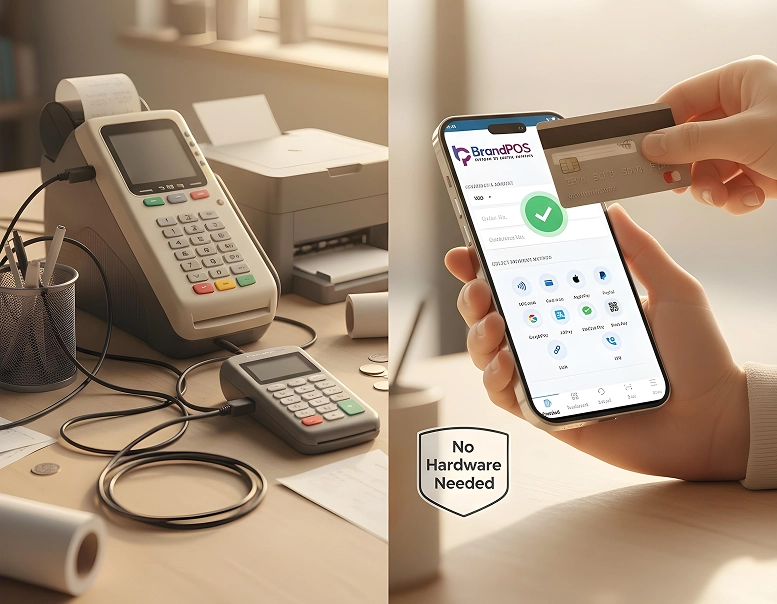
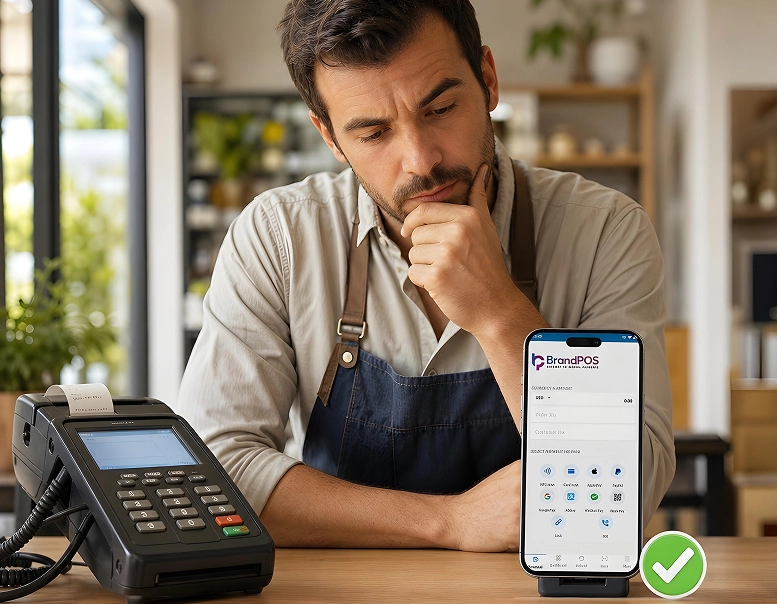
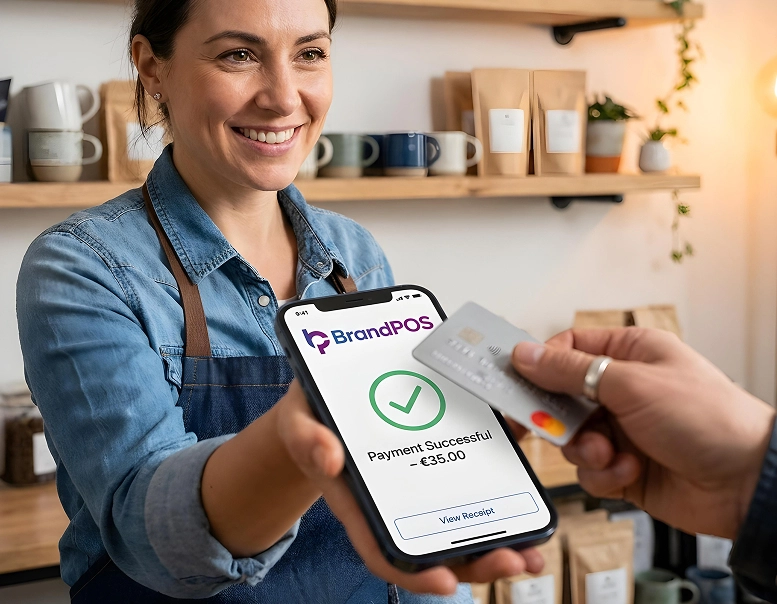
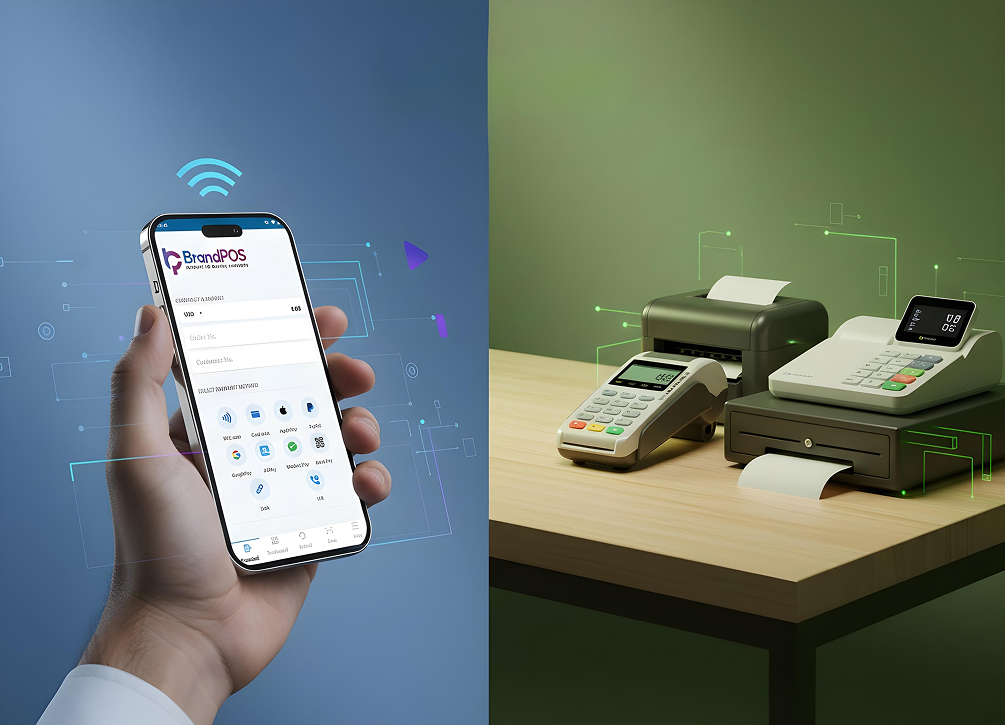
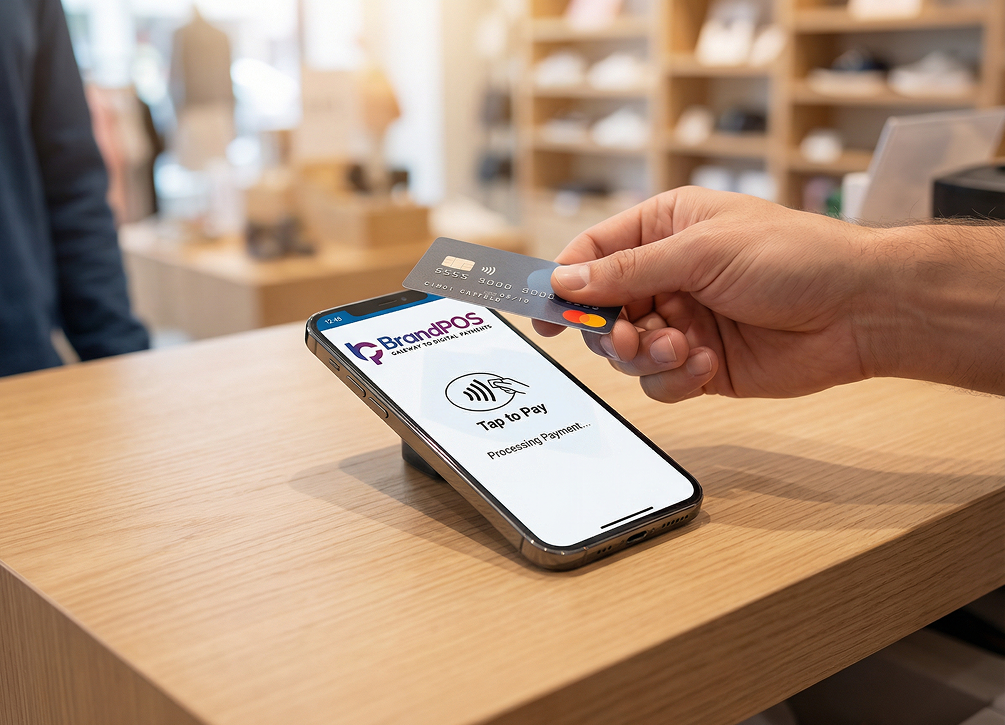
A big advantage of a cloud POS is that you can use a SoftPOS app like BrandPOS on your phone or tablet itself. You do not have to invest in proprietary hardware like a POS machine or card reader. With a cloud POS system, the entire checkout pipeline resides on the vendor's secure infrastructure.
Why are businesses switching to cloud based POS systems? Let's analyze the core drivers of this industry transition.
Cost Pressure
For traditional POS you need to buy special hardware, pay installation fees, and get continued IT support. But with a cloud based POS system, the process is simple with a monthly subscription, and the cost is also significantly less. This reduces the capital expenditures required to start a retail business. Modern business operations operate on thin margins. Traditional POS systems demand significant upfront capital investment. Buying proprietary cash registers, receipt printers, barcode scanners, and local server hardware can easily run into thousands of dollars per lane.
Additionally, companies often have to pay expensive software licensing fees and recurring maintenance contract fees to IT specialists who troubleshoot local network errors. On the other hand, a cloud based POS system converts these high capital expenses into predictable, lower operating expenses through a monthly subscription model (SaaS). Because the software runs on standard devices like Android tablets or iPads, hardware costs are reduced by more than half, enabling startups and small merchants to deploy payment terminals instantly.
COVID-19 Pandemic and Contactless Payments
The restrictions of the pandemic forced the businesses to figure out a quick solution, and an internet-based and flexible POS was the best fit. Implementing a cloud based POS system helped retailers transition to curbside pickups and online orders. The global pandemic acted as a major catalyst for contactless payment solutions.
With strict social distancing measures, cash payments declined rapidly, and consumers demanded contactless tap to pay, QR code payments, and digital wallet options. Traditional checkout lanes were ill-equipped to support mobile checkouts or outdoor transactions. This shift compelled merchants to adopt cloud based POS systems that can process payments from anywhere. By implementing a cloud POS system, restaurants could easily process orders at curbside, while retailers could complete transactions on the sales floor, reducing crowded checkout lines and ensuring customer safety.
Change in Retail Channels
Businesses are no longer selling just in one outlet. They are making sales at multiple locations (both shopfronts and at events) and through multiple channels (e-commerce, social media, etc.). So, they needed a system that could track all their sales operations together as they happened, which the traditional POS was unable to do in real-time. By utilizing a cloud based POS system, sales channels are updated instantly, providing a unified view of your entire business.
The modern commerce environment is inherently omnichannel. Merchants no longer rely solely on physical brick-and-mortar storefronts; they sell products on e-commerce websites, social media platforms, pop-up events, and third-party delivery marketplaces. Traditional local POS systems struggled to synchronize inventory and sales records across these disparate channels, leading to stockouts, double-selling, and manual reconciliation errors. A cloud based POS system solves this by acting as a single, central database. Every transaction, whether made on a smartphone at a farmer's market or via a web checkout, updates the inventory and sales dashboards in real-time, giving business owners complete control and visibility.
Ease of Software Updates
With traditional POS systems, the businesses usually need a technical support person to visit their location and do the software updates. But on the cloud POS system, the vendor will push the updates automatically so that your payment ecosystem always stays current. Legacy POS terminals are notoriously difficult to update.
Whenever card networks introduce new security protocols (like EMV updates) or tax laws change, legacy systems require manual software installations on each machine, often requiring a certified technician to visit the store. This process is time-consuming, expensive, and leaves systems vulnerable to security breaches. In contrast, cloud POS system updates are handled remotely by the software provider. These updates are deployed automatically via the cloud, ensuring that every connected terminal is running the latest, most secure version with the newest features, without any action required from the merchant. This software automation saves time and keeps security active.
Key Features of Cloud-Based POS System
Modern cloud-based POS systems do give your business a set of management tools that go much beyond basic billing and sales data. Integrating a unified cloud based POS system ensures you stay ahead of the competition. Features like detailed employee monitoring, advanced customer management, and automated stock alerts turn a simple billing software into a powerful growth tool.
- Real-time reporting and analytics that give you insights about revenue trends, seasonal variations in sales, your best-selling item, etc.
- Inventory management tools to know stock levels at multiple locations, low-stock alerts, and automatic purchase-order generation.
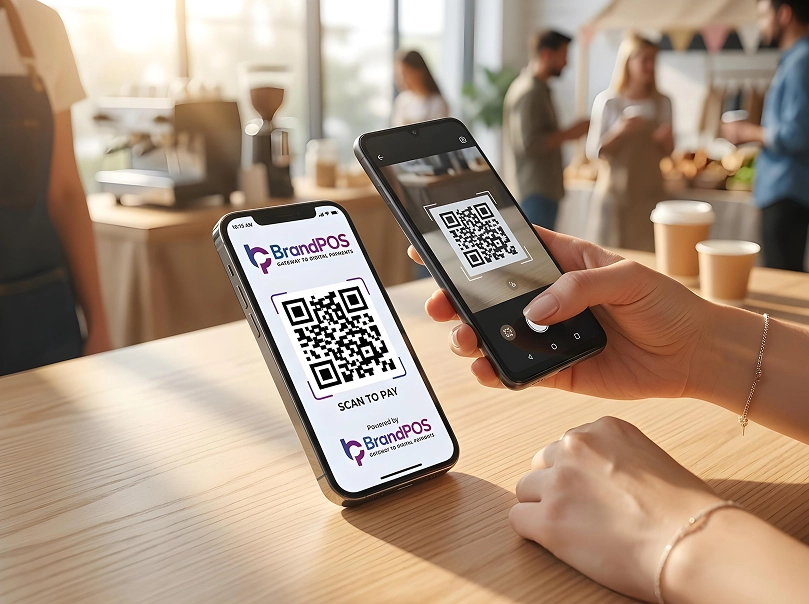
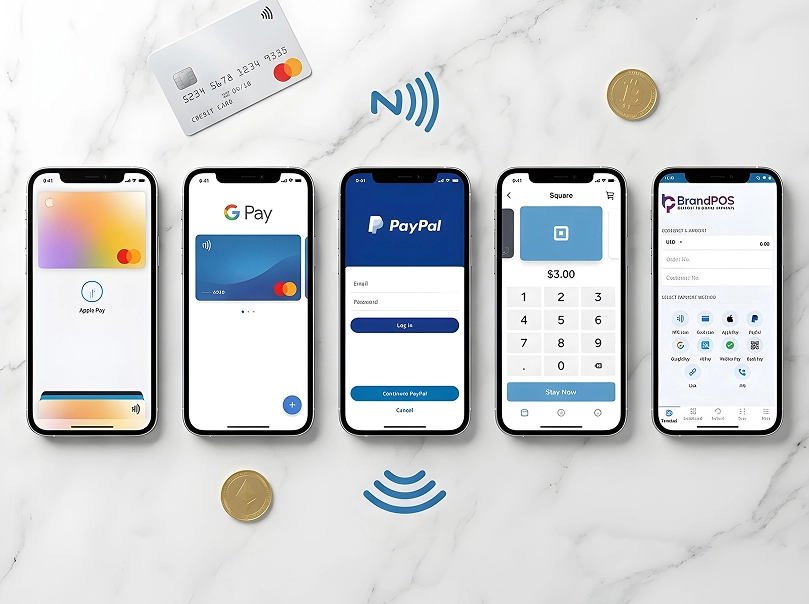
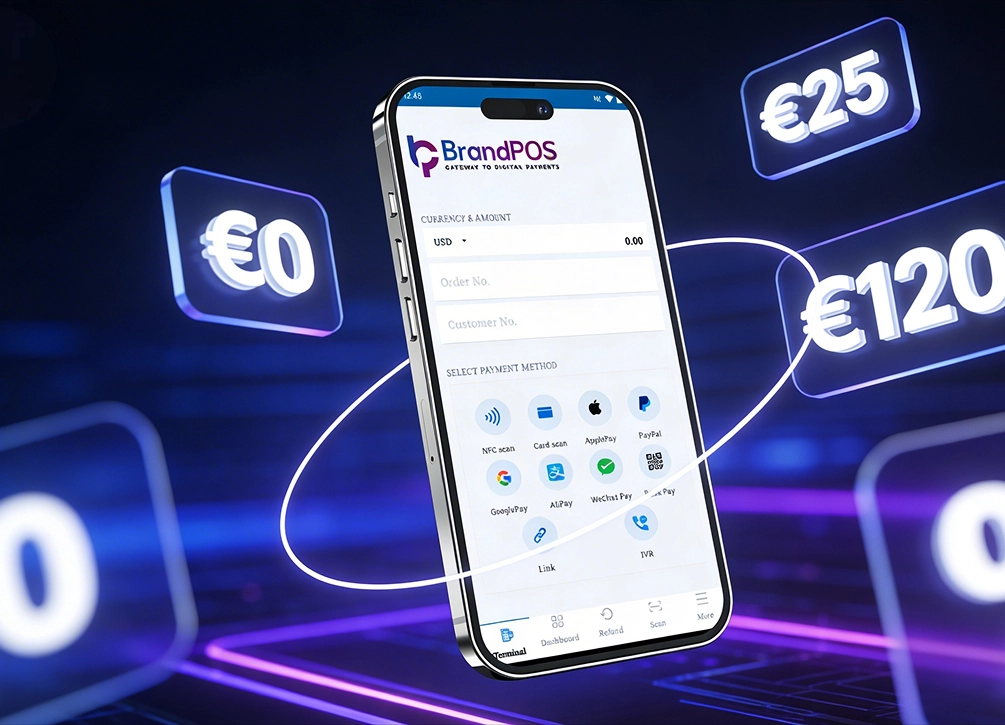
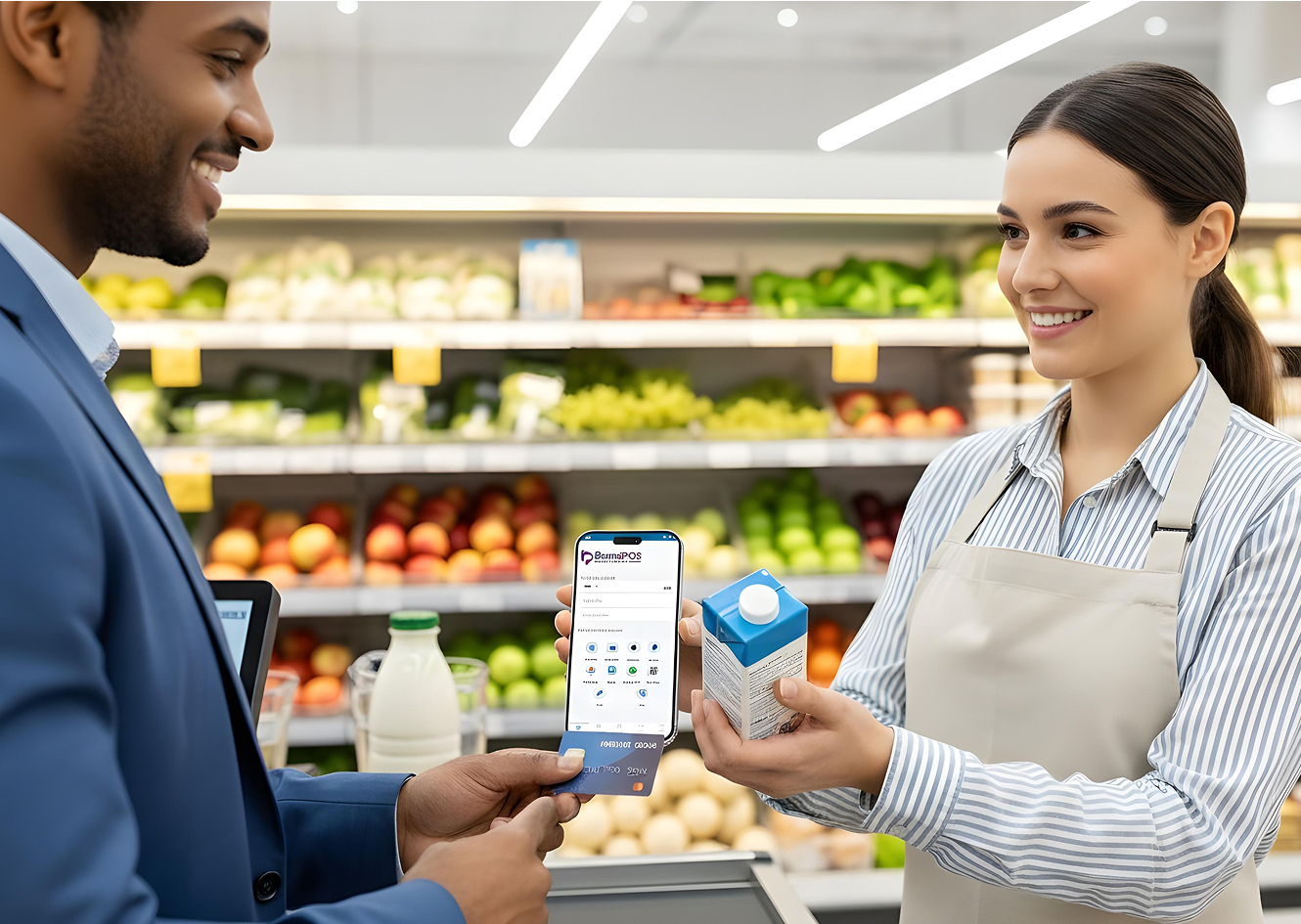
- Multi-payment acceptance with a single cloud based POS system. So, your customers can pay you by digital wallets, cards, NFC payments, or QR codes at a single terminal.
- Customer relationship management (CRM) by building customer profiles, tracking loyalty programs, and sending targeted communication that actually helps the customer and is not just a marketing gimmick.
- Manage employee schedules, check in/check out, sales performance, and shift schedules all in one place.
- Automatic backup so that you never lose your business data.
- Most of today's businesses are already using some tools like delivery apps or accounting software. You don't have to change any of this if you want to use a cloud based POS system. It can be integrated to work alongside what you already have.
How Does a Cloud-Based POS Work?
In the case of a cloud based POS system, there are 3 components involved when a payment has to be processed - local hardware (for e.g. the SoftPOS on your phone), network routers/internet, and a secure cloud database. Together, they form an interconnected ecosystem that processes checkout data securely and efficiently.
Step 1: Customer Checkout - When a customer completes their purchases and it's time to checkout, the cashier or salesperson will select the items in the POS - usually a SoftPOS app on a phone or a tablet. This represents the first step of using a cloud POS interface. The digital shopping cart compiles tax rates and loyalty discounts dynamically based on user profiles.
Step 2: Payment Processing - At the time of making payments:
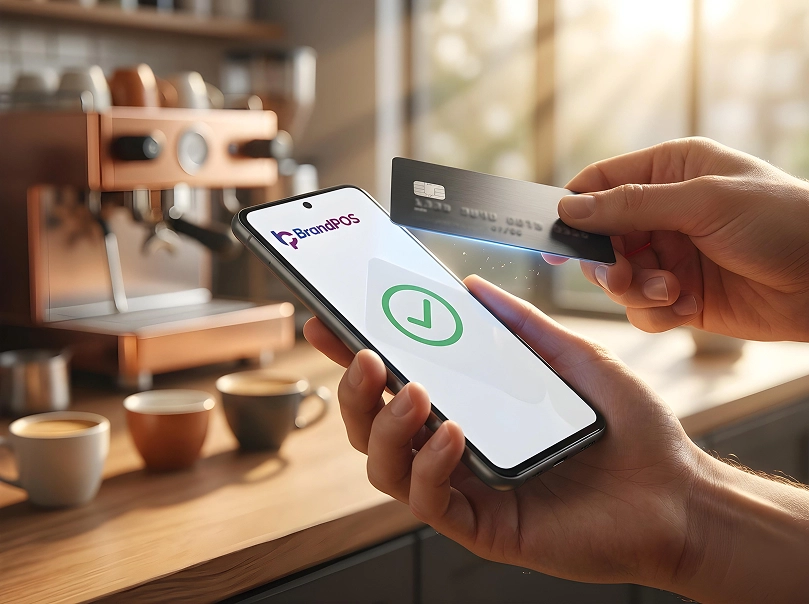
- Customers pay by their digital wallet, card, or tap-to-pay.
- The transaction details are encrypted and sent to a payment processor via the secure cloud servers.
- The payment processor verifies the transaction with the customer’s bank.
Step 3: Data Goes to the Cloud - Once the transaction is approved, the information about items sold, amount paid, time of sale, the staff in charge etc. is instantly uploaded to the secure cloud servers. Because of this, your cloud POS system updates sales logs instantly. The server ensures that all files and logs are encrypted with standard bank-grade protocols.
Step 4: Real-time Updates - Real-time updates are triggered across all the connected systems - sales dashboard gets updated, stock levels are adjusted to reflect the change; if there is low stock, then an alert may be triggered, customer loyalty program details are updated, etc. If a merchant operates multiple stores, this instant synchronization prevents overselling products that are out of stock in one warehouse.
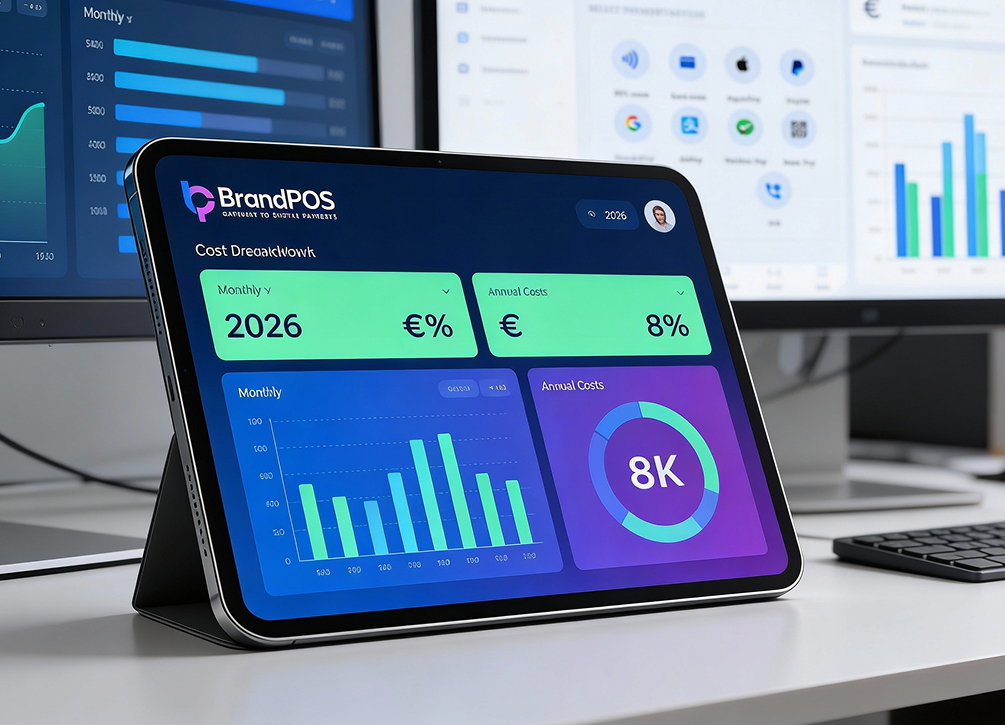
Step 5: Access from anywhere - You can log into your account on a web browser or a mobile app to check how your business day is going - from anywhere and anytime. A cloud POS provider will give you a comprehensive dashboard that gives you a real-time overview of all activities related to your sales, like employee sales performance, product demand, stock levels, etc. This visibility enables managers to make structural changes on the fly.
Advantages of Using a Cloud-Based SoftPOS System
Businesses that are operating across different industries and also at different business volumes are making a huge shift towards cloud POS. And for most businesses there are advantages that clearly justify this shift. Adopting a cloud based POS system makes operations flexible, secure, and highly convenient for modern sales environments.
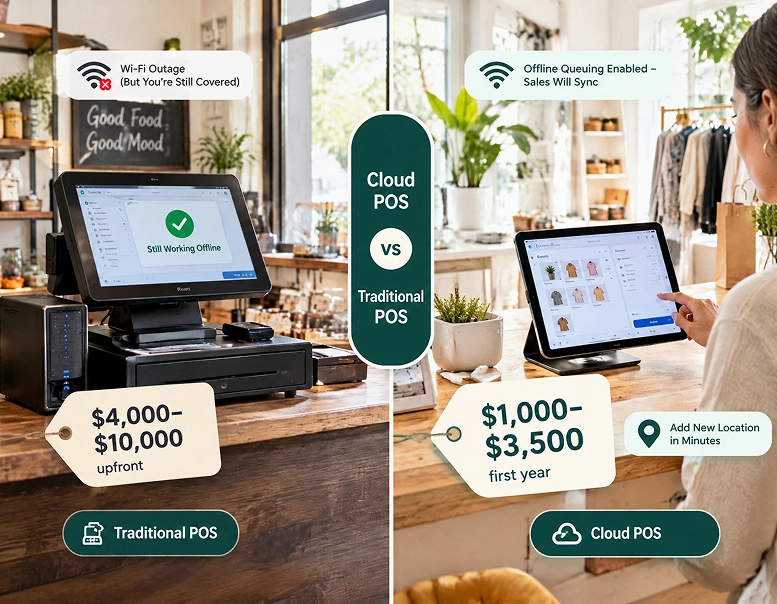
Lower Start-up Cost: Traditionally the businesses were spending anywhere between $3,000 and $10,000+ on hardware and software licensing. Could a cloud POS lower this significantly, and could a subscription fee spread over a longer period feel more affordable to small businesses? By eliminating upfront hardware costs, starting an online or physical business is no longer gatekept by high investments.
Anytime Access: Having your data in the cloud means that you can access it anytime and anywhere. This makes business decisions simple and flexible. Managers can review sales performance from home, adjust pricing schemas remotely, and manage inventory runs without stepping foot inside the store.
Automatic Updates: Whenever the security standards change or the tax rates change, your cloud based POS system vendor will update it so that you always have the system ready to go. You never have to worry about running outdated software versions that could pose compliance or security risks.
Scalability: You don’t need more hardware or server infrastructure if you want to open a new location. With a cloud based POS system, you can add more locations or branches within minutes. Or if there is a seasonal change in volume or if there is a growth in sales volume, you can adapt by just changing your subscription plan.
Disaster Recovery: Physical damage to your computer, theft of a device, or a software crash no longer means that your valuable data is also lost. You can log in on another device, and it's business as usual. Backups happen in real-time, protecting transaction logs and financial records from localized hardware failures.
Integration & Updates: Most of the modern cloud POS systems can be integrated with your other software for creating a cohesive operational structure. Real-time updates mean that the overall structure will carry consistent data so that at all levels of the organization, decisions can happen more efficiently. Linking your POS data directly to accounting packages reduces manual double-entry labor.
Disadvantages of Cloud-Based POS System
Using a cloud based POS system does come with its own set of challenges that may make it not the best fit for your needs. It is important to evaluate these drawbacks to make an informed, long-term business decision.
Internet Dependency: If your internet goes down, then you cannot use a lot of your cloud POS functionality. Sure, offline options are there, but it can support only limited activities. So, data syncing or inventory updates have to wait until you get the connectivity back. Having a reliable secondary cellular backup connection is highly recommended.
Subscription Cost: Even though ROI is there and there is very little cost at the time of initiating a cloud based POS system, the monthly subscription costs can add up and become overwhelming. Over several years, recurring monthly fees might exceed the single one-time payment of a legacy system.
Vendor Lock-In: What happens when you want to switch your cloud based POS system? Exporting your data, reconfiguring the systems, and training the employees will need a lot of time and money. Proprietary features and format discrepancies make it difficult to migrate records easily between service providers.
Business Fit: If you run a small business with cash-heavy operations (like a stall in a farmers market), even the most valuable features can feel irrelevant, and you cannot justify the monthly subscription payments.
Cloud Based POS System vs Traditional POS System: Key Differences
| Aspect | Cloud-Based POS | Traditional POS |
|---|---|---|
| Data storage | Remote cloud servers | Local on-site server |
| Upfront cost | Low (hardware + recurring subscription) | High (hardware + software license) |
| Hardware Compatibility | Compatible with standard tablets, smartphones, and mobile devices. | Requires heavy, proprietary checkout monitors and hardwired registers. |
| Software updates | Automatic | Manual / technician required |
| Remote access | Yes, from any device | No (on-site only) |
| Mobility & Setup | Highly mobile; allows checkout anywhere inside or outside the store. | Stationary; terminals must be hardwired directly to localized power and network lines. |
| Offline functionality | Limited (offline mode) | Full (no internet needed) |
| Scalability | Very easy | Complex and costly |
| Internet required | Yes | No |
| Integrations | Many (via APIs) | Limited |
| Data Syncing | Happens in real-time across all offline stores and online channels. | Processed in manual daily batches, creates the risk of late inventory updates and sales reporting. |
| Data backup | Automatic, cloud-based | Manual or local backup |
| Maintenance | Handled by provider | Owner/IT responsibility |
Which Business Should Use a Cloud-Based POS?
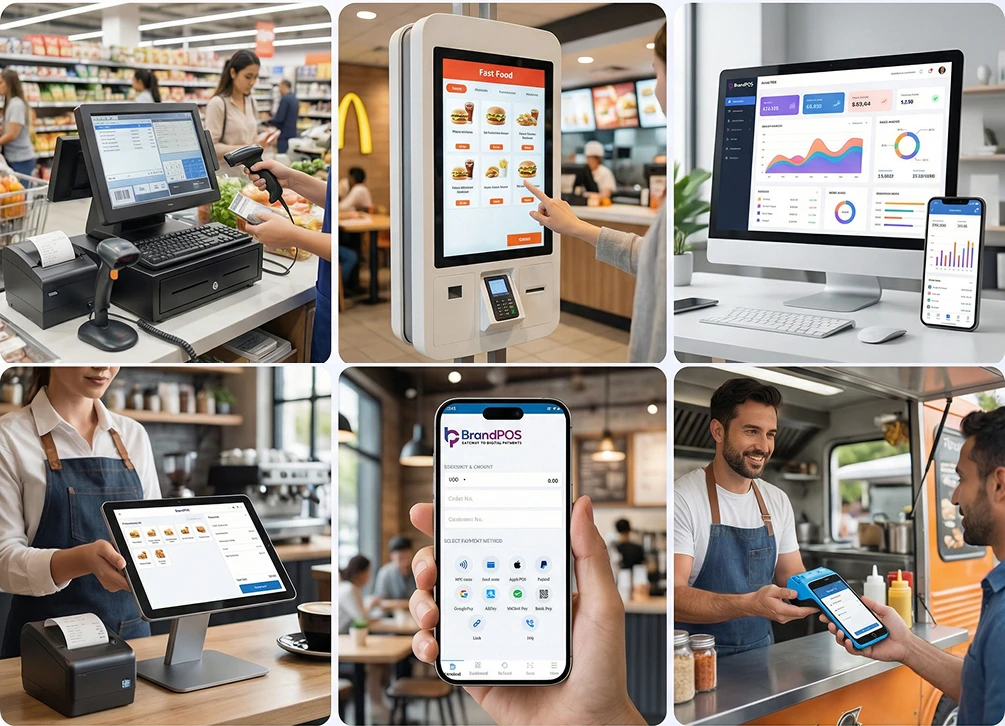
A cloud based POS system can give maximum benefits for many types of businesses. Any company looking to reduce hardware footprints and manage operations remotely will find cloud-based services helpful.
Retailers: Real-time inventory management is the key benefit of cloud POS for retailers. It helps them keep track of the stock across all their stores and ensure that reorders are placed in time. A cloud based POS system is also most convenient for quickly processing customer payments and ensuring that they do not get frustrated waiting in a queue.
Hospitality - Restaurants, Cafes, and Bars: Restaurants and other hospitality businesses have to manage a lot of moving parts. A cloud based point of sale represents the modern approach to restaurant checkouts, and a cloud POS can work smoothly with their complex systems and actually help them perform better across the board. By linking the front of house with the kitchen, food orders are fulfilled faster.
Pop-up Shops & Market Vendors: If you are a vendor managing a pop-up stall or want to take your business to the events where your customers are present, a cloud based POS system makes the process as simple as installing an app on your phone and then accepting payments through the app.
Service Businesses: Service businesses like hair salons, spas, and gyms need a tight system to track customer appointments and payments in one place, which a cloud POS can provide. It also lets the businesses oversee employee performance remotely at multiple locations. This helps build localized customer relationships and simplifies operational schedules.
Factors to Consider When Choosing a Cloud POS System
Even experienced vendors can feel a bit overwhelmed because there are so many choices available for a cloud based POS system in the market. Here are a few key factors that will help you find the right one for your business.
Industry: If your business is in an industry like restaurant or retail, you have the option of specialized cloud-based POS that matches your use case.
Sales volume: The number of monthly transactions can affect how much the POS will cost you. Some vendors charge per transaction, while others have flat monthly tiers.
Integrations: When businesses are using other software and apps for managing their inventory or accounts, the cloud based POS system should allow them to integrate sales data with existing systems.
Ease of use: Your staff has to use the cloud based POS system every day. Is it simple enough to learn, or do you have to train your staff intensively? Having a clean, visual layout helps speed up checkouts.
Compliance & Security: Always check if the POS vendor ensures compliance with PCI DSS (US) and GDPR (Europe) for data handling.
BrandPOS: #1 SoftPOS Terminal for Small Businesses
Small businesses often want to shift to a cloud POS because it gives them a lot of benefits on both sides - customer service and sales operations. But they often hesitate, worrying about the switching costs or how the hardware investments might affect their cash flow situation.
BrandPOS emerges as the most suitable option for small businesses because it provides enterprise-like capabilities and at the same time minimizes the capital expenditure on hardware. It provides local retailers with a way to turn standard Android phones into payment readers without purchasing extra terminal gear.
- BrandPOS is a true SoftPOS that is not built as an afterthought to an existing hardware ecosystem. It is custom-designed to be used as a cloud based POS system with the phone you already have.
- On BrandPOS you can accept payments from your customers from the payment method they prefer - digital wallet, contactless card, or QR code, from a single app.
- The BrandPOS app has a very minimal and intuitive interface so training your staff becomes easy.
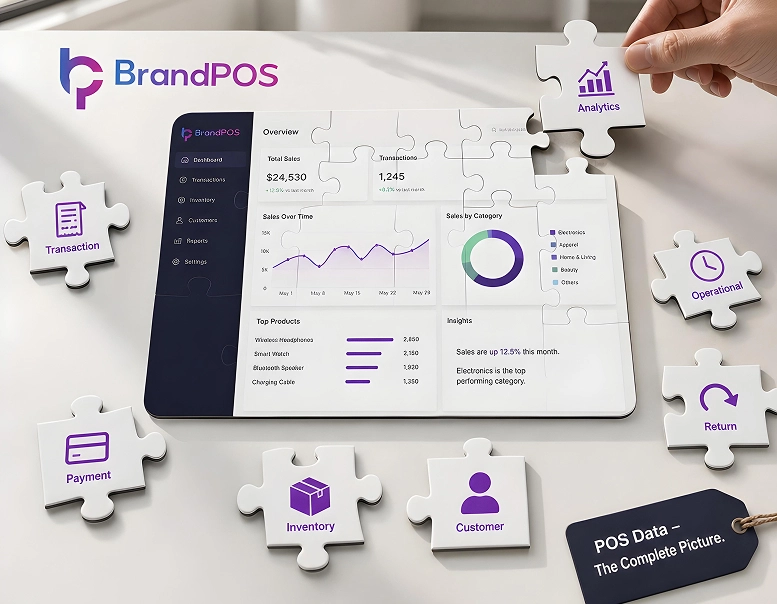
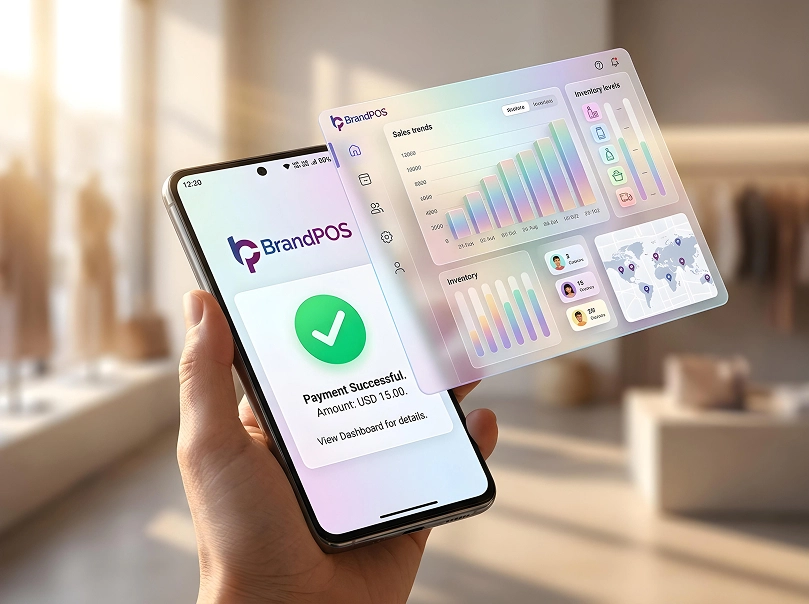
- BrandPOS dashboard gives you real-time data from all locations where you are using the app. You can keep an eye on sales performances and customer data all in one place as the transactions happen.
- You will find that the pricing of BrandPOS is affordable and transparent. There are options of two subscription tiers that you can pick based on the transaction volume of your business without any hidden fees or charges.
- When you have BrandPOS, whether you want to add a location, set up an additional stall, or simply expect a seasonal demand spike, BrandPOS will give you the flexibility.