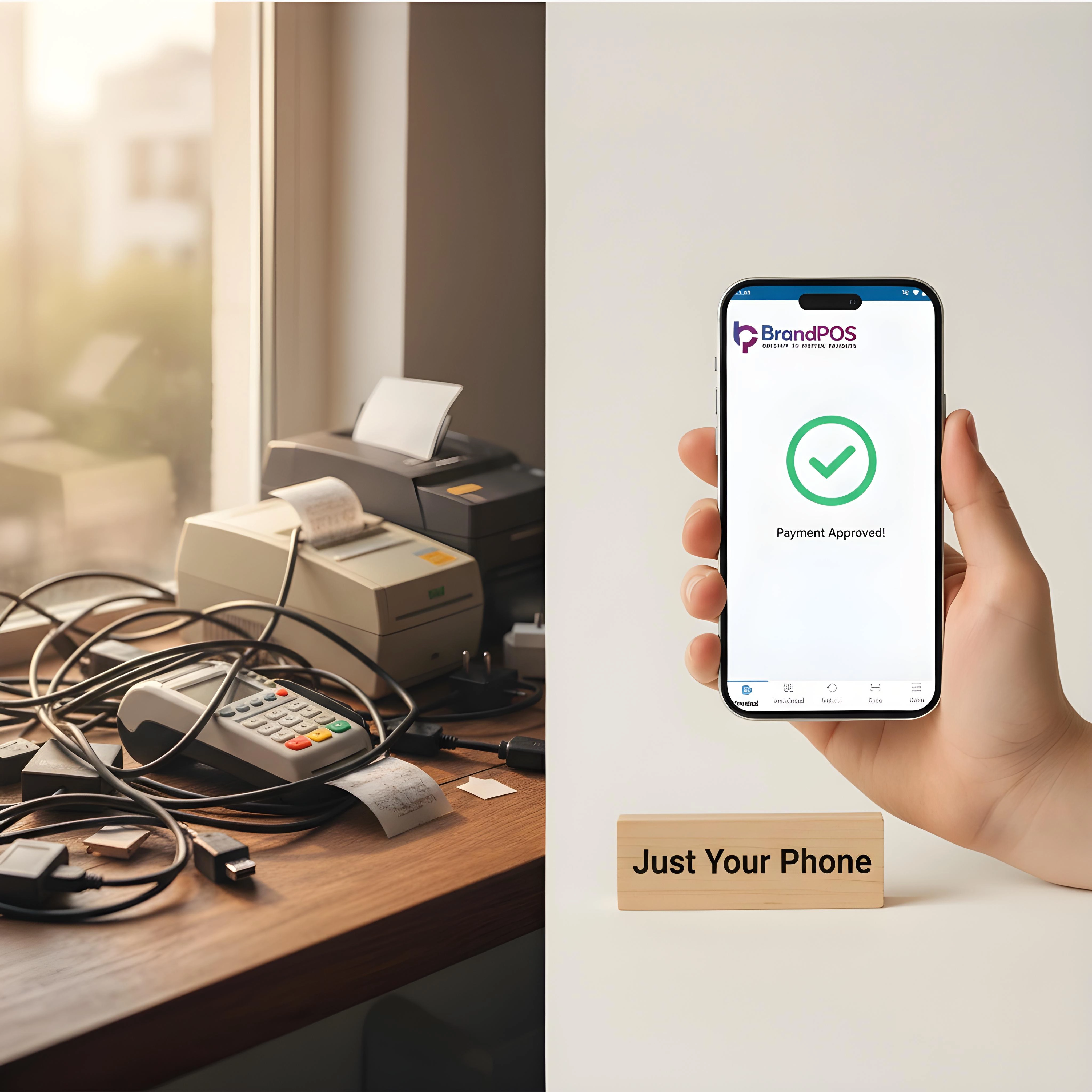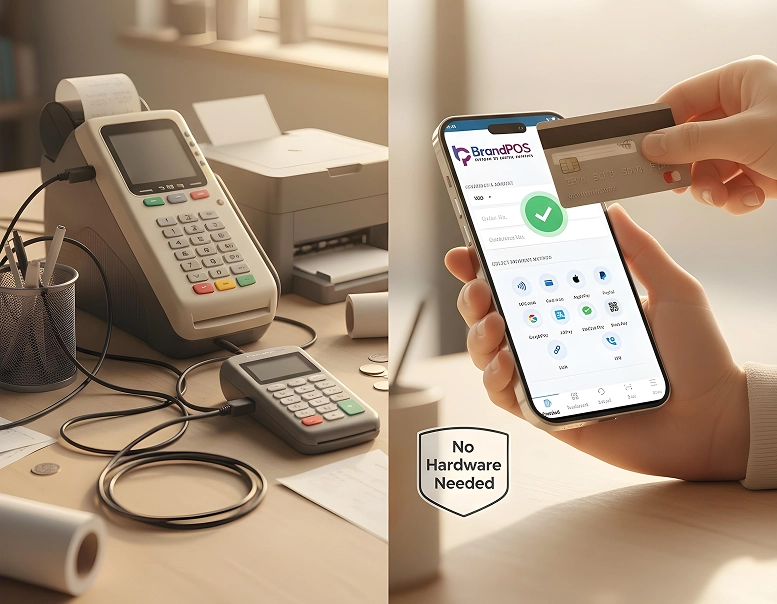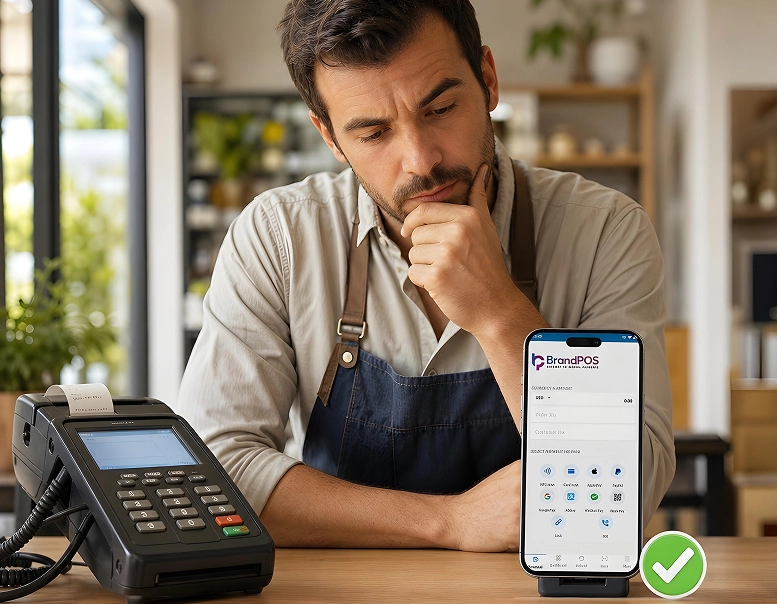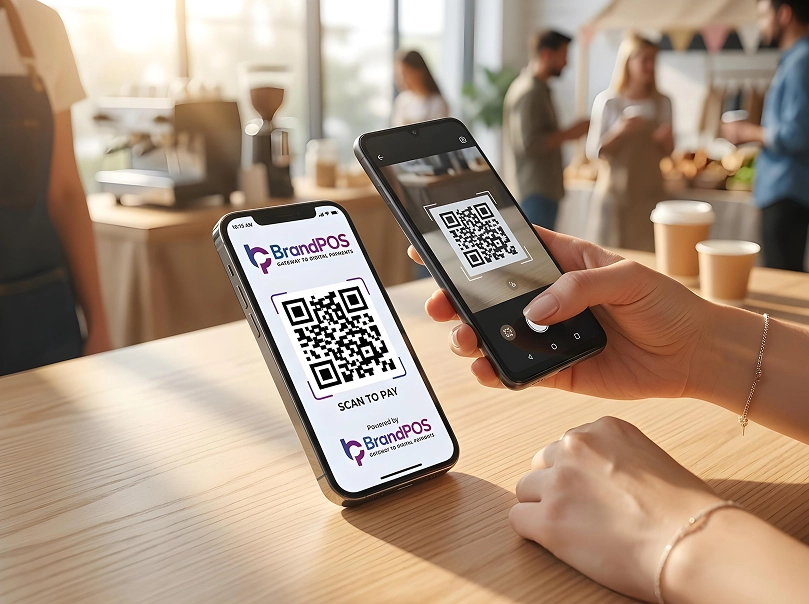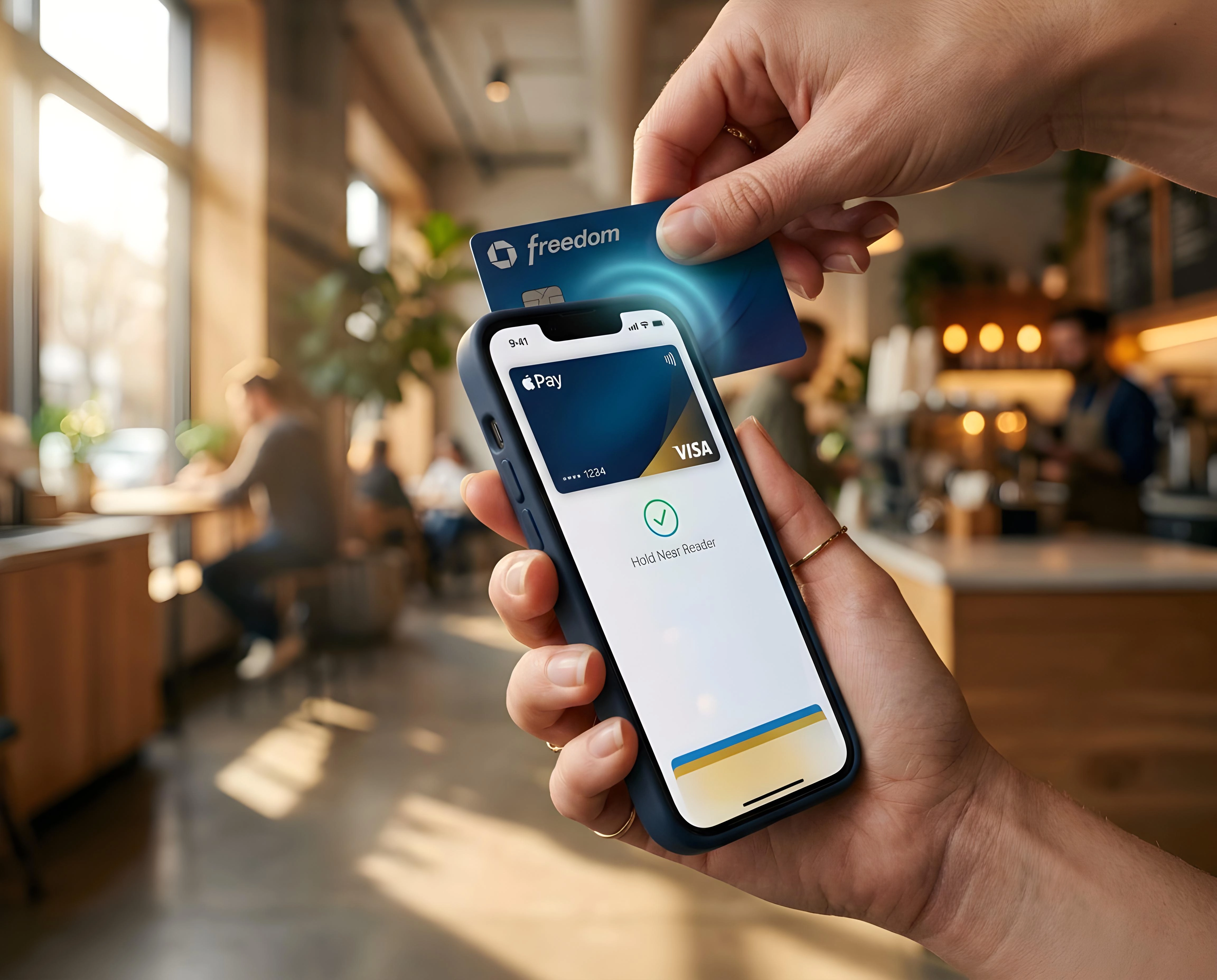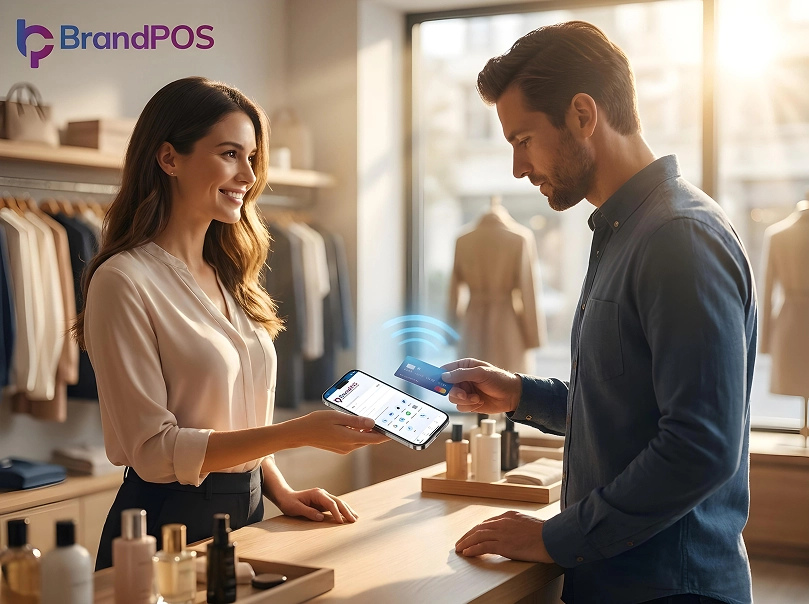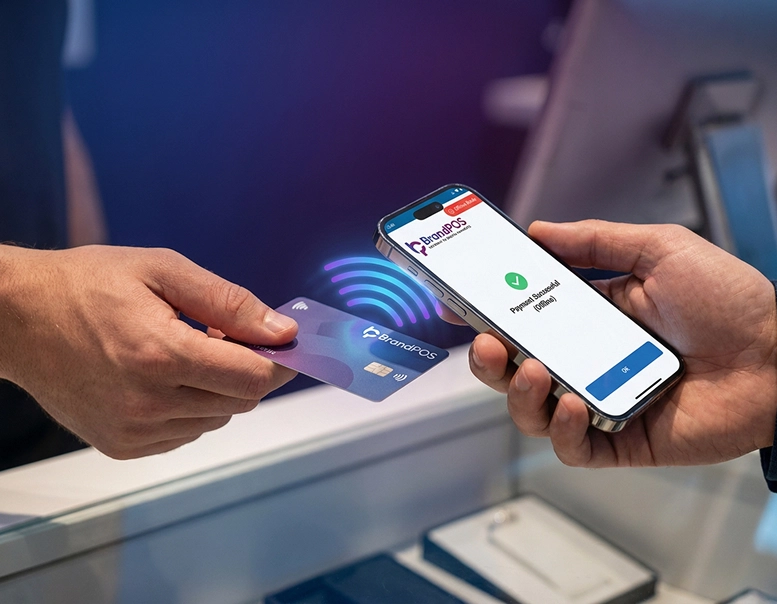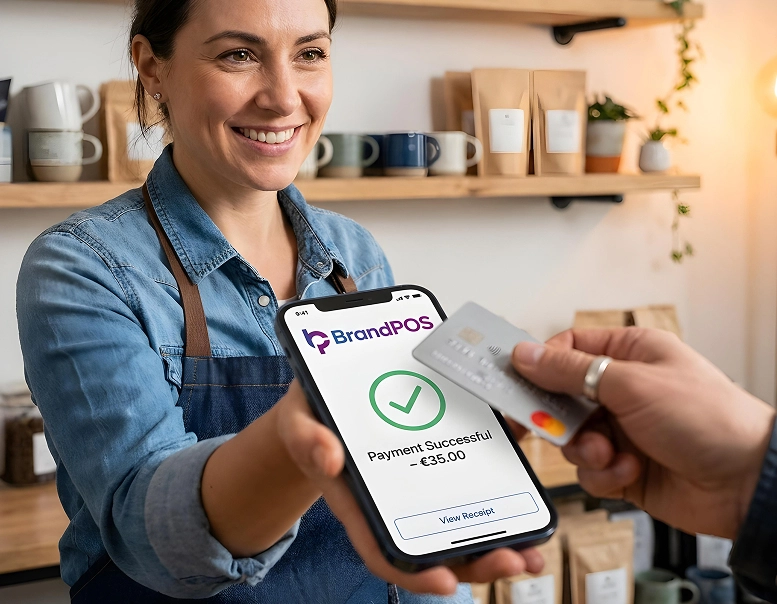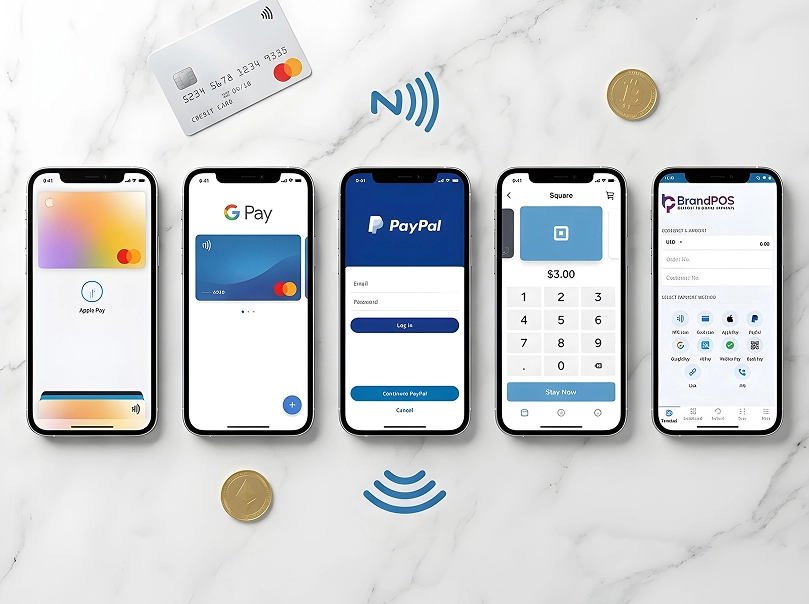
Can you imagine checking your messages on a pager today? Soon carrying cash or even a bunch of physical credit cards will begin to feel just like that - using something wildly outdated and cumbersome. Why is this dramatic shift occurring? The NFC Payment Apps are making transactions simpler, faster, and infinitely easier for both businesses and consumers worldwide. We are stepping into an era where digital acceleration touches every aspect of our lives, and the retail checkout process is no exception. Shoppers demand frictionless interactions, and merchants need solutions that can adapt to changing consumer behaviors without requiring massive capital expenditure.
Contactless payments through mobile applications or Near Field Communication cards are steadily becoming a more popular method of making payments globally. This shift isn't just a minor trend; it's a fundamental restructuring of how money moves in the physical world. Let's look at some eye-opening statistics.
With such overwhelming data, the question is no longer whether to adopt these technologies, but rather how to choose the right one. How do you find the Best App For Nfc Payment that truly works for your unique business model? What specific features will actually help your staff to manage real-life payment situations effectively during peak hours? We have extensively researched the landscape to evaluate the most prominent NFC Payment Apps available today.
Understanding How Nfc Mobile Payment Apps Work
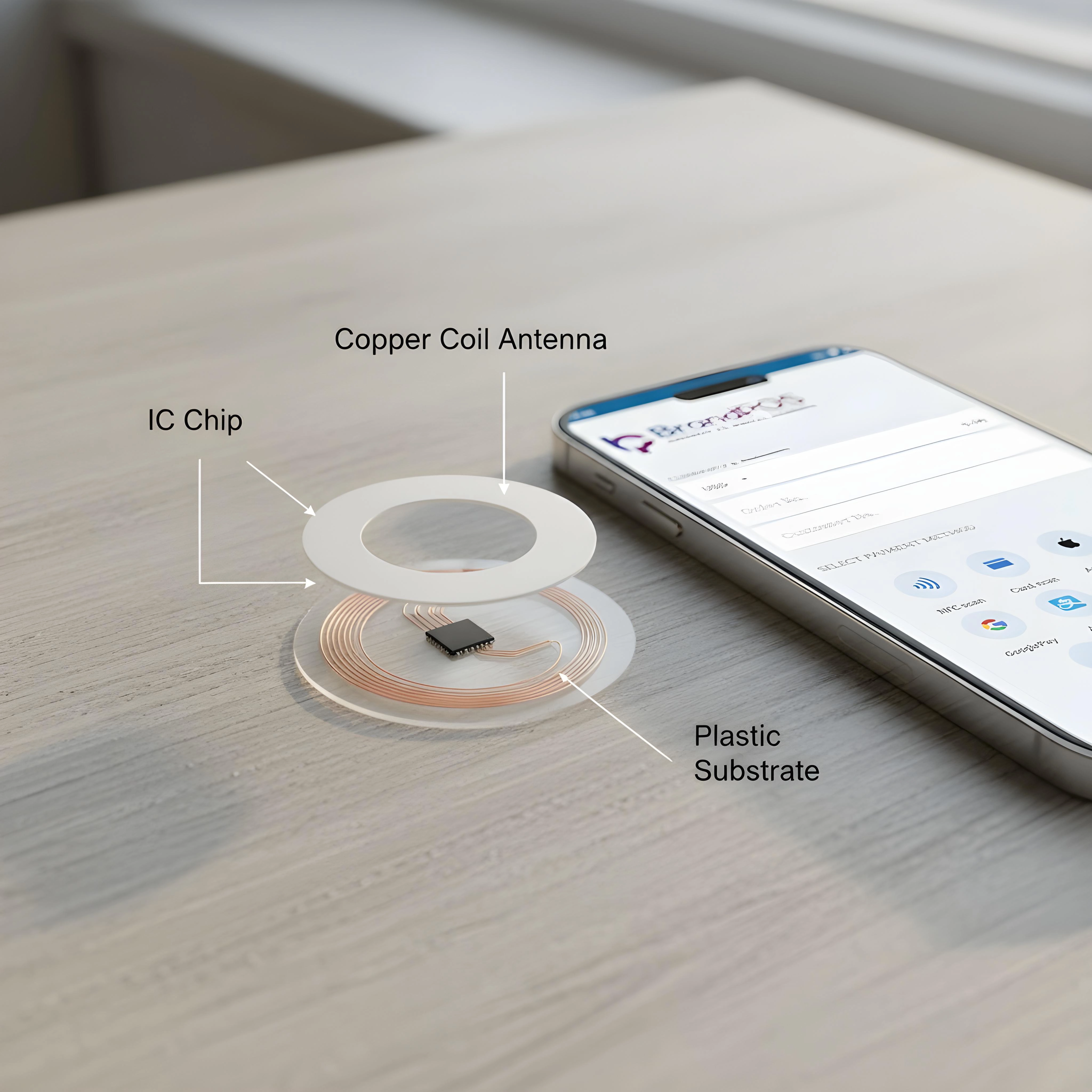
NFC (Near Field Communication) stands for short-range wireless technology that allows for secure communication between electronic devices. Two devices equipped with NFC chips can use this NFC technology to seamlessly exchange encrypted data when they are placed within a very close distance of approximately 4 cm. This physical proximity acts as a natural security barrier against remote interception.
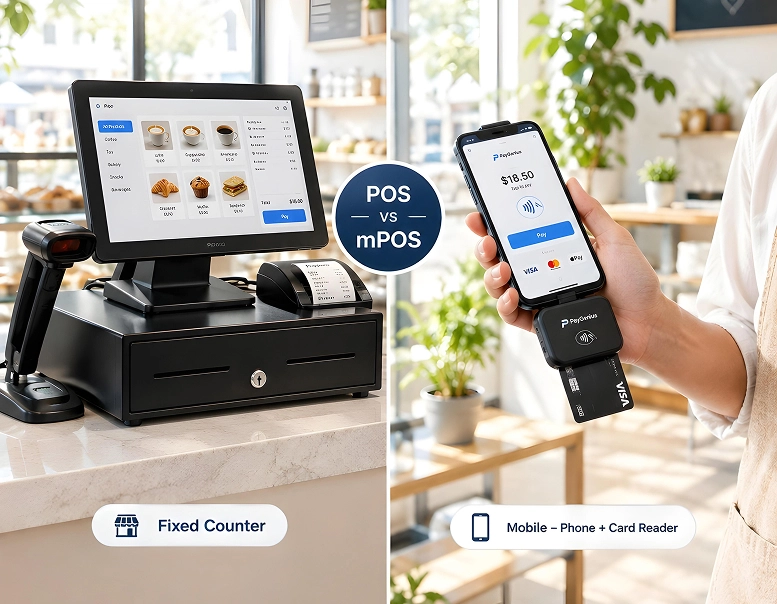
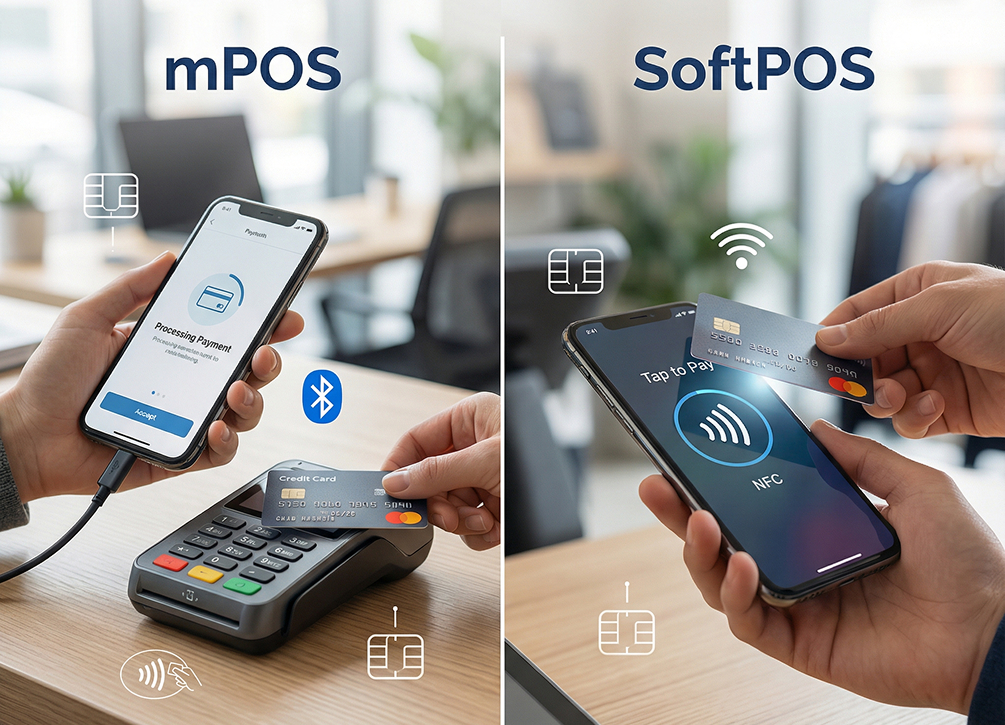
In the specific case of NFC mobile payments, the customer will typically have a smartphone, smart watch, or a physical bank card embedded with an NFC chip. On the other end, the business will have an NFC-enabled POS device or, more efficiently, one of the modern Nfc Mobile Payment Apps installed on a standard commercial-off-the-shelf smartphone or tablet.
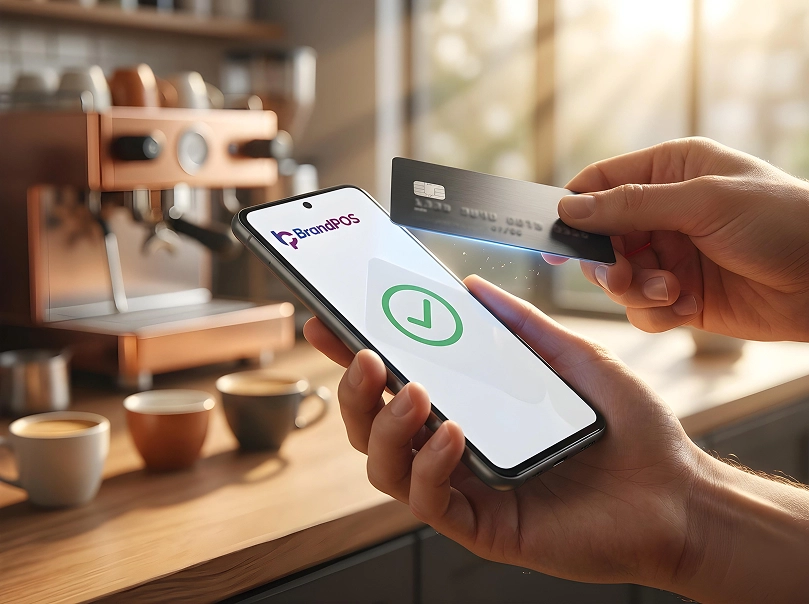
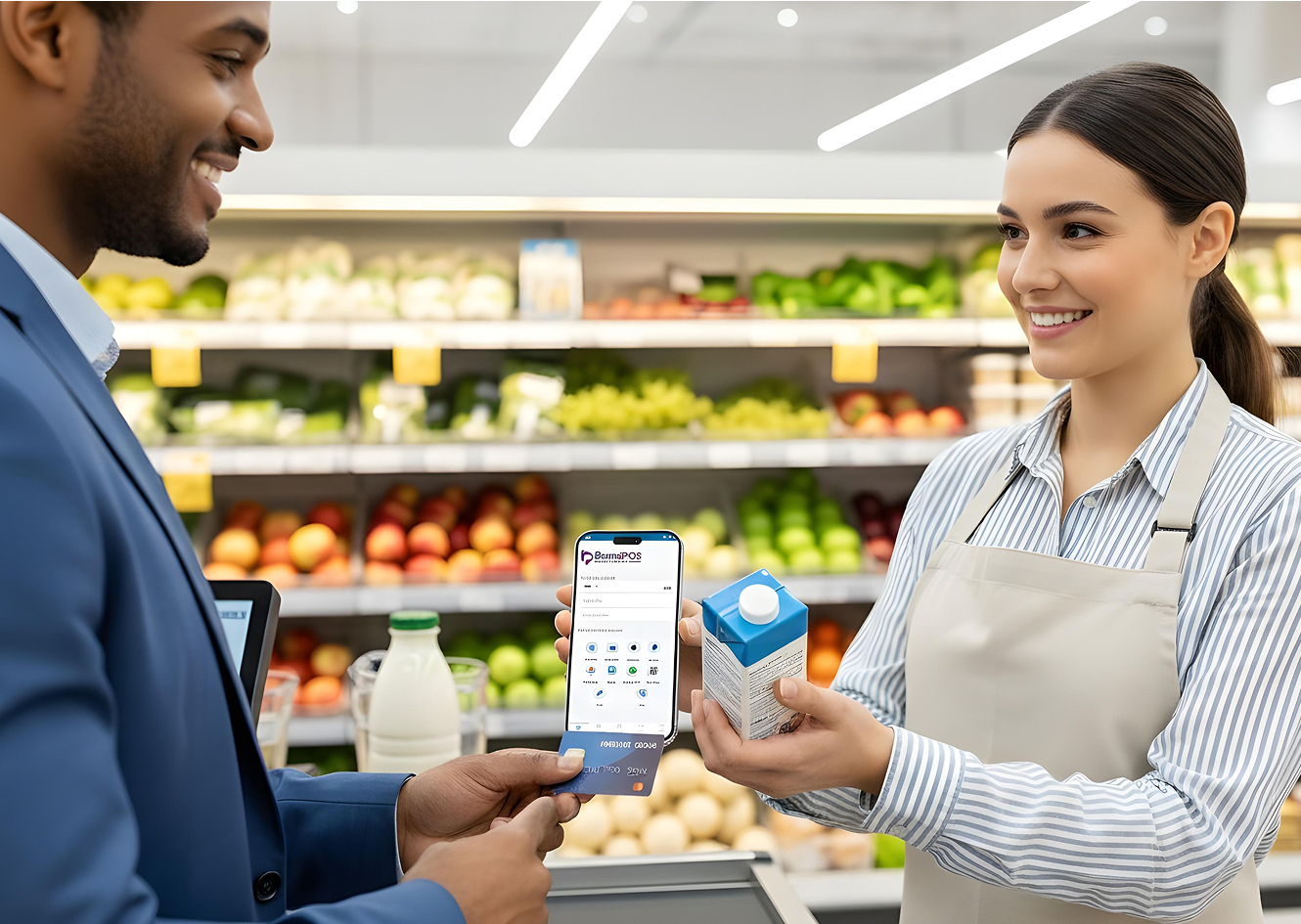
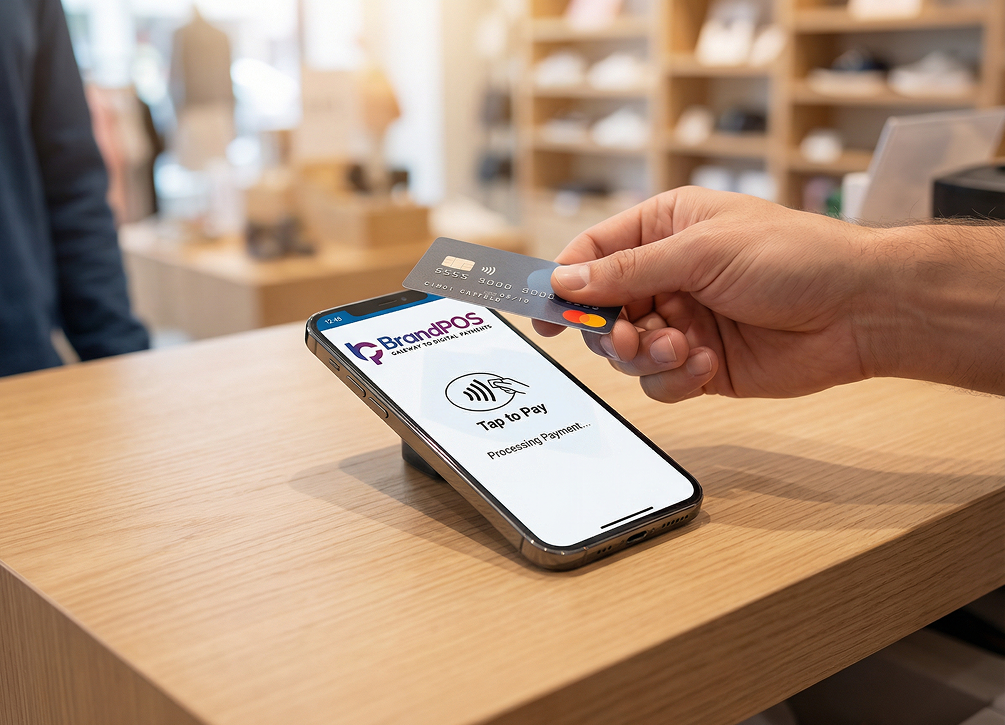
When the customer taps their card or phone against the merchant's device, it initiates a secure exchange of payment data, such as heavily encrypted card details and a unique, single-use transaction token. In less than 2 seconds, the NFC technology integrated within the merchant’s chosen NFC Payment Apps completes the complex process of verification with the acquiring bank and ultimately confirms or declines the payment. This entire sequence happens in the blink of an eye, completely invisible to the user but protected by military-grade encryption protocols.
Why Traditional Hardware is Losing to NFC Payment Apps
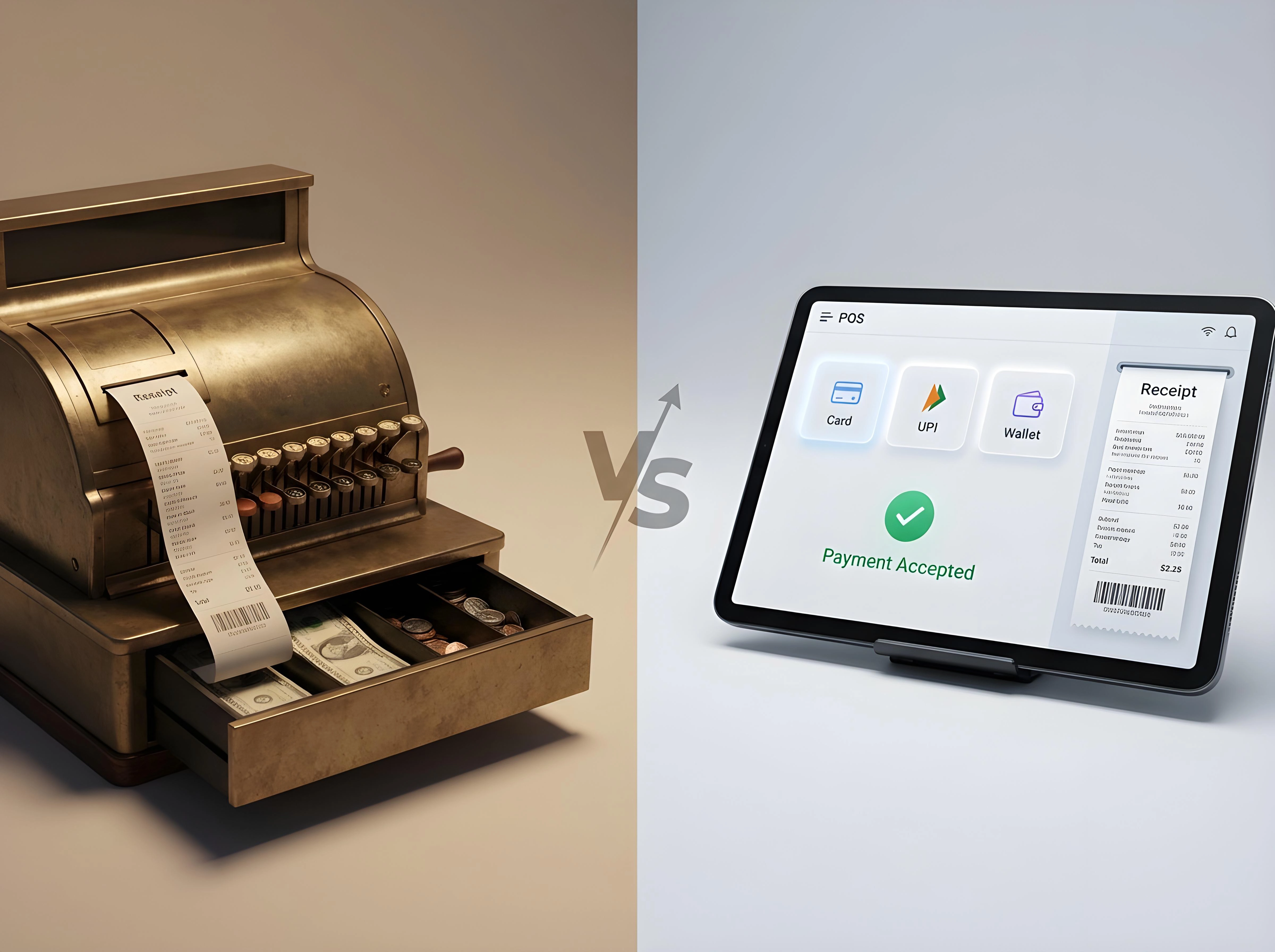
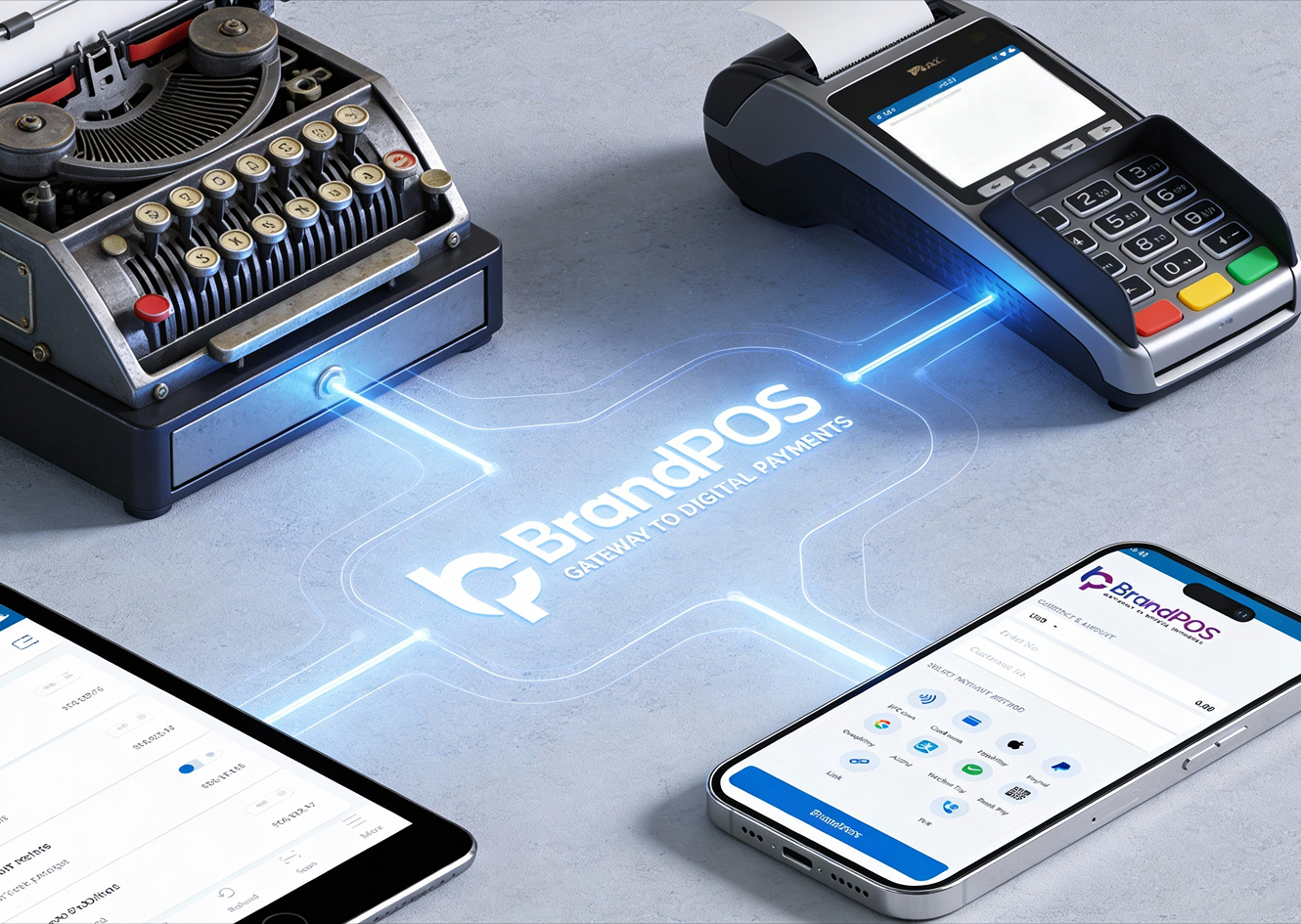
Just five years ago, if you walked into almost any retail store, boutique, or restaurant, you would have undoubtedly been paying at a bulky, rigid terminal accompanied by a heavy cash drawer and an exclusive, proprietary receipt printer. Businesses were forced into spending thousands of dollars to install, license, and maintain this cumbersome hardware setup.
Fast forward to today's retail environment; this whole legacy setup is starting to feel incredibly out of date and highly inconvenient for both the merchant and the modern shopper. The shift towards software-centric solutions is profound and irreversible. Let's break down exactly why.
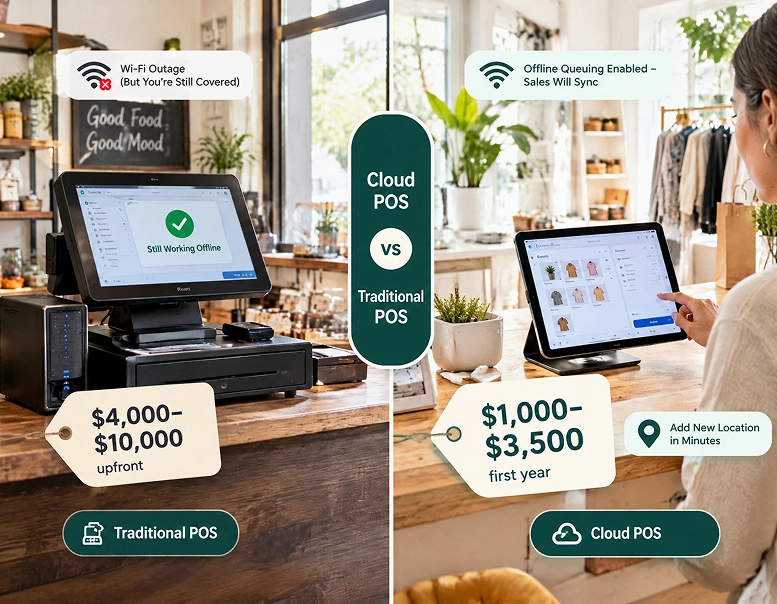
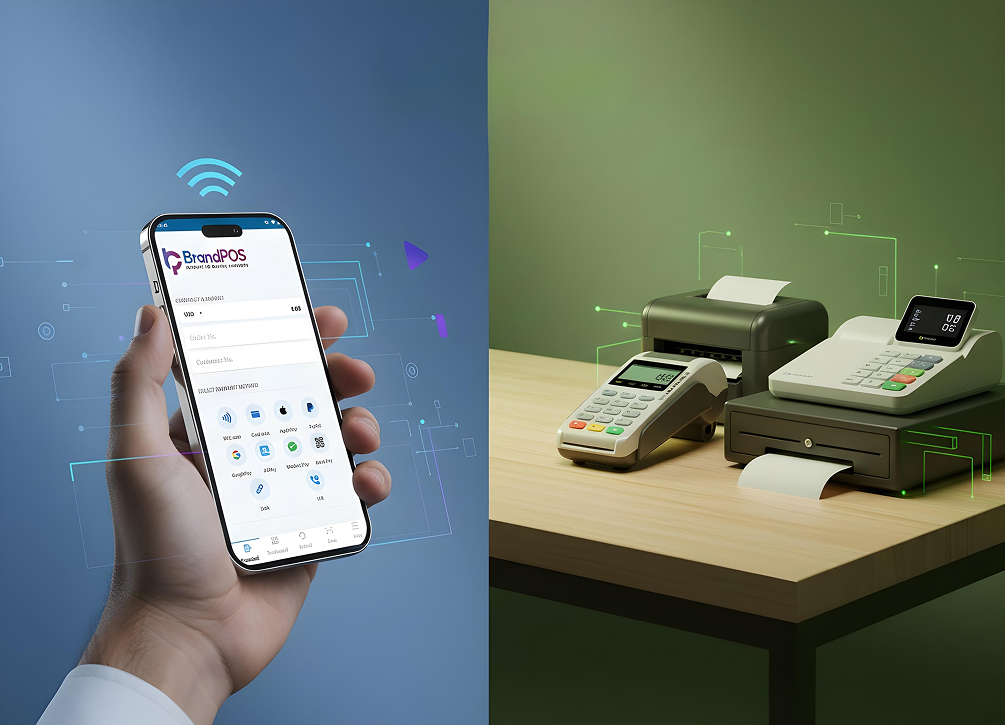
High Cost: Traditional POS hardware costs thousands of dollars to initially purchase and install, and often requires even more investment in monthly maintenance contracts and mandatory software upgrades. But with the advent of modern NFC Payment Apps, these exorbitant hardware costs effectively drop to zero. You simply use the smart devices you already own.
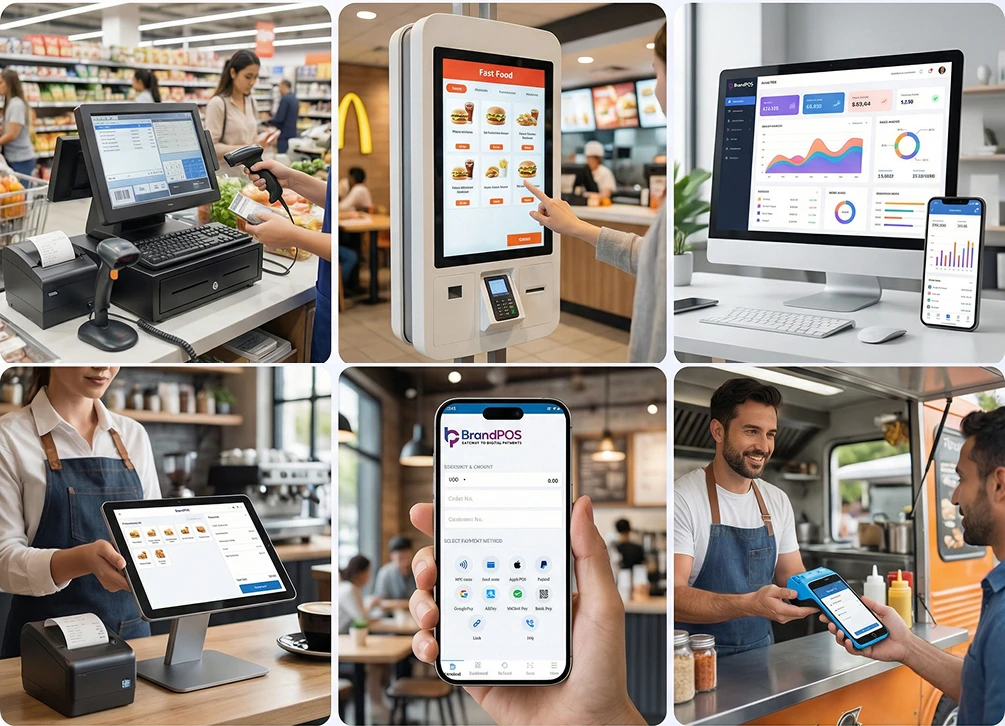
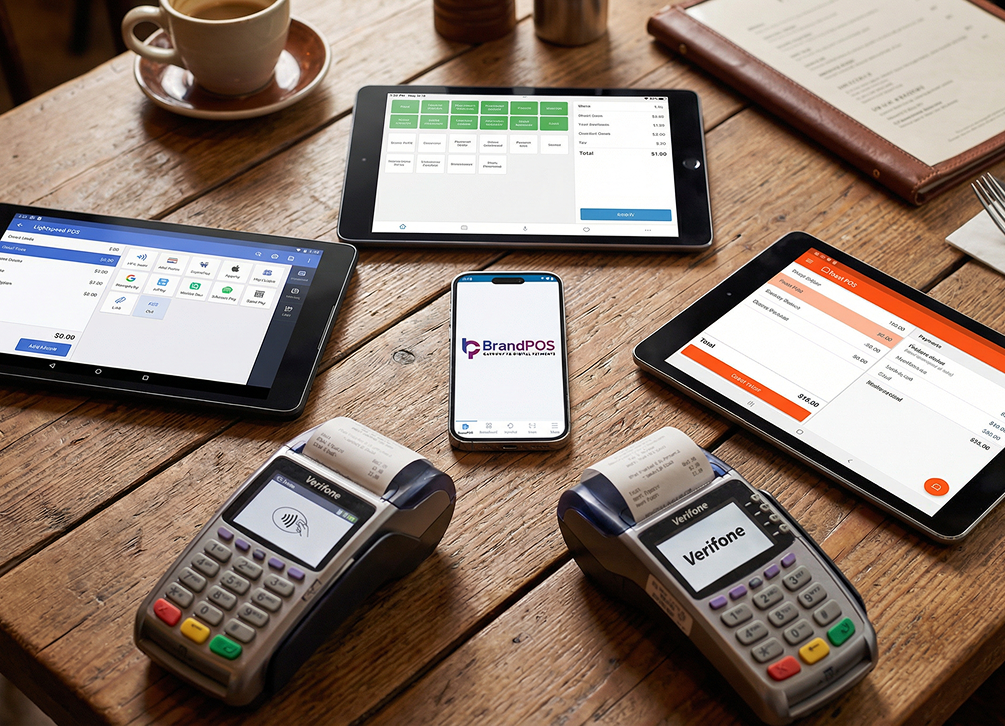
Fixed vs. Flexible: Fixed hardware terminals strictly restricted the business to processing transactions only at the designated checkout counter. With NFC Payment Apps, businesses can become fully dynamic. The Point of Sale goes wherever the business needs to go—whether that's the showroom floor, a pop-up tent at a local festival, or directly to a customer's doorstep for delivery services.
Speed of Deployment: In the past, businesses needed days or even weeks to complete the tedious setup of traditional hardware systems, often requiring on-site support from a specialized technician. With modern NFC Payment Apps, businesses themselves can complete the entirely digital set-up process and go live in a matter of hours, accelerating their time-to-market.
Scaling Challenges: In a legacy ecosystem, adding one more payment counter means doing the entire expensive hardware song and dance all over again—ordering devices, waiting for shipping, and scheduling installation. With mobile NFC applications, you just have to download the software onto another phone and adjust your subscription plan with the service provider to match your new sales targets.
The Top 5 NFC Payment Apps You Need to Know in 2026
Navigating the crowded marketplace of financial technology can be daunting. To simplify your decision-making process, we have compiled an in-depth comparison of the top platforms. Here is a breakdown of what you need to know about the premier NFC Payment Apps available today.
| Aspect | BrandPOS | Square | PayPal Zettle | Helcim | QuickBooks GoPayment |
|---|---|---|---|---|---|
| SoftPOS (No Hardware) | Yes - full SoftPOS | Partial (on iPhone) | No | No | Partial |
| Platform support | iOS, Android | Android 9.0+, iOS (iPhone XS+) | Android 8.1+, iOS (iPhone XS+) | Universal Web App, iOS, Android, macOS | iOS 16.0+, Android |
| Transaction rate | Pay-as-you-transact processing rates or flexible custom subscription tiers | 2.6% + 15¢ flat-rate per transaction | 2.29% + 9¢ flat-rate per transaction | Interchange + 0.40% + 8¢ | 2.5% flat-rate per transaction |
| Integration | Back-office tools | Direct integration with Square | Direct daily export to online accounts | Direct accounting syncing | Native integrations with QuickBooks Online bookkeeping. |
| Multi-gateway Support | No | No | No | No | Yes |
| Inventory Management | Yes | Yes | Yes | Yes | Yes |
BrandPOS
BrandPOS is a modern, fully-fledged SoftPOS solution that businesses of all sizes can use directly with their existing NFC-enabled smartphones. Absolutely no extra hardware, like an external card reader or dongle, is needed. It operates entirely as software, transforming your everyday mobile device into a powerful payment terminal.
BrandPOS is ideal for modern, agile businesses that prioritize flexibility and mobility above all else. If your business wants to effortlessly launch a pop-up store at an outdoor weekend event, or securely accept payment at a customer’s home following a service call, or simply clear the queue on the shop floor during a busy holiday rush, BrandPOS will be an exceptionally great fit.
Beyond just processing transactions, BrandPOS also provides a suite of critical operational features like comprehensive store management, detailed staff tracking, and granular sales reporting. As your sales volume grows and your business expands, you can easily keep up by simply changing your subscription plan. You don’t ever have to purchase more expensive hardware or wait frustrating days for professional installation.
Challenges: BrandPOS is a relatively new and highly innovative company in the space, so complex third-party integration might sometimes require more dedicated customer support for particularly deep, custom legacy integrations.
Square
Square is undeniably one of the most widely recognized and popular NFC Payment Apps specifically geared towards businesses that are small and medium-sized. The biggest initial advantage is that Square’s POS app is entirely free to download and use, and it robustly supports all major phone wallet applications natively.
If you are already deeply entrenched in using the Square ecosystem, utilizing tools like Cash App and Square Capital, it makes immense strategic sense to add the Square POS app to your operational equation. Another key feature that attracts many users is its in-built loyalty programs and highly capable employee management tools that come right out of the box.
Challenges: Square charges a strict flat-rate processing fee across the board. As you can likely imagine, the 2.6% + $0.15 for every single in-person transaction can quickly escalate and become a heavy financial burden for high-volume small and medium businesses. Also, the Square NFC mobile app historically has somewhat limited comprehensive support and feature parity outside of the core US market.
PayPal Zettle
PayPal Zettle, formerly known as iZettle and occasionally referred to as PayPal Point of Sale in the US, offers a reliable hybrid approach utilizing something called the Zettle Reader 2. This companion hardware connects via Bluetooth and helps businesses securely accept NFC payments or traditional contactless payments.
The app interface is highly polished and lets businesses effortlessly create separate, permission-controlled accounts for staff, meticulously track sales data and inventory reporting, and additionally provides automated low-stock alerts. You can seamlessly integrate the Zettle ecosystem with other major software systems like QuickBooks, Xero, WooCommerce, Shopify, and BigCommerce.
Challenges: The most obvious drawback is that PayPal Zettle does inherently have a strict hardware cost associated with purchasing the Reader 2 device. Furthermore, if your physical business is located outside the primary area of PayPal’s core strategic market focus, like the USA or Western Europe, then reliable, localized customer support may sometimes be lacking or slower to respond.
Helcim
Helcim is frequently highlighted as a truly great NFC option if you have a rapidly growing business. This is largely because it charges absolute zero in fixed monthly fees and transparently provides automatic volume discounts based on your transaction levels. This very unique interchange-plus cost structure significantly helps businesses to strategically lower their overall processing spending over time.
Helcim also generously provides built-in invoicing tools and robust inventory management features seamlessly integrated along with its multiple flexible payment processing options.
Challenges: Helcim currently has somewhat limited hardware capability integrations, so it is generally considered more suitable for smaller to mid-sized businesses rather than massive, multi-lane enterprise operations. Crucially, it cannot accept payments completely offline—this is a very huge concern if you are actively planning to use mobile NFC technology to reliably get payments at a remote client’s location or at an outdoor pop-up store where internet connections can be notoriously spotty.
QuickBooks GoPayment
Businesses that are already heavily reliant upon and using the extensive QuickBooks financial ecosystem can efficiently use the QuickBooks GoPayment app directly on their phones for quick NFC payments. The system's primary strength is that it automatically, perfectly syncs the transaction data between the desktop accounting suite and the mobile app. By leveraging this automation, businesses can comfortably save countless hours of manual data entry and tedious reconciliation.
Challenges: QuickBooks GoPayment is functionally designed primarily as an add-on service specifically for businesses that are already using QuickBooks hardware systems or accounting software. So, if you are currently not using QuickBooks for your backend accounting, it honestly does not make much practical sense to purposefully go out of your way for this particular NFC payments app.
NFC Payment Apps vs Traditional POS Machines
Understanding the stark differences between these two paradigms is critical for making an informed infrastructural decision for your business. Here is a clear comparison.
| Aspect | NFC Payment App | Traditional POS Machines |
|---|---|---|
| Hardware cost | Zero. You can use your phone. | Can range from $1500 to $3000 per terminal |
| Security protocol | Software based tokenization | Hardware based encryption |
| Integrity | App automatically shuts down if OS is compromised | Physical anti-tamper seals |
| Checkout speed | High. It takes less than 2 seconds per transaction | Comparatively slower |
| Flexibility | Highly flexible as you will be using it on your phone | Fixed - low flexibility |
| Receipts | Digital receipts | Printed receipts by default |
Why BrandPOS Softpos Stands Out Among NFC Payment Apps
You will undoubtedly find many applications loudly claiming to be the Best Nfc Payment App, but when you look closely at the architecture, BrandPOS truly stands out among these fierce contenders. This is because it provides a highly unique and completely hardware-free payment solution designed from the ground up for the modern merchant.
Budget-Friendly: BrandPOS is a strictly zero-hardware investment option because you can comfortably use the app from your everyday commercial smartphone itself. There are no hidden hardware leasing fees.
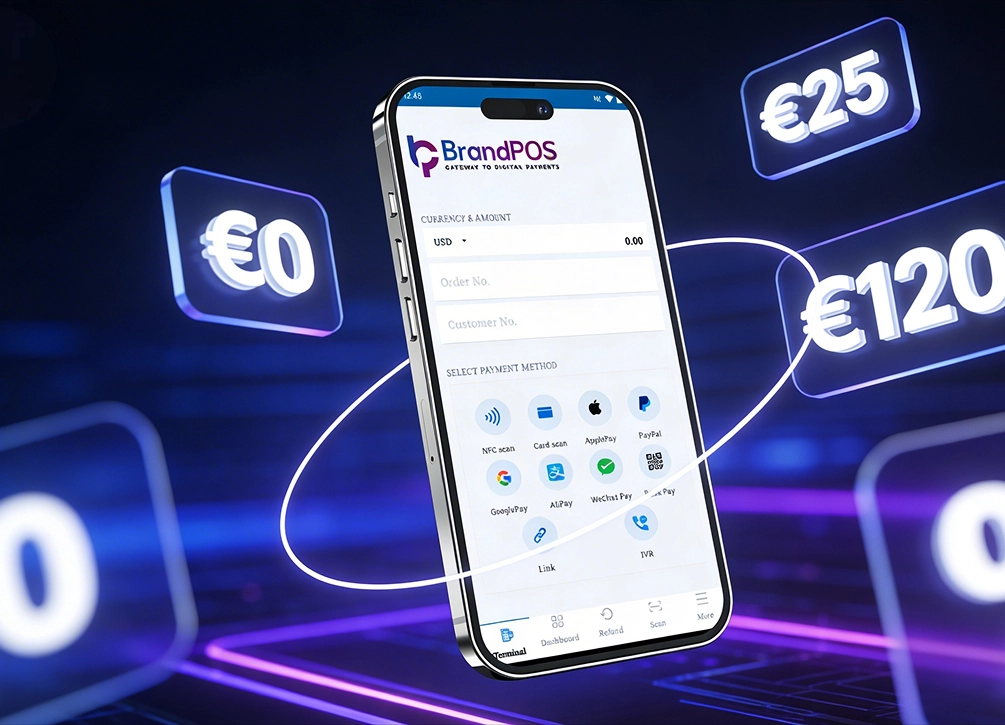
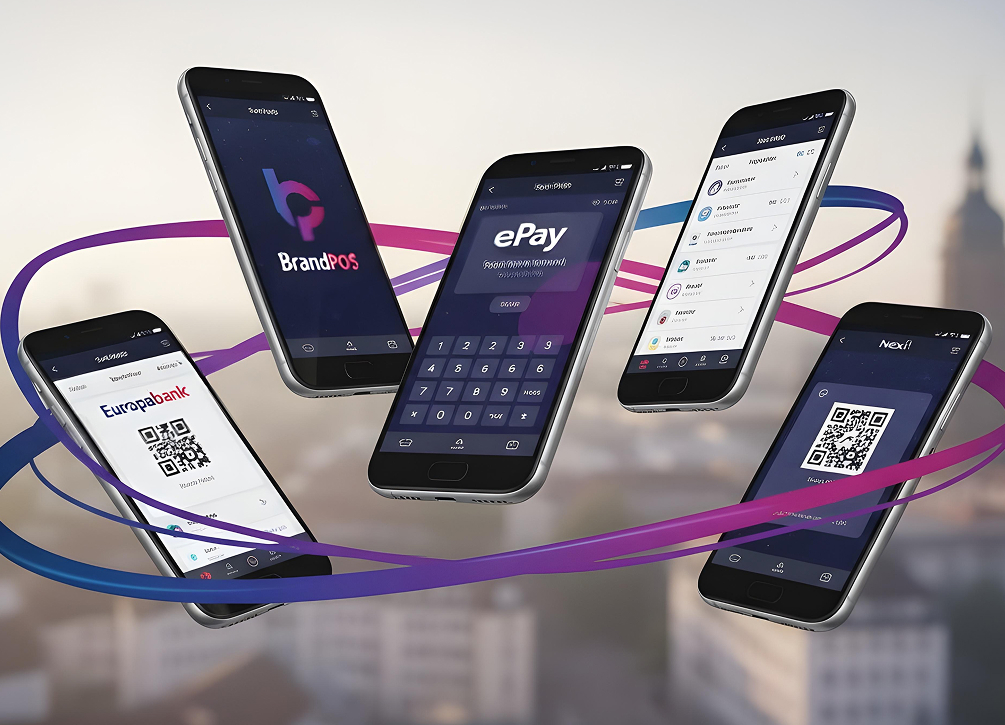
Versatile Payment Options: You can securely use BrandPOS to rapidly process many different types of transactions like physical card scanning, digital QR codes, Apple Pay and Google Pay mobile wallet payments, and more.
Bank Flexibility: You are not locked into a single financial institution. You can use BrandPOS seamlessly with the exact bank account that you are already happily using for your daily business operations.
Dynamic Operational Support: You can effortlessly change your pricing plan as your overall sales exponentially grow, or instantly add more geographic locations by simply utilizing the BrandPOS app on more employee phones.
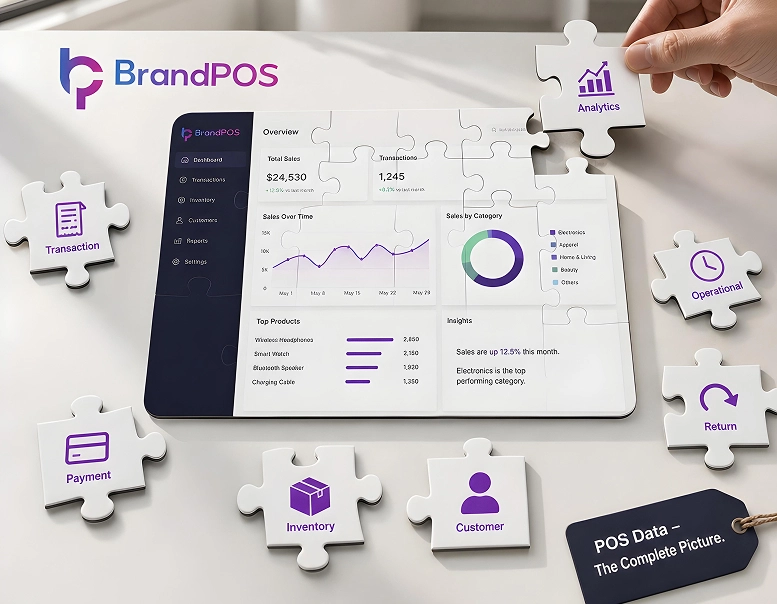
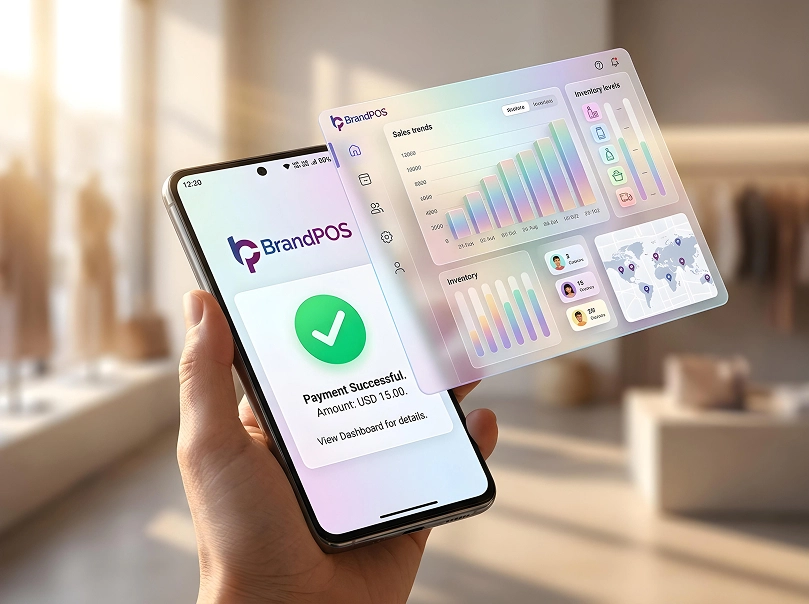
Actionable Sales Data: BrandPOS features a robust central dashboard so you can quickly get aggregated sales information from all physical locations and all active staff members neatly presented in one single place.
The Benefits of Using NFC Mobile Payment Apps for Business
Why should businesses actively switch their infrastructure to or strategically add mobile-based Nfc Mobile Payment Apps? Here are the most compelling reasons that drive this widespread technological adoption.
Unmatched Speed: Modern NFC Payment Apps help your customers pay incredibly quickly and avoid frustrating, long queues and extended waiting time at the traditional checkout. On the operational side, the initial technical setup and going live is also super fast, taking hours instead of weeks.
Customers genuinely like it: Today's NFC payments are objectively faster, significantly easier, and also considerably more hygienic for the customers, reducing physical touchpoints.
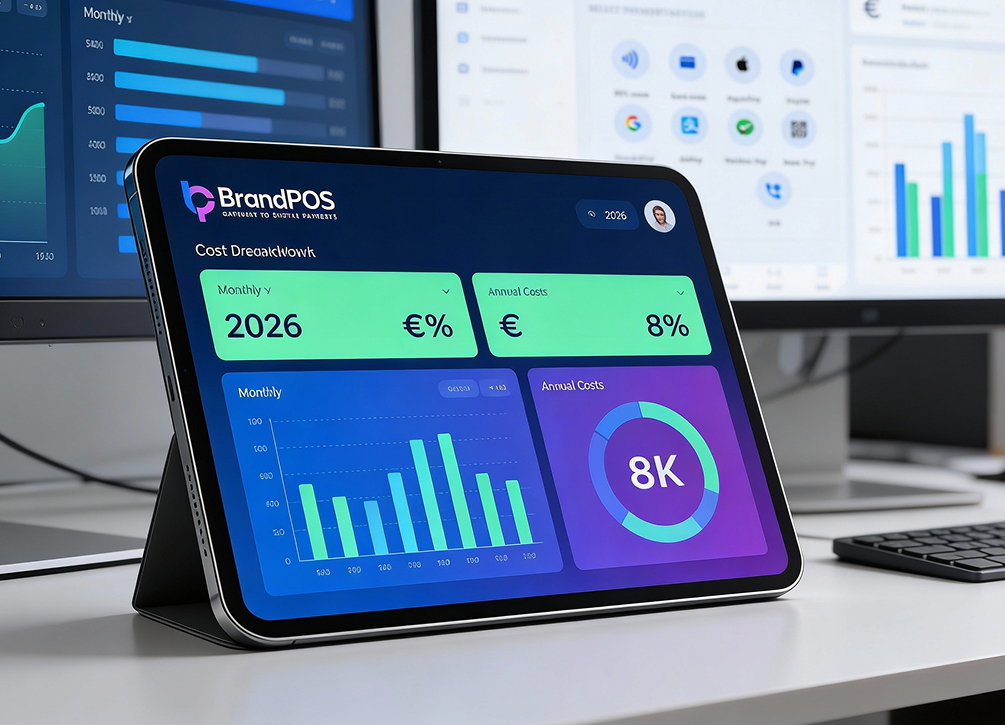
Highly visible cash flow: Businesses can instantly get granular data on live sales through intuitive dashboards precisely as they happen, improving financial forecasting.
Exceptional protection from fraud risk: Businesses technically can not see, access, or ever locally store the sensitive customer’s card details. So, it massively reduces the security risk and legal liability for businesses.
Ultimate business flexibility: You can confidently use NFC Payment Apps exclusively as your sole solution or seamlessly use them along with your existing hardware-based POS stations to augment capacity. These apps also practically help your business reach out to significantly more customers geographically.
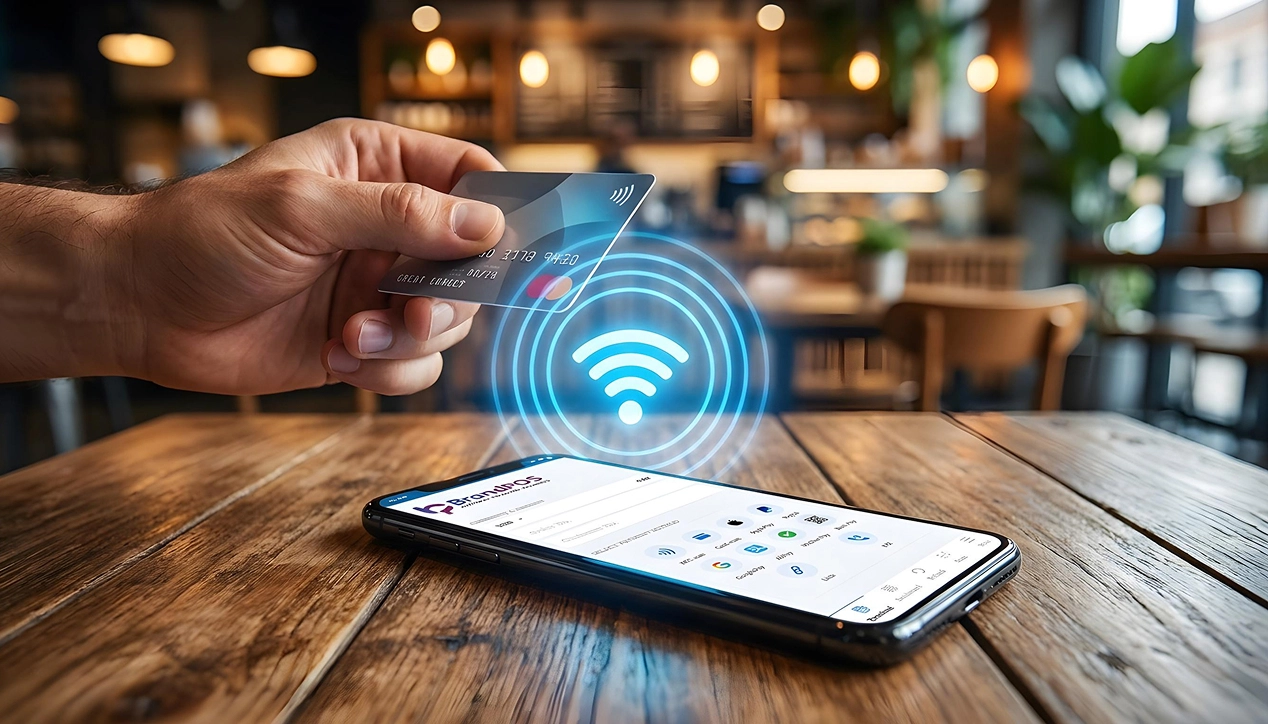
How to Set Up Your New NFC Payment App
Starting to actively use Nfc Mobile Payment Apps is undeniably so much more simple and streamlined for businesses than, say, struggling with a legacy hardware-based POS system. Here are the very common, straightforward steps that you can utilize for most standard cases:
1. Download the Certified app: Begin by downloading the trusted NFC mobile payment app directly from the official Apple App Store or Google Play Store securely onto your phone.
2. Create Your Account: Register your legal business entity with the chosen NFC Payment Apps provider. Usually, the service provider securely collects necessary details like routing banking information and other standard business details, which will be quickly verified for compliance.
3. Make Your Product Catalogue: Methodically add the complete list of your retail products, their precise prices, applicable regional taxes, and barcode data if necessary.
4. Setup Staff Accounts: Securely create distinct, individual logins for all the staff members that will be actively handling financial payments through the NFC Payment Apps. These vital staff members also have to be properly trained to use the new payment system efficiently.
5. Connect Your Systems: Digitally link the backend accounting software or legacy inventory system you are already using to the powerful new payment app via APIs.
6. Do a Test Transaction: Before ever getting real payments by actual customers through the NFC Payment Apps, make sure to try to safely make a nominal test payment from your own personal card or mobile wallet. You will immediately know if there is any technical issue and securely solve it long before inconveniencing a paying customer.
Features to Look for in the Best NFC Payment App
If you are actively trying to make a difficult choice among the myriad of available NFC Payment Apps, these core criteria should strongly guide your ultimate decision to find the Best App For Nfc Payment.
PCI DSS compliance: This is the absolutely non-negotiable industry standard for digital security that actively protects both the businesses and their loyal customers. So, strict compliance with global security standards is an absolute must.
Hardware Agnosticism: You should be able to smoothly use the top NFC Payment Apps like BrandPOS natively on your own personal phone. You simply don’t have to waste capital to buy an additional, dedicated hardware setup.
The Best App For Nfc Payment should effortlessly support the many different types of modern payment methods based entirely on what your specific customers actually like to use - whether that is mobile wallets and contactless cards, or even QR code payments.
Reporting & Analytics: If you can rapidly get deep analysis about live sales or your active staff performance in true real-time, then it tangibly helps you make significantly better operational decisions.
Multi-location support: Can the chosen NFC Payment Apps realistically support your growing business seamlessly at different physical store locations or temporary pop-up stalls or even remotely at customer locations?
Deep Integration: Can you efficiently use the NFC Payment Apps harmoniously with your existing legacy software or backend systems that you are currently actively using today?
Common Problems With NFC Payments and Fixes
No matter exactly how amazing the underlying technology is, when regular people actually start to use it in unpredictable real-life situations, they will inevitably encounter some friction. Let us have a practical look at common operational challenges of NFC Payment Apps and their proven solutions.
Problem: The customer taps the card, but the actual payment does not happen.
Solution: First, carefully check if your consumer actually has the correct type of card or the specific phone model that can make active NFC payments. Secondly, sometimes heavy metal cases or even particularly thick plastic protective cases can effectively block the sensitive NFC signal. Politely ask them to remove the card or phone from its thick case and try the payment again. Lastly, remember that iPhones and Android phones have their internal NFC antenna located in slightly different physical places. Calmly check if the customer is holding the phone correctly against the reader zone.
Problem: Transaction declined (even when there is definitively sufficient balance).
Solution: Many cautious banks set up strict daily transaction limits for making quick contactless payments to actively prevent rampant fraud. So, the customer simply has to check their banking app if they are unintentionally trying to pay above such a predefined security limit.
Problem: The software app frustratingly freezes mid-transaction.
Solution: In most reported cases the app-freezing issue directly happens if you have unfortunately not updated the Nfc Mobile Payment Apps in quite some time. Regular updates are critical. Furthermore, payments can also frustratingly fail if your local store internet connection keeps sporadically dropping precisely when the customer is trying to make the digital payment.
Problem: I simply can’t see the completed payment reflected in the main dashboard.
Solution: Carefully check the system date and time settings on your local device. Are they properly synced to the network? If so, try to fully log out and log in again to forcefully refresh the active payment session.
Future of NFC Mobile Payment Apps
When NFC mobile payments initially started gaining traction, customers could use mostly their newer phones or special physical bank cards widely known as contactless cards.
In the near future, we can fully expect advanced NFC technology to become even more seamlessly embedded into our daily lives as we will soon be able to effortlessly make payments with smart wearables and also utilize much more efficient biometric authentication methods. We can also confidently expect sophisticated AI to provide significantly more reliable, predictive protection for next-generation Nfc Mobile Payment Apps against emerging threats.
For forward-thinking businesses, NFC Payment Apps dramatically expand their geographic operational scope and practically help them reach far more potential customers with very little initial hardware investment and almost zero time lost in painful technical upgrades.