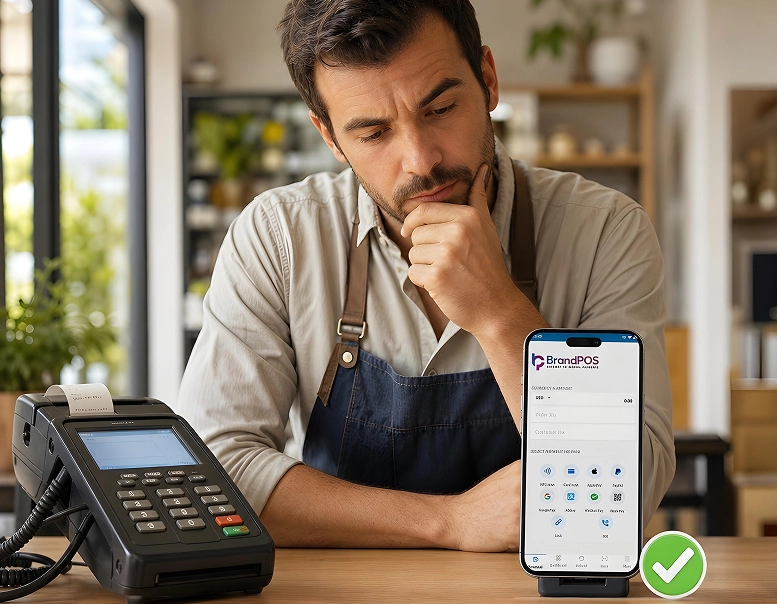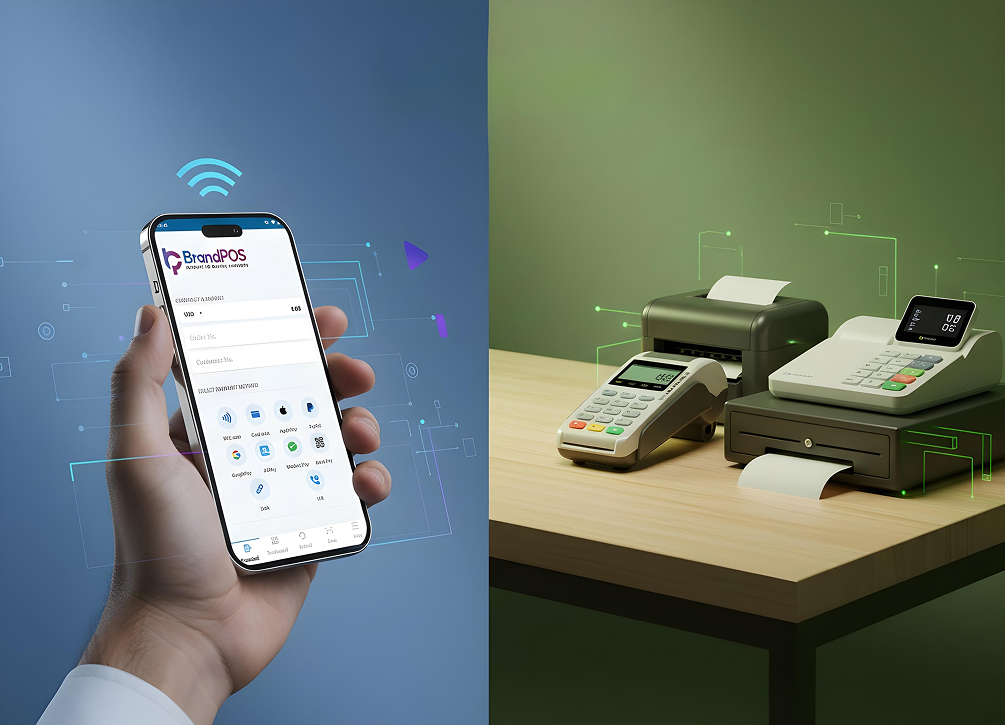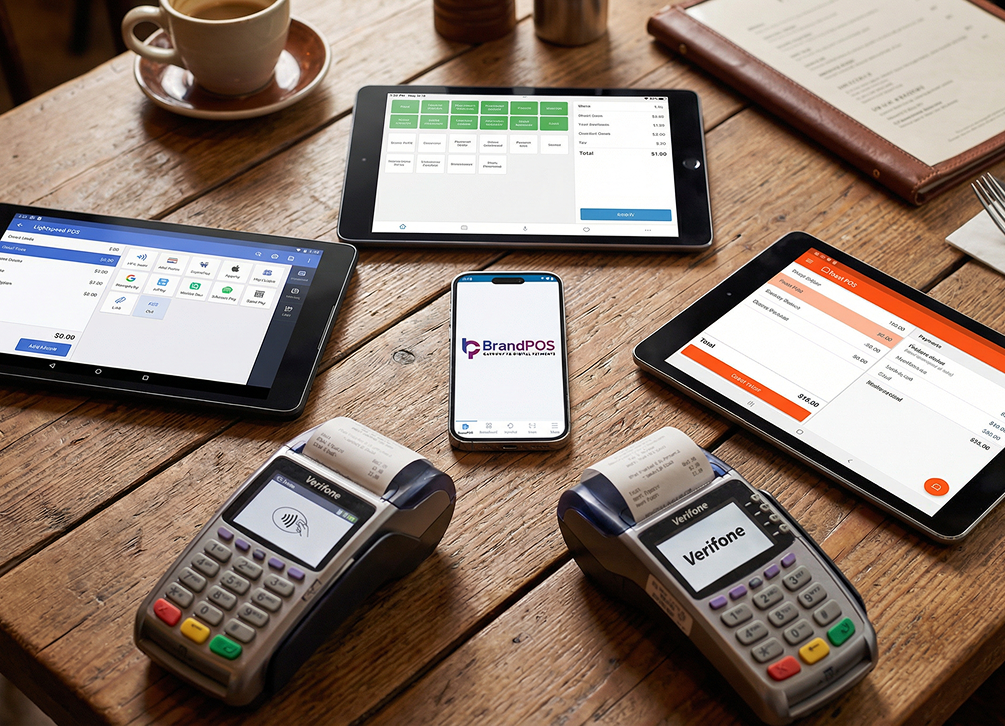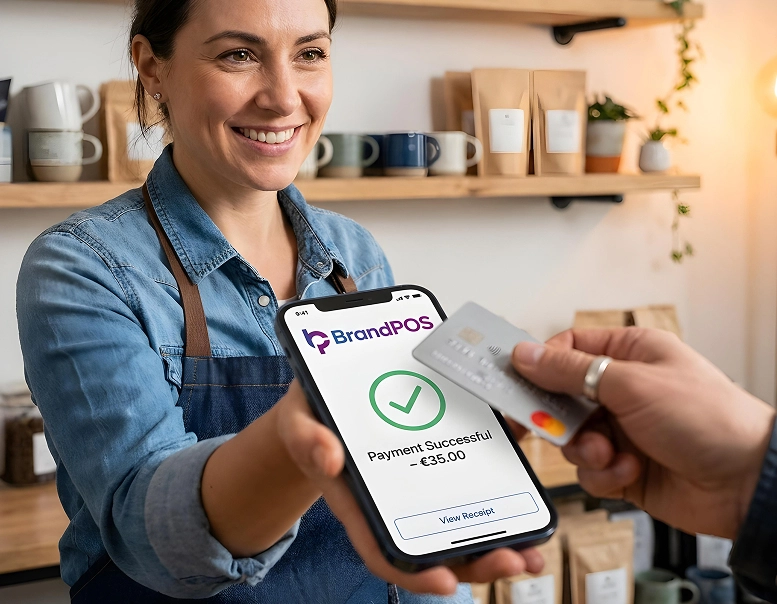
The combination of customer convenience and operational efficiency is driving businesses to find an answer to the question: How to accept credit card payments without a card reader?
Customers do not want the hassle of card machines and complicated checkout systems. They want the payments to be easy and fast.
For businesses, finding out how to accept credit card payments without a card reader creates new opportunities. It lets them accept payments from anywhere without heavy investments in hardware.
Today, more and more businesses are taking their payments online. So the shift to Card Not Present (CNP), or accepting credit cards without a terminal, is becoming the norm.
What Does It Mean to Accept Credit Card Payments Without a Terminal?
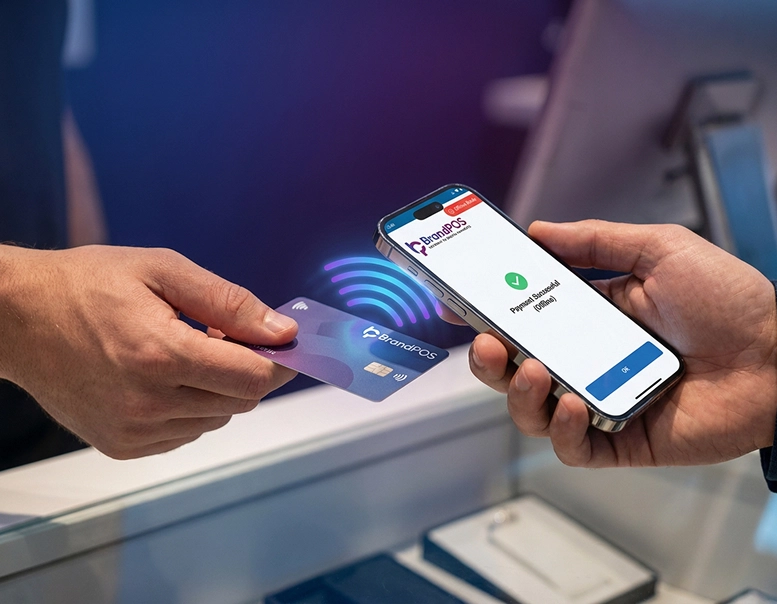
Now the businesses are increasingly shifting towards how to accept credit card payments without a card reader. Here, card transactions are processed entirely through software without a physical card reading device.
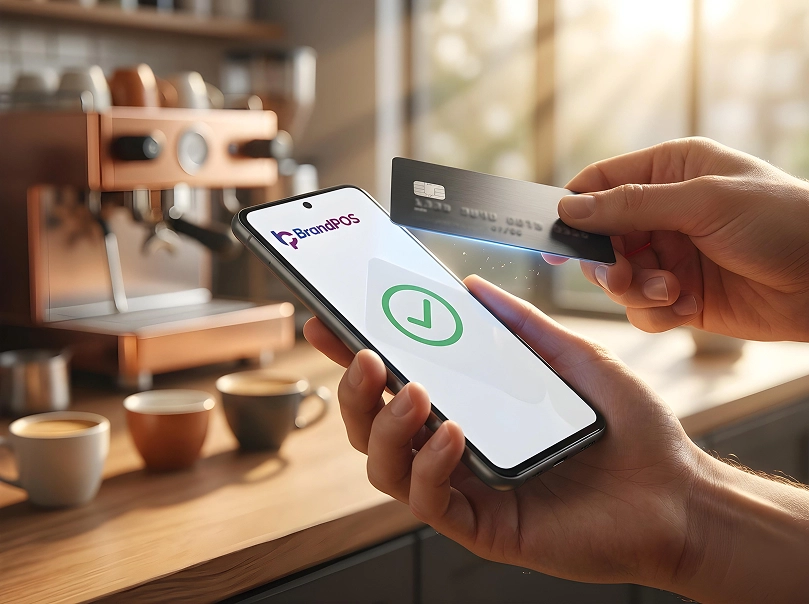
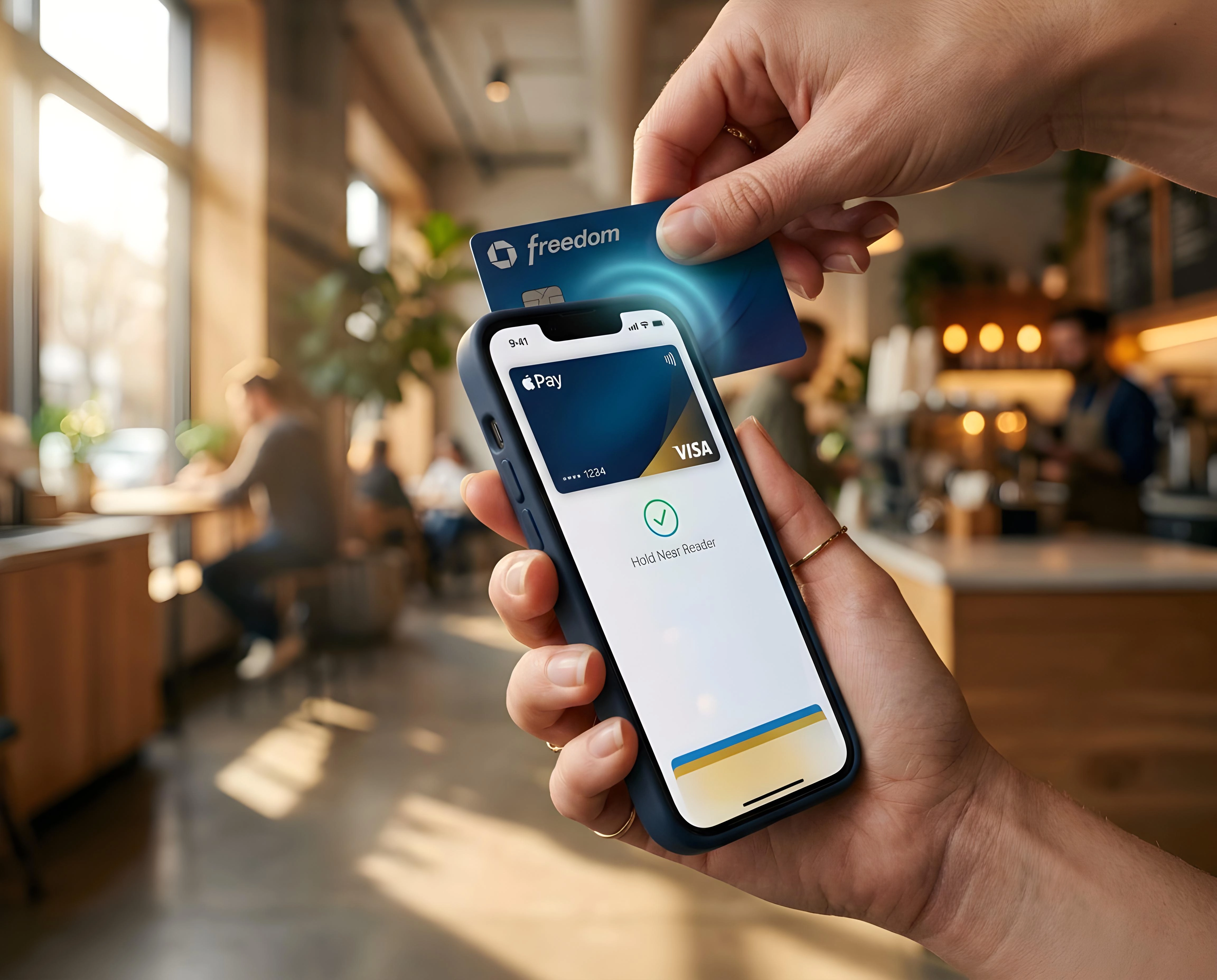
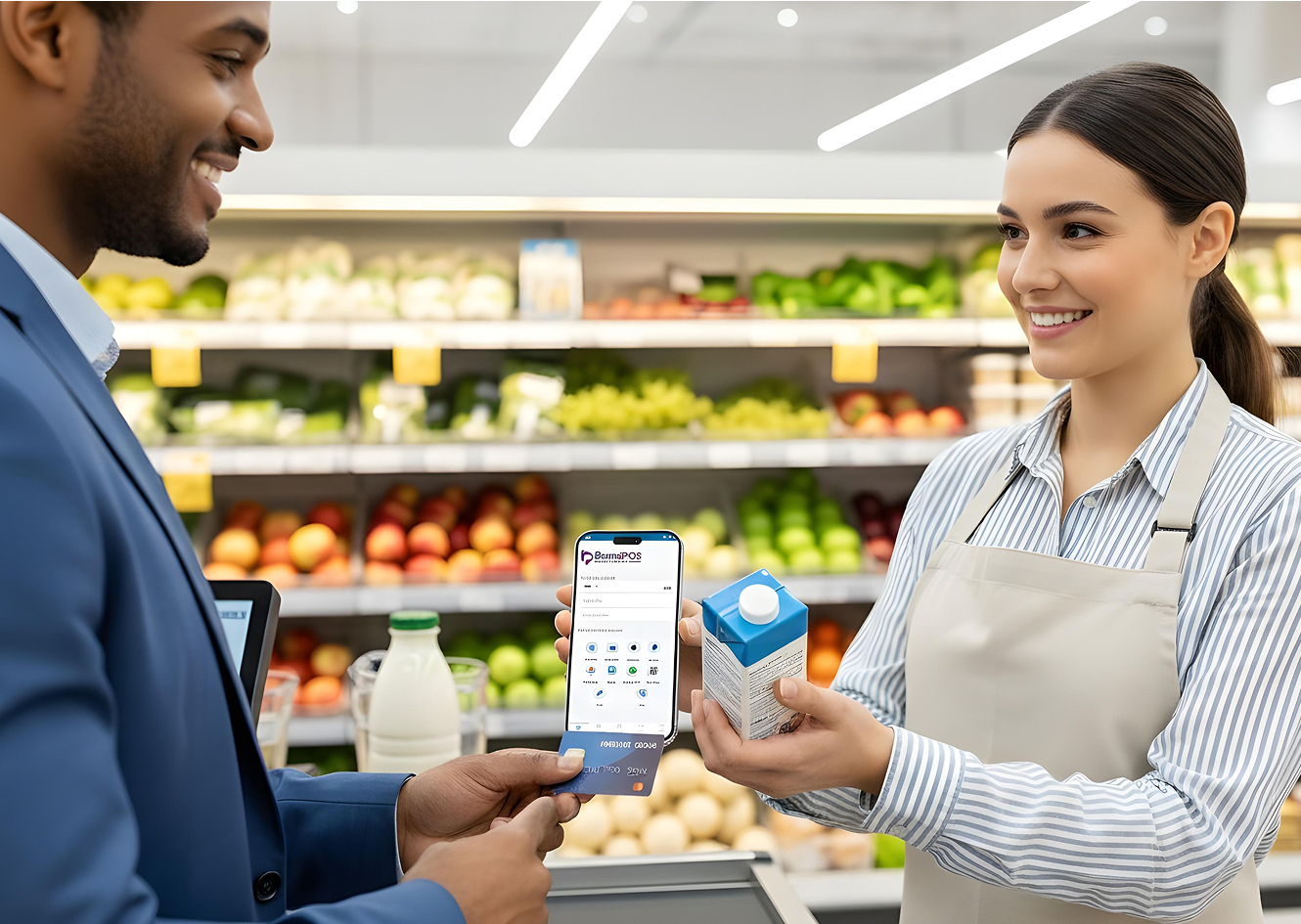
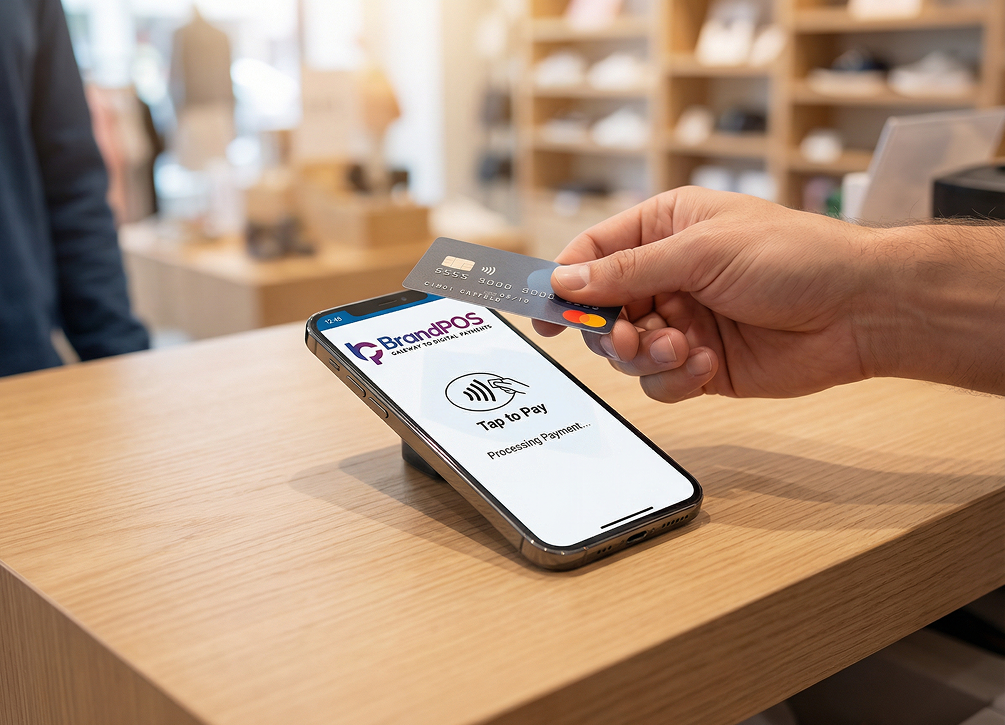
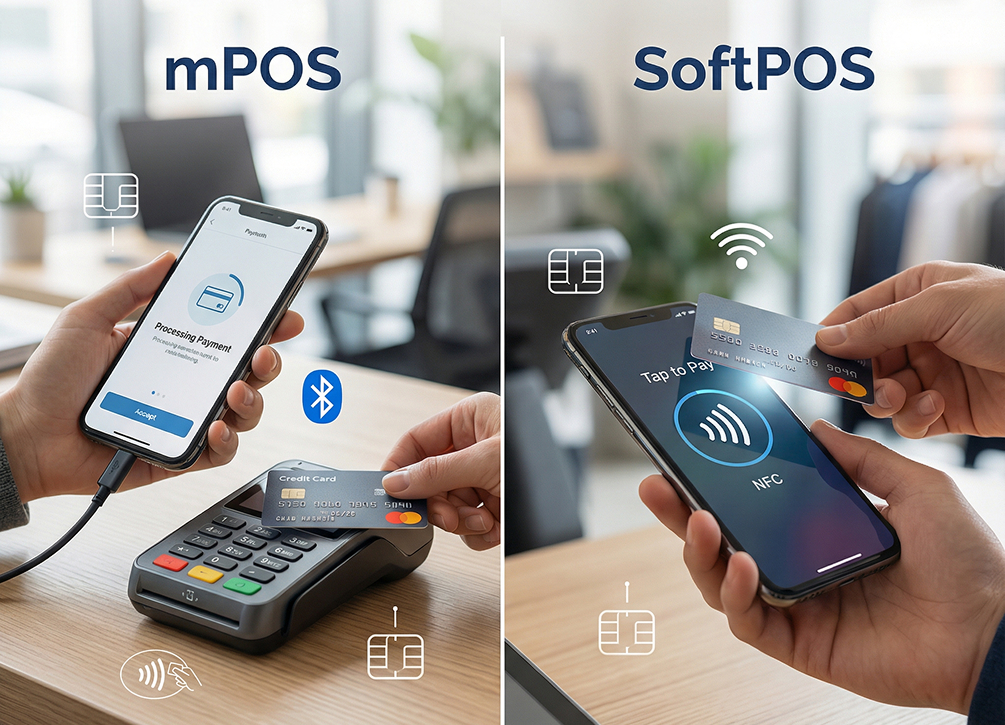
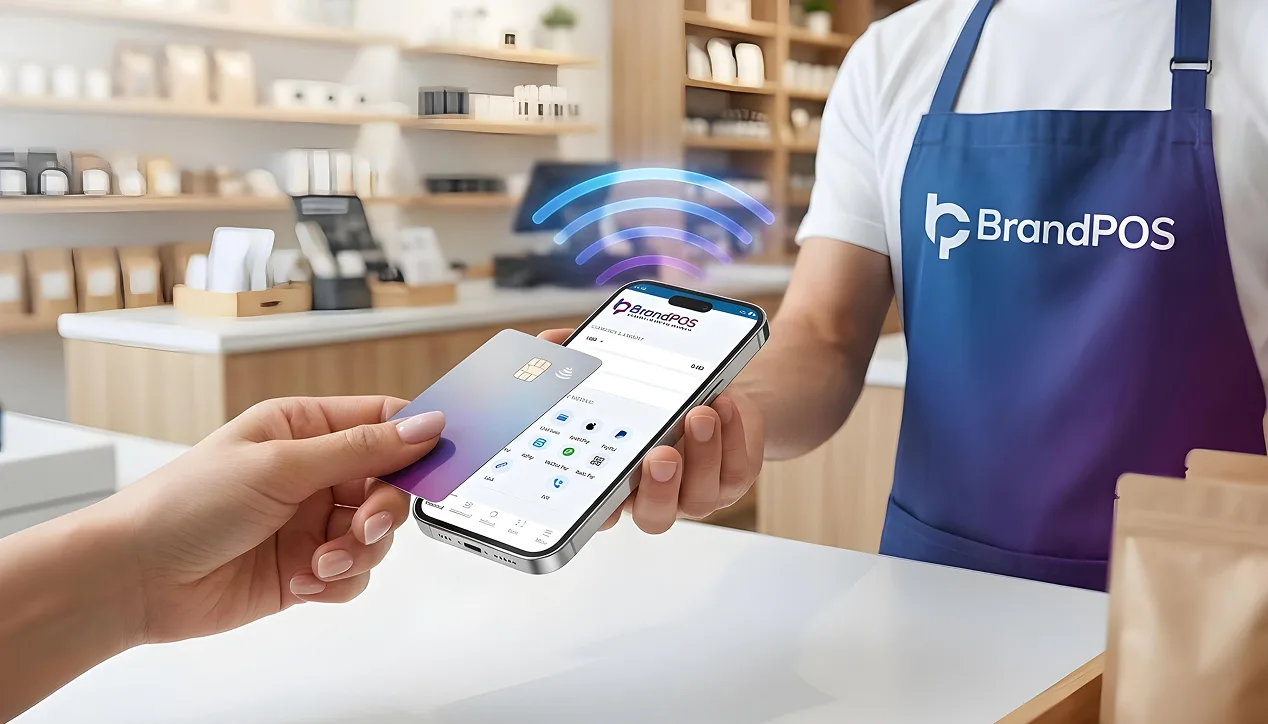
- SoftPOS / Tap-to-Phone (where phone acts as the terminal)
- A payment link
- An online checkout
- A virtual terminal hosted in the cloud
- Entered manually
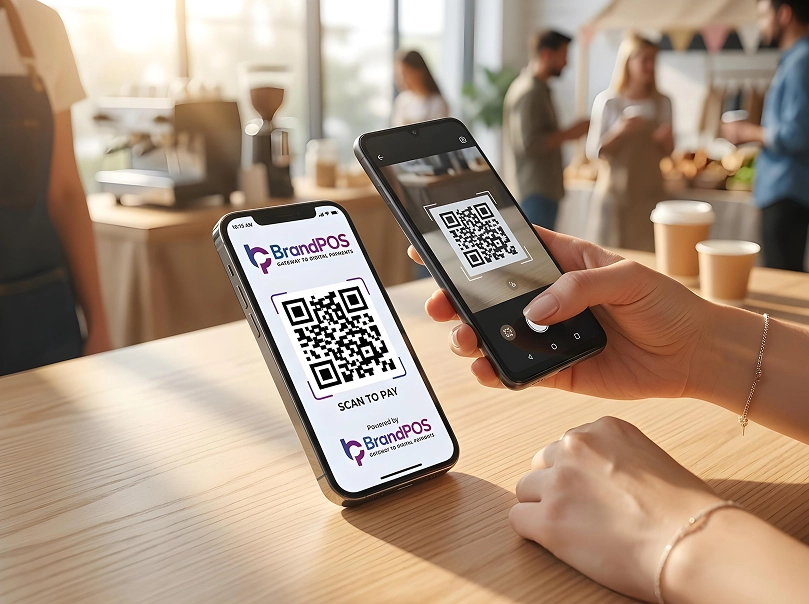
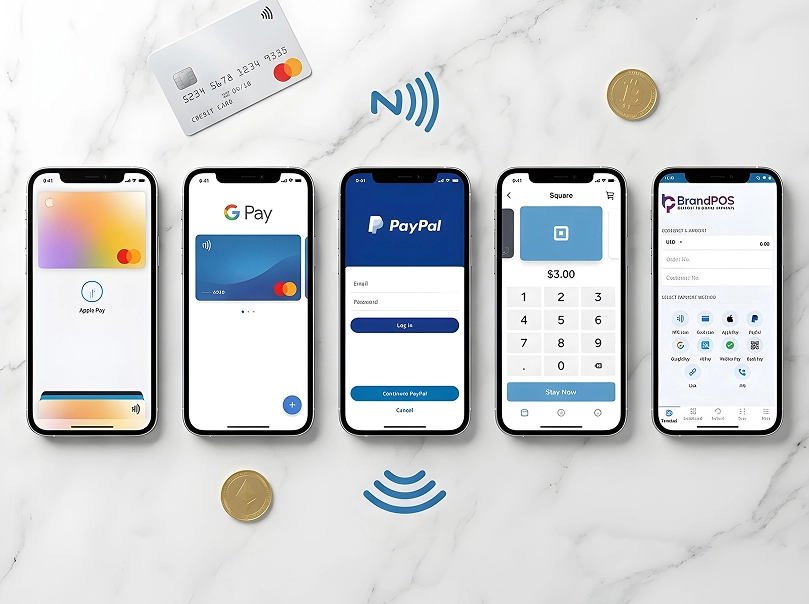
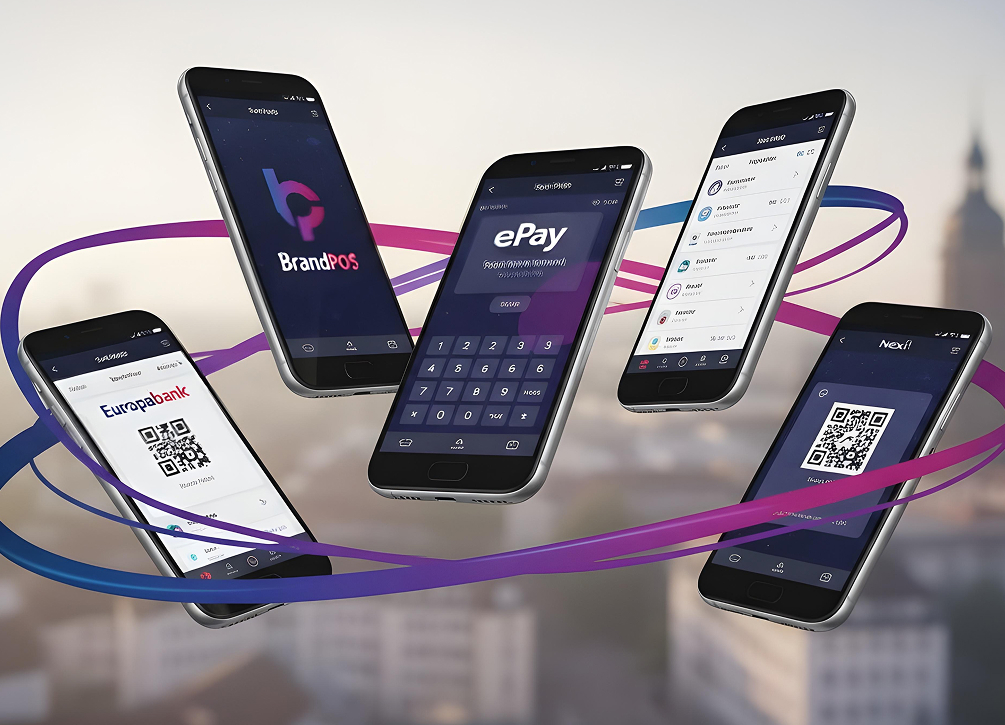
- Payment apps and QR codes
Ready to ditch the card machine?
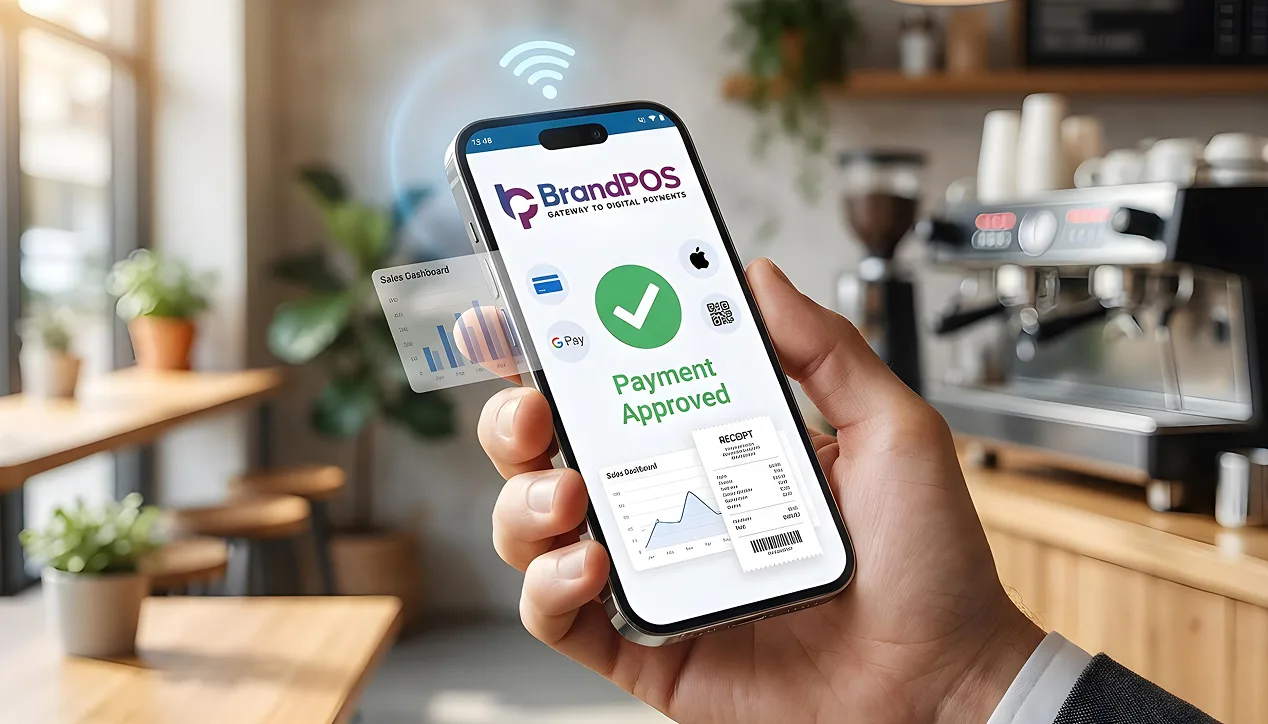
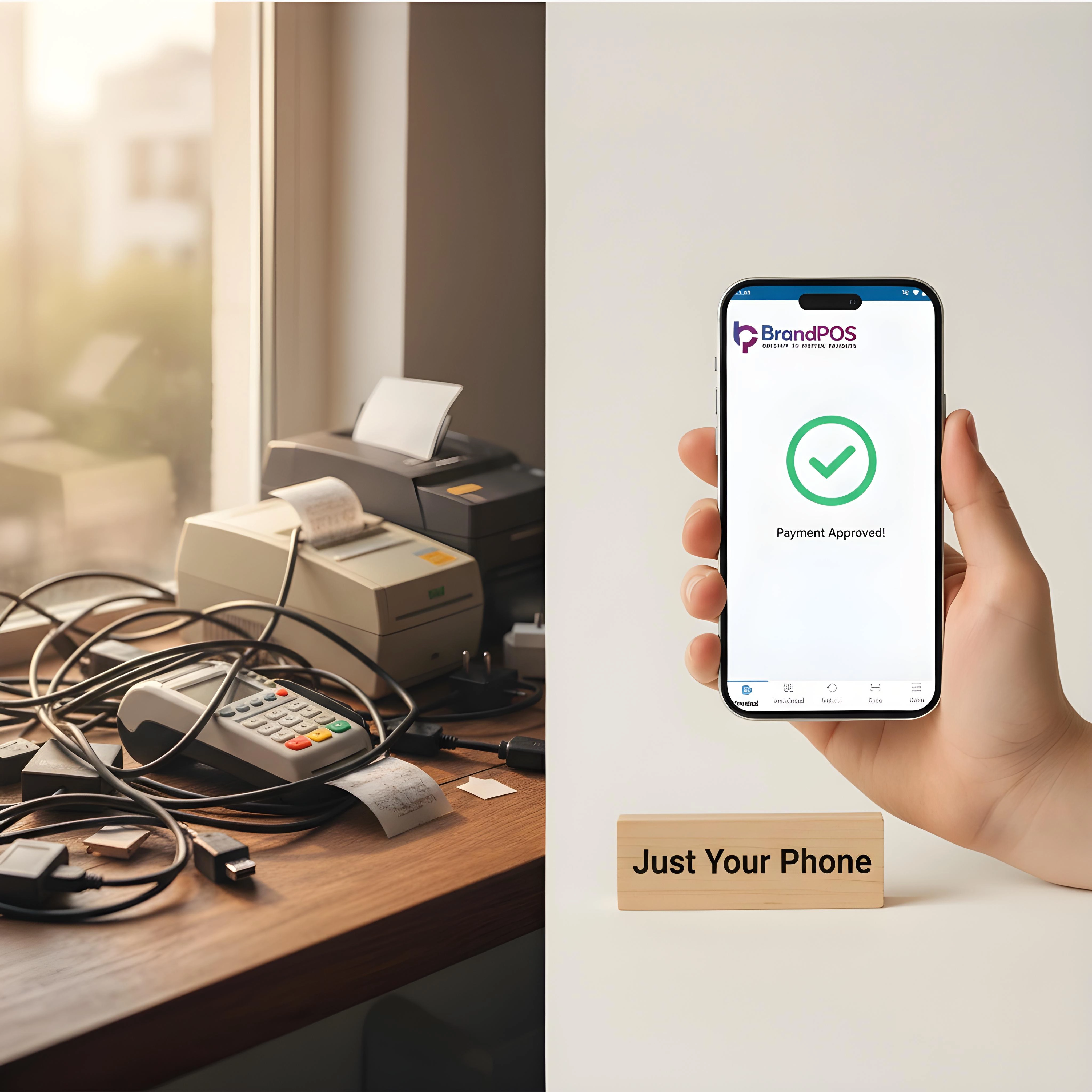
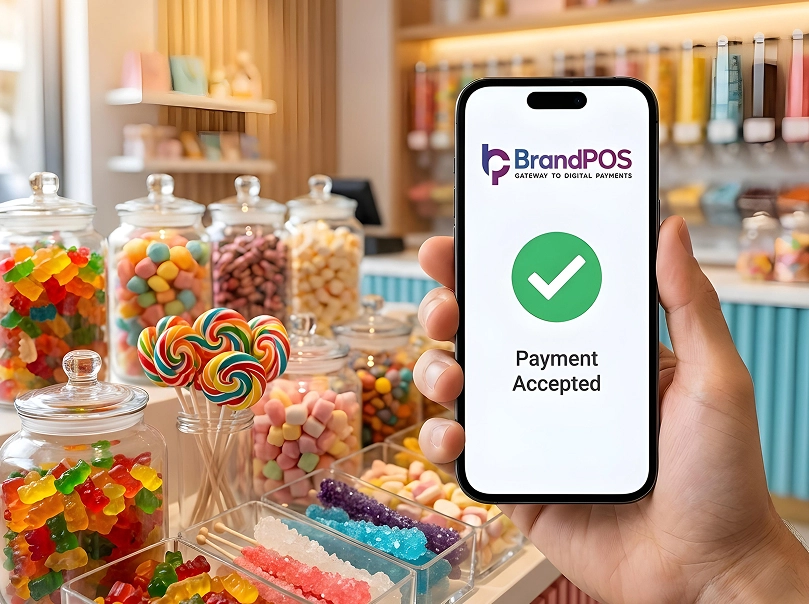
BrandPOS turns any Mobile phone into a certified POS terminal - no cables, no setup headaches.
Get Started for FreeWhy Businesses Want to Accept Payments Without a Card Reader
Cost Savings: Software-based solutions that let you accept payment by card have zero hardware cost. Flexibility & Mobility: Virtual terminals and SoftPOS like BrandPOS let you take a payment on the spot. Speed of Setup: You can activate it within hours without waiting for hardware.
Ways to Accept Credit Card Payments Without a Card Reader
| Cardless Payment Option | How it works | Best For |
|---|---|---|
| Payment links | Unique URL shared via email/SMS. | Small businesses and freelancers. |
| Virtual terminals | Web interface for manual entry. | Service businesses and B2B. |
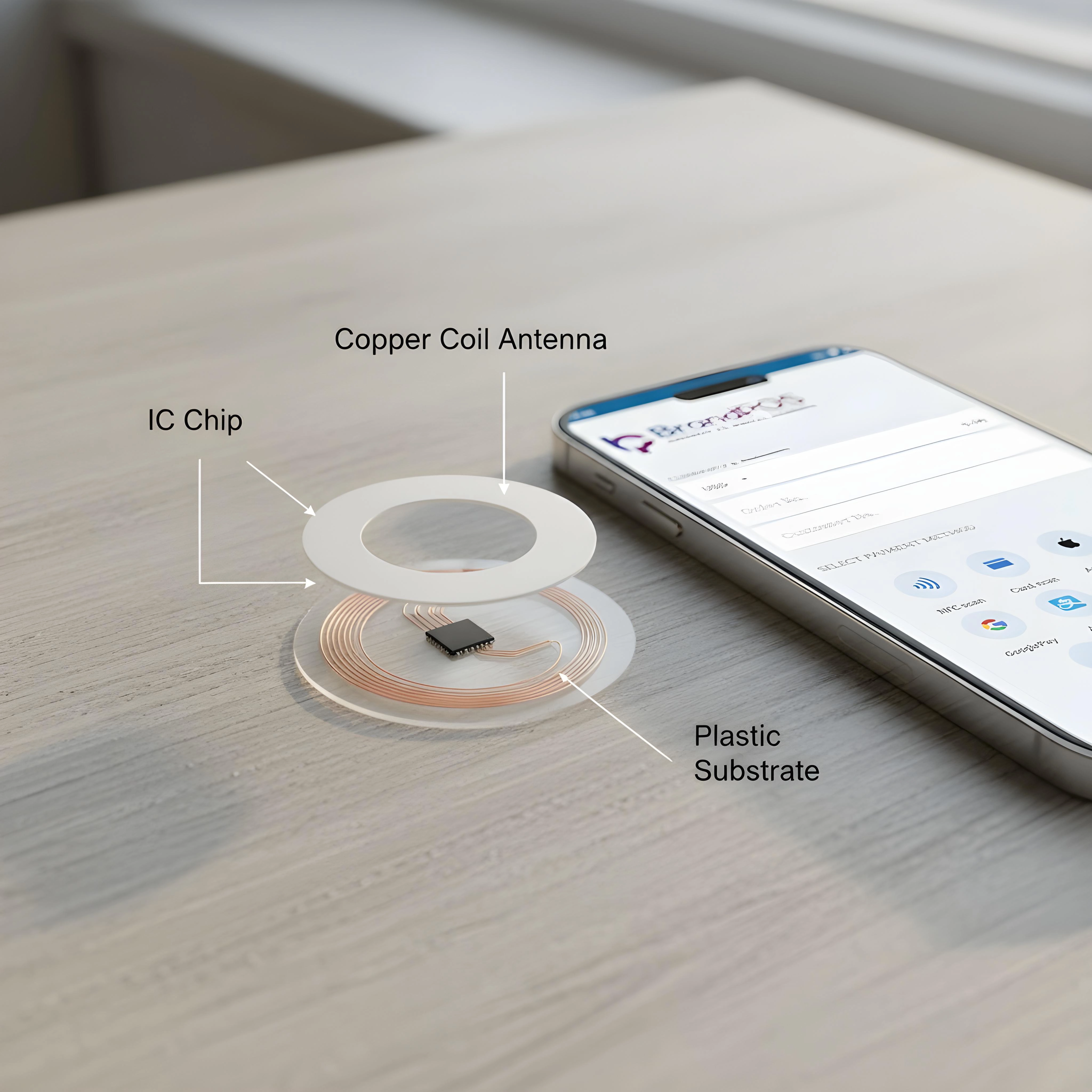
| SoftPOS | Smartphone NFC acts as a reader. | Retailers, delivery agents, and field sales. |
| In-app payments | Mobile/web app processing. | Subscriptions and ride-hailing. |
| QR code payments | Scan and pay via mobile wallet. | Street vendors and events. |
How to Accept Credit Card Payments Without a Card Reader (Step-by-Step)
- Step 1: Choose a Payment Processor: Select a provider that matches your business nature and security needs.
- Step 2: Create and Verify Your Account: Provide necessary documents for sign-up.
- Step 3: Configure and Integrate the Software: Download the certified app and set up business settings.
- Step 4: Pilot Testing: Run test payments before going live with customers.
Your Phone Is Already a POS Terminal
Stop paying for hardware you don't need. Download BrandPOS and start accepting payments in minutes.
Download the App FreeBest Tools to Accept Credit Card Payments Without a Card Reader
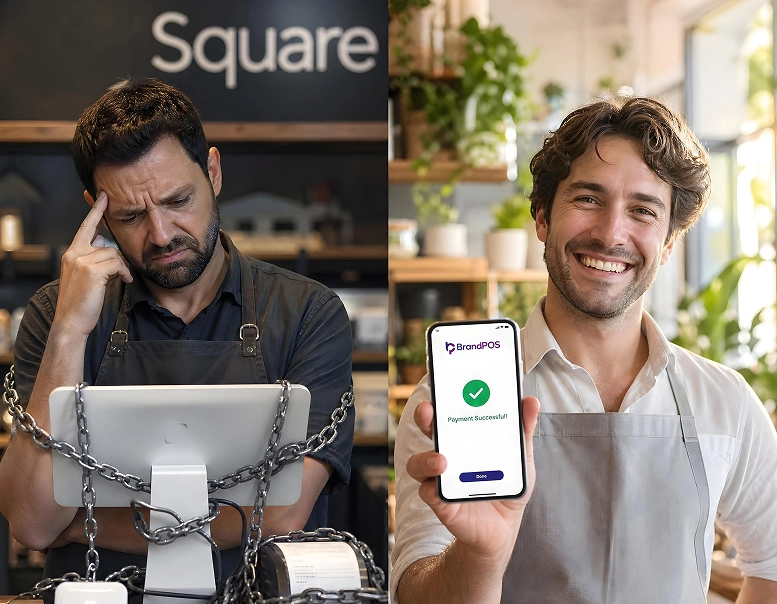
- Processors: Stripe, PayPal, Square, Razorpay
- SoftPOS: BrandPOS, Visa SoftPOS, SumUp
- Mobile Apps: Venmo, Google Pay, Apple Pay
- Platforms: QuickBooks Payments, Shopify Payments
Benefits of Accepting Payments Without a Card Reader
Flexibility, Lower Start-up Cost, Ease of Setup, Better Customer Experience, and Easier Record Management are key advantages.
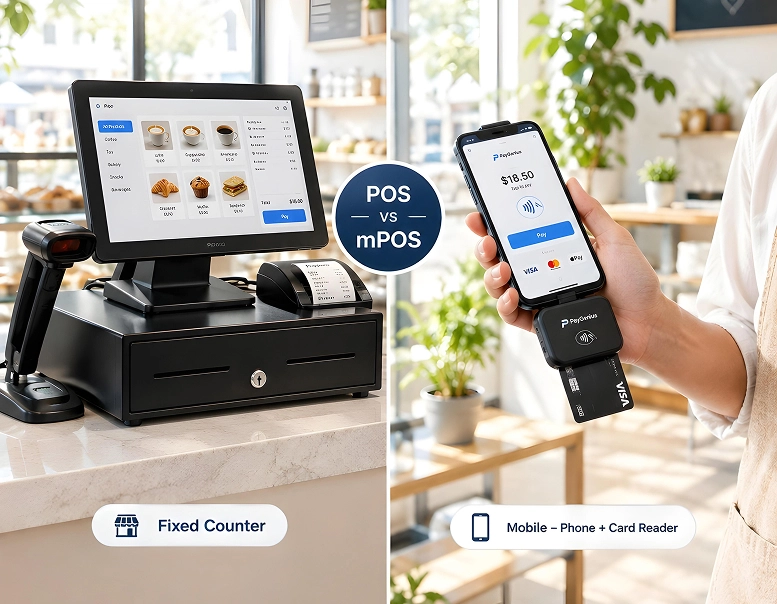
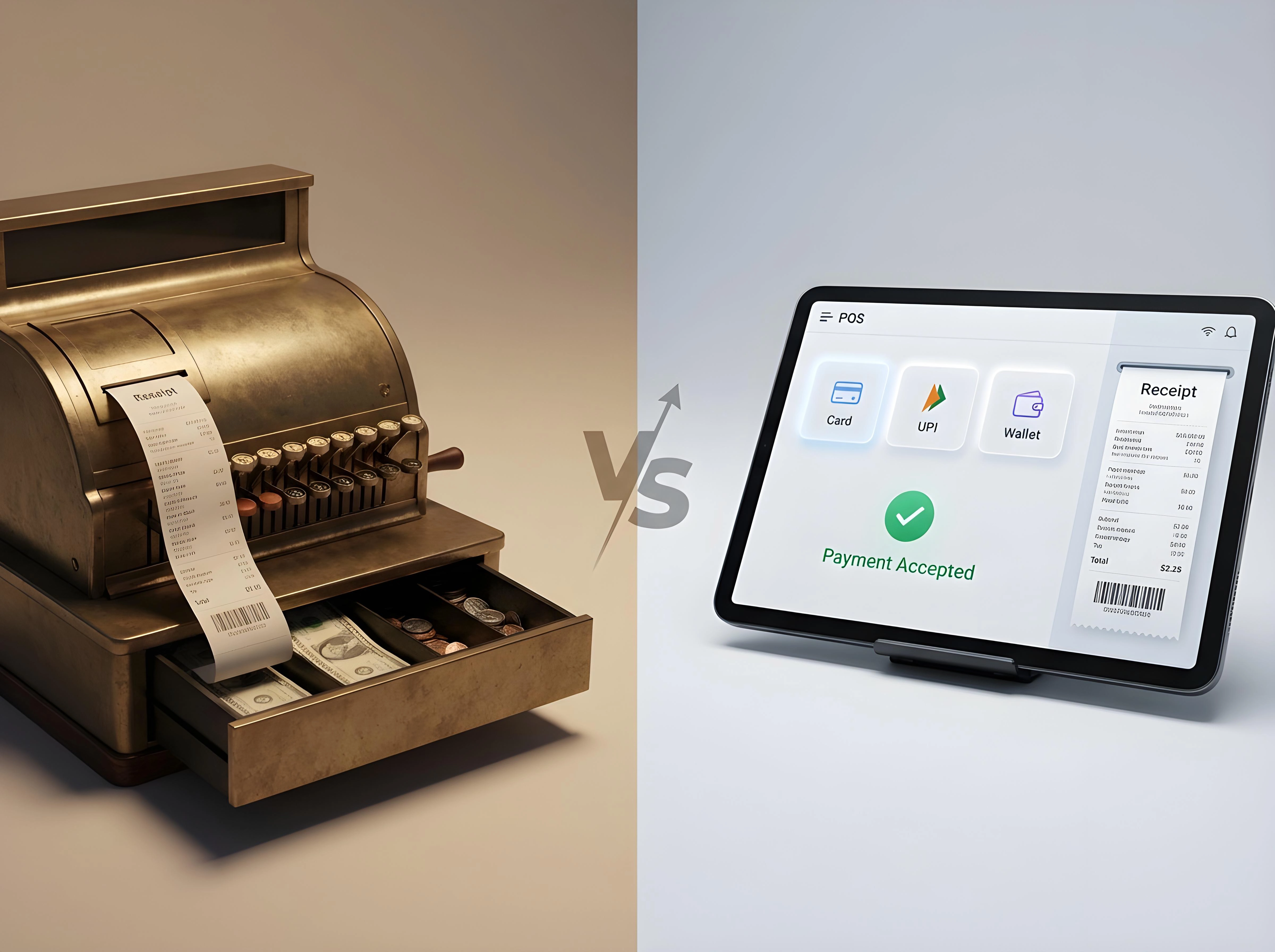
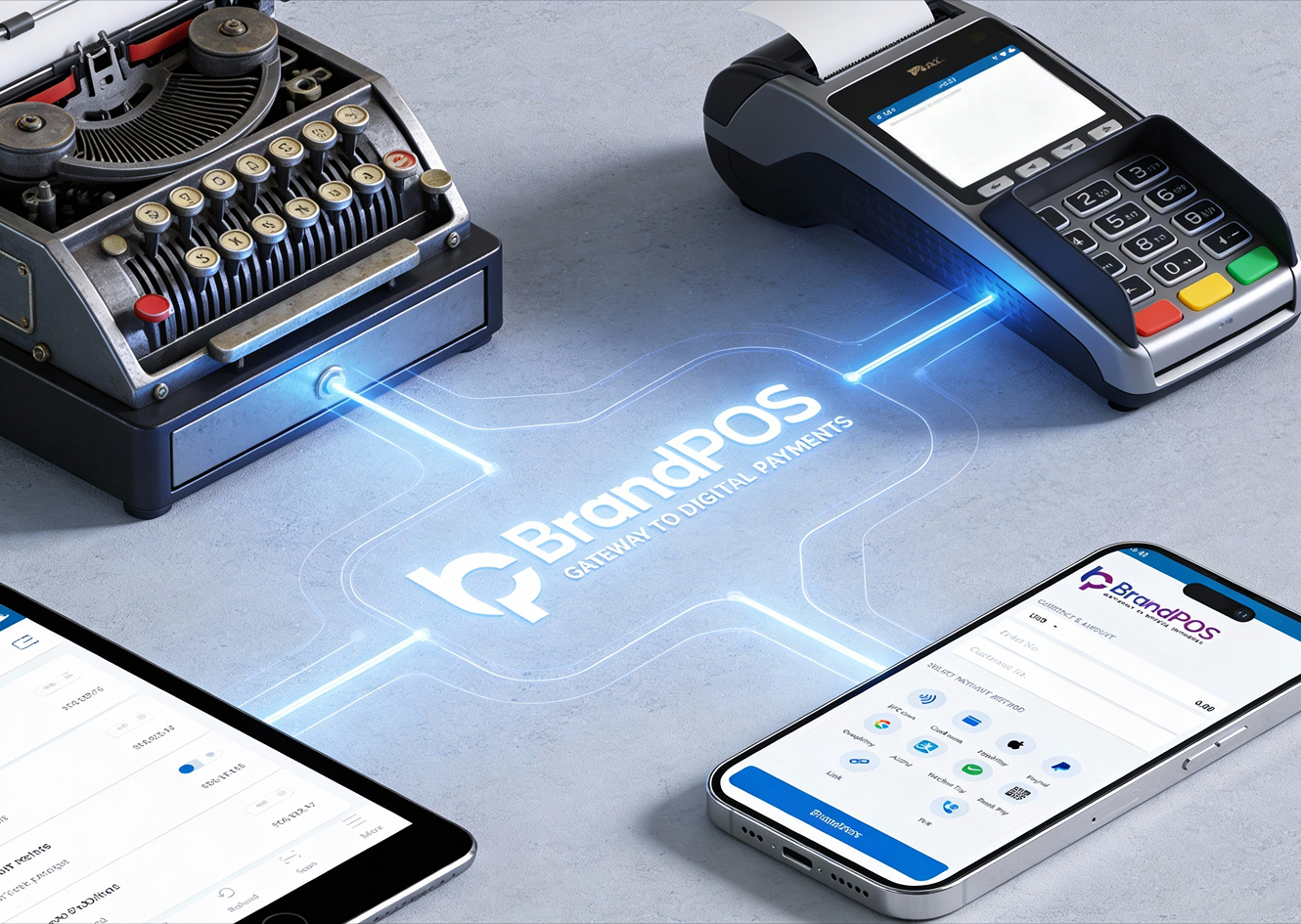
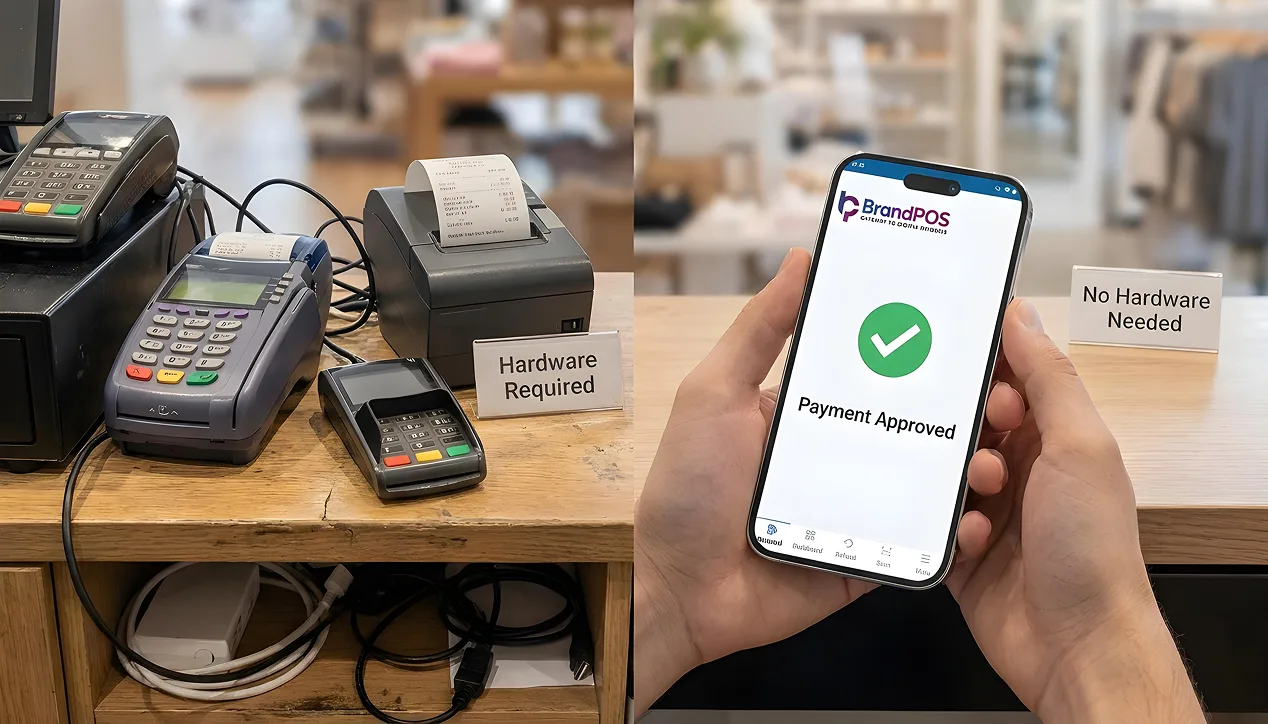
Card Reader vs. No Card Reader – Key Differences
| Aspect | Card Reader | No Card Reader |
|---|---|---|
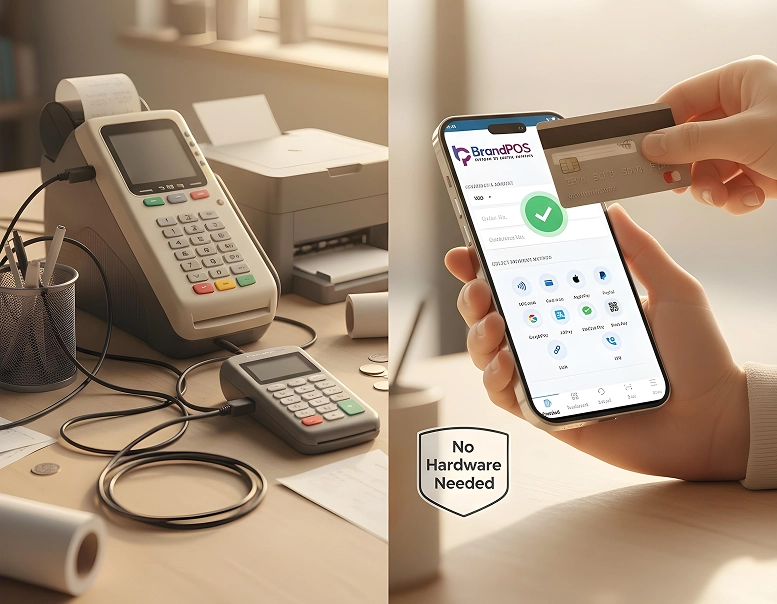
| Hardware | Required | Not required |
| Set up time | Days to weeks | Hours |
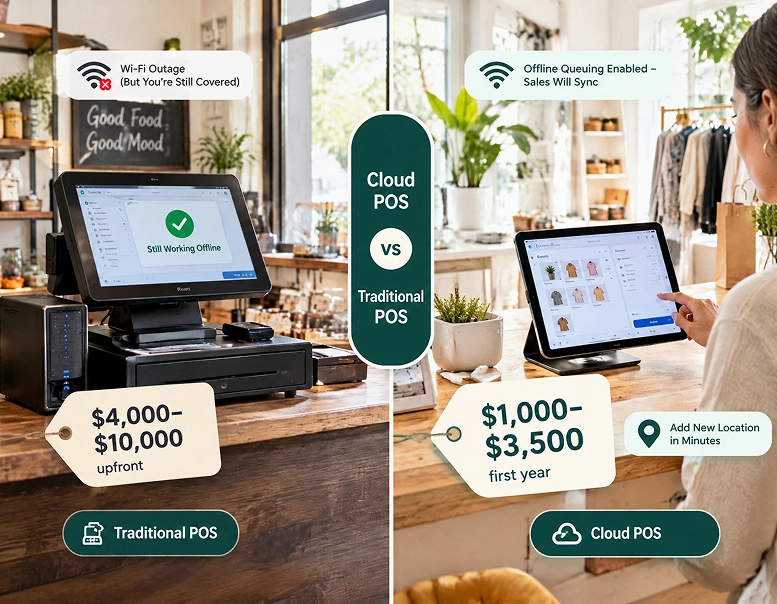
| Upfront cost | High | Zero to minimal |
| Flexibility | Fixed location | Anywhere & Anytime |
How Brandpos Helps You Accept Credit Card Payments Without a Card Reader
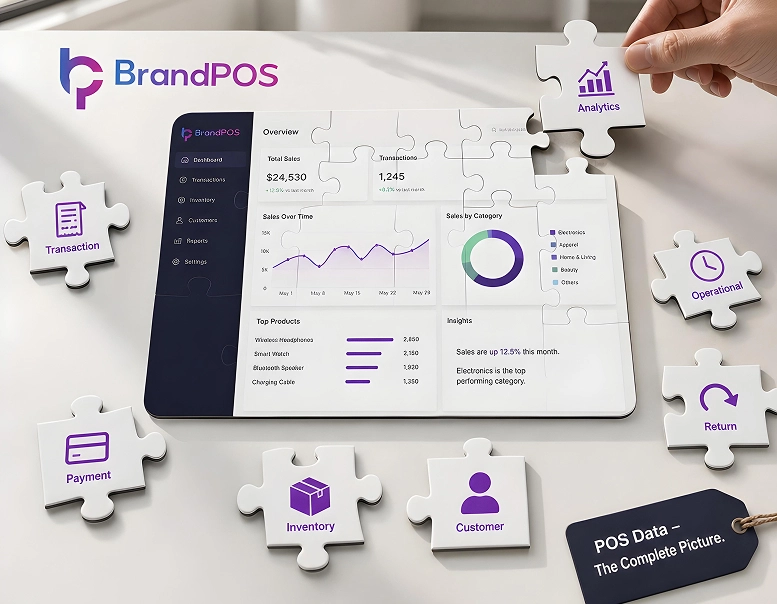
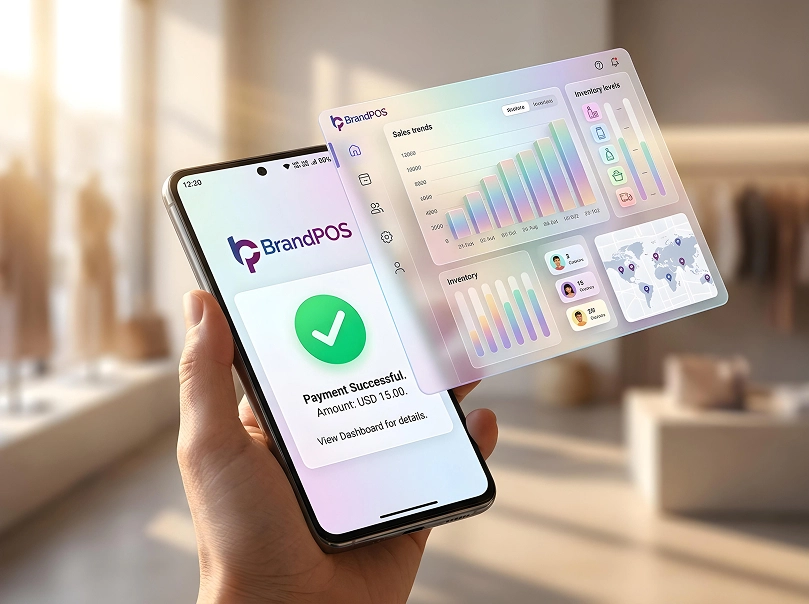
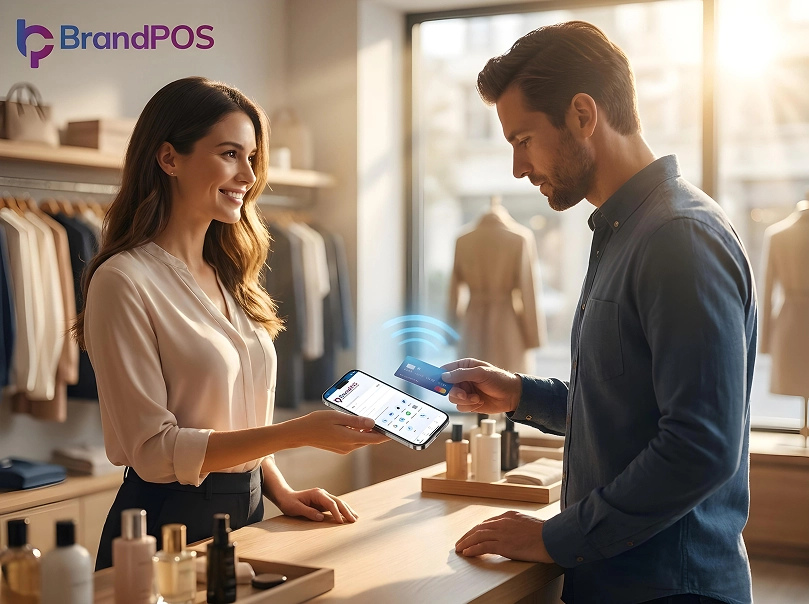
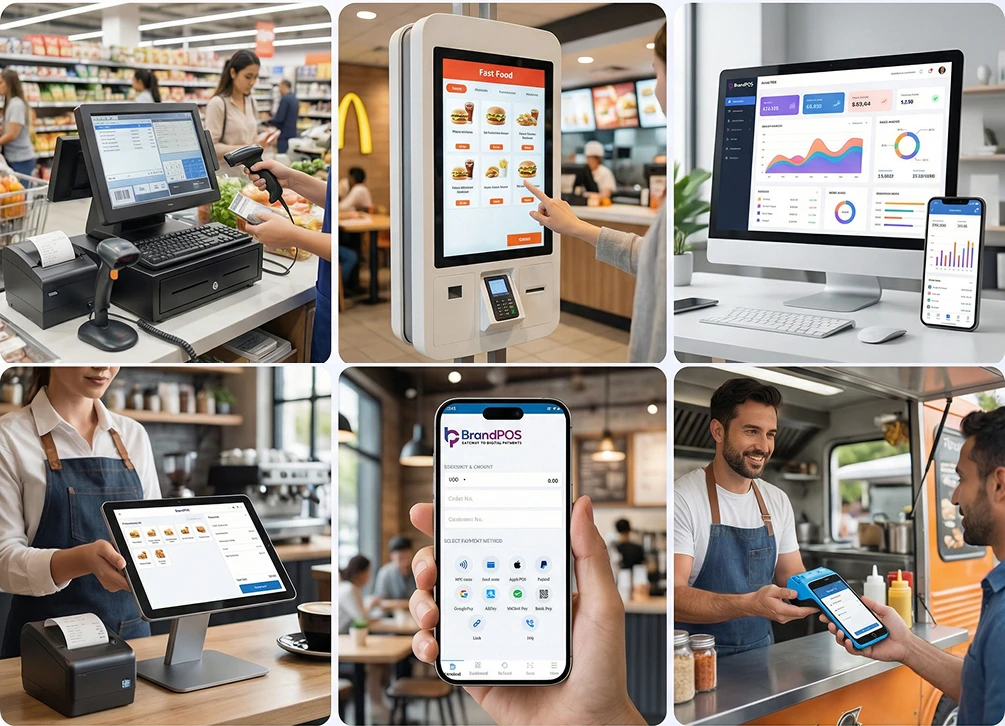
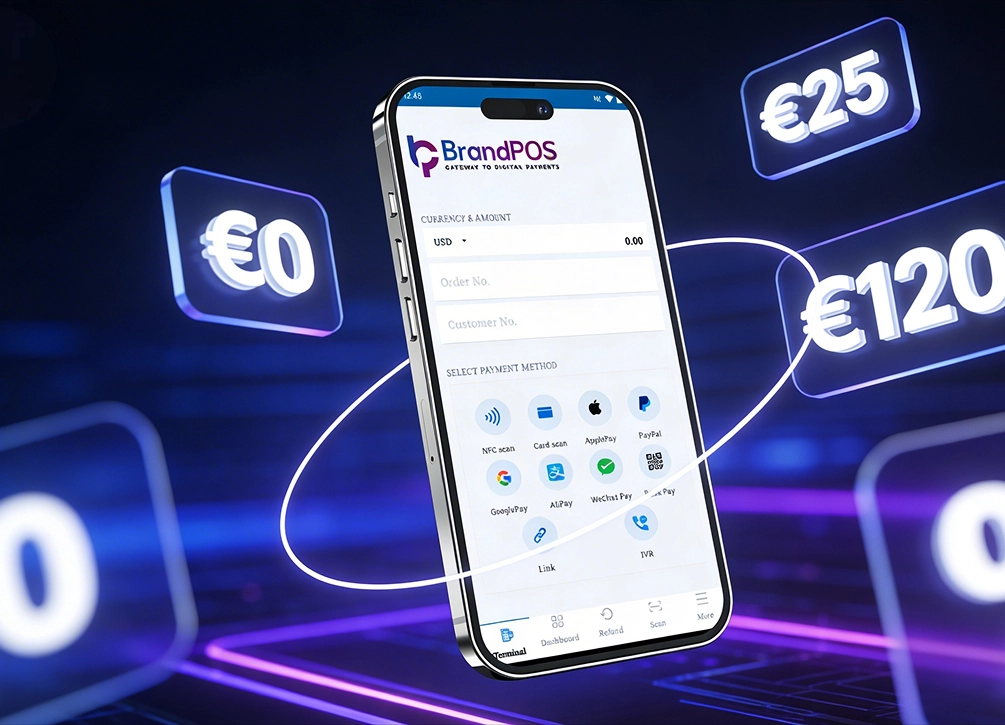
BrandPOS turns your smartphone into a secure payment terminal. It supports contactless cards, mobile wallets, and offers real-time reporting with digital receipts.