NFC tags have quietly become a huge part of our daily lives. Whether you are a merchant or a customer, it's very likely that you are already using an NFC tag without actually thinking too much about the technology behind it.
NFC is the most commonly used tap-to-pay technology globally. NFC also powers 70% of Mastercard's contactless transactions across the world.
The customers are increasingly preferring the convenience and speed of NFC tap-to-pay. So, the businesses have to find a way to keep pace with customer expectations of contactless payments.
For small businesses and freelancers, an NFC tag is not just cost-effective but helps to create a customer experience that prevents lost sales. It removes a key friction point between the customer’s desire to buy the product and the process of completing the payments.
What Are NFC Tags?
An NFC tag is a small, thin chip that can store data and transmit the data wirelessly with a tiny embedded antenna to a nearby NFC-enabled device. NFC is a newer and specialized version of the much older RFID (Radio-Frequency Identification) technology.
An NFC tag works without needing any batteries, network, or Bluetooth pairing to trigger it. If you bring an NFC-enabled device like a smartphone within a couple of centimeters of the NFC tag, it transmits the data to the device automatically.
When it comes to the physical appearance, NFC tags are very versatile. Your NFC tag can be in the form of a sticker, a plastic card, a keychain fob, or even embedded inside a product label.
NFC tags also have versatile functionality. The data stored inside could be a payment credential, a web address, contact details, a WiFi password, etc.
The NFC Forum is the industry body backed by companies like Apple, Google, Samsung, Sony, and Visa, and it sets the standards for building an NFC tag. So, wherever you use an NFC tag, the experience remains the same.
How Do NFC Tags and NFC Chips Work?
NFC is a newer and specialized version of the much older RFID (Radio-Frequency Identification) technology.
In the word "NFC" (Near Field Communication), "near" is the key word because it works only within a short range of 4 centimeters (roughly 1.5 inches).
Here is how the NFC tag and chip work in the real world.
The NFC Tag is Passive: An NFC tag does not have its own power source or batteries. When the reading device or a smartphone is near them, the NFC tags use the energy generated by the electromagnetic field of such devices.
This process is known as inductive coupling - The antenna in the reading device (such as the phone) creates a small electromagnetic field. When the NFC tag’s antenna is near such an electromagnetic field, it wakes up and borrows just enough energy to transfer the stored data on its chip.
The Reader Device Initiates the Conversation: Your phone or the reader device that you are using is the active device in an NFC transaction. Whenever NFC is switched on, it is constantly (and briefly) checking if there are any NFC tags available within the range. If it detects an NFC tag, it sends a signal. The NFC tag responds by sending its data.
This exchange between the NFC tag and the reader device happens within a fraction of a second.
The Data Moves in a Standard Format: The NFC tags store their data in NDEF or the NFC Data Exchange Format. The NDEF standardizes the data format so that different devices can read and act on the NFC tag data without any special setups or apps.
The Reader Device Completes the Action: NFC data shared by the NFC tag contains the information - open a webpage, connect to WiFi, add a contact, launch an app, and so on. In the case of NFC and contactless payments, the NFC contains encrypted payment credentials.
Once the reader device gets the data, it completes the action. From the tap to the result, the entire transaction gets completed under a second. This speed is a key advantage of NFC mobile payments.
Accept NFC Contactless Payments Instantly
Turn your smartphone into an NFC terminal with BrandPOS. No extra hardware, secure transactions, and pay-as-you-go pricing.
Start Accepting NFC PaymentsWhat Is NFC on My Phone?
A smartphone is one of the most commonly used NFC tag readers. So, the next natural question is "What Is NFC On Android?" or "What Is NFC On my phone?"
The built-in NFC chip and antenna have been the baseline feature across Android and iOS devices for over a decade.
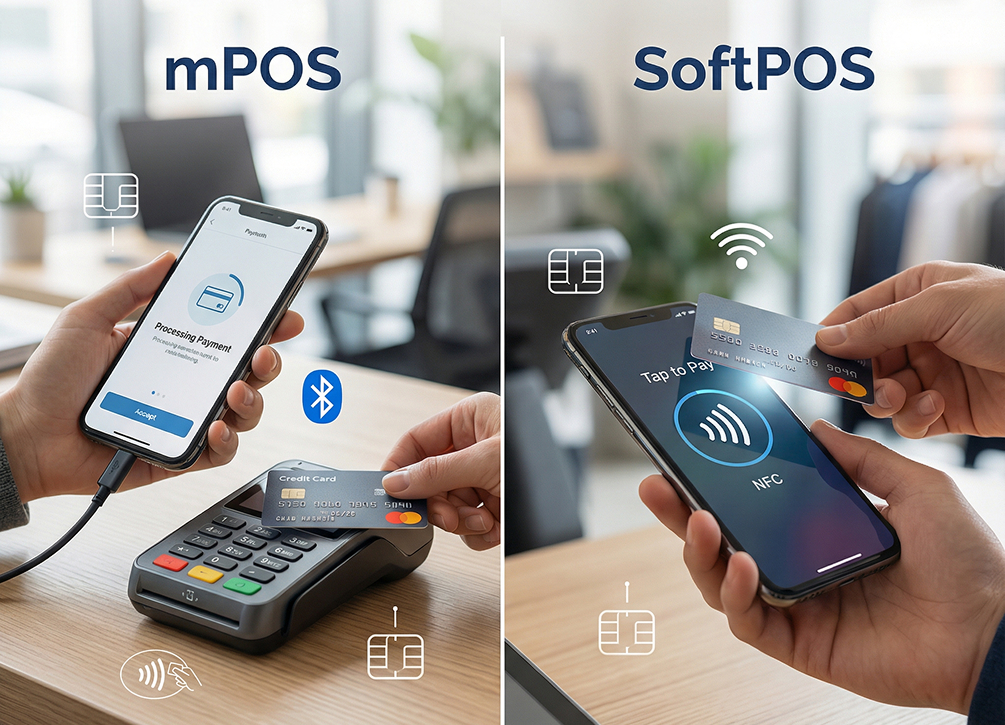
In the case of your phone, it can act as a reader if you want to scan a tag or contactless card. So, SoftPOS apps like BrandPOS can use it to make your phone into a POS.
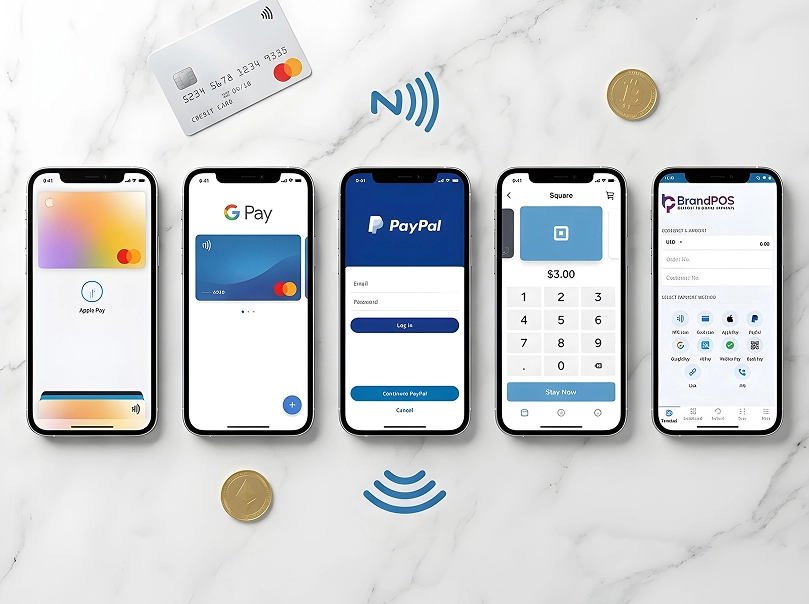
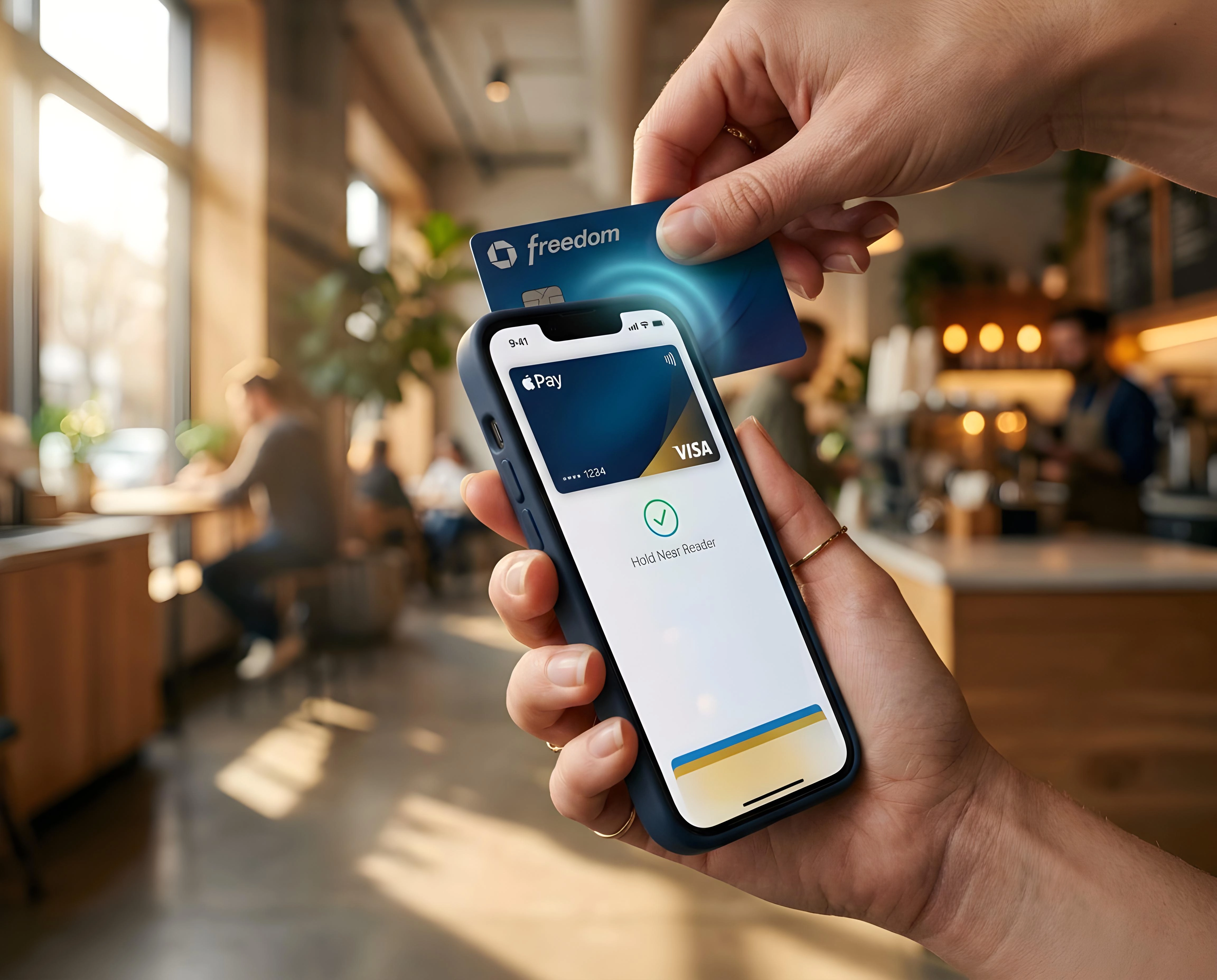
If you want to make a payment, then the same NFC in your phone becomes an NFC tag. So, you can make payments with Google Pay or Apple Pay.
In most modern phones, NFC works passively in the background. You just have to wake your screen and hold it near an NFC tag or a payment terminal, and the interaction will automatically complete. The iPhones with iOS 14 or later can even read the NFC tags when the screen is locked.
Why Does My Phone Say "NFC Tag Detected"?
This is one of the parts of NFC that can confuse you if you are not aware.
Many times when you are walking around and just minding your business, suddenly your phone buzzes and you see the notification - NFC Tag Detected, even though you have not used any app to scan for NFC or typed something on your phone.
Such an NFC tag notification is usually triggered because: Many retail outlets, restaurants, events, and other businesses embed NFC chips. If your phone’s screen is active and you happen to brush past such NFC tags, it will trigger the NFC notification on your phone.
Your phone can sometimes detect the NFC tag on the contactless card or a hotel keycard in your pocket if you happen to keep your phone along with your wallet or your bag.
If you are near an NFC-compatible product - like a wristband, a toy, or certain smart packaging, it can trigger the NFC on your phone’s companion apps.
The key point to remember in case of an NFC Tag Detected notification is that such an event is usually not a security risk. As NFC works only within a very short range, someone has to be breathing down your neck to manipulate it. A more likely scenario is that there is an NFC sticker or a device with an NFC tag nearby.
Types of NFC Tags
| Tag Type | Standard | Capacity | Supports | Key Advantage | Typical Applications |
|---|---|---|---|---|---|
| Type 1 | ISO/IEC 14443A | 96 bytes (expandable to ~2KB) | Short URL or small text snippet | Inexpensive, simple | Low-cost, disposable, one-off applications |
| Type 2 | ISO/IEC 14443A | 48 bytes to 2KB | Website link, vCard, short promo message | Good balance of cost and capability | Marketing stickers, business cards, smart posters (retail) |
| Type 3 | Sony FeliCa (JIS X 6319-4) | Up to 1MB per service (theoretical) | Fast data transfer, large data storage | Speed and capacity | Transit ticketing and e-money systems |
| Type 4 | ISO/IEC 14443A & 14443B | Up to ~32KB | Advanced security, ISO/IEC 7816 secure elements | Built-in cryptographic security | Access control, secure ID cards, payment-adjacent applications |
| Type 5 | ISO/IEC 15693 | Varies | Long-range reading (no precise positioning needed) | Read range up to ~1.5 meters | Industrial/supply-chain use: inventory tracking, asset management, library systems |
For most everyday businesses, type 2 is the most suitable NFC tag, as it gives the best combination of cost, capability, and compatibility with phones.
NFC Tag Components
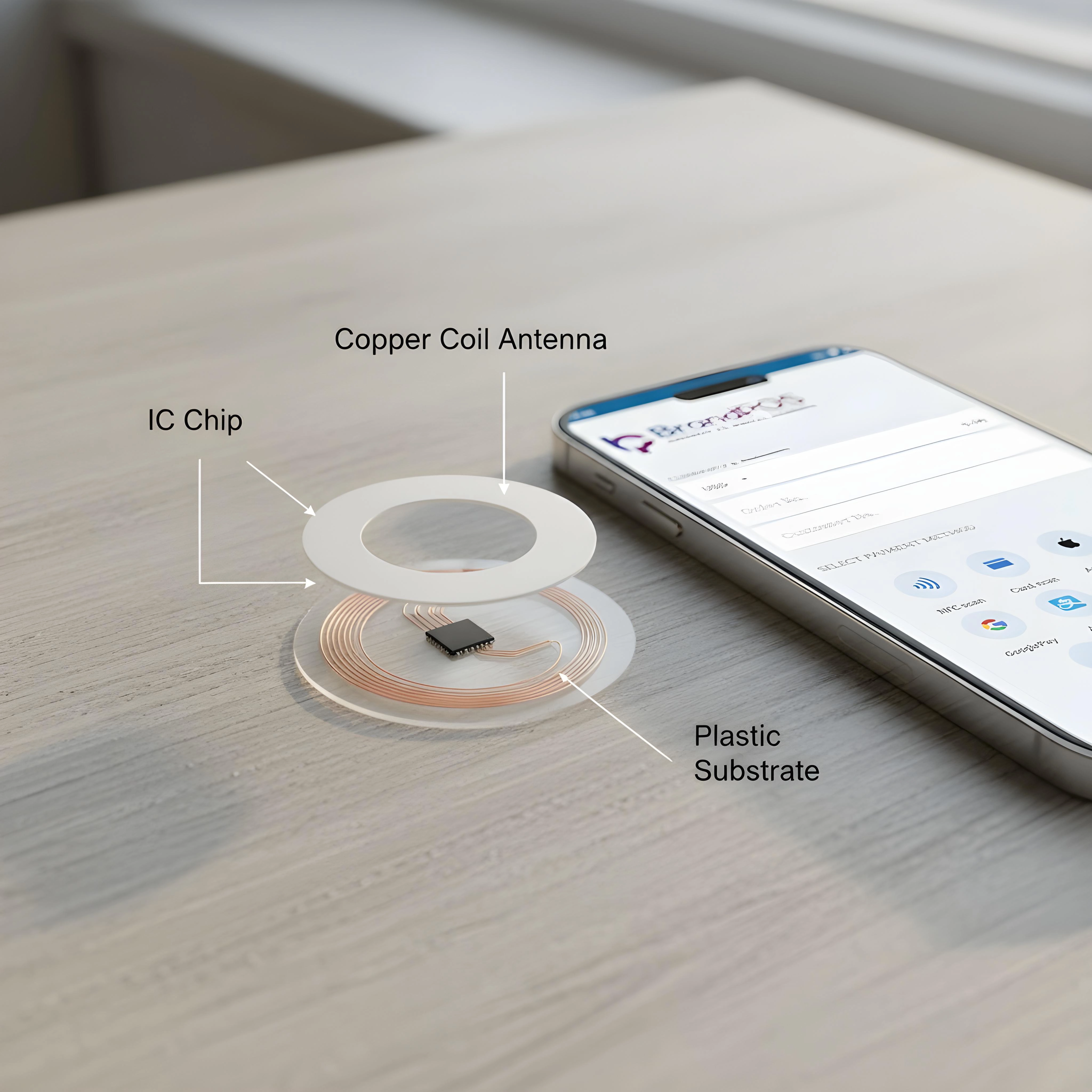
The Integrated Circuit (IC) chip: This is a microchip that stores the data and responds when a customer's phone is nearby. Which chip you chose decides the memory capacity and security features of your NFC tag.
The antenna: It is a coil loop made with copper or aluminum. The antenna may be printed or etched around the integrated circuit chip. The antenna’s size affects the read range of the NFC tag.
The substrate: NFC tags are mounted on a thin plastic film of PET or PVC. The choice of substrate depends upon whether you need your NFC tags to be flexible stickers, rigid cards, etc.
The housing: It is the protective layer. Based on where you use the NFC tag, it may be laminated, embedded in a card body, or encased for weatherproofing.
Adhesive backing: Many businesses use NFC tags as self-adhesive labels that they can peel and stick on their packaging, countertops, etc.
If you have a look at the components of an NFC tag, you can see that none of the components need a battery or a power source to function. There is no battery to be charged or replaced. So, NFC tags are more affordable and low-maintenance than other options like Bluetooth beacons.
NFC and Mobile Payments: How Tap to Pay Works
When you use your Apple Pay or Google Pay wallet to make a payment, you are using NFC, but the tag used in NFC Contactless Payment is so much more sophisticated than a simple NFC tag. When we are making NFC mobile payments at a checkout or at the restaurant, the transaction feels instant. But there are many background processes involved in NFC and mobile payments.
Your phone contains your payment credential - not as the direct card number or other details but as a digital 'token.'
The payment terminal has its own NFC tag, and it creates an electromagnetic field. When your phone is near this payment terminal, it detects the electromagnetic field and responds to it.
The transaction is authenticated only after the Face ID, Touch ID, or a device passcode has already unlocked the wallet. So, authentication happens biometrically or with a PIN.
Then the payment details are encrypted and are sent to the payment network and your bank for confirmation.
Once the transaction is confirmed, it is shown at the terminal, and also you will get a digital receipt on your phone.
How Businesses Use NFC Tags
In the case of NFC tags, mobile or contactless payments is the most well-known use case, but it is not the full story. As the NFC tags are affordable, can work without a battery, and are triggered instantly, they are flexible tools that support other key business operations also. They also remove a real point of friction between customer intent and action.
Embedding NFC tags in labels or packaging lets the customer scan the product and know the information about the product. So, NFC can make a static label into an interactive touchpoint for the customer.
For businesses like restaurants, NFC tags let the customers view the menu, leave a review, or join a loyalty program with a tap.
Retail displays can use the NFC tags to guide the customer directly to the product page or give a discount code so that customer’s interest can be turned into a sale.
NFC-enabled business cards can contain contact details and link to the LinkedIn profile to skip the hassle of manual entry.
Events use wristbands and badges with NFC tags to manage venue access and cashless vending.
The type-5 NFC tags have a larger range that helps businesses manage their inventory in warehouses and backrooms.
Loyalty and promotions: The NFC tag can be used to let the customers access loyalty programs and store promotions at the check-in counters itself.
Accept NFC Contactless Payments with BrandPOS
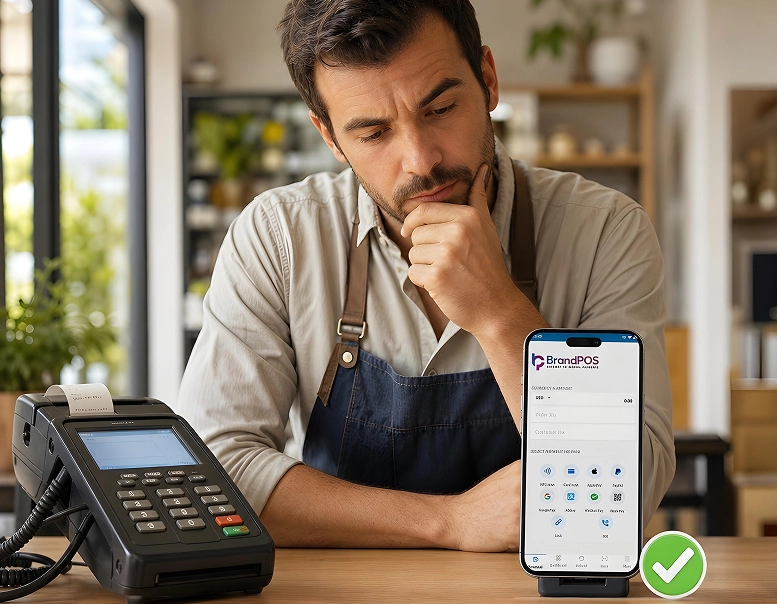
For small and medium businesses the question is not whether to have NFC-powered payments or not, because customers already expect the convenience of tap to pay. Their challenge is "How do we accept NFC contactless payments without expensive hardware and complicated setup?”
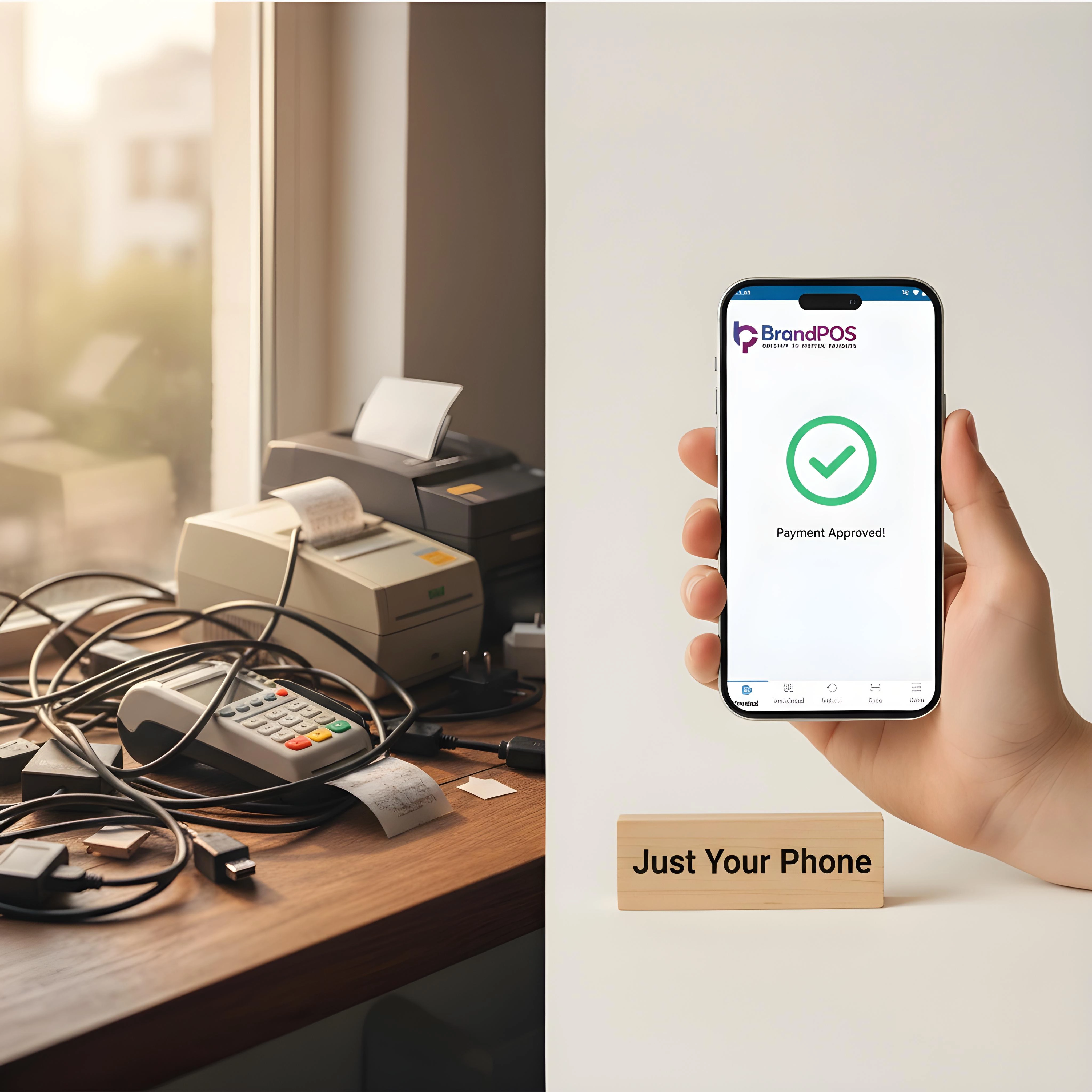
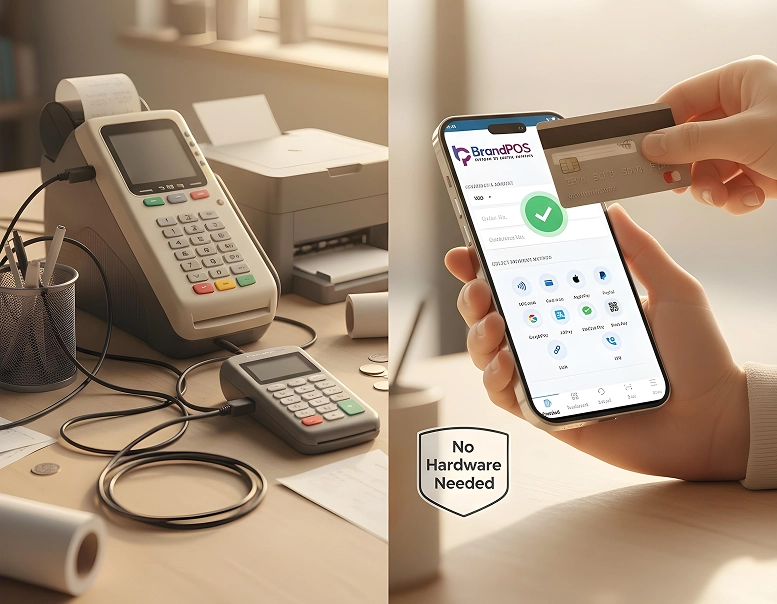
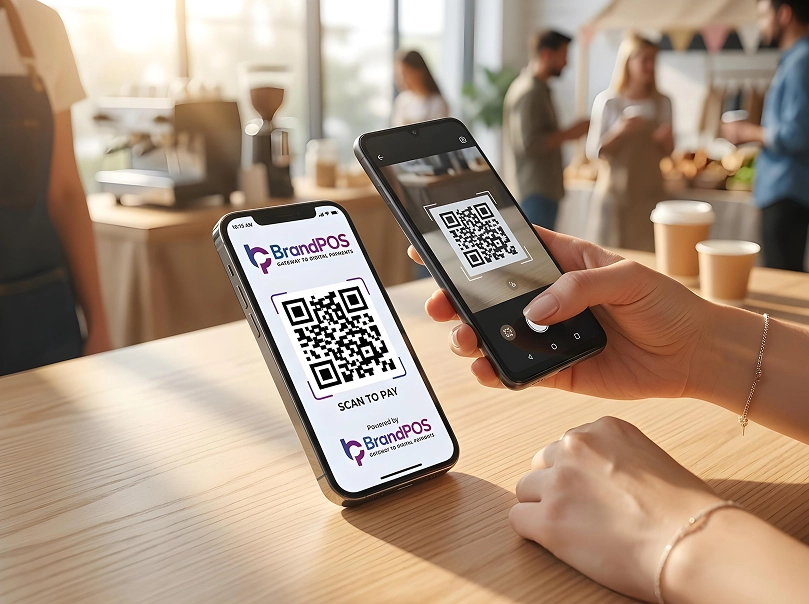
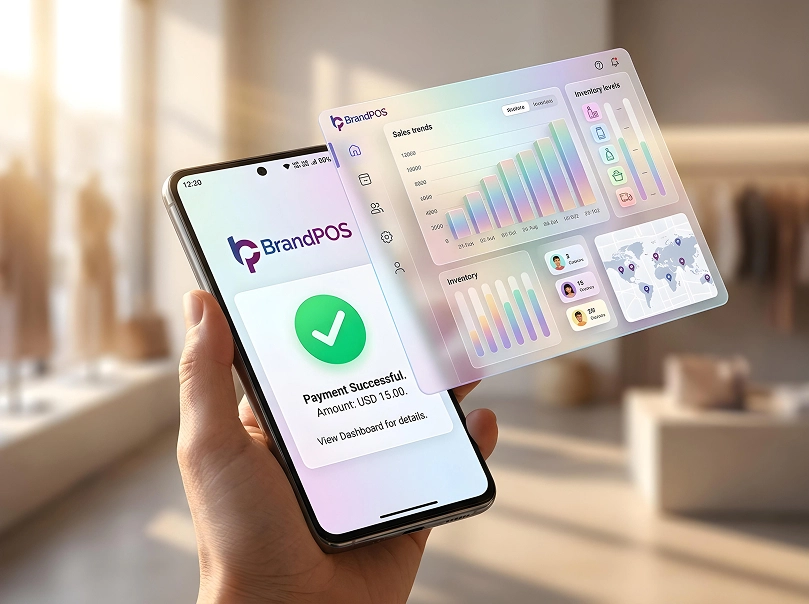
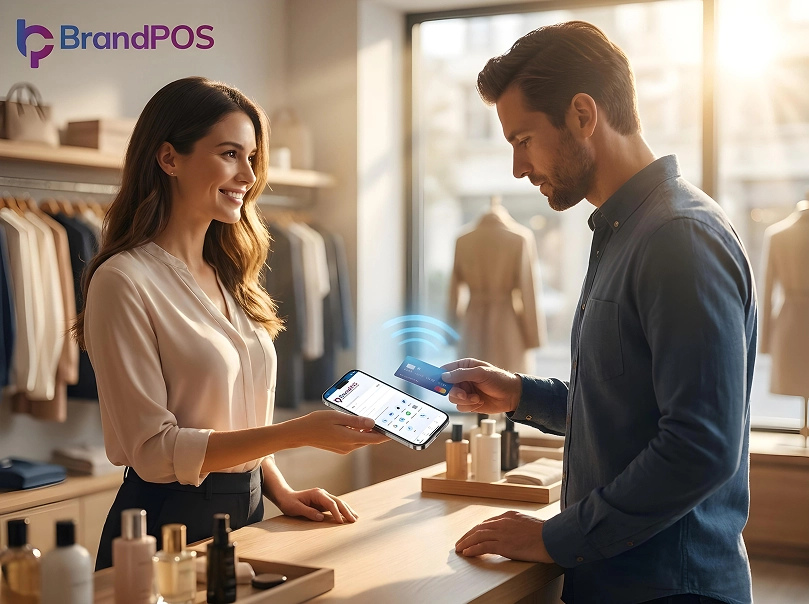
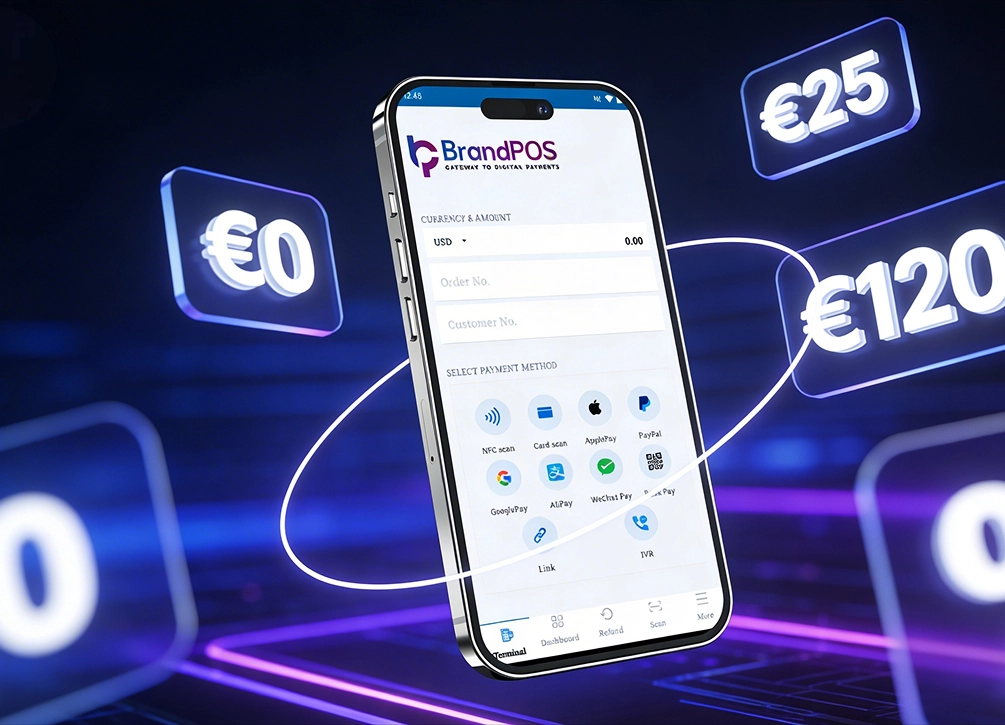
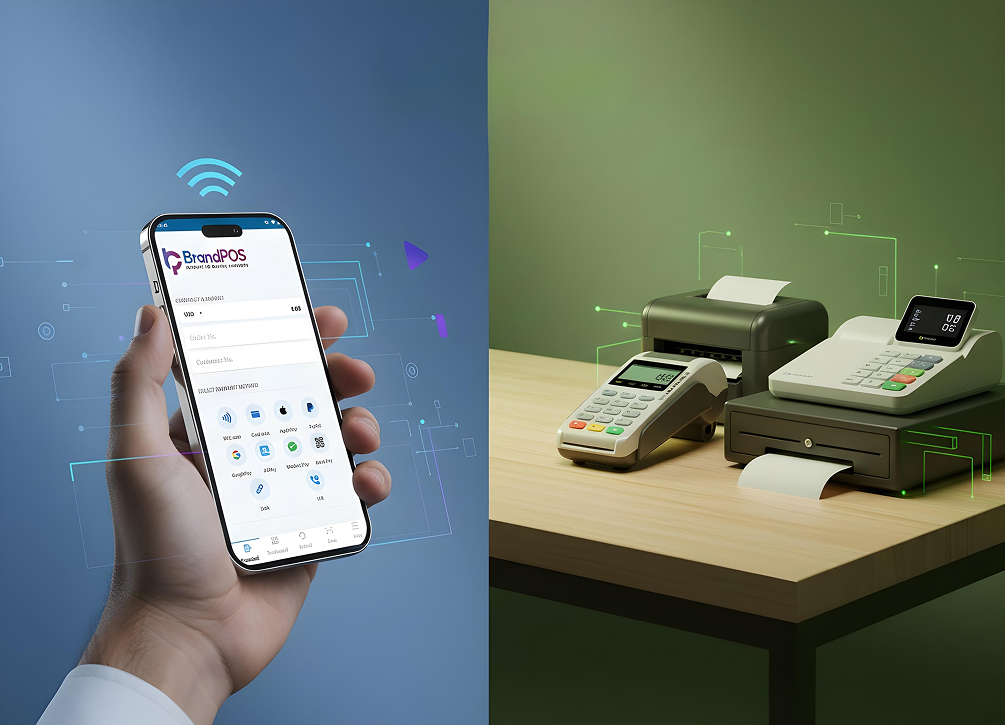
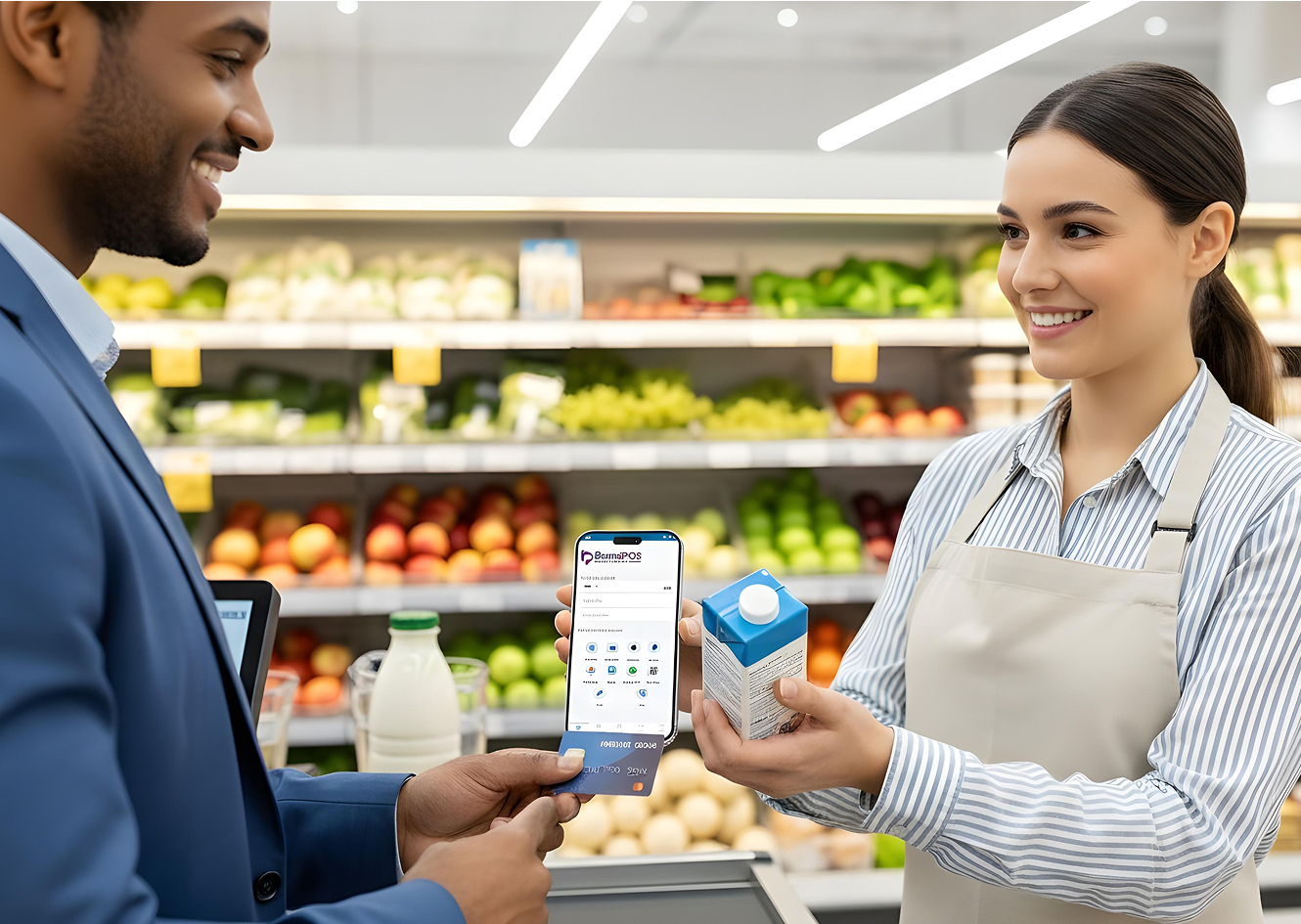
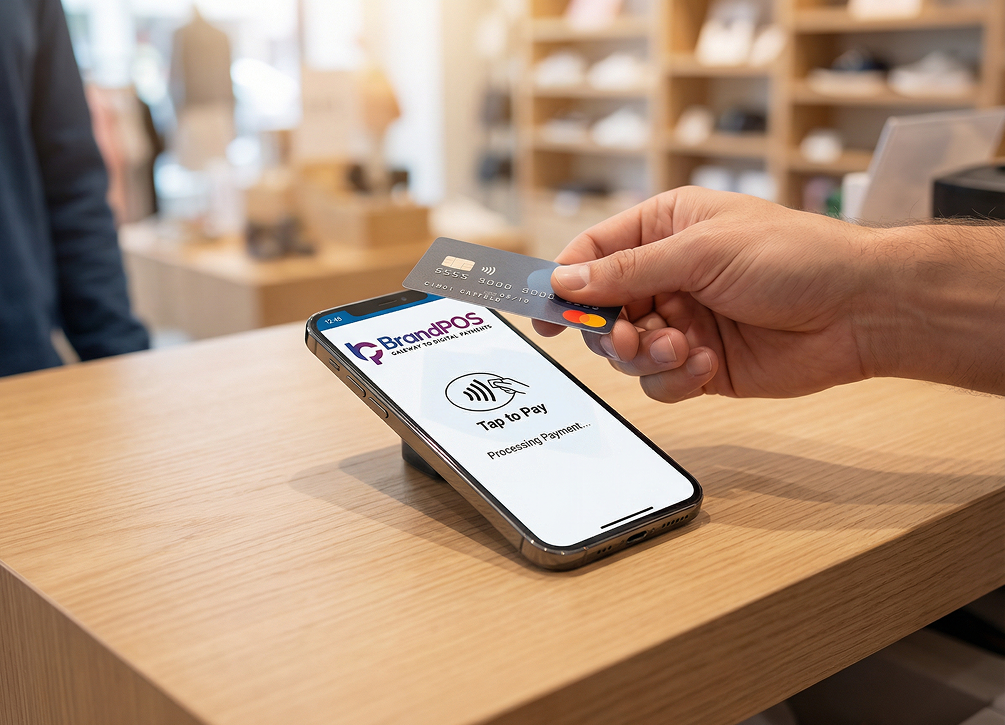
BrandPOS is bridging this exact gap - it lets businesses turn their compatible smartphone into a payment terminal that can act as an NFC reader to accept NFC contactless payments.
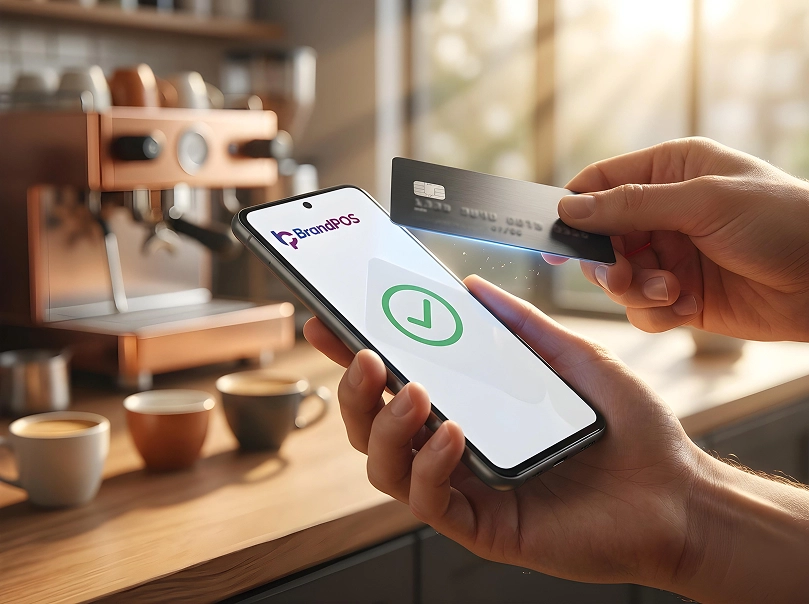
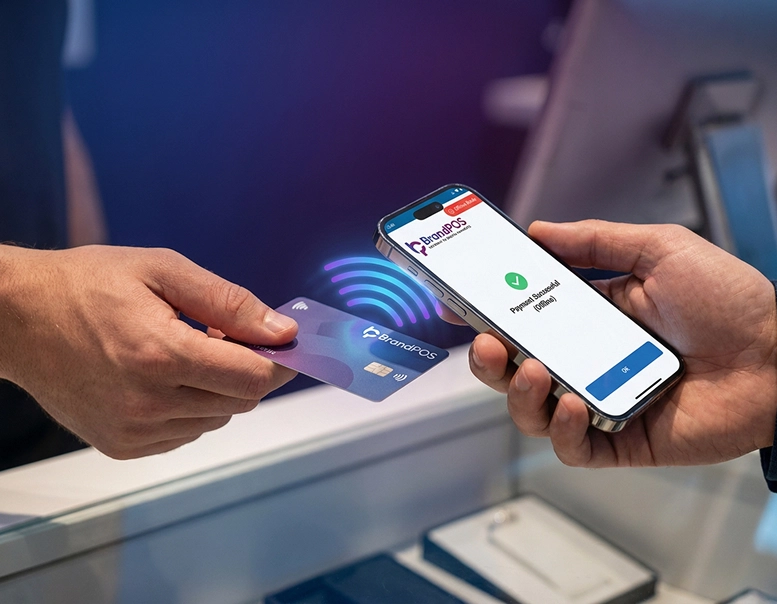
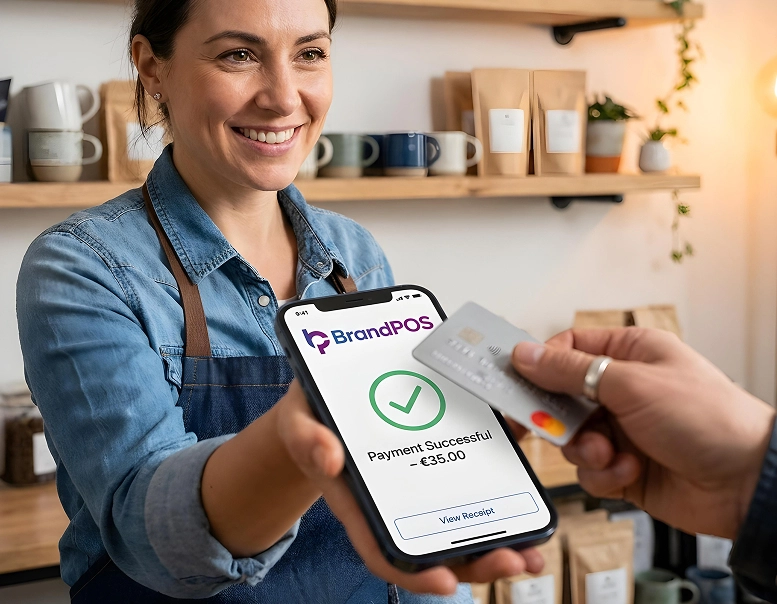
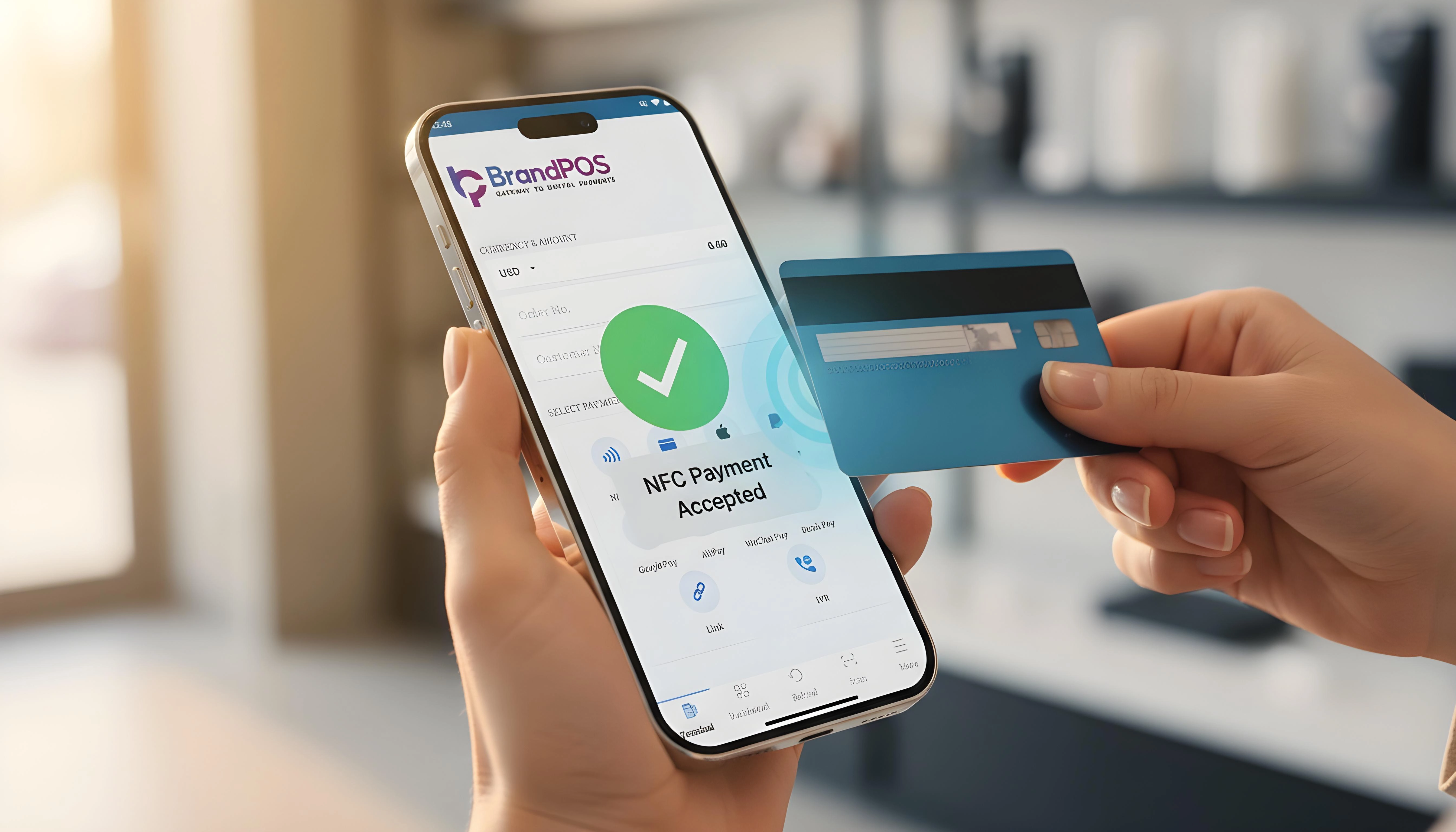
The customer can tap their phone or NFC-embedded card to pay directly to the merchant’s phone. BrandPOS completes the transaction using the same security measures of encryption and EMV-based protections just like every major tap-to-pay system.
There is no upfront investment in the hardware system or lock-ins. Your NFC payments system goes along with you wherever you carry your phone. Whether you want to accept NFC contactless payments at your store, at a pop-up, at the table, or at the customer’s doorstep, you can do it all with BrandPOS.